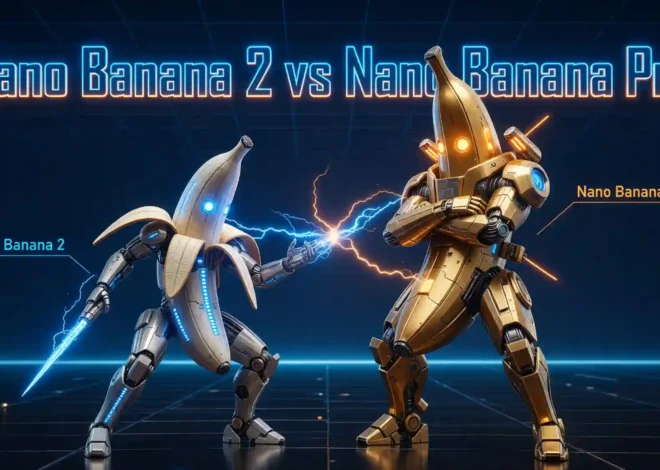
How to Use Nano Banana 2 for Free in 2026?
You spend hours searching for the perfect image. Nothing fits. Stock photos look generic. Hiring a designer costs too much. Sound familiar? That’s exactly why Nano Banana 2 exists. It turns a few words into a stunning image – in seconds. No design skills. No budget. No waiting.
In this guide, you will learn exactly how to use Nano Banana 2 for free. You will also discover who it is best for and what you can create with it.
What Is Nano Banana 2
Nano Banana 2 is Google’s latest AI image model, officially named Gemini 3.1 Flash Image. It is faster and more accurate than its predecessor, Nano Banana Pro. Core Nano Banana 2 features include subject consistency for up to five characters and 14 objects, precision text rendering, in-image localization, and new native aspect ratios.
Key Features of Nano Banana 2
- Fast generation in seconds
- Real-world knowledge + live search
- Accurate text rendering & translation
- Up to 5 characters/14 objects consistency
- Up to 4K, multiple aspect ratios
- Natural language editing, no masking needed
- Configurable reasoning level
How to Access Nano Banana 2
There are two main ways to access Nano Banana 2 for free. Both are easy to use. It’s recommended to choose the first option, as you can try more AI image/video models such as Seedream 5.0, Seedance 2.0, and Kling 3.0 for free without watermarks.
Way 1: Via Dzine AI
Dzine is one of the easiest platforms to access Nano Banana 2. It has a clean, simple interface. You don’t need to download anything. Dzine gives new users free credits. You can generate several images without paying. It’s a great way to try Nano Banana 2 for the first time.
Steps to use Nano Banana 2 via Dzine:
1. Go to the Dzine AI official website and create a free account.
2. Open the Chat Editor tool and select Nano Banana 2 from the model list.
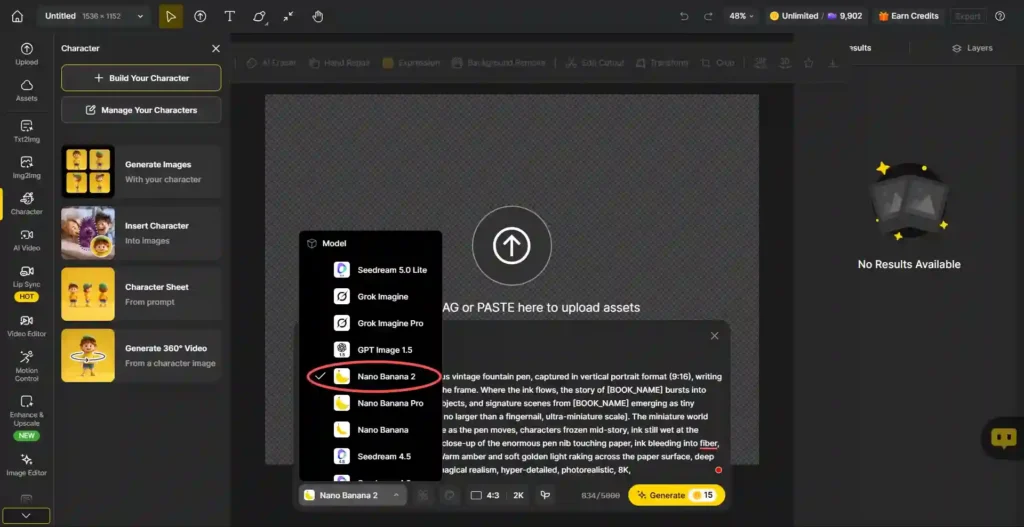
3. Type your text prompt in the input box, and you can also upload the reference image or the image you want to edit.
4. Choose the desired aspect ratio and resolution, and click Generate.
5. Wait a few seconds. Download your image for free.
Way 2: Via Gemini
Google Gemini also supports Nano Banana 2 for free. If you have a Google account, you can access it right away. No extra sign-up is needed. However, Gemini is not available in all countries.
Steps to use Nano Banana 2 via Gemini:
1. Open Gemini at gemini.google.com
2. Sign in with your Google account.
3. Start a new chat and click Create Image.
4. Describe what you want, and Gemini will use Nano Banana 2 to create the image.
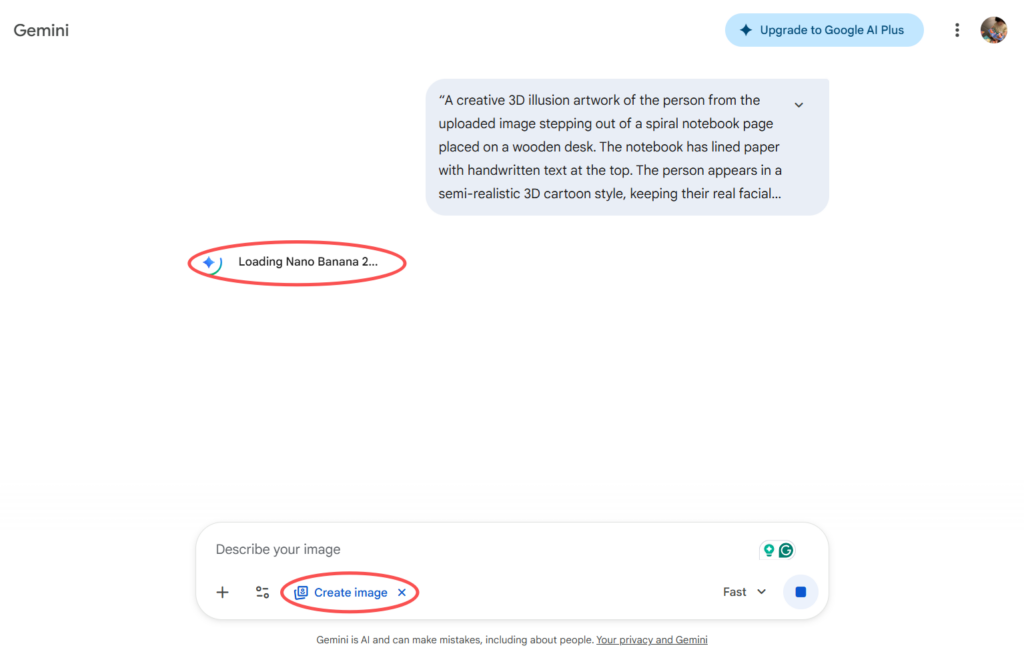
5. Save the result to your device.
How to use Nano Banana 2
Knowing how to access Nano Banana 2 is just the first step. Using it well is what matters. This section covers everything – from writing prompts to advanced tips and real use cases.
How to Write a Good Prompt
A prompt is the text you type to describe the image you want. The better your prompt, the better your result. Here are the key rules:
- Be specific – add colors, styles, and mood.
- Mention the subject clearly at the beginning.
- Include lighting details like ‘soft light’ or ‘golden hour’.
- Specify the art style – photorealistic, watercolor, anime, etc.
- Add quality tags like “4K”, “highly detailed”, or “sharp focus”.
Good prompt example: “A female astronaut standing on Mars, red landscape, dramatic sky, cinematic lighting, photorealistic, 4K”
Weak prompt example: “A woman on a planet”
The first prompt gives clear details. The second is too vague. Always aim for clarity.
Examples of Nano Banana 2 with Prompts
Here are practical prompt examples across different styles:
Portrait photo: “A young woman with curly red hair, smiling, natural light, photorealistic, 4K”
Anime style: “A futuristic city at night, anime style, neon lights, rain, detailed background”
Product design: “A minimalist coffee cup on a white table, soft shadows, studio lighting, clean design”
Fantasy art: “A dragon flying over a mountain, epic fantasy style, golden sunset, dramatic clouds”
Architecture: “A modern glass house in the forest, aerial view, morning mist, ultra-realistic rendering”
Logo concept: “A simple geometric bear logo, flat design, black and white, vector style, clean lines”
Experiment with different combinations. Each run gives a unique result.
Usages of Nano Banana 2
Nano Banana 2 is not just for artists. It is useful for many different tasks. Here are the most common use cases explained in detail.
1. Social Media Content Creation
Creating content for Instagram, TikTok, or X (Twitter) takes time. Nano Banana 2 makes it faster. You can generate eye-catching visuals in seconds. Use it to make unique post images, story backgrounds, and banner graphics. Each image is original. You won’t have copyright issues.
- Generate daily content without hiring a designer.
- Create themed visuals for product promotions.
- Make custom thumbnails for YouTube videos.
- Design seasonal or holiday graphics instantly.
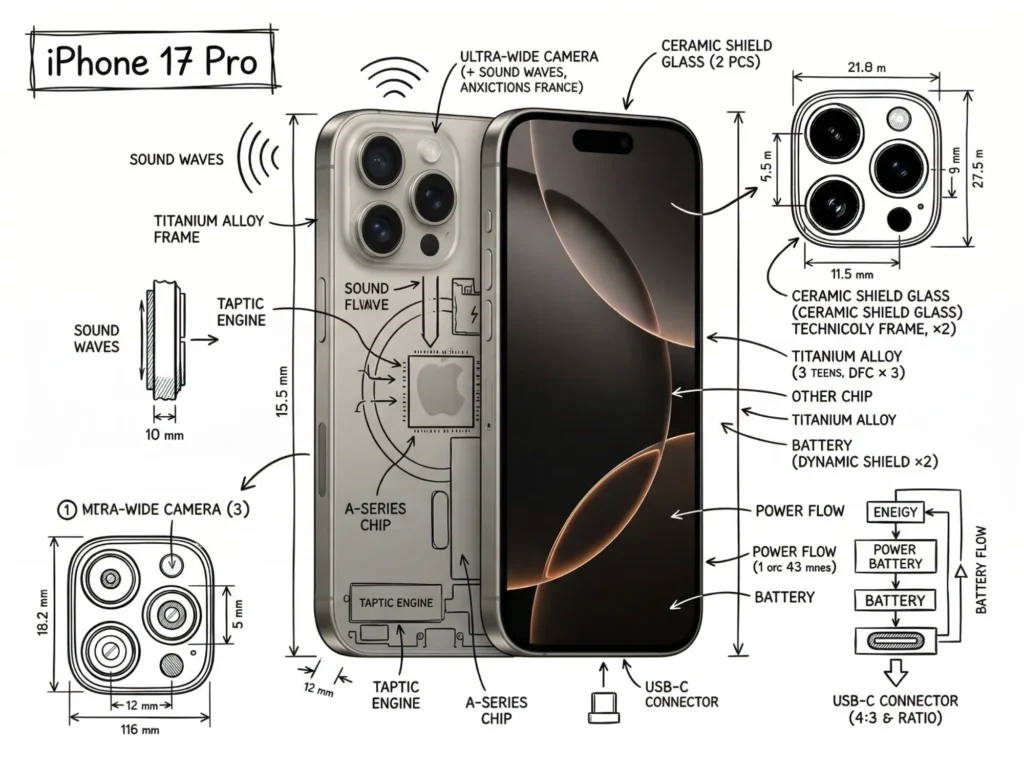
2. Blog and Website Illustration
Every blog post needs a featured image. Stock photos often look generic. Nano Banana 2 lets you create custom illustrations that match your content. Just describe your article topic and generate a matching image. It takes less than 30 seconds. Your blog will look more professional and unique.
- Create article cover images that match your topic.
- Generate section dividers and decorative visuals.
- Make custom infographic backgrounds.
- Build a consistent visual style for your site.
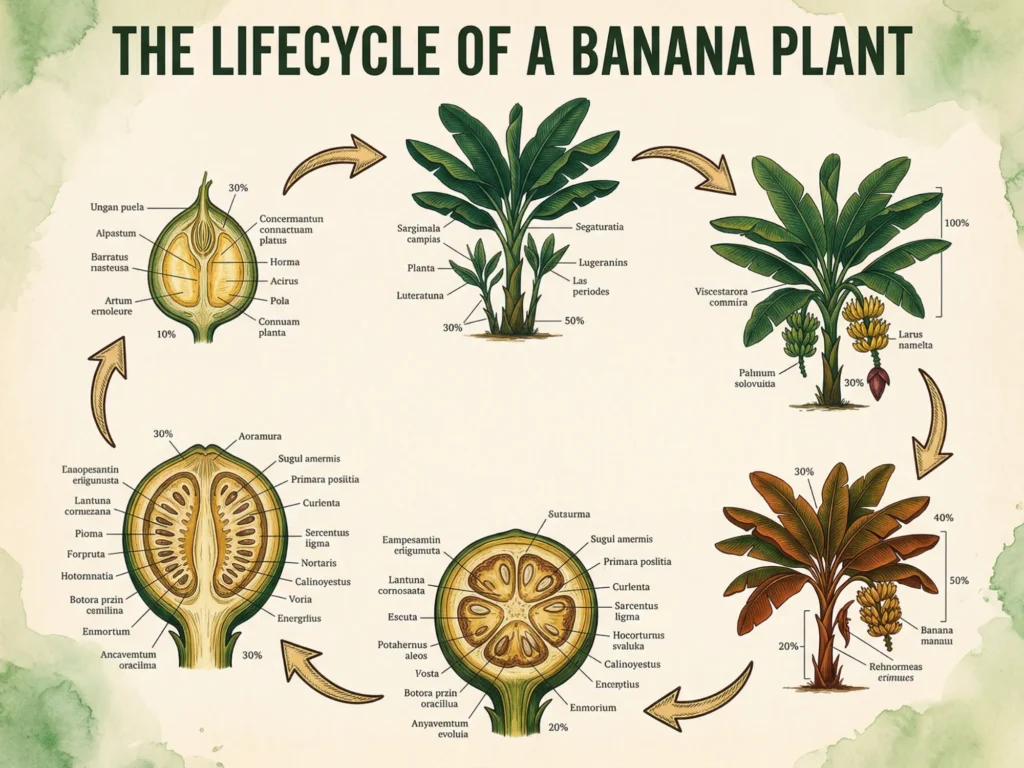
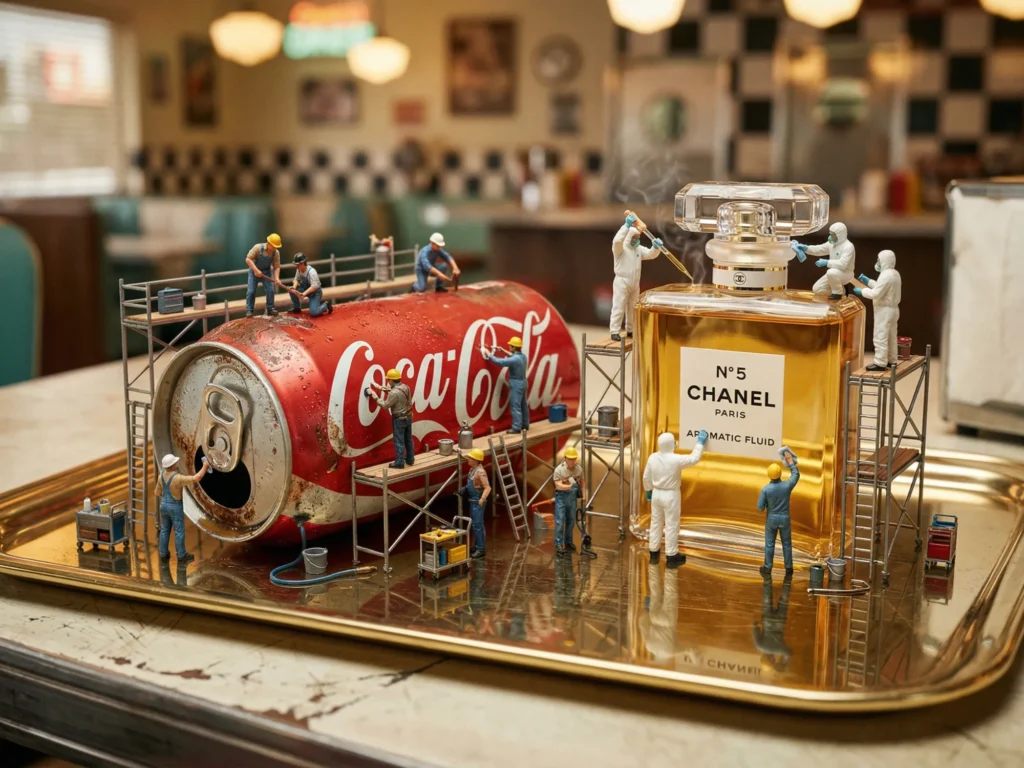
3. Product Mockup and Concept Visualization
Are you launching a new product? You don’t need a full photoshoot. Nano Banana 2 can generate product mockup images from a text description. This is useful for e-commerce sellers, startup founders, and Kickstarter campaigns. Show your audience what your product looks like before it’s even built.
- Visualize product packaging designs quickly.
- Test different color variations without extra cost.
- Create lifestyle shots showing your product in use.
- Generate multiple concept options in minutes.
4. Game and App Concept Art
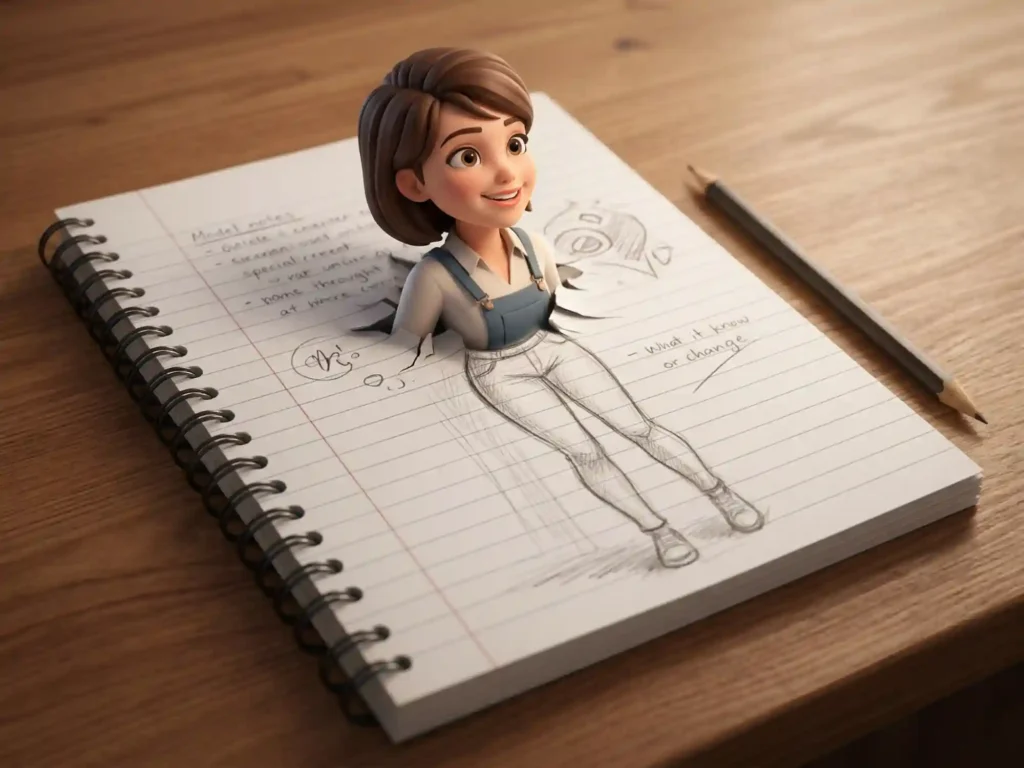
Game developers and app designers use Nano Banana 2 for early concept work. It helps teams visualize characters, environments, and UI elements fast. You can test ideas without a full illustration team. Generate 10 different character concepts in minutes. Choose the best and refine it later.
- Create character design concepts quickly.
- Generate environment and level art for games.
- Visualize UI themes and app aesthetics.
- Prototype game world visuals before full development.
5. Marketing and Advertising Materials
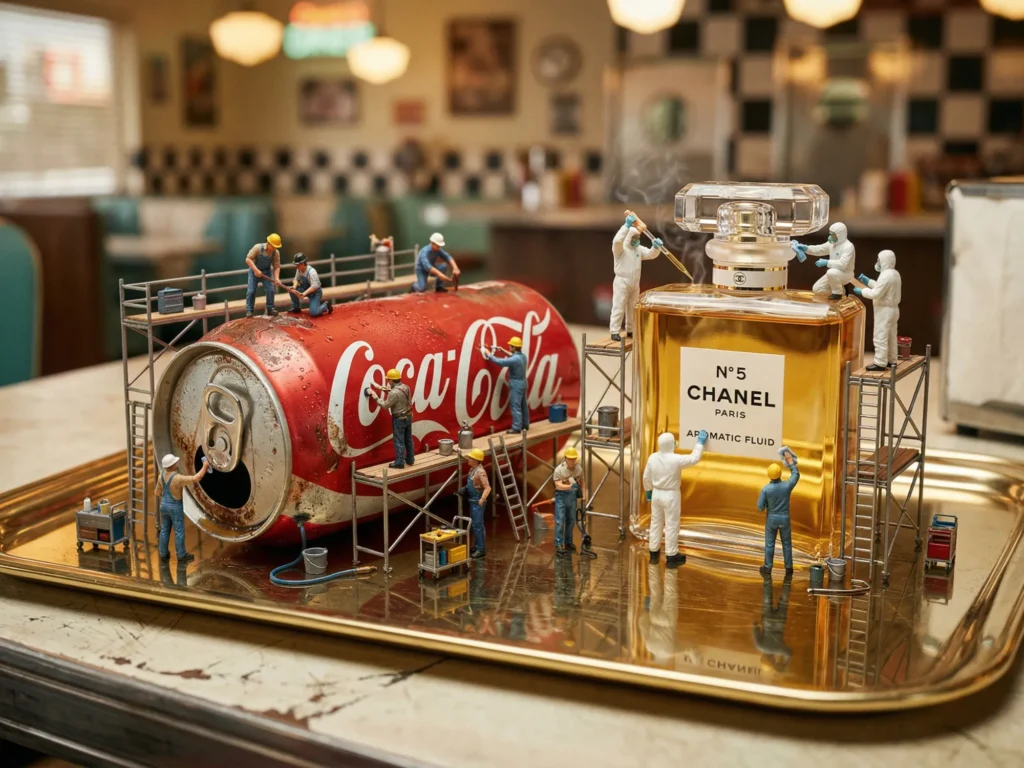
Marketing teams use Nano Banana 2 to speed up campaign production. You can generate ad visuals, banners, and promotional graphics in minutes. This reduces cost and time. You don’t need a design agency for every small campaign. Just write a prompt and get a usable image right away.
- Create ad visuals for Facebook and Google campaigns.
- Generate email header images quickly.
- Design event posters and flyers.
- Produce A/B test variations of the same visual concept.
6. Personal and Creative Projects
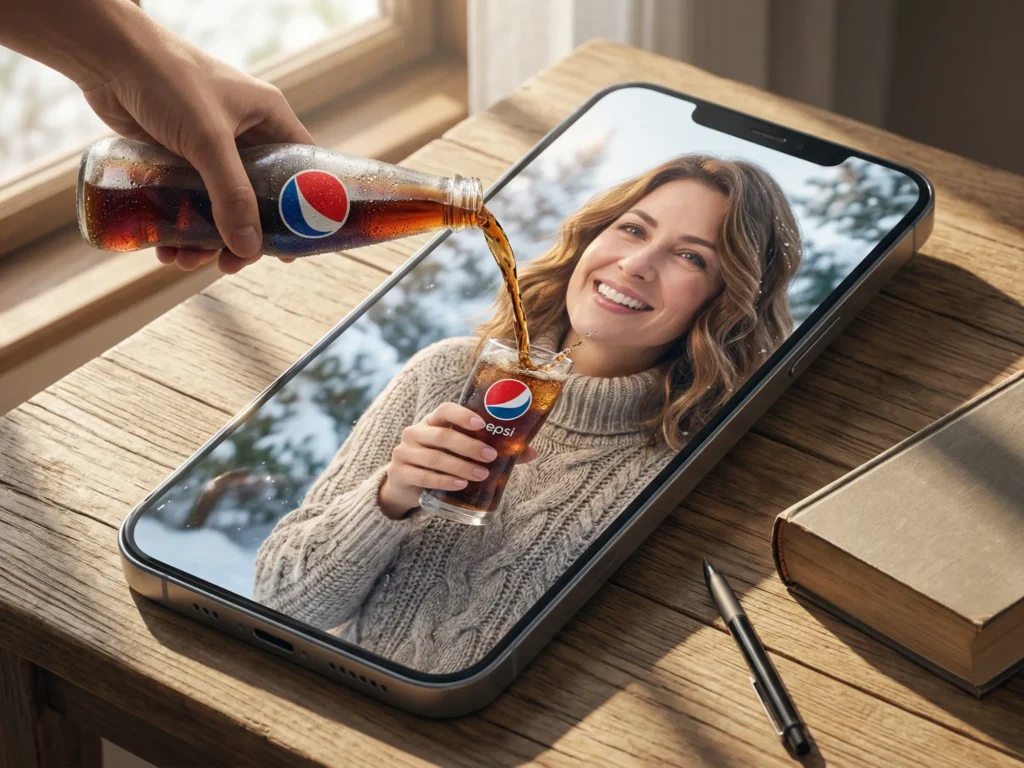
Not everything has to be professional. Many people use Nano Banana 2 just for fun. You can create custom wallpapers, avatar images, fan art, and more. It’s a great creative outlet. Even if you can’t draw, you can still create beautiful visuals. Just describe what you imagine and let the AI do the work.
- Design custom phone and desktop wallpapers.
- Create unique profile pictures and avatars.
- Generate fan art inspired by your favorite games or movies.
- Make personalized greeting cards and gift graphics.
Final Words
Now you know how to use Nano Banana 2 for free. The process is simple. Pick a platform, write a prompt, and generate your image. Both Dzine and Gemini are great free options. Start with Gemini if you already have a Google account. Try Dzine if you want more control over the model settings.
Nano Banana 2 is one of the best free AI image tools in 2026. It is powerful, fast, and easy to use. Anyone can create stunning visuals with it – no design skills required. Start using Nano Banana 2 today. Your first image is just a prompt away.