
- Tools
- Resources
- Pricing
- API
- Contact Sales
- Book a Demo


3D Floor Planner
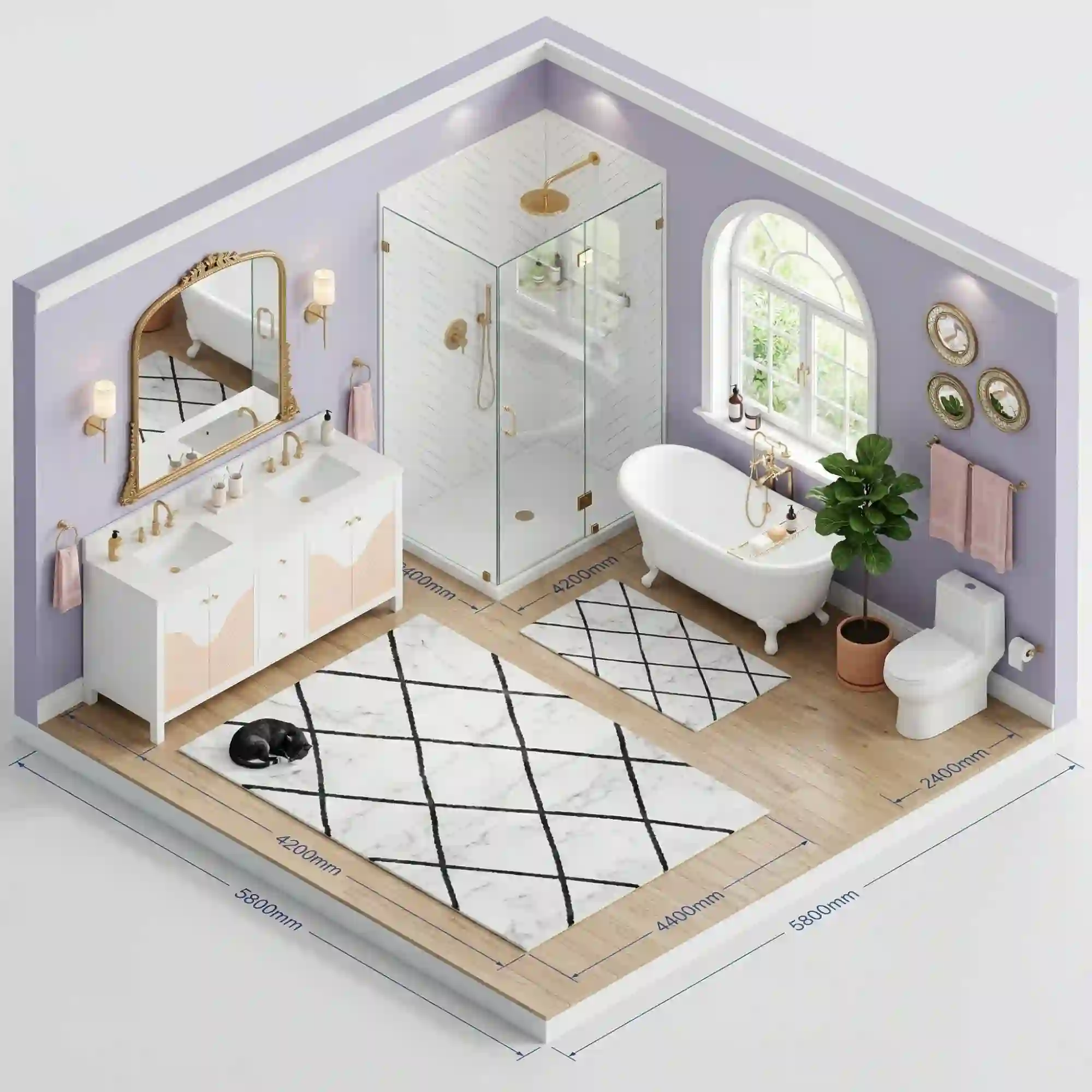
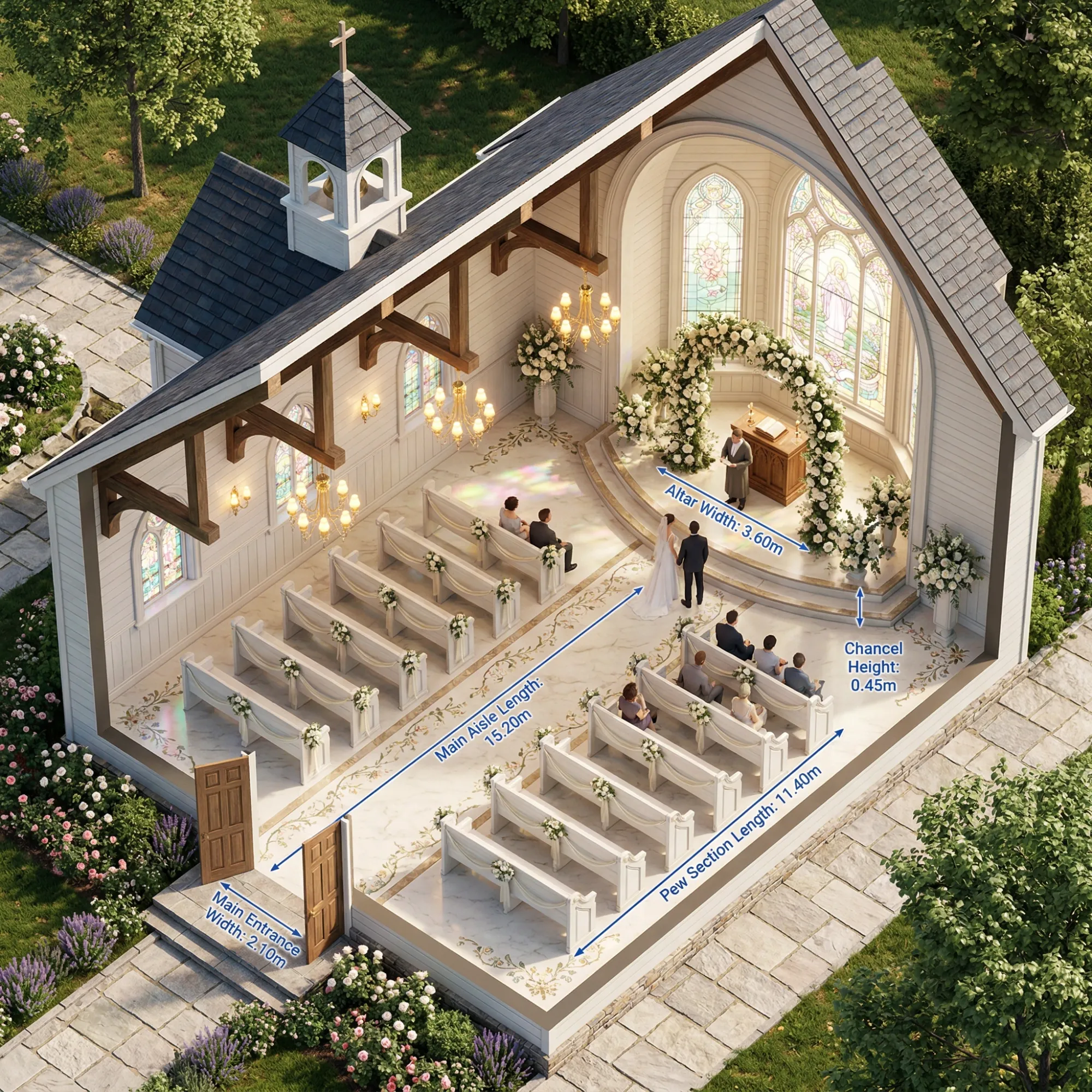
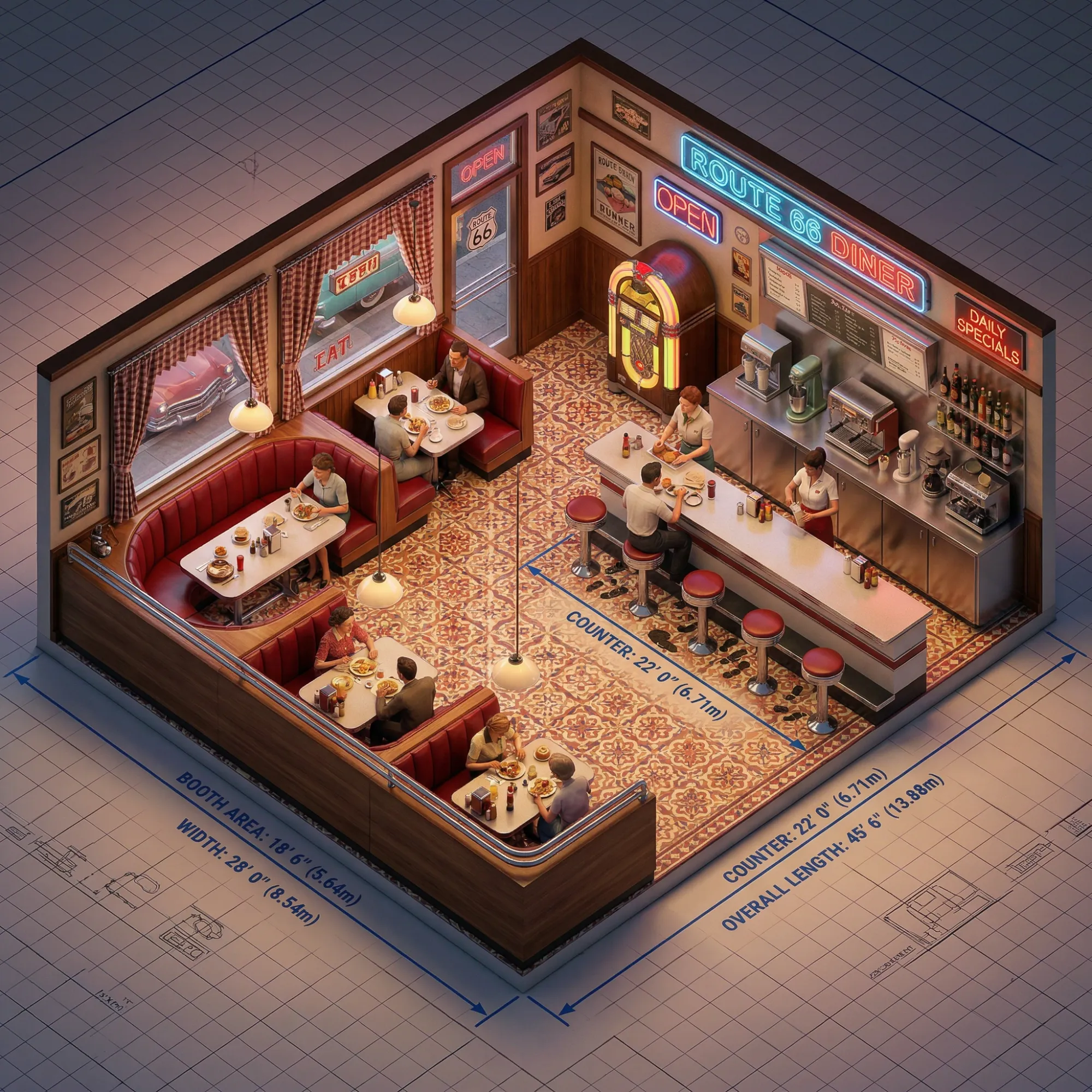
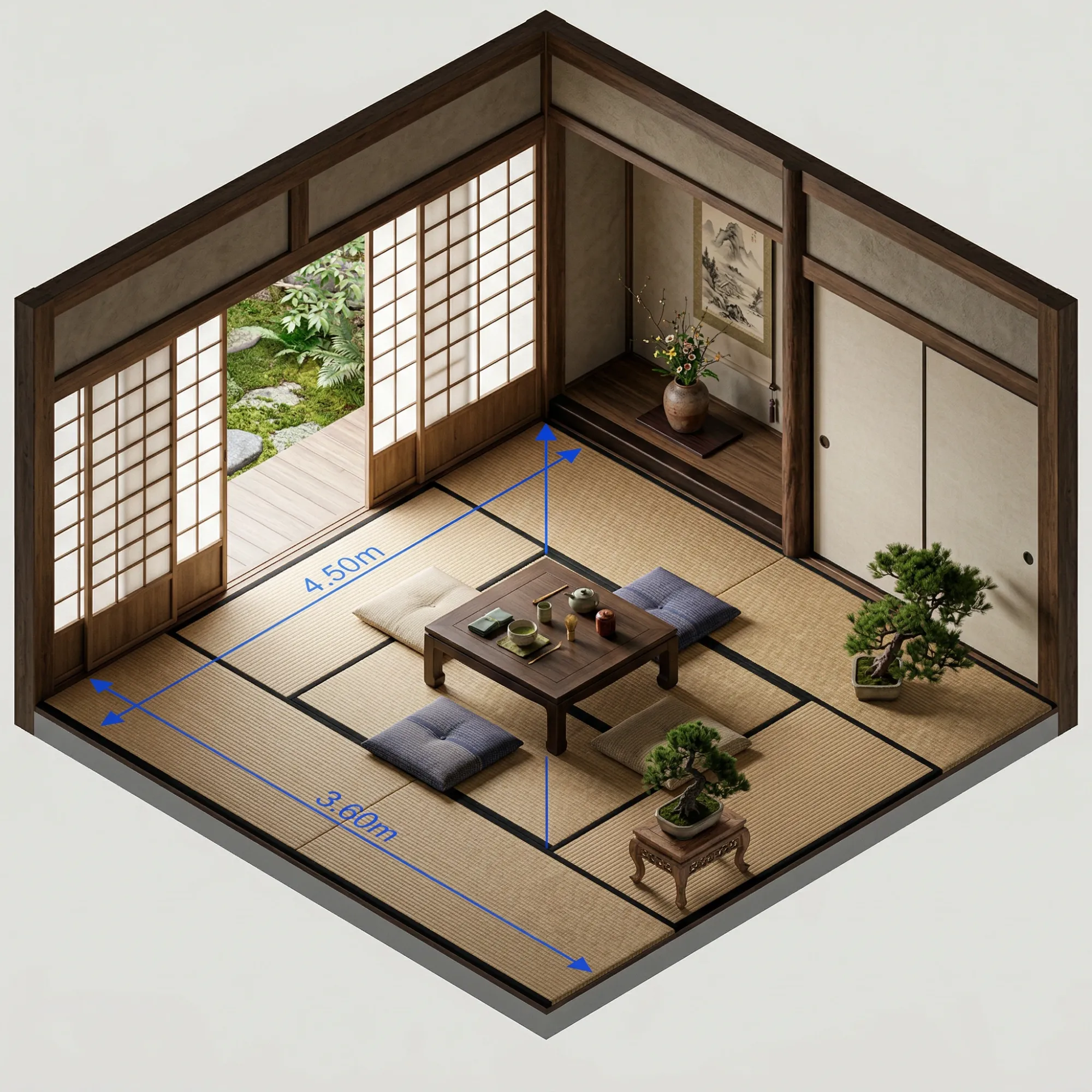
Dzine's 3D Floor Planner turns your room ideas into detailed 3D layouts instantly. No design background needed. Describe any space, and our AI 3D floor planner builds a clear, accurate visual you can use right away.
Need inspiration? Try these 3D room design prompts.
See Your Space Before You Build It — In Full 3D
Planning a room used to mean guessing. You moved furniture, second-guessed layouts, and spent money on changes that didn't work. Our 3D floor planner removes that uncertainty completely. Describe your space in plain language. Add room dimensions, furniture preferences, or design style.
Like "a modern kitchen with island seating, open shelves, and a breakfast nook in the corner." Or "a kids' bedroom with bunk beds, a study area, and toy storage under the window." The AI 3D floor planner generates a detailed 3D room design you can review, refine, and share in minutes. Pair it with our AI Interior Design tool to bring colors, textures, and decor to life.
How to Create a 3D Room Design with Dzine
Step 1. Enter Your Prompt
Open the Chat Editor tool and describe your room in detail include size, furniture, style, and any specific features.
Step 2. Choose a Model
Select an AI model that fits your project. For detailed architectural 3D room designs, try Nano Banana Pro or Flux.2.
Step 3. Generate and Download
Click Generate. Your AI 3D floor planner result appears in seconds. Then, you can download it.
Perfect Spaces for Every Use Case
Whether you're buying, building, selling, or styling - 3D floor plans transform how every audience visualizes space. Turn flat blueprints into immersive experiences that inspire action and eliminate guesswork at every stage of the process.
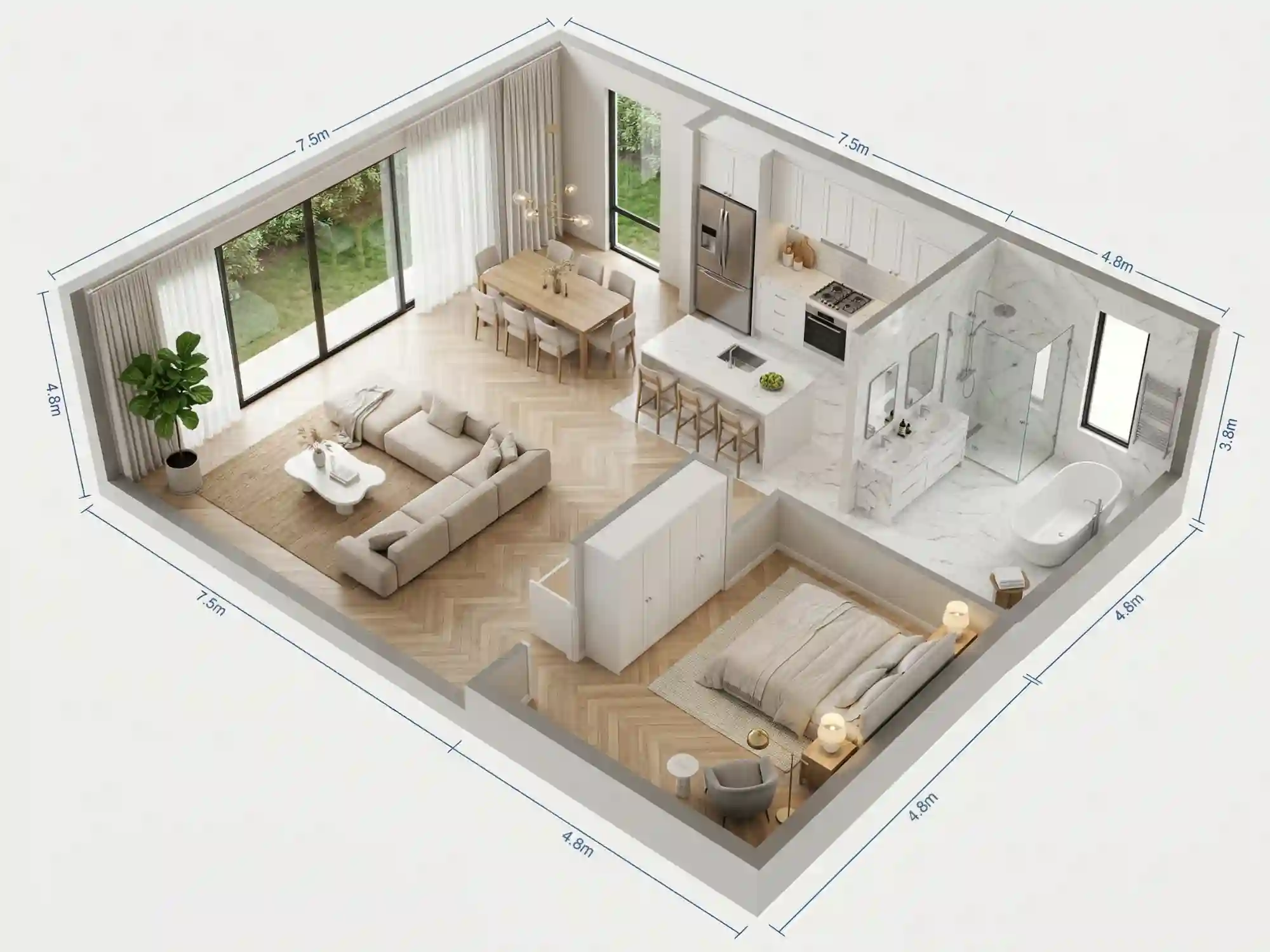
Design Every Corner Before Buying a Single Piece
Plan furniture placement, test color schemes, and map lighting scenarios - all before ordering anything. Share stunning previews with clients, eliminate costly mistakes, and deliver spaces that match the vision exactly.
Try now for free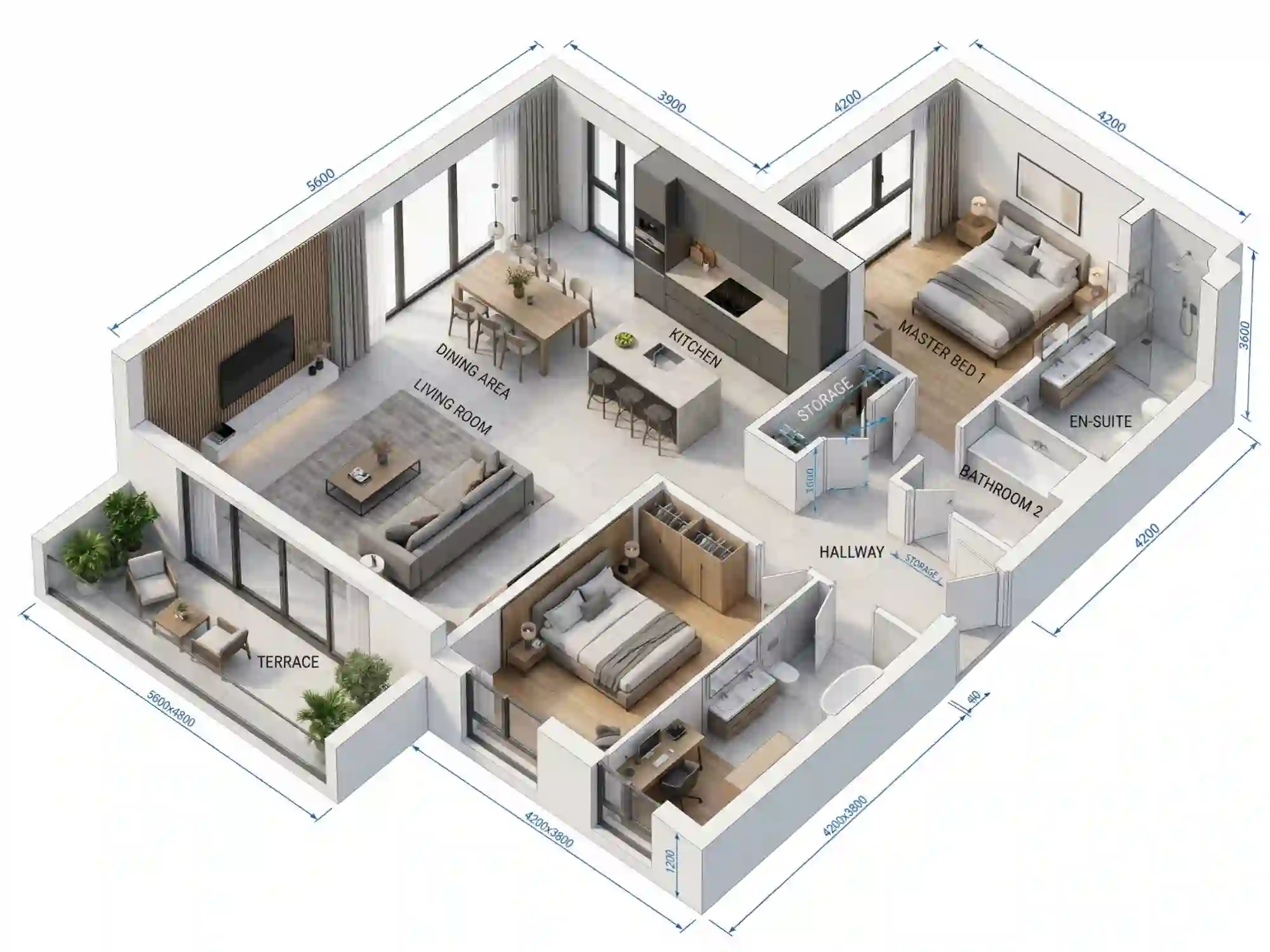
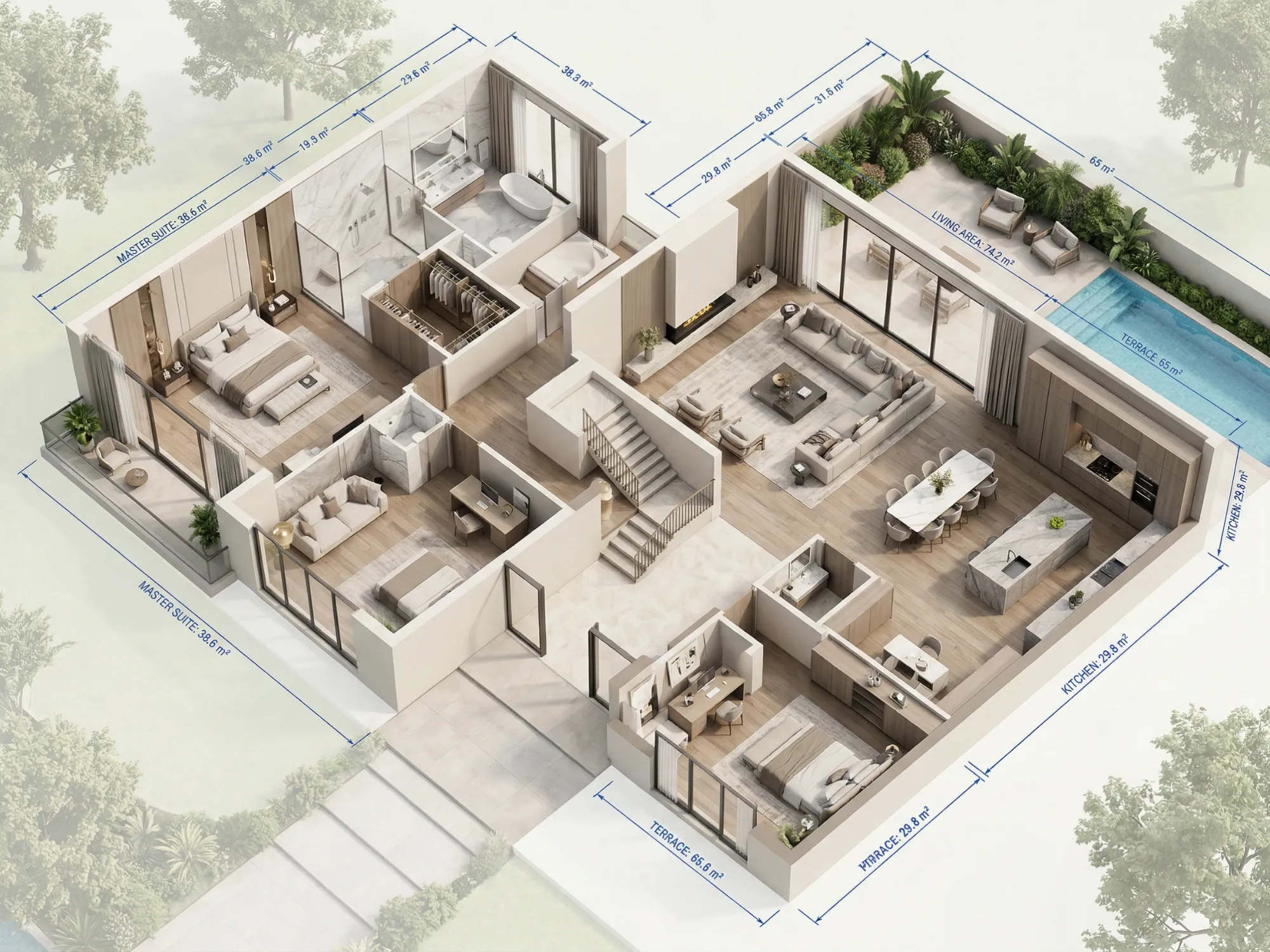
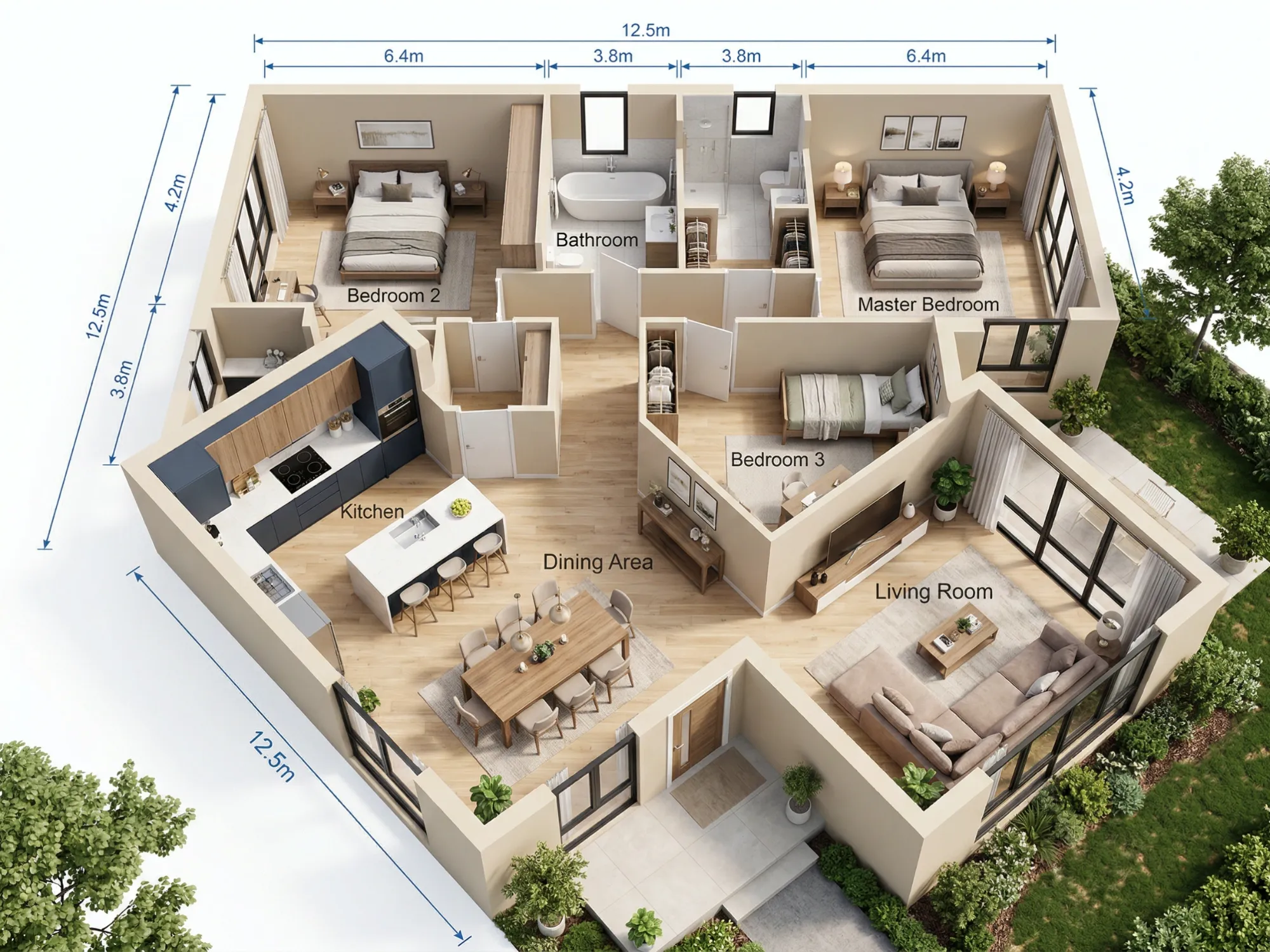
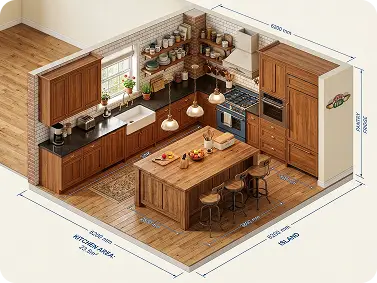
Visualize Home Renovations in 3D Before Committing
Thinking about knocking down a wall or adding a kitchen island? Our 3D room design planner lets you see the result before any work starts. Map out new layouts with furniture in place, check traffic flow between rooms, and confirm the space works for your lifestyle. Avoid costly mistakes by testing ideas in our AI 3D floor planner first. It works for small refreshes and complete overhauls alike.
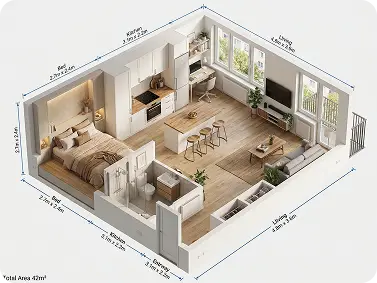
Plan Apartment Layouts That Make Small Spaces Feel Larger
Studio apartments and compact flats need smart planning. Our 3D room planner free tool helps you find furniture arrangements that open up tight areas. Try a Murphy bed to reclaim floor space. Explore how a kitchen island doubles as a dining table. See if a sofa with built-in storage removes the need for a separate unit. The AI 3D floor planner makes every square meter count.
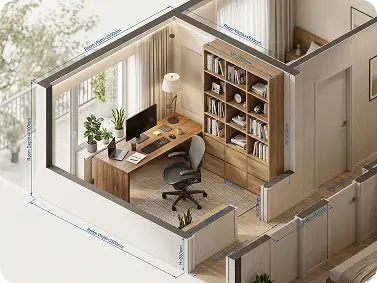
Design Home Offices That Support Real Productivity
A good home office needs more than a desk and a chair. Lighting placement, cable management zones, acoustic panels, and storage all matter. Use our room planner 3D tool to test different desk orientations, see where natural light falls, and plan shelf layouts before buying anything. Create a workspace that genuinely supports focus — not just one that looks good in a photo.
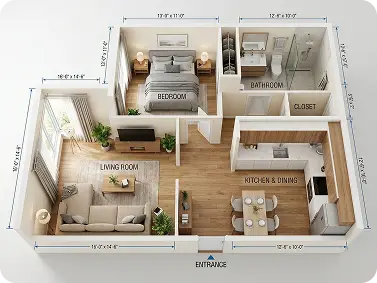
Present Rental Properties with Detailed 3D Room Designs
Empty rooms don't lease well. Prospective tenants can't picture their furniture in a blank space. Use our 3D floor planner AI to generate furnished layouts for every unit. Show a cozy bedroom, a functional kitchen, and a practical living area. Upload the 3D room design to your listing and reduce the number of in-person tours needed.
Why Use Dzine's AI 3D Floor Planner?

Advanced AI Models
Access top-tier models like Nano Banana Pro to generate sharp, detailed 3D room designs with accurate proportions, realistic materials, and professional-grade results.

One Prompt to 3D Layout
Describe your room in plain language and receive a full 3D floor plan instantly. No CAD skills, no drawing tools, no technical setup required.

Free Trial Access
Start with a free trial and explore the full 3D room planner free experience before choosing a plan. No credit card needed to get started.

High-Resolution Exports
Download your 3D room design in high resolution. Print it, share it with builders, or add it to a property listing — every detail stays crisp and clear.

Watermark-Free Results
Every 3D floor planner output is clean and watermark-free. Use your designs professionally for client presentations, marketing, or personal planning.

No Download Required
Run the AI 3D floor planner entirely in your browser. Design from any device, anywhere — no software installation, no account setup beyond the free trial.
What Our Users Said About
Finally Stopped Guessing About My Renovation
I kept changing my mind about the kitchen layout. After using the 3D room design planner, I could actually see what each option looked like. Picked the island layout on the third try and my contractor said the brief was the clearest he'd ever received.
Rachel LinHomeowner
Saves Hours on Client Concept Work
I run a small interior design consultancy. The AI 3D floor planner lets me generate four or five layout options before a first client meeting. Clients give better feedback when they can see a visual, and I spend less time revising.
David OkaforInterior Designer
Made Our Office Move Much Smoother
We were relocating to a smaller office. I used the 3D room design AI to test different desk configurations before the move. Found a layout that fits 10 people comfortably in a space we thought could only hold seven.
Priya NairOperations Manager
You May Also Be Interested in




FAQ
Is the 3D Floor Planner really free to use?
Yes. Dzine offers a free trial that includes access to the AI 3D floor planner. You can generate 3D room designs and explore layouts at no cost. For higher-resolution exports, more generation credits, and access to advanced models, paid plans are available at flexible price points.
Do I need design skills to use the 3D room design planner?
No design skills are needed. Just describe your space in plain English - room type, size, furniture, and style. The AI 3D floor planner does the rest. If you can describe what you want, you can create a 3D room design.
Can the 3D room design AI handle commercial spaces, not just homes?
Yes. The AI 3D floor planner works for offices, cafés, restaurants, retail stores, co-working spaces, clinics, and more. Describe the space type and requirements - seating capacity, counter positions, traffic flow - and the 3D room design planner generates a clear layout.
How accurate are the dimensions in a 3D room design output?
The 3D room design AI uses your specified dimensions to create proportional layouts. Including exact measurements - like "a 4x6m room" or "a 90cm wide doorway" - gives you the most accurate results. For construction-grade precision, pair the output with a structural floor plan tool.
Can I generate multiple 3D room designs and compare them?
Yes. Generate as many variations as you need. Change the furniture arrangement, the room style, or the layout flow with each new prompt. Compare the outputs side by side and keep the designs that work best for your project.
Can I use the 3D floor planner AI output for client presentations?
Yes. Designers and architects use Dzine's 3D room design outputs in client-facing presentations. Export high-resolution, watermark-free images to include in proposals, pitch decks, or mood boards. Pair with our AI Interior Design tool for styled, decorated room visuals.
What is the difference between the 3D Floor Planner and the Floor Plan Generator?
The floor plan generator focuses on top-down 2D architectural layouts showing room dimensions, wall positions, and structural flow. The 3D Floor Planner adds a volumetric, three-dimensional view so you can see ceiling heights, furniture depth, and how a space feels from a human perspective. Both tools work well together for full project planning.