- Tools
- Resources
- Pricing
- API
- Contact Sales
- Book a Demo


AI Image Combiner: Combine Two Pictures Online Free
At Dzine, we’ve developed a powerful AI Image Combiner that lets you merge two pictures into a single, cohesive image in seconds—no design experience, no software downloads, and 100% free to use. Our AI-powered tool goes beyond basic photo merging, allowing you to customize styles, resolutions, and layouts to create professional-looking combined images for social media, personal memories, branding, and more.

Click or drag here to upload images
Try Combine Images with one of these
Elevate Your Visuals with AI-Powered Photo Merging
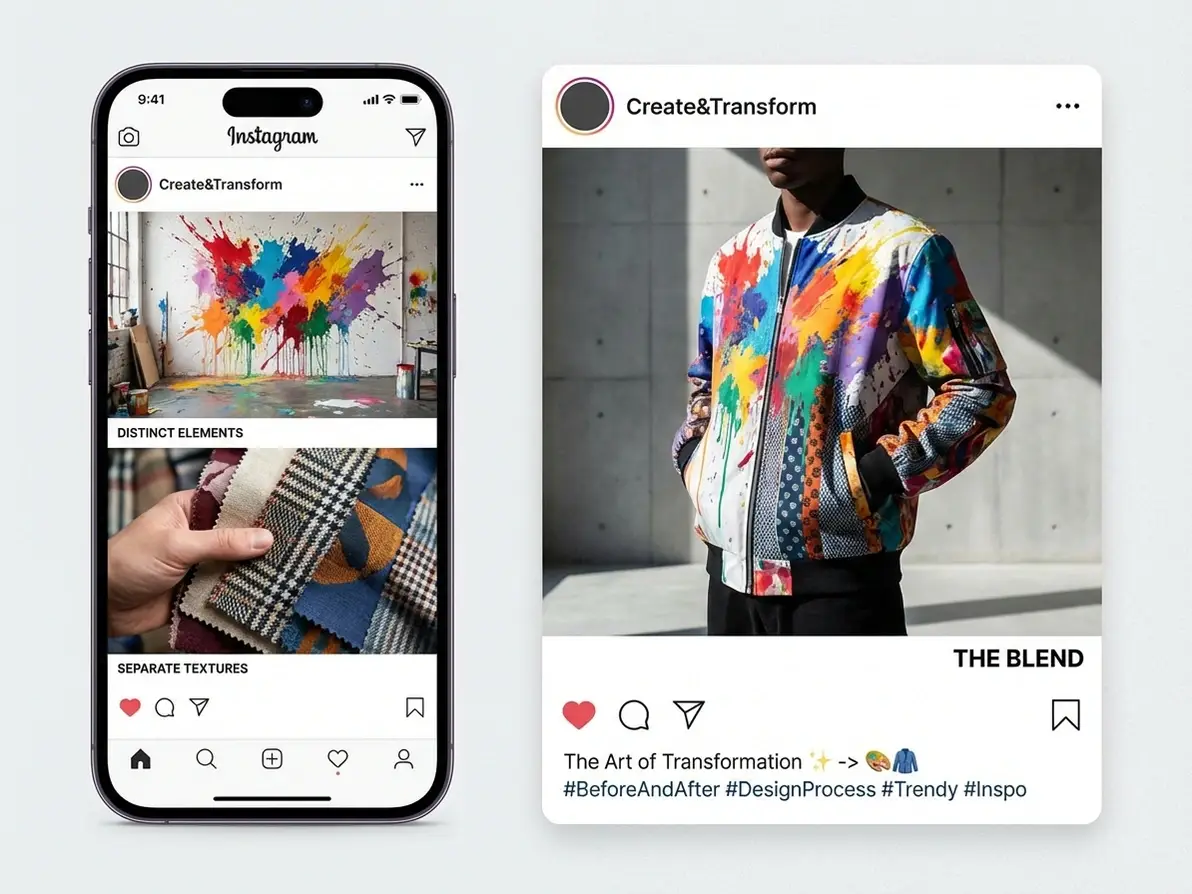
Dzine's AI merger redefines the art of combining images, avoiding traditional issues like style clashes and choppy transitions. With its intuitive drag-and-drop, arranging photos becomes a breeze, while style selection ensures a harmonious blend. This elevates simple collages to cohesive, artistic expressions.
User-friendly and affordable, Dzine's intuitive canvas system and extensive editing toolkit enable you to belend images with AI online. It invites you to unleash your creativity by seamlessly merging visuals. Are you ready to blend and combine images with Dzine's innovative touch?
How to Combine Two Pictures with Dzine’s AI
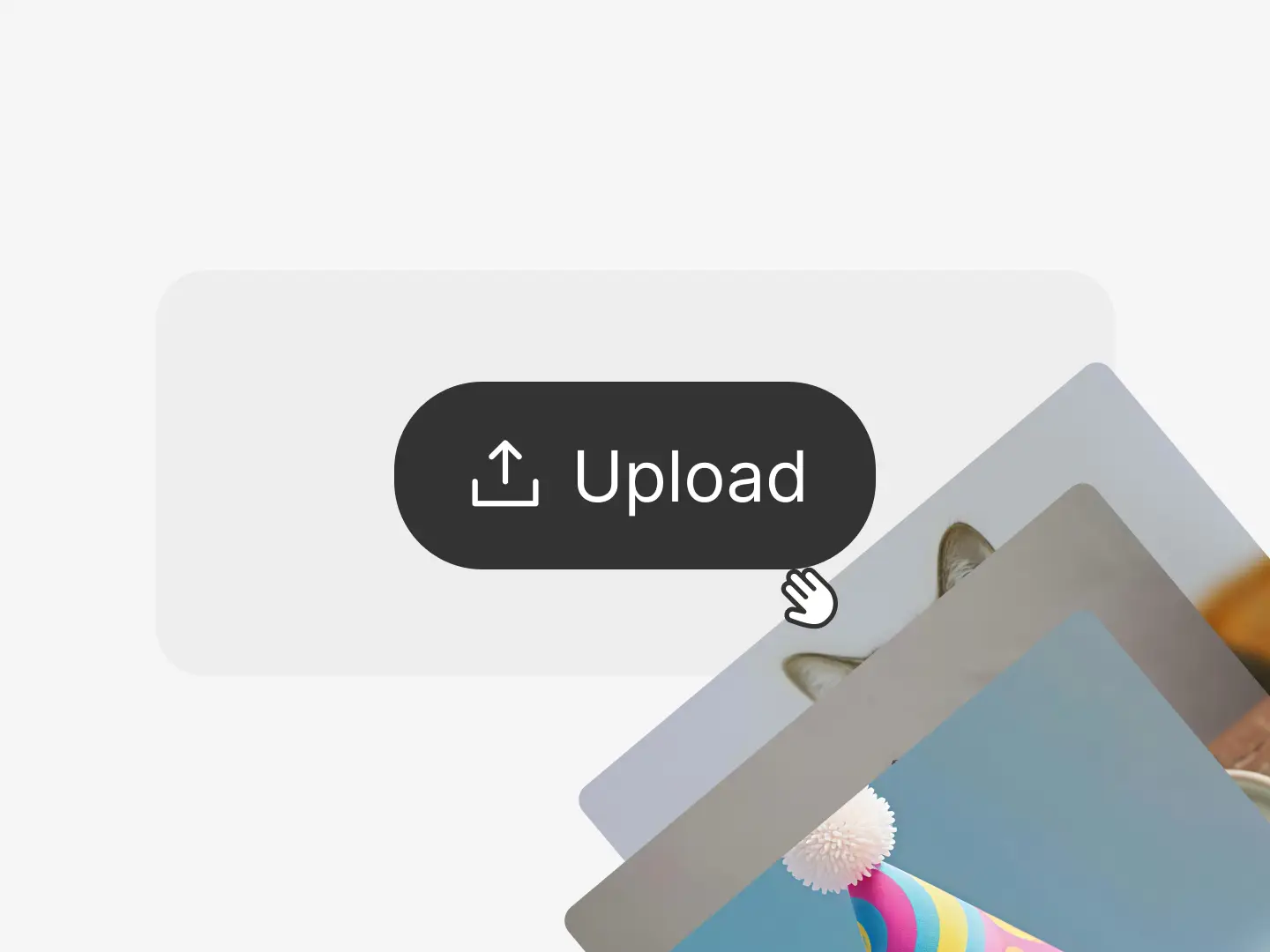
Step 1: Upload Images You Want to Combine
Launch the Chat Editor tool on Dzine and upload the images you want to combine.
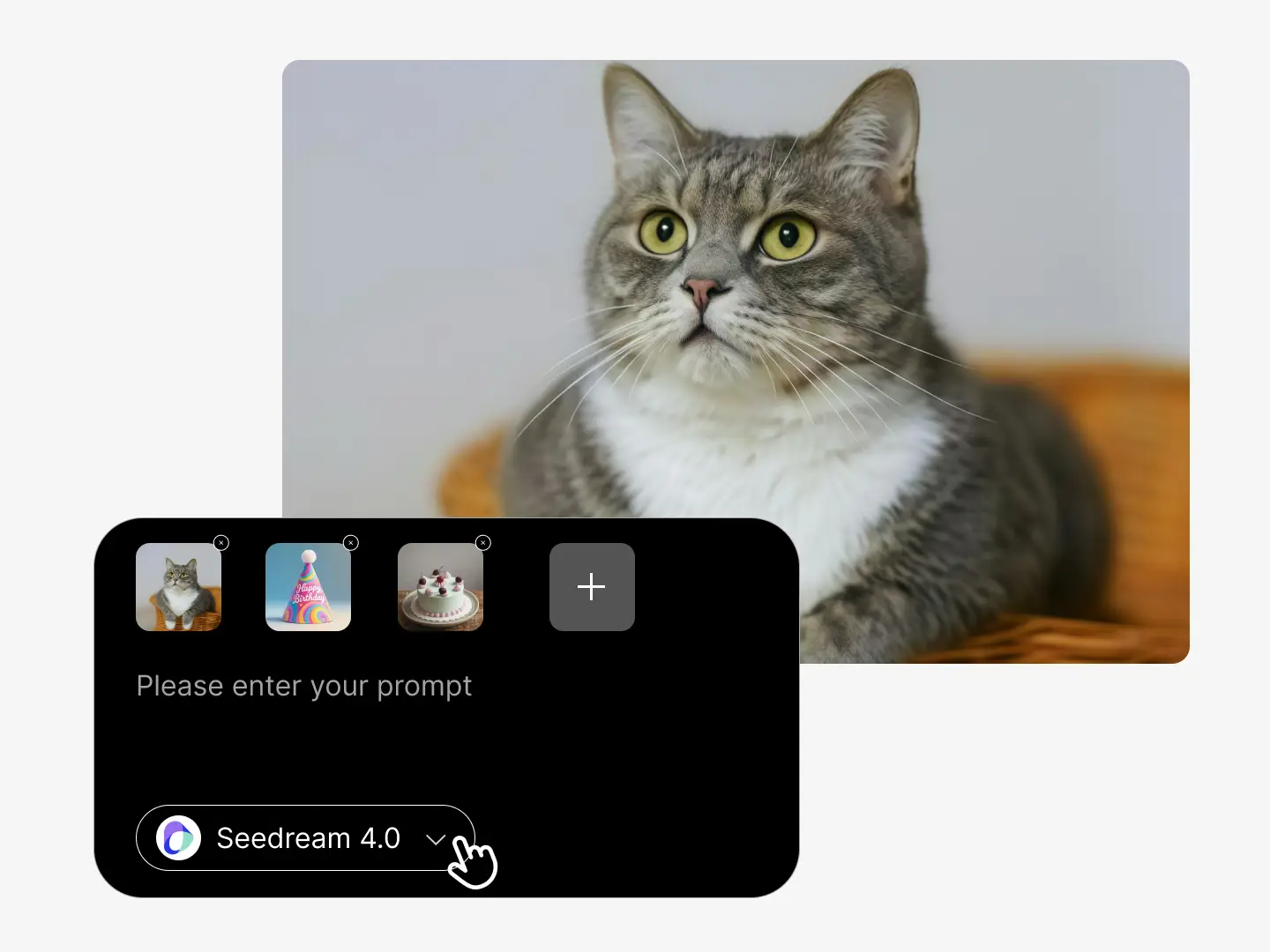
Step 2: Choose Model and Enter Prompt
Choose the desired model such as Nano Banana Pro, Seedream 5.0, or Chatgpt. Next, describe the combination or composition style.
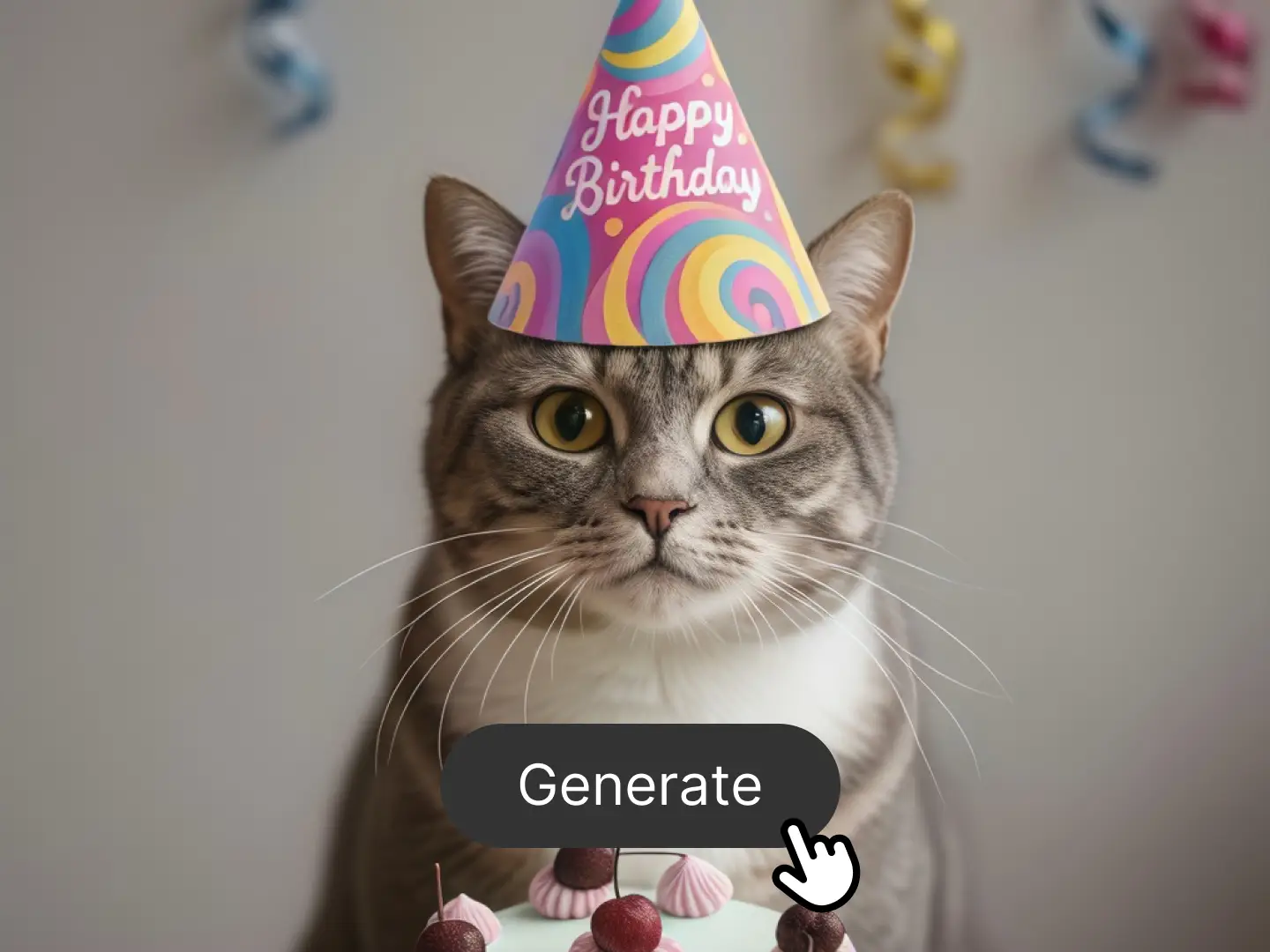
Step 3: Let AI Compose the Result
Preview the generated image and click the Download button to save on your device. Share it with your friends.
Watch How to Use AI to Combine Images
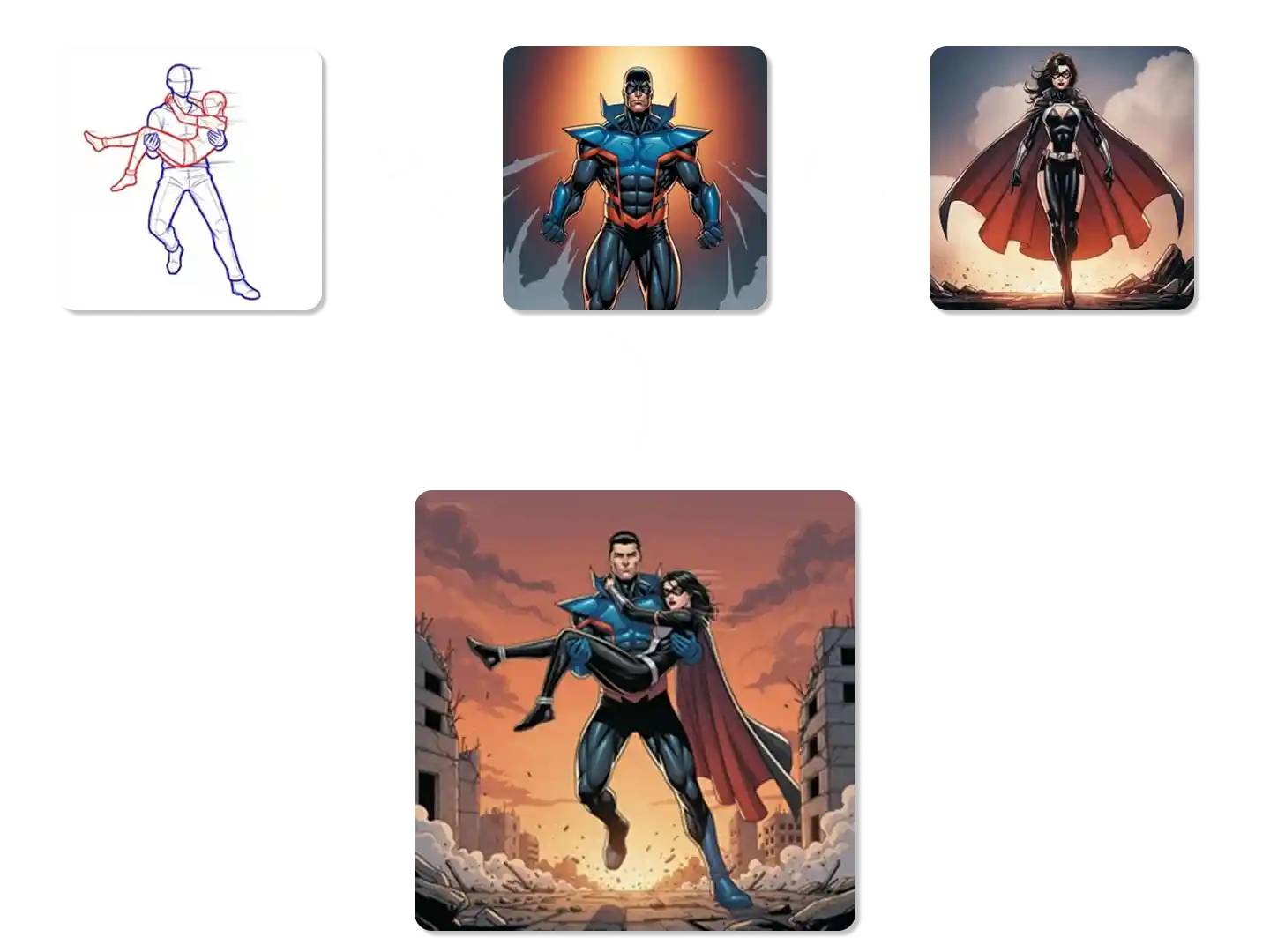
Combine Images with Prompt Text
Our AI photo combiner uses advanced technology. You only need to upload your photos, enter the prompt text and let the AI algorithm do the rest to blend images online for free. It can quickly merge two pictures, not only that, it can also merge multiple photos at once!
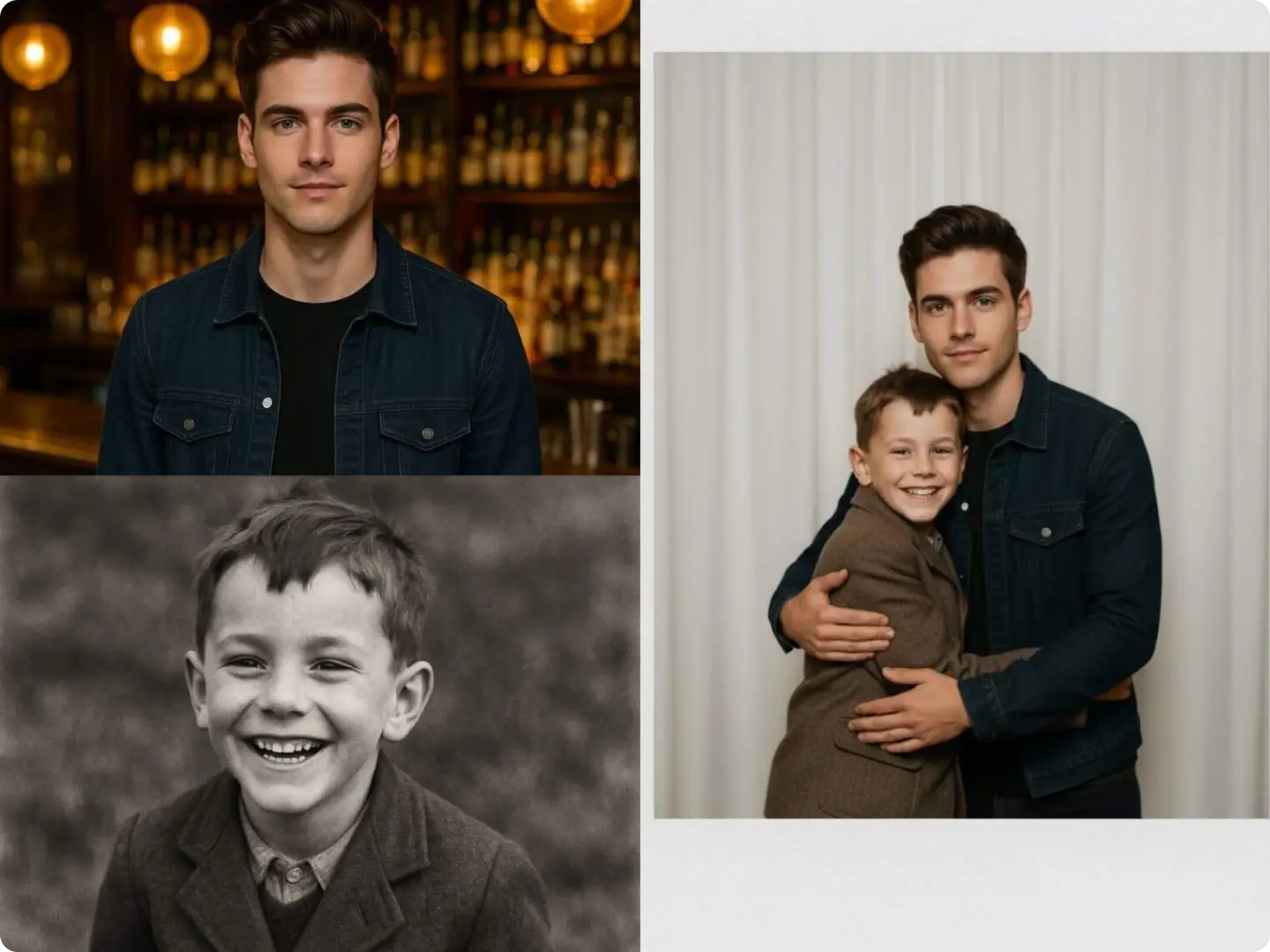
Belend Images with AI Online
No complex skills are required. Upload two reference images, enter personalized prompts, and you can instantly get a custom-style composite image. Whether you want to make the people and objects in the photo interact, modify or replace image elements, it can meet your needs.
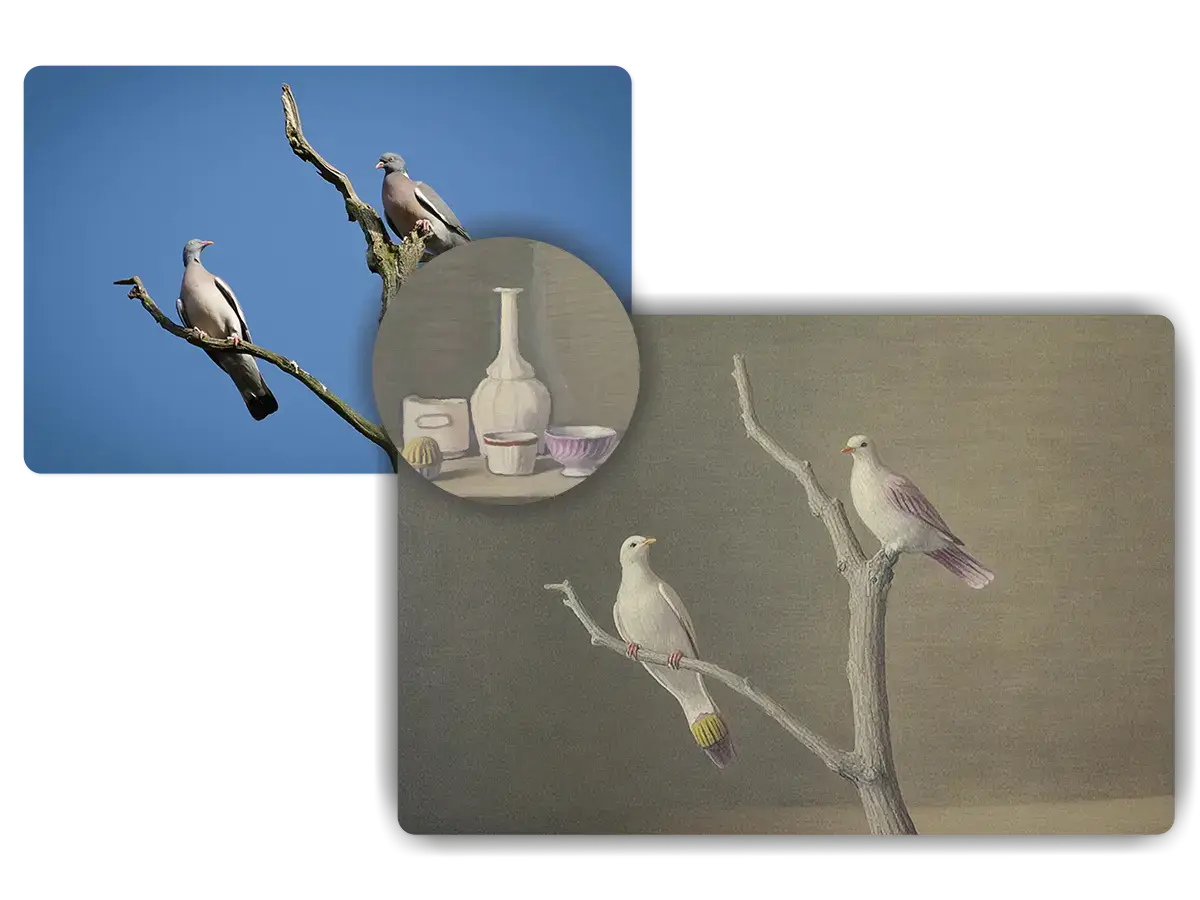
Advanced Free AI Photo Combiner
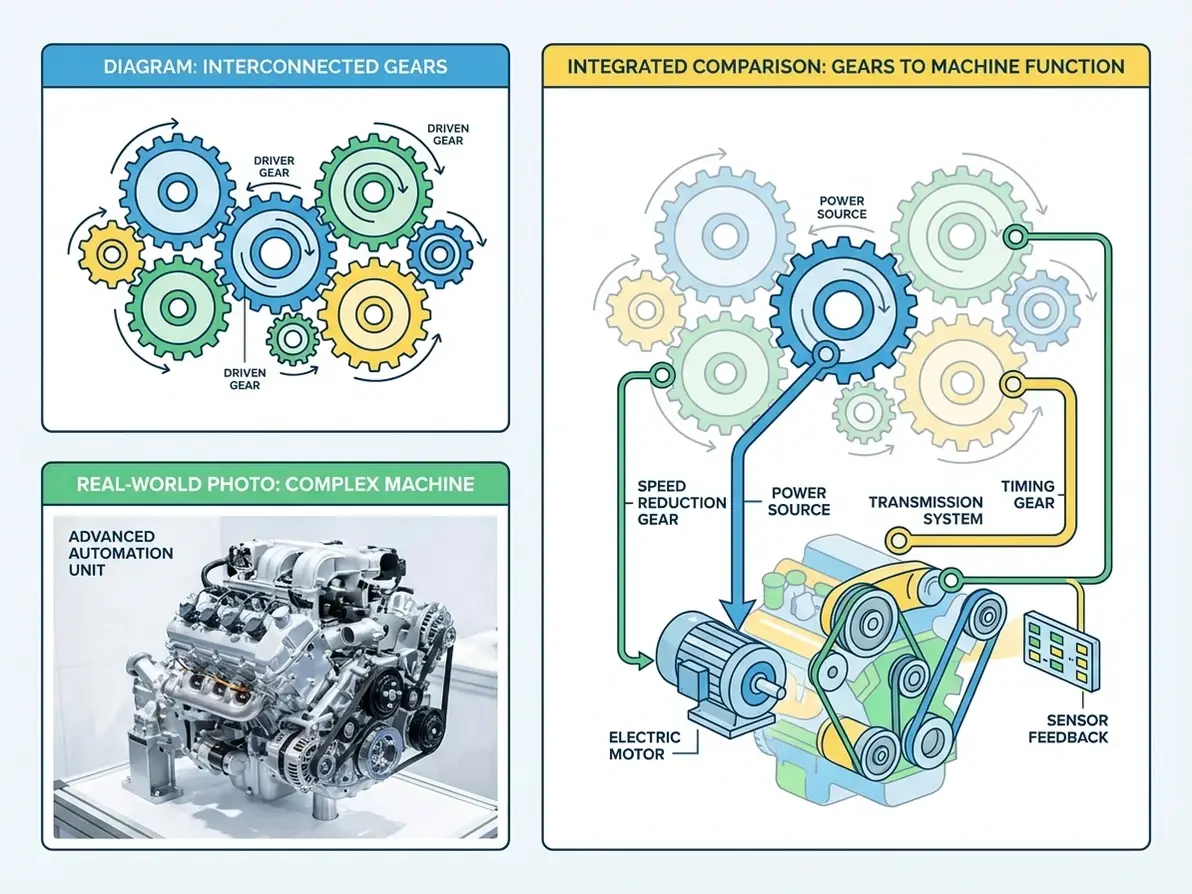
Dzine AI image combiner uses image fusion and style transfer technology to automatically detect and recognize the content, style, and composition of uploaded images and effortlessly merge them together. Seamlessly blend two images to create your dream work of art.
Explore Real-World Uses for Our AI Image Combiner
Dzine’s AI Image Combiner fits every personal and professional scenario. Combine two pictures in seconds for memories, branding, social media, real estate, and holidays—100% free, no watermarks, and easy to use.
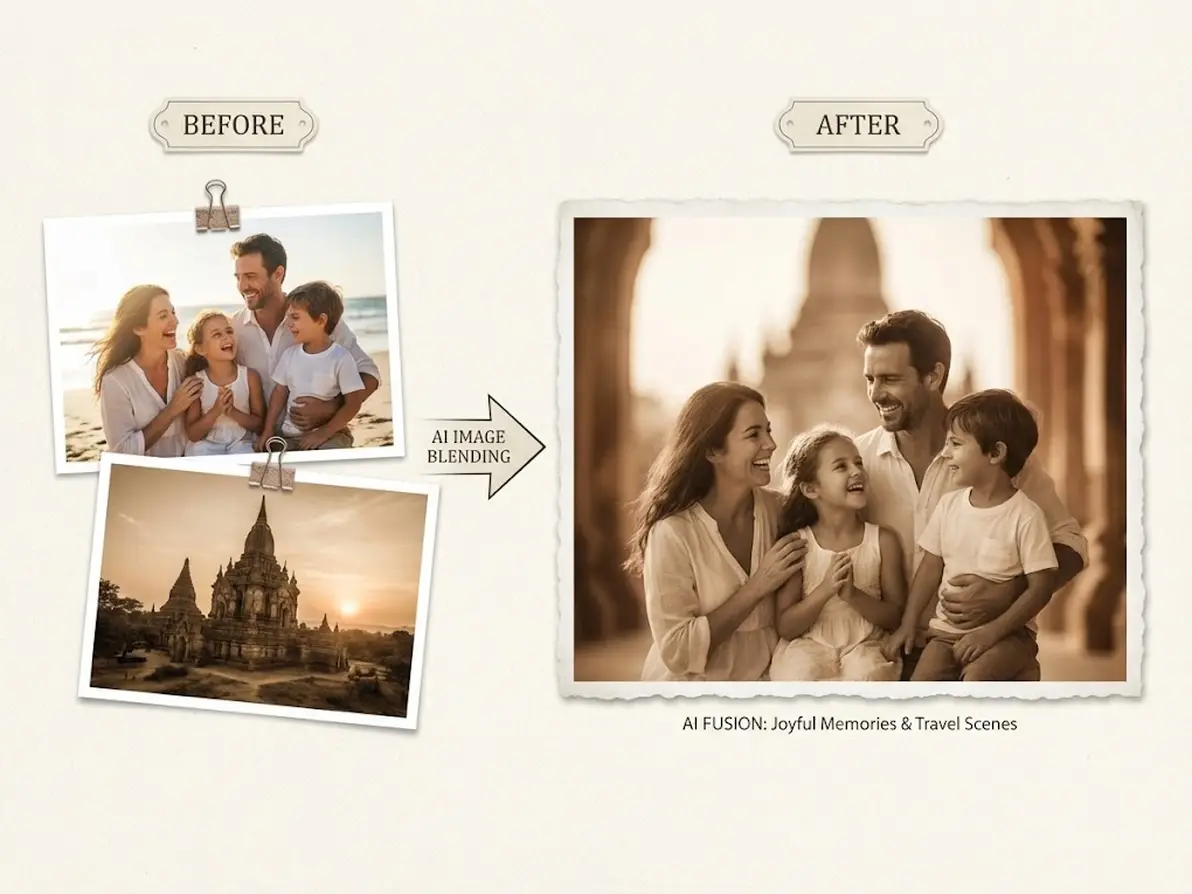
Combine Photos with Memories
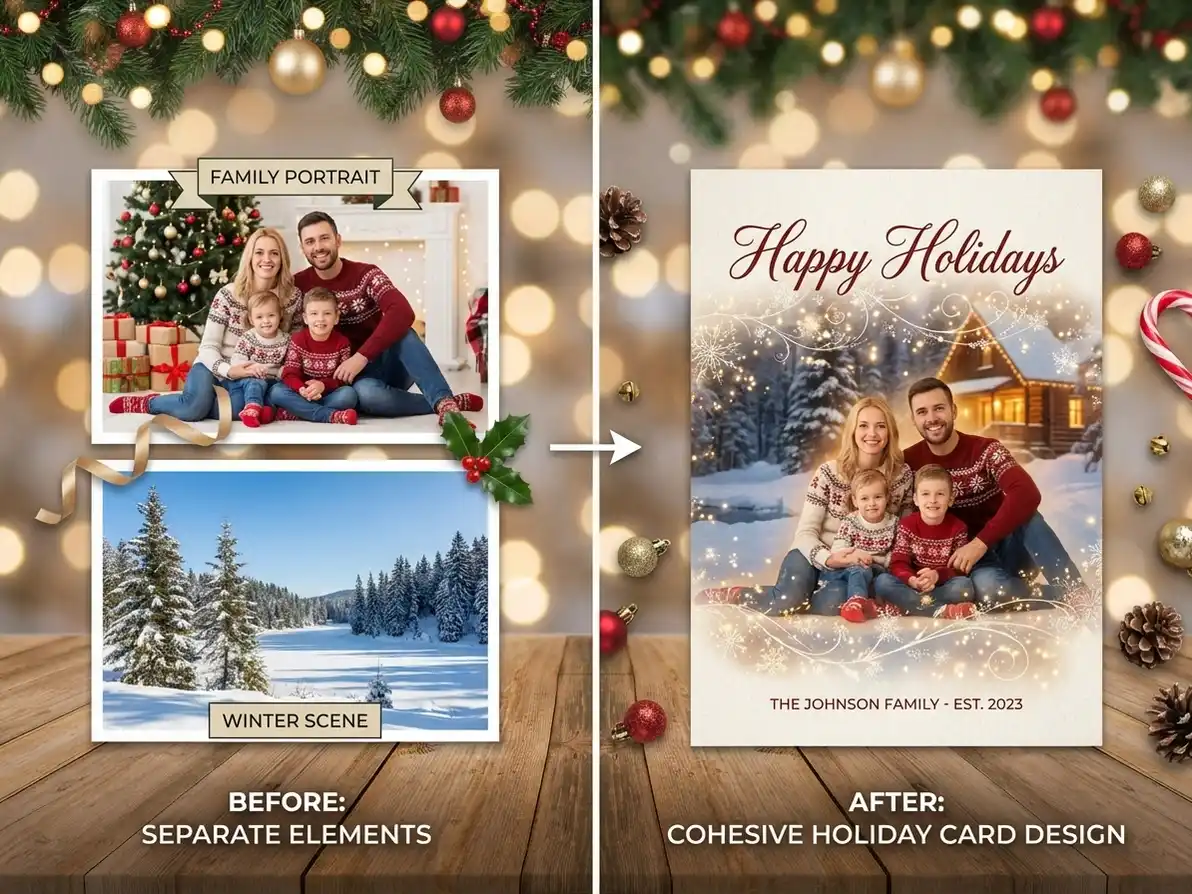
Combine two pictures of family moments, travel memories, or pet photos into a single heartwarming image—customize frames, styles, and colors to preserve your favorite moments in a unique way. Pair with AI Polaroid Photo Generator to add a nostalgic touch to your merged photos.
Try now for free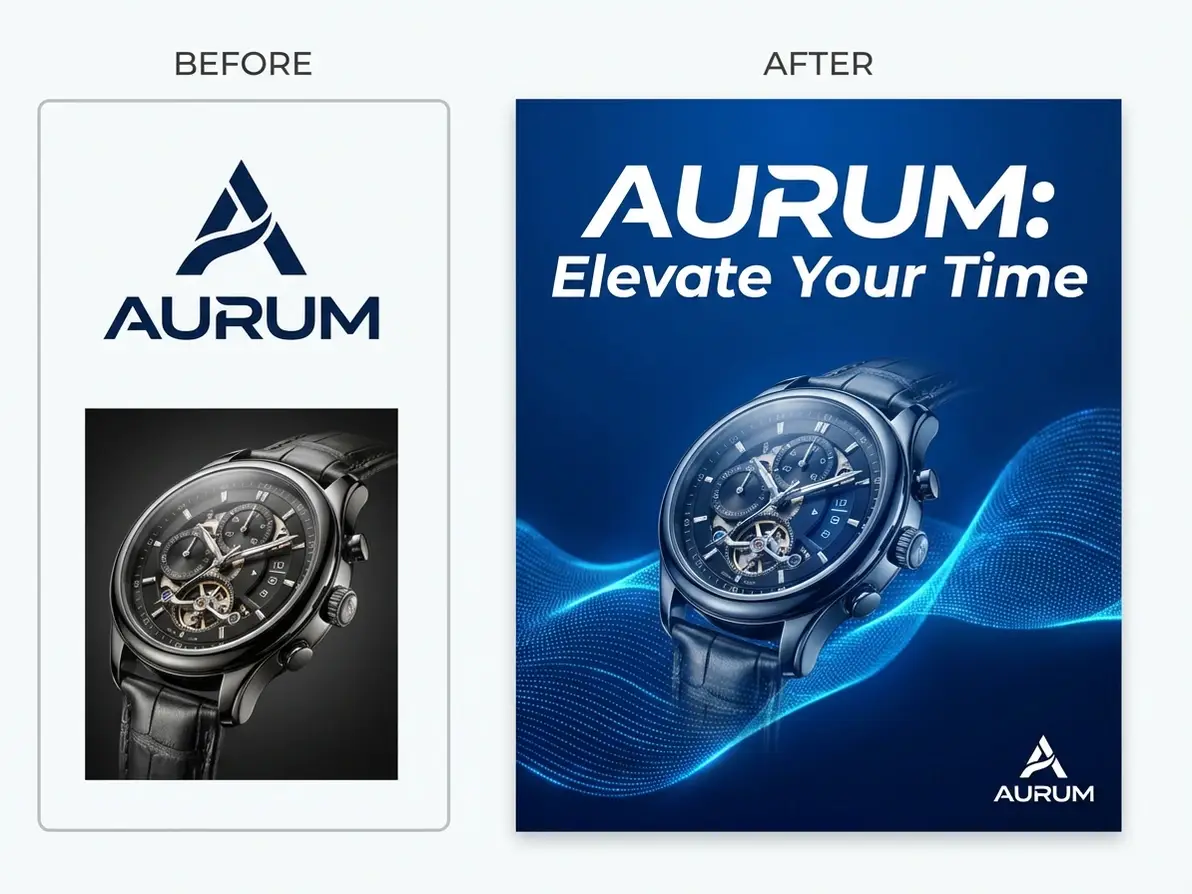
Why Dzine’s AI Image Combiner Stands Out

AI-Powered Seamless Blending
Our AI intelligently merges two pictures with natural transitions—no awkward edges or mismatched colors, unlike basic photo merge tools with limited editing capabilities.

4K High-Resolution Outputs
Download merged images in 4K resolution—perfect for print, large displays, or professional use, with no pixelation or quality loss when scaling.

100+ Customizable Styles
Choose from vintage, minimalist, cartoon, watercolor, and more—tailor your merged image to match any project’s aesthetic with easy style adjustments.

100% Free (No Watermarks/Limits)
Combine unlimited pairs of pictures, download as many files as you want—no subscriptions, hidden fees, or watermarks on your final merged images.

Instant Generation (3 Seconds)
Skip long editing processes—our AI generates merged images in seconds, ideal for time-sensitive projects like last-minute social media posts or event materials.

GDPR-Compliant & Private
We never store your uploaded photos or generated merged images—all processing is local, protecting your personal and professional data.
Explore Dzine's Other AI Visual Tools

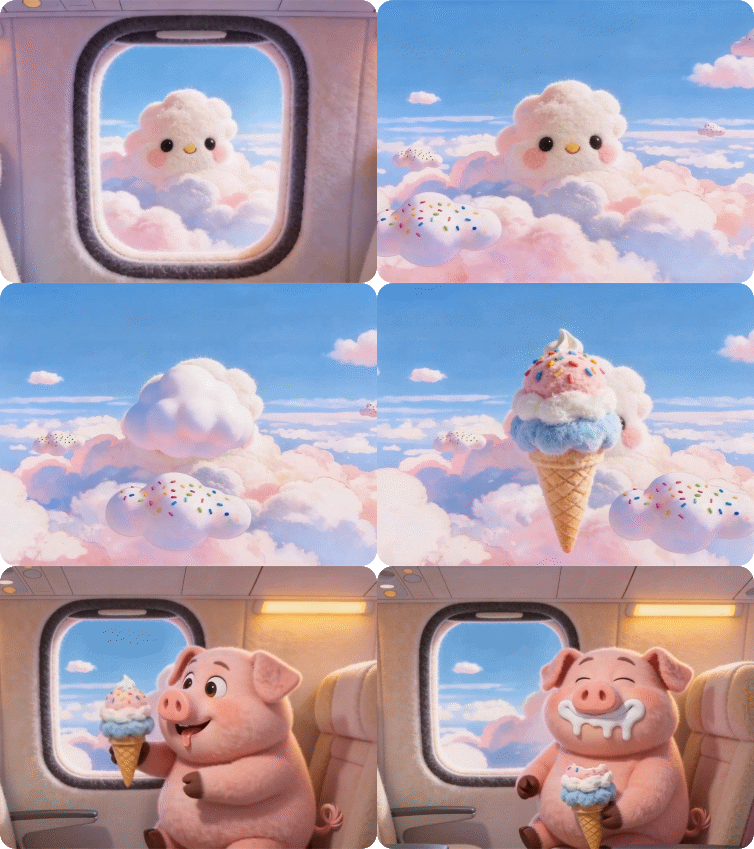
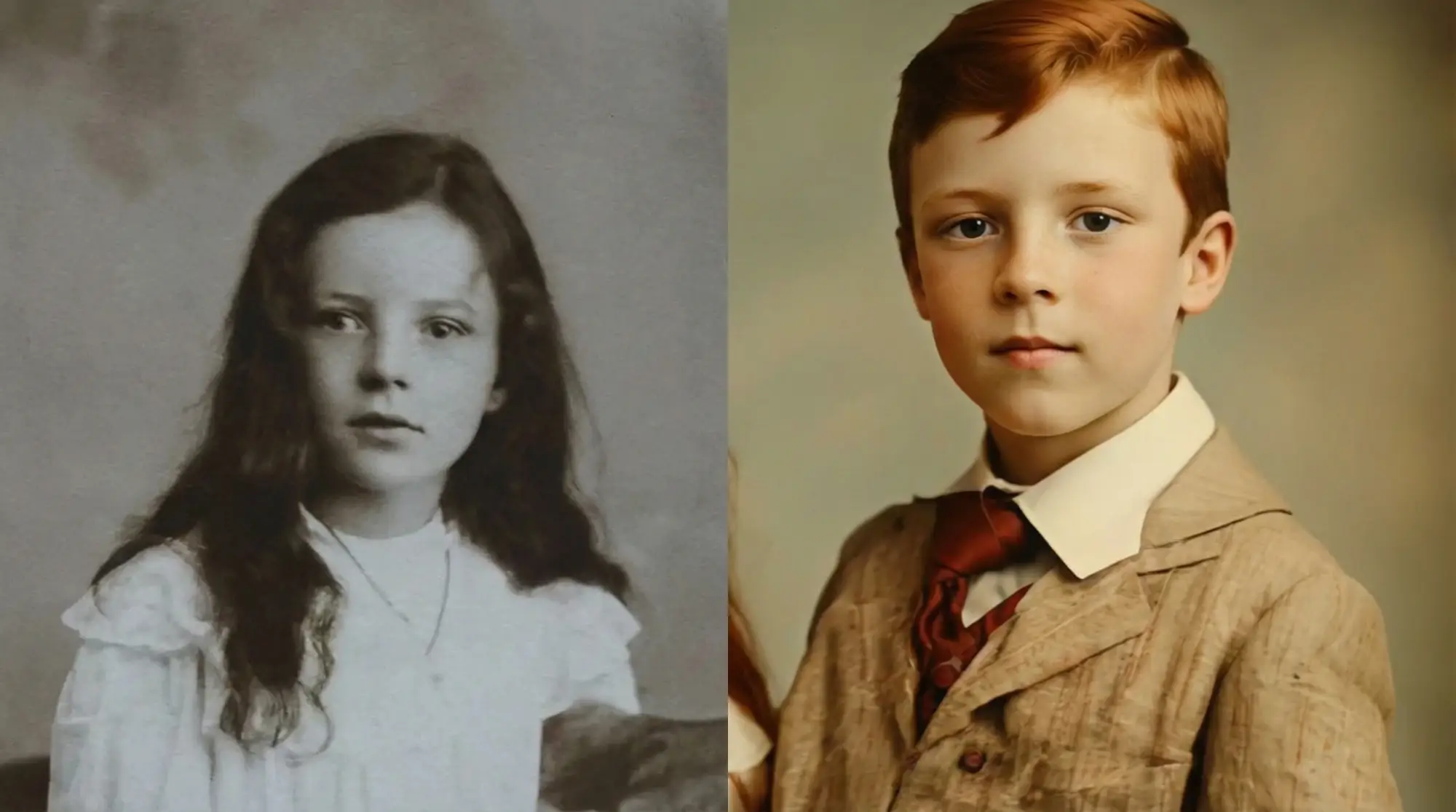
What Our Users Said
The Easiest Way to Merge Family Photos
I use Dzine’s AI Image Combiner to combine two pictures of my kids’ birthdays into one frame— the AI blending is seamless, and the 4K output looks perfect in our photo album. It’s free and way easier than Photoshop!
Emily DavisParent & Hobby Photographer
Game-Changer for Small Business E-commerce
As a boutique owner, I need to combine two product photos for my Instagram shop—Dzine’s tool lets me merge lifestyle and flat-lay shots in seconds, and pairing it with the 2D to 3D Image Converter adds depth to my listings.
James WilsonSmall E-commerce Business Owner
Perfect for Real Estate Marketing
I combine two property photos (interior and exterior) for my listings using Dzine’s AI Image Combiner— the high-resolution output makes properties look more appealing, and I save hours compared to traditional editing tools.
Jennifer LeeReal Estate Agent
FAQ
What is Dzine’s AI Image Combiner?
Dzine’s AI Image Combiner is a free online tool that uses advanced AI to combine two pictures into a single, polished image. It lets you merge photos with custom styles, resolutions, and sizes—no design skills required.
Is Dzine’s AI Image Combiner free to use?
Yes! Our AI Image Combiner is 100% free with unlimited photo merging, high-resolution downloads, and no watermarks—no subscriptions or hidden fees to combine two pictures.
What file formats does the AI Image Combiner support?
We support all major image formats for input (JPG, PNG, WebP, TIFF) and output merged images in PNG (transparent background) and JPG—ideal for digital and print use.
Can I customize the style of my merged images?
Absolutely. Our tool offers 100+ customizable styles (vintage, minimalist, cartoon, etc.), color palettes, and sizes—tailor your merged image to match any project’s aesthetic or brand guidelines.
Can I use merged images for commercial purposes?
Yes! You can use images created with our AI Image Combiner for personal or commercial use (e.g., branding, marketing, product listings) as long as you comply with our terms of service.
How is Dzine’s AI Image Combiner better than other photo merge tools?
Dzine offers 4K resolution, 100+ customizable styles, instant generation (3 seconds), and 100% free use with no watermarks—unlike generic tools that limit customization or charge for high-quality downloads.