


Click or drag here to upload images

Eye-Catching Social Media Edits
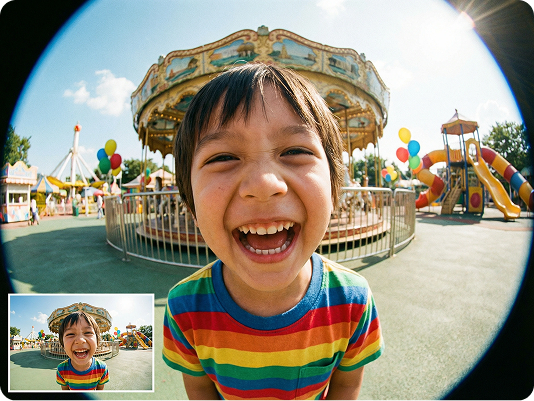
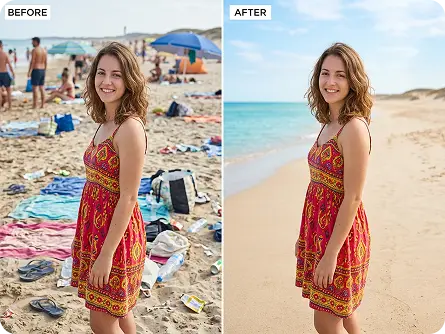
Enhance Instagram, TikTok, and Facebook posts with AI-powered edits—remove unwanted objects, swap backgrounds, and add trendy filters to boost engagement and stand out in feeds.
Try now for free
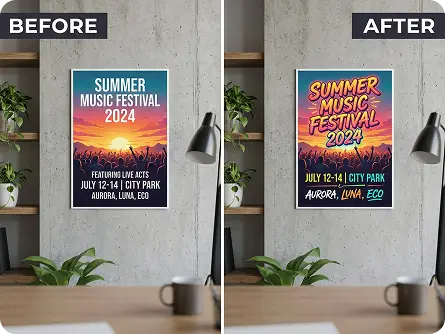
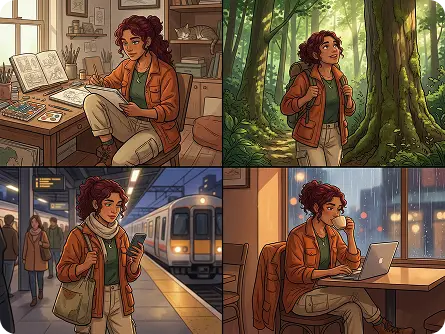

AI-Powered Prompt Editing
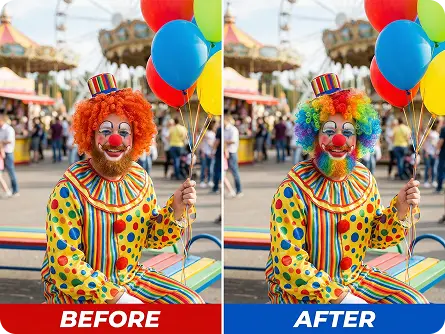
Our AI Image Editor uses text prompts to execute precise edits—describe what you want to change (add/remove objects, adjust styles, fix flaws) and let AI bring your vision to life with zero manual effort.

Precision Localized Editing
Edit specific areas of your image without affecting the rest—select the region to modify and input your prompt for targeted changes, ideal for fine-tuning details in photos and graphics.

Instant Generation (Seconds)
Skip long editing sessions—our AI generates polished results in seconds, perfect for time-sensitive social media posts, e-commerce updates, or creative projects with tight deadlines.

100% Free (No Watermarks/Limits)
Use our AI Image Editor as much as you want, download unlimited high-resolution edits, and share anywhere—no hidden fees, subscriptions, or watermarks on your creations.

500+ Styles & Effects
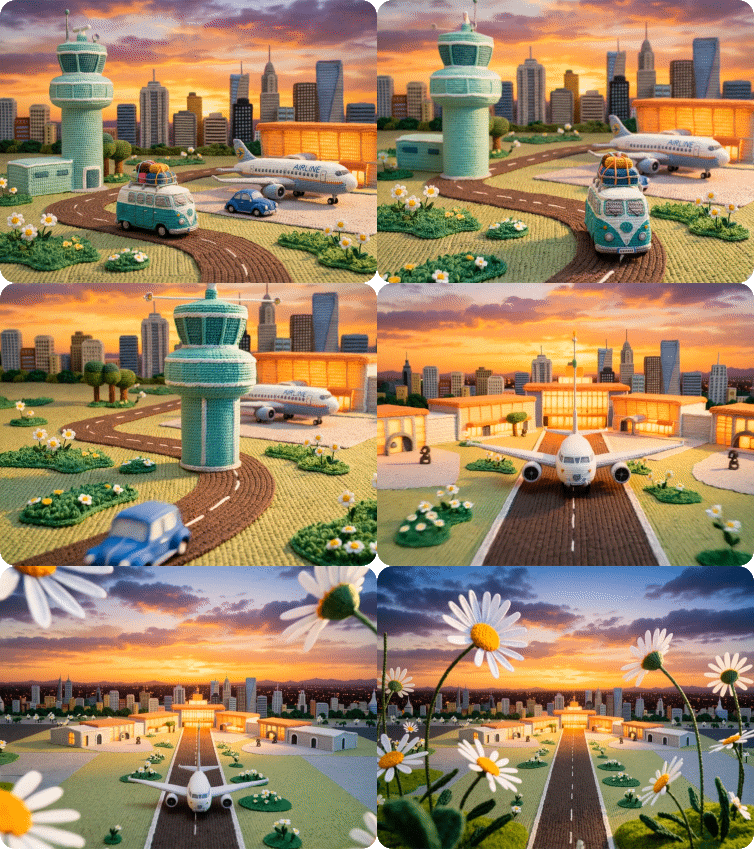
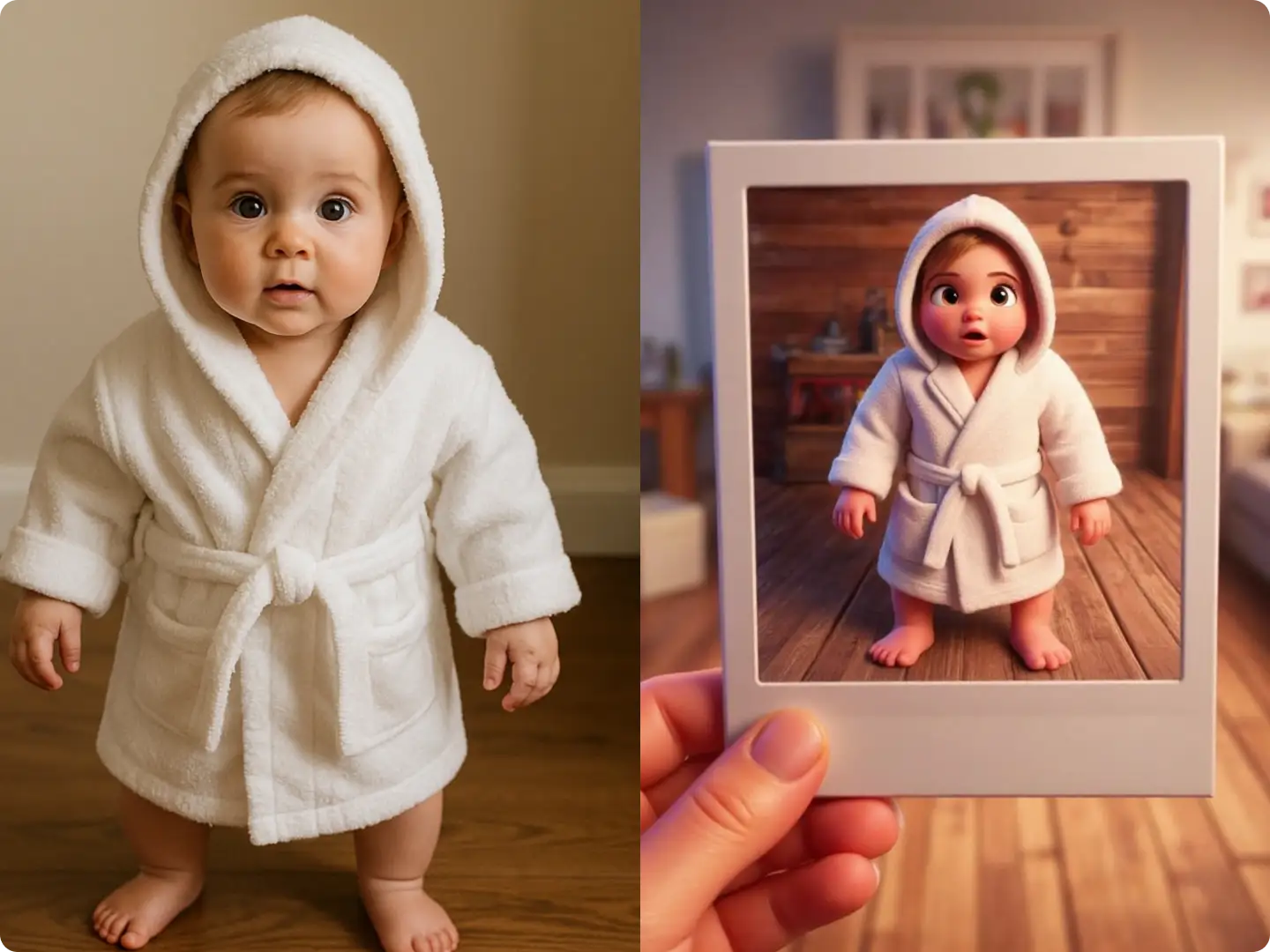
Choose from hundreds of artistic styles, filters, and effects (PS2, Disney, retro, minimalist) to transform your images—match any aesthetic or trend with simple text prompts.

GDPR-Compliant & Private
We never store your photos or edited results—all processing is local, so your personal and commercial images stay secure while you create with our AI Image Editor.