- Tools
- Resources
- Pricing
- API
- Contact Sales
- Book a Demo


Multiple Al Lip Sync Video Generator
Multi-character lip sync AI can perfectly match multiple faces in an uploaded image with audio. Dzine uses fast, high-quality AI animation to transform your images or videos into vivid multi-character dialogue videos.

Click or drag here to upload images
Try Multiple Lip Sync AI with One of These
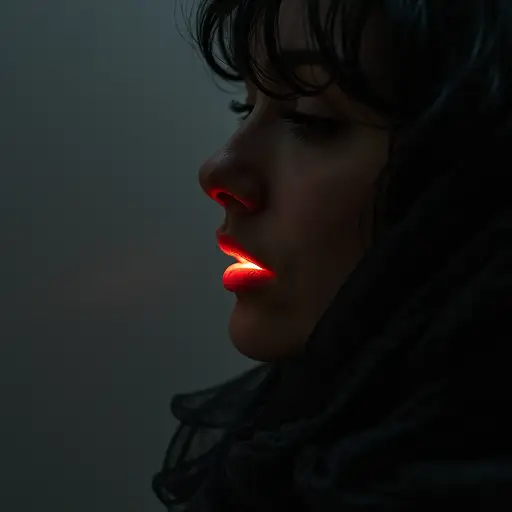
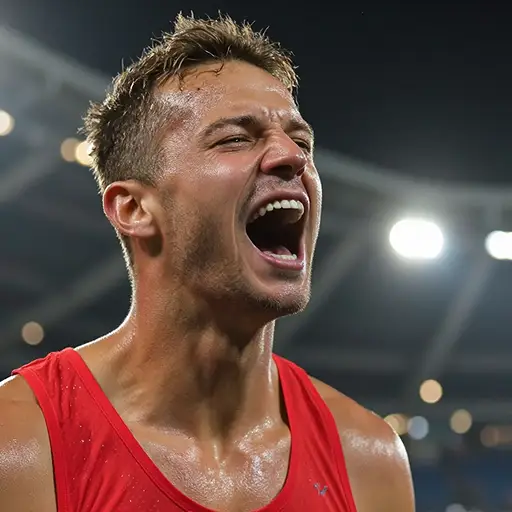


Multi-Face Lip Sync with AI for Any Dialogue or Language
Dzine Multi-Character Lip Sync AI is a powerful tool capable of generating realistic lip movements for multiple faces from still images. It allows you to animate up to 4 faces in a single video — a significant advantage over typical tools that only support 2. Whether you're creating animated dialogue, multilingual content, or expressive avatars, we can synchronize each character's lips with the audio with crisp timing and realistic motion. By analyzing speech and facial data, it ensures that each character's lips naturally match the audio—ideal for voice-over, translation, and creative storytelling.
How to Use Multiple Lip Sync AI on Dzine
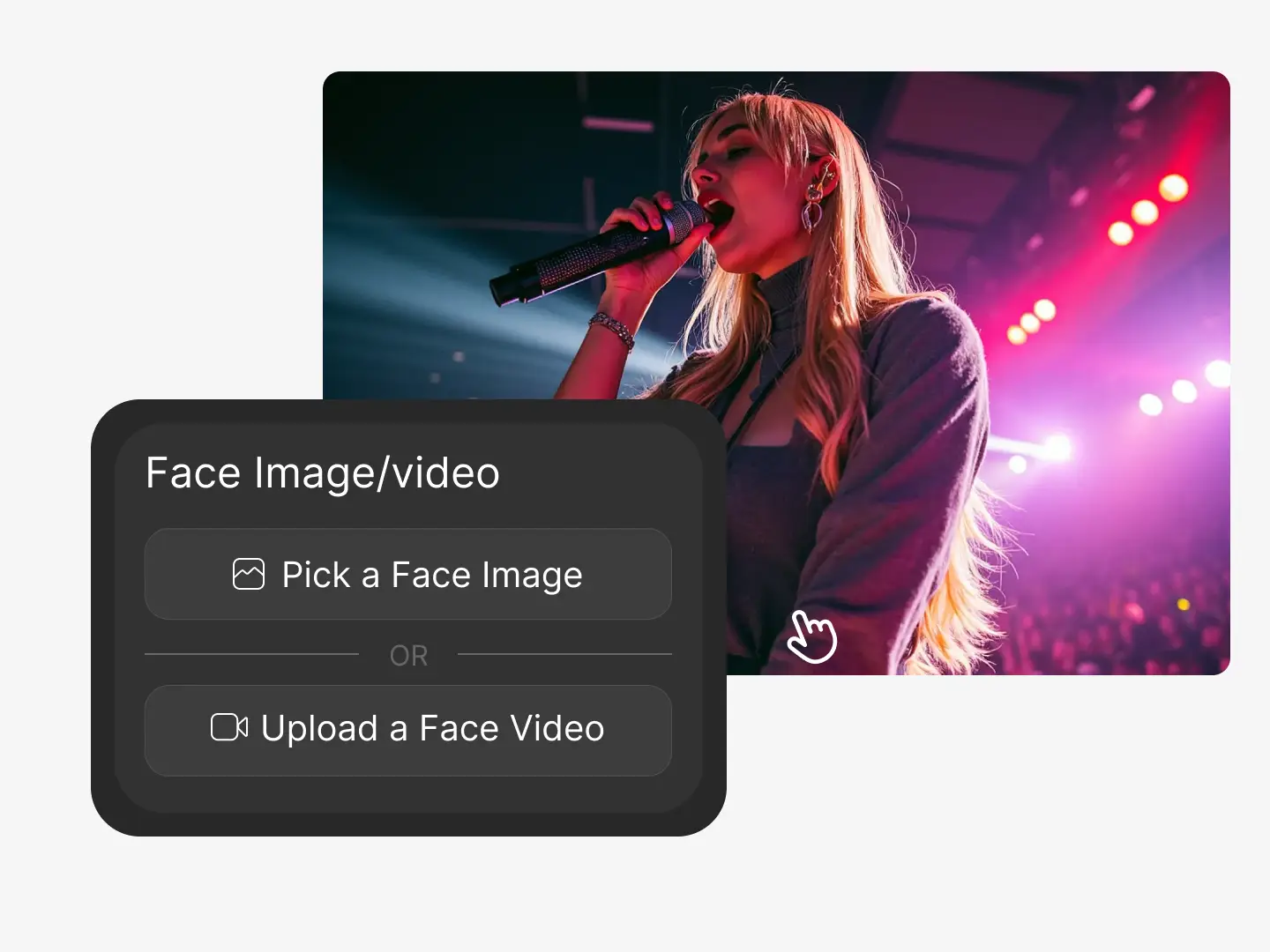
Step 1. Upload Images or Videos
Choose an image featuring multiple clear, front-facing faces. The AI works best when subjects are unobstructed and well-lit.
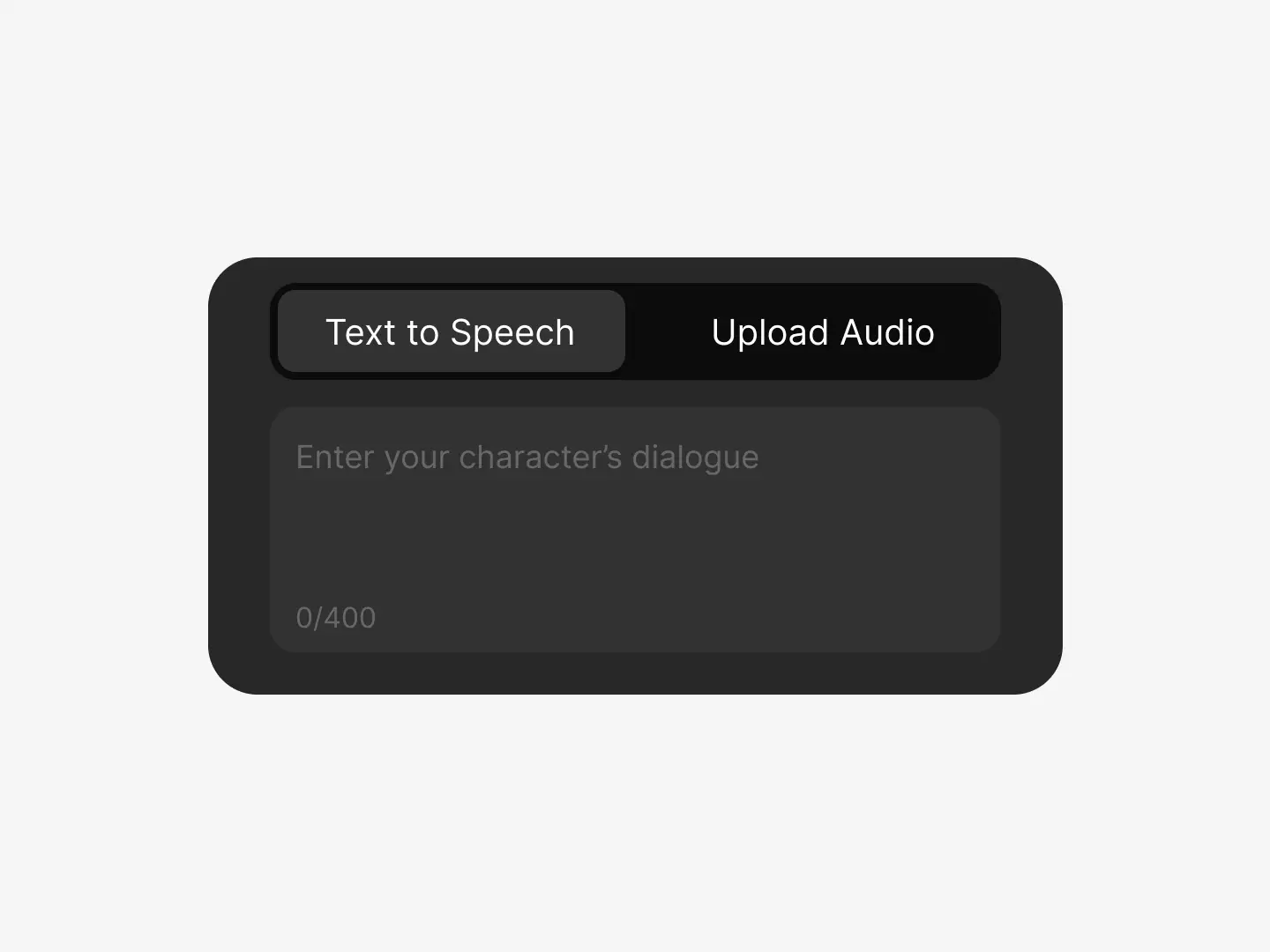
Step 2. Configure Audio Files
Enter a script to generate AI voices. You can assign different lines to different faces to simulate multi-speaker dialogue.
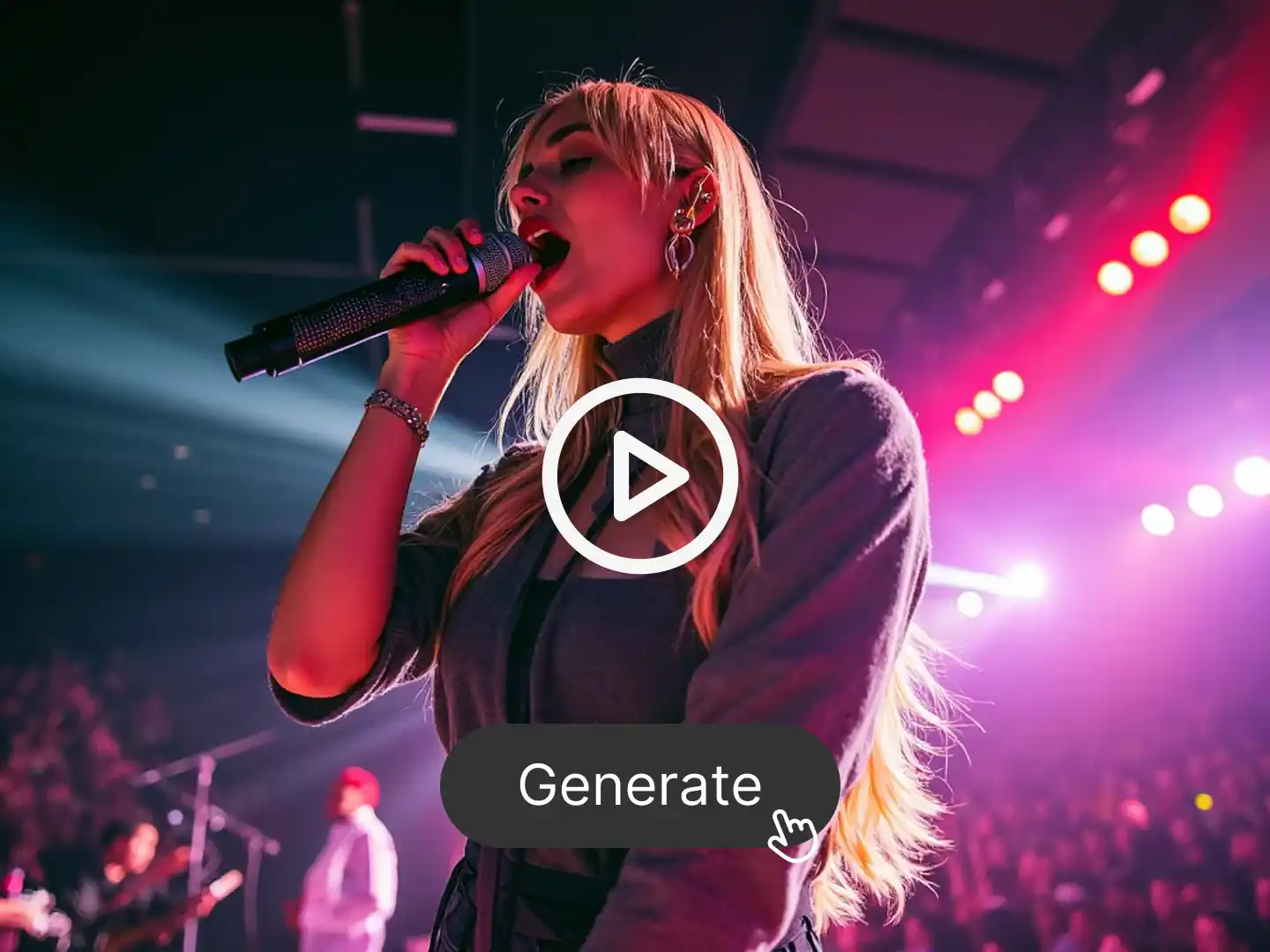
Step 3. Generate Multiple Lip Sync Video
The AI will animate mouth movements based on the audio and your image. Preview the result, then export a complete lip-synced video.
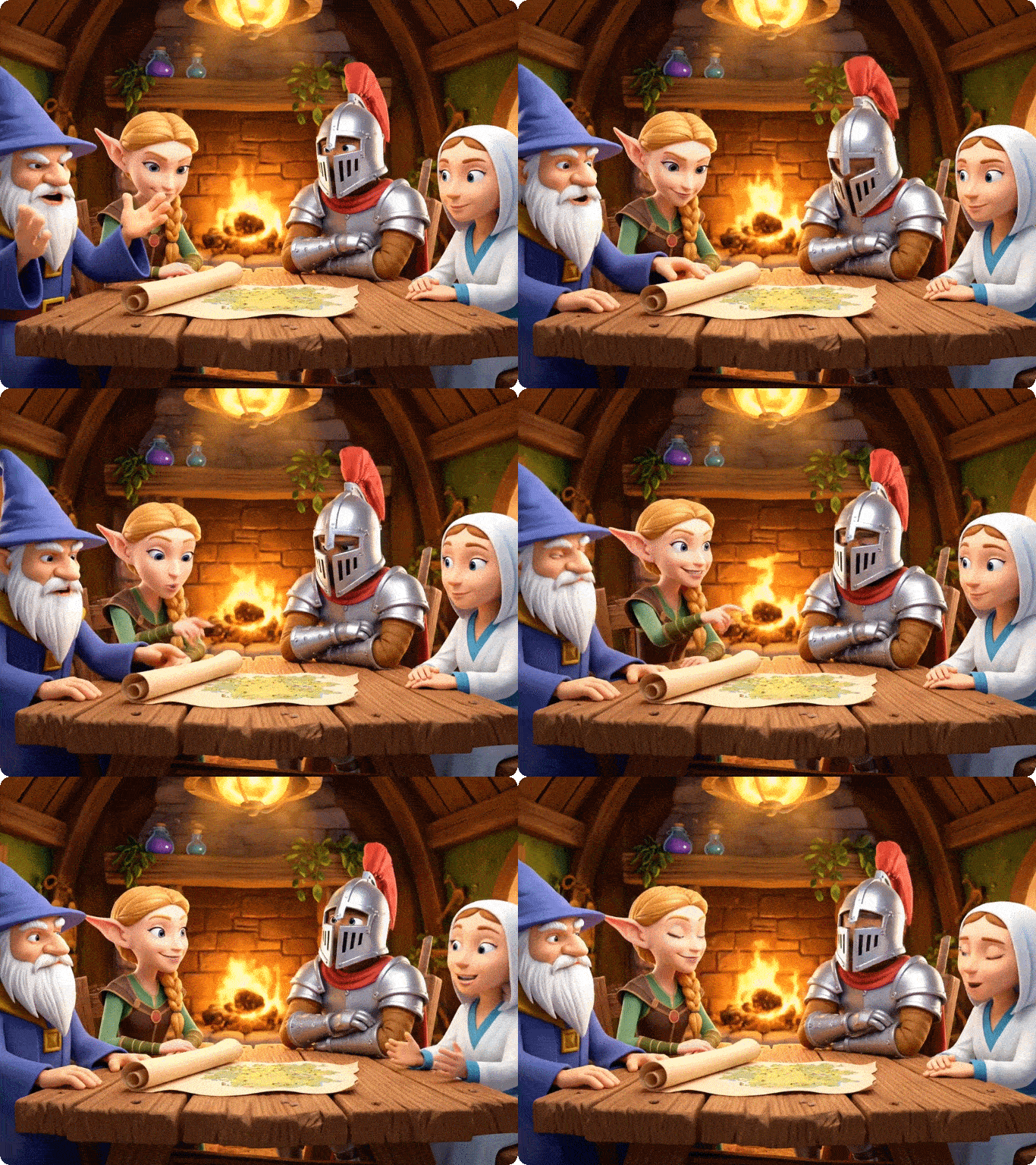
AI Lip Sync for Multi-Face, Multi-Language Content
Multiple Lip Sync AI is optimized for multilingual voice generation and facial animation. It detects and syncs mouth motion across multiple faces in an image, allowing you to generate personalized and localized videos quickly.
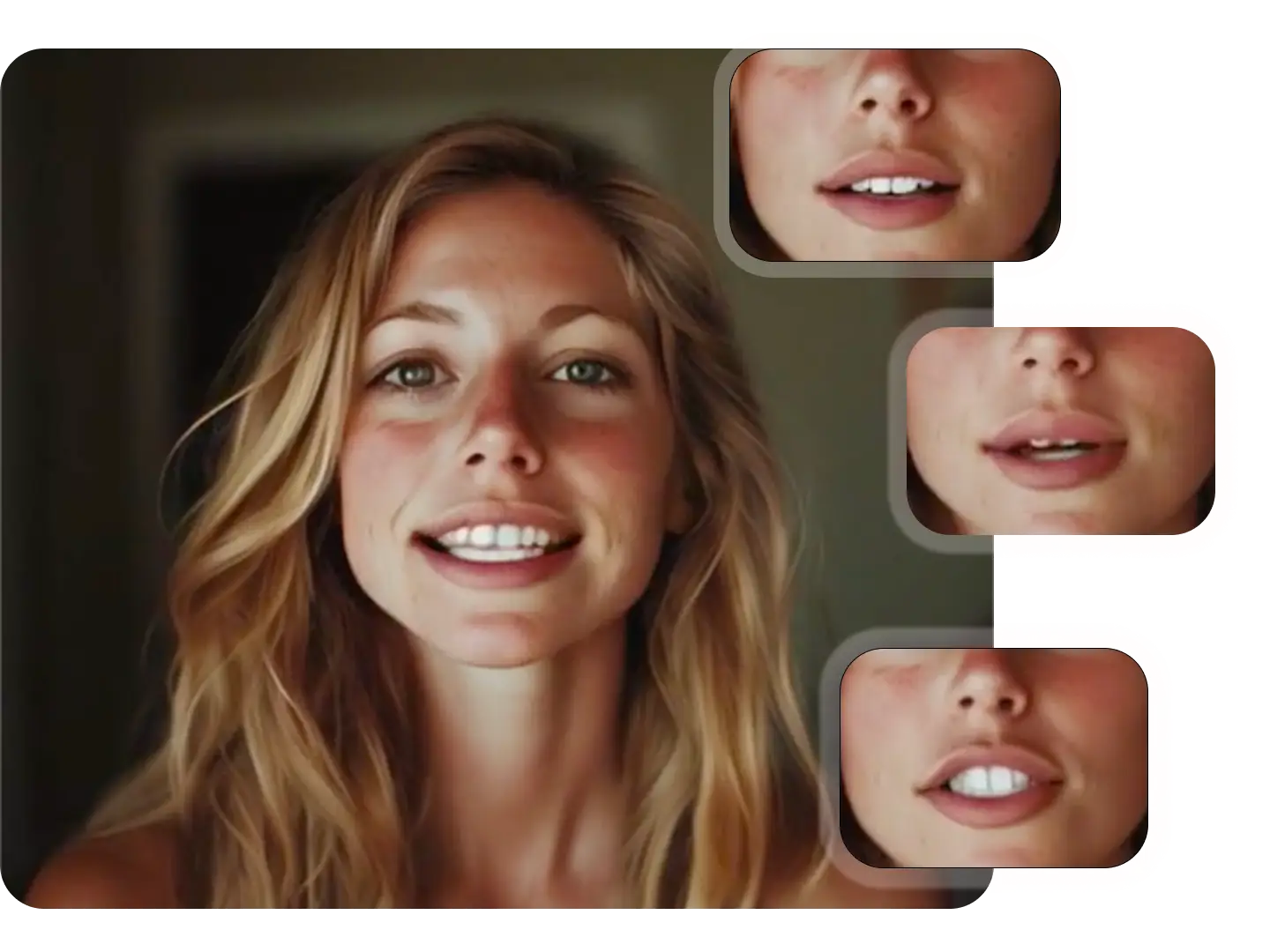
Natural-Looking Mouth Movement for Every Character
Each subject in your uploaded image is animated with realistic lip motion and timing. The result is a seamless video where each face appears to speak clearly and expressively—ideal for group scenes, explainer content, and avatar storytelling.
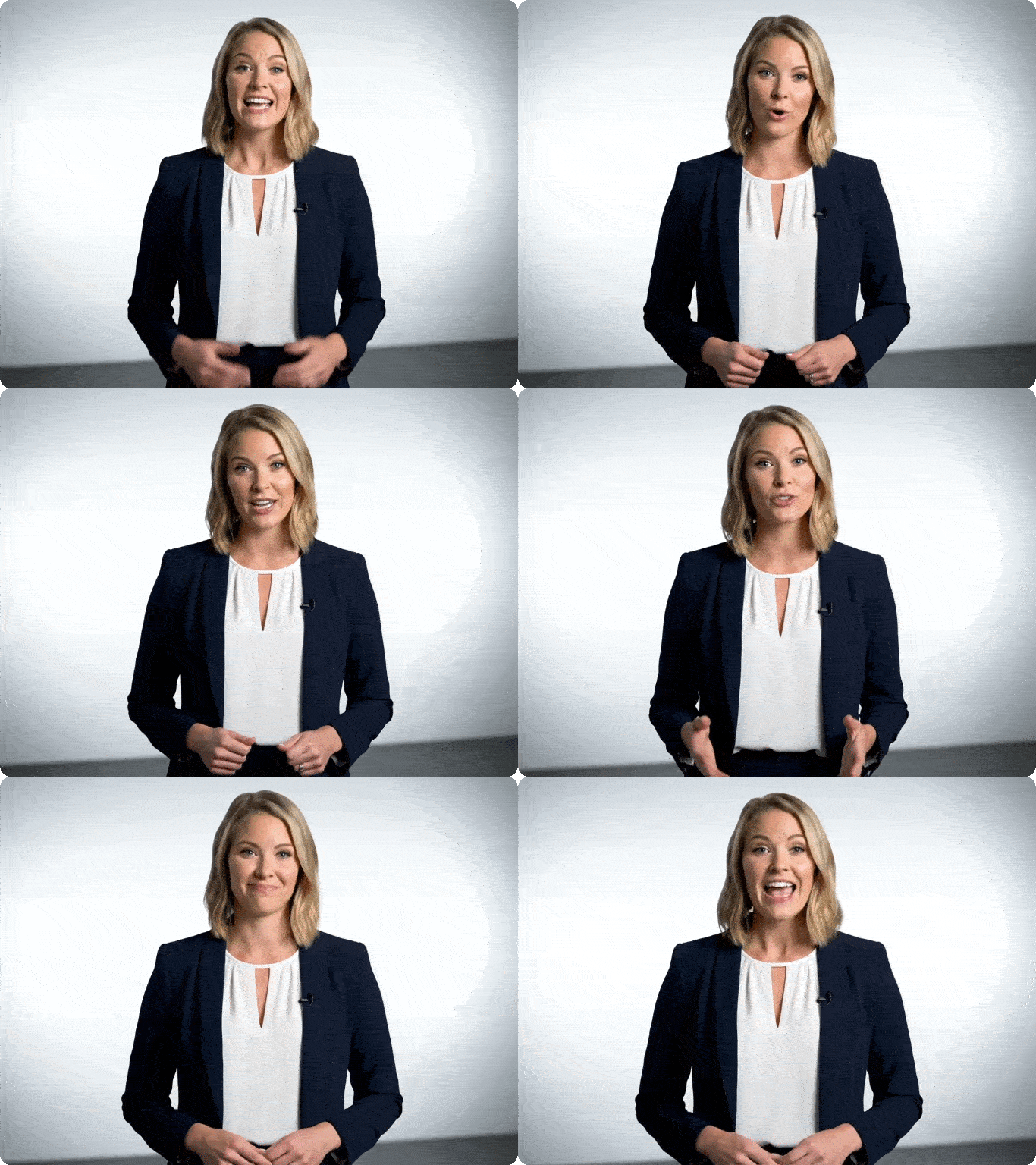
Save Time with Automated Face-to-Audio Matching
The AI takes care of matching faces to audio, generating mouth animations for all characters at once. With batch lip sync generation, you can iterate faster on designs and speed up content creation for marketing, education, or entertainment.
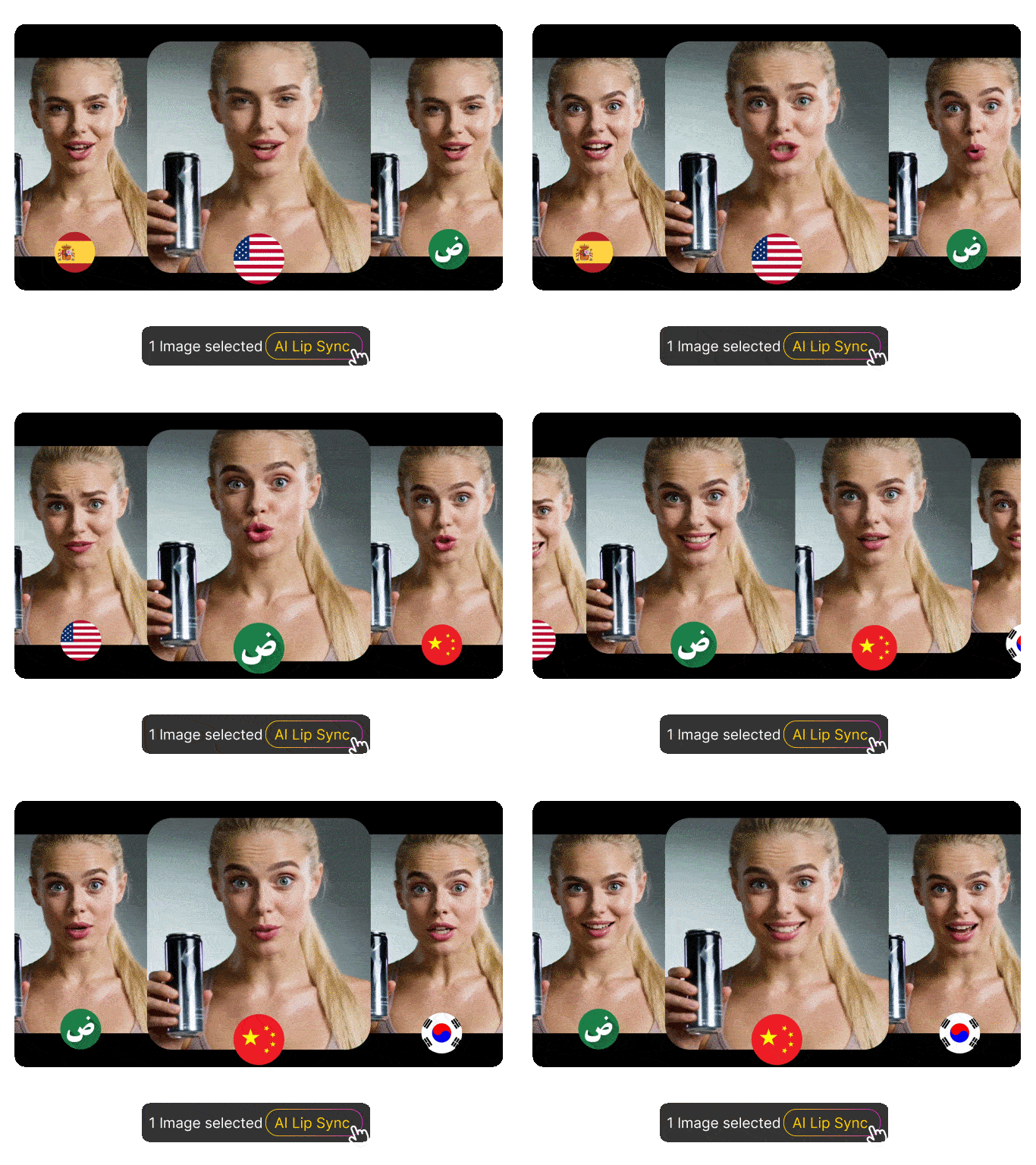
Ideal for Localization
Translate any script into global languages without reshooting videos. Dzine’s lip sync AI adapts mouth shapes to different sounds, keeping movements natural across regions. Create dubbing, training materials, marketing explainers, or product demos for worldwide audiences.
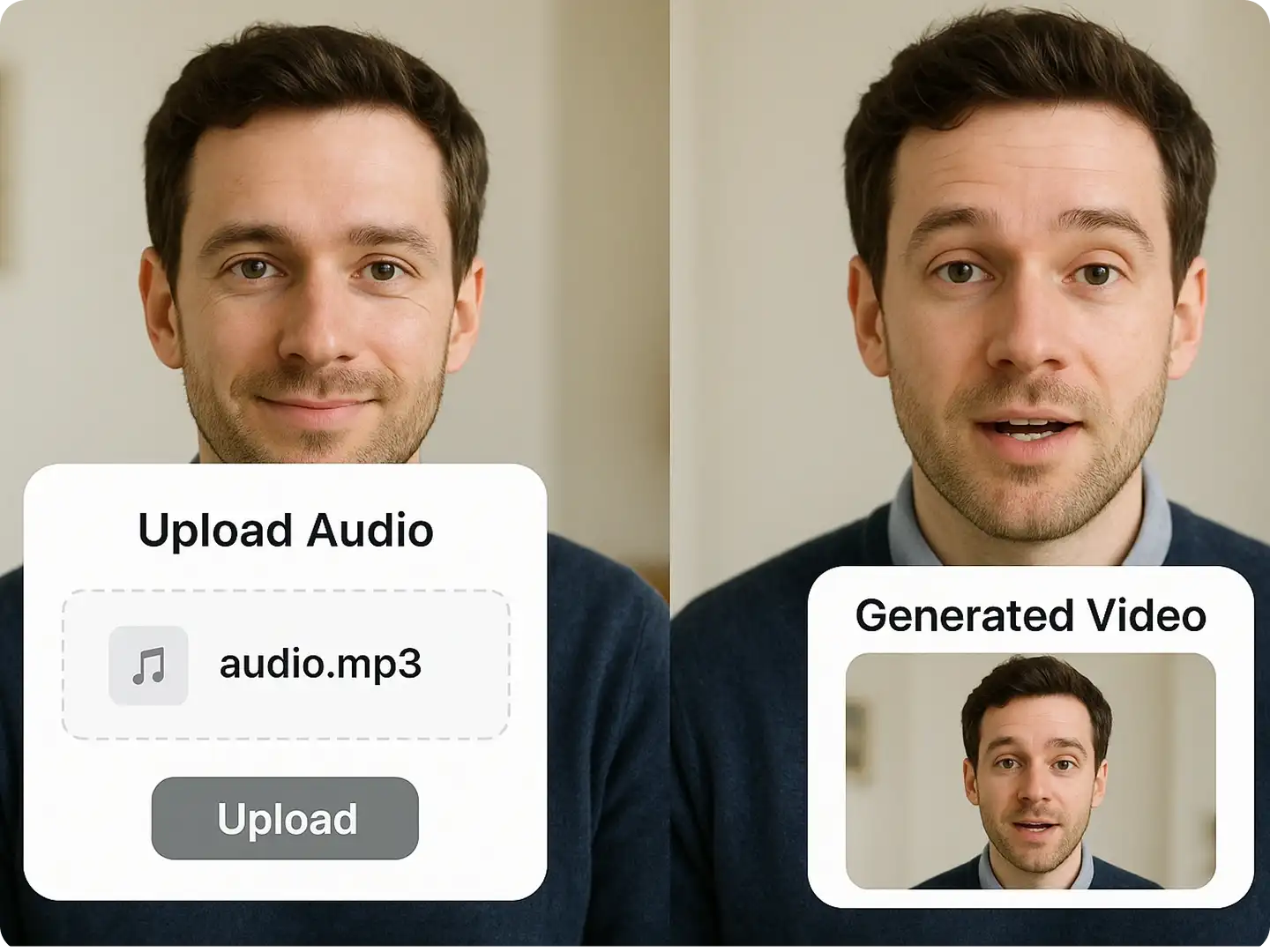
AI Voice or Custom Audio Support
Choose the audio style that fits your story. Upload your own voice recording for personal authenticity or generate professional AI voices with text-to-speech. Assign unique tones, accents, and personalities to each speaker, giving your group video diversity and clarity.
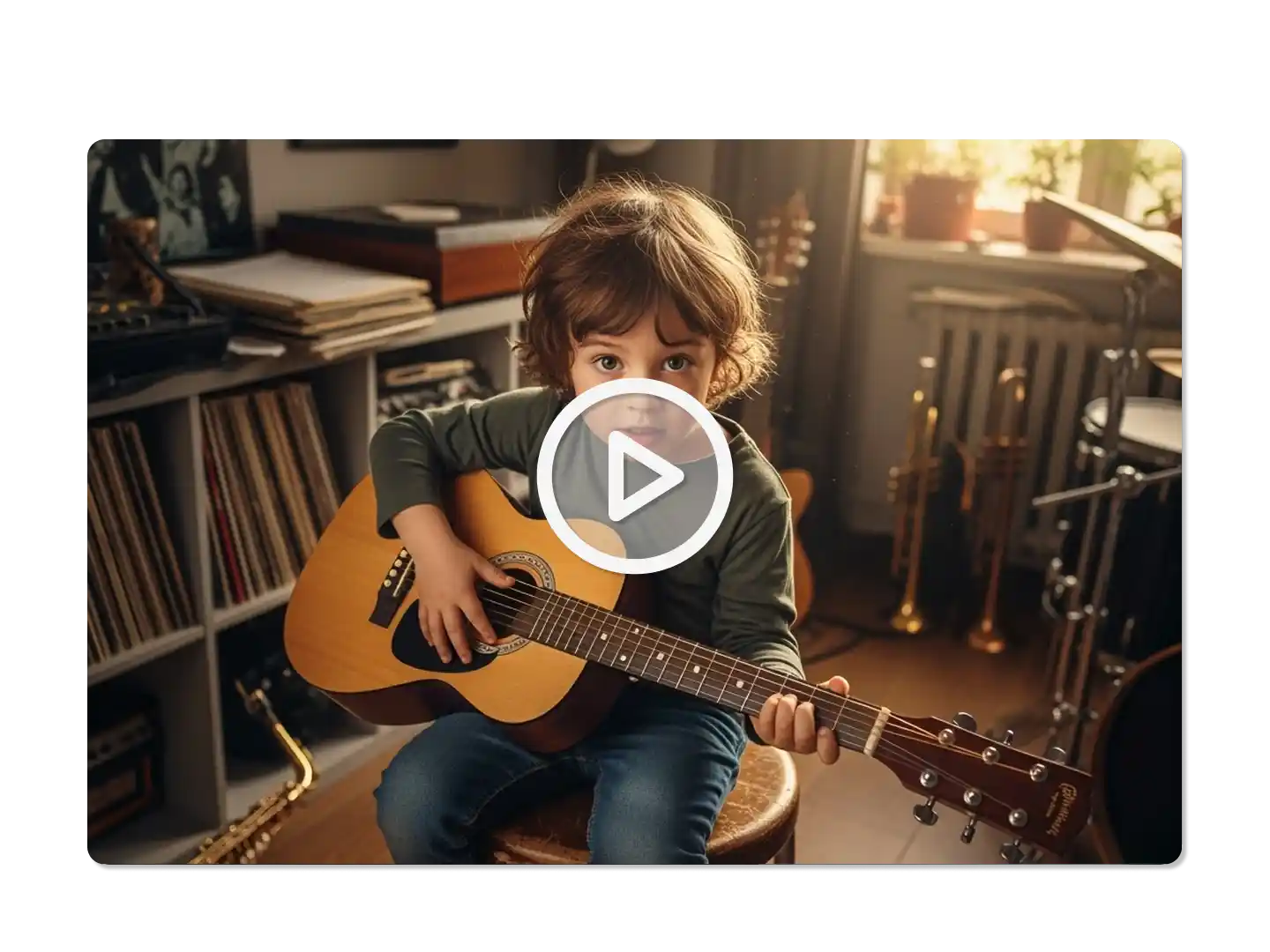
Consistent Identity Across All Frames
Dzine protects character integrity throughout the video. We maintain facial structure, lighting, and texture, ensuring each subject looks stable from the first frame to the last. No flickering, warping, or identity shifts—just clean, consistent animation.
How to Make a Multi-Character Lip Sync Video
FAQ
What is Multiple Lip Sync AI?
Multiple Lip Sync AI is an AI-powered tool that generates synchronized mouth animations for multiple faces in a single image, matched to audio or text input. It's ideal for multilingual storytelling, dubbing, and content personalization.
How many faces can I animate in one image?
Multiple Lip Sync AI can animate several faces in a single image. For best results, use a high-quality group photo with clearly visible, front-facing subjects that are well separated.
Can I use my own voice or a custom script?
Yes. You can upload your own voice recording or paste a script to generate synthesized speech. Different lines can be assigned to different characters.
Does it support different languages and accents?
Yes. Multiple Lip Sync AI supports over 70 languages and regional accents, enabling global content creation and voice customization.
What formats can I export the final video in?
You can export the generated lip-sync video in MP4 formats, compatible with major platforms and presentation tools.
What Our Users Said
Made Dubbing Faster and More Scalable
I use Multiple Lip Sync AI to animate multilingual group portraits. It auto-syncs expressions across characters, saving hours of manual lip animation.
Nina ParkVideo Localization Lead
Great for Character Animation and Voice Matching
This AI tool brings still images to life. I can preview entire group dialogue scenes and sync expressions just from text input.
Tyler GomezAnimation Director
Perfect for Avatar-Based Intros
I turned a group portrait into an animated team intro. Everyone looked expressive and spoke their lines perfectly—no editing required.
Isabel ChengContent Creator