



Seedream 4.5

Seedream 4.5 is a Bytedance Seedream 4.5 AI image generator and editor for sharp text, realistic materials, and stable multi-image series. With it, you can refine product photos, design posters with readable text, and keep characters consistent across whole campaigns from one place. Now, you can try it on Dzine.

Click or drag here to upload images

Uploading via drag and drop

Try Seedream 4.5 AI image editor with one of these

Seedream 4.5 – Built for Clear Text and Consistent Visuals

Seedream 4.5 is Bytedance’s latest Seedream 4.5 AI image generator, tuned for crisper typography, stronger prompt following, and richer material rendering than previous versions. Inside Dzine, this Seedream 4.5 AI image editor helps you handle text-heavy ads, packaging mockups, and interface visuals where every word must stay sharp and readable.

Compared with earlier Seedream models, Seedream 4.5 focuses on realistic lighting, stable structures, and frame-to-frame consistency for multi-image workflows. When you run Seedream 4.5 from Dzine, you can move from rough idea to production-ready graphics while keeping brand fonts, colors, and layout logic under control.

Key Features of Seedream 4.5

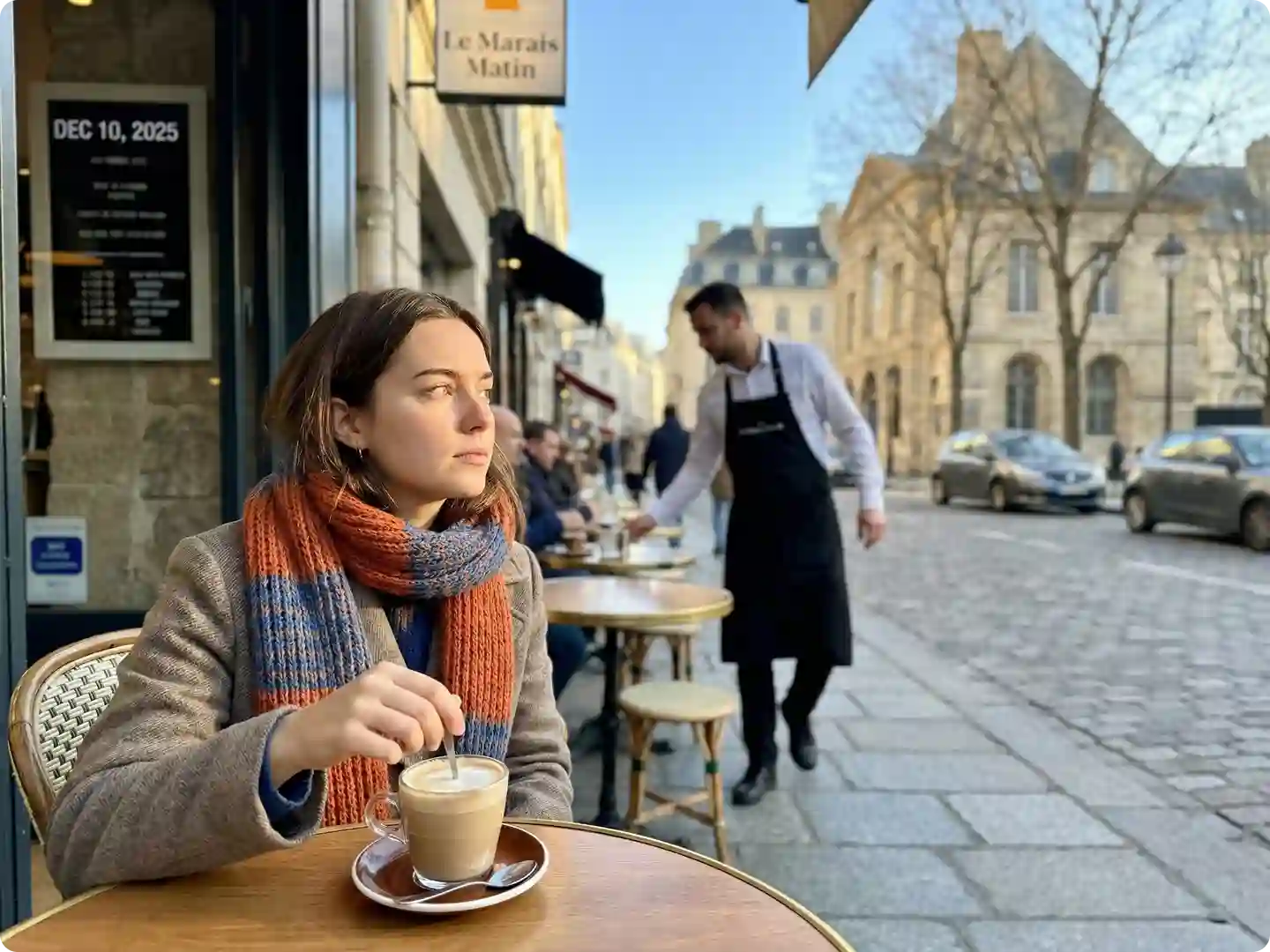
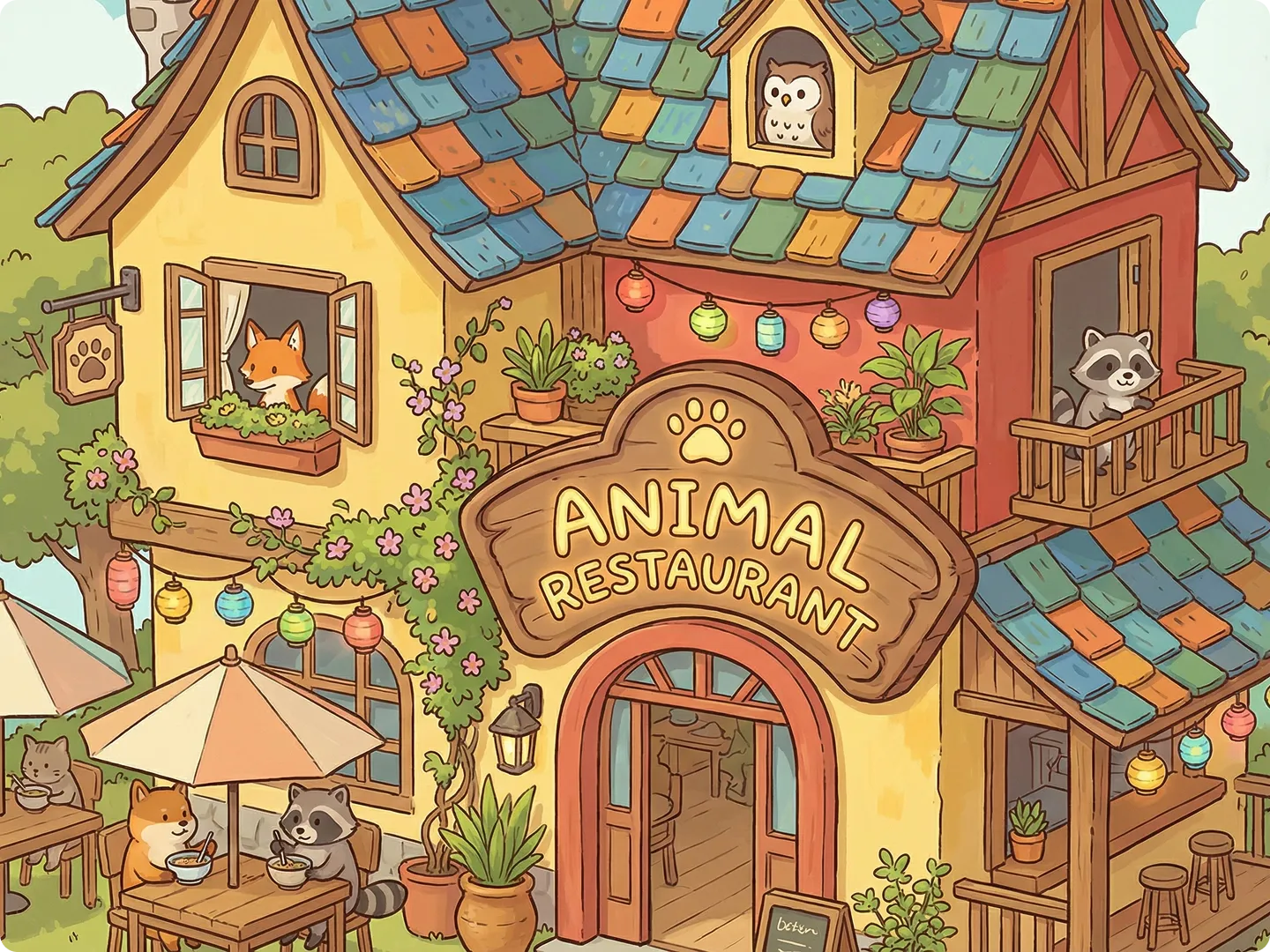
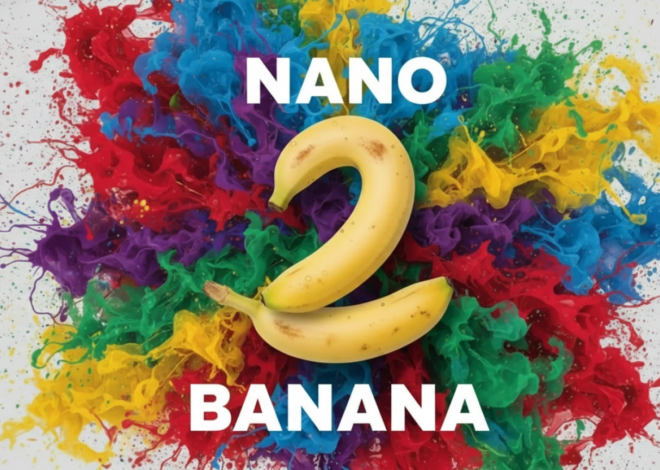
  1. High‑fidelity text and logos – Seedream 4.5 AI image generator renders clear, legible text on posters, UI mockups, and product labels, giving you marketing assets that stay readable even at 4K resolution.
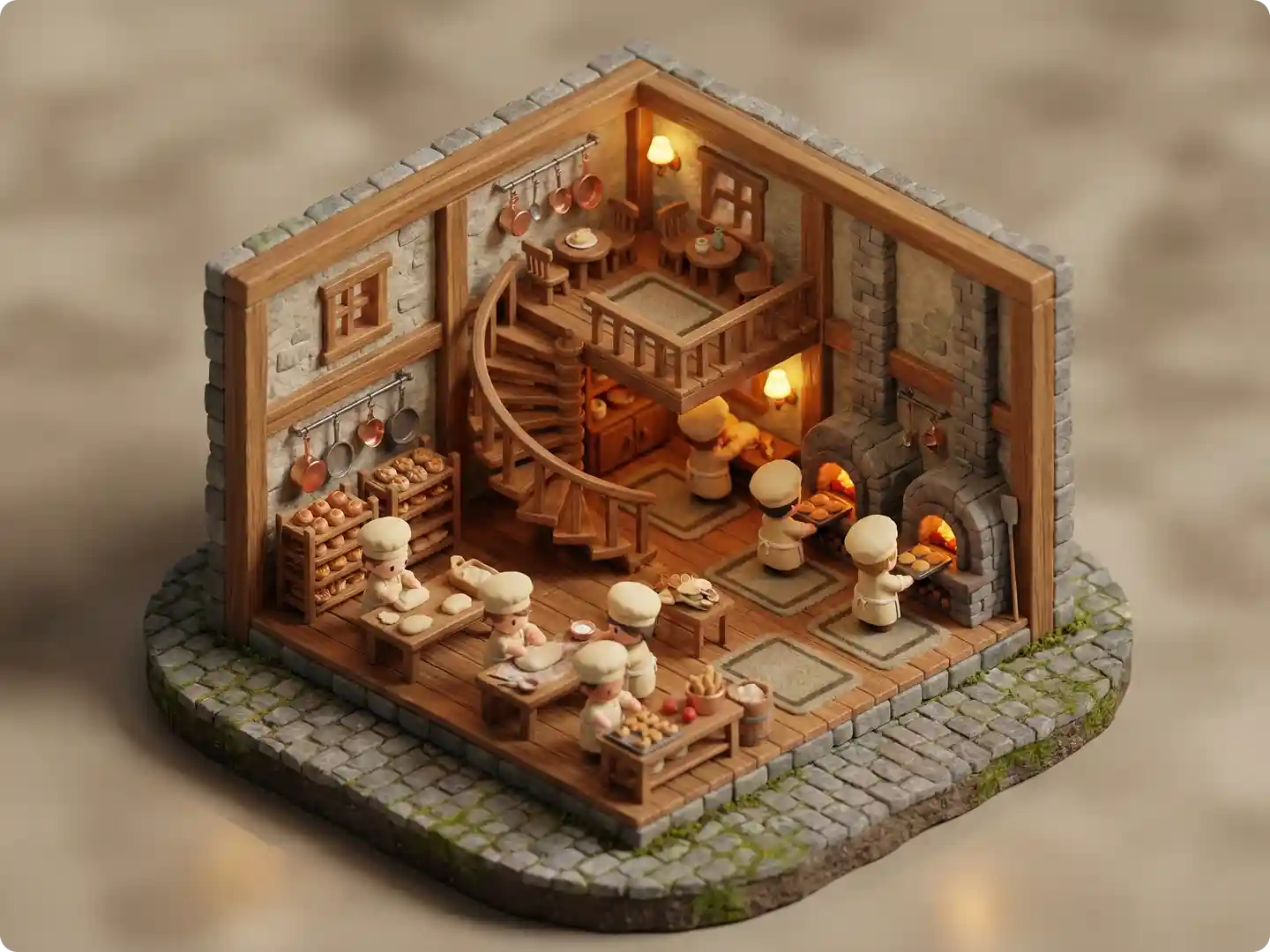
  2. Refined materials and lighting – Bytedance Seedream 4.5 understands metals, fabrics, glass, and skin, so reflections and shadows feel natural in product shots and lifestyle scenes generated inside Dzine.
  3. Multi‑image consistency at scale – Seedream 4.5 supports multi-image workflows with stable character features, outfits, and environments across a full set of visuals, ideal for campaign storyboards and brand kits.
  4. Flexible prompt control and edits – With Seedream 4.5 AI image editor in Dzine, you can adjust camera angle, lighting, color tone, and scene composition through simple text instructions without complex prompt engineering.
  5. 2K–4K professional output – Seedream 4.5 delivers 2K to 4K outputs suitable for print, large banners, and detailed product pages, while Dzine helps you export the right size for each channel with one click.
  6. Up to 10 reference images – For complex edits, Seedream 4.5 can use multiple reference shots to keep character or product identity stable while still allowing layout, pose, or background changes.
  7. Designed for production workflows – Seedream 4.5 integrates well into pipeline-style use, so teams using Dzine for e‑commerce, social ads, or video pre‑visualization can run many prompts in sequence with steady quality.
How to Use the Seedream 4.5 on Dzine

Step 1: Input Your Prompt or Image

Launch the Chat Editor tool on Dzine and and enter a clear prompt that describes your scene, style, and text, or paste a brief brand guideline for Seedream 4.5 to follow.

Step 2: Select the Seedream 4.1 Model

Navigate to the model selection menu and choose Seedream 4.5 from the list. Select your desired aspect ratio and any other advanced settings.

Step 3: Generate and Download Your Image

Click the Generate button to create your image instantly. Preview the results and click the Download button to save your high-resolution image.

Watch Dzine's Full Beginner Step-by-Step Guide

Seedream 4.5 Precise Text and Layout Control for Marketing Teams

Precise Text and Layout Control for Marketing Teams


Seedream 4.5 AI image generator is especially strong at handling posters, banners, and UI screens where text placement matters as much as visuals. Inside Dzine, you can combine Seedream 4.5 with tools like the AI image editor and design templates so every campaign visual keeps the same fonts, spacing, and hierarchy across all sizes.

Seedream 4.5 Multi‑Frame Consistency for Storyboards and Animatics

Multi‑Frame Consistency for Storyboards and Animatics


Bytedance Seedream 4.5 focuses on frame‑to‑frame consistency, making it ideal for storyboards, pre‑visualization, and social carousels with one hero character shown from many angles. When you trigger Seedream 4.5 AI image editor inside Dzine, you can quickly refine poses, backgrounds, and lighting across a set while keeping the main subject recognizable.

Seedream 4.5 Faster Exploration, More Reliable Finals

Faster Exploration, More Reliable Finals


Seedream 4.1 possesses an advanced ability to understand abstract concepts and in-context reasoning. It can interpret the relationship between symbols, emotions, and graphic elements in your prompt. This capability makes it the perfect tool for producing visually appealing and accurate educational illustrations, complex diagrams, and highly artistic professional images.

Seedream 4.5 Product Visualization for E‑commerce

Product Visualization for E‑commerce


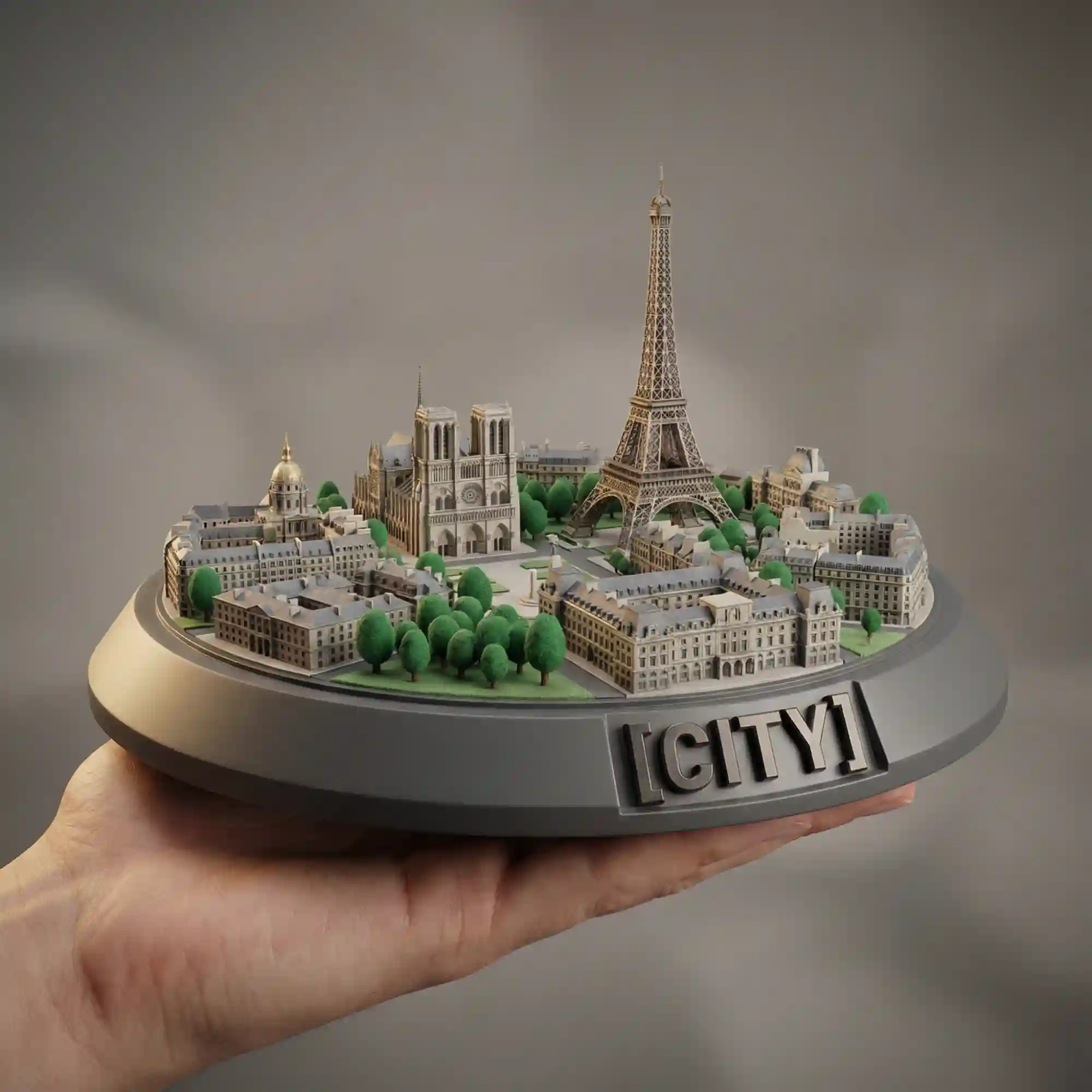
Seedream 4.5 renders materials like metal, plastic, fabric, and glass in a realistic way that fits modern product photography standards. Using Seedream 4.5 AI image generator in Dzine, your team can test different backgrounds, packshots, and hero angles for product pages and ads without needing a studio shoot each time.

Seedream 4.5 High-Resolution Output with Controlled Styles

High-Resolution Output with Controlled Styles


Seedream 4.5 supports resolutions up to 4096 × 4096 when you need extra detail. Besides, it supports a wide range of styles, from clean corporate renders to stylized concept art, without losing core structure and readability of elements.

Seedream 4.5 vs Nano Banana Pro vs Flux.2 vs Z-Image

Choosing between the Seedream 4.5 AI image generator** and a competitor like Nano Banana depends on your specific creative needs. Both are powerful, but they excel in different areas.

FeatureSeedream 4.5Nano Banana ProFlux.2Z-image
Primary FocusARealistic, Logical, and Grounded-in-Reality ImagesRealistic, Logical, and Grounded-in-Reality ImagesPhotorealistic, Aesthetic-first, Visual Richness, Real-world LightingMinimal Memory Usage, Maximum Speed, Detail, Clarity
Editing StyleFIntegrated Image Generation and Editing, Enhanced Prompt UnderstandingAdvanced Creative Controls, Consistent Branding, High-Fidelity VisualsProduction-Grade Editing, Multi-Reference Control, Greater Freedom in Aspect RatiosOptimized for Speed and Minimal Memory Footprint
Output VarietyHigh-Resolution Consistency, Batch Production, Diverse WorkflowsHigh-Fidelity Visuals, Consistent BrandingAesthetic-First, Visual Richness, Multi-Reference GenerationFast, Uncensored Image Generation
Max ResolutionUp to 4K (3840x2160)Up to 4K (via structured 4K generation/upscaling)Up to 4 Megapixels (e.g., 2560x1600)Target around 2K, up to 3K (with potential quality degradation)
Best ForConcept Art, Storyboarding, High-Res Print, Abstract Visuals, Multi-Image FusionProduct Photography, Realistic Scene Generation, High-Fidelity Portraits, Text-rich PostersProduct Shots, Photorealistic Detail, Multi-Reference Generation, High-Quality EditingFast Prototyping, Minimal VRAM Machines, High-Speed Generation

FAQ

How do I use Seedream 4.5 on Dzine?

To use Seedream 4.5 on Dzine, open Chat Editor, write your prompt, and select the Bytedance Seedream 4.5 model from the model list. Then set resolution, add any reference images, and generate your visuals before exporting final assets for web, social, or print.

What makes Seedream 4.5 better than Seedream 4.0?

Seedream 4.5 improves on Seedream 4.0 with more stable character structure, better handling of lighting, and sharper text rendering, especially in 2K–4K outputs. If you rely on Dzine for production work, these upgrades make Seedream 4.5 more suitable for brand assets and detailed product images.

When should I choose Seedream 4.5 vs Nano Banana Pro?

Choose Seedream 4.5 vs Nano Banana Pro when your priority is clean text, multi-image consistency, and high-resolution brand visuals. Choose Nano Banana Pro when you need more complex reasoning or highly detailed portraits, then bring results into Dzine for further editing if needed.

What image resolution and formats does Seedream 4.5 support?

Seedream 4.5 typically supports 2K to 4K outputs, which is suitable for web, print, and large-screen displays. In Dzine, you can export Seedream 4.5 results as common formats like PNG or JPEG according to your publishing needs.[^7][^5][^1]^2

What are the best use cases for Seedream 4.5 in Dzine?

Seedream 4.5 works best for campaign visuals, e‑commerce product images, social ads, presentation assets, and storyboard frames that must be consistent and readable. Using Dzine, you can also pair Seedream 4.5 with tools like background removal or style transfer to adapt one design across many channels.

Can beginners use Seedream 4.5 AI image editor effectively?

Yes, Seedream 4.5 in Dzine is friendly for beginners because prompts can stay short and clear while the model handles lighting, structure, and layout details. As you gain experience, you can refine prompts, add references, and create more advanced multi-image sequences with the same Seedream 4.5 AI image generator workflow.

What Our Users Said

The Best Tool for Consistent Brand Assets

I need to create dozens of social media posts every week with a consistent brand mascot. The Seedream 4.5 AI image generator is the only tool that reliably maintains my character's look across every style and scene. It has cut my design time in half.

Alex RiveraSocial Media Manager

4K Output is a Game Changer for Print

As a freelance designer, I often need high-resolution images for client print materials. The native 4K output from Bytedance Seedream 4.5 means I no longer need to rely on upscalers. The quality is simply stunning and ready for production.

Maria SantosFreelance Graphic Designer

Editing is Finally Intuitive

I used to struggle with complex editing software, but the natural language editing in Seedream 4.5 is a revelation. I can tell the AI exactly what I want to change, and it does it perfectly. It makes complex image manipulation accessible to everyone.

Ben CarterSmall Business Owner