- Tools
- Resources
- Pricing
- API
- Contact Sales
- Book a Demo


Add Christmas Hat to Photo with AI
Dzine's AI tool makes it incredibly easy to add Christmas hat to photo with stunning realism. Our generative AI understands context and lighting, ensuring the festive headwear blends perfectly with your original image. You can put Christmas hat on picture in seconds using just a simple text command.

Click or drag here to upload images
Try the AI Christmas Hat Editor with your own photo
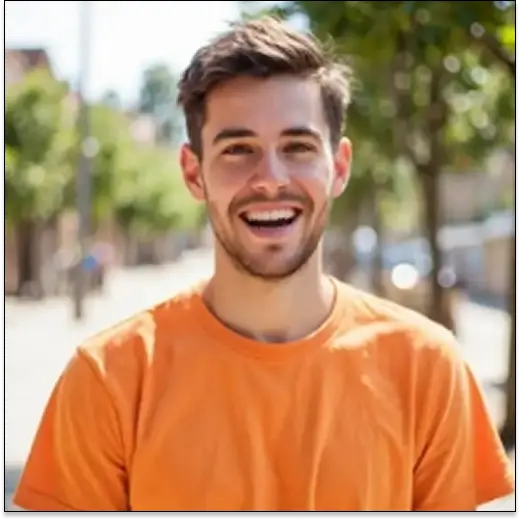
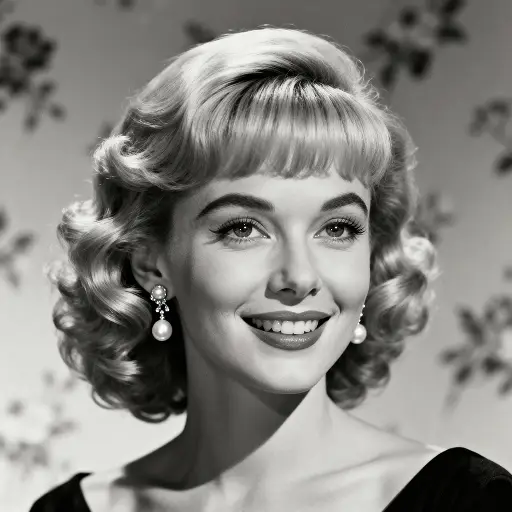
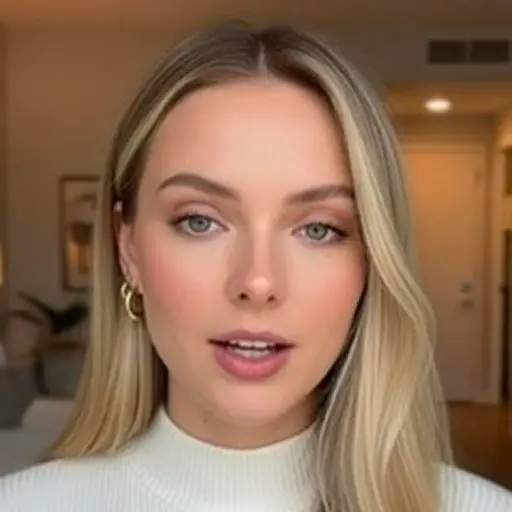
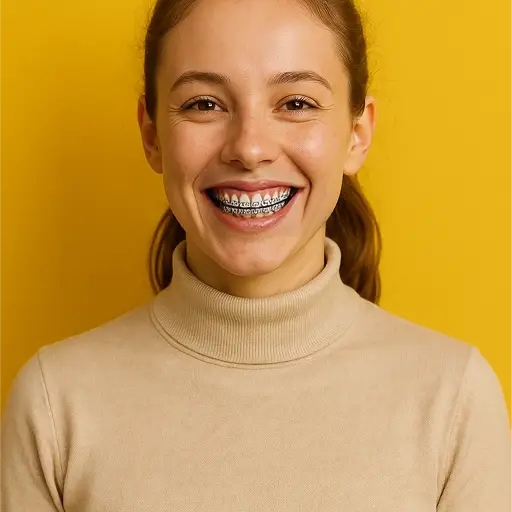
Transform Your Photos with the Most Realistic AI Santa Hat Editor
Our AI image editor is the fastest way to add Santa hat to photo for the holiday season. Dzine uses advanced generative fill technology to seamlessly integrate the hat into your image. This means no more fiddling with clumsy stickers or poorly aligned overlays.
The result is a professional-quality image that looks like the hat was there when the photo was taken. You can add Santa hat to image on portraits, pets, and even objects, making every picture instantly festive. This powerful feature is perfect for creating unique holiday cards and engaging social media content.
How to Add Christmas Hat to Photo in Dzine
Step 1. Upload Your Image
Start by uploading the photo you wish to edit to the Dzine platform. Our tool supports all standard image formats and high-resolution files.
Step 2. Input Your Command
Use the generative fill tool and type a simple text prompt. For example: "add a realistic red Santa hat" or "put a fuzzy Christmas hat on the dog's head".
Step 3. Save Your Result
Review the generated image and click Download to save your new, festive photo. You can choose from various output formats and resolutions.
Watch Dzine's Full Beginner Step-by-Step Guide
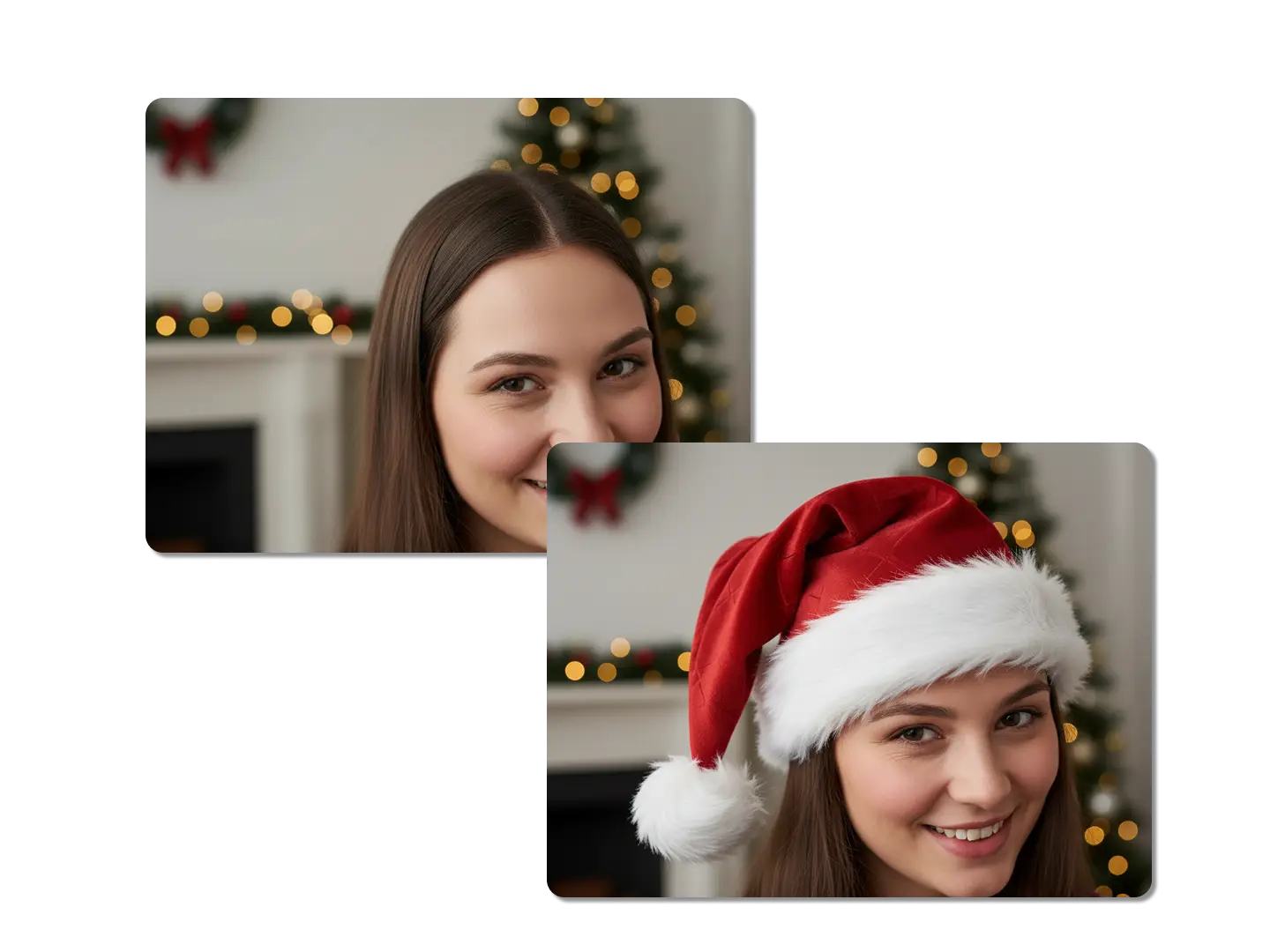
Seamlessly Blend the Santa Hat with Existing Lighting
The AI automatically adjusts the hat's color, shadow, and texture to match the original photo's environment. This attention to detail ensures the added element looks completely natural. This is crucial for creating believable holiday visuals, unlike simple sticker apps.
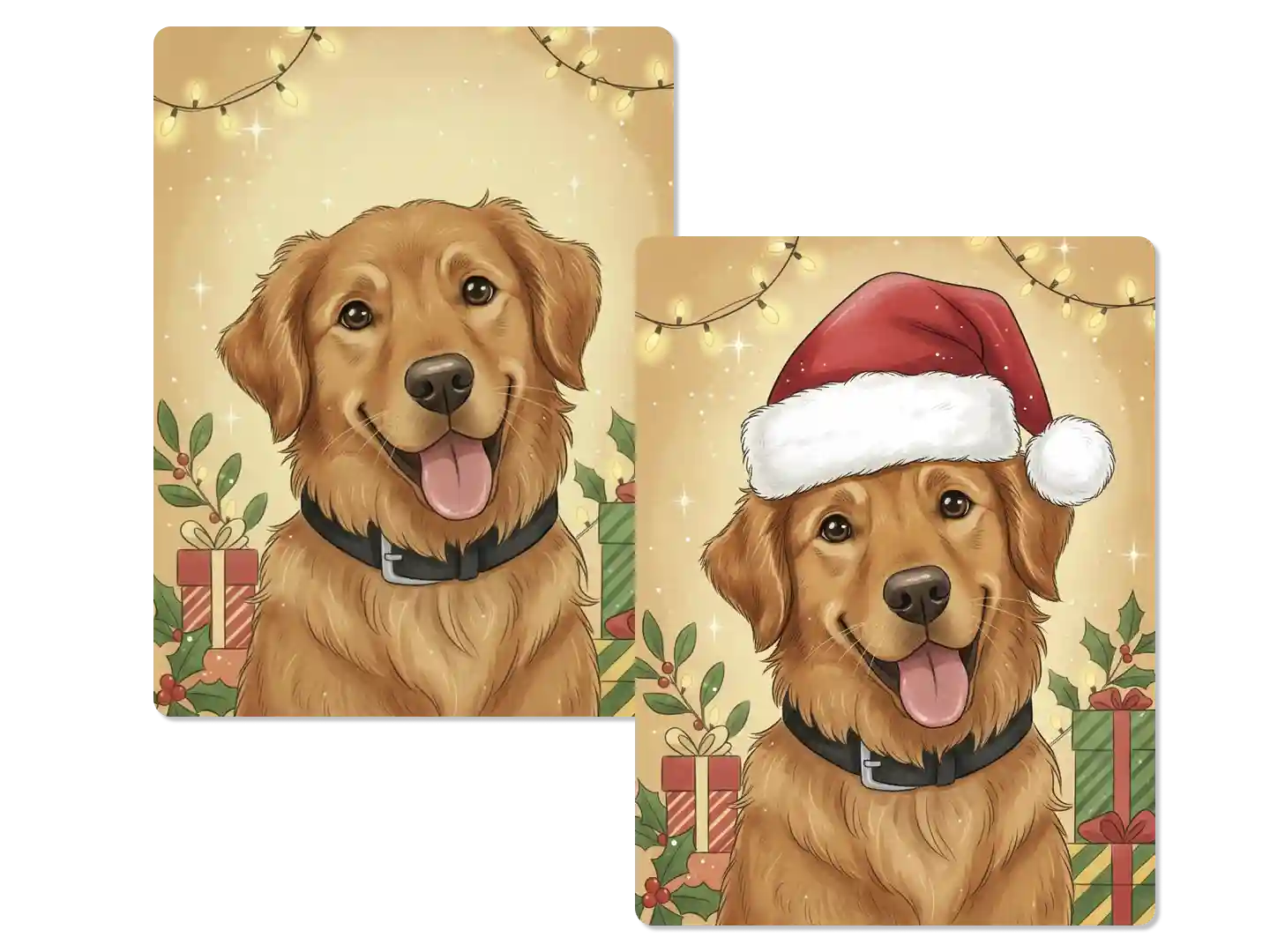
Put Christmas Hat on Picture of Any Subject
Whether it is a family portrait, a pet photo, or a product shot, our AI handles diverse subjects with precision. You can put Christmas hat on picture of people, animals, and even inanimate objects without any manual masking. This versatility makes it the ultimate holiday editing tool.
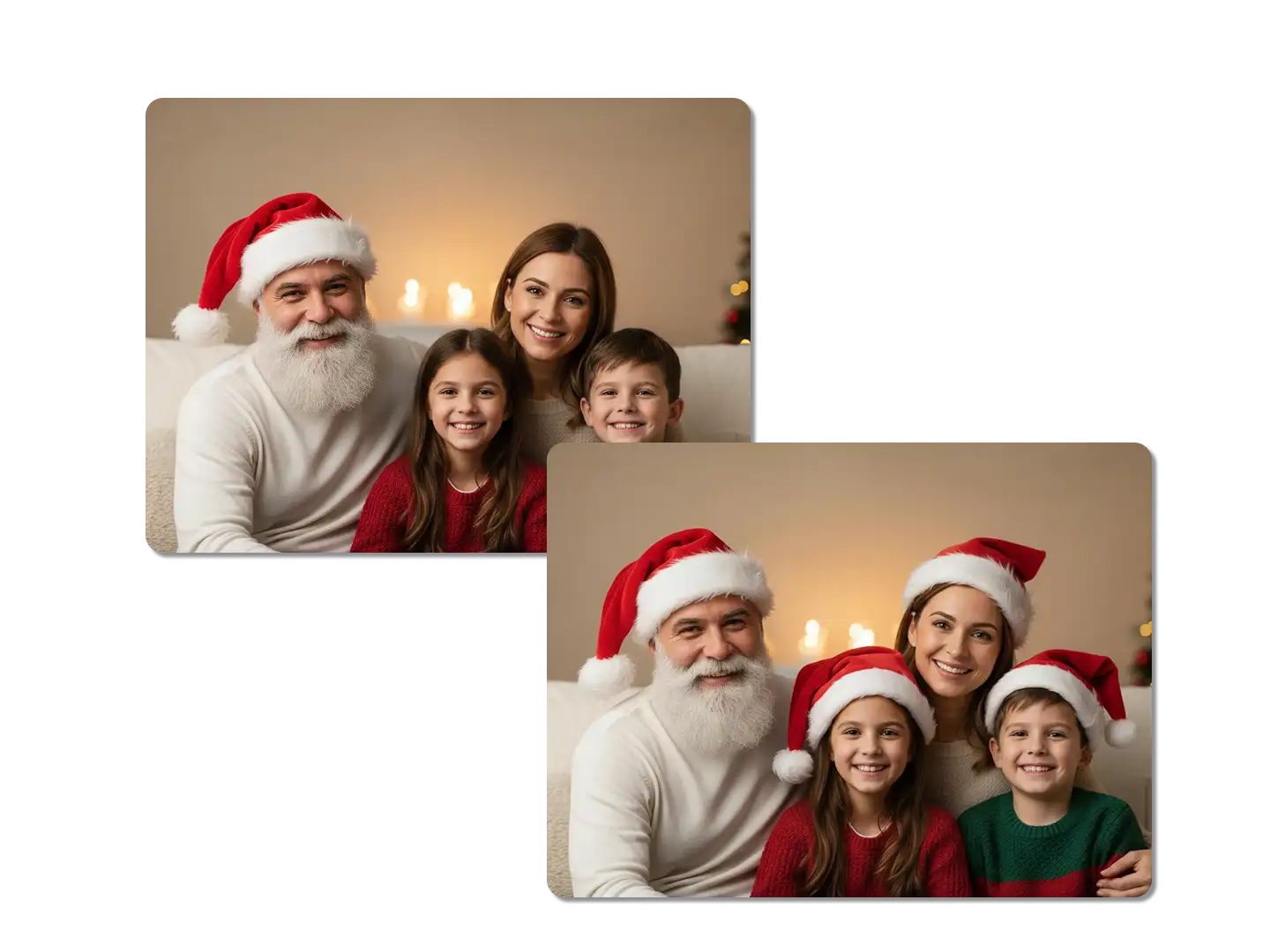
Add Santa Hat to Image with Contextual Awareness
Our tool understands the shape of the head and the angle of the subject, placing the hat in the most anatomically correct and visually pleasing position. This eliminates the need for manual resizing and rotation, ensuring the hat fits perfectly every time.
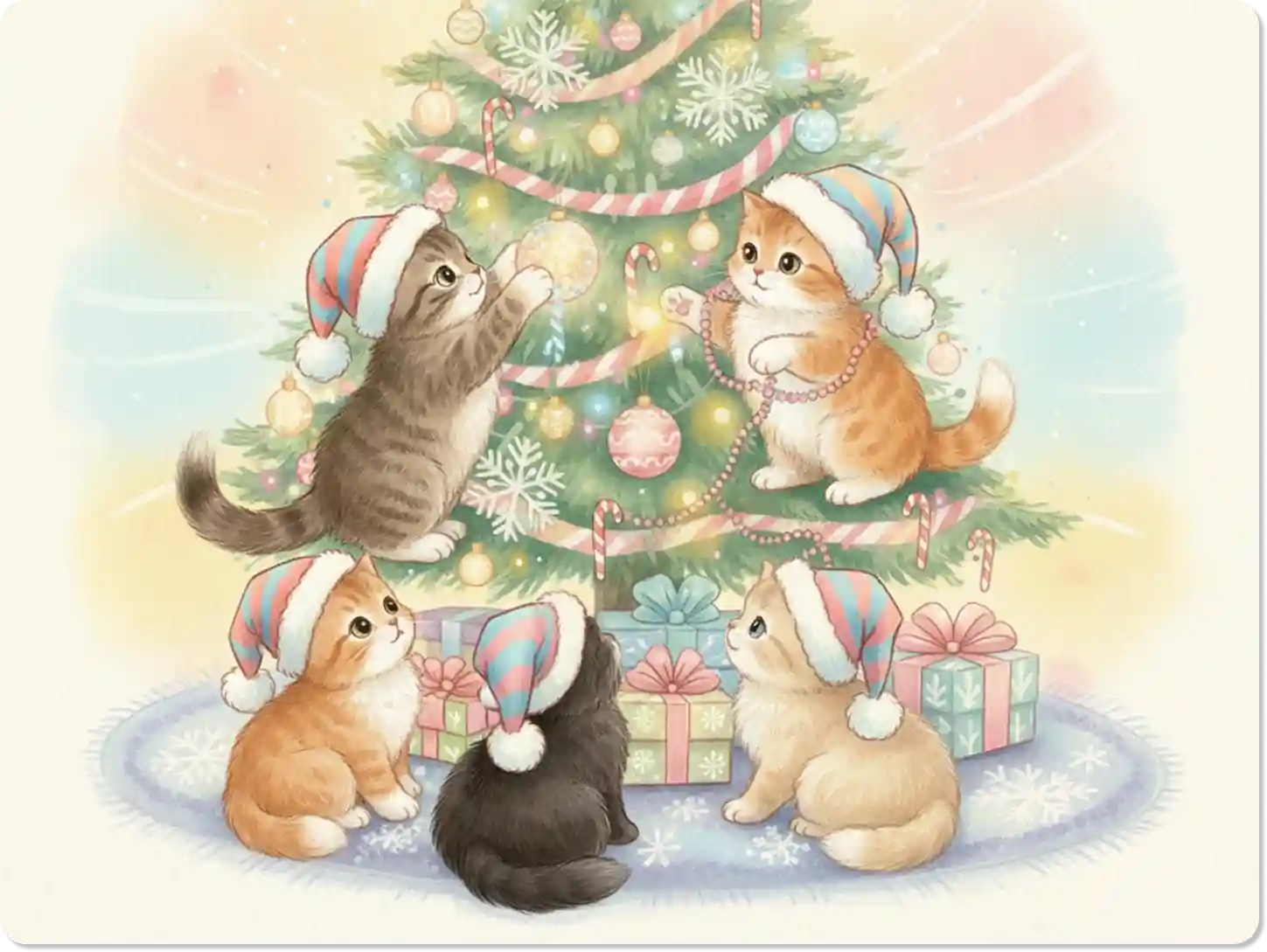
Create Festive Profile Pictures for Social Media
Quickly update your profile picture across all platforms to spread holiday cheer. A festive profile picture is a simple, effective way to engage your audience during the Christmas season. You can even use our AI Photo Enhancer to ensure your new profile picture is high-resolution.
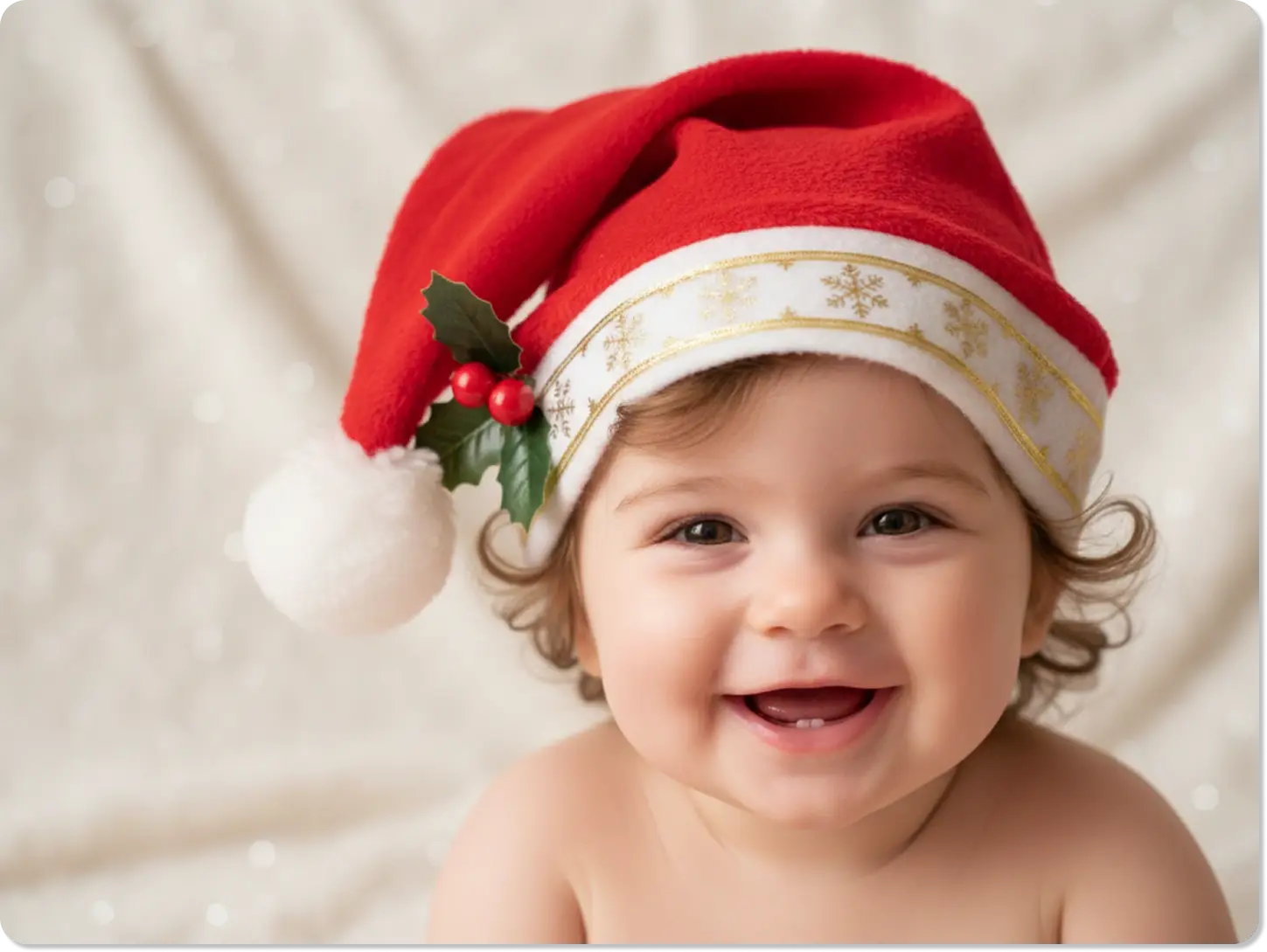
Generate Custom Hat Styles with Text Prompts
You are not limited to one style; you can describe the hat you want, such as "a vintage velvet Santa hat" or "a knitted elf hat." This creative freedom allows you to add Christmas hat to photo exactly as you imagine it.
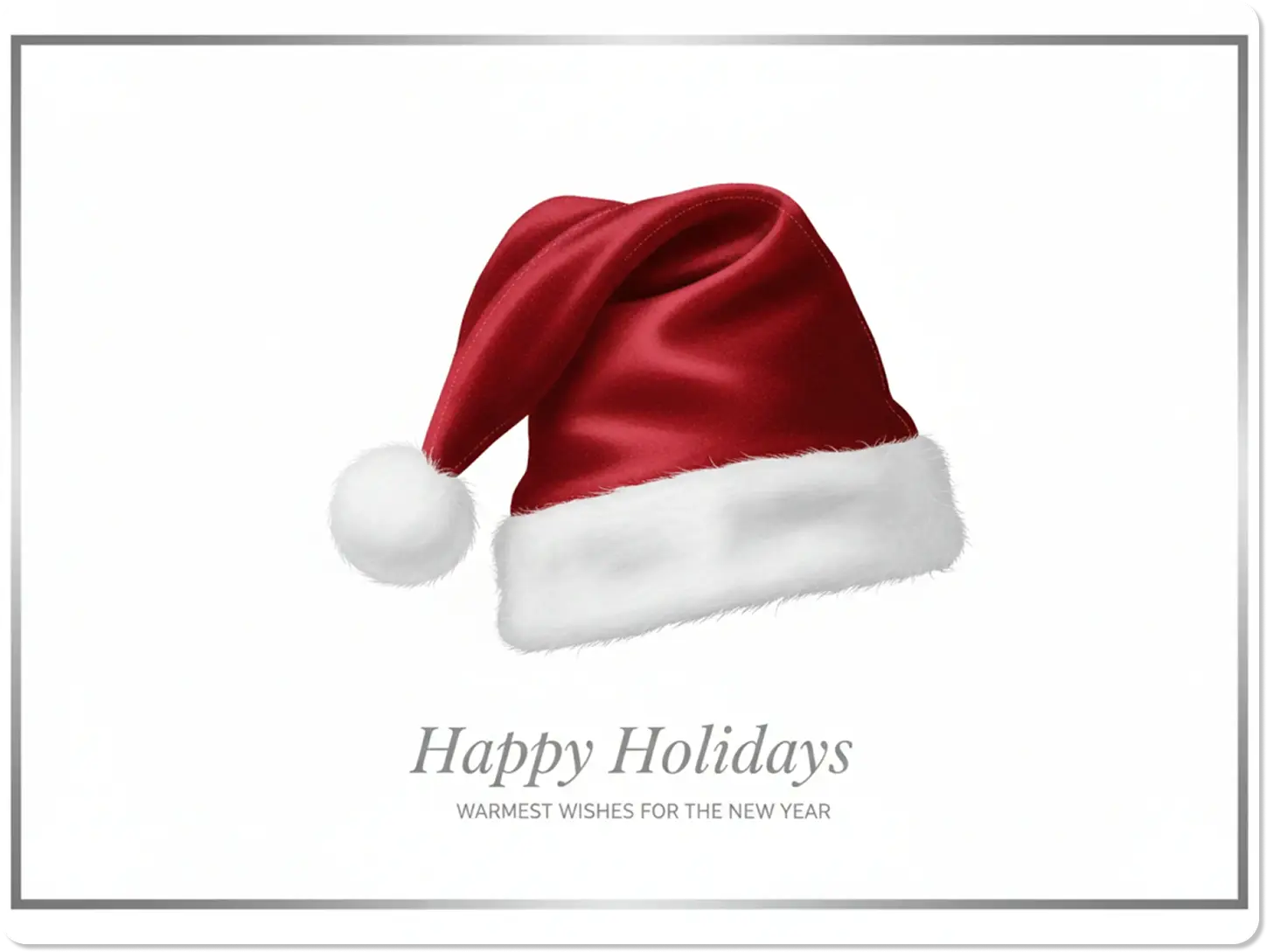
Perfect for Last-Minute Holiday Cards
Need a quick, professional-looking photo for your e-cards? Dzine delivers high-quality, festive images in seconds, saving you valuable time during the busy holidays. You can add Santa hat to picture and have your card ready to send before you finish your coffee.
FAQ
Is Dzine's tool truly free to add Christmas hat to photo?
Yes, our basic AI generative fill feature allows you to add Christmas hat to photo for free. We offer premium features for higher resolution and faster processing.
How realistic is the Santa hat added by the AI?
The AI is trained on millions of images to ensure the added hat matches the photo's lighting, shadows, and perspective, resulting in a highly realistic and seamless integration. This is the key difference from simple sticker apps.
Can I put Christmas hat on picture of my pet?
Absolutely. Our AI is excellent at recognizing various subjects, including pets, allowing you to easily put Christmas hat on picture of your dog or cat. Just be specific in your text prompt.
Do I need any design skills to use this tool?
No, you do not. The process is entirely prompt-based: you simply upload, type what you want, and the AI does the complex editing work for you. It is designed for ease of use.
Can I add Santa hat to image that has multiple people?
Yes, you can. Just specify in your prompt which person or subject should receive the hat, for example, "add a Santa hat to the person on the left."
How does Dzine compare to other online editors for this task?
Unlike editors that use simple stickers, Dzine uses generative AI to create a unique, context-aware element that is integrated into the photo, offering superior realism and quality. Our focus is on making the added element look like it belongs.
What Our Users Said
The Most Realistic Santa Hat Ever
I needed to add Christmas hat to photo for my company's holiday announcement, and Dzine did it perfectly in one try. The hat looked so real, my colleagues thought I hired a professional editor! It saved me so much time.
Sarah K.Small Business Owner
Perfect for Pet Photos
I struggled to put Christmas hat on picture of my cat, but Dzine's AI nailed the placement and shadows. It was fast, easy, and the result was adorable and realistic.
David L.Photographer
Holiday Card Savior
I used the tool to add Santa hat to picture for all my family's holiday cards. The ability to customize the hat style with a prompt was a game-changer. Highly recommend for quick, high-quality edits.
Emily R.Marketing Manager