- Tools
- Resources
- Pricing
- API
- Contact Sales
- Book a Demo


Add Sunglasses to Photo
Put sunglasses on any picture with our AI tool. Get natural, realistic results in seconds — no design experience required.

Click or drag here to upload images
Upload your image to start adding sunglasses
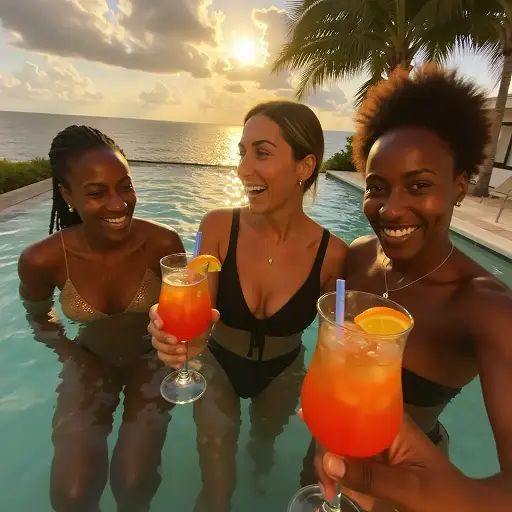
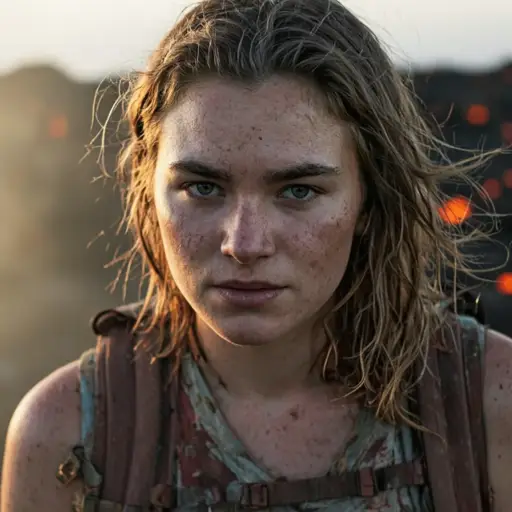
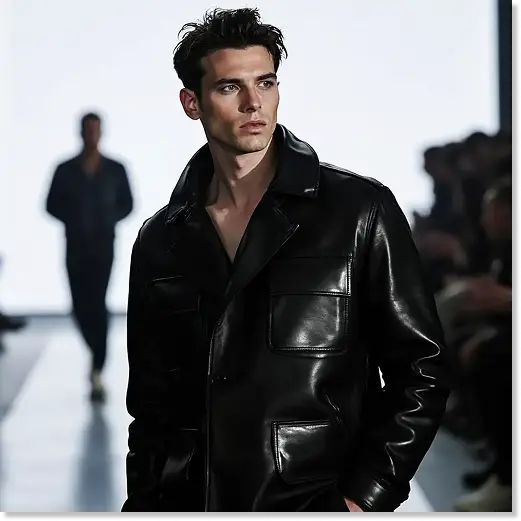
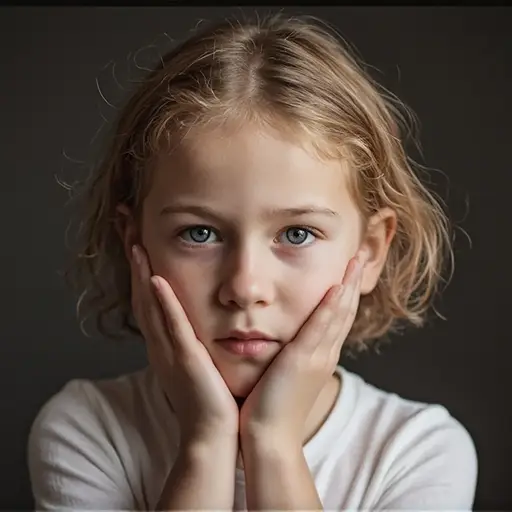
Get Perfect Sunglasses Placement for Any Photo
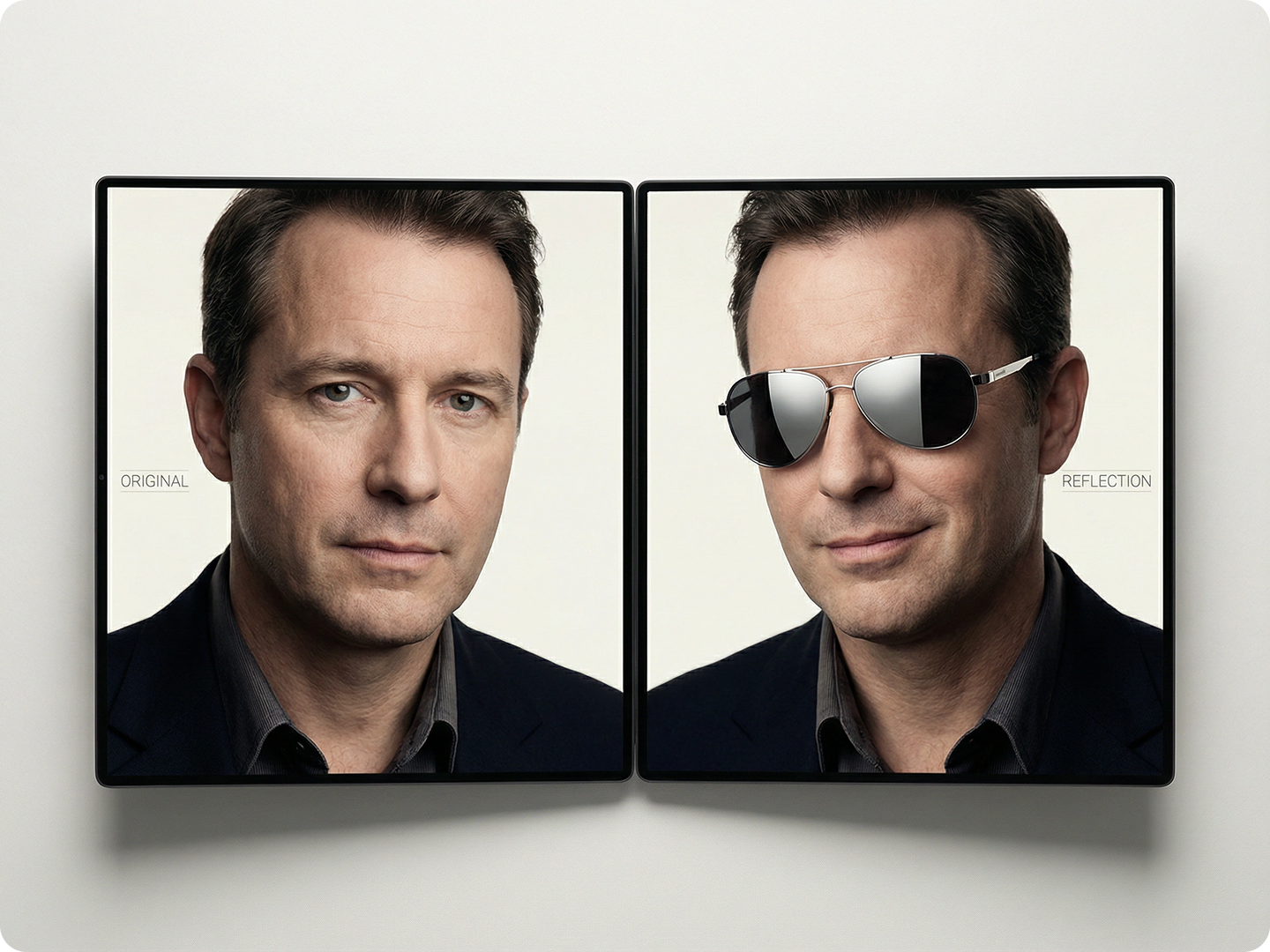
Our tool adds sunglasses that fit facial features, lighting, and angles naturally. Works for selfies, group shots, or portrait photos.
Use it to update old pictures, create a cool vibe for social media, or test new styles. Pair with AI Face Editor to refine details like lighting around the frames. All edits look seamless, not forced.
How to Add Sunglasses to a Photo in Three Steps
Step 1. Upload Your Image
Choose a photo from your device. We support JPG, PNG, and WEBP formats.
Step 2. Describe Your Vision
Tell us details like "black aviator sunglasses" or "retro round sunglasses with tinted lenses".
Step 3. Generate and Download
Wait a few seconds for the AI to process. Save your image with perfectly added sunglasses.
Refresh Old Vacation Photos
Add sunglasses to beach or outdoor photos from past trips. Give them a modern, stylish look. Make memories feel new again. Use Photo Enhancer AI to sharpen images first for better results.
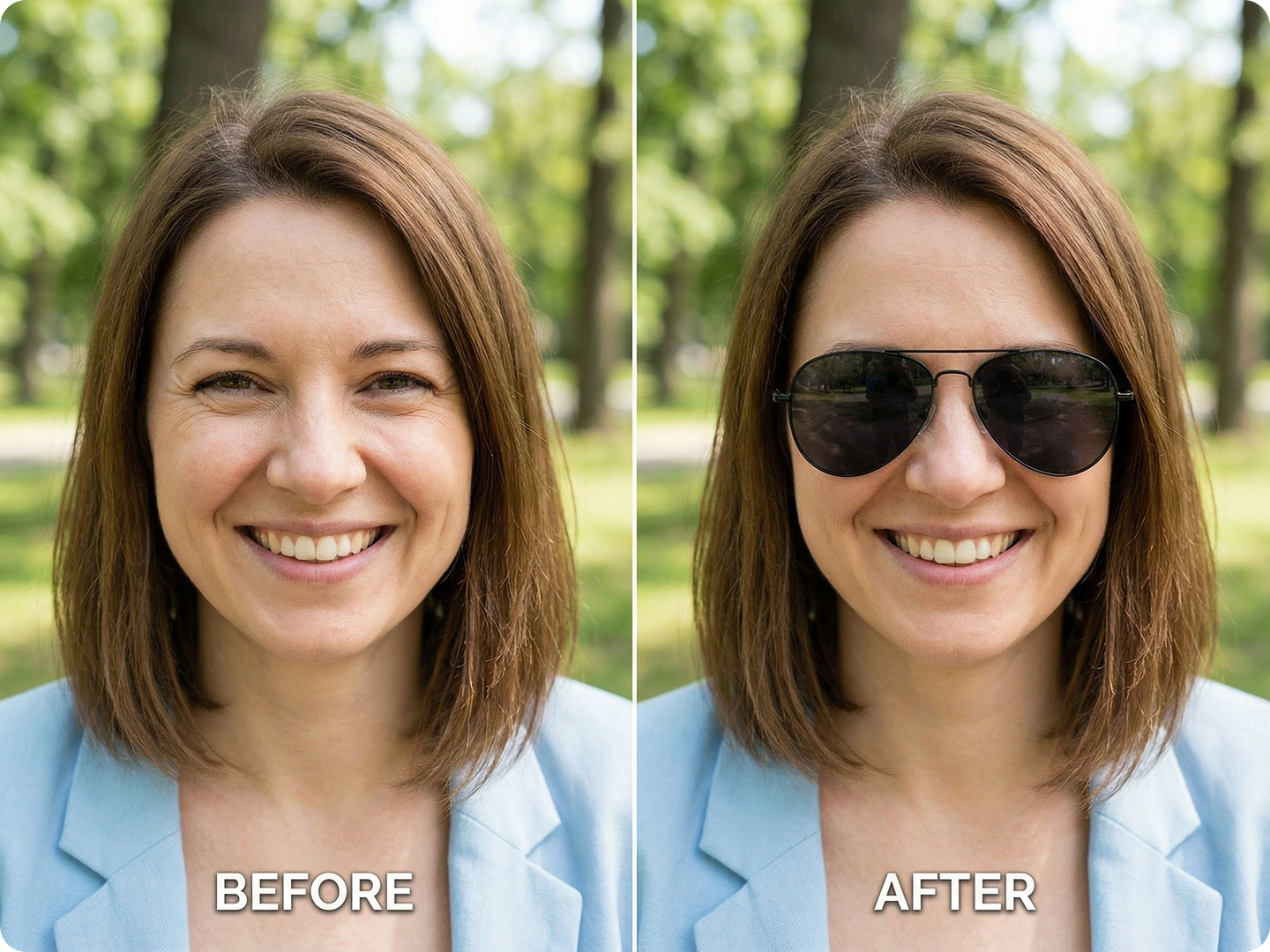
Create Cool Social Media Posts
Elevate selfies for Instagram or TikTok with trendy sunglasses. Match frames to your outfit or mood. Stand out in feeds with a polished look. Combine with Social Media Image Optimizer for platform-perfect sizing.
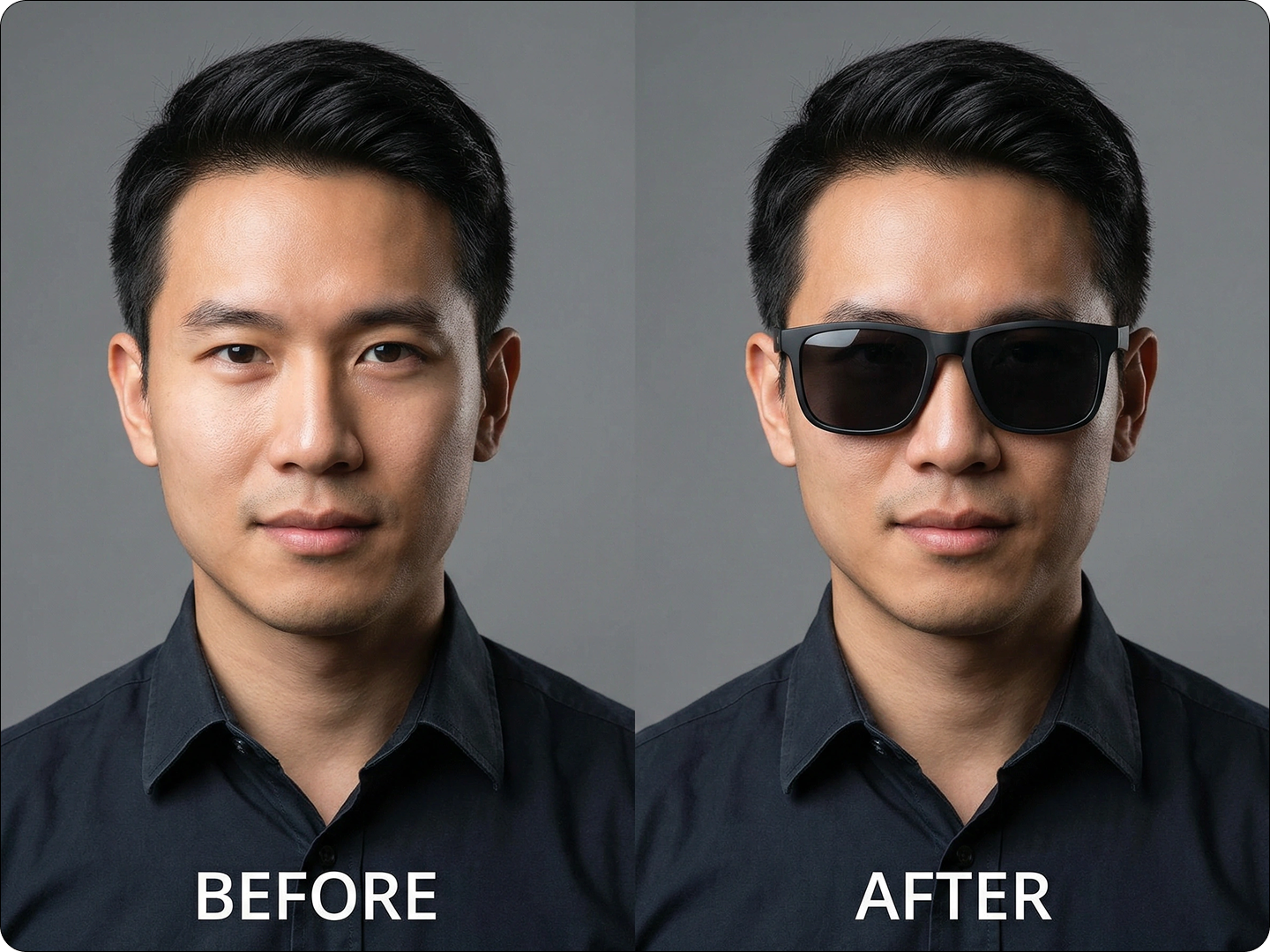
Test Sunglass Styles Before Buying
See how different frames look on you without trying them on. Upload a selfie and describe styles you’re considering. Make shopping decisions easier. Pair with Virtual Try-On AI for more fashion tests.
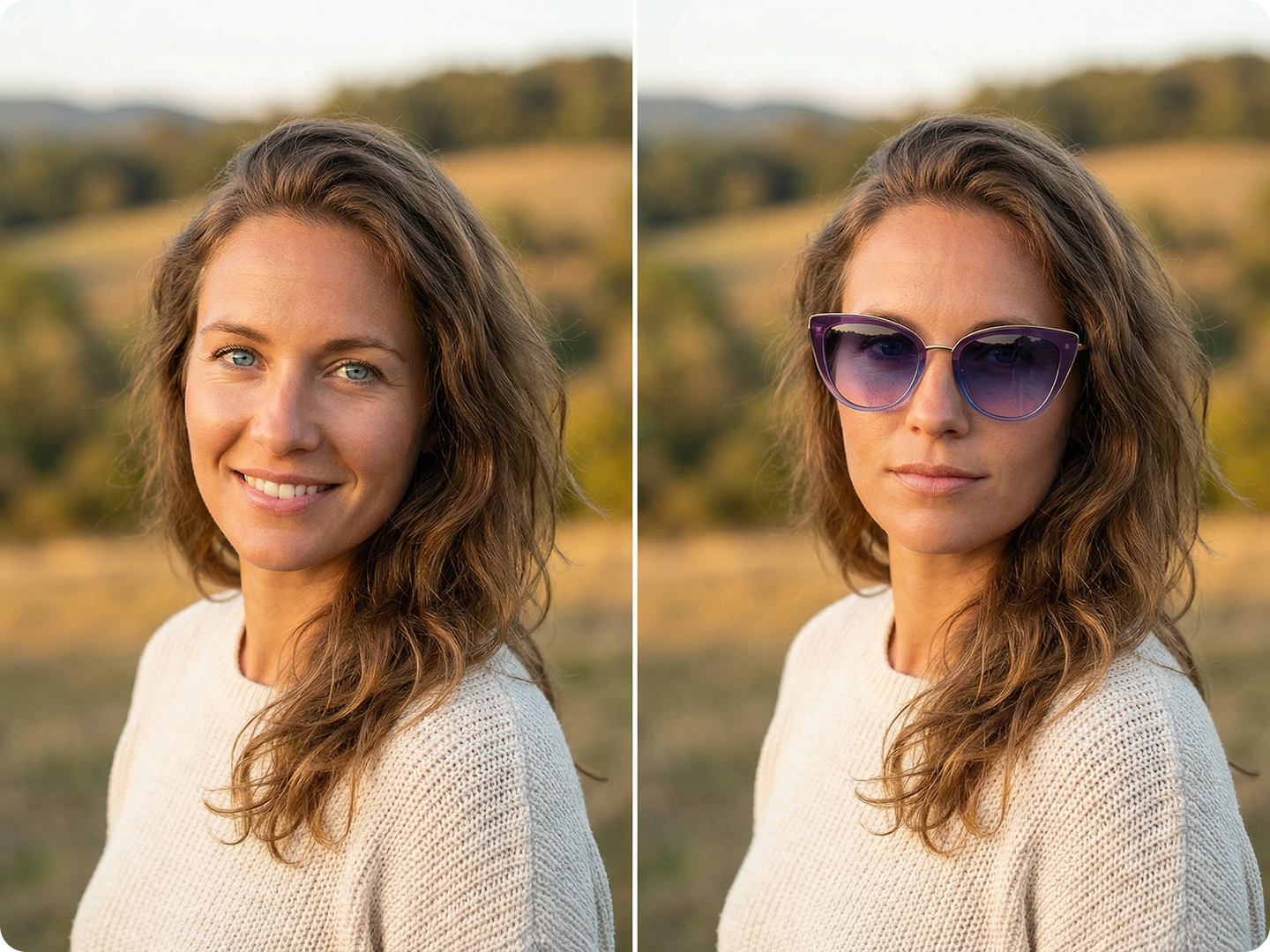
Customize Event or Party Photos
Add fun sunglasses to group shots from birthdays or gatherings. Boost the playful vibe. Create consistent themes for photo albums. Use Collage Maker AI to combine edited images.
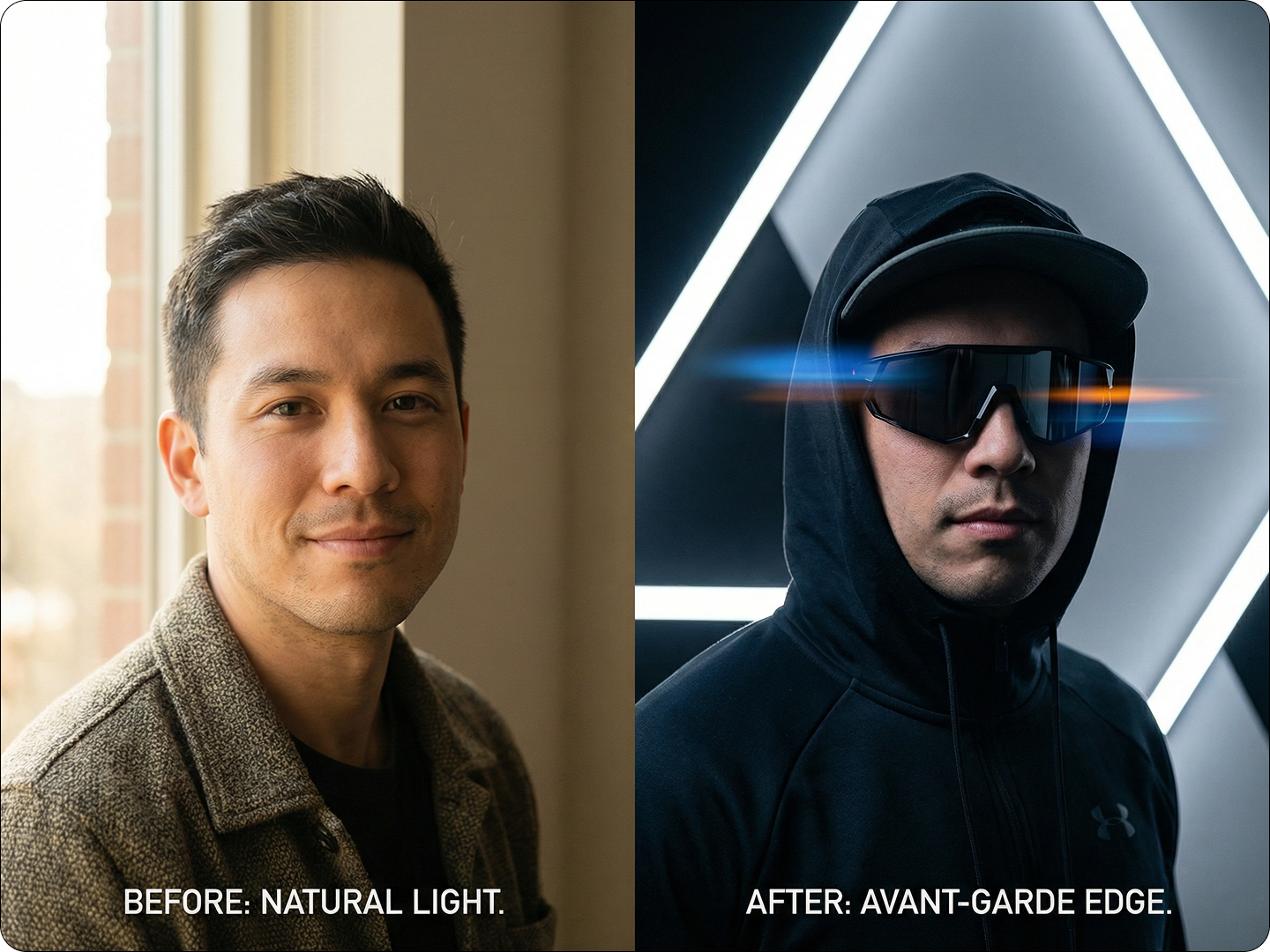
Protect Privacy in Public Photos
Add sunglasses to obscure faces in photos you share online. Maintain privacy while keeping images usable. Avoid harsh blurring that ruins the shot. Pair with AI Privacy Protector for extra security.
FAQ
Will the sunglasses look natural on different face shapes?
Yes. Our AI adjusts size and angle to fit oval, round, square, or heart-shaped faces perfectly.
Can I add sunglasses to multiple people in one photo?
Absolutely. Mention each person in your prompt, and the AI will add sunglasses to all as requested.
What types of sunglasses can I add?
From aviators and wayfarers to cat-eye and sport styles—describe any type, and the AI will generate it.
Does the tool account for lighting in the original photo?
Yes. Sunglasses will reflect light and cast shadows to match the photo’s existing lighting conditions.
Can I adjust the sunglasses after generation?
Yes. Regenerate with modified prompts to tweak style, size, or position until you’re satisfied.
Is there a limit to how many photos I can edit?
No. You can add sunglasses to as many photos as you want with no restrictions.
What Our Users Said
Perfect for Social Media
I add sunglasses to my travel photos before posting. They look so real, no one can tell they’re edited. Saves me from squinting shots!
Jamie RiveraTravel Blogger
Great for Testing Styles
I used it to try 10 sunglass styles before shopping. Bought the ones that looked best—saved me money and time.
Ryan CooperMarketing Specialist
Fun for Group Photos
Added silly sunglasses to our team retreat photos. Everyone loved the vibe, and it made the album feel cohesive.
Priya PatelHR Manager
![Fix 3 Common Nano Banana Pro Issues [11 Solutions]](https://www.dzine.ai/blog/wp-content/uploads/2025/11/Untitled-20251124-154719-8903-660x470.png)