- Tools
- Resources
- Pricing
- API
- Contact Sales
- Book a Demo


Turn My Photo Into an Arch Angel Instantly
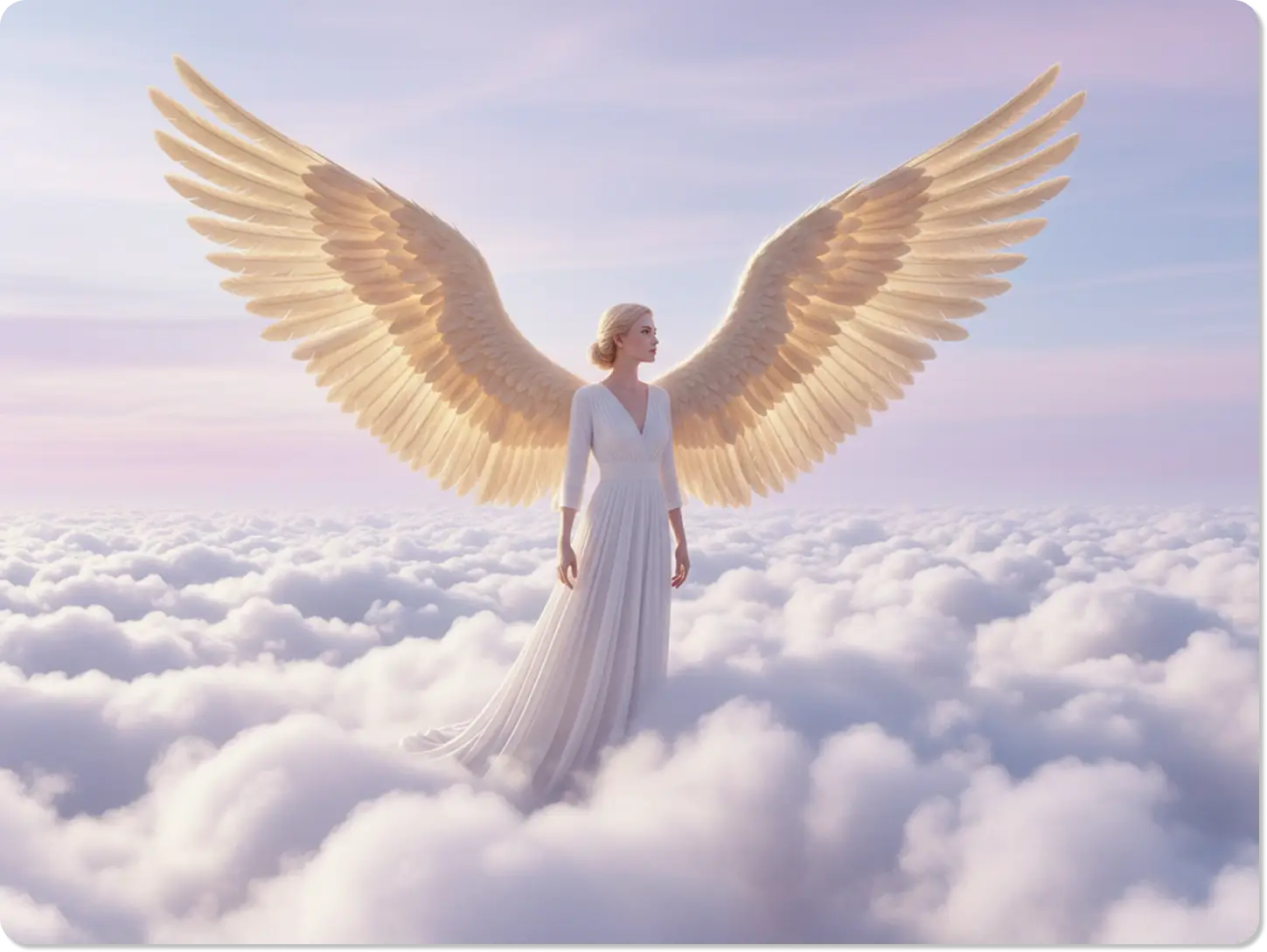
At Dzine, we bring your angelic visions to life. Our AI tool helps you add beautiful angel wings to any photo, creating a divine arch angel portrait. It’s designed for anyone wanting to see themselves in a new, heavenly light, transforming simple pictures into powerful statements.

Click or drag here to upload images
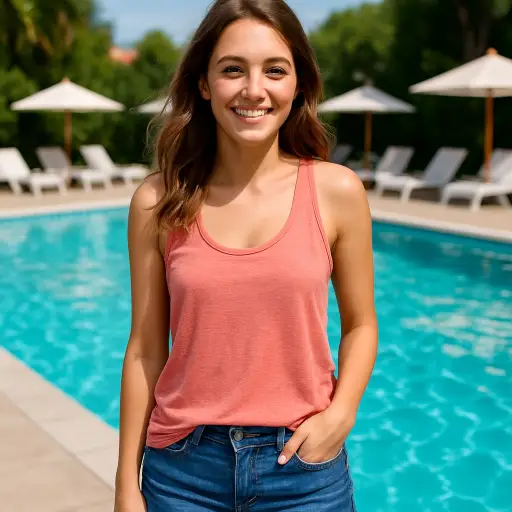
Try the Arch Angel Effect with these examples
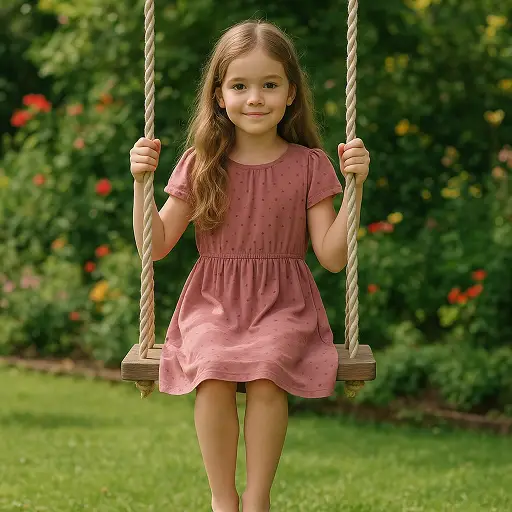
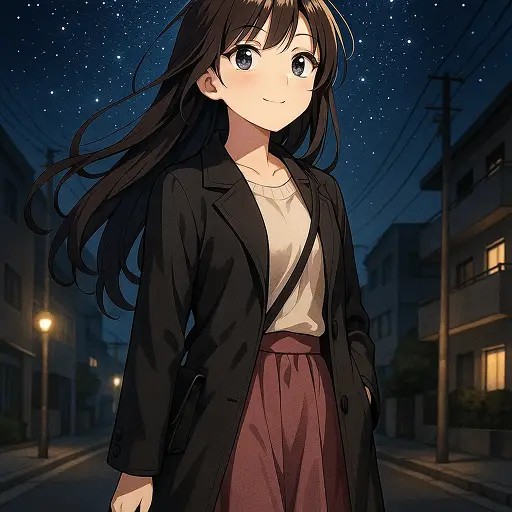
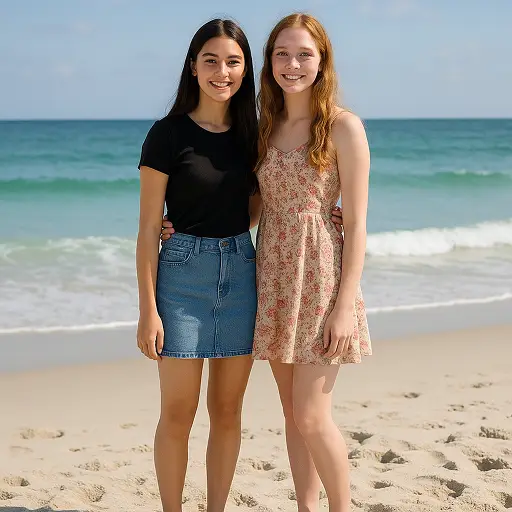
Create Your Angelic Portrait with AI
Our Arch Angel effect gives you a simple way to add majestic wings to your photos. We created this tool for memorial tributes, artistic profiles, or just for fun. You can design a photo with angel wings that looks both natural and inspiring. It’s like having a digital artist who understands your vision, ready to craft your perfect angelic image in just a few clicks.
How to Add Angel Wings to a Photo in 3 Steps
Step 1. Upload Your Photo
Select a clear photo of yourself, a loved one, or even a pet. A simple background helps the AI focus on adding the wings perfectly.
Step 2. Describe Your Angel Wings
Tell the AI what you want. Use prompts like "add large white angel wings" or "turn my photo into an arch angel with golden wings."
Step 3. Generate and Save
Click Generate to see the result. You can then save your new angelic photo directly to your device.
Watch Dzine's Full Beginner Step-by-Step Guide
Create a Beautiful Memorial Photo
A photo with angel wings is a touching way to honor a loved one's memory. Use our tool to create a tribute that captures their spirit. You can add soft, ethereal wings to a favorite picture, turning it into a cherished keepsake. Many users find this process helps them create a beautiful and lasting image for memorial services or personal remembrance.
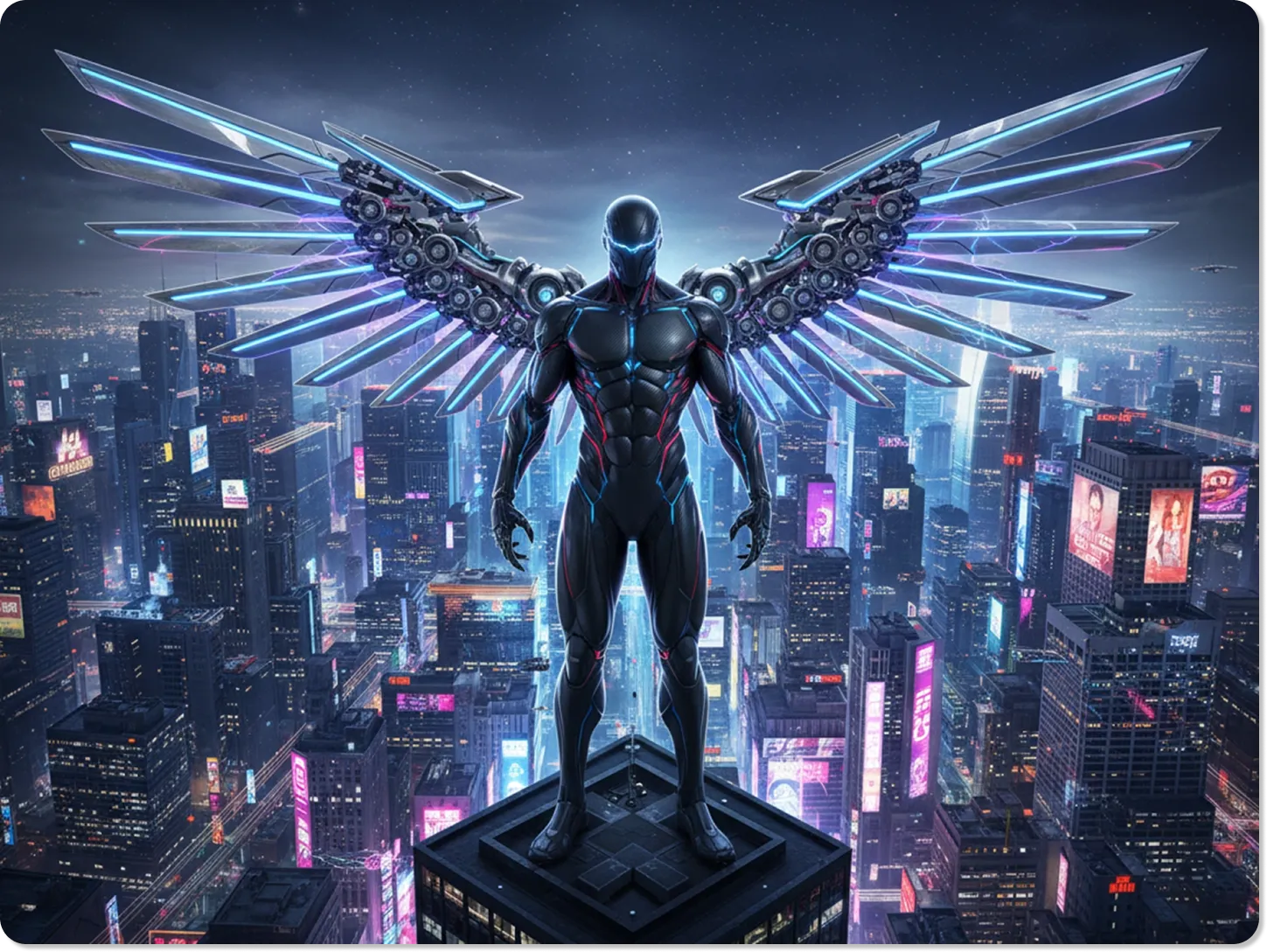
Design Unique Profile Pictures that Stand Out
Give your social media profile a creative and inspiring look. When you turn your photo into an arch angel, you create an avatar that is both artistic and meaningful. It’s a great way to express your personality or a spiritual side. The process is simple, and the result is a professional-looking image that gets noticed.
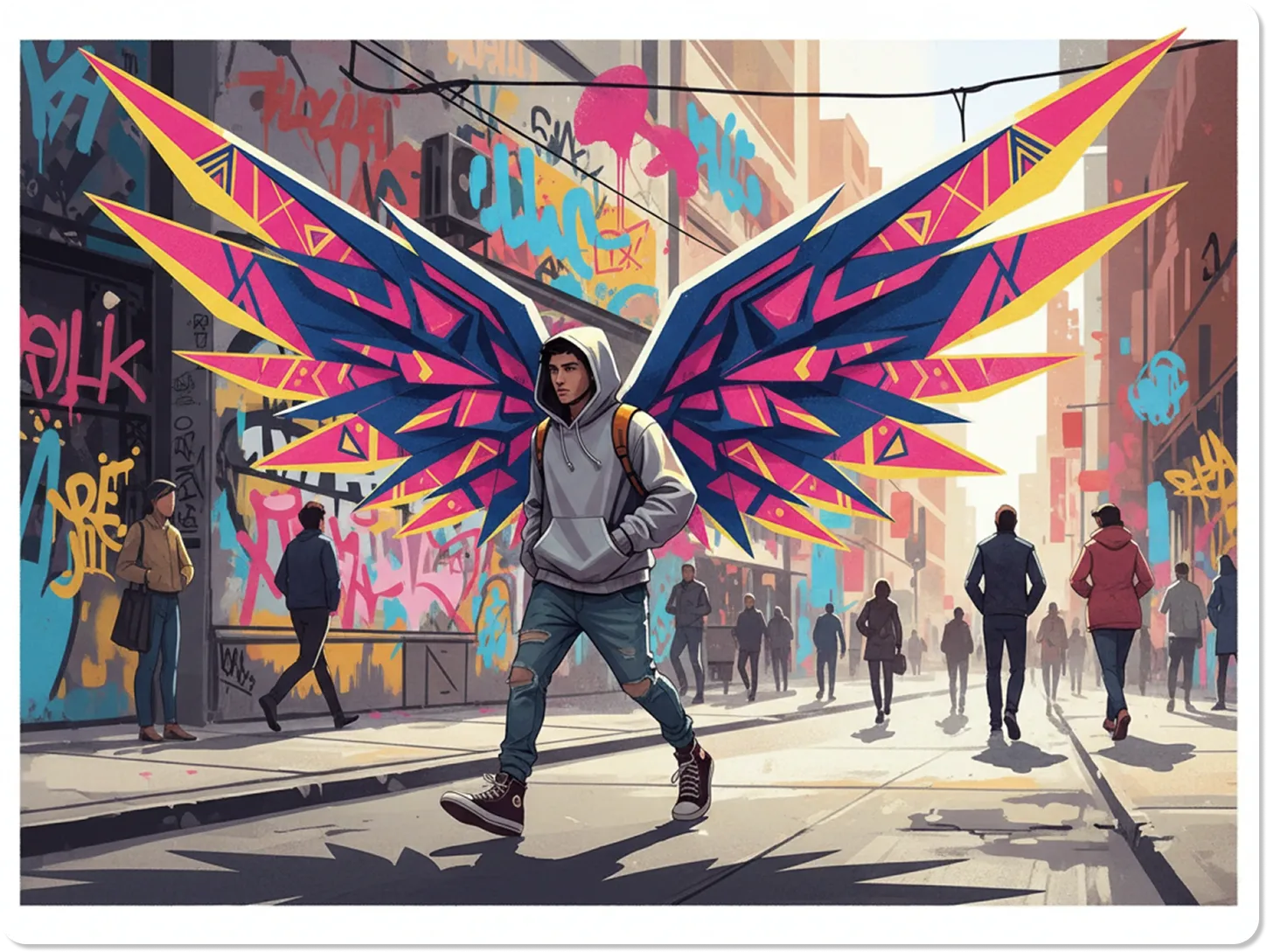
Make Artistic Portraits for Yourself or Friends
Explore your creative side by transforming everyday photos into works of art. You can add angel wings to a photo online for free and experiment with different styles, from classic feathered wings to more abstract designs. It’s a fun gift for a friend or a new way to update your own photo collection. You can even use our AI art generator to place your new angel in a fantasy background.
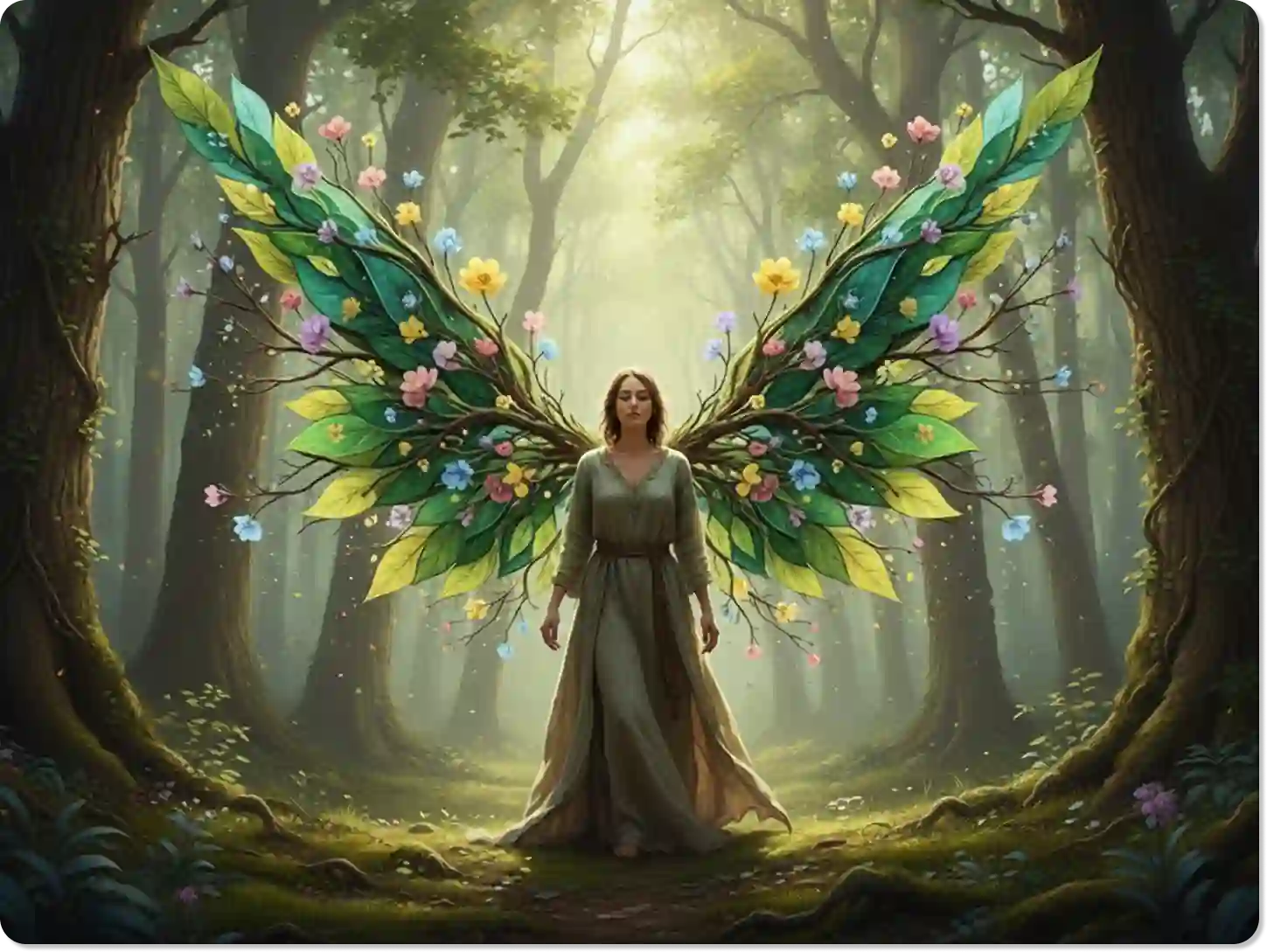
Create Special Images for Baby Announcements
Celebrate your little one with a touch of magic. Adding small, delicate wings to a baby photo creates a sweet and memorable announcement. You can even get creative with unique ideas, like a small baby with wings holding onto a motorcycle handles clipart for a playful and edgy theme. It’s a heartwarming way to share your joy with family and friends.
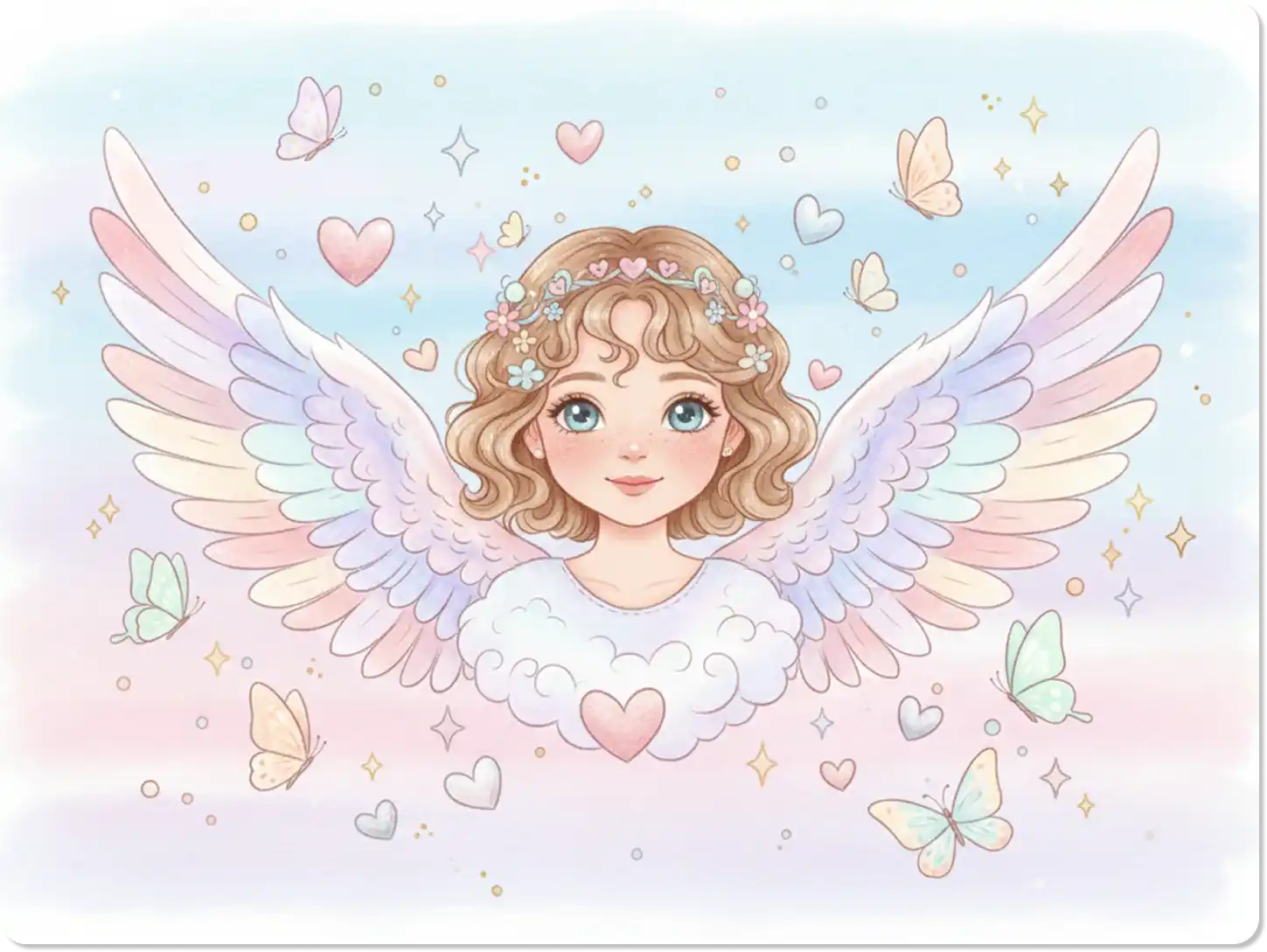
Visualize Characters for Stories or Games
If you're a writer, artist, or game developer, our tool can help you quickly visualize angelic characters. Test out different wing styles and sizes to bring your creations to life. This is a fast and effective way to create concept art or character profiles without needing complex software. Our AI character generator can further help in developing detailed character designs.
FAQ
Is it free to add angel wings to my photo?
Yes, our basic tool lets you add angel wings to a photo online for free. You can create and download your angelic images without any cost for standard features.
What kind of photos work best?
Clear, high-quality photos with a single subject work best. A person facing forward or to the side allows the AI to place the wings in a natural-looking position.
Can I choose the style and color of the wings?
Absolutely. You can specify the wing style in your text prompt. For example, try "add small, golden wings" or "add large, black feathered wings" to customize the result.
How long does it take to turn my photo into an arch angel?
The process is very fast. After uploading your photo and typing a prompt, the AI generates your image in just a few seconds.
Can I use the generated image for commercial purposes?
Our free tool is intended for personal use. For commercial rights and high-resolution downloads, please check our paid plans, which offer more features and flexibility.
Does this tool work on mobile devices?
Yes, Dzine is fully optimized for both desktop and mobile browsers. You can create your photo angel wings effect on your phone, tablet, or computer.
Can I add wings to a photo of my pet?
Yes, you can! The tool works well with photos of animals. It's a popular way to create cute and funny images of pets as little angels.
What Our Users Said
A Beautiful Tribute
I used this to add wings to a photo of my late grandmother. The result was so beautiful and comforting. It was exactly what I needed for her memorial. Thank you, Dzine.
Emily R.Student
So Easy and Fun
I wanted a new profile picture and decided to try the arch angel effect. It took less than a minute, and I loved the result. My friends all asked how I did it!
David L.Marketing Specialist
Perfect for My Art Project
As an artist, I often need quick mockups. This tool helped me visualize an angel character for a painting. The ability to describe the wings I wanted was a huge help.
Chloe J.Artist