
- Tools
- Resources
- Pricing
- API
- Contact Sales
- Book a Demo


Free AI Image Editor
Quick, easy, and precise image editing with Dzine AI - ideal for every creator. You just need to upload the image and enter the simple prompt. Try our AI image editor with prompt free now.

Click or drag here to upload images
Try Dzine AI Image Editor with one of these
Perfect Your Image with Dzine's AI Image Editor
Specializing in adding or removing objects, erasing backgrounds, swapping them out, and eliminating watermarks, Dzine's AI image editor does the complex edits simply. Tailored for both social media flair and professional polish, Dzine makes perfecting your photos quick and easy.
No need for advanced skills; let our AI handle precision work, transforming your images with a few clicks. Dzine stands out by offering control and allowing creators to focus on the bigger picture, making it the ideal choice for those who value quality, efficiency, and creativity.
How to Use AI Image Editor
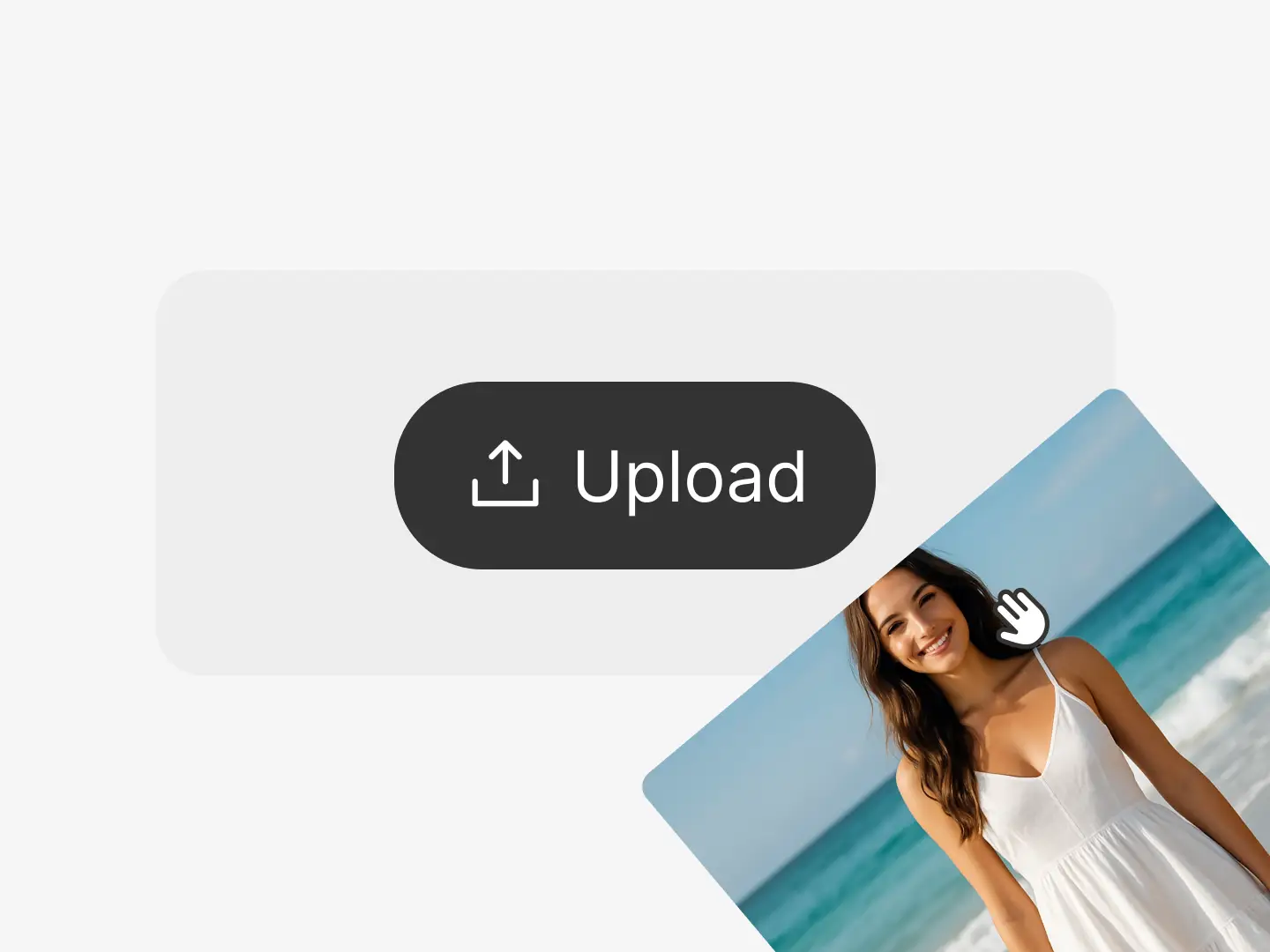
Step 1: Start a New Project
Open Dzine's AI Image Editor online. Begin a new design project by uploading the photo you wish to edit.
Step 2: Enter the Simple Prompt
Describe what you want to change in the image such as add new elements, remove items, and replace or delete backgrounds.
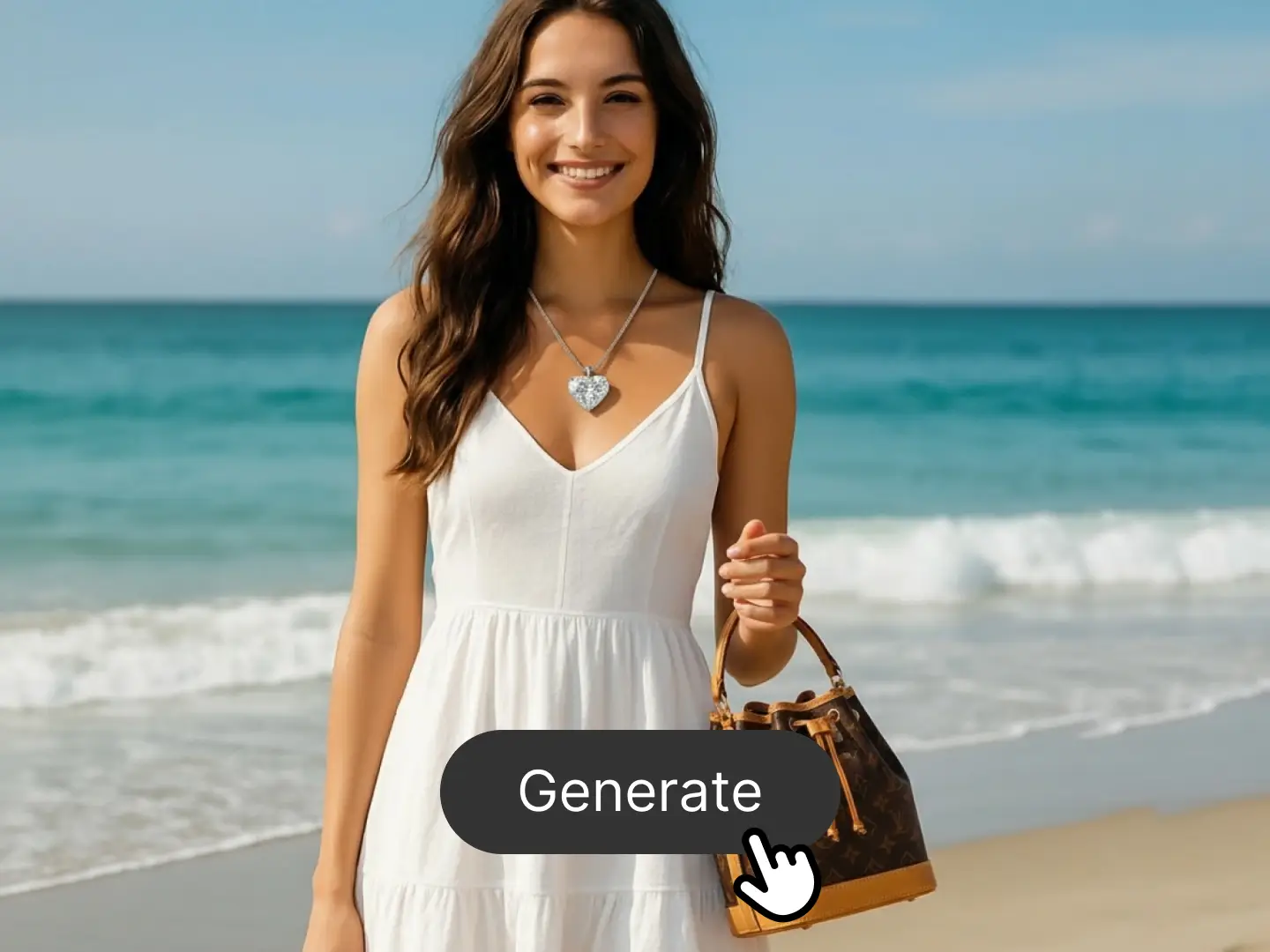
Step 3: Export the Final Image
Click the Generate button. Then, you can preview and export your final result to preserve your creativity.
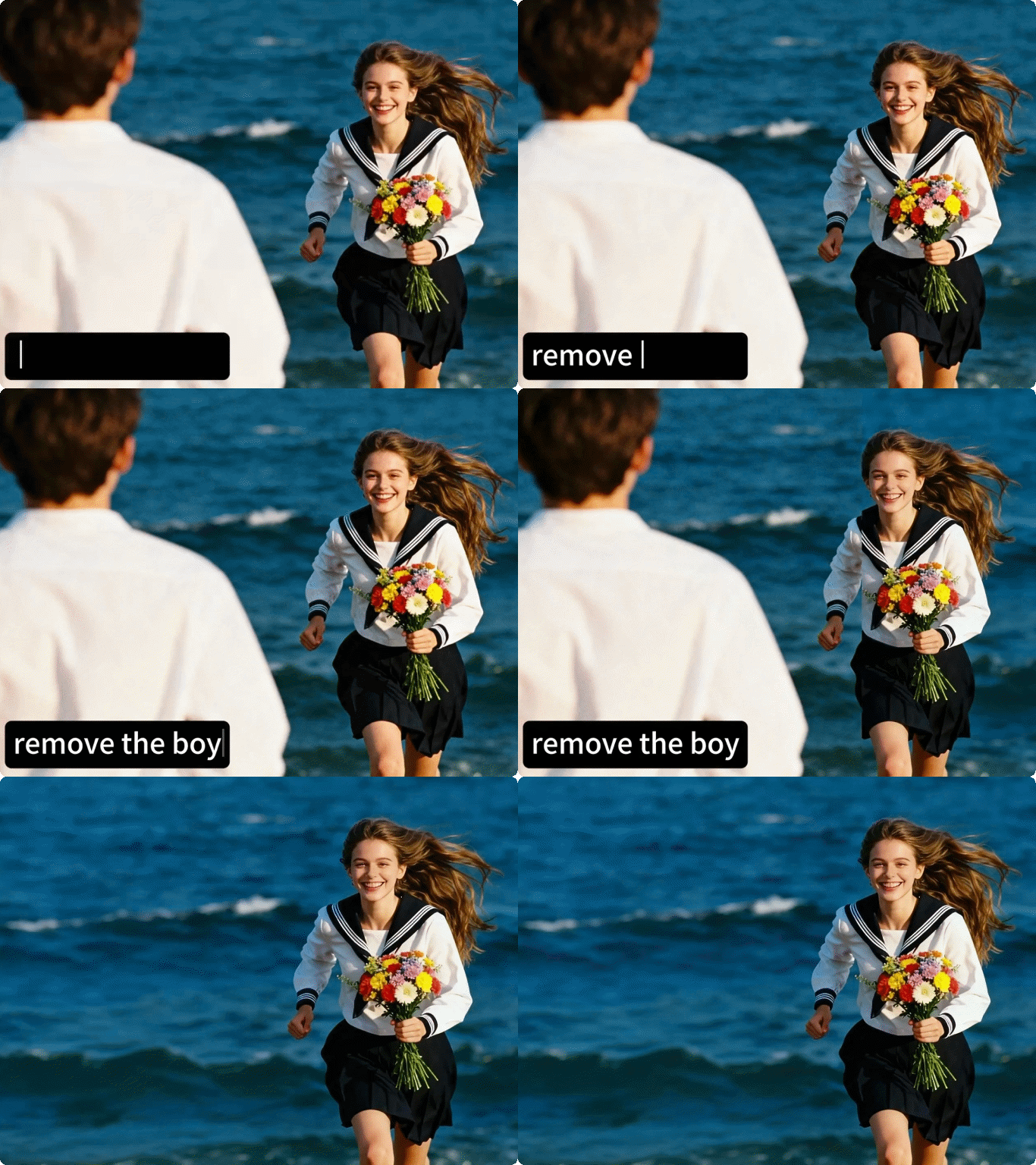
Precisely Editing with Text in Chat Editor
Want to enhance your photos without using complex editing software? You can precisely edit images with text in Dzine's Chat Editor. You just need to enter the prompt and our AI can satisify various demands such as blend two images, change the hairstyle, fix blur photos, etc.
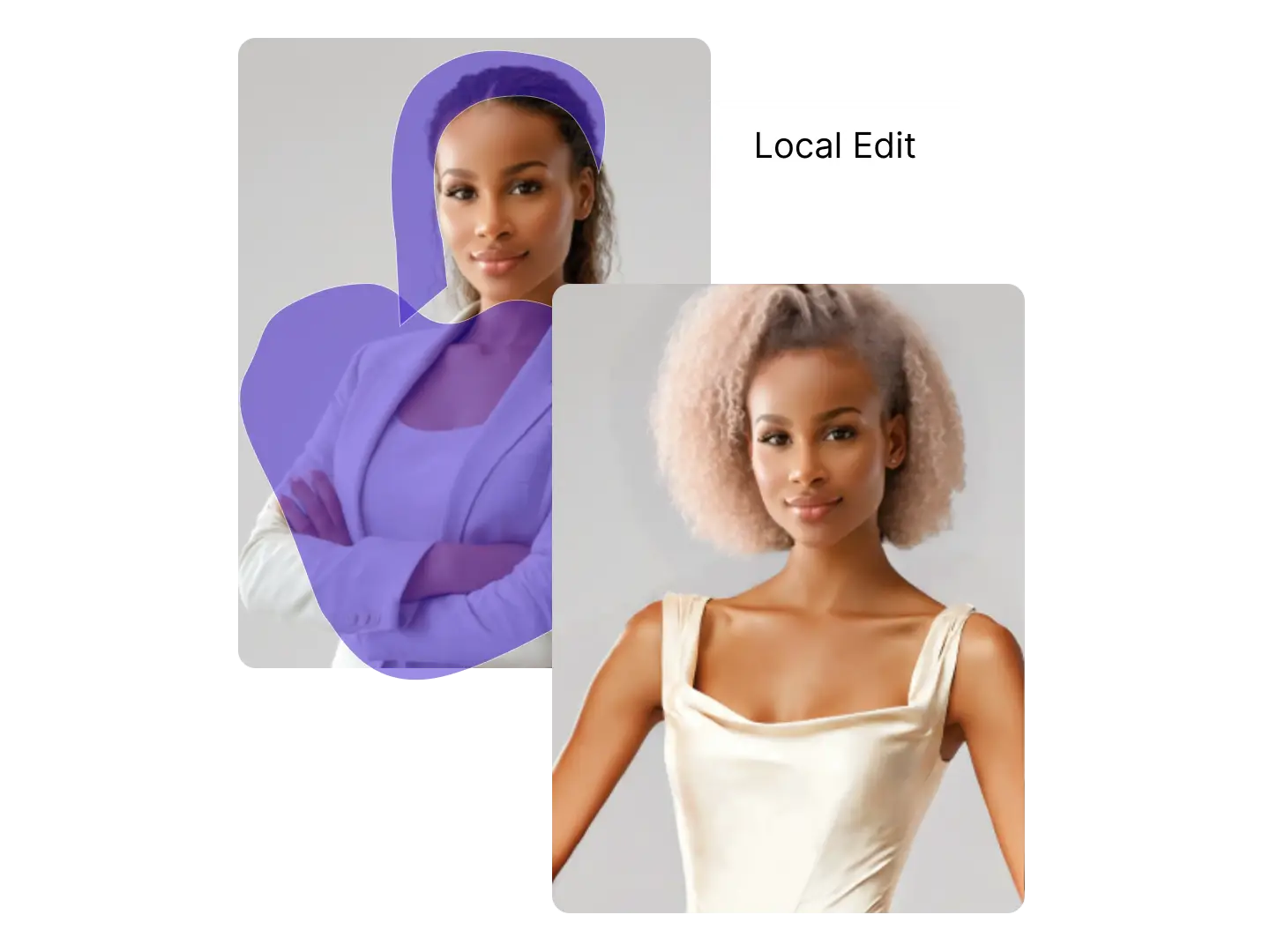
Modify Specific Areas in AI Editor
Modify the specific areas in your images with Dzine's AI Editor. Upload the photo and choose the oeration options including local edit, insert object, or AI ereaser. Then, simply selecting the area you want to edit. It's ideal for marketing materials or online store content.
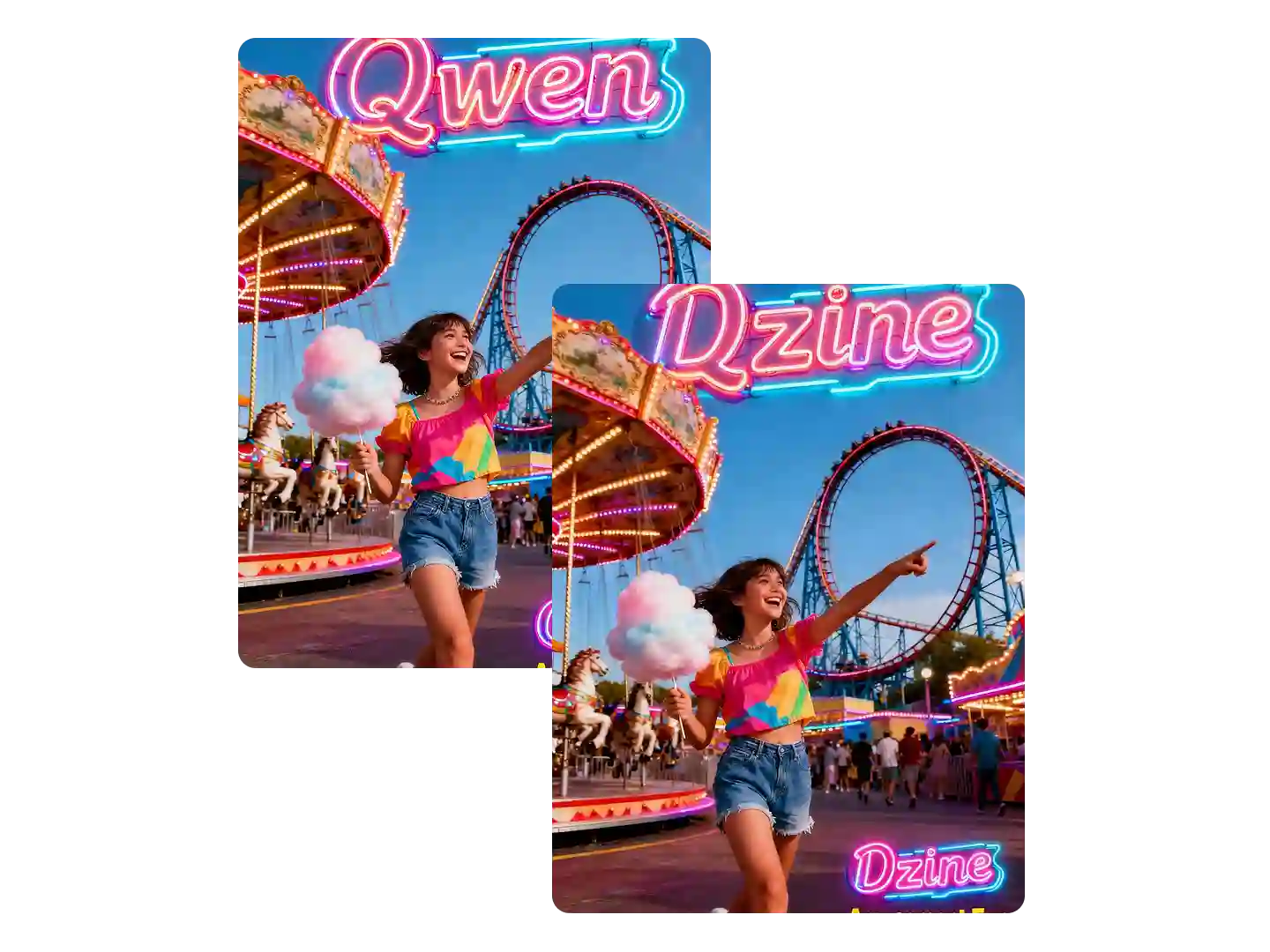
Edit Text in Your Images
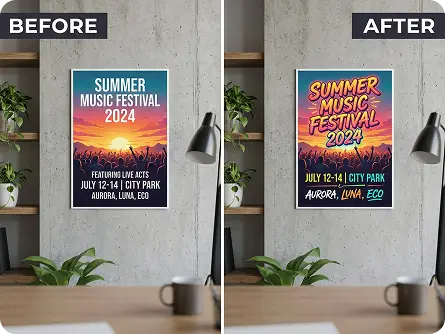
Using Dzine's AI photo editor with prompt, you can achieve the perfect look by customizing your text with full control over fonts, sizes, colors, and placement. Dzine allows you to make precise adjustments to fit your exact vision.
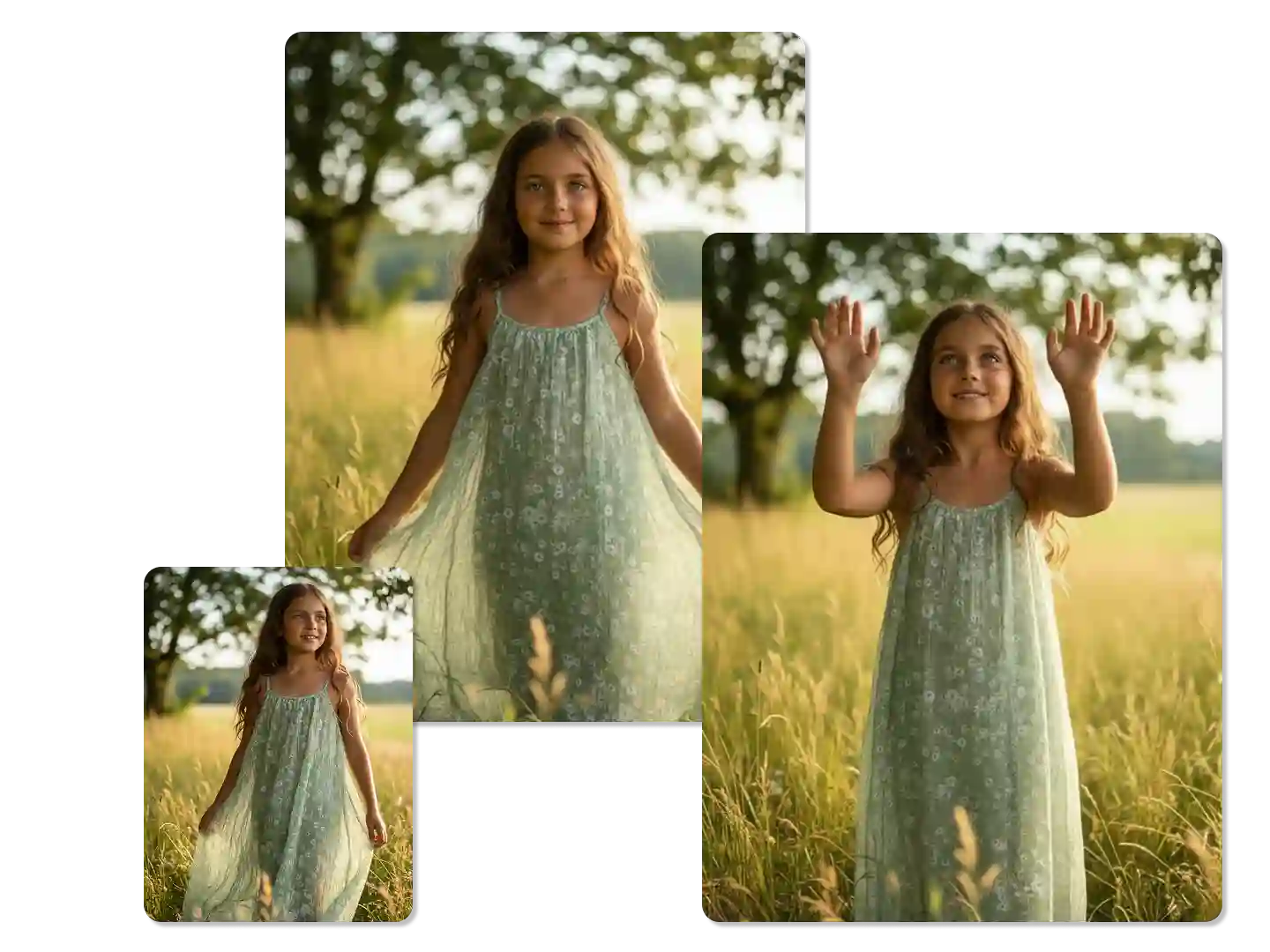
Keep Characters Consistent
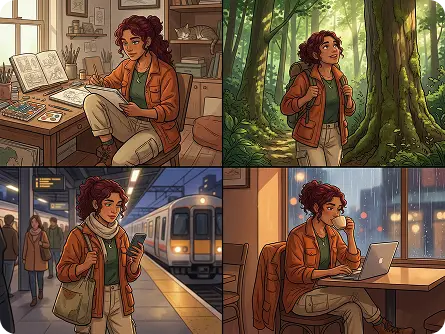
Our AI photo editor maintains character consistent between different scenes. No matter how you change poses, clothing, or backgrounds, our AI keeps your character's face, proportions, and style perfectly consistent in every frame.
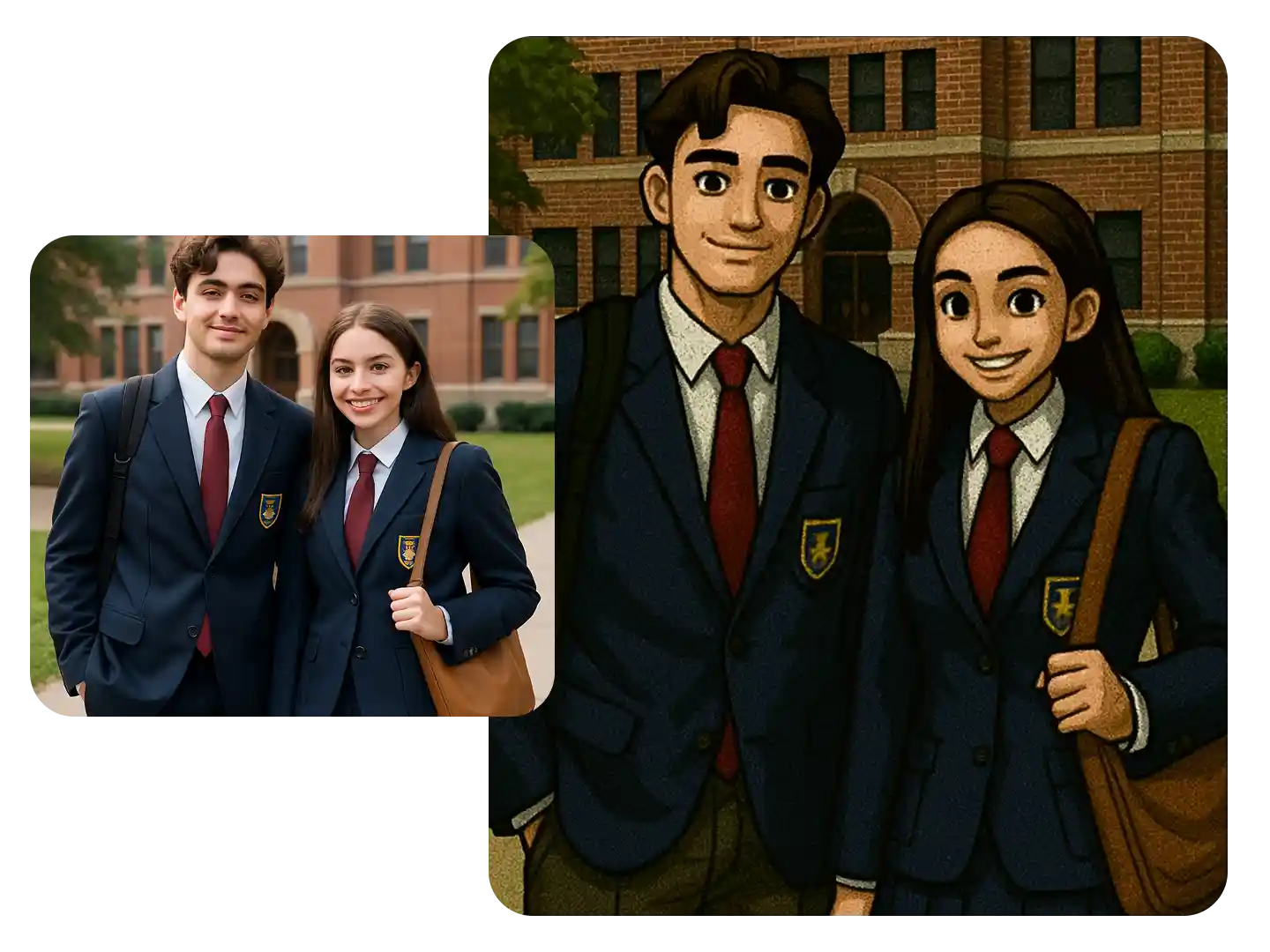
Support Various Styles and Effects
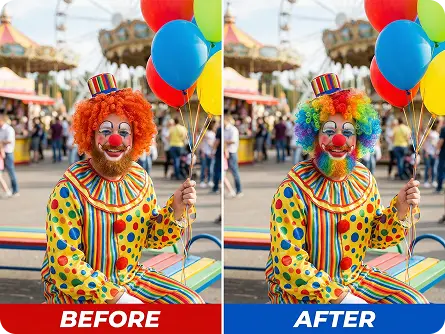
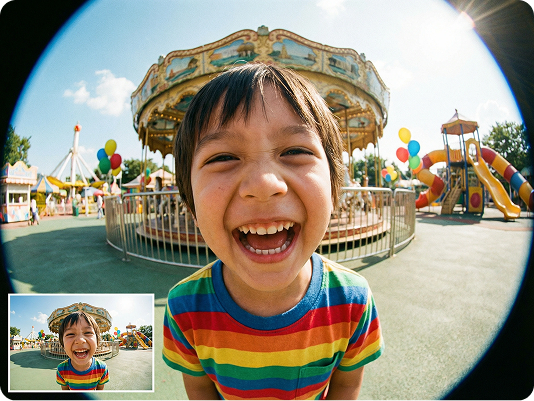
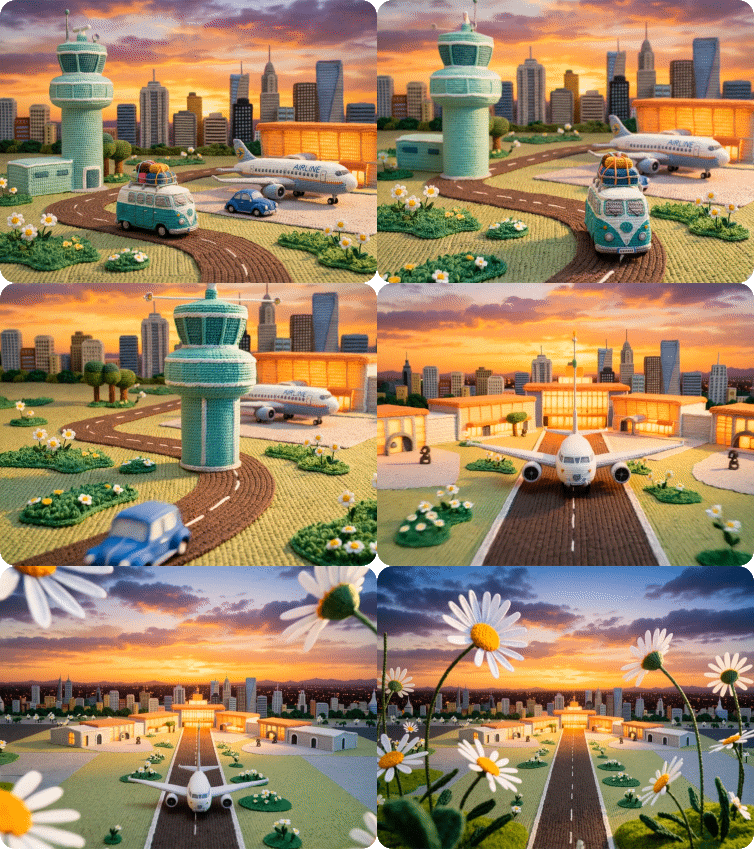
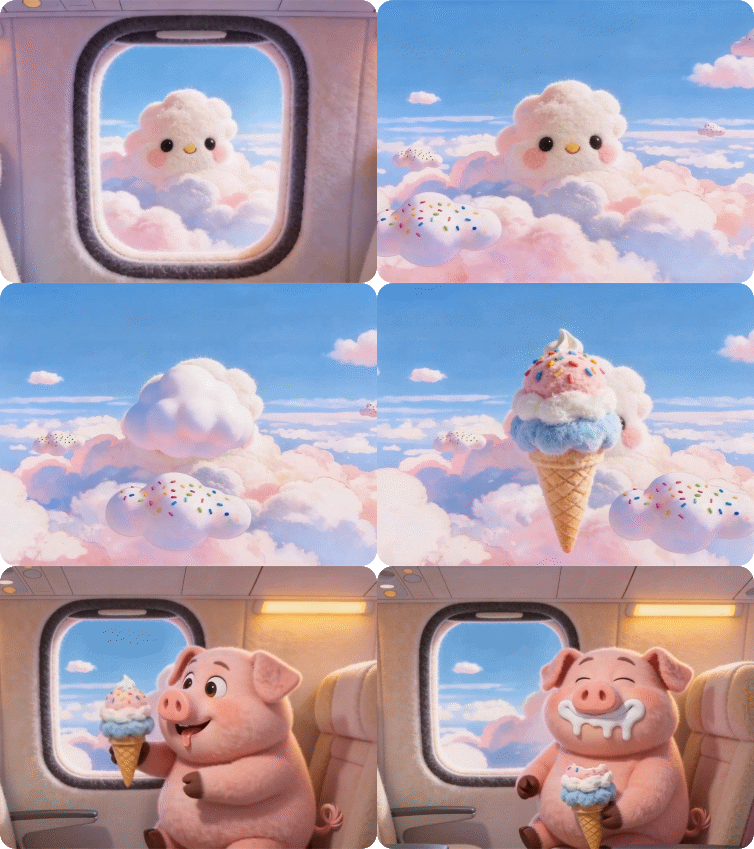
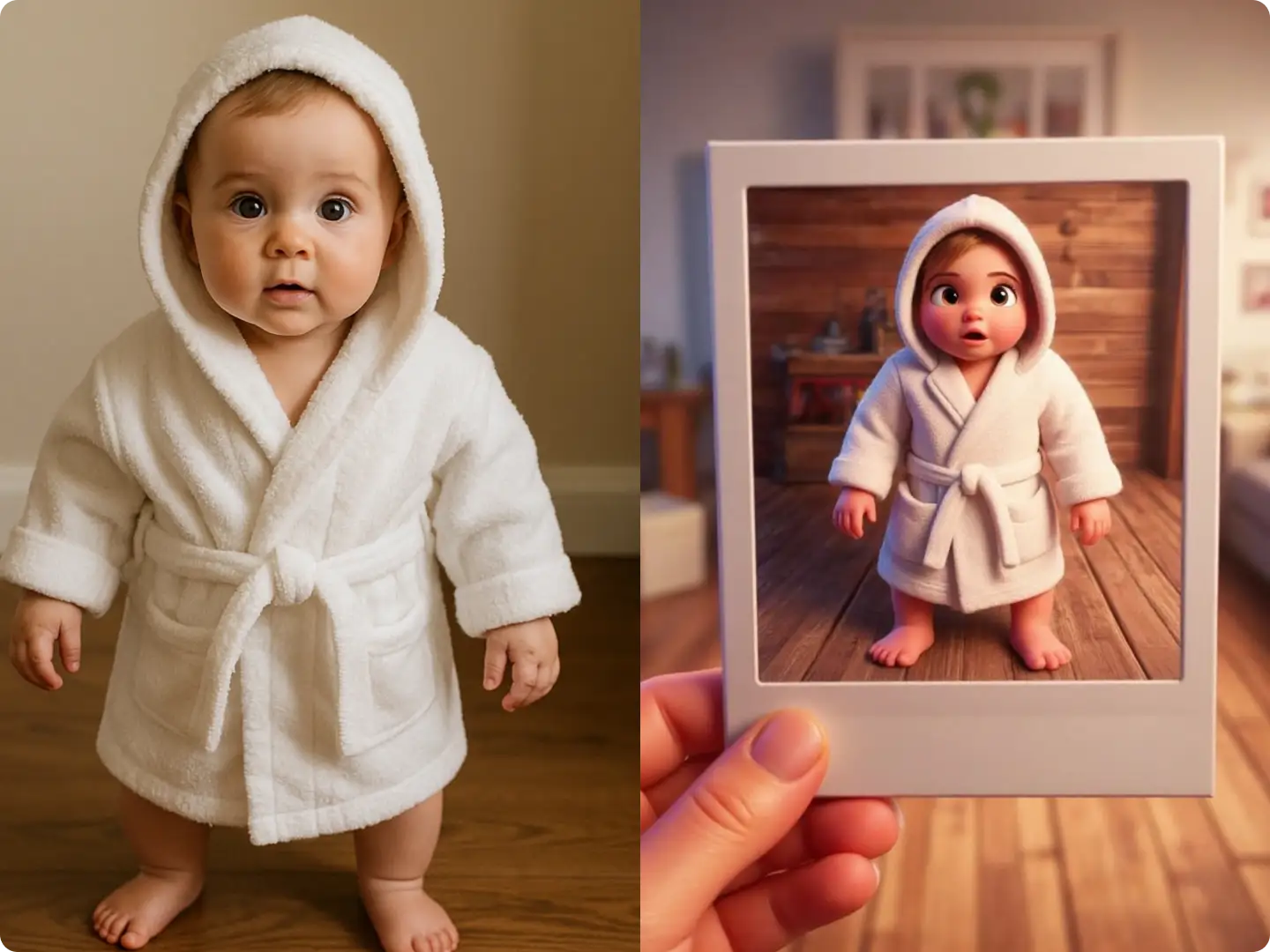
Our AI image prompt editor supports diffrent style transfers and effects such as PS2 filter, Disney filter and so on. Besides, our AI has many popular image models including Nano Banana, Seedream 4.0, and Qwen Image.
Explore Creative Use Cases for Our AI Image Editor
Dzine’s AI Image Editor adapts to every creative need, from social media content to professional e-commerce visuals. Our free tool lets you edit images with text prompts, customize every detail, and achieve pro-quality results—no subscriptions, no watermarks, and instant generation.
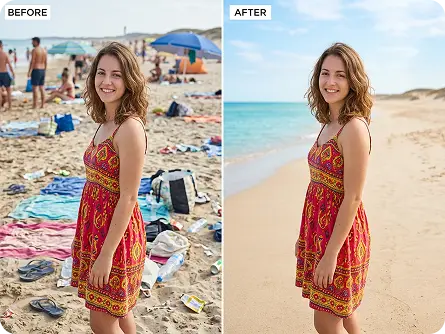
Eye-Catching Social Media Edits
Enhance Instagram, TikTok, and Facebook posts with AI-powered edits—remove unwanted objects, swap backgrounds, and add trendy filters to boost engagement and stand out in feeds.
Try now for free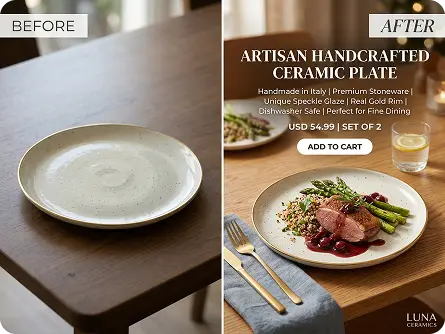
Why Dzine’s AI Image Editor Stands Out

AI-Powered Prompt Editing
Our AI Image Editor uses text prompts to execute precise edits—describe what you want to change (add/remove objects, adjust styles, fix flaws) and let AI bring your vision to life with zero manual effort.

Precision Localized Editing
Edit specific areas of your image without affecting the rest—select the region to modify and input your prompt for targeted changes, ideal for fine-tuning details in photos and graphics.

Instant Generation (Seconds)
Skip long editing sessions—our AI generates polished results in seconds, perfect for time-sensitive social media posts, e-commerce updates, or creative projects with tight deadlines.

100% Free (No Watermarks/Limits)
Use our AI Image Editor as much as you want, download unlimited high-resolution edits, and share anywhere—no hidden fees, subscriptions, or watermarks on your creations.

500+ Styles & Effects
Choose from hundreds of artistic styles, filters, and effects (PS2, Disney, retro, minimalist) to transform your images—match any aesthetic or trend with simple text prompts.

GDPR-Compliant & Private
We never store your photos or edited results—all processing is local, so your personal and commercial images stay secure while you create with our AI Image Editor.
More AI Tools to Enhance Your Creations

Watch the Best Free AI Photo Editor
FAQ
What is an AI Image Editor?
An AI Image Editor utilizes the power of artificial intelligence to analyze, enhance, and even generate images. By employing sophisticated algorithms and machine learning techniques, it can automatically remove imperfections, add elements, or create entirely new visuals.
Are the AI image editing features in Dzine free to use?
Yes, it is free to use. Every user has free credits to try out editing features such as generative fill, background removal, and more exciting features coming soon!
You can also subscribe to premium plans for standard, professional, corporate, and team users. Check the pricing(https://www.dzine.ai/pricing/){:target="_blank" style="color:#fff"}.
What types of editing can be done with Dzine's AI Image Editor?
Dzine's AI image editor can perform a wide range of edits, including object removal, adding objects, background removal, background replacement, background generation, face kit, character creation, AI photo filters, and changing filters and styles, among many others. Explore and see what you can do with your pictures!
What are the benefits of using Dzine's AI Image Editor?
Dzine's AI Image Editor simplifies editing tasks, saving you time and effort. It effortlessly adds elements, fixes photo imperfections, and generates ideal backgrounds or changes to your desired styles. With Dzine's AI, explore new directions and achieve results that manual editing can't match. Experience the true benefits when you start using it.
Can I edit specific areas of an image with Dzine's AI Image Editor?
Absolutely. Our AI-powered tool lets you select specific regions of an image (local edit mode) and input prompts to modify only that area—whether it's removing an object, adding elements, or adjusting styles—giving you full control over every detail of your edit.
What makes Dzine the best AI photo editing tool?
Dzine stands out with its all-in-one approach, enabling you to complete all your editing tasks within a single, user-friendly interface - no need to switch between multiple websites. Its intuitive design ensures controllability, efficiency, and convenience, catering to users of all skill levels. Whether you're a pro or just starting out, rely on Dzine whenever inspiration strikes.
What Our Users Said
Every Picture Looks Perfect Now
Capturing every adorable moment of my daughter's life is precious to me, but not every shot comes out perfect. With Dzine, editing is easier and there is more time making memories. Now, every photo reflects just how cute she really is!
David JohnsonAmateur Photographer
Foodie Photos Level Up
For a food lover like me, sharing my culinary adventures is all about the visuals. Dzine has transformed my food photos from good to mouthwatering masterpieces. My blog now looks as delicious as the food I write about.
Lucas MillerFood Blogger
Flawless Every Time
Editing photos with Dzine is easy and efficient. No more worrying about angles, bad lighting or passers-by accidentally getting into my photos.
Emily Grace HartleySocial Media Influencer


