- Tools
- Resources
- Pricing
- API
- Contact Sales
- Book a Demo


AI Make Photo Wink
Dzine AI make photo wink tool to give your photos a touch of personality and charm. This powerful AI feature uses advanced facial recognition to apply a natural, expressive wink to any portrait or selfie.

Click or drag here to upload images
Try the AI Make Photo Wink tool with these examples
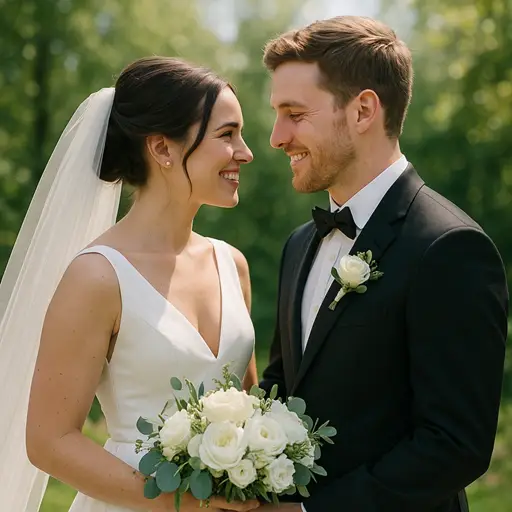
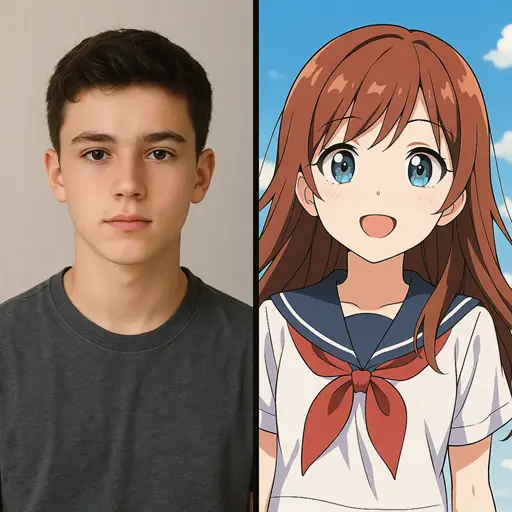
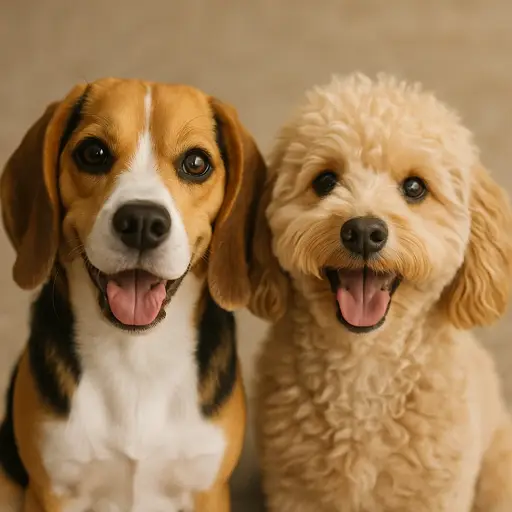
Transform Your Stills into Expressive Moments
Our AI wink filter takes the static out of your photos, adding a dynamic, human touch that captures attention. Whether you want to make a profile picture more engaging or add a playful element to a family photo, this tool delivers realistic results in seconds. We designed it for users who want to convey emotion without needing a reshoot. Use the wink filter AI to create eye-catching social media content, surprise friends, or simply add a fun twist to your digital memories.
How to Use the AI Make Photo Wink Tool in Dzine
Step 1. Upload Your Photo
Choose a clear photo with a visible face. Our AI works best with front-facing portraits and selfies.
Step 2. Input Your Command
Enter a simple prompt like "make the photo wink" or "add a playful AI wink filter".
Step 3. Save Your Result
Click Generate to see your new winking photo. Download the result and share your expressive new image instantly.
Watch Dzine's Full Beginner Step-by-Step Guide
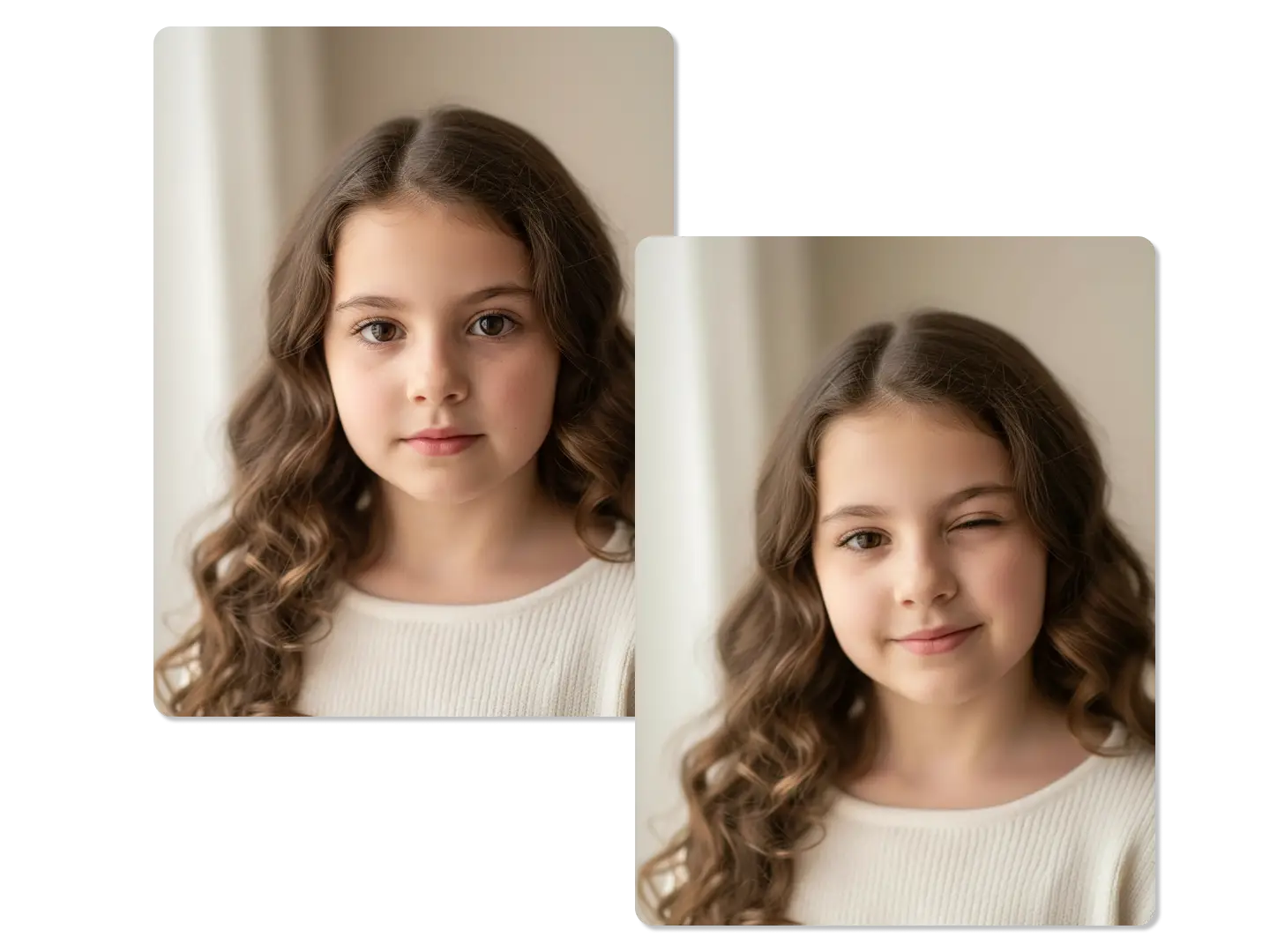
Perfect Your Profile Picture with a Playful Wink
A simple wink can make your profile picture instantly more engaging. The AI make photo wink feature adds a layer of approachability and confidence to your professional or social profiles. This subtle change encourages more interaction and helps you stand out in a crowded feed.
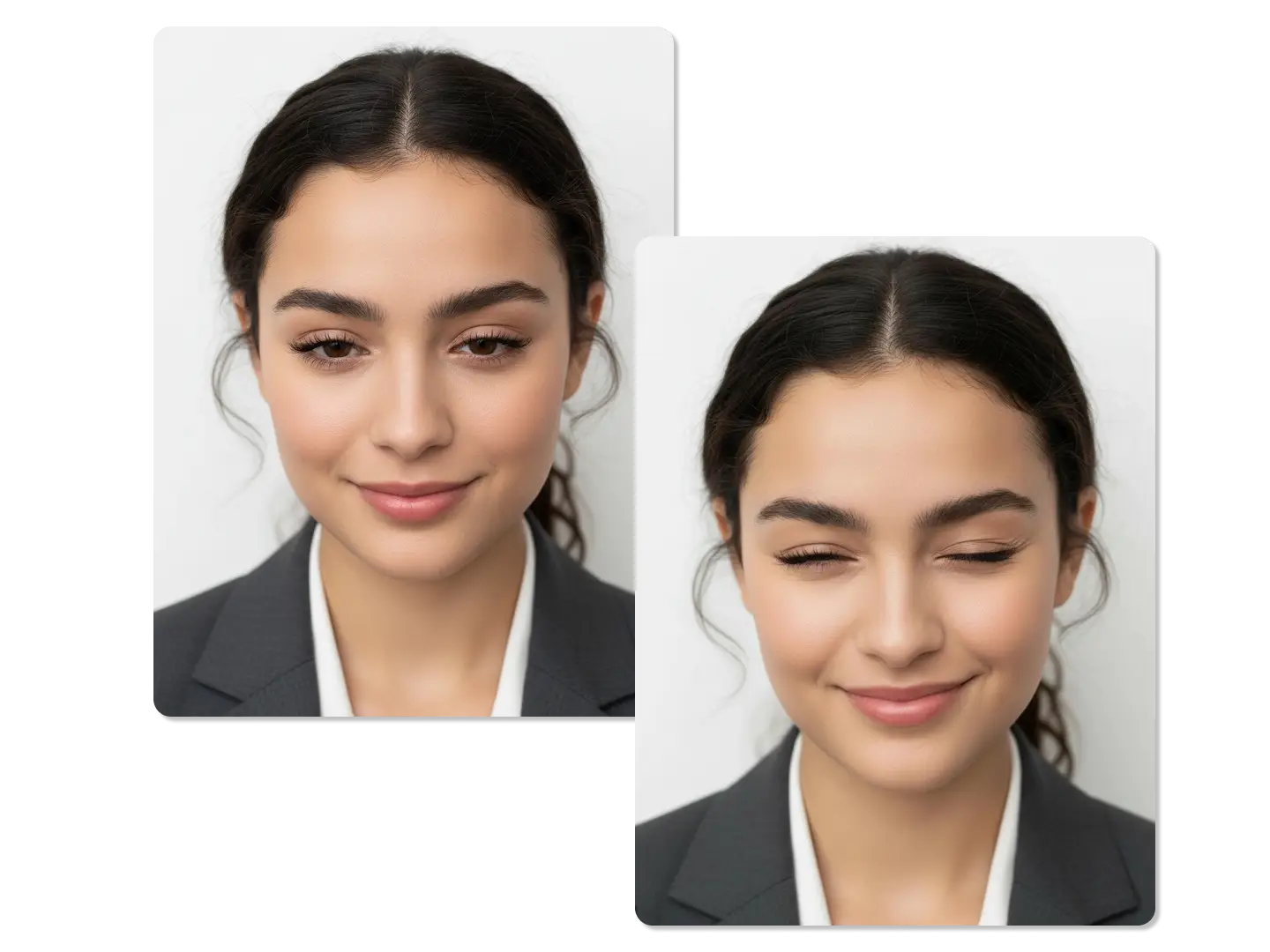
Achieve Natural-Looking Facial Expressions Every Time
Traditional photo editing often results in unnatural or awkward facial distortions. Our wink filter AI is trained on millions of images to ensure the resulting wink is anatomically correct and blends seamlessly with the original photo. The AI adjusts the surrounding facial muscles, like the cheek and brow, for a highly realistic effect.
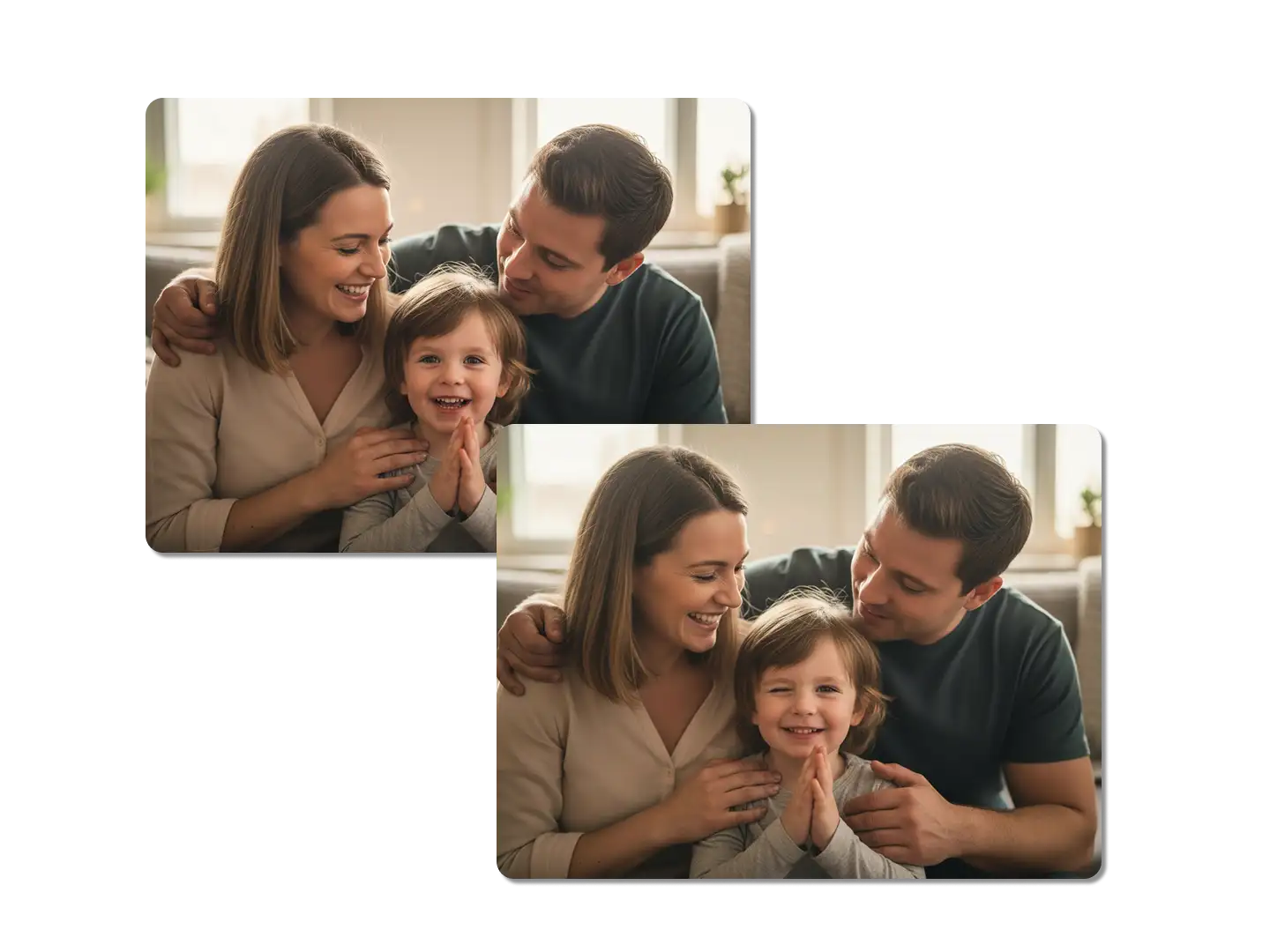
Transform Old or Group Photos with a Modern Touch
Bring new life to old photos or add a fun element to group shots where everyone looks too serious. By applying the AI make photo wink effect to one or more subjects, you can inject humor and playfulness into your archives. This is a great way to create unique, memorable gifts or social media throwbacks.
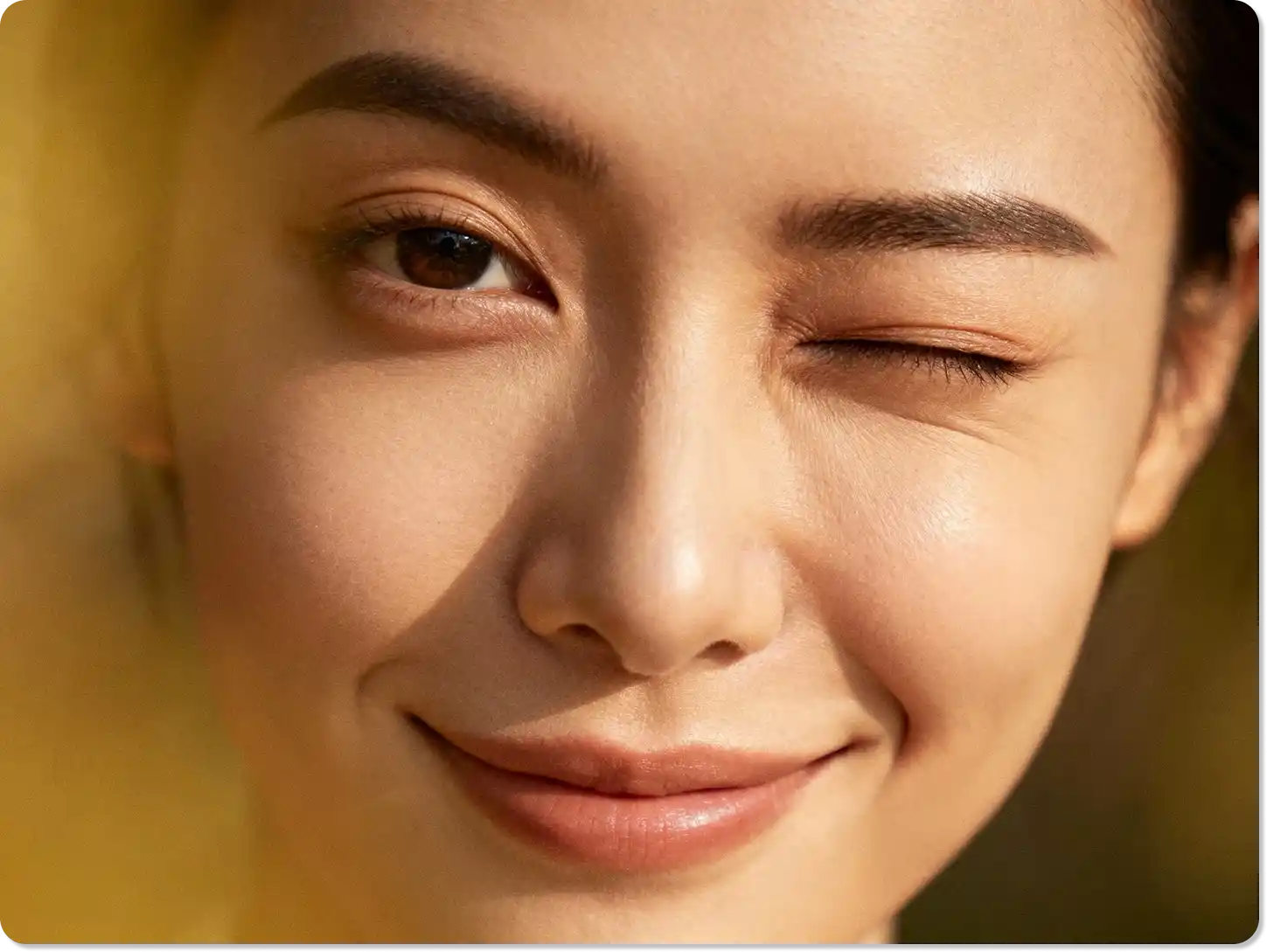
Fine-Tune the Wink Intensity and Style with Text Prompts
Dzine's text-to-image control allows you to go beyond a simple on/off switch. You can specify the style of the wink, such as "a subtle, gentle AI wink filter" or "a dramatic, exaggerated wink". This level of control ensures the final image perfectly matches the mood you want to convey.
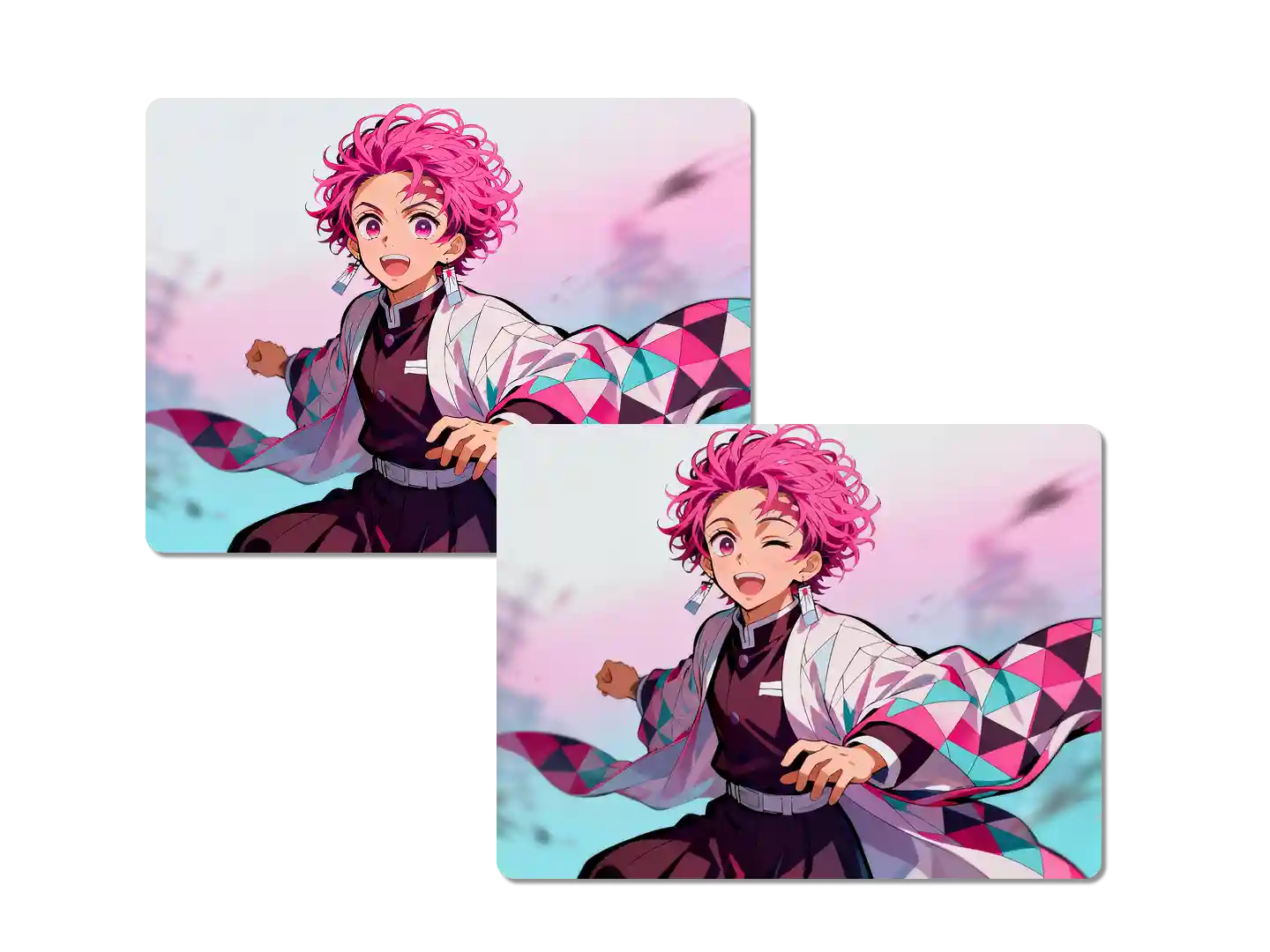
Enhance Storytelling and Memes with Expressive Faces
The power of a meme or a visual story often lies in the expression. A well-placed wink can completely change the context of an image, adding irony, secrecy, or flirtation. Use the AI make photo wink tool to create viral-ready content that communicates complex ideas instantly.
FAQ
Is the AI make photo wink tool free to use?
Yes, you can use our basic AI make photo wink feature for free to generate playful winking photos. For higher resolution outputs and advanced features, please check our pricing page.
How realistic is the AI wink filter effect?
The effect is highly realistic because our AI analyzes the facial structure and lighting of your original photo. It adjusts the surrounding features, ensuring the AI wink filter looks natural and not like a simple overlay.
Can I make a group photo wink with the wink filter AI?
Yes, you can apply the wink filter AI to one or more faces in a group photo. Simply specify which person you want to wink in your text prompt.
Does the AI make photo wink tool work on all types of photos?
It works best on clear, front-facing photos with a visible face. While it can handle various angles, a good quality portrait will yield the most realistic AI make photo wink result.
Can I control which eye winks?
Yes, you can specify which eye winks in your text prompt. For example, you can write "make the photo wink with the left eye" to control the AI wink filter precisely.
How is this different from other photo editing apps?
Our AI focuses on facial anatomy and natural expression. It doesn't just paste a wink - it reconstructs the entire eye area and surrounding facial muscles for a result that looks like you actually winked in the original photo.
What Our Users Said
The Most Natural Wink I've Seen
I needed a new profile picture but all my selfies were too serious. The AI make photo wink tool added the perfect playful touch. It looks so natural, my friends thought I took a new photo!
Alex M.Social Media Manager
Saved My Favorite Photo
My favorite photo of my daughter had a slightly awkward expression. I used the AI wink filter to change it to a cute wink. It completely saved the picture and now it's my phone background.
Sarah K.Parent
Perfect for My Online Store
I use the wink filter AI on my product models to make them look more engaging and friendly. It's a small detail that has really helped my conversion rate. It's fast and the results are always high quality.
Ben L.E-commerce Owner