- Tools
- Resources
- Pricing
- API
- Contact Sales
- Book a Demo


AI Photo Enhancer
Transform ordinary photos into stunning high-quality images with Dzine's free AI photo enhancer. Fix poor lighting, sharpen blurry details, restore colors, and improve overall quality in seconds. Try Dzine AI photo enhancer now.

Click or drag here to upload images
Try AI Photo Enhancer with one of these


AI Photo Enhancer: Quick Fix for Perfect Photos
Dzine is an AI solution that can enhance image quality with just one click. It automatically improves photo resolution, removes blurs, and enhances small details in seconds. You don't need to undertake any complex operations or wait long - it takes just a few seconds to get the job done.
Dzine's photo enhancer is an excellent tool for enhancing the resolution of any image, whether it's a portrait, product, or graphic. It can detect and fix issues like noise, blur, and low contrast, maintaining the visual clarity and details of the photo. Your image quality is perfectly guaranteed.
How to Enhance Your Image Quality on Dzine?

Step 1: Upload Your Photo
Open the Upscale & Enhance tool in Dzine. Click to upload the photo you want to improve from your device.

Step 2: Select Enhance
Click the Enhance button to activate AI photo enhancement. The system analyzes and processes your image automatically.

Step 3: Download the Image
Preview your improved image with better lighting, sharper details, and vivid colors. Download the enhanced version and use it anywhere.
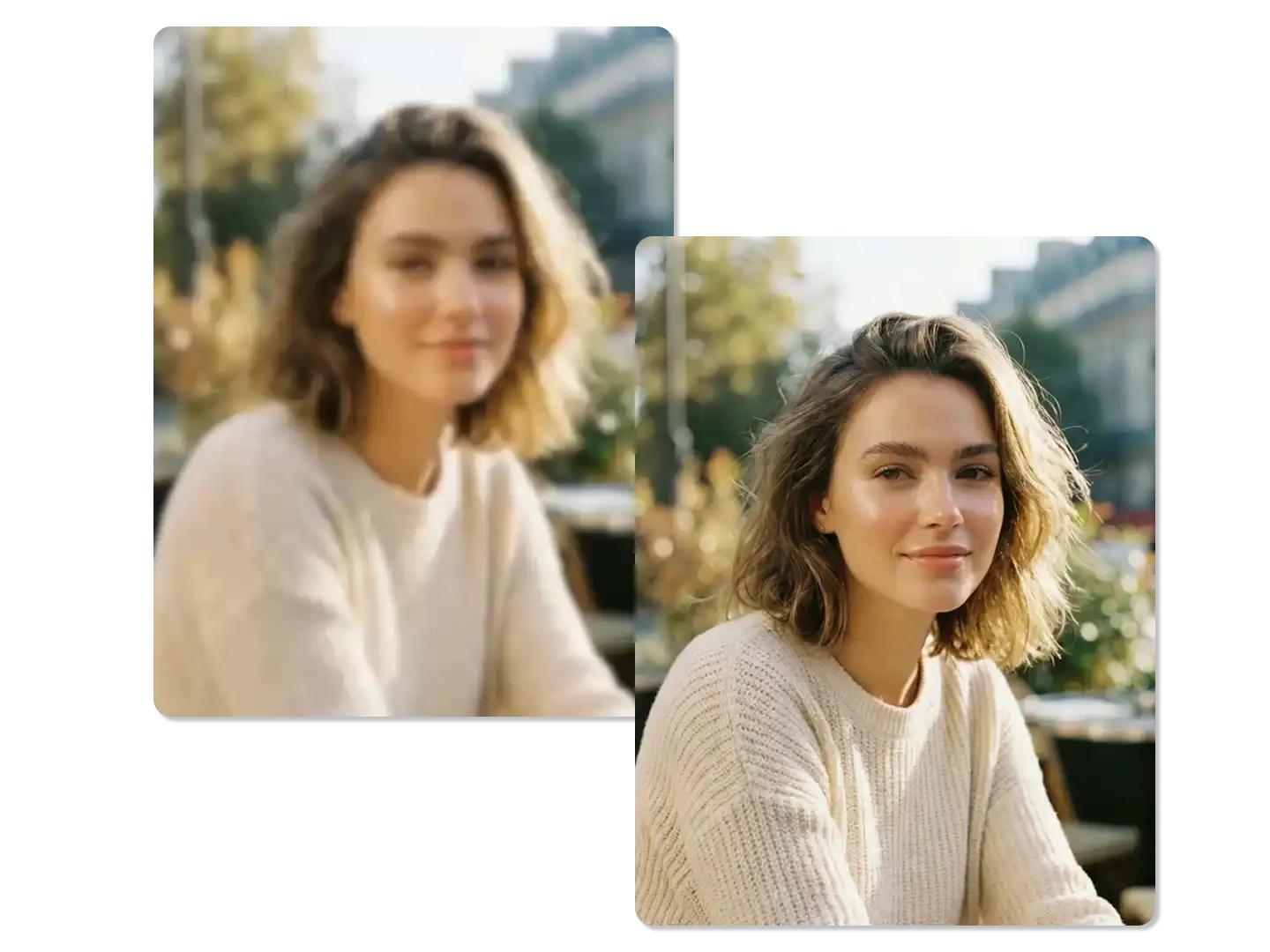
Enhance the Clarity of Blurry Photos
Age, poor camera quality, and incorrect white balance create washed-out photos with lifeless colors. Revive your old photographs with Dzine's AI Photo Enhancer. Our software can enhance the clarity and details of blurry images, breathing new life into your photos.
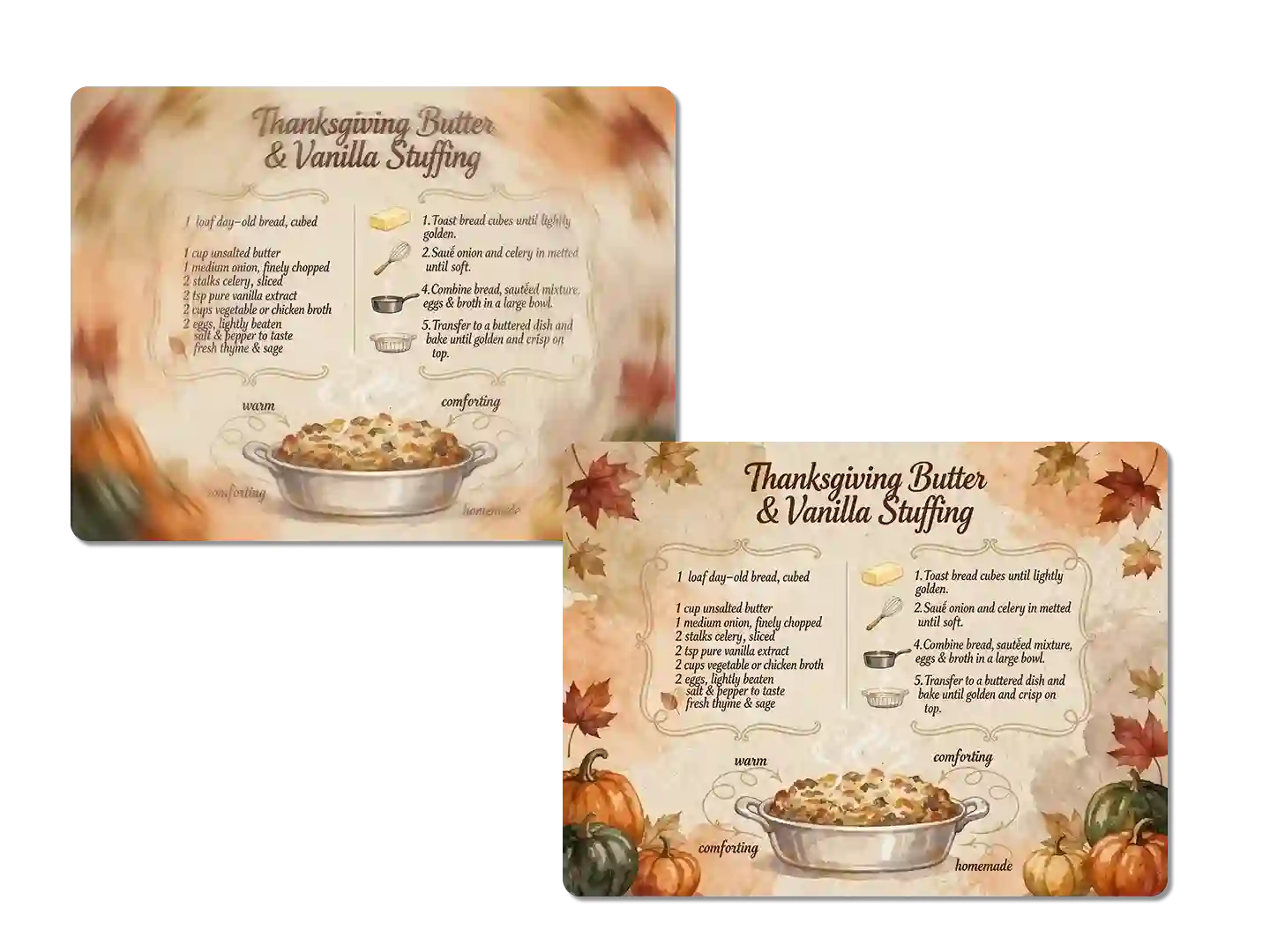
Upscale Your Image Resolution
Camera shake, poor focus, and motion blur ruin important moments. Refine your images to perfection with Dzine. Our powerful, advanced algorithms ensure that every image meets the highest standards of clarity and detail. Ideal for designers, photographers, and creatives.
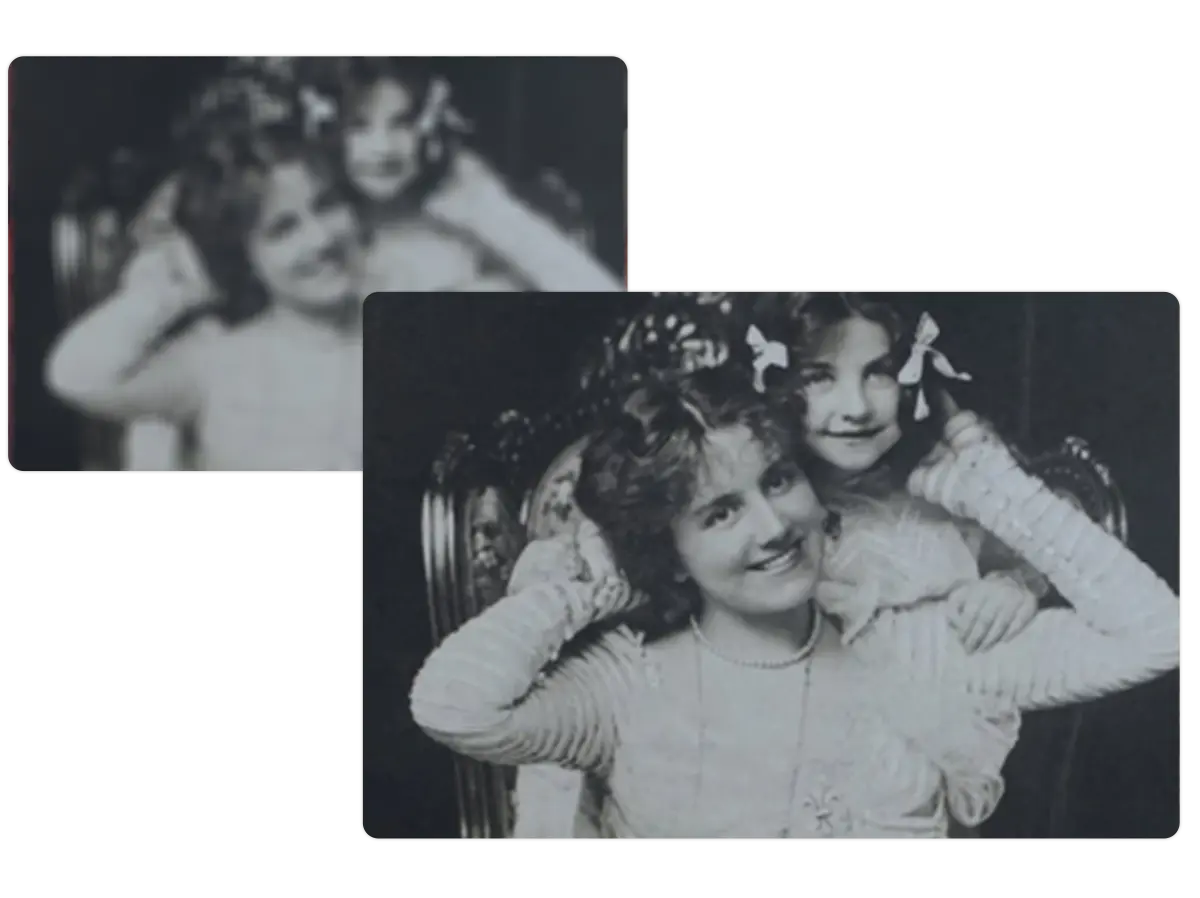
Fix Dark and Underexposed Photos
Our photo quality enhancer intelligently brightens dark areas while preserving highlights, recovering details that standard brightness adjustments destroy. Night shots, indoor photos, and backlit subjects become clear and usable without the unnatural glow of typical editing.
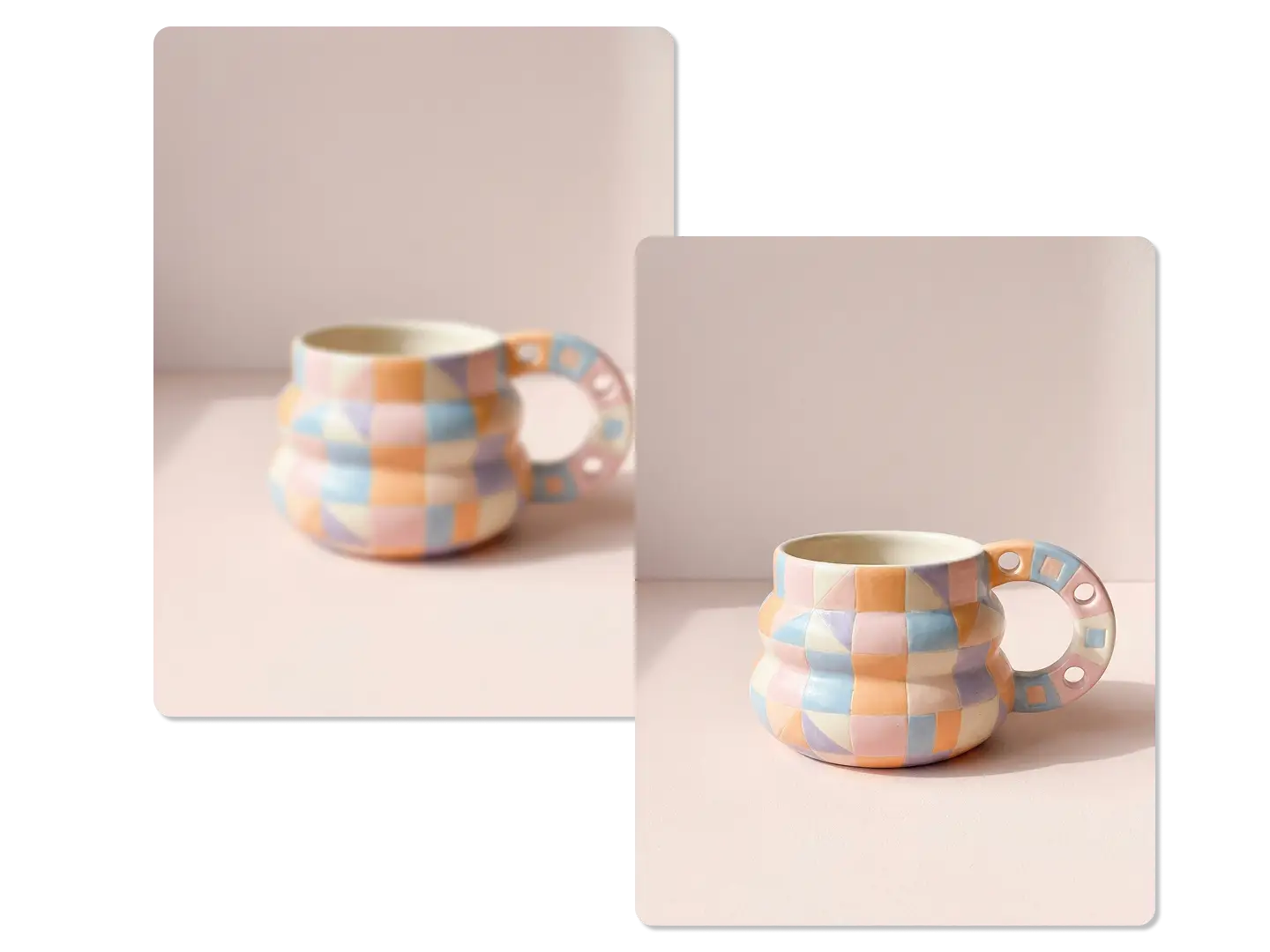
Upgrade Product Photography
Online stores need crystal-clear product images that show every detail. Supplier photos often arrive with poor lighting, soft focus, and dull colors that hurt sales. Customers can't evaluate quality from muddy images and move to competitors with better visuals.
FAQ
What is an AI Photo Enhancer?
AI Photo Enhancer is a tool that automatically improves the quality of your photos. By understanding the content and context of a photo, it analyzes the image and makes adjustments to improve clarity, detail, color vibrancy, and overall composition.
What file formats does the AI Photo Enhancer support for uploading and enhancing images?
Yes, AI Photo Enhancer usually supports several common image file formats for uploading and enhancing images. The most commonly supported formats include JPG and PNG.
After enhancing my image with the AI Photo Enhancer, what should I do to improve its resolution for larger prints?
Dzine offers an image upscaling feature that allows you to improve the resolution of your photos by up to 4x. By taking advantage of this feature, you can enhance your images for larger prints more effectively.
Can I change the style of my photo after enhancing it?
Dzine provides users with a range of stylization options, allowing them to make adjustments to the appearance of their photos after enhancement to meet their personal preferences.
Will my enhanced photo look natural?
Dzine's well-designed AI photo enhancer strives to maintain the natural appearance of your images and avoid excessive adjustments or noticeable distortions. This means that while the enhanced photo may become clearer and more detailed, it still retains a similar overall appearance to the original photo.
How can I use AI Photo Enhancer for my own photos?
To get started, simply upload your photo, and then use the AI Photo Enhancer to generate the perfect image enhancement. Adjust the settings to suit your preferences, and see the transformation instantly.
What Our Users Said
Professional Touch
I've been trying out Dzine's photo enhancer, and it's been really helpful in making my underexposed, out-of-focus, or blurry photos clearer. The results have been very satisfying.
John SmithPhotographer
Cars Selling Faster
Good photos make cars sell quickly. Dzine makes my car photos look more professional and appealing. Big help for my sales!
Alex ThompsonCar Seller
Extremely Useful for Enhancing Photos
I often receive product promotions from my collaborators. I discovered Dzine and it's been very useful in enhancing the photos I take. My collaborators are very happy with my posts and it has helped me attract more collaborations.
Lyla PagesSocial Media Influencer