- Tools
- Resources
- Pricing
- API
- Contact Sales
- Book a Demo


AI Sprite Generator
Dzine's AI Sprite Generator makes creating animated characters and game assets easy. Our tool produces high-quality, ready-to-use sprite sheets from simple text prompts, perfect for game developers and animators.
Need ideas? Try these AI sprite generator prompts.
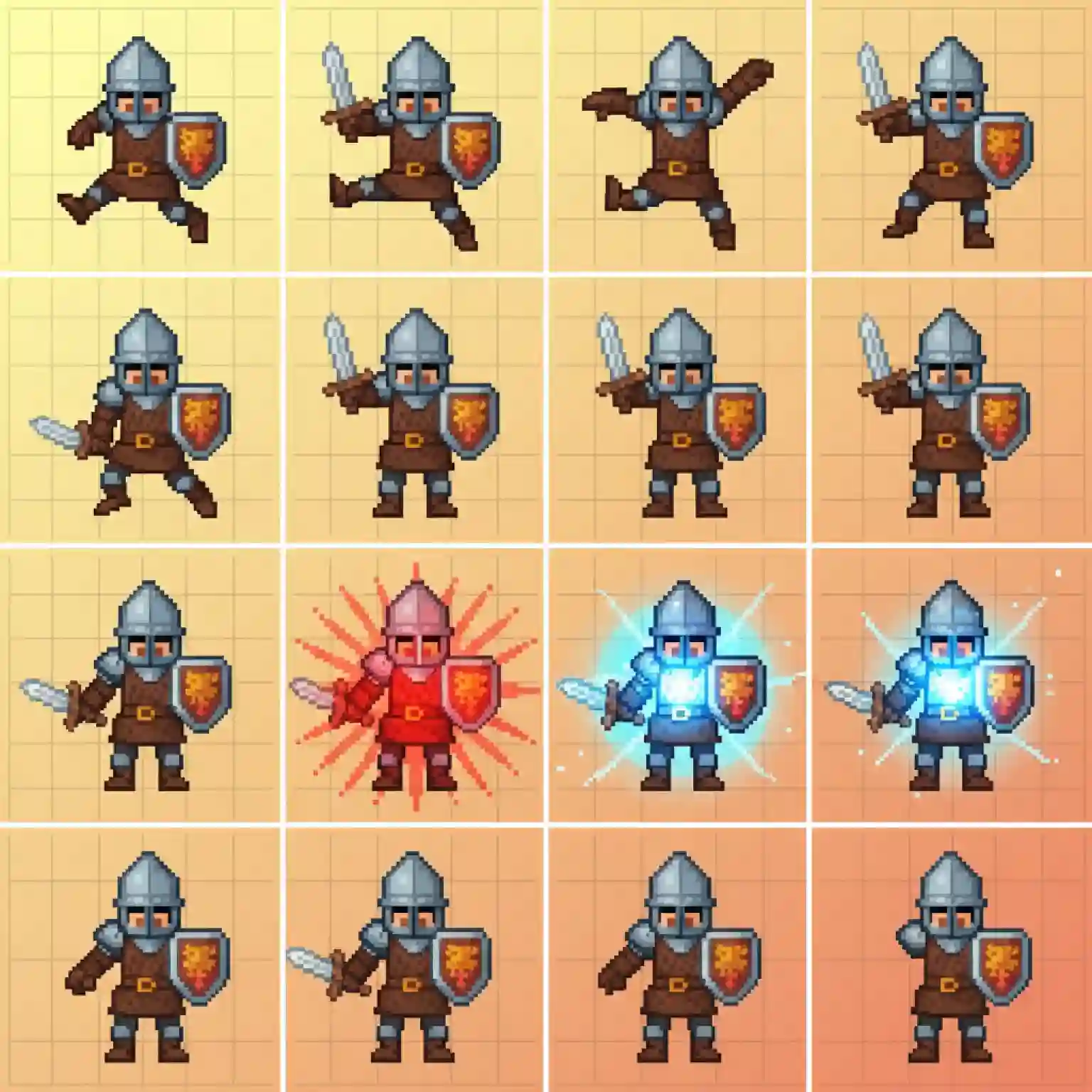
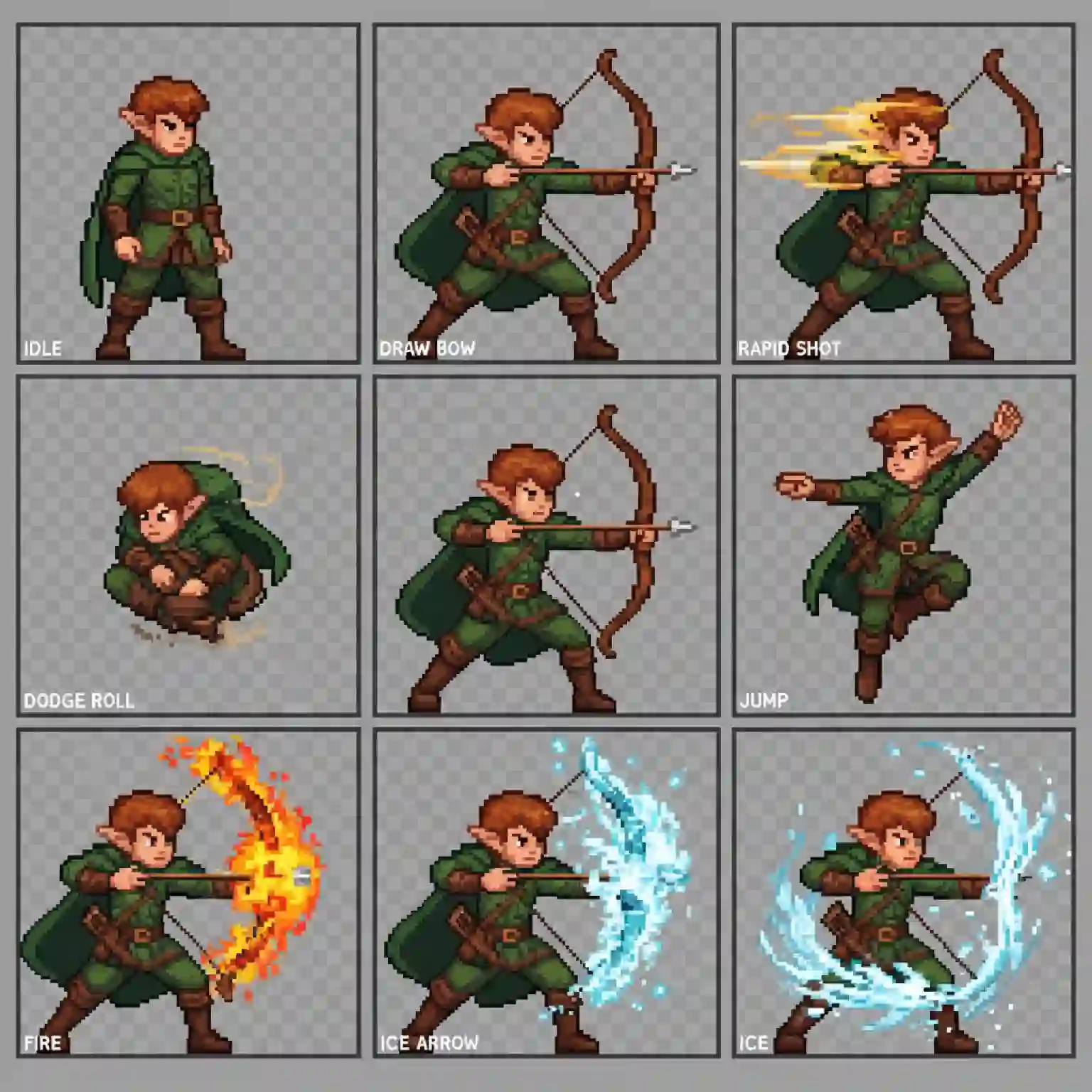
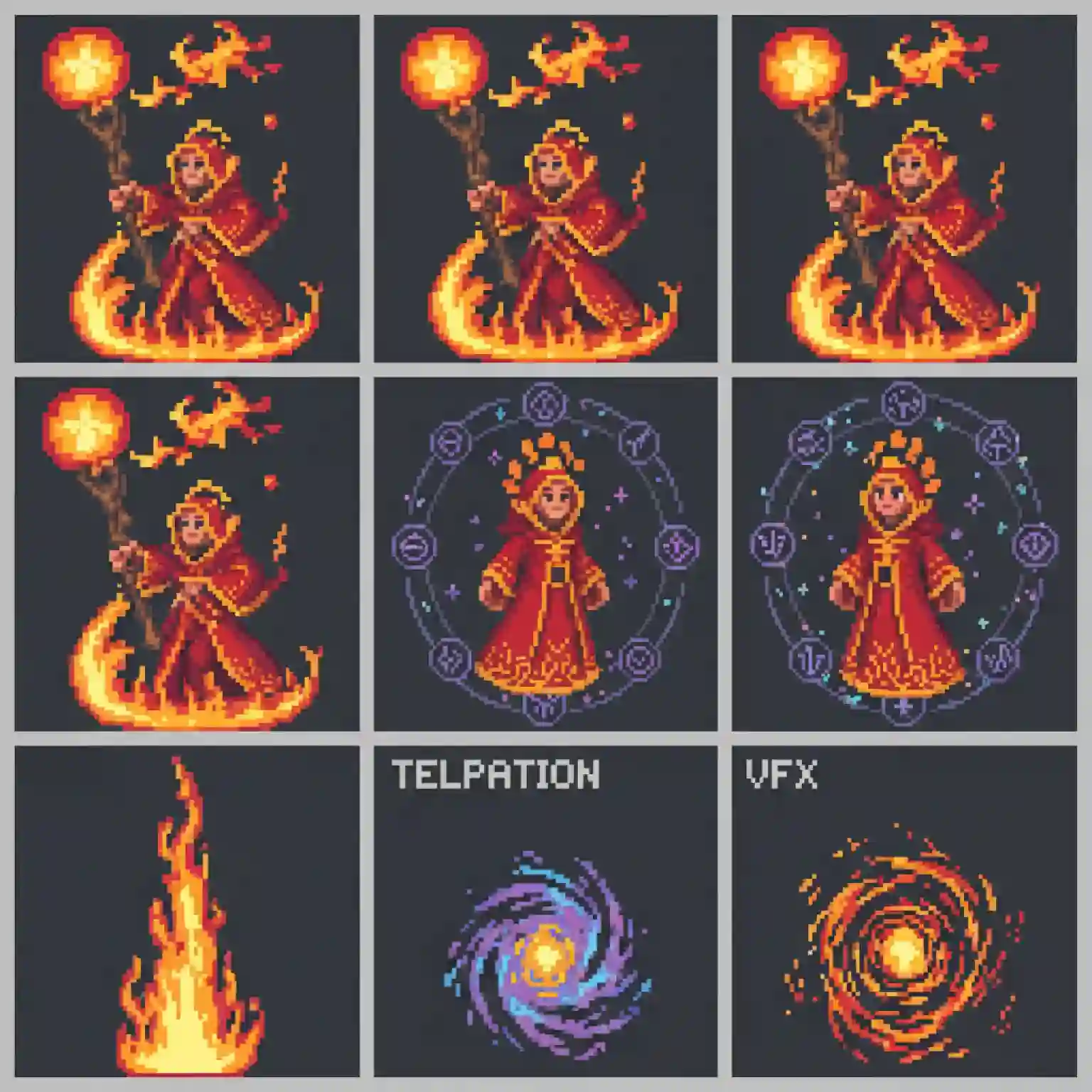
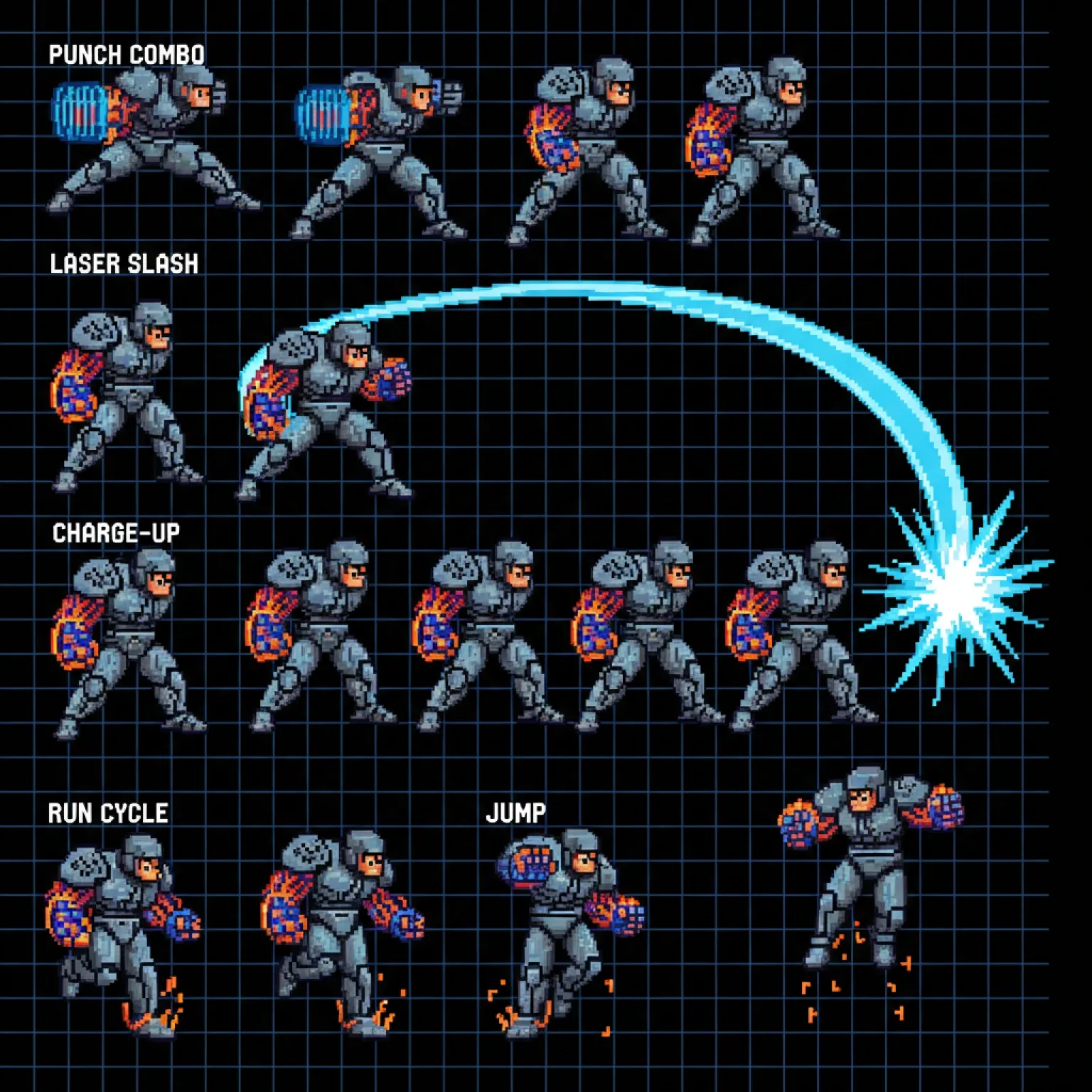
Instantly Generate Animated Sprites for Your Games
Creating custom animated sprites is now faster than ever with Dzine. Our AI sprite generator is designed for game developers, animators, and hobbyists who need high-quality assets without the manual work. You can generate complete sprite sheets for actions like walking, running, or attacking just by describing what you need. This tool helps you bring your characters to life, making game development more accessible for everyone.
How to Create Your AI Generated Animated Sprite in 3 Steps
Step 1. Upload an Image
Upload a character design or concept art. This helps our AI sprite generator maintain a consistent style for your project.
Step 2. Describe the Animation
Enter a text prompt describing the character and the action you want to create.
Step 3. Generate and Download
Click to generate your sprite sheet. You can then download the final result as a game-ready PNG file.
Watch Dzine's Full Beginner Step-by-Step Guide
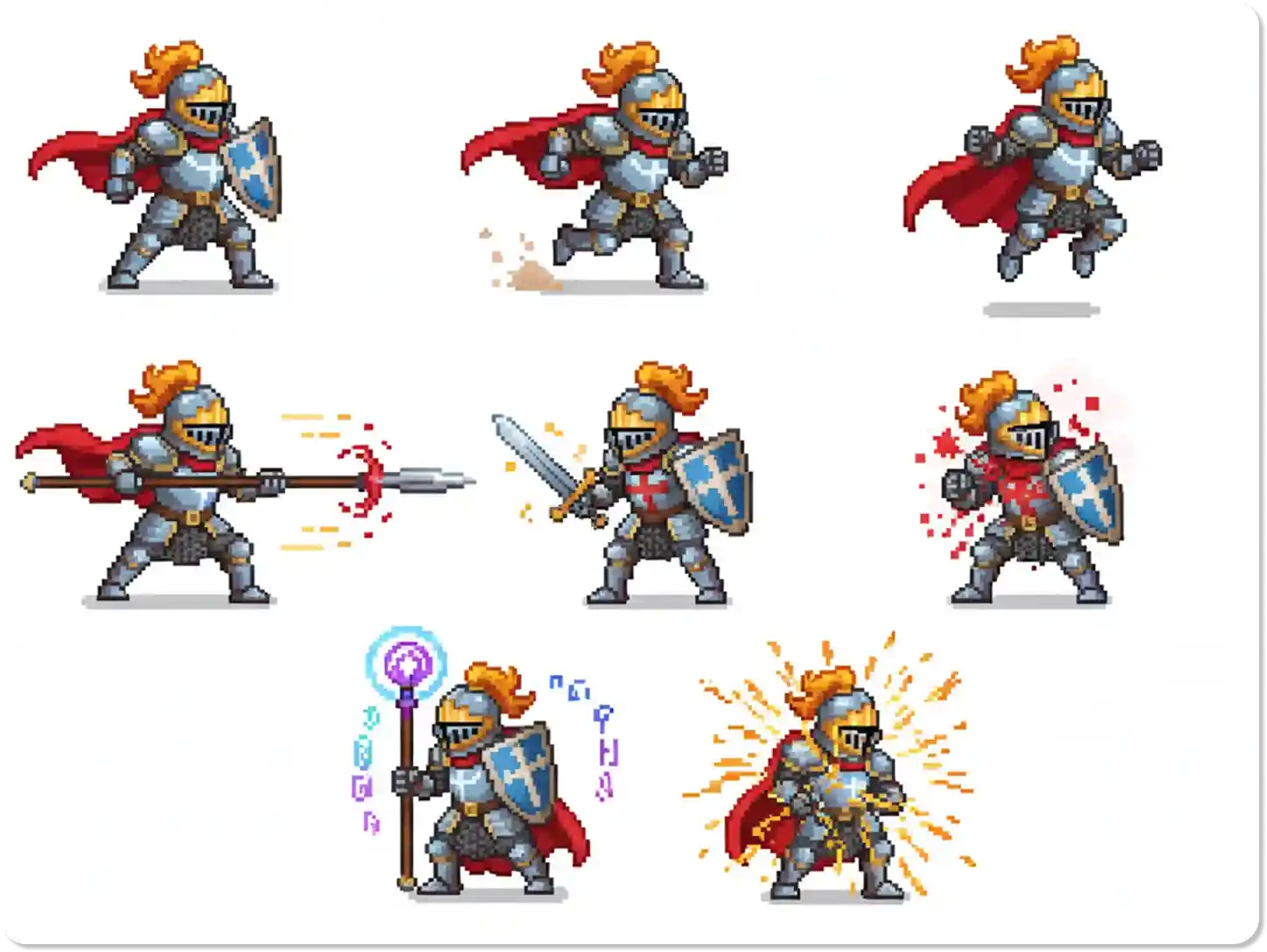
Create Consistent Characters for Your Games
Our AI sprite generator ensures your characters look consistent across every frame and animation. Whether you're creating a hero, villain, or NPC, the tool maintains the same style, color palette, and details. This is perfect for indie developers who need professional-looking assets quickly. For more character design options, check out our AI Character Generator.
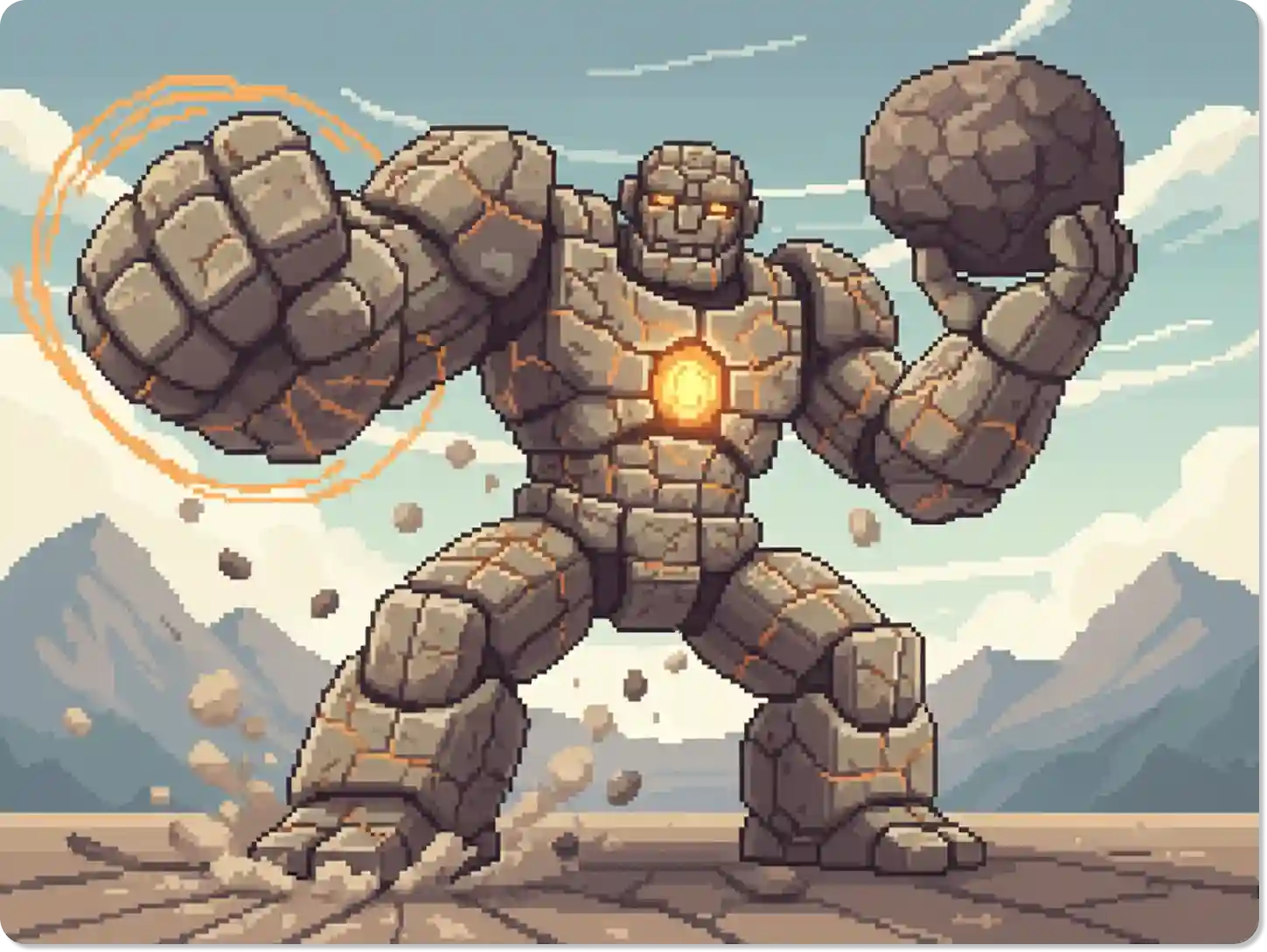
From Text to Animated Sprite in Minutes
Turn your ideas into animated sprites with simple text commands. Describe any action, from a simple idle animation to a complex attack sequence, and our AI will generate a complete sprite sheet for you. This text-to-sprite feature speeds up your workflow, allowing you to focus on other parts of your game.
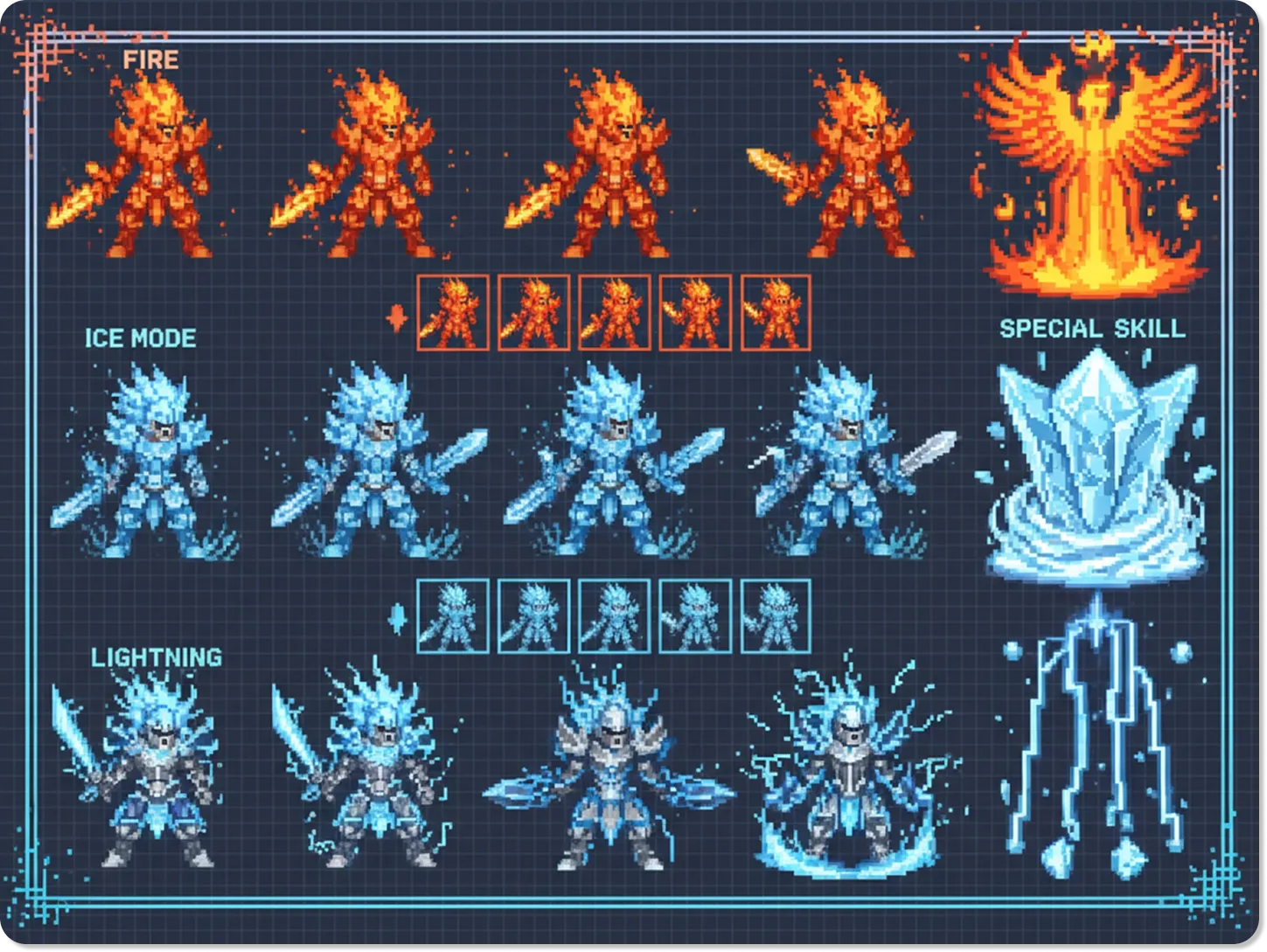
Perfect for Pixel Art and Retro Games
The AI sprite generator is ideal for creating pixel art characters and assets for retro-style games. You can specify the art style in your prompt to get that classic 8-bit or 16-bit look. It's a great way to create authentic-looking sprites that match your game's aesthetic. If you enjoy retro styles, you might also like our AI Pixel Art Generator.
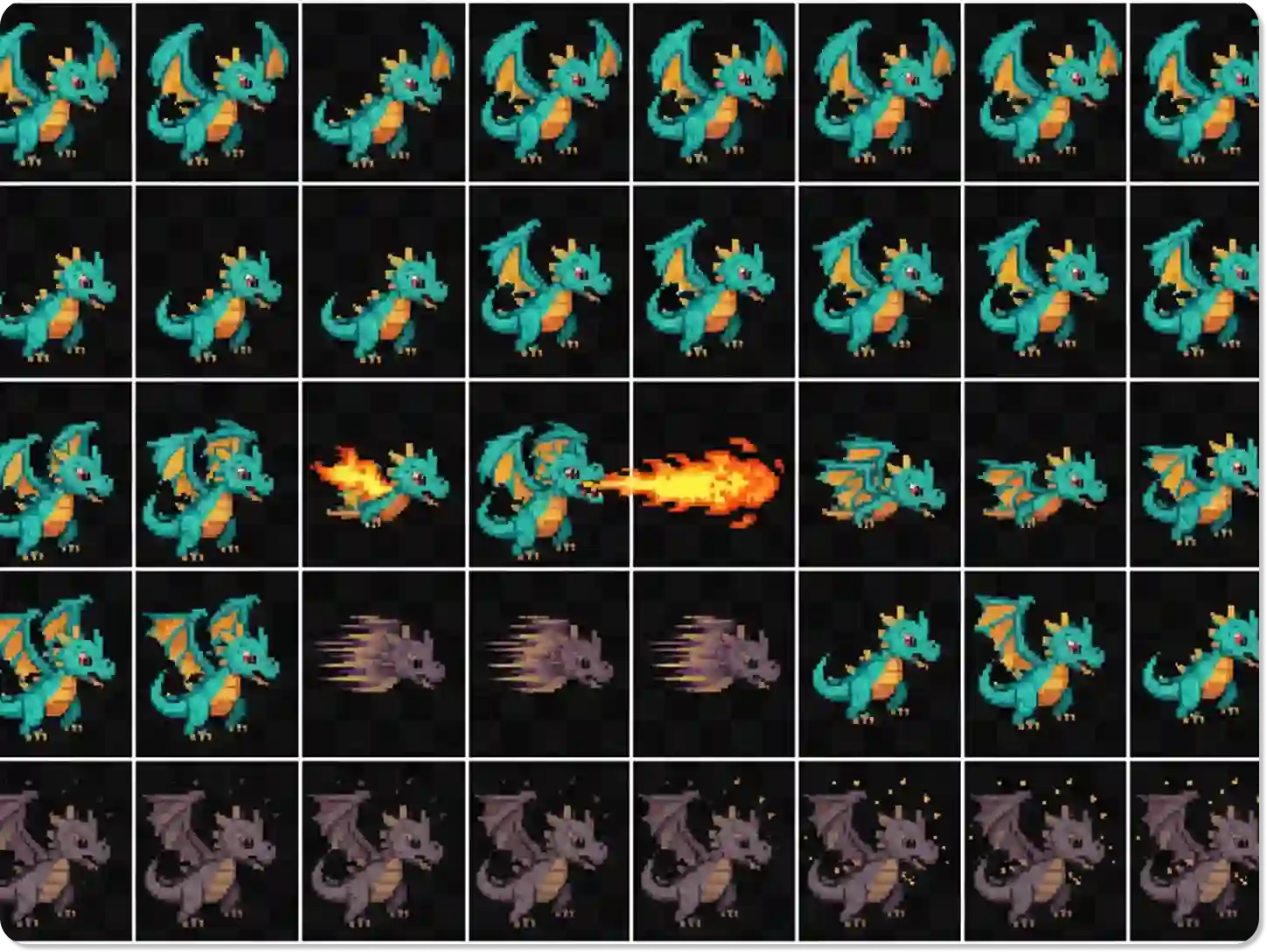
Export Ready-to-Use Sprite Sheets
Dzine provides perfectly formatted sprite sheets that you can drop directly into your game engine. The output is a standard PNG file with a transparent background, making it compatible with Unity, Godot, and other popular platforms. This saves you the time and effort of manually arranging frames. For video assets, explore our AI Video Editor.
FAQ
What is an AI sprite generator?
An AI sprite generator is a tool that uses artificial intelligence to create 2D character sprites and animations from text descriptions. It automates the process of creating sprite sheets, which are essential for game development and animation.
How do I create an AI generated animated sprite?
You can create an AI generated animated sprite by providing a text prompt that describes the character and the desired animation (e.g., "a knight walking"). The tool will then generate a sequence of frames as a sprite sheet.
Can I use my own character design?
Yes, you can upload your own character image as a reference. The AI will use your design to create new animations while maintaining visual consistency.
What formats can I export my sprites in?
You can export your creations as a sprite sheet in PNG format. This format includes a transparent background and is ready to be used in most game engines.
Is this tool suitable for indie game developers?
Absolutely. The AI sprite sheet generator is perfect for indie developers as it allows them to create high-quality assets without needing a large budget or a dedicated art team. You can also explore our AI Game Trailer Generator to promote your game.
What kind of animations can I create?
You can create a wide range of animations, including idle, walk, run, jump, and attack sequences. The key is to be specific in your text prompt to get the best results.
Do I need any artistic skills to use the AI sprite generator?
No, you don't need any drawing or animation skills. The tool is designed to be user-friendly, allowing anyone to create professional-quality sprites from text prompts. For more creative tools, check out our AI Drawing Generator.
What Our Users Said About Dzine's AI Sprite Generator
A Huge Time-Saver for My Indie Game
This AI sprite generator is incredible. I was able to create all the basic animations for my main character in an afternoon, a task that would have taken me weeks to do by hand. The quality is great and the process is so simple.
Alex G.Indie Game Developer
Great for Prototyping and Quick Assets
As a solo developer, I use this tool to quickly prototype character movements and ideas. The AI generated animated sprites are perfect for testing gameplay mechanics before committing to final assets. It has become an essential part of my workflow.
Brenda M.Solo Developer
Consistent and High-Quality Results
I was impressed by how consistent the AI keeps the character's appearance across different animations. I uploaded my character design, and the AI sprite sheet generator produced a perfect walk cycle that matched my style.
Sam T.2D Artist