AI Video Extender: Stretch Videos Online
Use Dzine's AI video extender to stretch any short clip into a longer, more natural-looking video. Whether it's a vlog, reel, or animation, just upload it and let Dzine AI do the rest.

Use Dzine's AI video extender to stretch any short clip into a longer, more natural-looking video. Whether it's a vlog, reel, or animation, just upload it and let Dzine AI do the rest.
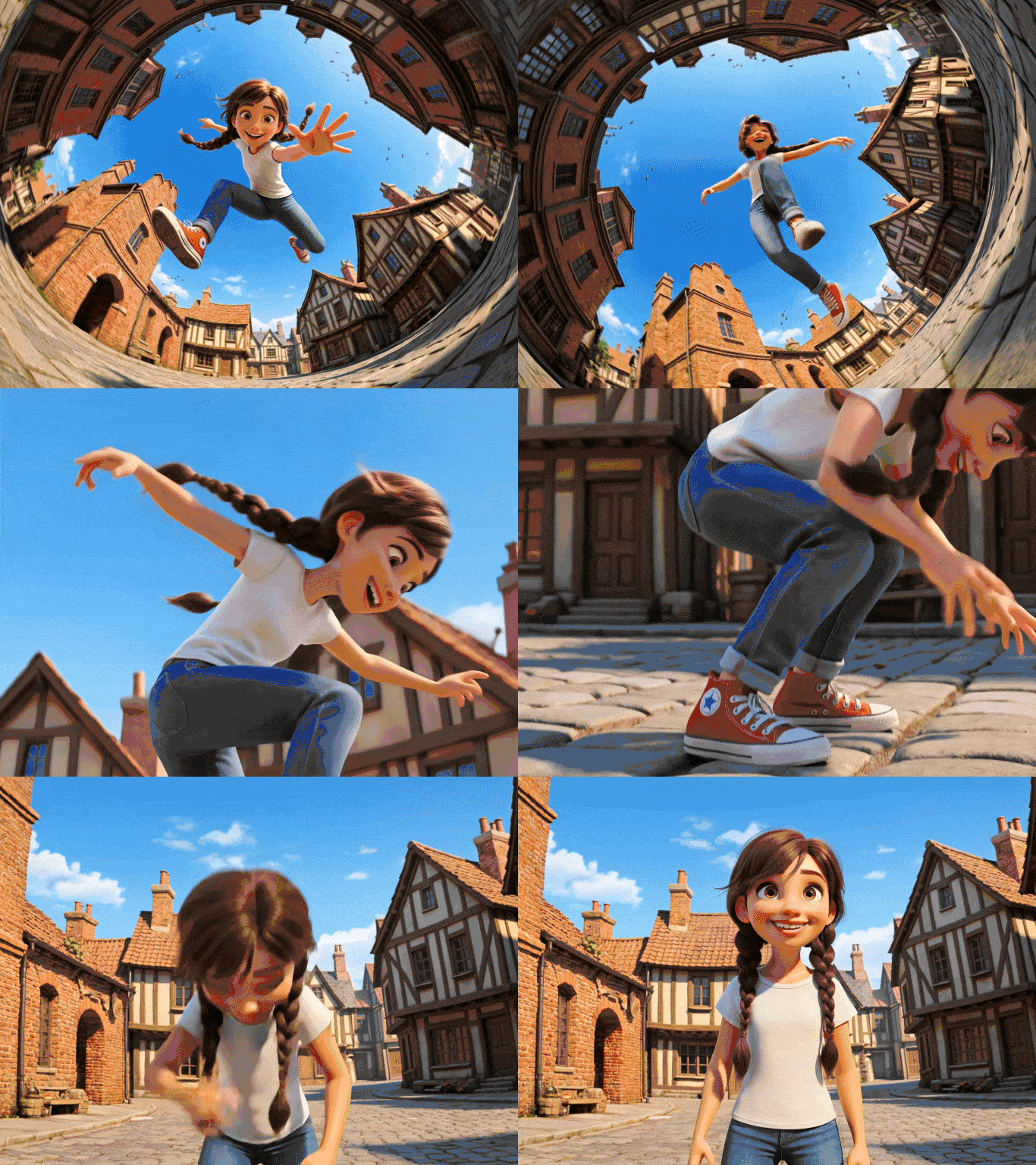
Short clips get cut off. Platform requirements demand longer content. Re-recording takes time you don't have. Dzine's AI video extender solves all three problems at once. Our tool analyzes your original footage - motion patterns, lighting, color, and pacing - then generates new frames that continue the scene naturally. The extended portion blends into your original content so the result feels like one uninterrupted video.
Dzine supports a full range of use cases: social media content, product demos, travel reels, educational tutorials, and more. The AI video generator powering the extension understands scene context, so you get smart continuation - not just repeated frames or awkward loops.
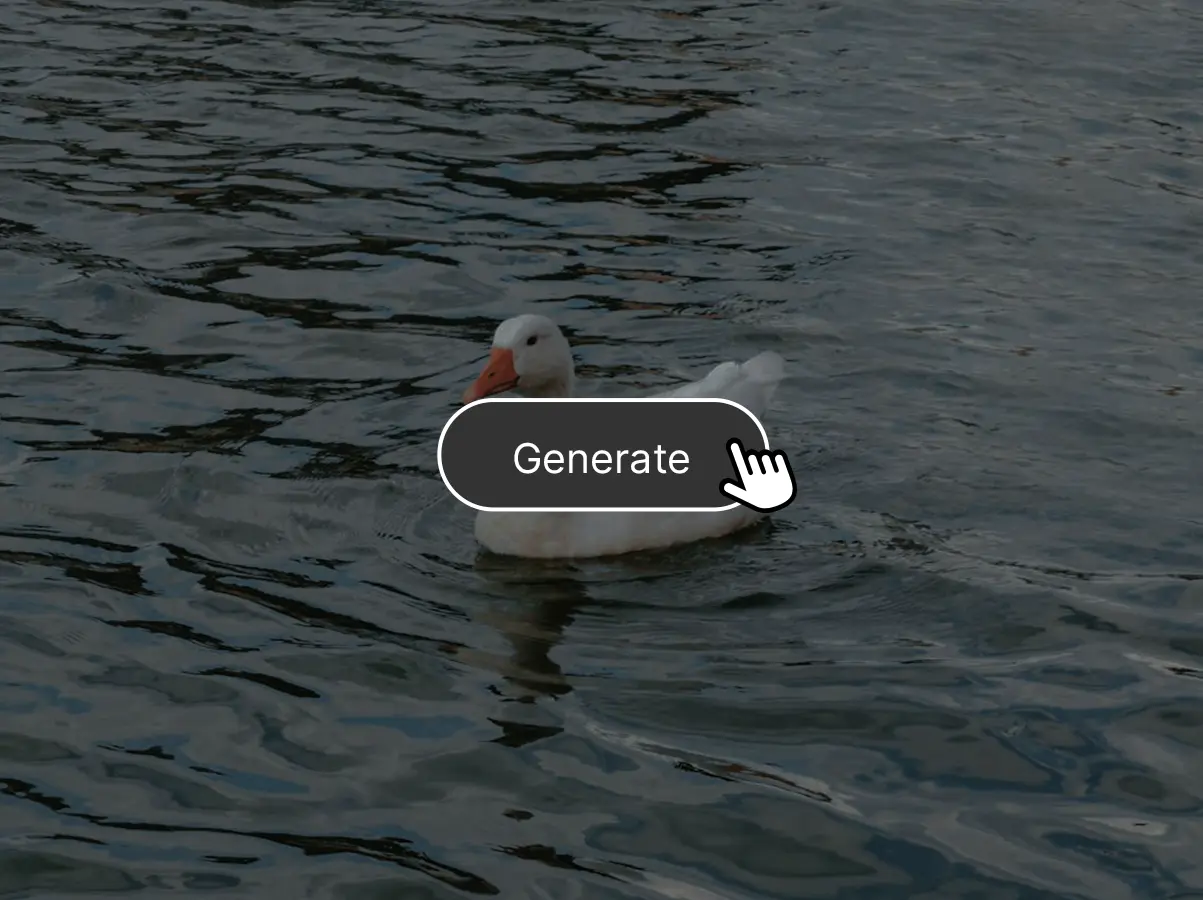
Start by uploading your video to the AI Video Extender tool. Then, you can choose a video model such as Kling 3.0 or Grok Imageine.
Then, extend your video by describing your vision. The AI will generate a longer version based on your instructions.
After previewing the extended video, click Download to save your extended video.
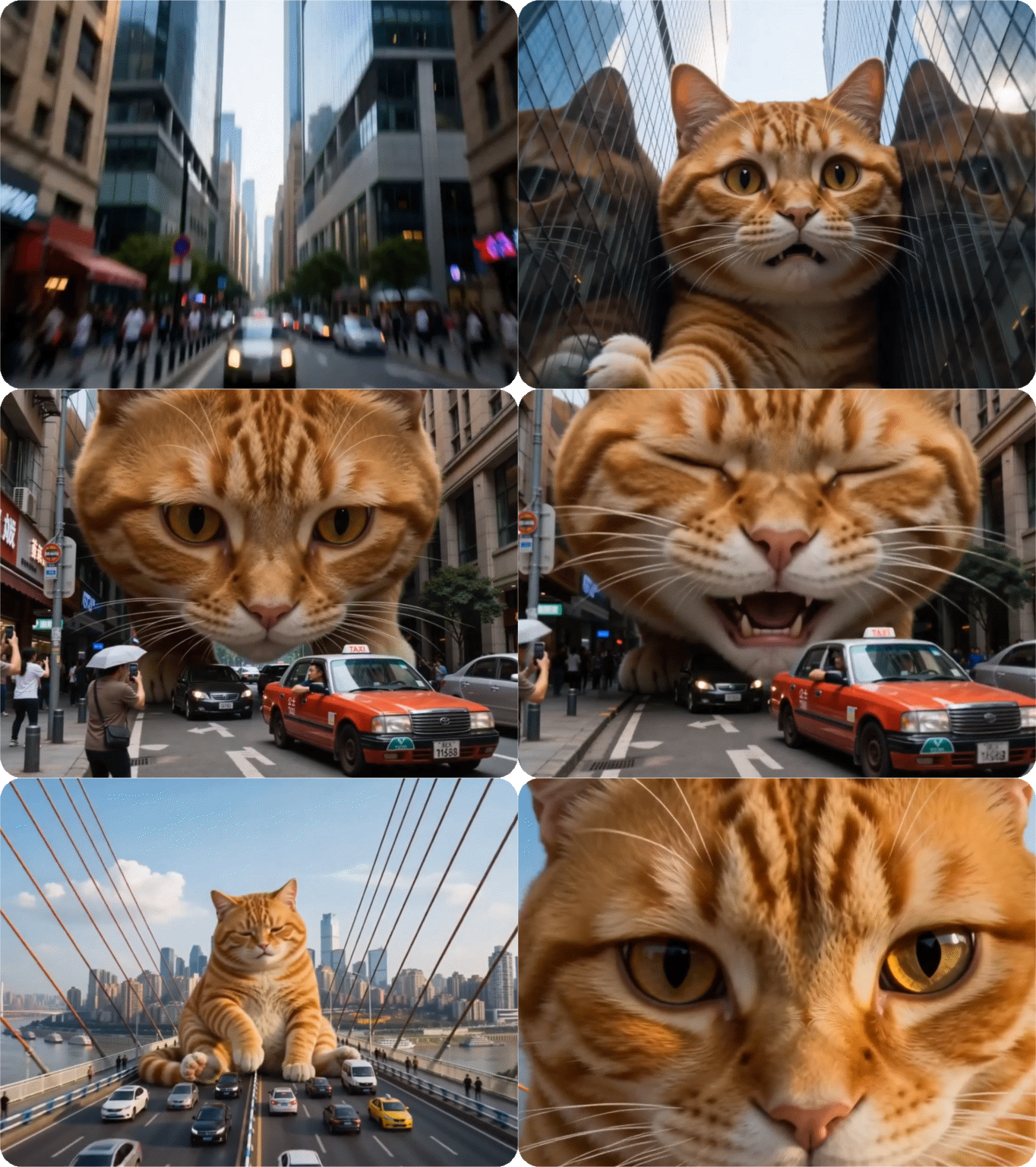
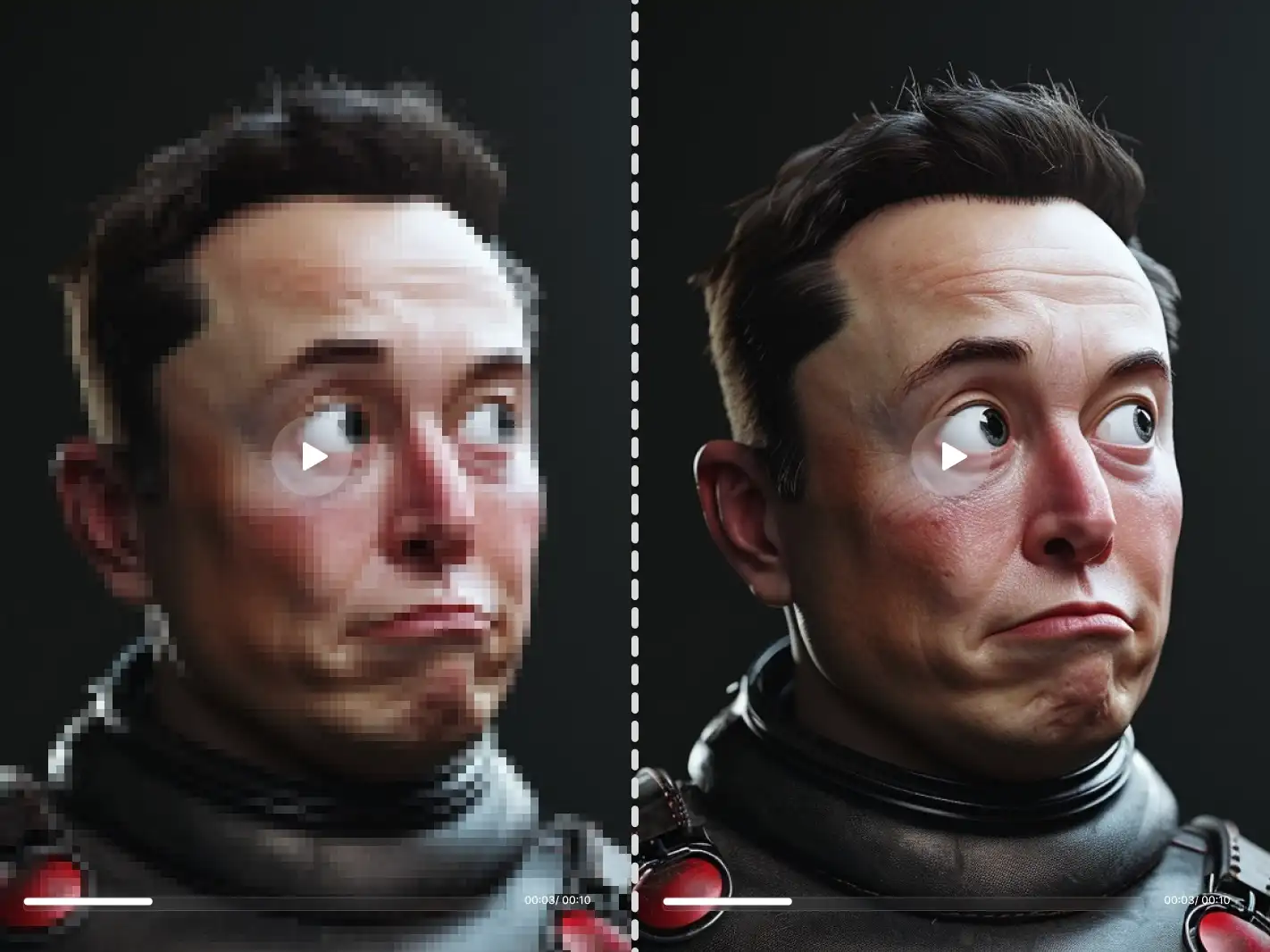
Dzine's free AI video extender generates each new frame at the same resolution as your original clip — no downscaling, no added blur, no encoding artifacts. A 4K source stays 4K after extension. You also get full control over duration. Set the exact number of seconds you want to add before generating.
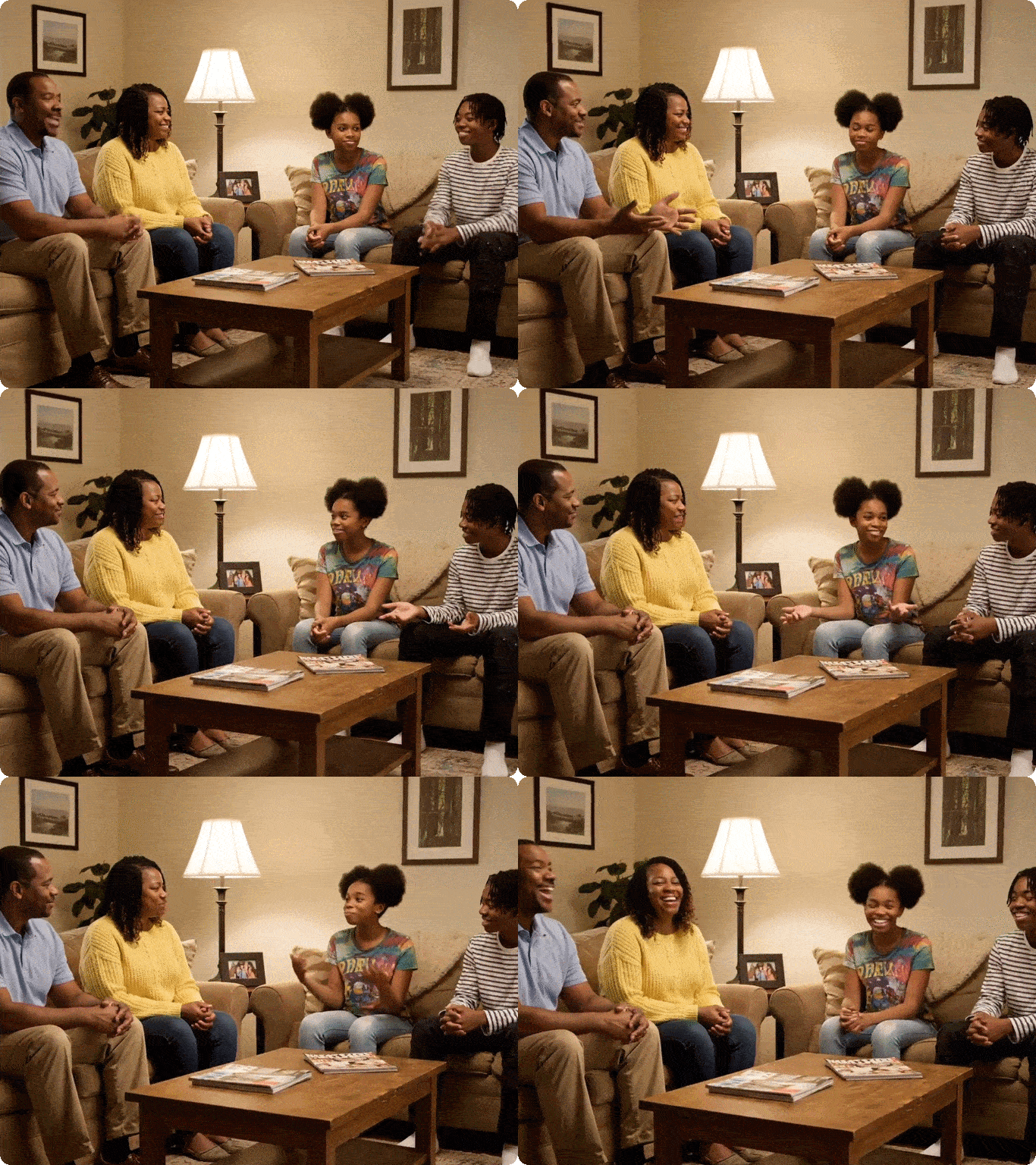
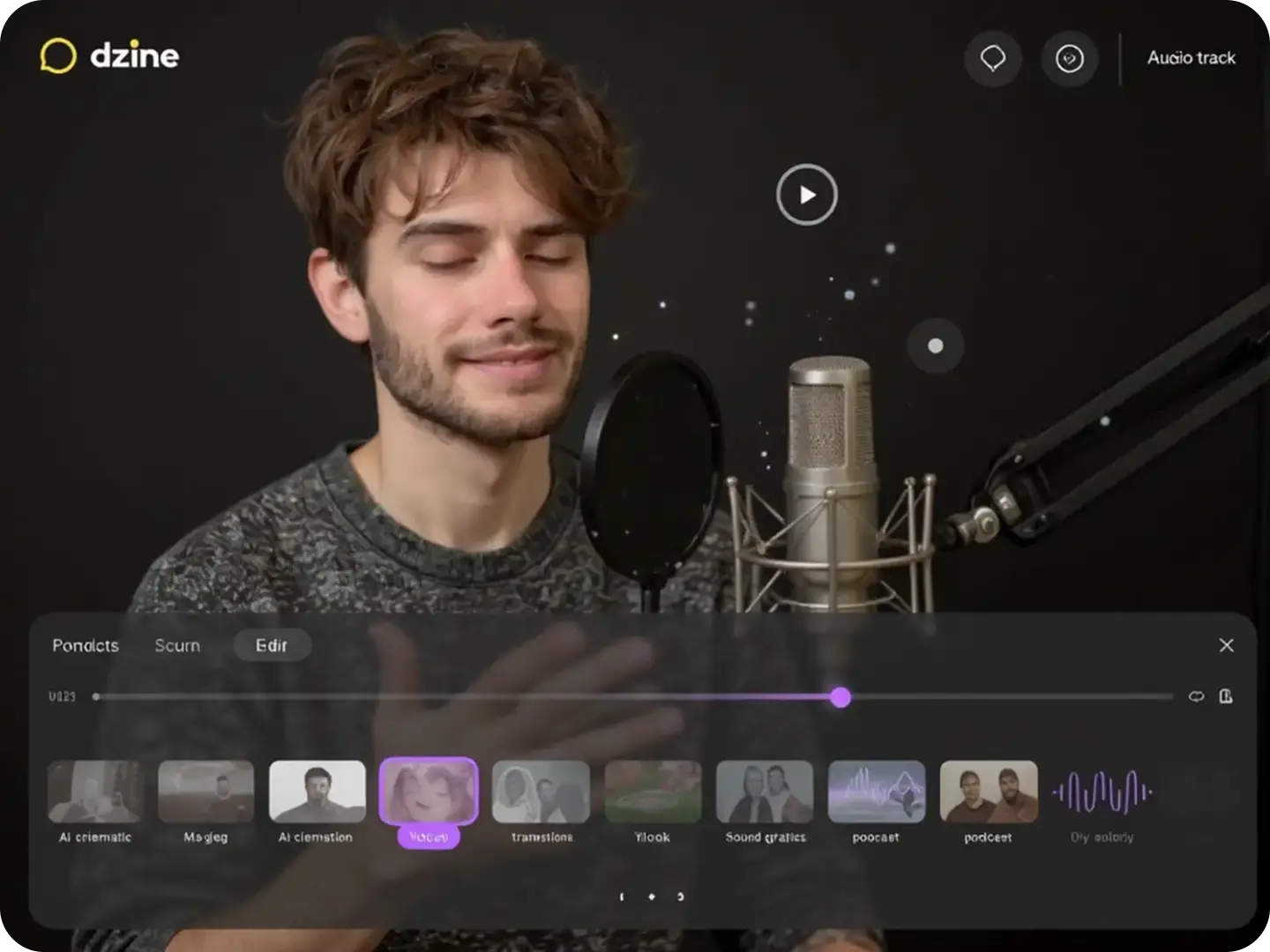
Background music shifts, ambient sound cuts off, or dialogue falls out of step with what's on screen. Dzine's AI video extender online free handles this automatically. The extension analyzes your existing audio track - music tempo, ambient tone, voiceover pacing — and aligns the new video frames to match.

Dzine's best AI video extender is not built for one content type. It handles the full range of real-world footage. Extend a vlog featuring a person speaking to camera. Continue a nature reel where a dog runs across a field. Add seconds to a landscape timelapse of clouds moving over a mountain. Generate a longer establishing shot of a city street at dusk.
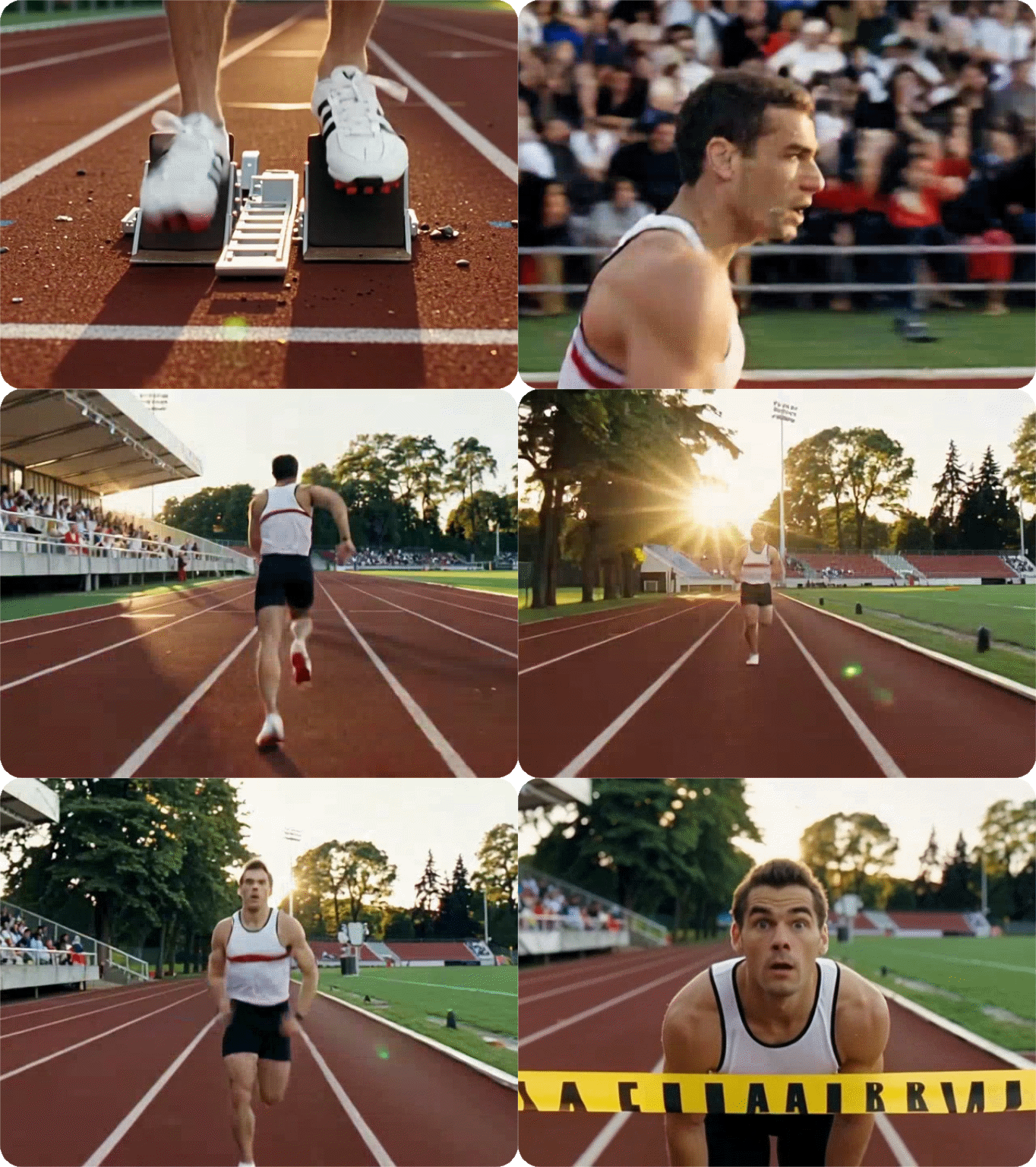
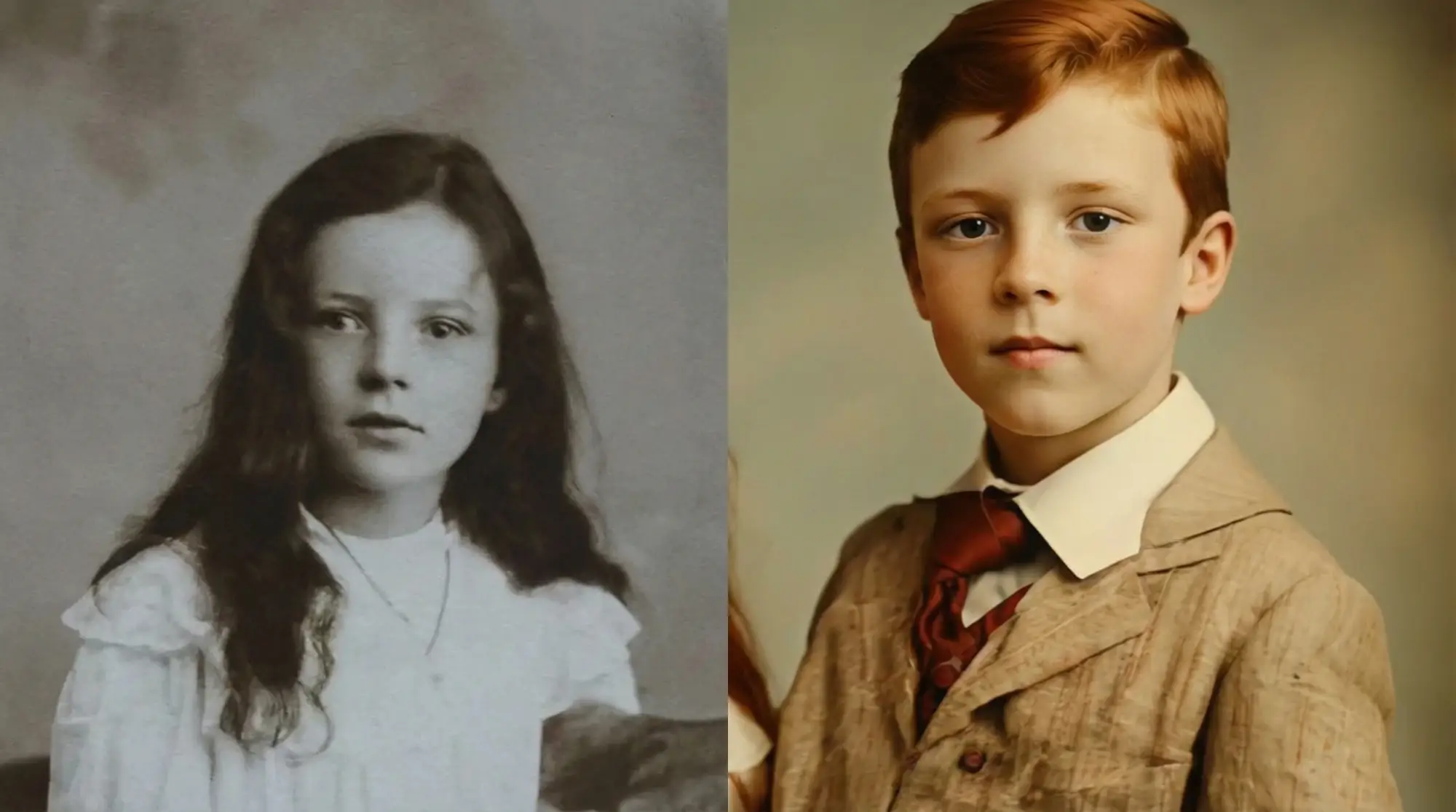
When a person, animal, or object appears in your original video, their visual identity carries through into the extended portion. Facial features, skin tone, clothing, fur texture, and body proportions stay consistent across every new frame. The subject in the extension looks like the same subject from the original clip - not a close approximation.

Adcaned AI image and vidoe models such as Google Veo 3.1 and Nano Banana Pro to deliver high-quality, varied video content that makes your work truly distinctive.

Produce polished visuals instantly, apply styles auto-magically, or refine designs without pro skills.

Access core AI tools for free trial, experiment with creations freely, or test features before committing.

Export high-res visuals in multiple formats, preserve every fine detail, or use them for print & digital.

Get clean, watermark-free outputs, use visuals for commercial campaigns, or share them seamlessly.

Create on the web directly, skip software installation, or design anytime anywhere on any device.
An AI video extender is a tool that uses artificial intelligence to generate new frames and add them to the end of an existing video clip. Instead of looping or duplicating content, the AI analyzes the motion, lighting, and scene context of your original footage, then creates a natural continuation. Dzine's free AI video extender does this online with no software download required.
Yes. Dzine offers an AI video extender free no sign-up experience for new users during the free trial period. You can upload a clip, enter a prompt, and generate an extended video without creating an account or entering payment details. Paid plans unlock longer extensions, higher resolution exports, and watermark-free downloads.
Go to Dzine's AI video extender tool, upload your video, and describe how you want the scene to continue. Select a video model such as Kling 2.1, then click Generate. The AI will process your clip and produce an extended version that matches your original footage in style, motion, and quality. Download the result directly from your browser.
Yes. Dzine's AI video extender online free automatically handles audio-visual alignment. Background music, ambient sound, and voiceover pacing are preserved throughout the extension. You don't need to re-edit the audio track manually after generating the extended video.
Absolutely. Dzine's best AI video extender is trained across a wide range of footage types including people, animals, landscapes, animated content, and product footage. The AI adapts to whatever is in your original clip and generates a continuation that stays visually consistent with the subject matter.
Yes. Subject consistency is a core feature of Dzine's AI video extender. Facial features, clothing, animal markings, and object details are preserved across the extension so the new frames look like a natural part of the original clip rather than a disconnected add-on.
Yes. Dzine's AI video extender works on both real recorded footage and videos generated by other AI tools. Upload any MP4 clip, provide a continuation prompt, and the system will extend it seamlessly. You can also pair it with Dzine's AI video enhancer to upscale the original clip before extending it, ensuring the best possible output quality.