- Tools
- Resources
- Pricing
- API
- Contact Sales
- Book a Demo


Blonde Hair Filter
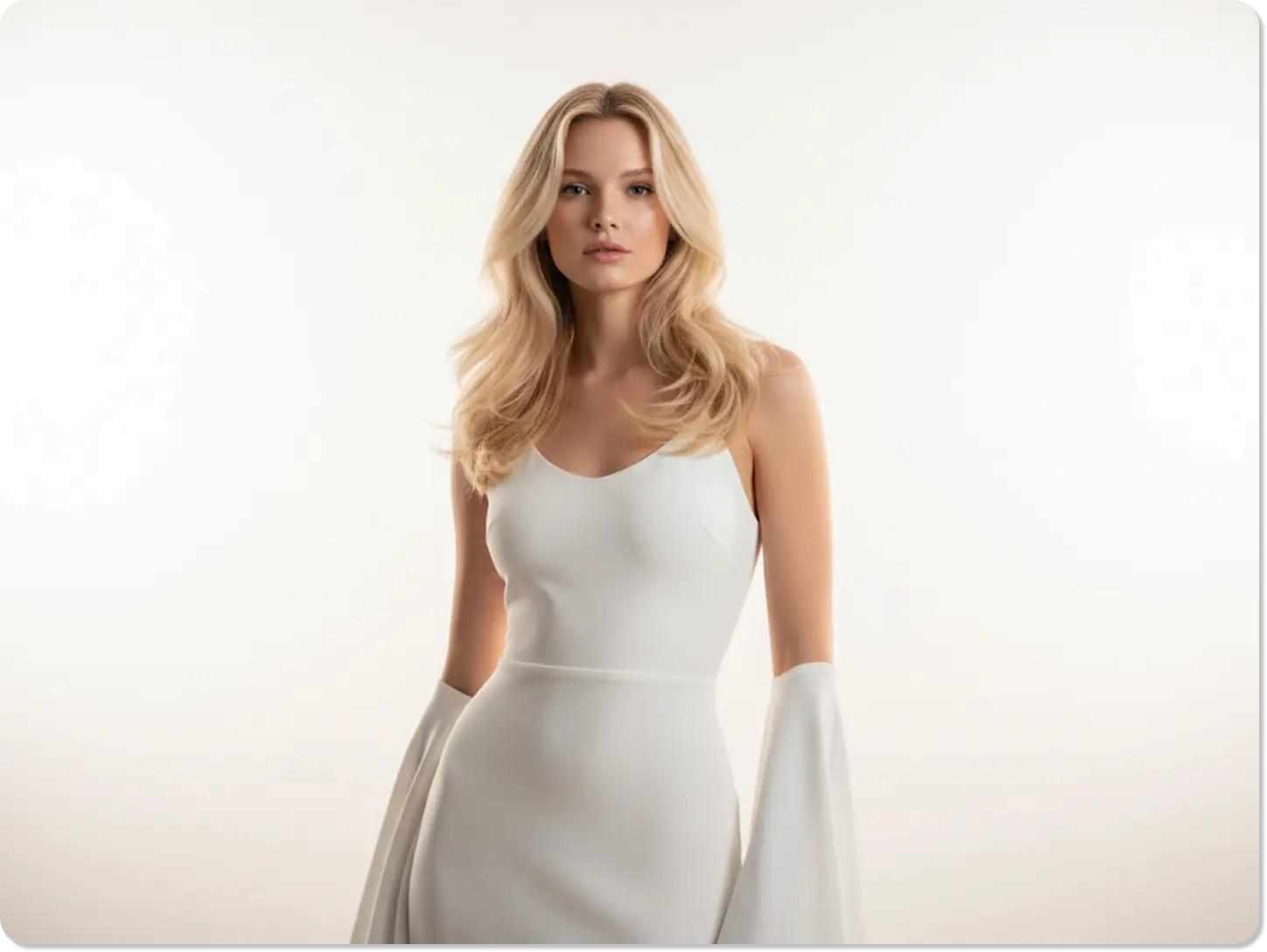
At Dzine, we created the blonde hair filter to let you try any shade of blonde without commitment. Our advanced AI uses sophisticated technology to apply realistic color to your photo. You can explore everything from icy platinum to a warm strawberry blonde hair filter in seconds.

Click or drag here to upload images
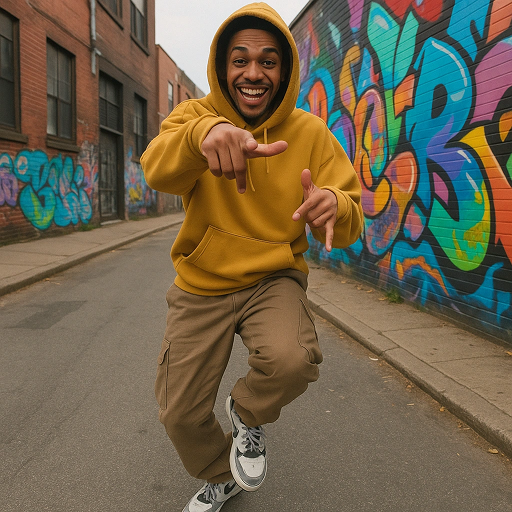
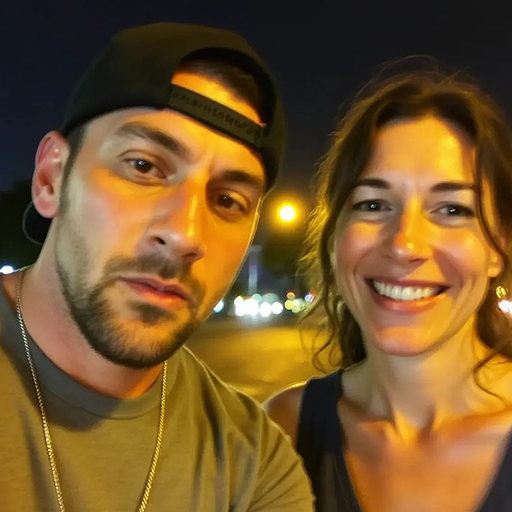
Try the Blonde Hair Filter with these examples


What Would I Look Like with Blonde Hair Filter
Our AI blonde filter removes all the guesswork from a major hair color change. Dyeing your hair blonde is a big decision, and our tool helps you visualize the final result perfectly. We designed this filter for anyone who is curious about a new look but wants a risk-free preview. You can test countless shades, adjust the tone, and see how blonde complements your skin tone - all from your device. It is the fastest way to answer the question, "what would i look like with blonde hair filter".
How to Use the AI Blonde Hair Filter?
Step 1. Upload Your Photo in Chat Editor
Choose a clear, well-lit photo where your current hair is fully visible. A good quality image helps the AI apply the blonde hair filter with maximum realism.
Step 2. Input Your Desired Blonde Shade
Tell the AI exactly what you want. For example: "Platinum blonde hair filter with dark roots" or "Warm honey blonde with soft waves."
Step 3. Generate and Save Your Result
Click Generate to see your blonde transformation. You can easily tweak the prompt to try a different tone, like a strawberry blonde hair filter.
Watch Dzine's Full Beginner Step-by-Step Guide
Find the Perfect Blonde Shade for Your Skin Tone
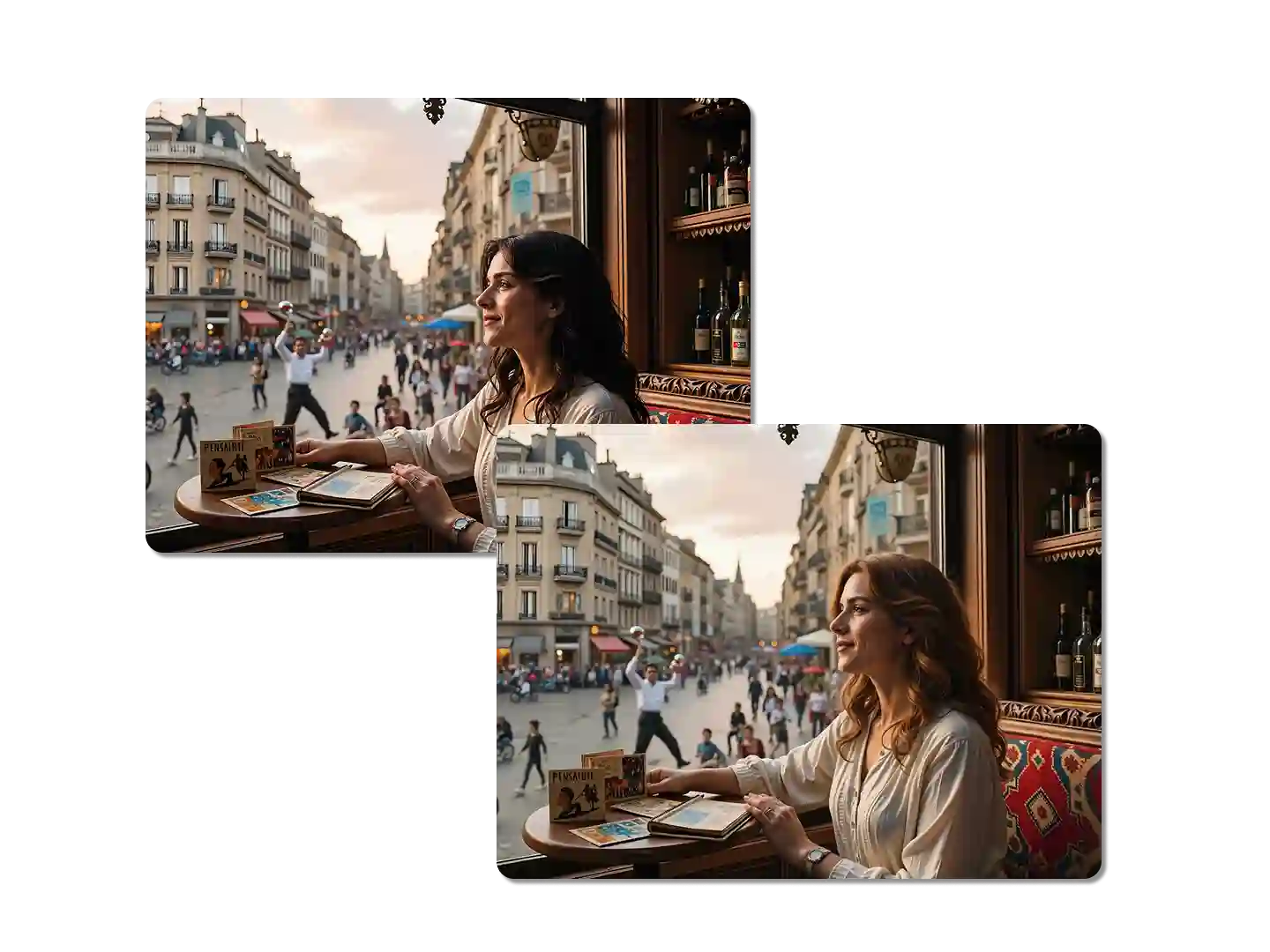
The right blonde shade depends heavily on your skin's undertone. Our AI blonde hair filter lets you test warm, cool, and neutral shades against your complexion. Try "ash blonde filter" if you have cool undertones, or "golden blonde filter" for warm undertones. This feature ensures your virtual blonde look is always flattering and harmonious.
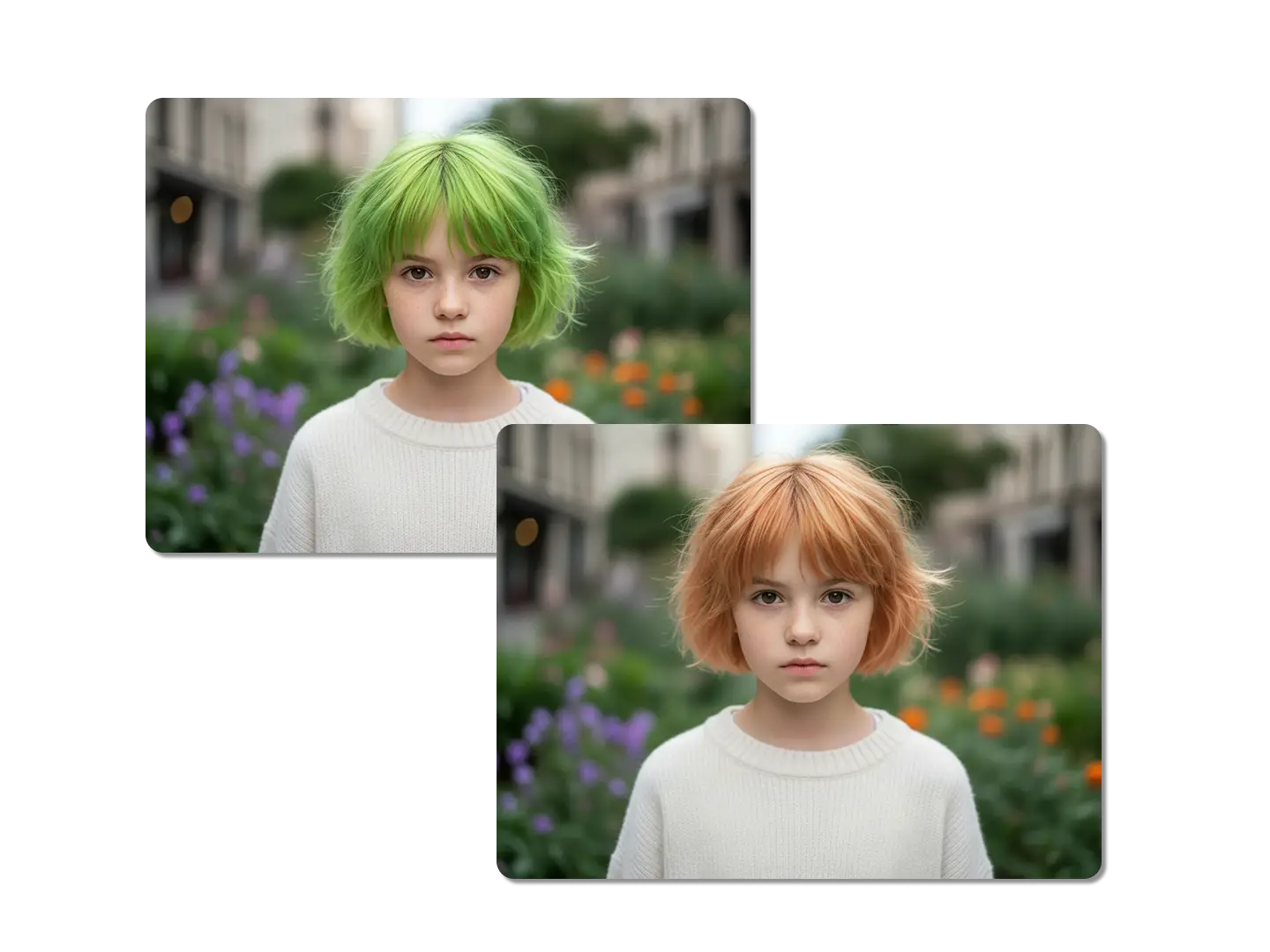
Test the Strawberry Blonde Hair Filter and Other Unique Tones
Blonde comes in a vast spectrum of colors, not just one shade. Use the strawberry blonde hair filter to see this popular reddish-blonde tone on your hair. You can also try dirty blonde, bronde, or icy platinum blonde to explore the full range. Our AI makes it easy to experiment with these nuanced and complex colors.
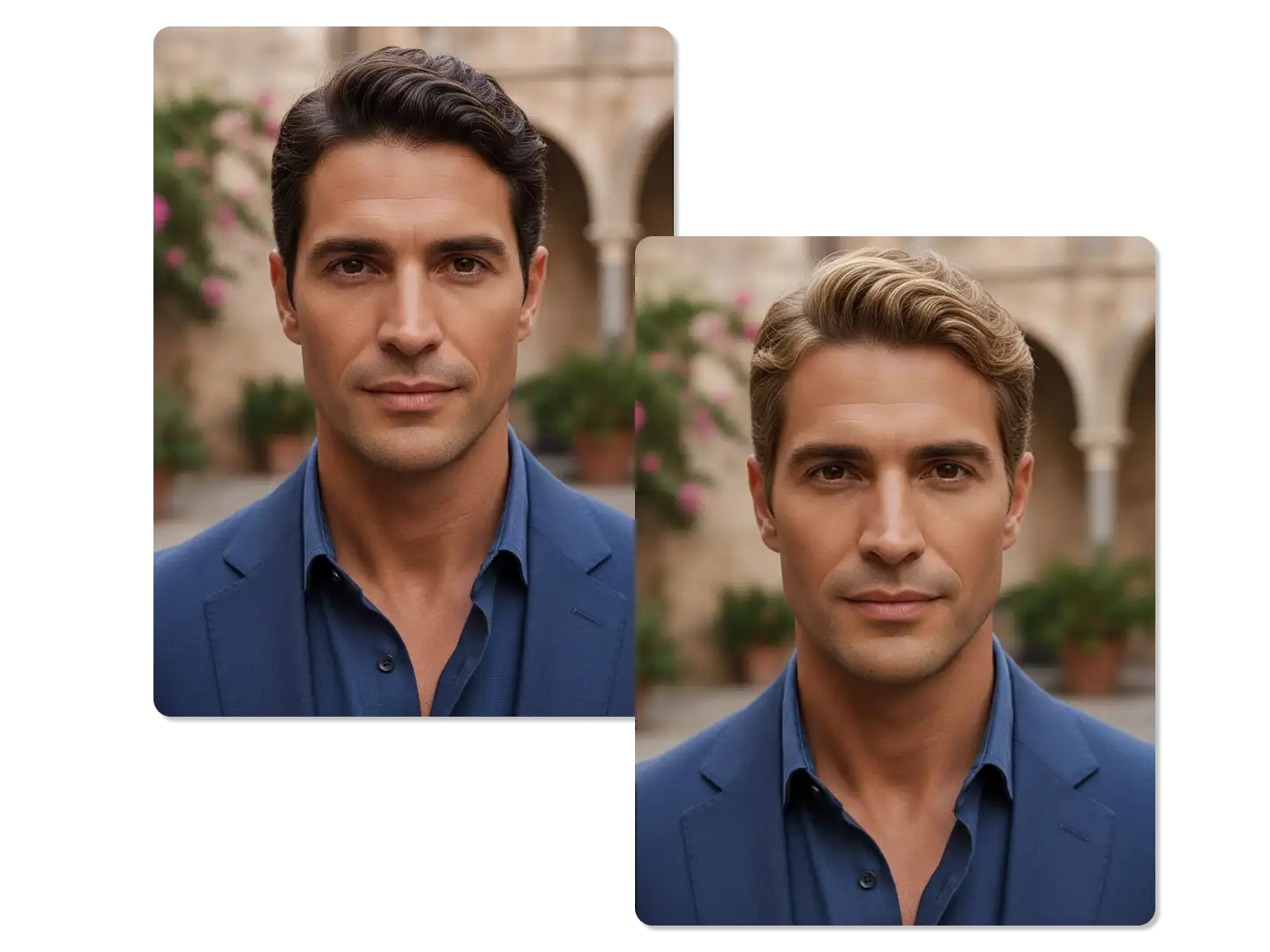
Seamlessly Apply the AI Blonde Filter to Any Hairstyle
Whether you have short bobs, long layers, or tight curls, the AI blonde filter works flawlessly. The technology intelligently detects your hair's texture and volume before applying the color. This means the blonde shade looks natural and follows the contours of your existing cut. You can even try a blonde color on a new style using our AI image editor for a complete makeover.
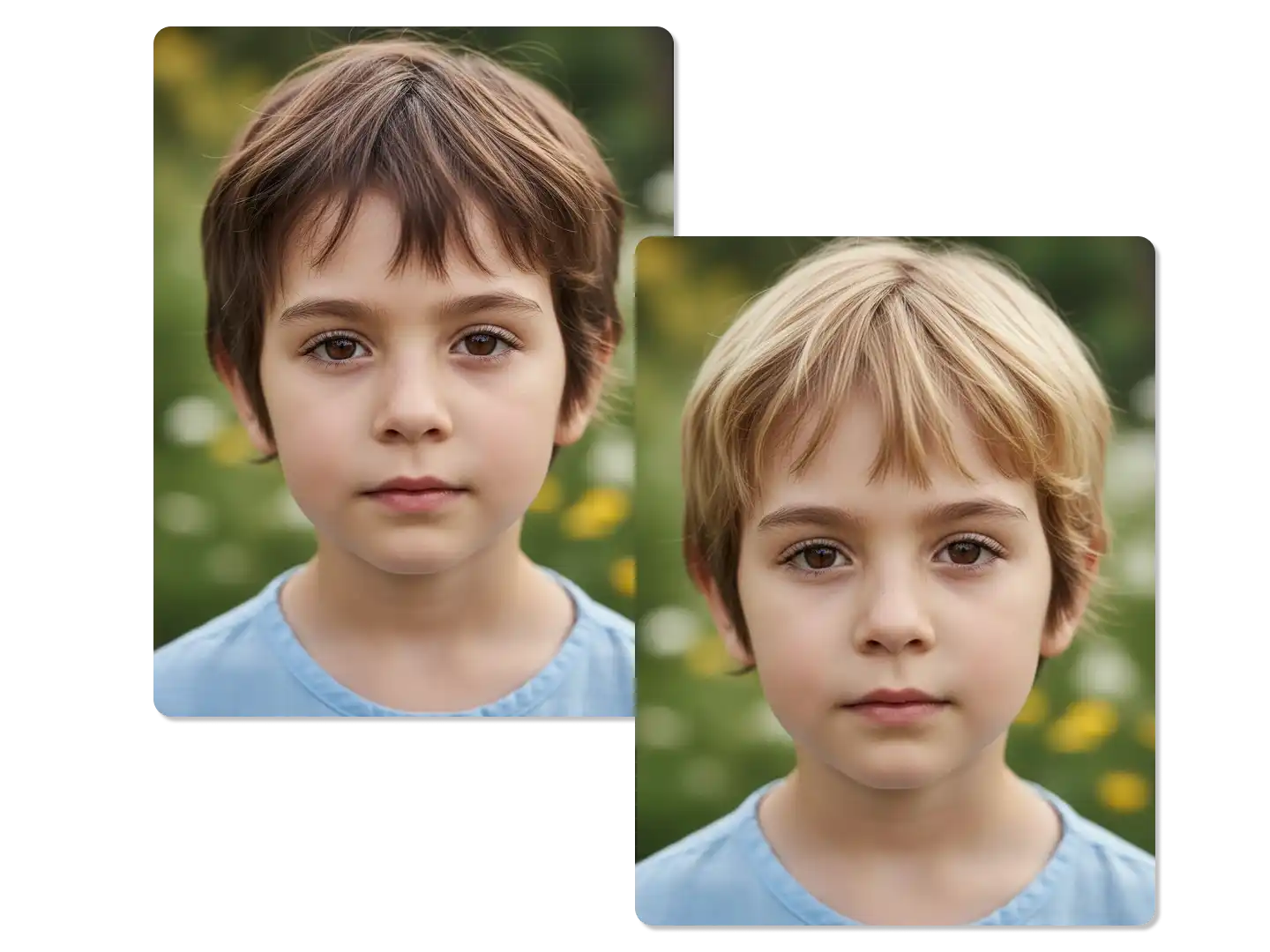
Visualize Highlights, Balayage, and Ombre Effects
Going fully blonde is not the only option; you can also test partial coloring techniques. Simply describe the effect you want, such as "blonde highlights" or "caramel balayage" in your prompt. The blonde hair filter will render these complex, multi-tonal looks with impressive accuracy. This is perfect for planning a salon visit and showing your colorist exactly what you envision.
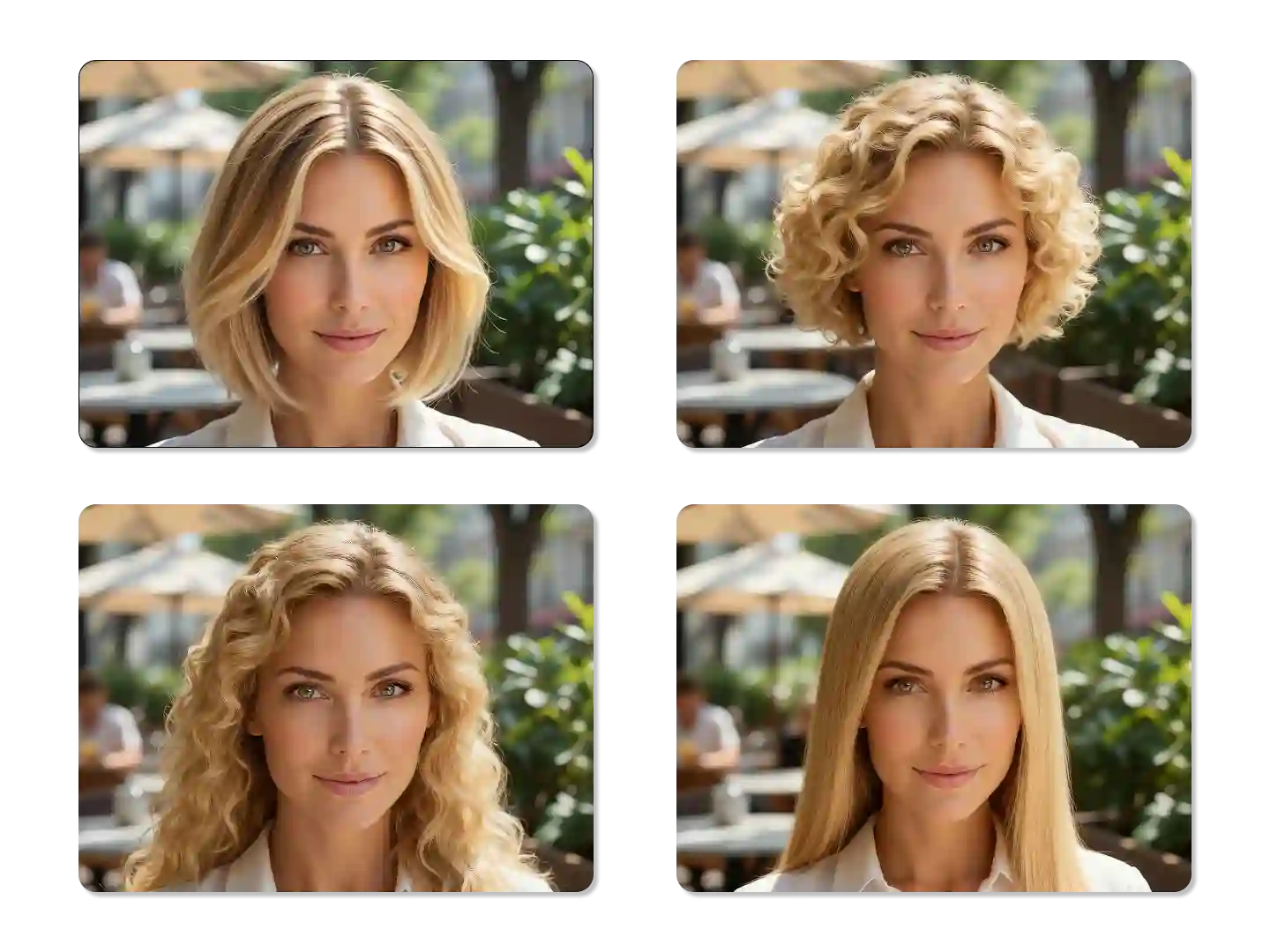
See the Blonde Hair Filter on Different Hair Lengths
The length of your hair can drastically change how a blonde color appears. Use the AI blonde filter to see how a bright platinum looks on a short pixie cut versus long, flowing hair. If you are considering a cut and color change, this tool is invaluable for planning both simultaneously. You can also explore other hair transformations with our AI face generator for a full virtual restyle.
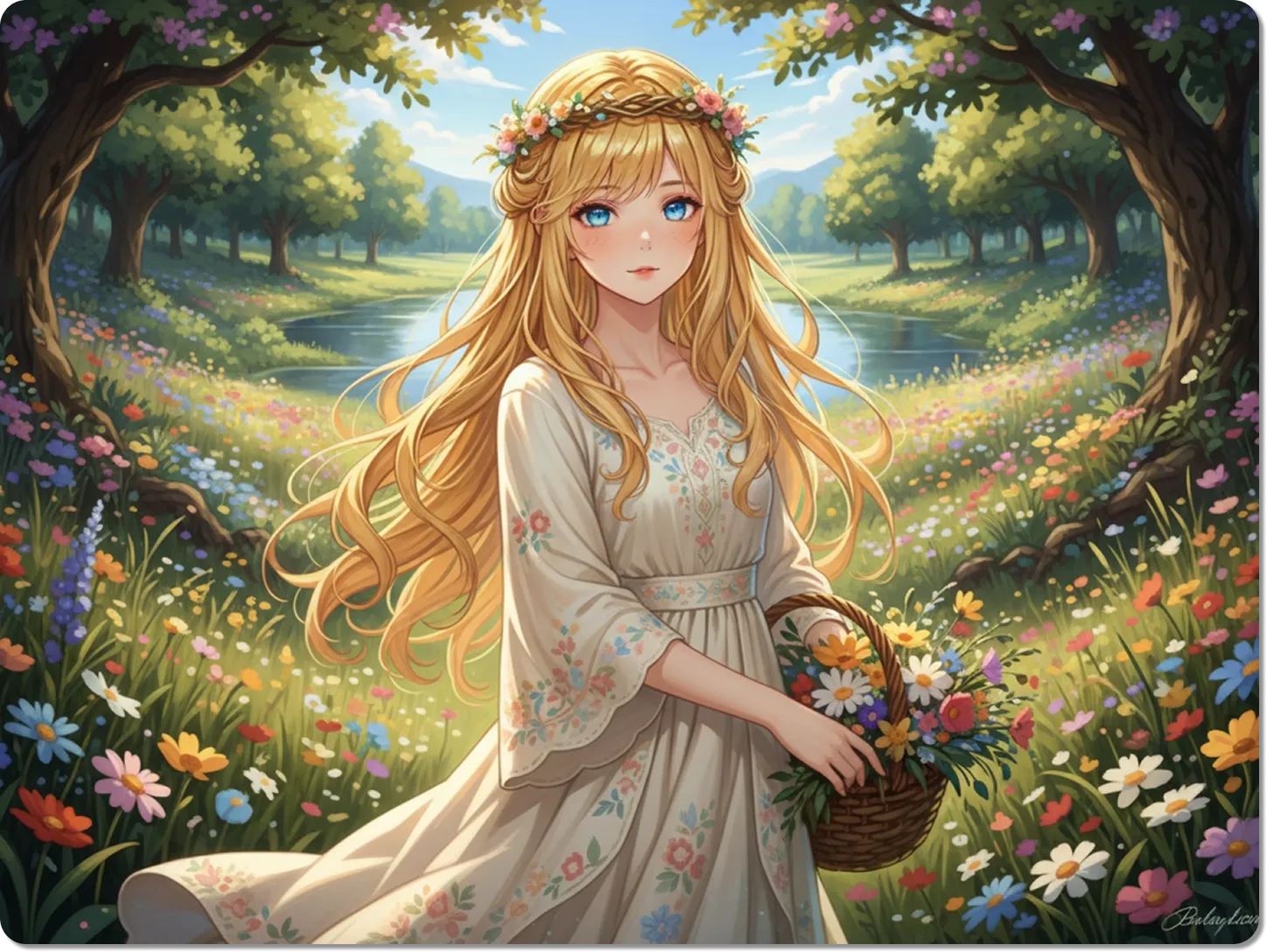
Use the AI Blonde Filter for Cosplay and Character Design
The AI blonde filter is a powerful tool for creative projects beyond personal styling. Use it to visualize characters for cosplay, graphic novels, or digital art. You can quickly generate a "fantasy silver blonde" or a "neon yellow blonde" for a specific aesthetic. Pair this with our AI photo filter to create a complete, stylized image.
Understand How Blonde Hair Affects Your Makeup and Wardrobe
A new hair color often requires adjustments to your makeup and clothing choices. Seeing yourself with the blonde hair filter can help you plan these changes in advance. Notice how a cool blonde might require warmer lip colors, or how a golden blonde pairs well with earth tones. This holistic view is part of the Dzine experience.
FAQ
Is the Blonde Hair Filter free to use?
Yes, our basic blonde hair filter previews are free for all users. You can generate multiple shades and styles without any charge. For high-resolution downloads and advanced features, we offer premium plans.
How realistic is the AI blonde hair filter?
The AI blonde hair filter is designed for photorealism. It analyzes your hair's structure, lighting, and shadows to apply the color naturally, avoiding the "sticker" effect common in older filters.
Can I try a strawberry blonde hair filter specifically?
Absolutely. You can specify any shade in your prompt, including the strawberry blonde hair filter, honey blonde, ash blonde, or platinum. The AI will generate the precise tone you request.
Does the AI blonde filter work on dark hair?
Yes, our advanced AI is capable of transforming even the darkest hair colors to blonde. It simulates the lightening process realistically, including potential brassiness or root growth if specified.
Can I save or share my generated blonde look?
Yes. Once you are satisfied with your virtual blonde look, you can download the high-quality image to your device and share it easily across social media platforms.
How is this different from other blonde hair apps?
Our AI focuses on realism. It analyzes your hair texture, facial structure, and lighting to make the blonde color look natural, not like a simple overlay. The text prompts let you fine-tune shades and effects other apps miss.
What Our Users Said
The Most Realistic Blonde Filter I've Used
I was asking myself, "what would i look like with blonde hair filter" for months. Dzine's AI is the only one that made the color look natural on my dark hair. I finally feel confident about going platinum.
Sarah L.Content Creator
Found My Perfect Strawberry Blonde Shade
I used the strawberry blonde hair filter and instantly fell in love with the result. It saved me a trip to the salon for a consultation. The color was exactly what I wanted.
Chloe M.Student
A True AI Blonde Filter
The detail in the highlights and lowlights is incredible. It doesn't look like a cartoon. This AI blonde filter is a game-changer for anyone considering a major color change.
David K.Photographer