- Tools
- Resources
- Pricing
- API
- Contact Sales
- Book a Demo


Business Card Creator
Design professional business cards in minutes. No design skills needed—just upload, describe, and get a card that fits your brand.

Click or drag here to upload images
Upload your logo or a base design to start creating your business card




Make Business Cards That Leave a Lasting Impression
Our business card creator combines AI precision with flexible design. It adapts to any industry—from freelance designers to coffee shop owners. Add your logo, contact info, and brand colors.
The tool suggests layouts that balance readability and style. It checks for spacing issues and ensures text stays sharp, even when printed. Works for solo entrepreneurs, small teams, or large companies. Update designs anytime without starting over. Save multiple versions to test what works best.
How to Create a Business Card in 3 Steps
Step 1. Upload Your Image
Add your logo, a photo, or a background design (JPG, PNG, or WEBP).
Step 2. Describe Your Vision
Tell us details like "minimalist card with blue accents" or "modern layout for a tech startup".
Step 3. Generate and Download
Get your design in seconds. Download high-res files ready for printing or digital sharing.
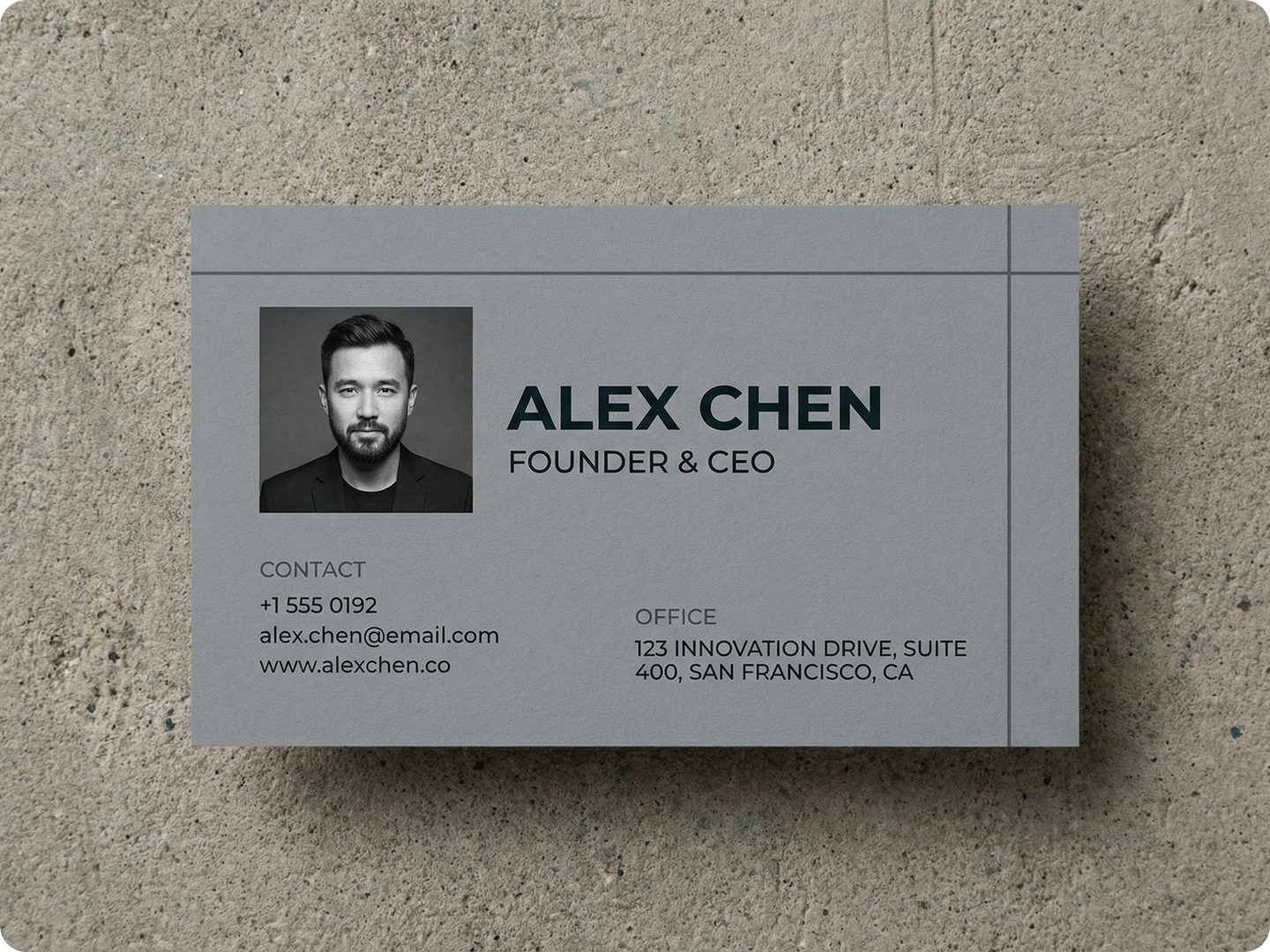
Professional Cards for Freelancers
Showcase your skills at networking events. Include your portfolio link and social handles. Pair with Digital Art Generator to create custom graphics for the card background.
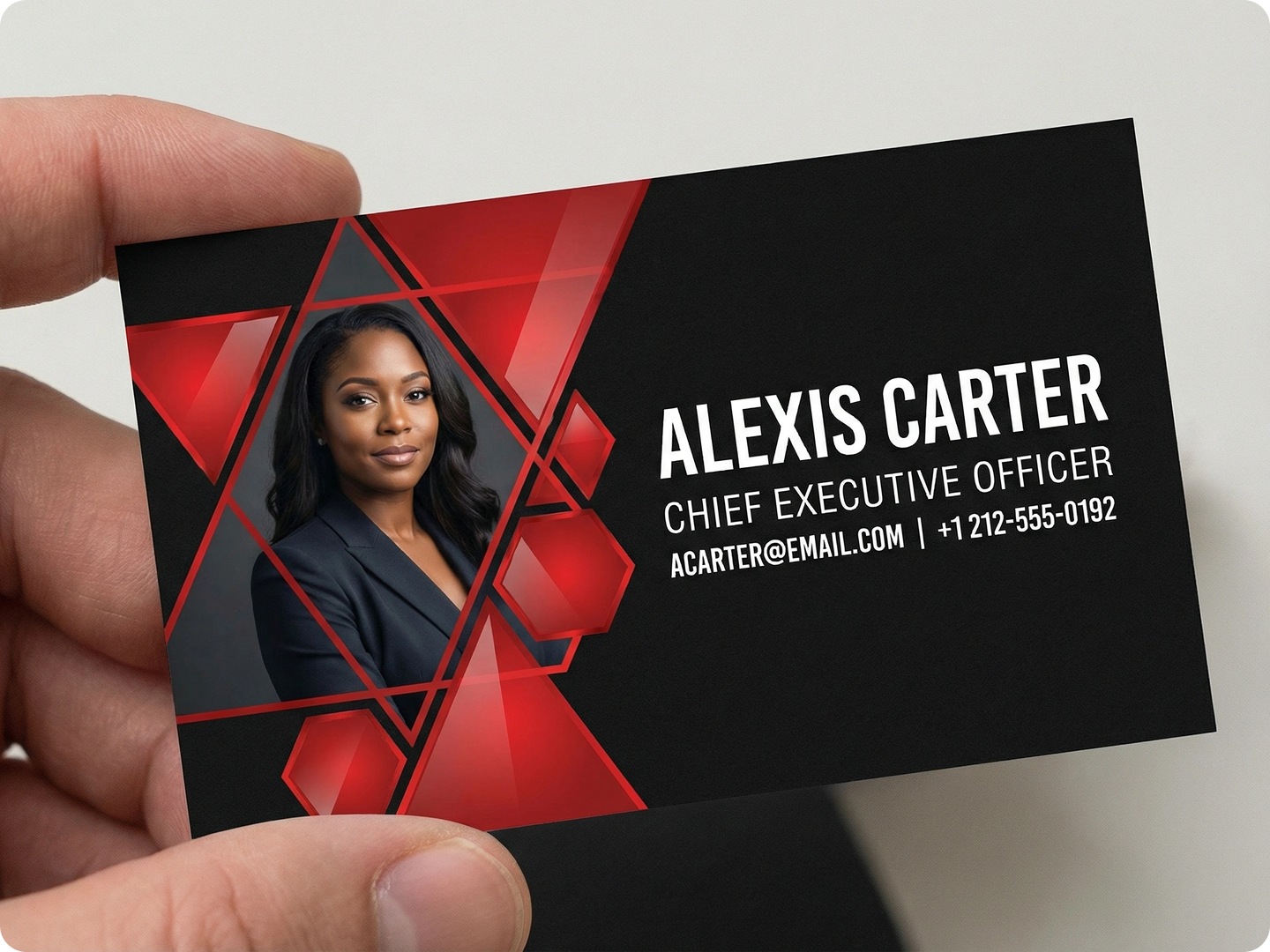
Branded Cards for Small Businesses
Unify your brand across all touchpoints. Match card designs to your store signage or website. Use Social Media Image Resizer to repurpose card elements for online posts.
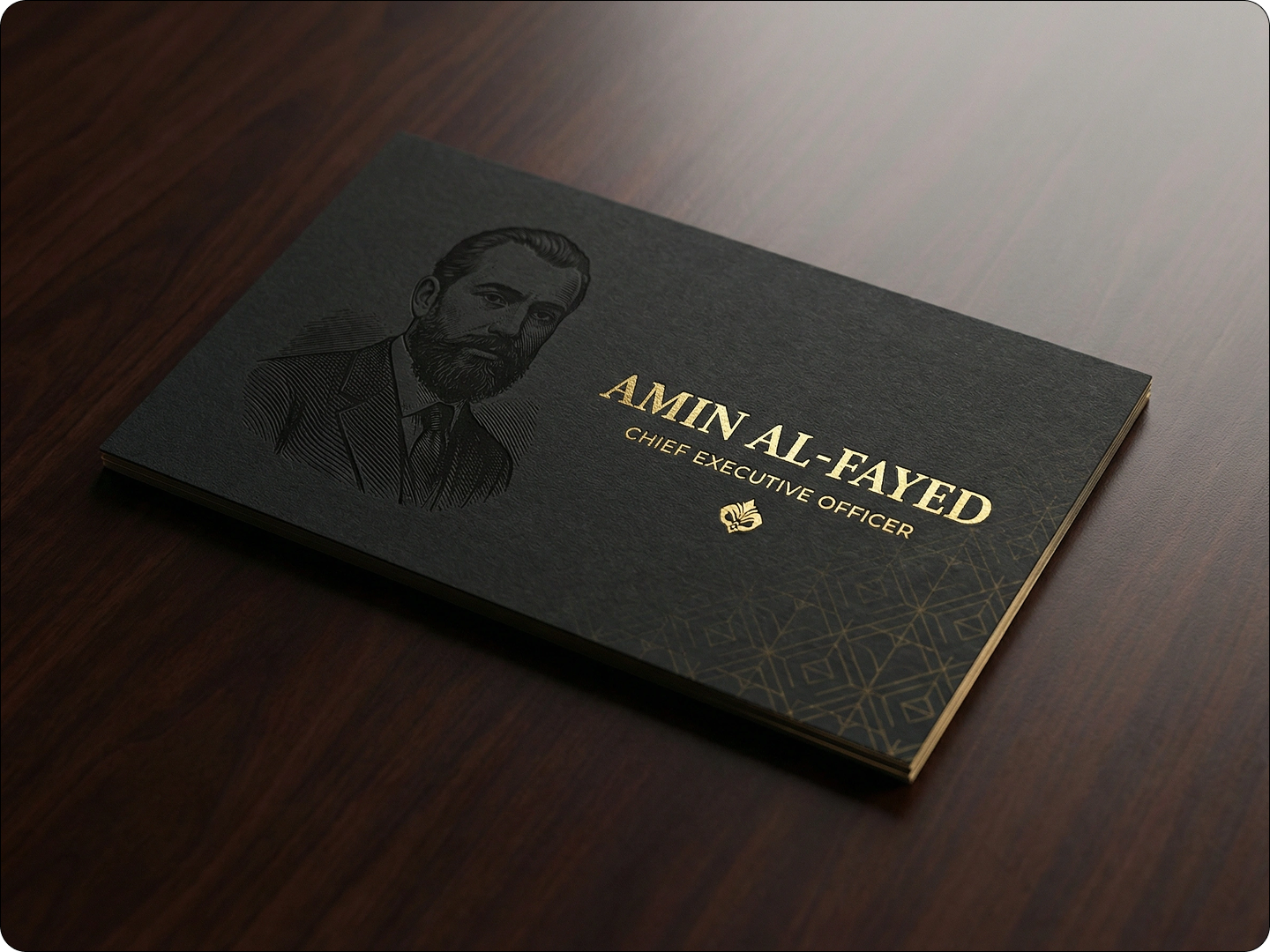
Event-Specific Business Cards
Create limited-edition cards for conferences or trade shows. Add a QR code linking to a special offer. Combine with AI Dialogue Generator to craft a compelling tagline for the event.
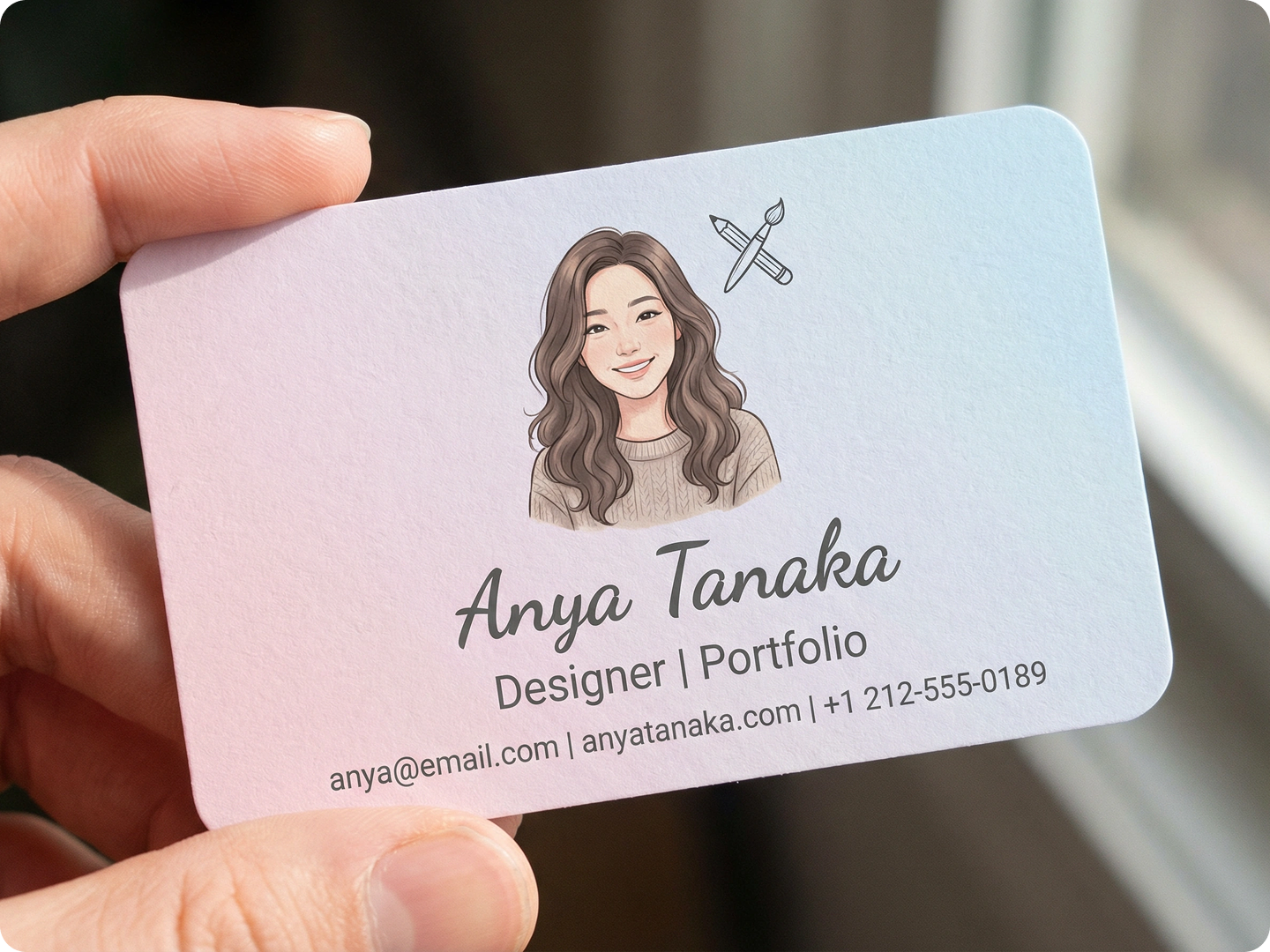
Creative Cards for Artists and Designers
Let your card reflect your style. Use bold typography or abstract patterns. Pair with Nano Banana Pro to enhance image quality for intricate designs.

Multilingual Cards for Global Networks
Reach international contacts with dual-language cards. The tool ensures text alignment works for different languages. Use Presentation Design AI to create matching pitch materials.
FAQ
Can I use my own fonts on the business card?
Yes. Upload font files, and the tool will integrate them into your design while maintaining readability.
Will the cards be print-ready?
Absolutely. Generated files include bleed margins and CMYK color profiles, compatible with most printers.
How many designs can I save?
There’s no limit. Save all versions in your account to revisit or modify later.
Can I add a QR code to my card?
Yes. Include a link in your description, and the tool will generate a scannable QR code that fits your design.
Do the cards work for both digital and print use?
Yes. Download high-res PNGs for digital sharing or PDF files optimized for printing.
How do I match the card to my existing brand?
Upload your logo, and the tool will extract brand colors. Mention your brand style in the prompt for consistent results.
What Our Users Said
Saved Me from Hiring a Designer
I needed business cards fast for a conference. The tool used my logo and made 5 designs in 10 minutes. Clients noticed how professional they looked.
Raj PatelStartup Founder
Perfect for My Freelance Work
As a graphic designer, my card needed to stand out. The AI suggested unique layouts I hadn’t thought of. Now people ask where I got them made.
Sofia MendezFreelance Designer
Great for Multilingual Needs
I do business in Japan and the US. The dual-language cards look clean, not crowded. The QR code to my portfolio gets lots of scans.
Kenji TanakaImport-Export Manager