- Tools
- Resources
- Pricing
- API
- Contact Sales
- Book a Demo


Remove Double Chin from Photo Online Free
Erase double chins in photos with our AI tool. Get natural-looking results without editing skills. Do it all online, at no cost.

Click or drag here to upload images
Upload your photo to start refining your look
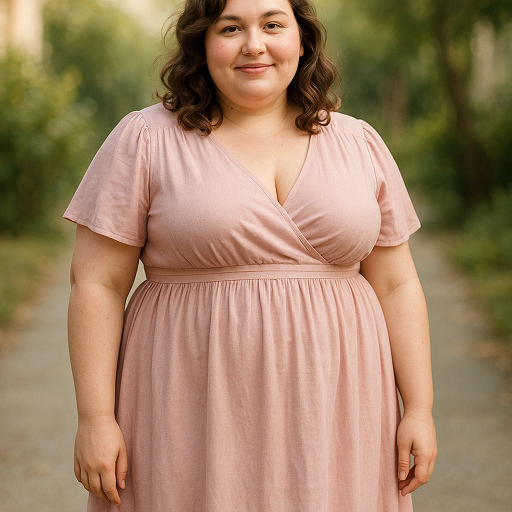
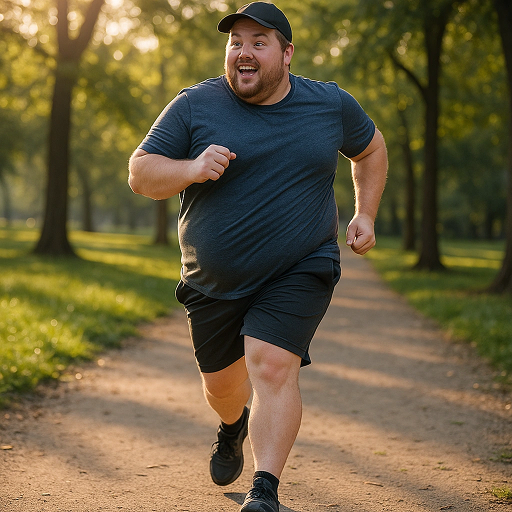
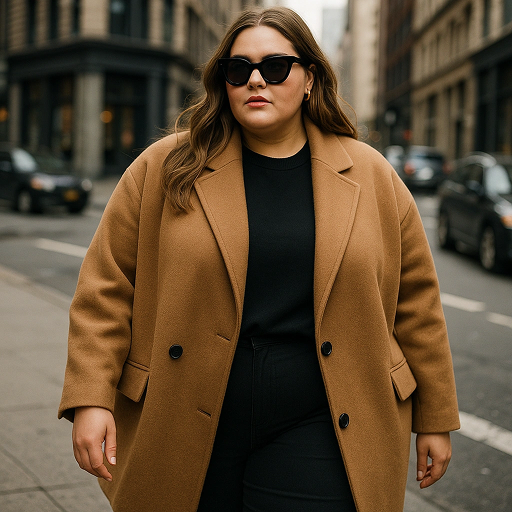
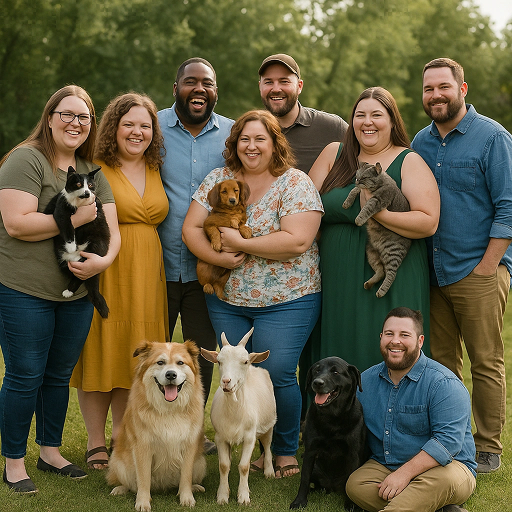
Get Natural-Looking Results for Any Photo
Dzines' double chin remover works for all kinds of photos. Fix selfies, family portraits, or professional headshots. The AI preserves skin texture and lighting. Changes blend smoothly with the original image.
It’s useful for updating old photos or preparing images for social media. Pair it with AI Image Enhancer to sharpen details. All edits happen in your browser. No software to download.
How to Remove Double Chin from Photo in 3 Steps
Step 1. Upload Your Image
Select the photo from your device. We support JPG, PNG, and WEBP formats.
Step 2. Describe Your Vision
Tell us what you need. For example, "softly reduce double chin" or "make jawline look slimmer".
Step 3. Generate and Download
Wait a few seconds for the AI to process. Save the edited image when ready.
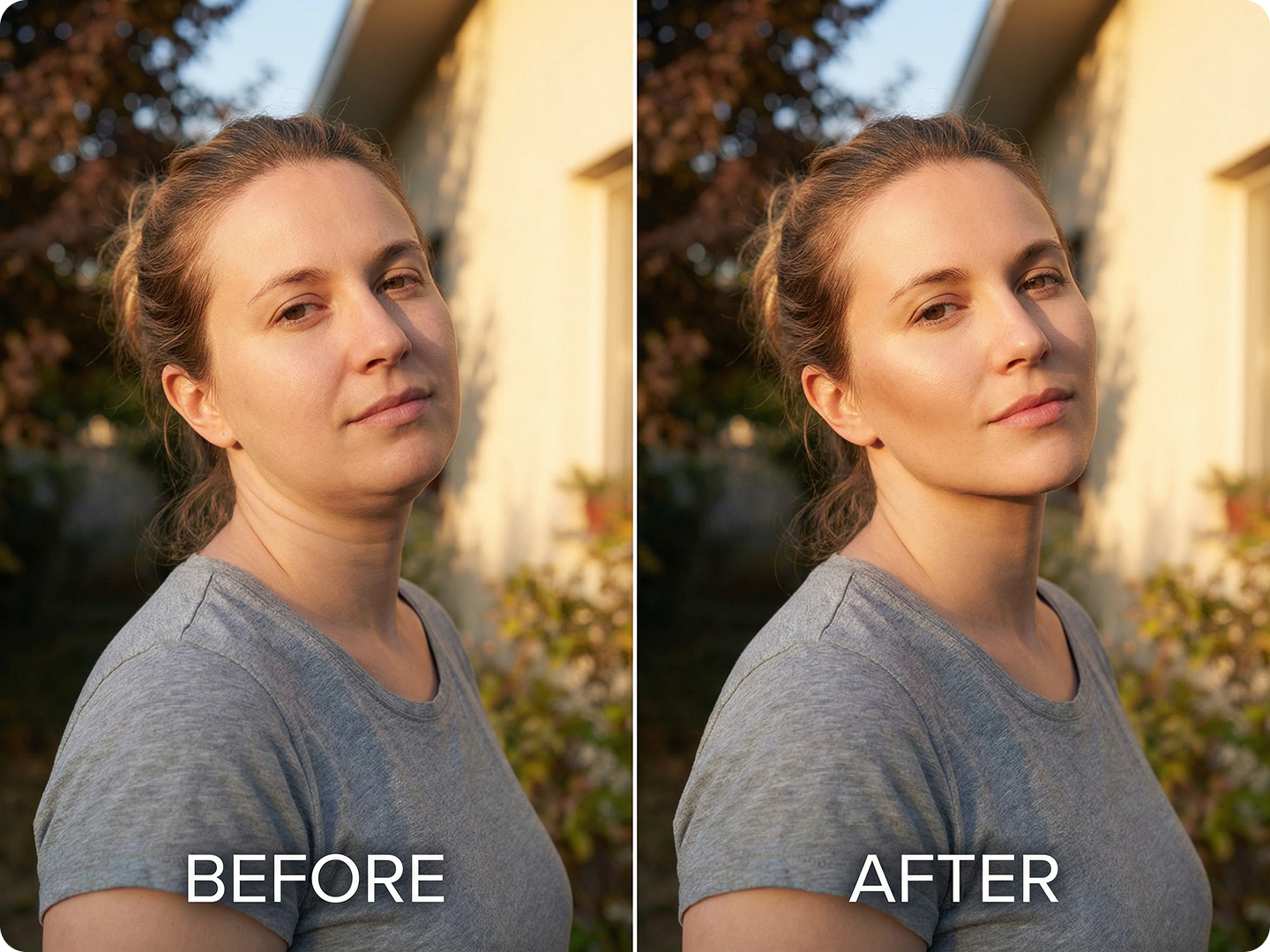
Perfect Professional Headshots
Improve LinkedIn or resume photos. A slimmer jawline can make you look more confident. Keep the focus on your face, not distractions. Use AI Portrait Retoucher to fix other small details.
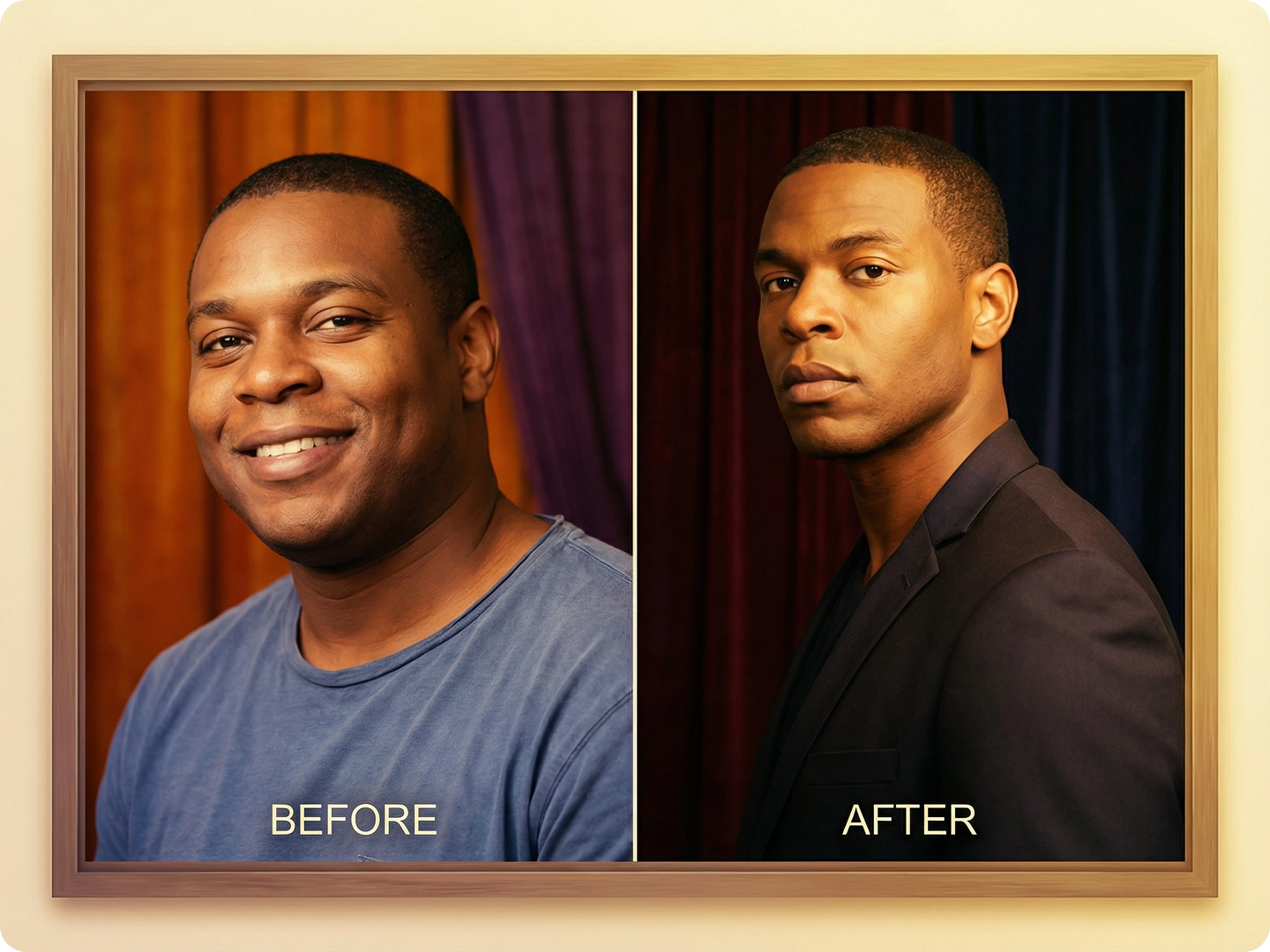
Enhance Family Portraits
Update group photos from events like weddings or holidays. Make everyone look their best without losing natural expressions. Ensure the edits match the photo’s lighting and mood.
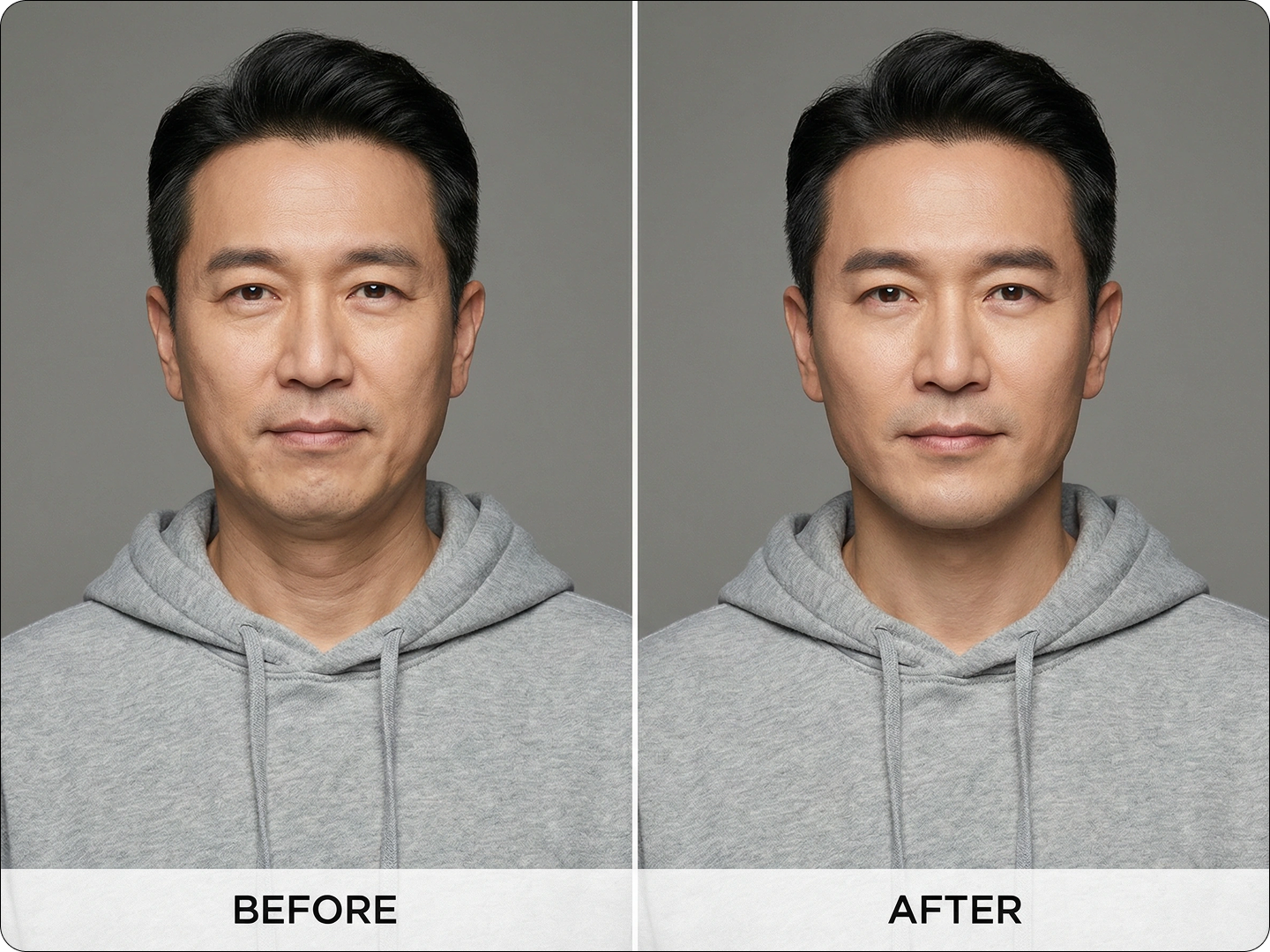
Refine Social Media Selfies
Prepare photos for Instagram or TikTok. Subtle changes can make selfies look polished. Keep your natural appearance while feeling more confident. Pair with Social Media Image Resizer for the right dimensions.
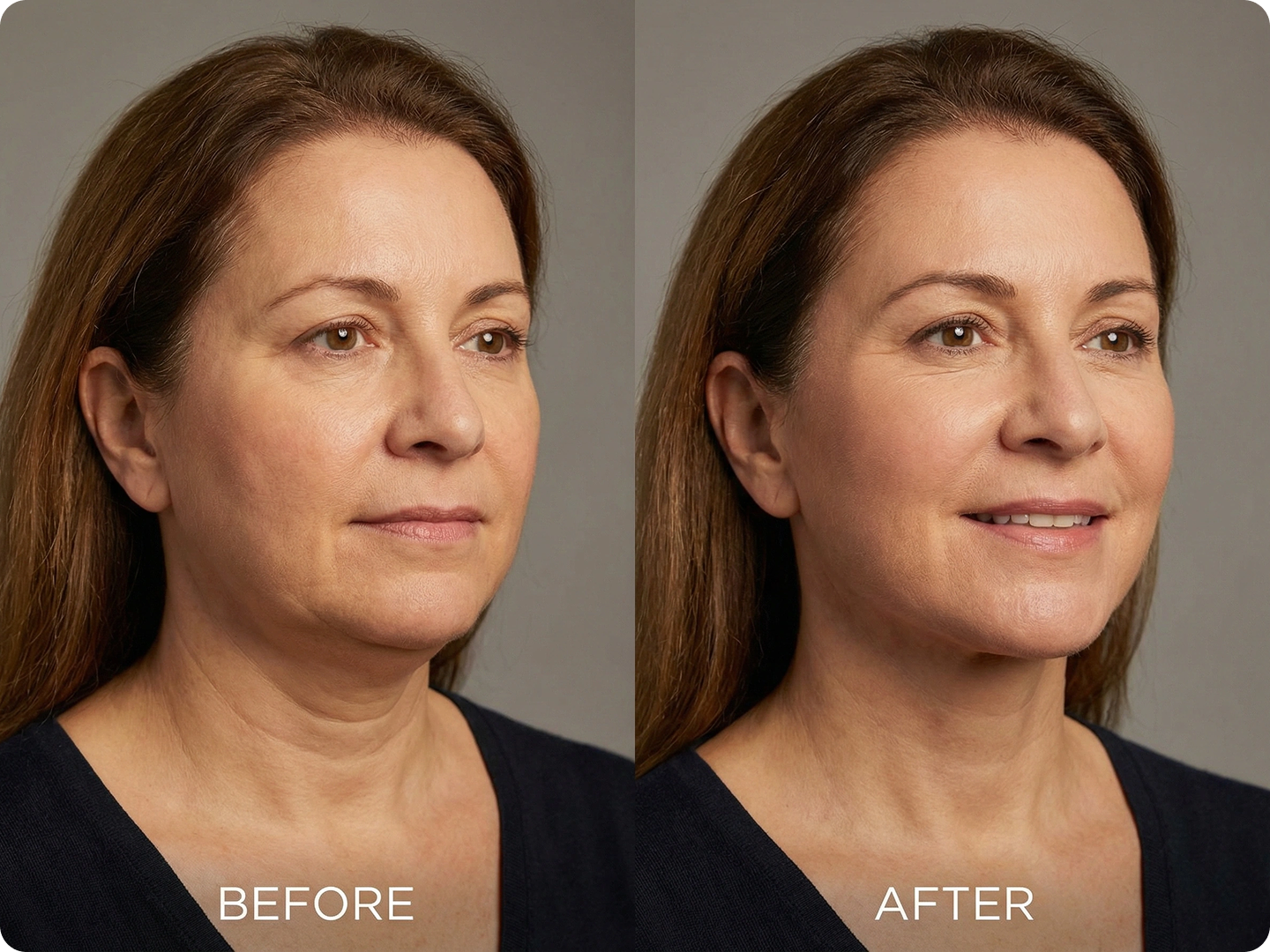
Fix Old or Scanned Photos
Restore vintage photos without altering their original feel. Reduce double chins to match how you remember the moment. Combine with tools to repair scratches or fade.
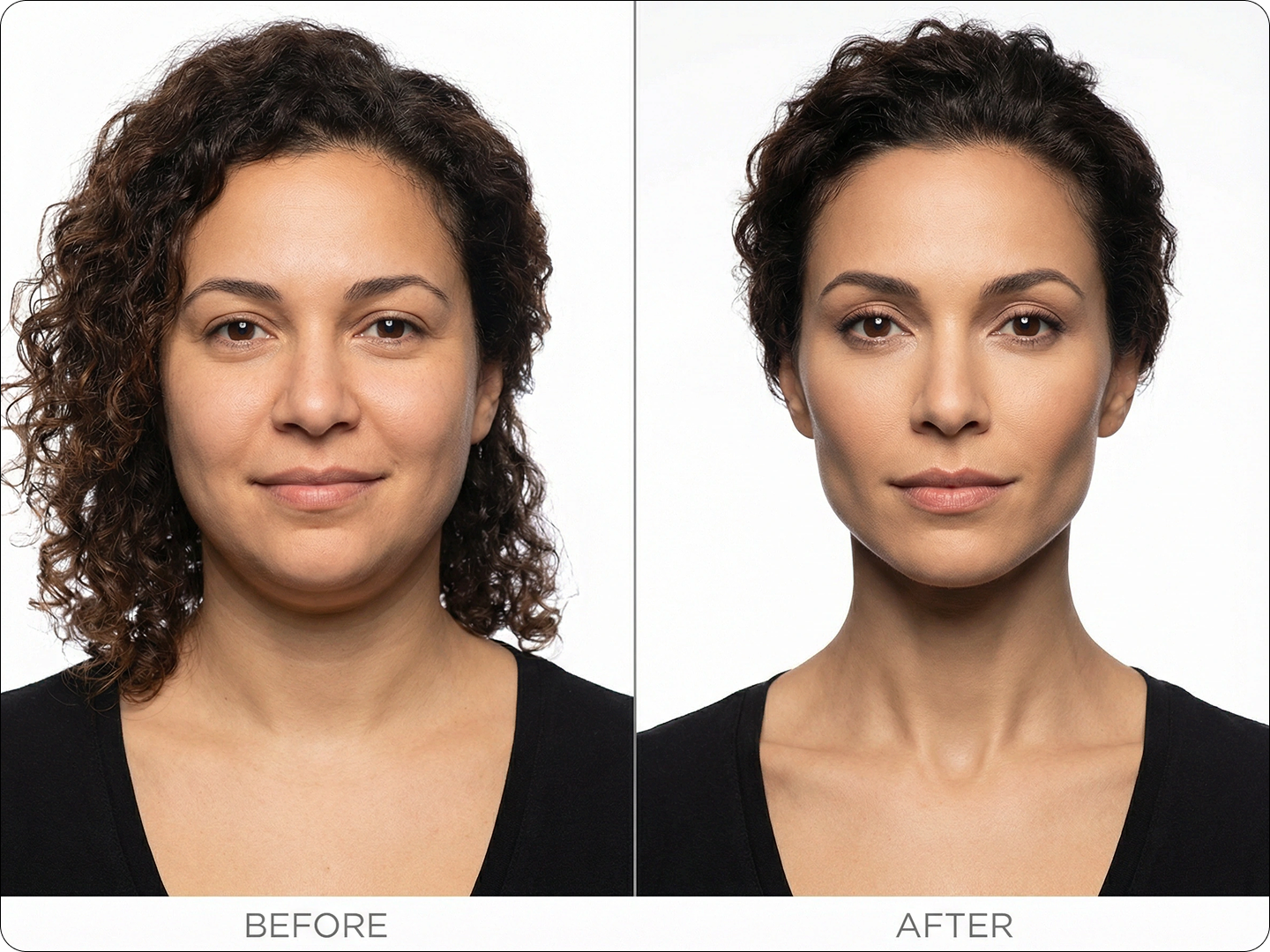
Prepare Event Photos
Get photos ready for birthdays, graduations, or reunions. Ensure everyone in the shot looks comfortable and happy. Edits stay consistent across group images.
FAQ
Will the edit look fake?
No. Our AI adjusts shadows and contours to keep changes natural. It matches the photo’s original lighting and skin texture.
Can I adjust how much is removed?
Yes. Describe your preference in the prompt, like "slight reduction" or "more noticeable slim". The AI follows your instructions.
Is there a limit to how many photos I can edit?
No. You can use the tool for as many photos as you need, free of charge.
How long does each edit take?
Most photos process in 5-10 seconds. Larger files may take a few seconds more.
Can I edit other parts of the face too?
Yes. Combine with Face Editor AI to adjust other features like eyebrows or nose.
Do I need to create an account?
No. You can use the tool without signing up. Just upload, edit, and download.
What Our Users Said
Great for Professional Photos
I used it to fix my LinkedIn headshot. The double chin is gone, and it looks completely natural. Clients notice the difference.
Sarah JohnsonMarketing Consultant
Perfect for Family Photos
Our wedding photos needed a little touch-up. This tool made everyone look great without losing the moment’s feel. So easy to use.
Michael ChenEvent Planner
Saves Time on Social Media
I edit selfies for my blog quickly now. No more spending hours on complex software. Results look real, not overdone.
Emma RodriguezLifestyle Blogger