- Tools
- Resources
- Pricing
- API
- Contact Sales
- Book a Demo


Fake Star for Night Sky Image
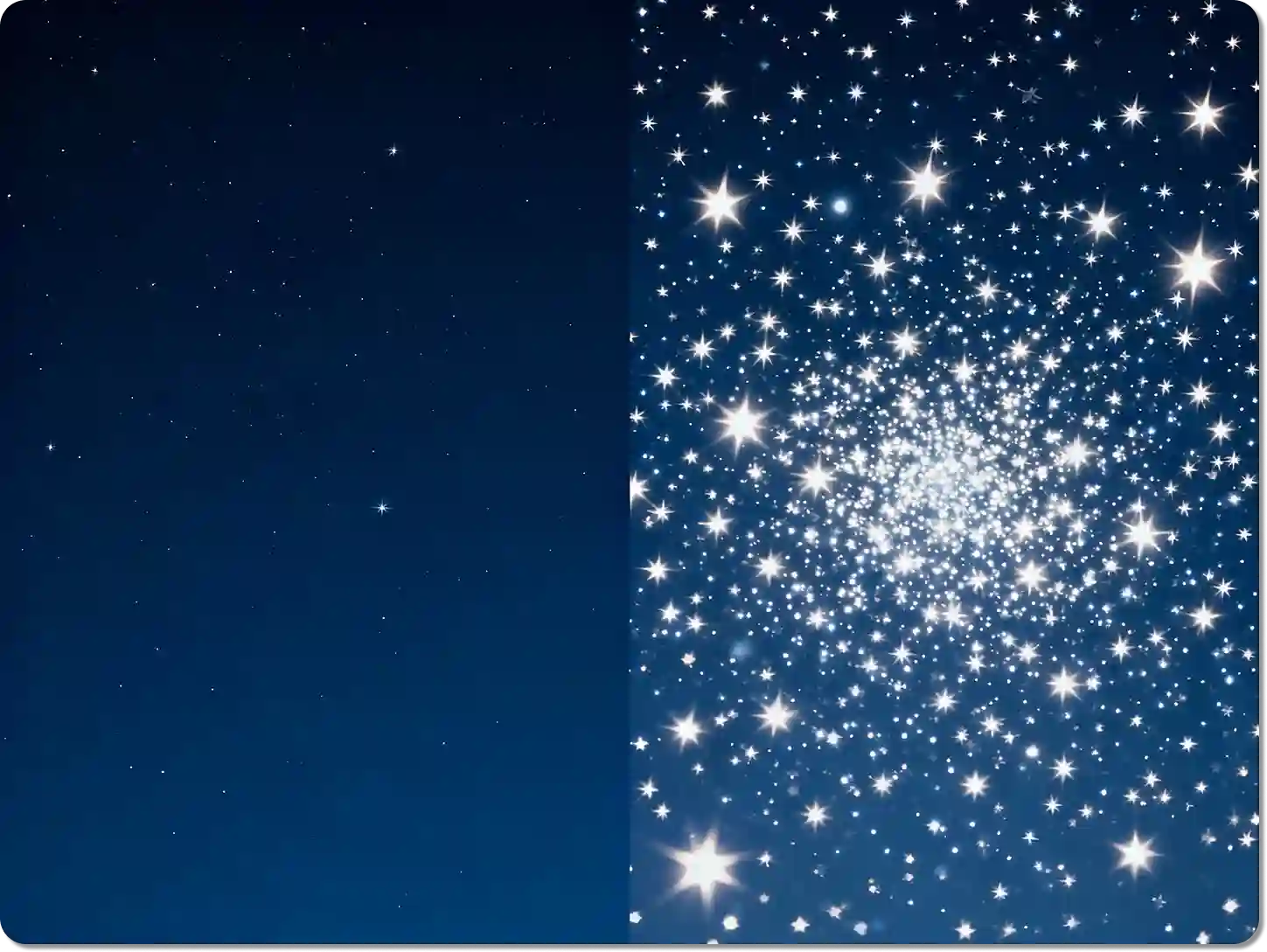
At Dzine, we make it simple to add a fake star for night sky image. Our AI tool was created for photographers, artists, and anyone wanting to bring a celestial touch to their photos. You can easily turn a plain night sky into a stunning star-filled scene, perfect for any photography star project.

Click or drag here to upload images
Try the Fake Star for Night Sky Image with these examples
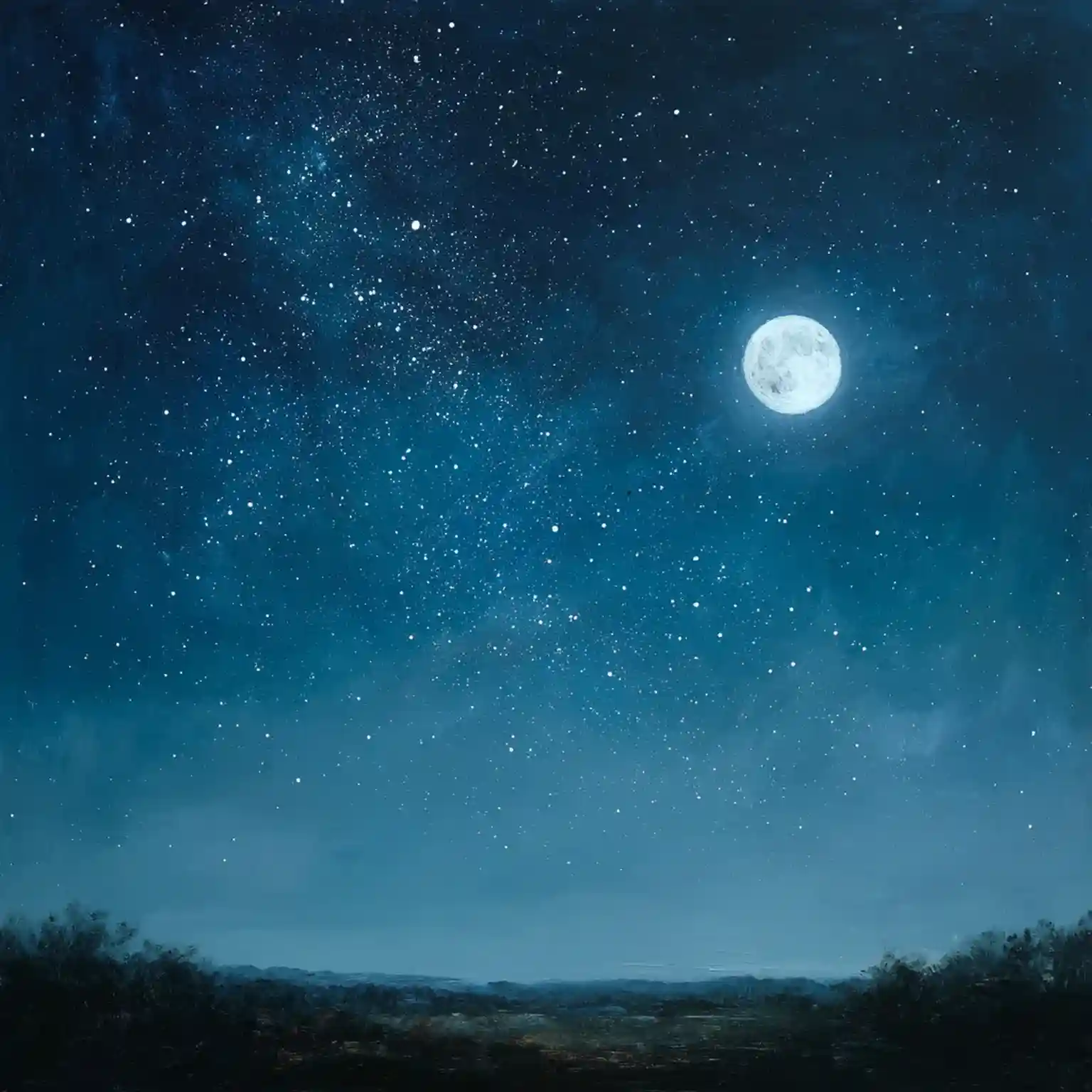
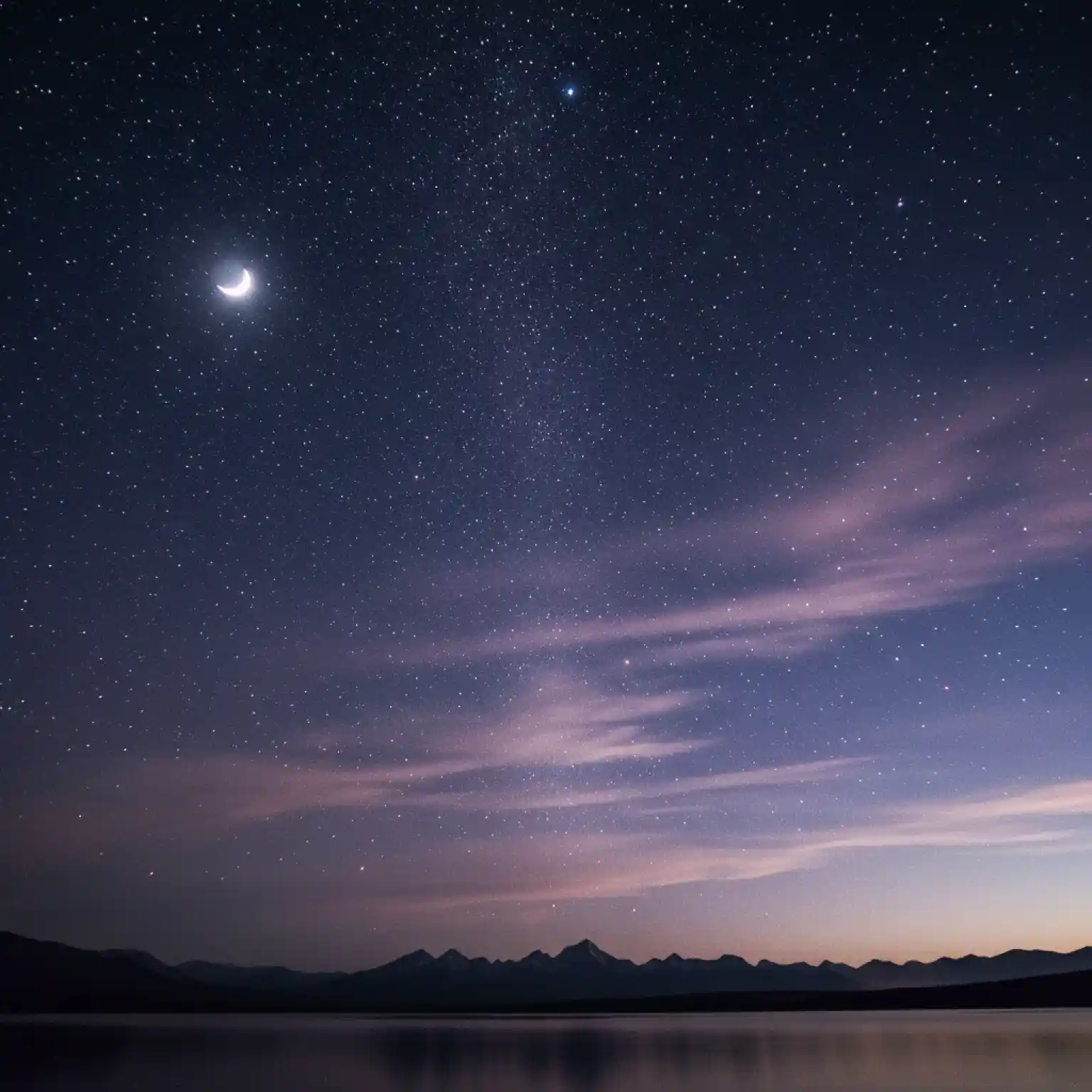
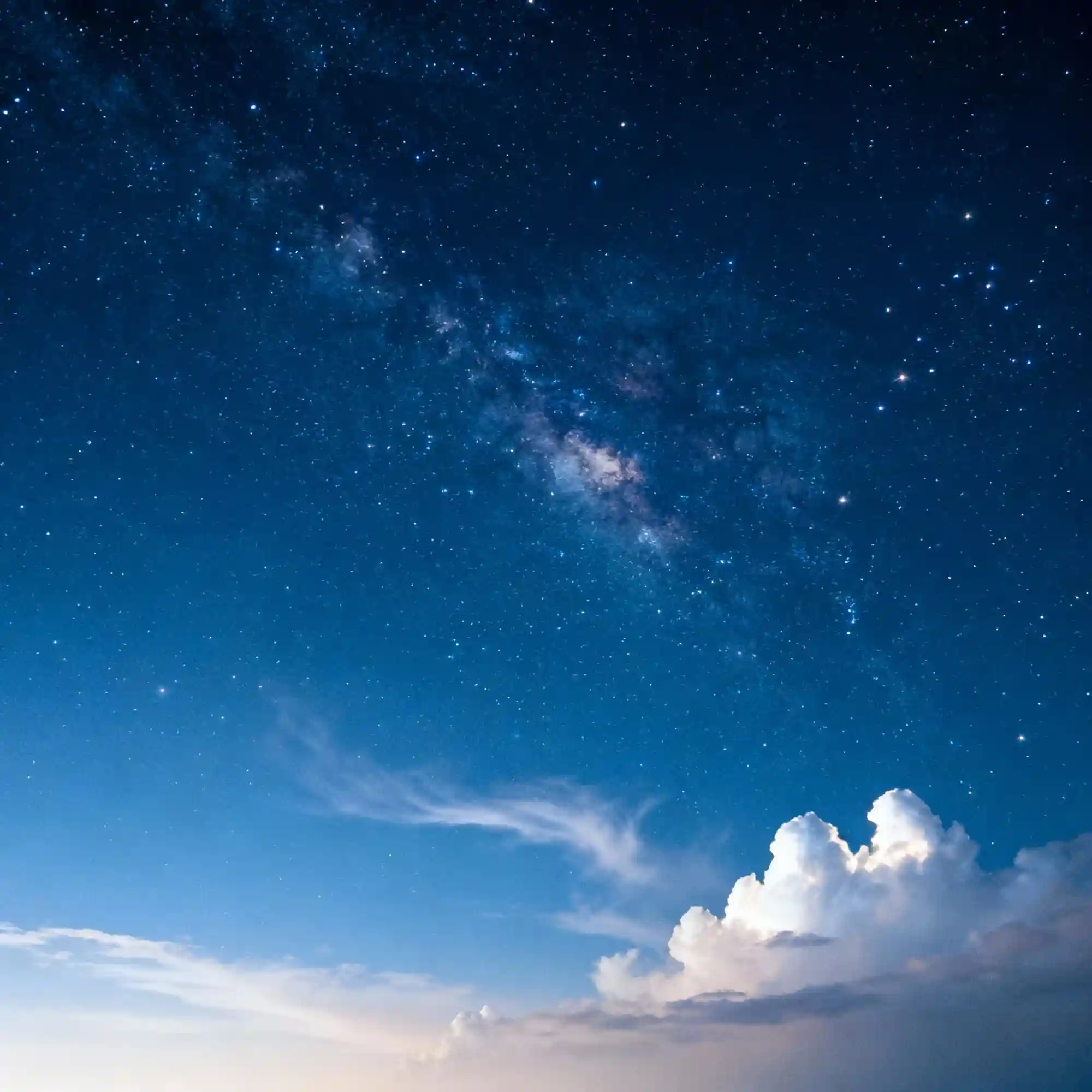
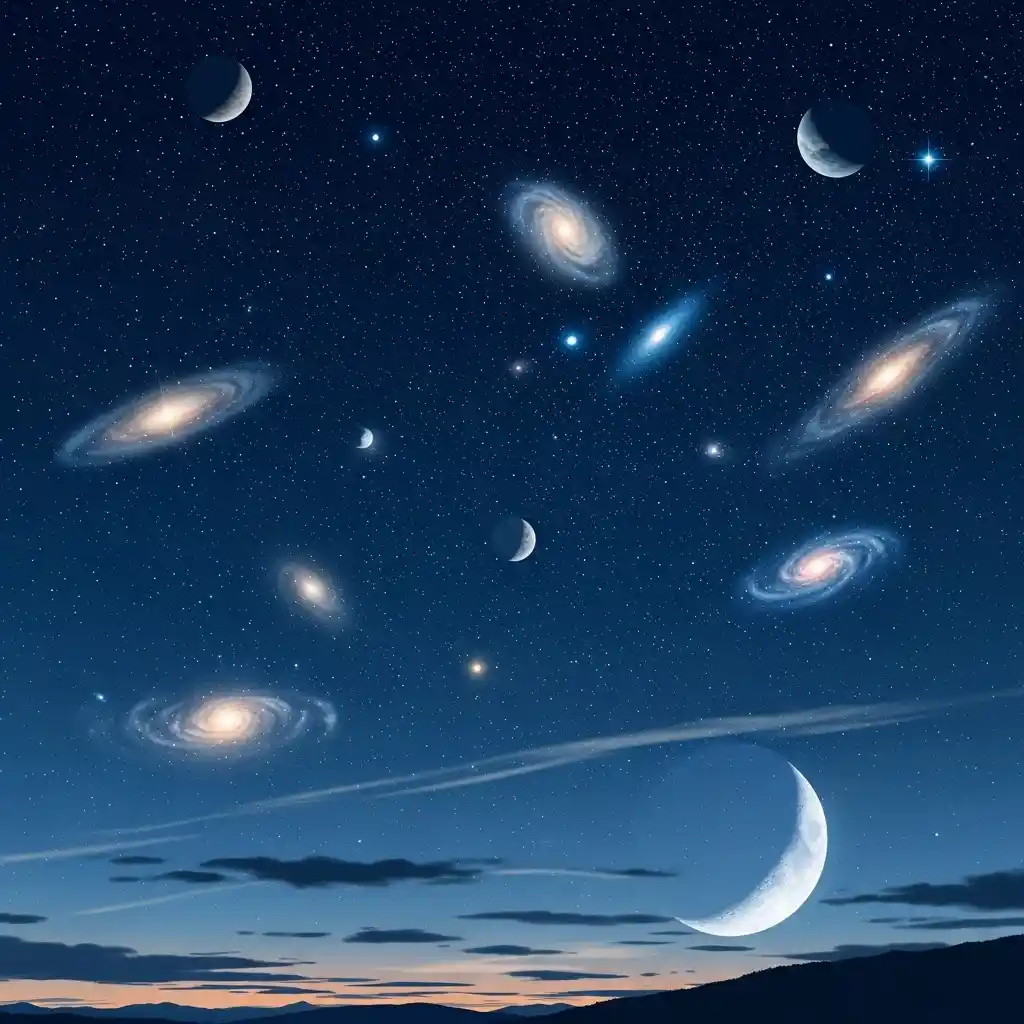
Turn Your Photos into a Starry Dream
Adding stars on pictures brings a magical quality that captures attention. Our tool gives you a powerful way to enhance your night photography without needing complex software. We designed this feature for everyone, whether you're creating a special photoshoot star effect or just having fun. It is the simplest way to get a beautiful fake star for night sky image**.
How to Add a Fake Star for Night Sky Image?
Step 1. Upload Your Photo
Choose a photo of a night sky. A clear, dark image works best for adding a realistic fake star for night sky image.
Step 2. Input Your Command
Tell our AI what you want. For example, type "Add a dense field of stars" or "Place a bright shooting star in the upper right."
Step 3. Generate the Result
Click Generate to see the stars appear. Then, you can download it to your device.
Watch Dzine's Full Beginner Step-by-Step Guide
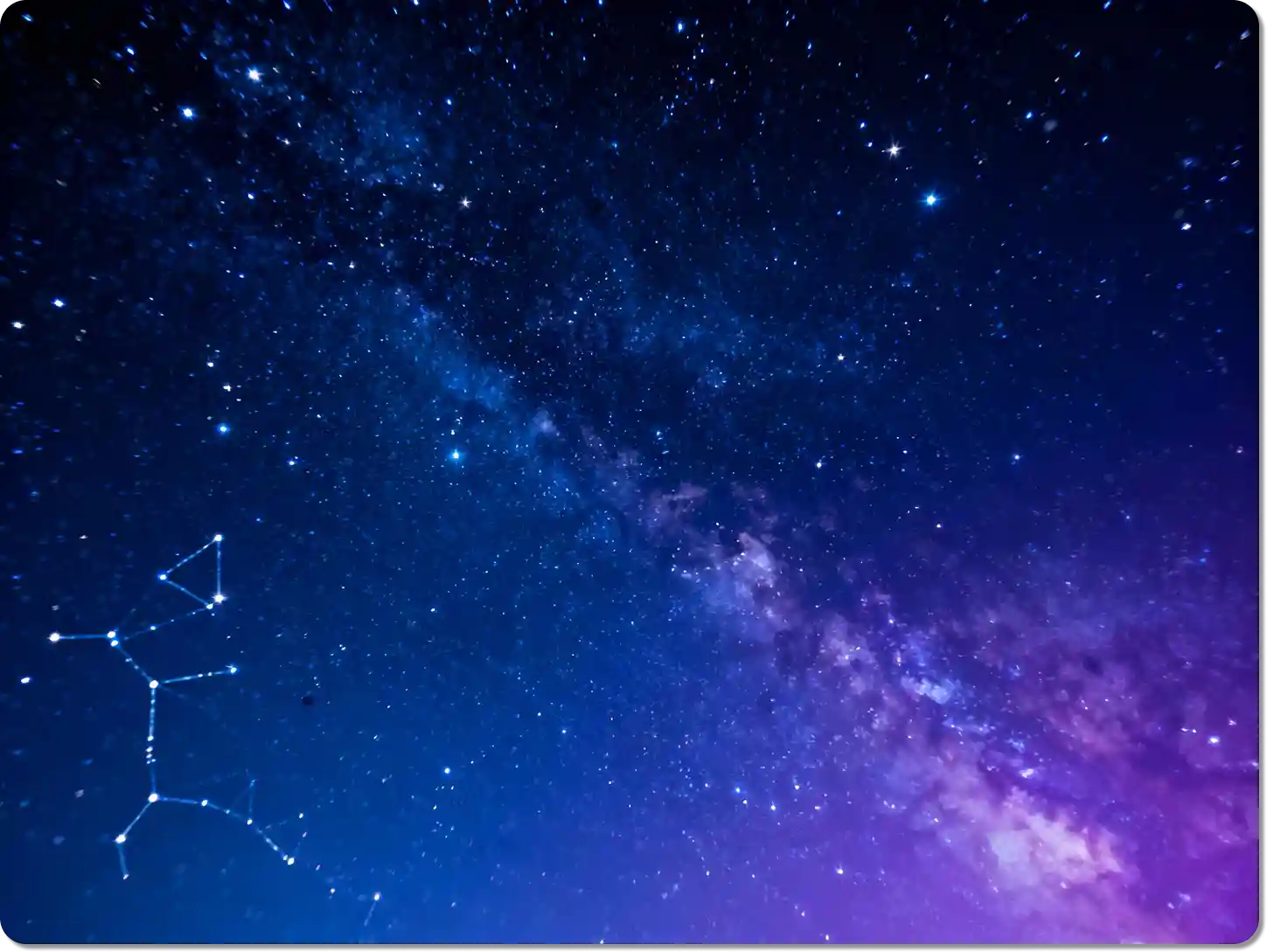
Create a Realistic Night Sky Full of Stars
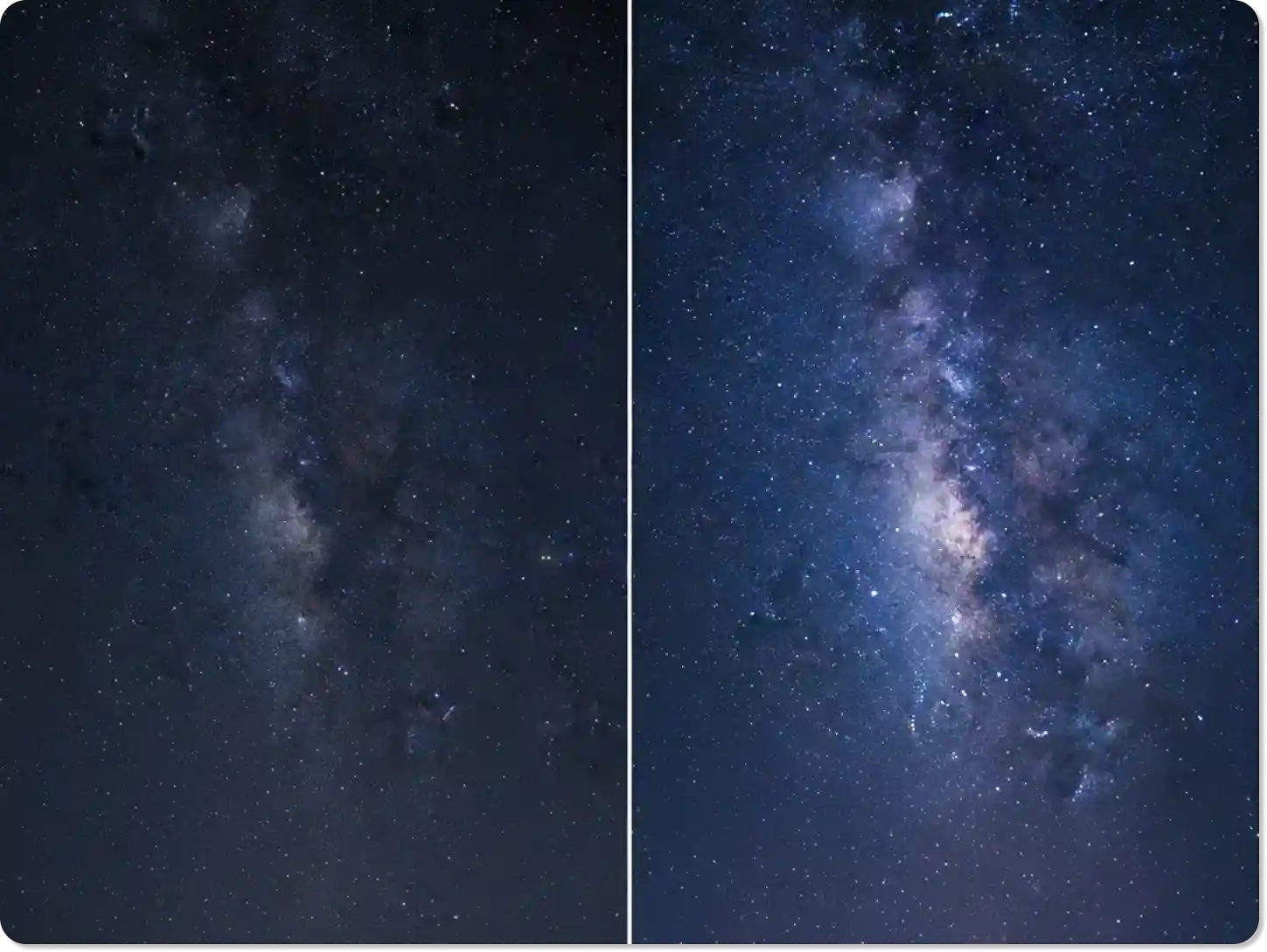
Our AI adds stars that look completely real. It understands the lighting and perspective of your photo to place stars naturally. You can create a subtle starfield or a brilliant galaxy. This tool is perfect for landscape photographers who want to improve a night shot. Explore more ways to enhance your images with our AI photo editor.
Add a Magical Touch to Your Portraits
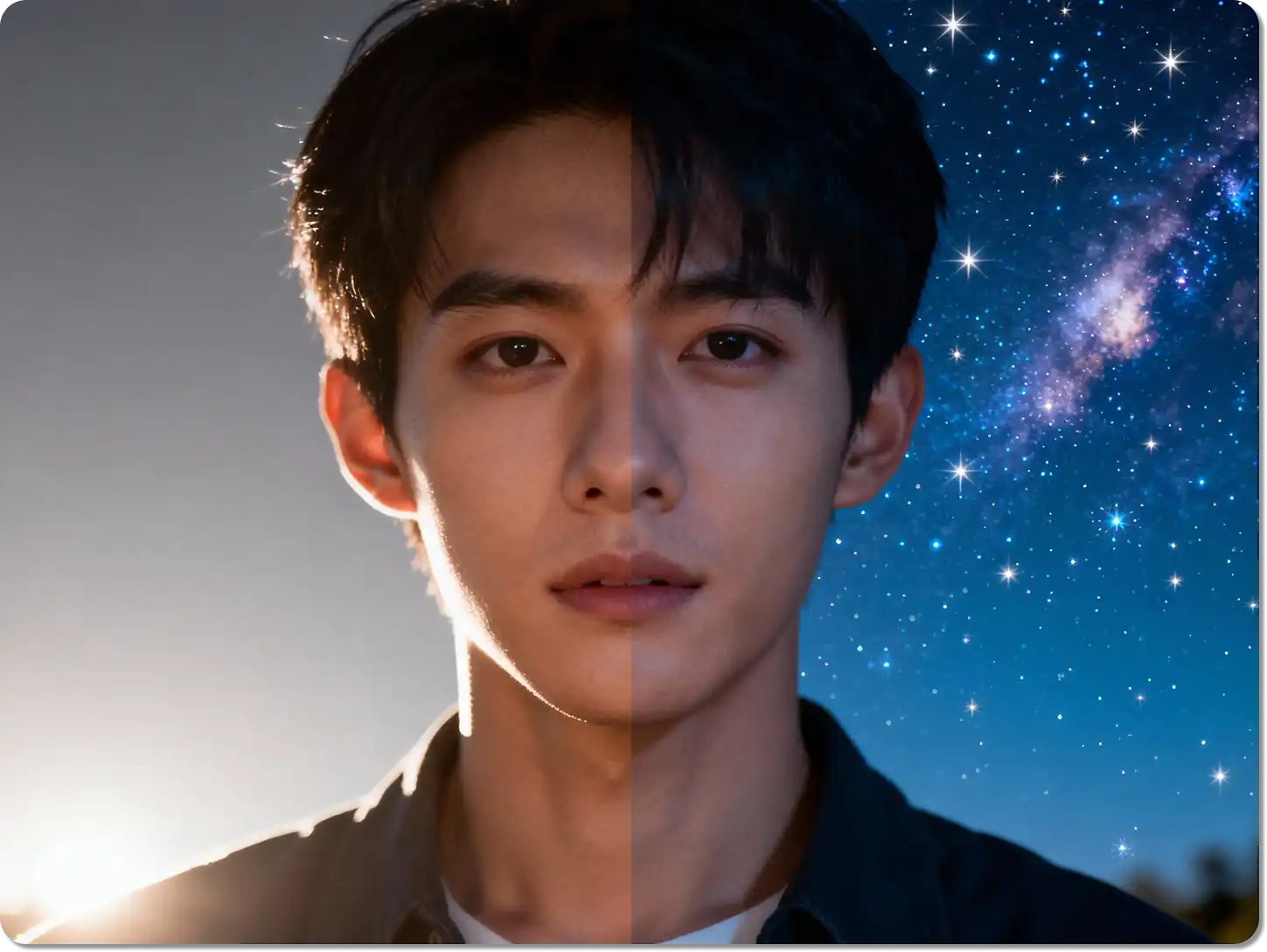
A starry background can make a portrait unforgettable. Use our tool to create a dreamy photoshoot star effect for your subjects. It's a great way to add a creative element to wedding photos, fantasy-themed shoots, or social media posts. The fake star for night sky image feature gives your portraits a unique and professional look.
Enhance Your Event and Product Photography
Make your event photos more memorable by adding a starry backdrop. This is perfect for evening events, parties, or concerts. For product shots, a photography star background can create a sense of wonder and luxury. It helps your products stand out and tells a more compelling visual story.
Fix Photos Taken in Light-Polluted Areas
Sometimes, city lights prevent you from capturing the stars you can see. Our tool solves that problem. Upload your night photo and add the stars back in. It's a great way to restore the beauty of the night sky in your urban and travel photography. You can even add star trails for a dynamic effect, a technique often used in long-exposure photography.
Customize Every Detail of Your Starry Sky
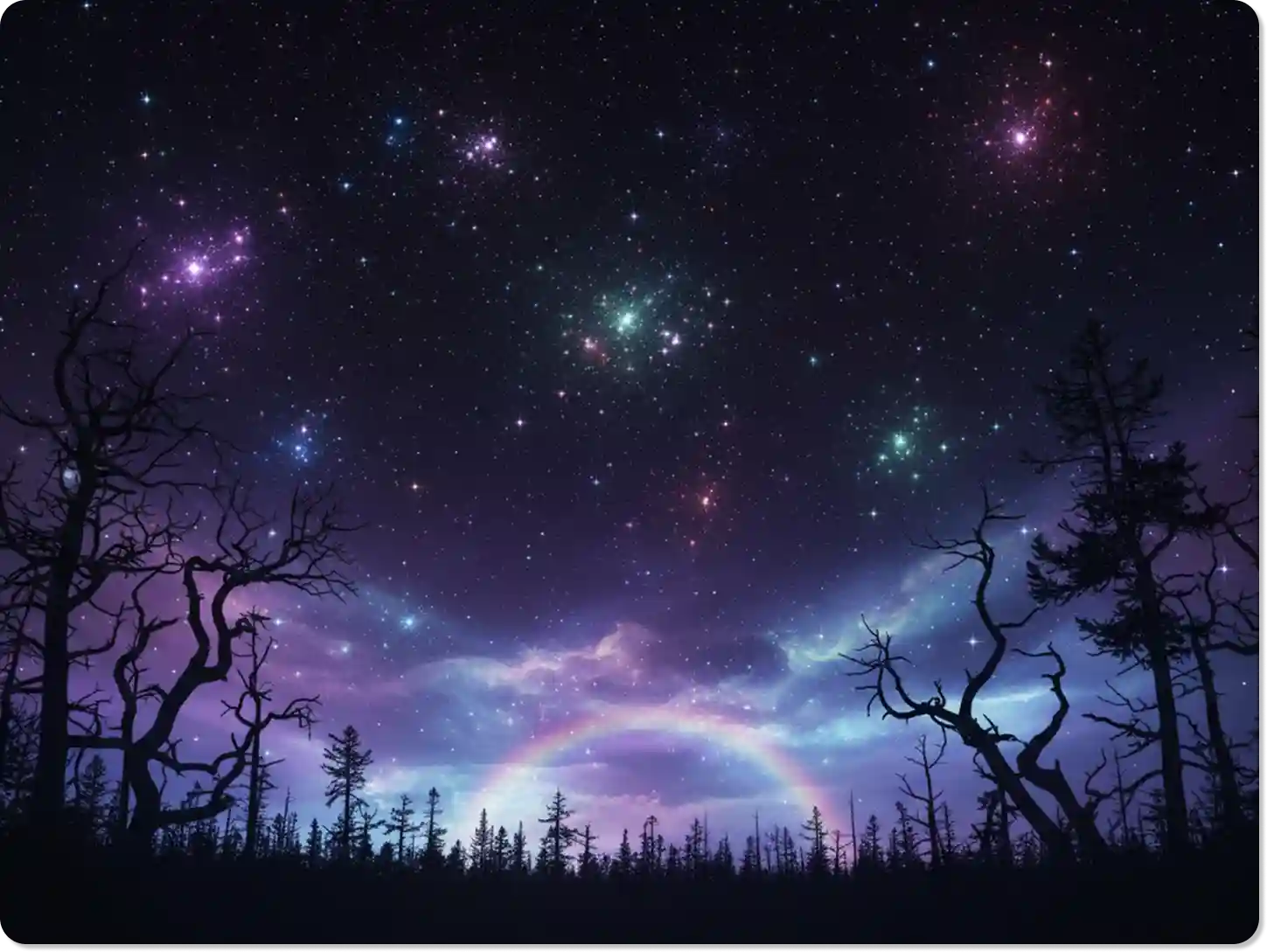
You have full control over your celestial creation. Specify the density, brightness, and color of the stars. Want a shooting star or a distant nebula? Just add it to your prompt. This level of customization ensures your fake star for night sky image perfectly matches your creative vision. For more advanced edits, try our AI photo filter.
FAQ
Is this tool free to use?
Yes, you can try our basic fake star for night sky image generator for free. We offer premium plans for high-resolution downloads and access to more advanced features.
How realistic are the stars?
Our AI is designed to create a photorealistic photography star effect. It analyzes your image's lighting and perspective to ensure the stars blend in naturally.
Can I add stars to a daytime photo?
While our tool works best on night sky images, you can experiment with any photo. For best results, we recommend using images taken after sunset to create a natural look.
Do I need any special skills to add stars on pictures?
No skills are needed. Our tool is easy for everyone. Just upload your photo, type a simple command, and let our AI do the work.
Can I create a shooting star effect?
Yes. Simply include "add a shooting star" in your text prompt, and our AI will generate it for you, creating a dynamic and magical photoshoot star effect.
How is this different from Photoshop?
Our tool is much faster and requires no technical knowledge. Instead of manual editing with brushes and layers, you just type what you want, and our AI creates the fake star for night sky image for you in seconds.
Can I use the generated images for commercial purposes?
Yes, images created with our premium plans can be used for commercial projects. This is great for marketing materials, social media campaigns, and more.
What Our Users Said
Finally, Easy Stars for My Photos!
I always wanted to add a fake star for night sky image to my landscapes. This tool is so simple. The results look incredibly real, and it takes no time at all.
Alex R.Landscape Photographer
A Game-Changer for My Art
Creating a photoshoot star background for my portraits used to be a long process. Now I can do it in minutes. My clients love the magical touch it adds to their pictures.
Isabella C.Portrait Artist
My Social Media Has Never Looked Better
Adding stars on pictures has made my Instagram feed so much more engaging. The images are beautiful and always get a great reaction from my followers.
David K.Social Media Manager
You May Also Be Interested in