GPT Image 2 is OpenAI’s latest GPT-Image-2 AI Image Generator for precise, high-quality images with better text, structure, and style control. Try GPT Image 2 on Dzine and turn simple prompts into polished visuals in seconds.
No idea? Try these inspirations.


GPT Image 2 on Dzine gives you an OpenAI GPT Image 2 workflow that is fast, stable, and easy to use for daily design tasks. You can generate product photos, marketing banners, UI mockups, infographics, and character shots, all inside one simple canvas. As a GPT-Image-2 AI Image Generator, this model follows instructions closely, renders readable text, and keeps character details consistent across multiple images.
Designers, marketers, and creators can move from idea to ready‑to‑publish asset without switching between tools or writing complex prompts. With Dzine, GPT Image 2 connects smoothly to other creative tools like the AI Image Generator, AI Video Generator, and Talking Avatar AI, so one image can feed into complete video and campaign pipelines.
Open the AI Image Generator tool on Dzine. Describe your idea in clear text, or upload a reference image if you want GPT-Image-2 AI Image Generator to match a style or layout.
In the model list, pick GPT Image 2 as your image engine on Dzine. Adjust size, aspect ratio, style strength, and variation count so ChatGPT Image 2 can generate results that fit your exact use case.
Click the Generate button. Review the images, refine your prompt, or send results directly into tools.

GPT-Image-2 understands long, detailed prompts and keeps spatial relationships, object counts, and perspective more stable than older image engines. Thus, you can brief ChatGPT Image 2 with natural language and still get structured results for product shots, app screens, diagrams, and 4K‑level artwork. Teams can share prompt templates, reuse styles, and keep visual output aligned across campaigns and channels.

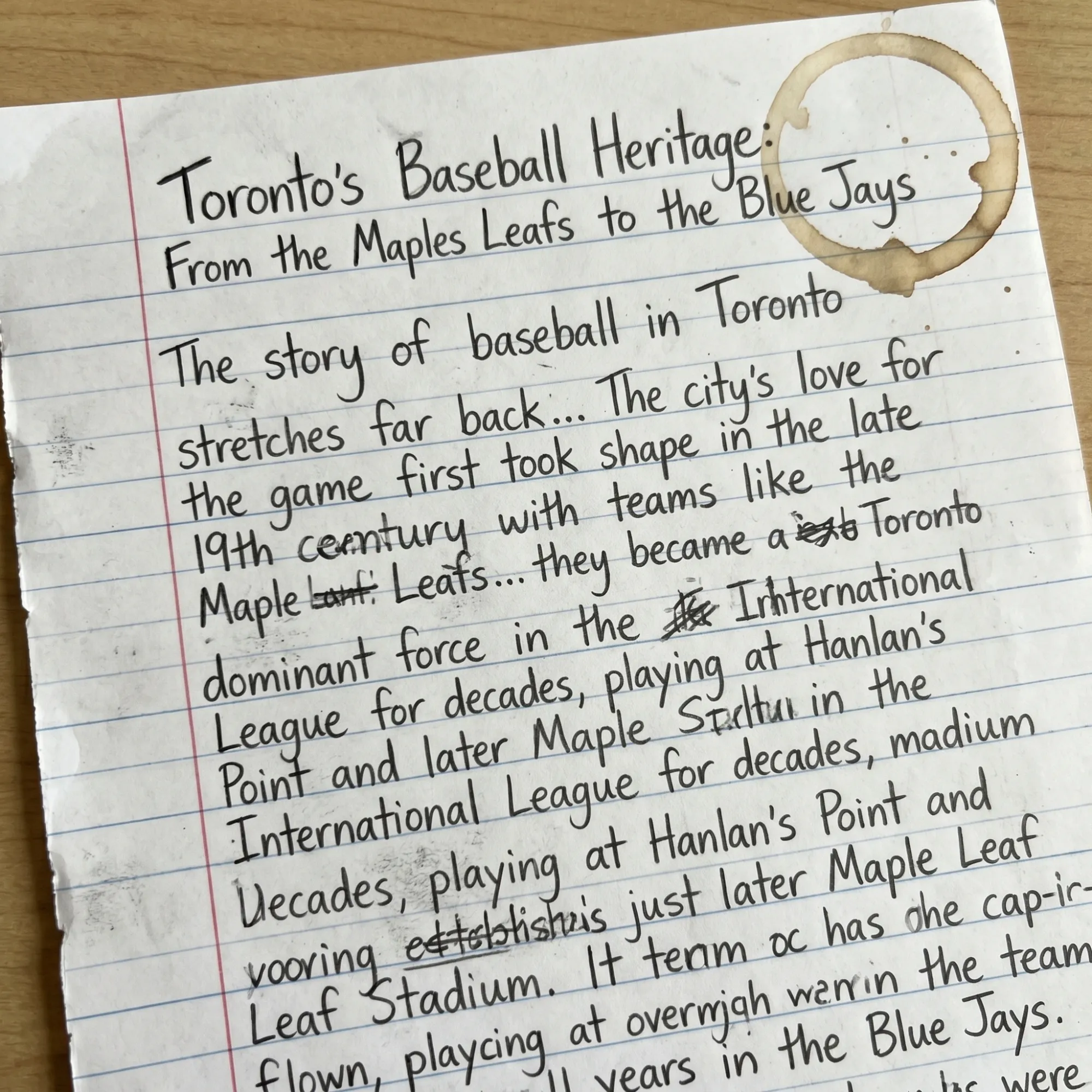
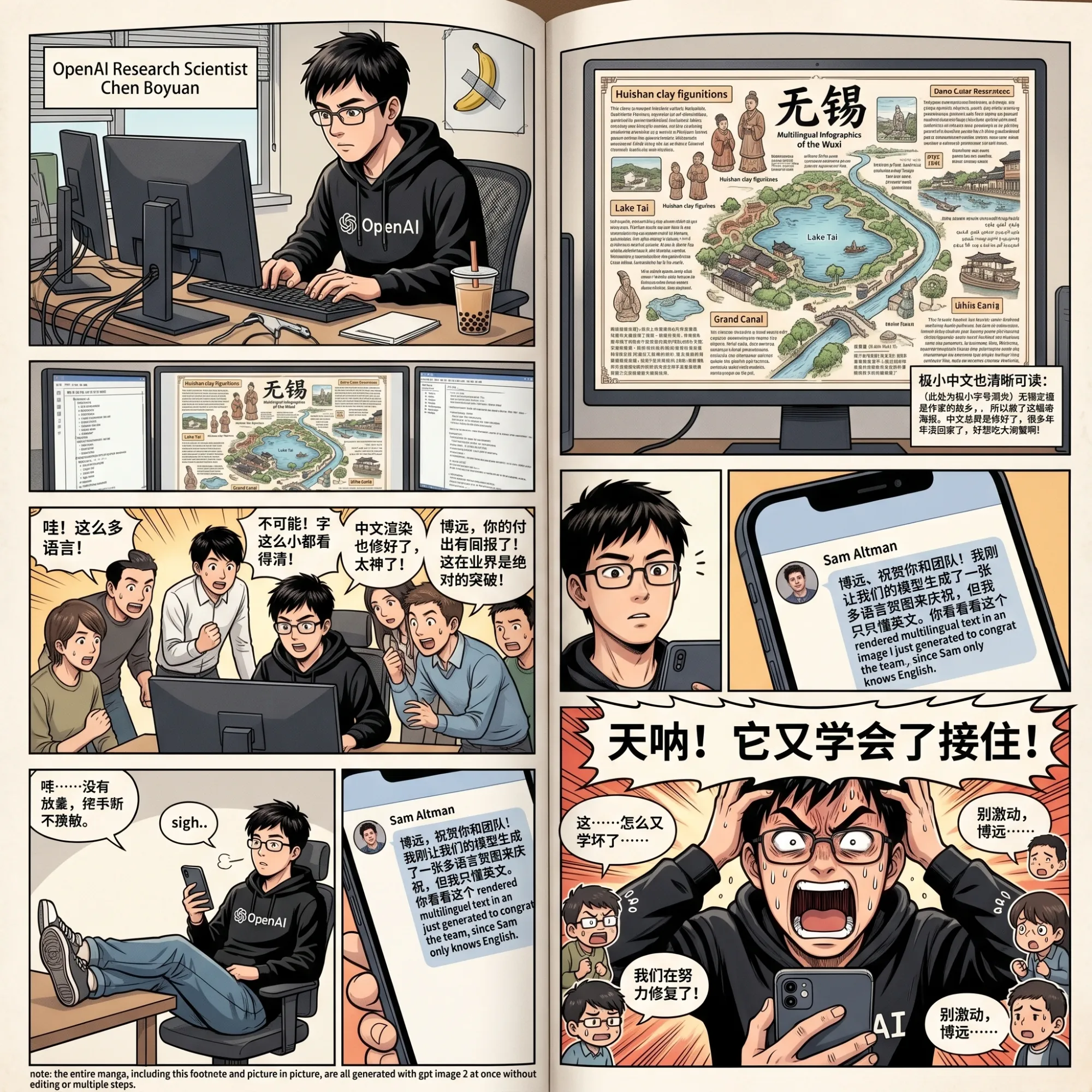
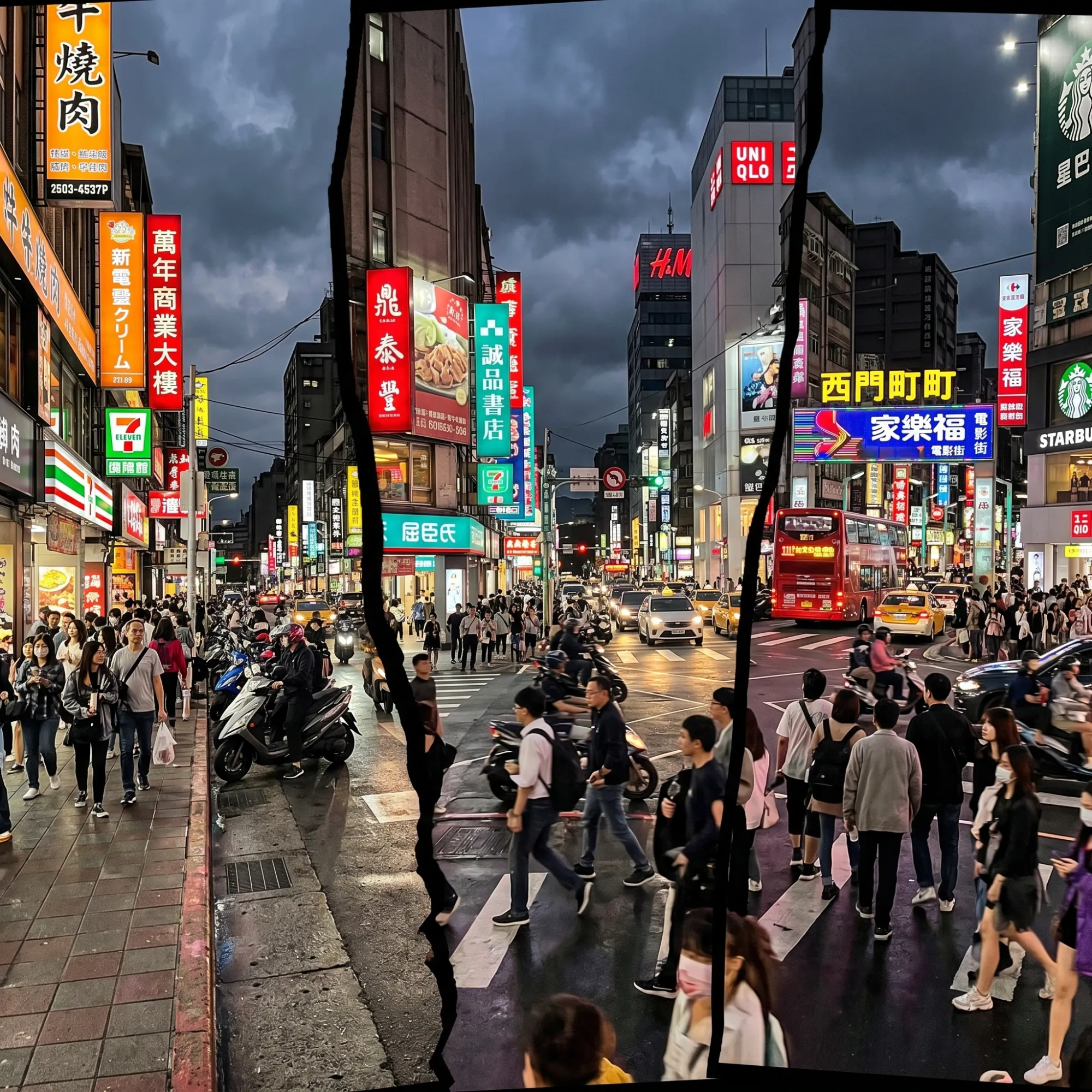
A key advantage of OpenAI GPT Image 2 is its strong text rendering, which solves the long‑standing problem of misspelled titles, logos, and UI labels. GPT-Image-2 AI Image Generator treats text as meaningful content, not just texture, so banners, posters, packaging mockups, and social creatives come out readable in most cases. You can quickly test different slogans, layouts, and typography styles before pushing the final assets into your design stack.

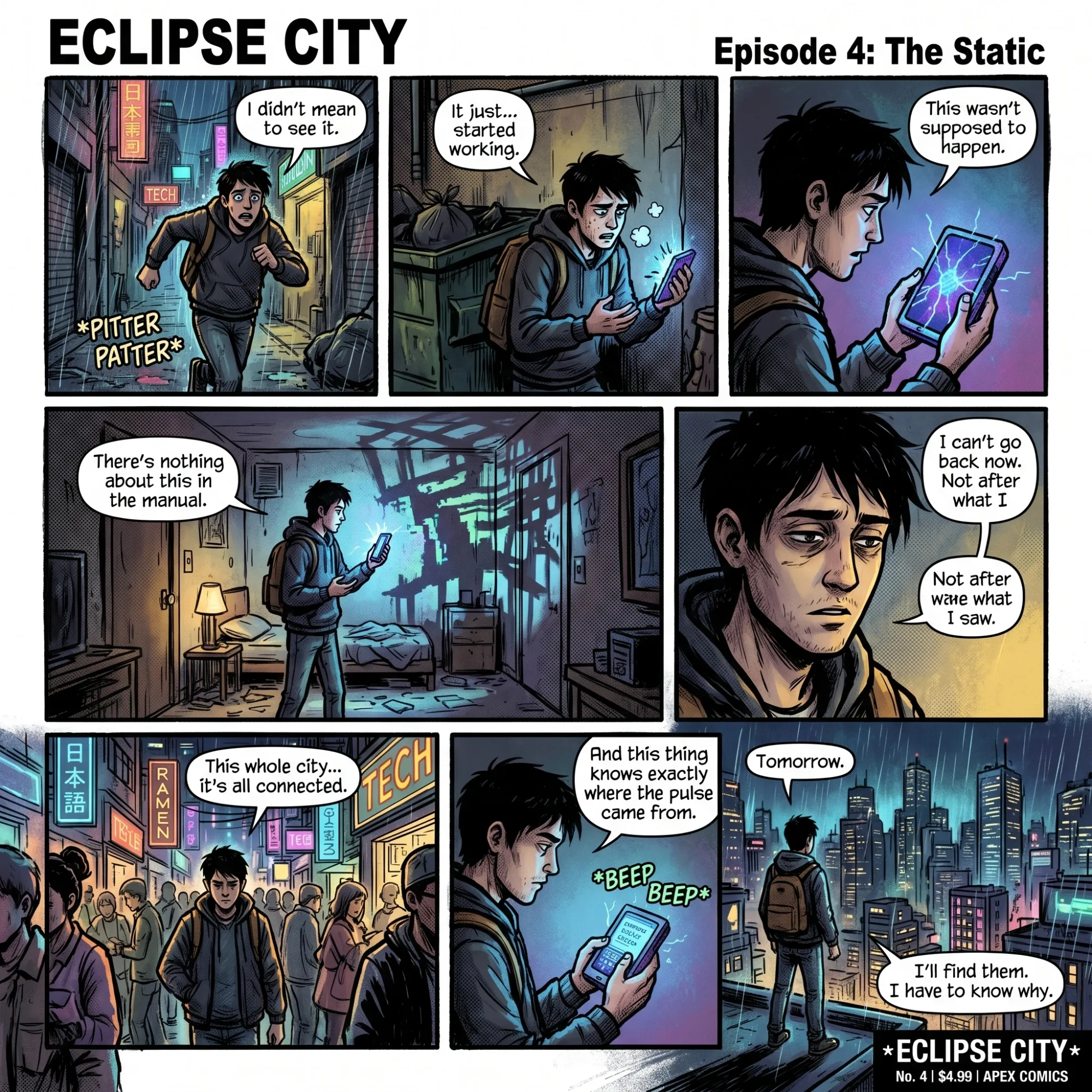
OpenAI GPT Image 2 improves structural stability for bodies, hands, product shapes, and scene layouts, so complex images look more believable. It handles lighting, reflections, and material details more reliably, making it useful for product renders, interior mockups, and concept art. This is especially valuable for storyboards, series posts, and multi‑step tutorials that rely on recurring visual elements.

Many GPT Image–style tools now support image-to-image, region editing, and style transfer, and OpenAI GPT Image 2 is built with these advanced workflows in mind. You can start from a photo, sketch, or layout, then ask ChatGPT Image 2 to upgrade composition, lighting, or style instead of creating everything from scratch. You can compare results quickly, pick the best frame, and send it forward into video, avatar, or editing flows.

GPT Image 2 is designed to support real business use cases such as campaign visuals, e‑commerce assets, social graphics, and content marketing illustration. On Dzine, teams use GPT-Image-2 AI Image Generator to draft hero images, blog covers, carousel slides, and email banners in a few prompt iterations. This makes it easier to keep visuals on‑brand while still exploring new creative options at low cost and high speed.
GPT Image 2 is OpenAI’s latest GPT-Image-2 AI Image Generator model designed to create and edit images from natural language prompts, with a focus on text accuracy, structure, and consistency. On Dzine, GPT Image 2 is available as a selectable image model inside the AI Image Generator interface.
OpenAI GPT Image 2 improves text rendering, object stability, and logical scene construction compared with earlier diffusion-based models. It handles multi-object scenes, complex layouts, and 4K-level detail more reliably, which is important for real business and design use cases.
You can create marketing creatives, product photos, social media posts, infographics, UI mockups, character art, and educational visuals using GPT-Image-2 AI Image Generator on Dzine. Many teams also use these images as inputs for Dzine video tools to build complete campaigns from one visual base.
No, Dzine’s interface is built so non-designers can work with GPT Image 2 using clear prompts and simple controls.You can rely on presets, style hints, and variations to guide ChatGPT Image 2 until the image matches what you have in mind.
OpenAI’s GPT Image models support editing workflows such as modifying specific regions, changing styles, and refining details through prompts. On Dzine, you can upload a base image and let GPT-Image-2 AI Image Generator adjust colors, backgrounds, props, and more while keeping the core subject.
Yes, Dzine offers GPT Image 2 alongside models like Nano Banana, Qwen Image, and video engines such as Veo 3.1 and Hailuo 2.3. This lets you compare GPT Image 2 output with other engines and choose the best option for each project.
Many GPT Image 2 tools provide free tiers or trial usage quotas, and Dzine may offer GPT-Image-2 AI Image Generator with credits or time-limited access depending on current plans. Check Dzine’s pricing and credit pages to see the latest details before starting your projects.
Using GPT Image 2 on Dzine, our marketing team finally got banner and social images with clean, readable text that matched our copy deck across all formats.
Emily CarterPerformance Marketing Manager
We run GPT-Image-2 AI Image Generator in Dzine to explore new product angles and backgrounds before planning any shoots, which cuts our testing time from days to hours.
Daniel KimE‑commerce Creative Lead
ChatGPT Image 2 on Dzine helps my studio keep character designs consistent from covers to thumbnails to motion tests, all from the same prompt library.
Laura GómezIndependent Illustrator & Creator