- Tools
- Resources
- Pricing
- API
- Contact Sales
- Book a Demo


GTA Art Style Filter
Dzine’s GTA Art Style Filter instantly converts ordinary photos into striking Grand-Theft-Auto–inspired art. No design skills needed. Just upload and get a bold, stylized image that stands out.

Click or drag here to upload images
Upload a photo to transform it into GTA-inspired art. Works with landscapes, portraits, and city scenes.
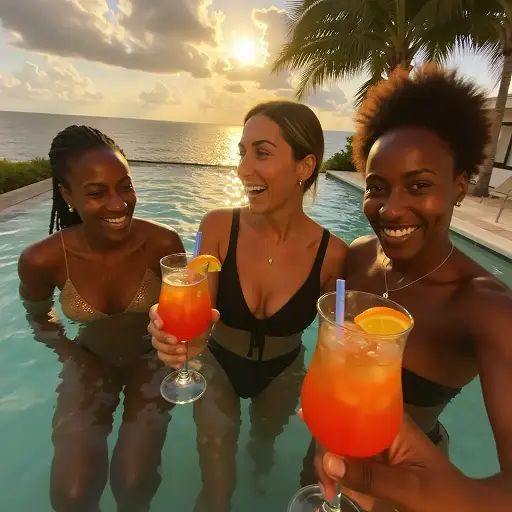
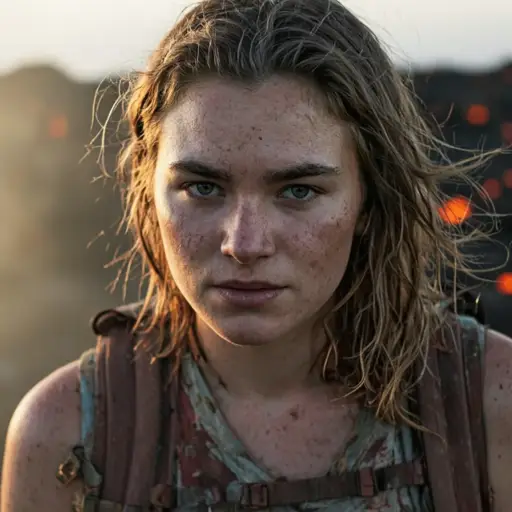
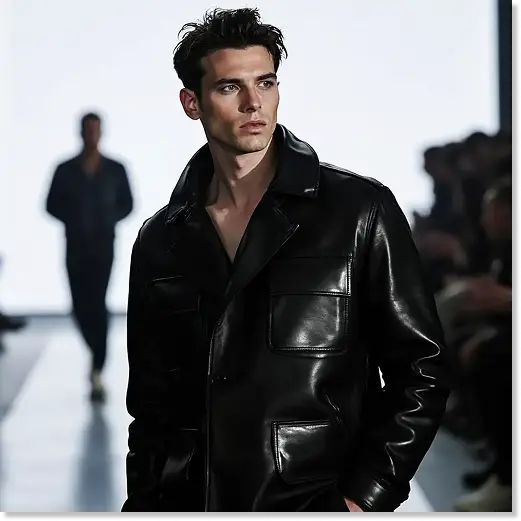
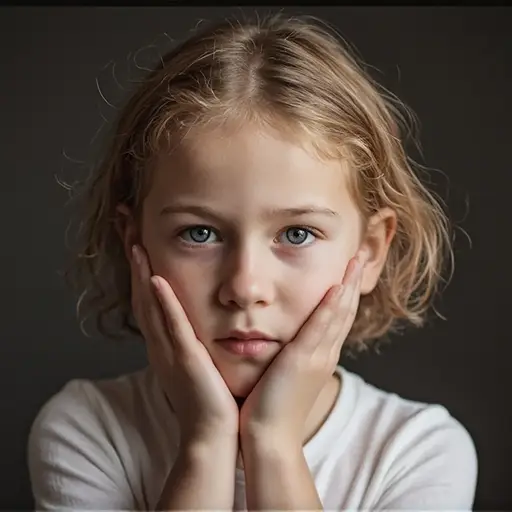
Get That Iconic GTA Look Without Editing Skills
Our GTA art style filter captures the essence of the games' visual identity. Think sharp edges, high contrast, and that signature blend of realism and stylization. The filter mimics the series' evolution – from the bold, almost cartoonish look of early titles to the more refined, detailed aesthetics of modern entries. It adds the right amount of saturation, shadow, and texture to make your photos feel like they belong in a GTA open world.
Whether you want to turn a city skyline into a virtual playground or make a portrait look like a game character, our tool handles it. No need for complex software. Just upload, adjust, and download. Perfect for gamers, content creators, and anyone who loves the series' unique visual flair. Use the results for profile pictures, social media posts, or even custom phone backgrounds. Pair it with our AI Image Enhancer for higher resolution outputs.
How to Create GTA-Style Art in 3 Steps
Step 1. Upload a Photo
Select any image from your device. Landscapes, people, and urban scenes work best.
Step 2. Describe Your Vision
Tell us your preferences. Try "GTA 5 downtown vibe" or "retro GTA Vice City colors".
Step 3. Generate and Download
Click generate. Get your GTA-style image in seconds. Save it in high resolution.
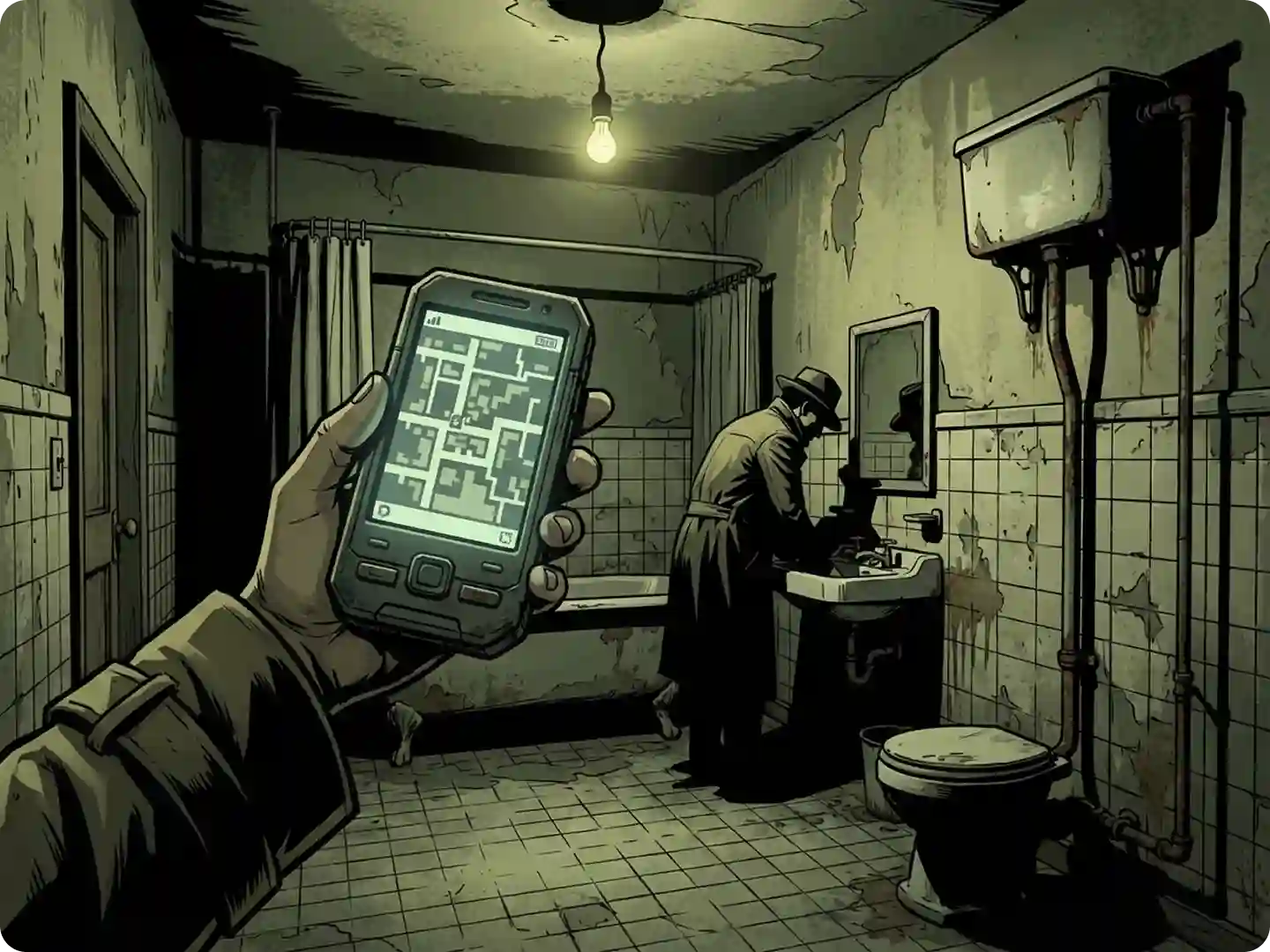
Make Your Social Media Stand Out
Turn ordinary photos into bold GTA-style posts. This style instantly catches attention and boosts engagement. It works perfectly for Instagram carousels, TikTok thumbnails, and short-form content. Pair your visuals with captions that highlight the game-inspired twist. For even better results, combine them with our AI Image Editor to craft the perfect lines.
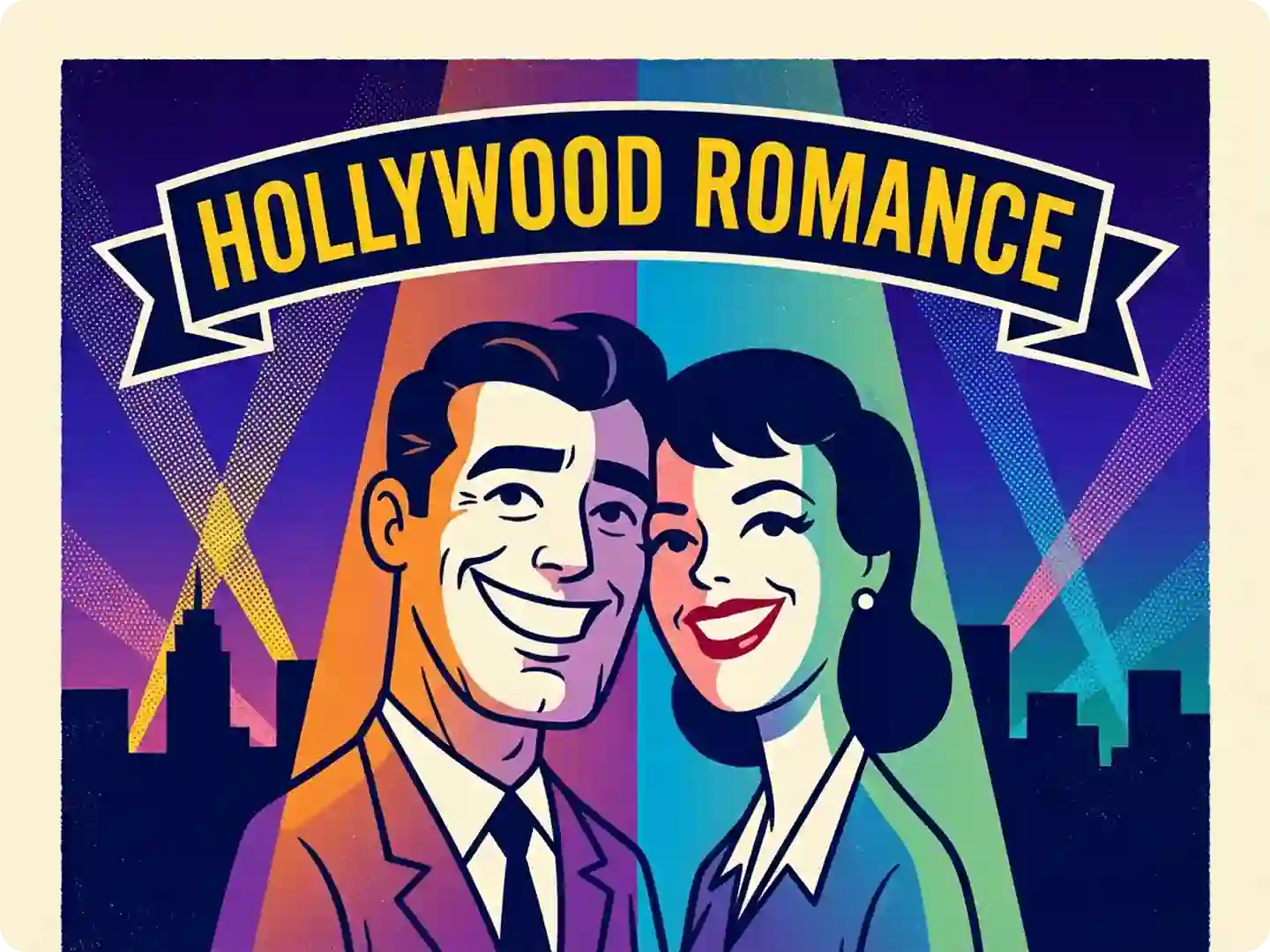
Design Game Covers or Thumbnails
If you’re a streamer or YouTuber, GTA-style covers and thumbnails help your channel pop instantly. The dramatic, high-contrast look naturally attracts more clicks and makes your content easier to identify.
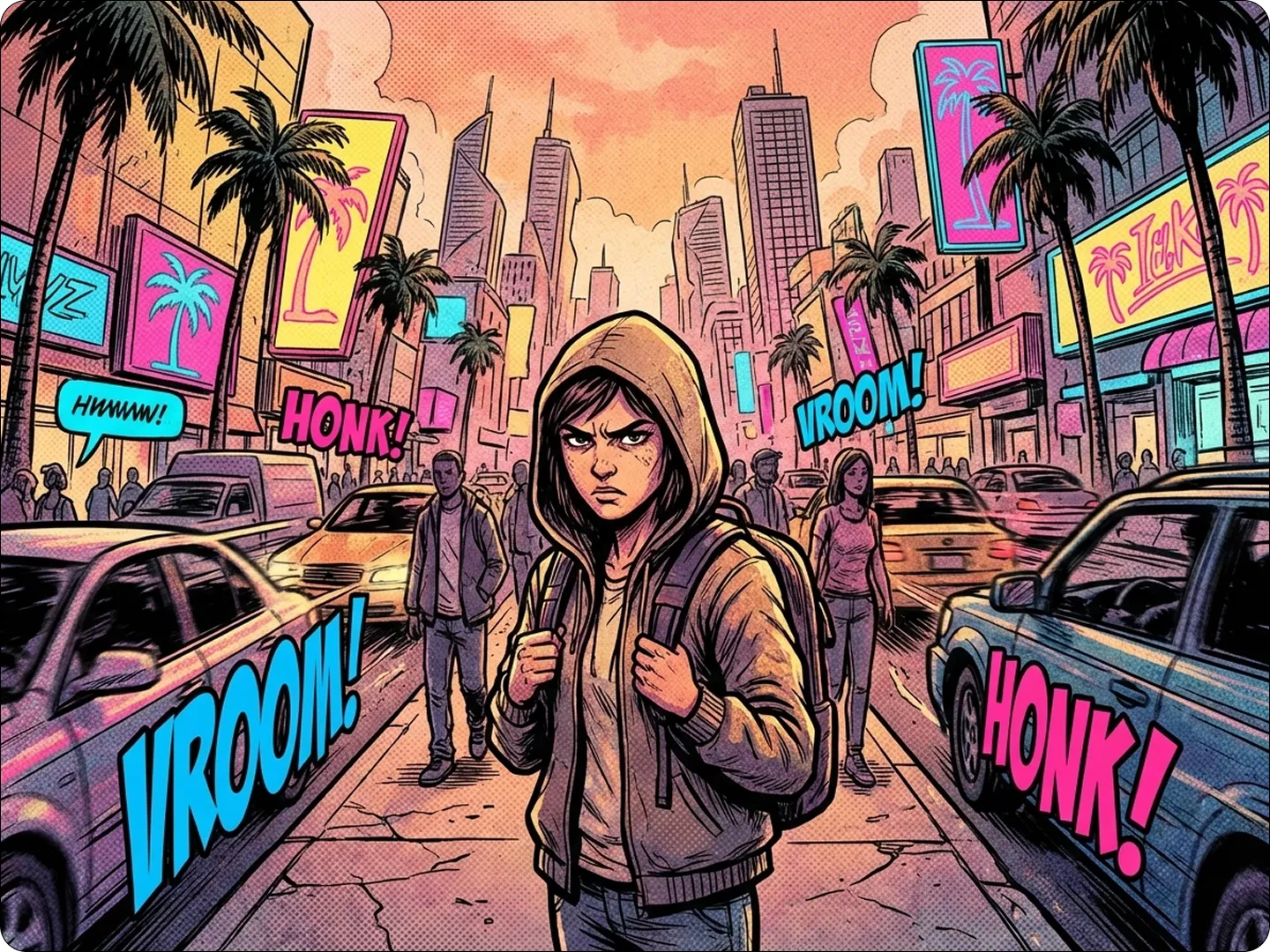
Branding & Marketing Visuals
For streetwear labels, urban campaigns, or bold marketing pieces, GTA-style visuals deliver strong impact. The gritty aesthetic creates a confident visual identity that resonates with modern audiences.
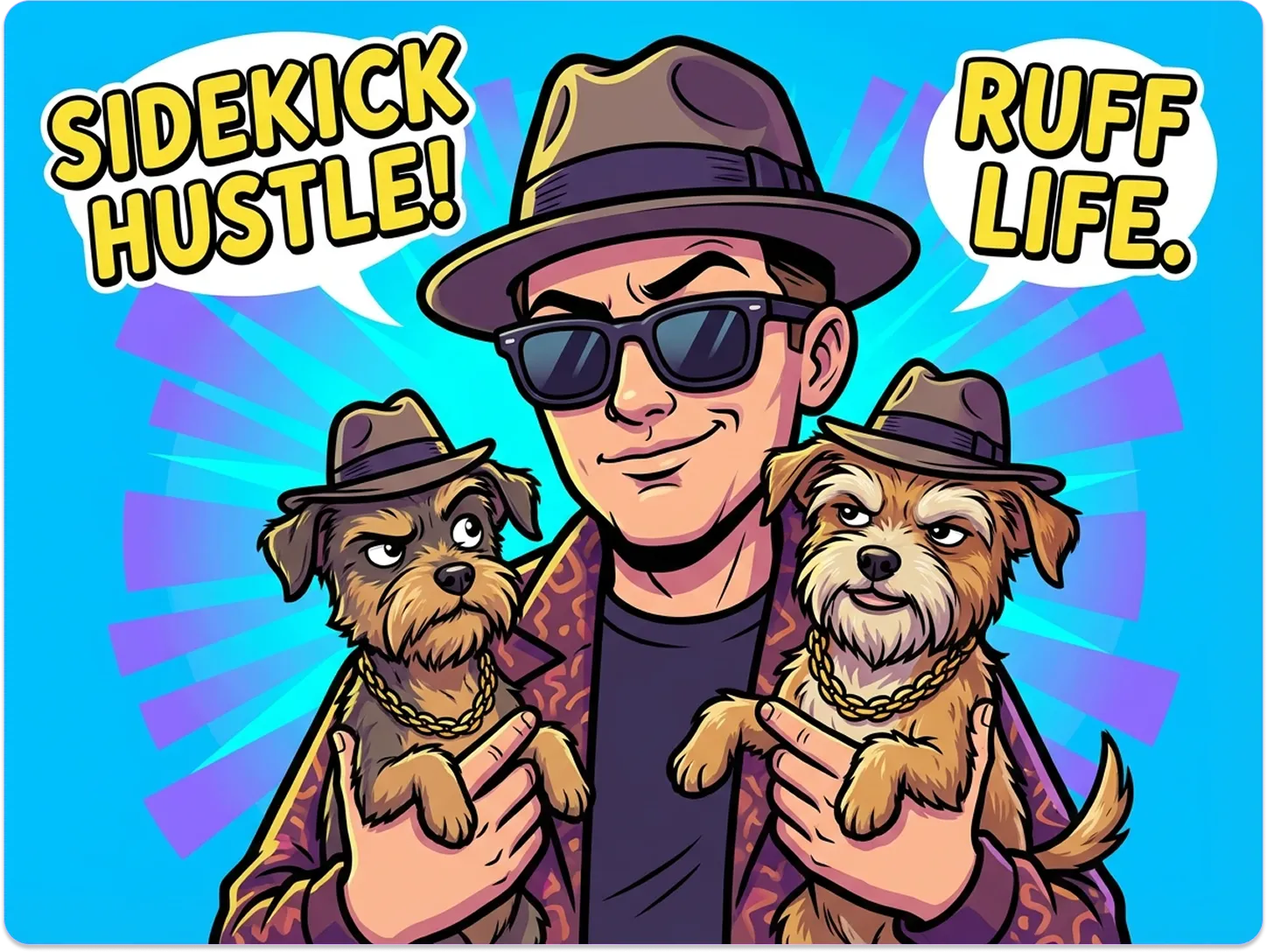
Generate Creative Story Illustrations
Writers and creators can turn scenes into GTA-style illustrations that match the franchise’s tone. Use them for fan fiction, YouTube storytelling, scripts, or gaming blog posts. Bring your narrative to life with dramatic compositions. For full-sequence visuals, try our AI Storyboard Generator.
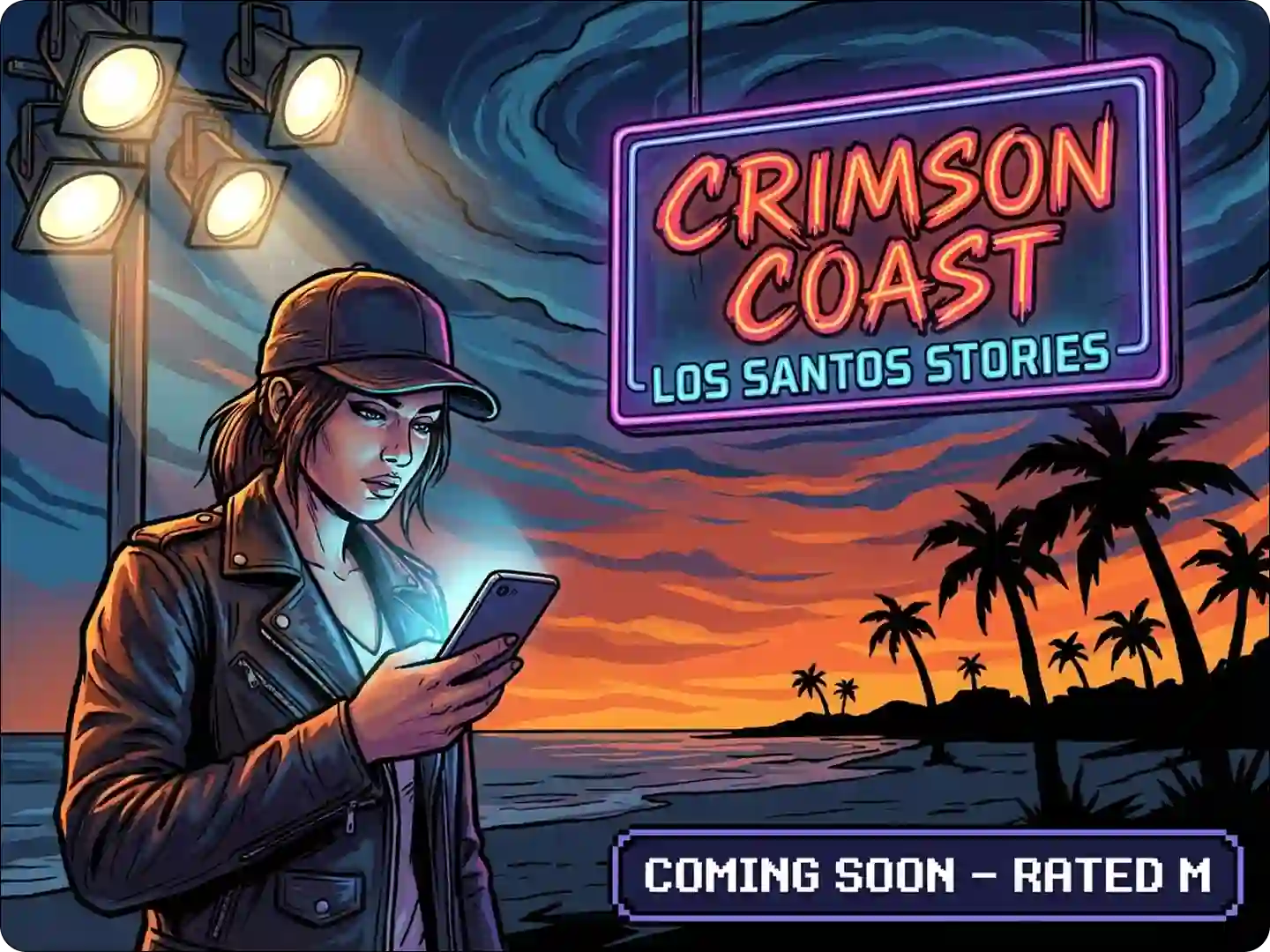
Design Custom Game-Inspired Merch
Turn photos into GTA-style graphics for T-shirts, posters, stickers, or phone cases. The bold lines and colors translate perfectly to physical products. Small businesses can even launch limited-edition drops tailored to gaming communities. Use our T-shirt Design Tool to finalize your merch designs.
FAQ
Can I adjust the intensity of the GTA style?
Yes. Describe your preference in the prompt. Try "subtle GTA effect" or "strong Vice City style" for different results.
Will the filter work on any type of photo?
It works best on photos with distinct subjects. City scenes, vehicles, and portraits produce the most striking results.
Can I combine the GTA style with other filters?
Absolutely. Generate your GTA-style image first, then use our Image Editor to add more effects.
How long does it take to generate an image?
Most transformations complete in under 10 seconds. Complex images may take a few seconds longer.
Can I get the image in different resolutions?
Yes. Download options include standard and high resolution. Use our upscaler for even larger sizes.
Does it replicate specific GTA games' styles?
Yes. Mention the game in your prompt. Try "GTA San Andreas style" or "GTA IV aesthetic" for game-specific results.
What Our Users Said
Perfect for My Gaming Channel
I use the GTA filter for all my thumbnails. Subscribers say they recognize my videos instantly. Saves me so much editing time.
Liam ParkerGaming YouTuber
Made My City Photos Pop
Turned pictures of my neighborhood into GTA-style art. Friends thought I used professional software. Super easy to use.
Sofia ReyesAmateur Photographer
Great for Themed Events
I created GTA-style invitations for my game night. Everyone loved the unique touch. The filter captured exactly what I wanted.
Marcus ChenEvent Coordinator