Hailuo 3.0 (Coming Soon)

Generate cinematic 4K videos at 60FPS with Hailuo 3.0 AI video generator - MiniMax's breakthrough model that brings native 4K resolution, extended 15-30 second duration, advanced director mode, and synchronized audio to AI video creation. Try it on Dzine' now.

Click or drag here to upload images

Uploading via drag and drop

Try Hailuo 3.0 with these examples

Why Hailuo 3.0 Transforms AI Video Creation

  1. Native 4K resolution at 60FPS – Hailuo 3.0 AI video generator produces crystal-clear 4K footage at smooth 60 frames per second, delivering theatrical-grade visual quality that surpasses standard HD outputs from competing models.
  2. Extended duration up to 30 seconds – Create complete narrative sequences without splitting clips. Hailuo 3.0 generates continuous 15-30 second videos, perfect for product demonstrations, short-form social content, and storytelling scenes.
  3. Director mode with camera control – Take creative control with Hailuo 3.0's director mode, featuring precise camera trajectory tools (push, pull, pan, tilt) and motion brush technology that lets you paint movement direction onto specific objects in your scene.
  4. Native audio synchronization – The Minimax Hailuo AI 3.0 automatically generates realistic sound effects, ambient audio, and character dialogue perfectly timed to visual actions, eliminating manual audio editing and post-production work.
  5. Character reference consistency – Maintain visual identity across multiple generations. Hailuo 3.0 AI video preserves character features, clothing details, and stylistic elements when using reference images, essential for brand videos and serialized content.
  6. Complex logic understanding – Hailuo 3.0 comprehends multi-step instructions and spatial relationships, accurately rendering scenes with multiple interacting subjects, cause-and-effect sequences, and sophisticated compositional requirements.
  7. Professional workflow integration – Seamlessly fits into production pipelines on Dzine with batch generation support, consistent output quality, and export formats ready for social media, advertising campaigns, and commercial distribution.

How to Use Hailuo 3.0 on Dzine

Step 1: Upload Image & Enter Prompt

Visit Dzine's AI video generator. Upload your reference image or concept artwork, then describe your video scene with specific details about motion, lighting, and camera angles.

Step 2: Select Hailuo 3.0 as the Model

Choose Hailuo 3.0 from the model selector. Configure duration, enable director mode for camera control, and activate motion brush if you need specific object movements.

Step 3: Generate & Download Video

Click Generate to process your video. Preview the result, then download your watermark-free video in native 4K resolution for immediate use.

Native 4K Resolution & 60FPS Performance

Hailuo 3.0 generates authentic 4K content from the ground up, preserving texture clarity, color accuracy, and motion smoothness. The 60FPS frame rate eliminates motion blur in fast-action scenes, making it ideal for sports demonstrations, product reveals, and dynamic character animations.

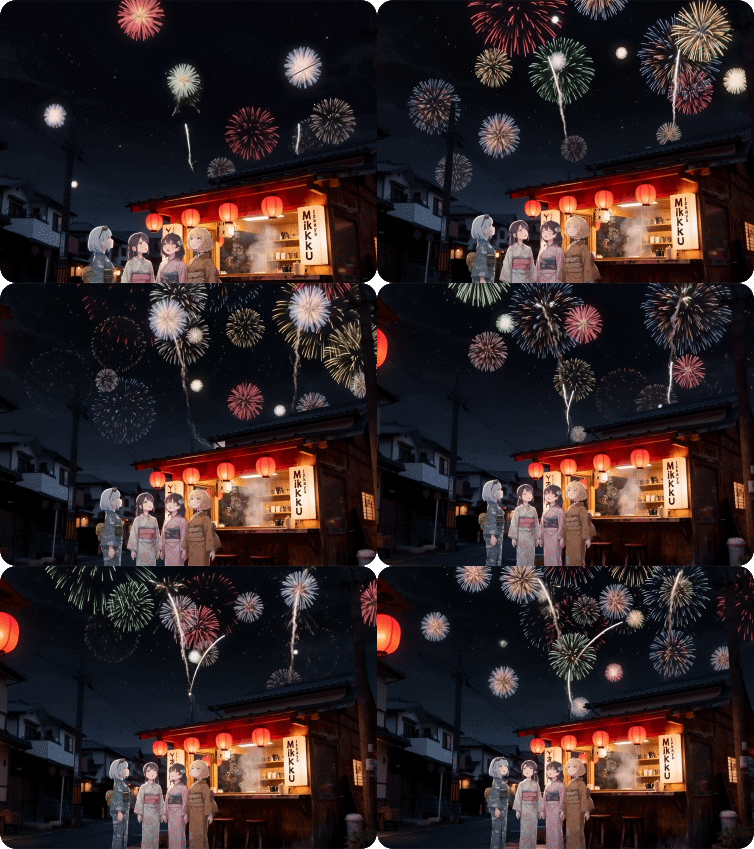
PromptOutput Video
Four girls in kimonos watch fireworks in front of a snack shop.output video

Extended Duration Breakthrough (15-30 Seconds)

Traditional AI video generators limit outputs to 3-5 seconds, forcing creators to stitch multiple clips for longer narratives. Minimax Hailuo AI 3.0 breaks this constraint with continuous generation up to 30 seconds. This extended duration supports complete story arcs, full product demonstrations, and multi-step tutorials in a single take.

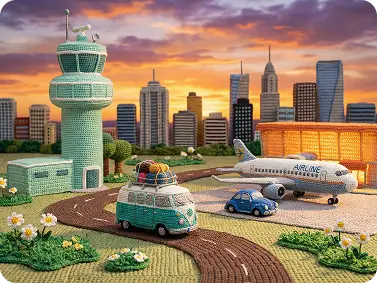
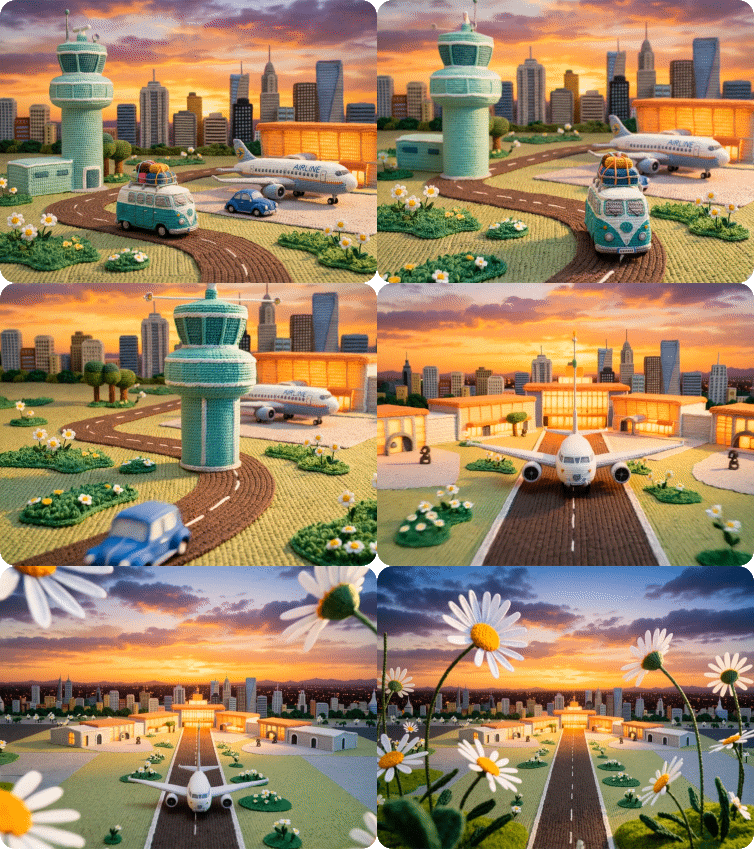
Input ImagePromptOutput Video
input imageTwo figures dash through the cityscape, locked in an intense battle. The clash of mystical powers and blades unleashes dazzling, vivid special effects—sparks flying, energy surging, and light exploding with every impact. They dart apart only to regroup instantly, their combat alternating between furious close-quarters strikes and strategic retreats, keeping the high-stakes showdown raging across the urban skyline.Output Video

Director Mode: Camera Control + Motion Brush

Hailuo 3.0's director mode puts professional cinematography tools directly into your workflow. The camera control system interprets natural language instructions like "orbital tracking shot clockwise" and executes them with cinematic precision. The motion brush feature adds another layer of control — simply paint over objects in your reference image to define their movement direction and speed.

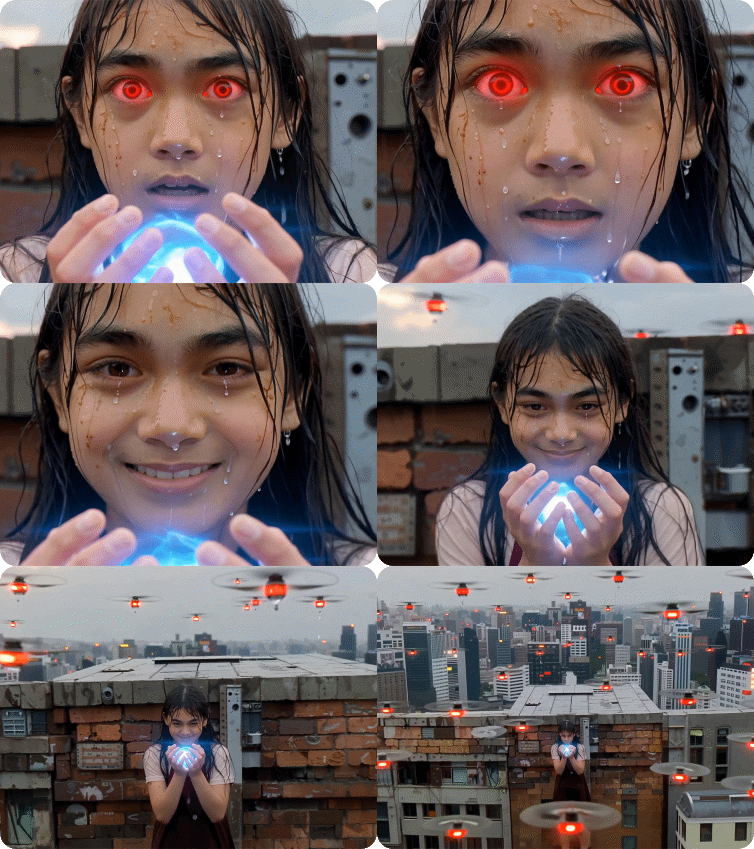
PromptOutput Video
Raindrops fall, subtly disturbed by the core's energy. Camera dollies in tightly on her shaking hands and the core (0-4s). Violent crane up and pull back from the alley to a high city view (5-8s). Final shot holds, revealing a dense network of drones with red lights surrounding her below. Expression shifts from terrified hyperventilation to a calm, defiant smirk as the camera pulls away.Output Video

Native Audio & Sound Synchronization

Hailuo 3.0 AI video generator eliminates this friction with native audio generation that analyzes visual content and produces synchronized sound automatically. Footsteps match ground contact frames, dialogue lip-sync aligns with character mouth movements, and environmental ambience adapts to scene transitions.

Input ImagePromptOutput Video
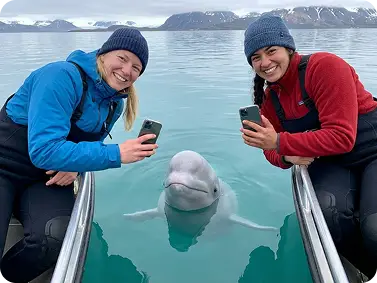
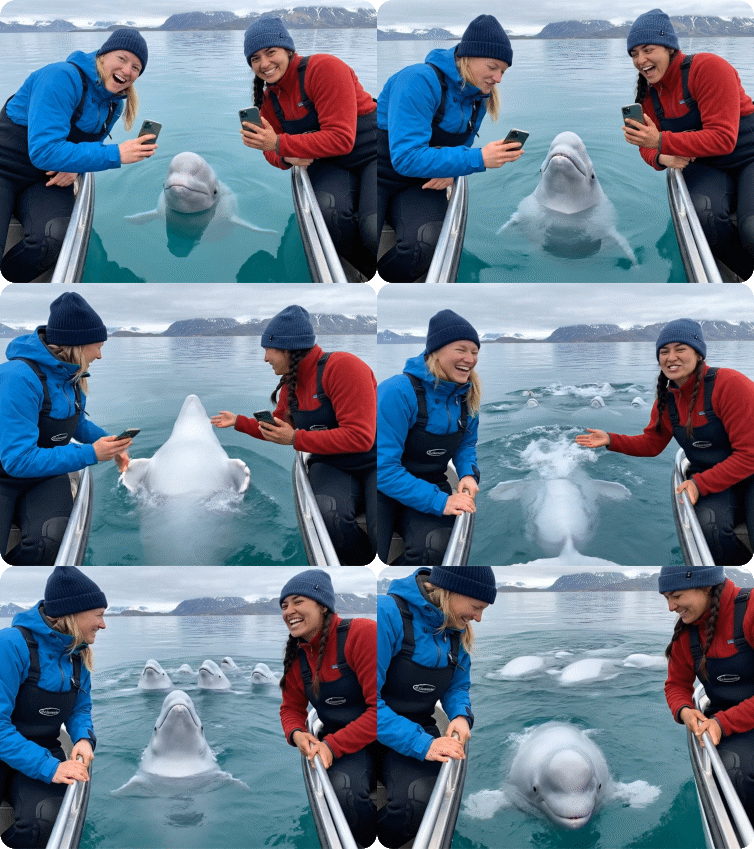
input imageThe camera sways slightly with the waves and zooms in a little on the people in the image. The two people in the picture are having a conversation, which needs to be related to discussing beluga whales. The beluga whales are also happily playing and swimming in the water.output video

Character Reference & Visual Consistency

Hailuo 3.0's character reference system solves the consistency challenge that plagues AI video creation. Upload a reference image of your brand mascot, product spokesperson, or animated character, and Hailuo 3.0 preserves facial features, clothing details, color palettes, and stylistic elements across all subsequent generations.

Input ImagePromptOutput Video
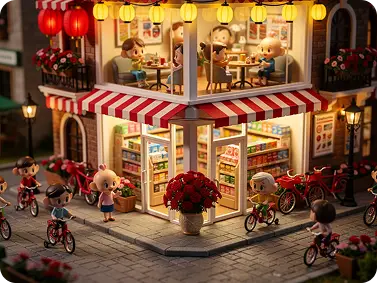
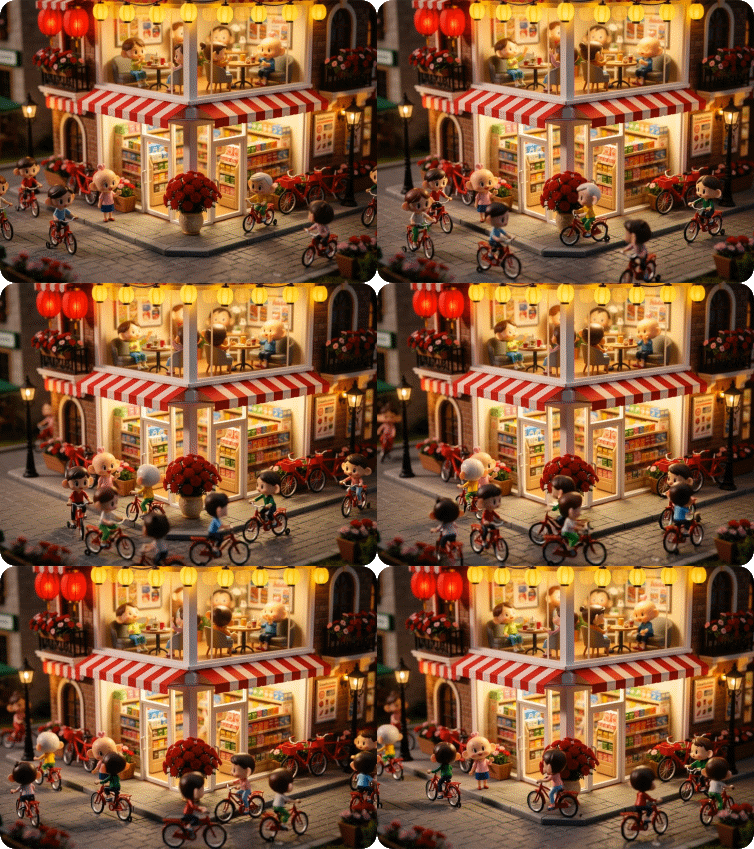
input imagemake the characters alive.Output Video

Why Try Hailuo 3.0 on Dzine AI?

Advanced AI Models

Advanced AI Models

Adcaned AI video and image models such as Google Veo 3.1 and Hailuo 2.3 to deliver high-quality, varied video content that makes your work truly distinctive.

One Click to Generate

One Click to Generate

Produce polished visuals instantly, apply styles auto-magically, or refine designs without pro skills.

Free Trial

Free Trial

Access core AI tools for free trial, experiment with creations freely, or test features before committing.

High Quality Results Export

High Quality Results Export

Export high-res visuals in multiple formats, preserve every fine detail, or use them for print & digital.

Watermark Free

Watermark Free

Get clean, watermark-free outputs, use visuals for commercial campaigns, or share them seamlessly.

Online Platform No Donwloading

Online Platform No Donwloading

Create on the web directly, skip software installation, or design anytime anywhere on any device.

What Our Users Said

4K Quality Changed Everything for Our Brand

We used to upscale AI videos to 4K and the results always looked soft. Hailuo 3.0's native 4K generation on Dzine delivers sharp, broadcast-ready footage that our clients actually approve for television commercials. The 60fps frame rate makes our product demonstrations incredibly smooth — no more stuttery motion that screams "AI-generated."

Marcus ChenCreative Director

Director Mode Gives Me Actual Creative Control

Most AI video tools feel like slot machines — you get what you get. Hailuo 3.0's director mode and motion brush let me specify exactly how the camera moves and which objects animate. I can finally create the exact shots my storyboards call for instead of generating dozens of attempts hoping for something close.

Priya SharmaIndependent Filmmaker

30-Second Duration Solved Our Workflow Nightmare

Before Hailuo 3.0, we'd generate five separate 5-second clips and spend hours editing them together, trying to hide the seams. Now we create entire 30-second product demos in one generation with consistent lighting and motion throughout. Our production time dropped by 70% while output quality improved dramatically.

James RodriguezE-Commerce Video Producer

FAQ

What is Hailuo 3.0?

Hailuo 3.0 is MiniMax's latest AI video generation model, available exclusively on Dzine. It produces native 4K resolution videos at 60fps with extended 15-30 second duration, director mode camera controls, motion brush object animation, character consistency features, and synchronized native audio generation.

How does Hailuo 3.0 differ from Hailuo 2.3?

Hailuo 3.0 advances beyond Hailuo 2.3 with native 4K output (vs 1080p), 60fps frame rate (vs 30fps), extended 30-second duration (vs 10 seconds), director mode for precise camera control, motion brush for object-level animation, and native audio synchronization. Visual quality and logical understanding also show significant improvements.

Can I use Hailuo 3.0 for commercial projects?

Yes. All videos generated with Hailuo 3.0 AI video generator on Dzine are watermark-free and cleared for commercial use, including advertising campaigns, client work, product demonstrations, social media marketing, and broadcast distribution.

What is director mode in Hailuo 3.0?

Director mode provides professional camera movement controls within Hailuo 3.0. You can specify precise camera actions (push, pull, pan, tilt, orbit, tracking) using natural language instructions, creating cinematic shots with intentional framing and movement rather than random camera behavior.

How does motion brush work?

Motion brush in Minimax Hailuo AI 3.0 lets you paint movement direction onto specific objects in your reference image. Draw arrows or paths over elements you want to animate, controlling their speed and trajectory independently from other scene elements for precise, multi-object choreography.

Does Hailuo 3.0 generate audio automatically?

Yes. Hailuo 3.0 features native audio generation that analyzes your video content and produces synchronized sound effects, ambient audio, and dialogue automatically. Sound timing matches visual actions without manual editing, though you can disable this feature if you prefer silent output.

What video duration does Hailuo 3.0 support?

Hailuo 3.0 AI video generator creates continuous videos from 15 to 30 seconds in length. This extended duration supports complete narrative sequences, full product demonstrations, and complex action scenes in a single generation without requiring multiple clip stitching.

More Dzine Tools to Enhance Your Video Creation