



HappyHorse 1.0

HappyHorse 1.0 is the AI video model that reached #1 on the Artificial Analysis Video Arena leaderboard for both text-to-video and image-to-video - with no public team and no official release announcement. It runs a unified 40-layer Transformer architecture that jointly generates video and audio in one pass. You can run prompts through the HappyHorse 1.0 AI video generator directly on Dzine for free.

Click or drag here to upload images

Uploading via drag and drop

Try HappyHorse 1.0 with one of these examples

HappyHorse 1.0: The Mystery Model That Topped Every Video Leaderboard

HappyHorse 1.0 appeared on the Artificial Analysis Video Arena in early April 2026 with no announcement, no named team, and no public weights. Within days, it ranked #1 in text-to-video (Elo 1333) and #1 in image-to-video (Elo 1392) - both in the no-audio category. The previous T2V leader, Seedance 2.0, held an Elo of 1273. A 60-point Elo gap means HappyHorse wins roughly 58–59% of blind head-to-head matchups.

The Artificial Analysis arena uses blind user voting. Users see outputs from two models side by side without knowing which is which. Votes feed an Elo rating system. No lab self-reporting. The signal is entirely user preference. That makes HappyHorse 1.0's position unusual - it topped a credible benchmark before anyone publicly claimed credit for building it.

The model's official site describes a single unified Transformer with 40 layers, handling text, image, and audio tokens in one shared sequence. Six languages are listed for native audio generation: Chinese, English, Japanese, Korean, German, and French. Whether you're exploring what is HappyHorse 1.0 or looking to run it in a real workflow, Dzine gives you direct access — copy a prompt from this page and generate in seconds.

How to Use HappyHorse 1.0 on Dzine

Step 1: Enter Your Prompt

Go to Dzine's Chat Editor and choose AI video. Type your text prompt in the input field.

Step 2: Select Your Model

You can choose Seedance 2.0 or Kling 3.0. Set your preferred aspect ratio and duration.

Step 3: Generate and Download

Click Generate. Dzine processes your request and returns your video in under a minute. Preview the output, download watermark-free, and publish.

Unified Text-to-Video and Image-to-Video in One Model


Text to Video

PromptOutput Video
A quiet temple garden near Kyoto: moss-coated stones, delicate maples, and a wooden bridge over a koi pond at dusk. Incense curls into the evening air as a single monk sweeps the gravel path, each stroke methodical and calm. Lantern light glimmers on carved statues that watch in silence, while distant wind chimes issue gentle metallic notes. In the fading light, the stillness feels centuries old.

Image to Video

Input ImagePromptOutput Video
9-grid inputA bowling ball enters from screen right and hits the model made out of marbles, causing it to collapse.

Architecture Built for Multimodal Consistency


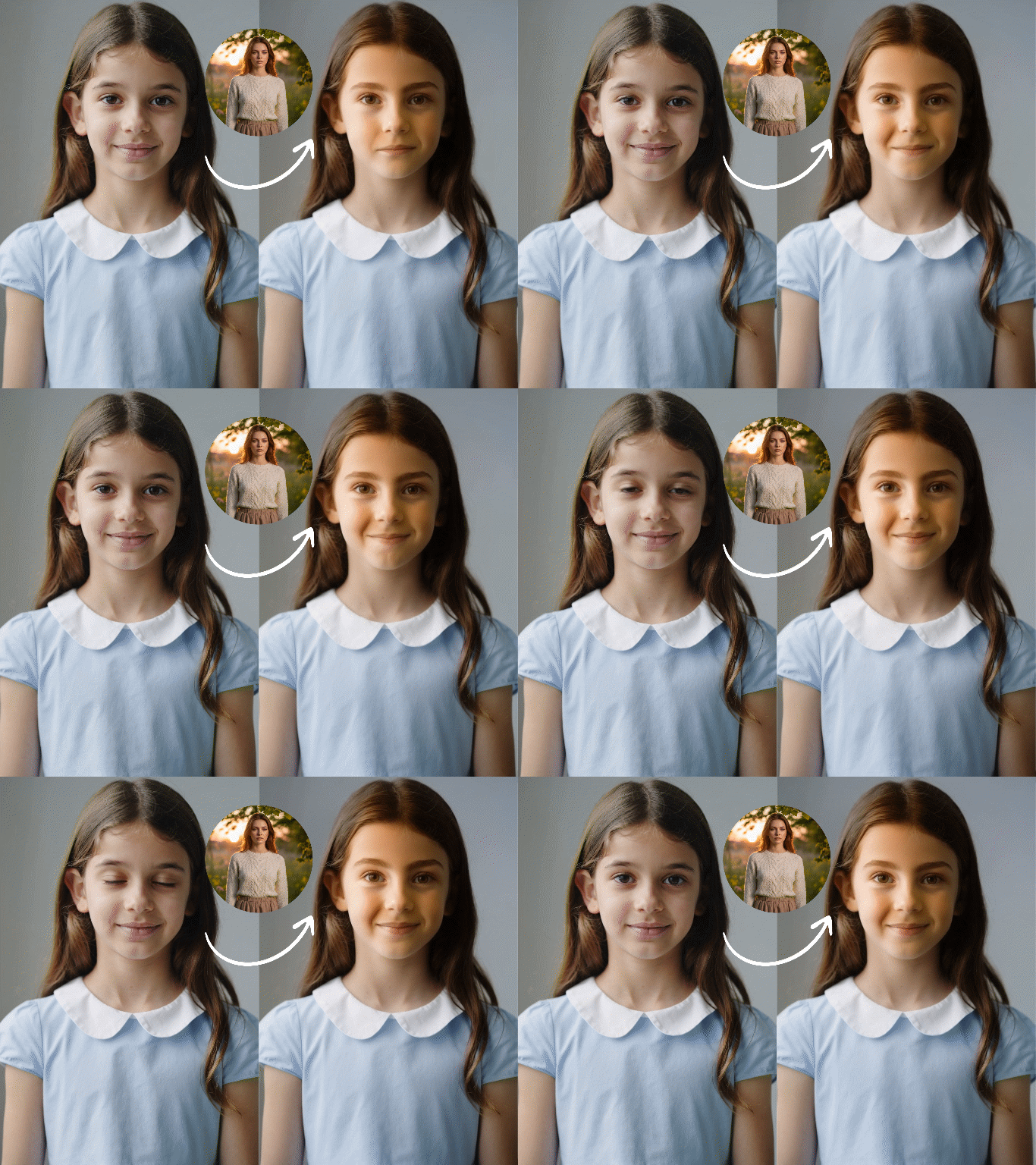
Input ImagePromptOutput Video
9-grid inputmake a video with the imageoutput video

Joint Audio-Video Generation in One Pass


PromptOutput Video
Rain patters on the tent. Water drips off the edges. Quiet afternoon. Audio: steady rain on fabric, droplets running off, gentle breeze.

More HappyHorse 1.0 Prompt Examples

The following prompts are designed to test what the HappyHorse 1.0 AI video generator does well: subject motion, scene coherence, and camera control. Copy any prompt directly into Dzine to generate your own version.

Prompt 1 - Cinematic product close-up

A black ceramic coffee mug sits on a rain-wet wooden table. Steam rises slowly from the rim. Camera begins with a tight close-up on the surface texture, then pulls back to reveal a gray morning window behind. Overcast natural light. No music. Ambient rain sound.

Expected result: Stable object rendering, natural steam particle motion, smooth rack focus from surface to background.

Prompt 2 - Character motion in an outdoor environment

A young woman in a yellow raincoat walks across a stone bridge over a fast-moving river. Camera tracks alongside her at shoulder height. Autumn leaves fall from both sides of the frame. Wind sound and footstep audio. 16:9 aspect ratio, cinematic color grade.

Expected result: Character consistency across frames, natural gait physics, coherent background parallax.

Prompt 3 - Abstract motion for social content

Ink drops fall into still water in extreme close-up. Each drop creates expanding circular ripples in slow motion. Black ink on white water, high contrast. No audio. 9:16 portrait format for vertical feed.

Expected result: Physics-accurate fluid simulation, clean contrast rendering, no frame artifacts.

Prompt 4 - Image-to-video product animation

Upload: product photo of a glass perfume bottle

The bottle sits on a white marble surface. A soft light sweeps across it from left to right, catching the glass facets. Subtle lens flare on the highlight. Camera stays locked. Ambient room tone only.

Expected result: Subject identity preserved from reference image, lighting motion coherent, no shape drift.

HappyHorse 1.0 vs Seedance 2.0: Benchmark Comparison

FeatureHappyHorse 1.0Seedance 2.0
T2V Elo (no audio)1333 - #11273 - #2
I2V Elo (no audio)1392 - #11355 - #2
T2V Elo (with audio)1205 - #21219 - #1
I2V Elo (with audio)1161 - #21162 - #1
ArchitectureSingle 40-layer Transformer, shared parametersMultimodal diffusion transformer
Native audio languages6 (claimed)Primarily Chinese and English
Open sourceClaimed, not yet accessibleNo
Team identityPseudonymous / unconfirmedByteDance
Available on Dzine

Elo scores sourced from the Artificial Analysis Video Arena as of early April 2026. Scores change as votes accumulate.

More Dzine Tools to Enhance Your Frame-Based Videos

Watch and Master Timeline-Based Frame Editing

What Our Users Said

The #1 Leaderboard Result Actually Held Up in My Tests

I tested HappyHorse 1.0 on Dzine the same week it hit the top of the Artificial Analysis rankings. My usual benchmark is a tracking shot of a person walking through a crowd scene - most models lose the subject or smear the background. HappyHorse held subject identity and kept the background parallax coherent throughout. I ran the same prompt on three other models I use regularly, and none of them matched it for that specific motion type. The leaderboard position seemed surprising at first, but after testing it directly, the ranking made sense.

Marcus DelgadoMotion Designer, Indie Studio

Image-to-Video Results Are Tighter

I create product content for e-commerce brands. My main use case is animating product photos — a bottle, a shoe, a skincare item - with subtle motion and clean audio. HappyHorse 1.0 image to video on Dzine gives me the most stable subject rendering I've seen. The product shape doesn't drift between frames, and the lighting motion feels physically plausible. I ran 40 clips in one session for a client campaign. The consistency across that many generations was the real test — and it passed.

Priya AnandE-commerce Content Strategist

I Wasn't Expecting the Audio to Be This Competitive

When a model has no public team and no press release, I usually expect corners cut somewhere. For HappyHorse 1.0, the audio is where I thought I'd find the weakness. I tested it with a street scene prompt in English and a dialogue scene prompt in Japanese. Both came back with audio that matched the scene without obvious artifacts. The lip-sync in Japanese wasn't perfect, but it was close enough that it didn't need post-processing for the short-form content I was producing. Trying it on Dzine meant I could get results quickly without managing any infrastructure.

Tomoko IshidaSocial Video Producer

FAQ

What is HappyHorse 1.0?

HappyHorse 1.0 is an AI video generation model that ranked #1 on the Artificial Analysis Video Arena for both text-to-video and image-to-video in early April 2026. It uses a 40-layer unified Transformer that processes text, image, video, and audio tokens together in one shared sequence. The team behind it remains pseudonymous - no company or individual has publicly claimed credit. You can try the HappyHorse 1.0 AI video generator on Dzine without any API setup.

How does HappyHorse 1.0 rank compared to other video models?

As of early April 2026, HappyHorse 1.0 holds Elo 1333 in text-to-video (no audio) and Elo 1392 in image-to-video (no audio) on the Artificial Analysis leaderboard - both ranked #1. In categories that include audio, it ranks #2 in both T2V and I2V, sitting just 14 points below Seedance 2.0 in T2V with audio. These scores are based on blind user votes, not lab-reported benchmarks.

How do I use HappyHorse 1.0 on Dzine?

Go to Dzine's AI video generator and enter your text prompt, or upload a reference image for HappyHorse 1.0 image to video. Select HappyHorse 1.0 from the model list. Set your aspect ratio and duration, then click Generate. Your video is ready in under a minute. Dzine handles all inference on the backend - no GPU, no API key, no setup required. A free trial is available.

Does HappyHorse 1.0 support image-to-video?

Yes. HappyHorse 1.0 supports both text-to-video and image-to-video generation in a single pipeline. The image is processed as a conditioning latent inside the model's token sequence, which keeps the subject stable and coherent through the motion output. On the Artificial Analysis leaderboard, HappyHorse leads in both T2V and I2V categories, which confirms the same model handles both input modes effectively.

Who made HappyHorse 1.0?

The team is unknown. Artificial Analysis described the model submission as pseudonymous when they announced its addition to the arena. Community speculation points toward an Asia-based origin, partly due to the multilingual capabilities - Chinese, Japanese, and Korean are listed as natively supported alongside English, German, and French. No company, lab, or individual has publicly claimed credit as of April 2026.

Is HappyHorse 1.0 open source?

The official site states that the base model, distilled model, super-resolution model, and inference code are all released. However, as of April 8, 2026, both the GitHub and HuggingFace links on the site return "coming soon" and point to no accessible content. The weights are not downloadable. On Dzine, you can run the HappyHorse AI video generator directly without needing to download or host anything.

How does HappyHorse 1.0 compare to Seedance 2.0 for video generation?

HappyHorse 1.0 leads Seedance 2.0 by 60 Elo points in T2V without audio and by 37 points in I2V without audio. In categories that include audio, Seedance 2.0 edges ahead by 14 points in T2V and 1 point in I2V — an effectively tied result in I2V with audio. For purely visual output, HappyHorse 1.0 holds a clear advantage on current leaderboard data. For audio-integrated output, Seedance 2.0 holds a slight lead. Both models are available on Dzine, so you can run the same prompt on each and compare directly.