Hunyuan Video

Hunyuan Video is Tencent's cutting-edge AI model that transforms text or images into high-quality, cinematic video clips. The latest Hunyuan Video 1.5 update brings exceptional visual quality and motion control, allowing you to create stunning content effortlessly. Start generating your next viral video with Hunyuan AI video on Dzine.

Click or drag here to upload images

Uploading via drag and drop

Try Hunyuan Video with one of these

Create Studio-Quality Videos with Hunyuan Video 1.5

The Hunyuan Video 1.5 model combines a lightweight architecture with powerful video generation capabilities, setting a new standard for AI-driven video creation. We are excited to offer it on Dzine AI, giving you the tools to produce videos with professional composition, lighting, and camera work.

This model excels at both Text-to-Video and Image-to-Video tasks, making it a versatile choice for all your creative needs. Whether you are a marketer, a content creator, or an artist, Hunyuan AI video provides the speed and quality you need to stand out.

Key Features of Hunyuan Video

  1. Cinematic Quality and Composition - Hunyuan Video is trained to understand film aesthetics, delivering videos with professional-grade composition, dynamic lighting, and sophisticated camera movements. This ensures your output looks polished and engaging.
  2. Efficient and Accessible - The lightweight nature of Hunyuan Video 1.5 means faster generation times on Dzine's platform, allowing you to iterate quickly and bring your ideas to life without long waits.
  3. Dual Generation Modes - Seamlessly switch between Text-to-Video and Image-to-Video generation. This flexibility allows you to start from a simple prompt or use a detailed image as your creative foundation.
  4. Superior Motion and Detail - The model provides excellent temporal consistency and high-fidelity detail, minimizing the flickering and distortion often seen in other AI video generators.
  5. Diverse Artistic Styles - From photorealistic scenes to various anime and comic styles, Hunyuan AI video supports a wide range of aesthetics, giving you complete control over your visual narrative.

How to Use Hunyuan Video on Dzine

Step 1: Input Your Prompt or Image

Start by describing your desired video in the text prompt box or by uploading a source image for Image-to-Video generation. Be specific about the subject, scene, and motion for the best results.

Step 2: Select the Hunyuan Video Model

Navigate to the model selection menu and choose Hunyuan Video from the list of available AI video generators. Dzine offers a variety of models, including Veo 3 and Pixverse V5, for diverse creative options.

Step 3: Generate Your Video

Click the Generate button. The Hunyuan Video model will process your request and transform your input into a dynamic, high-definition video clip ready for download and sharing.

Watch Dzine's Full Beginner Step-by-Step Guide

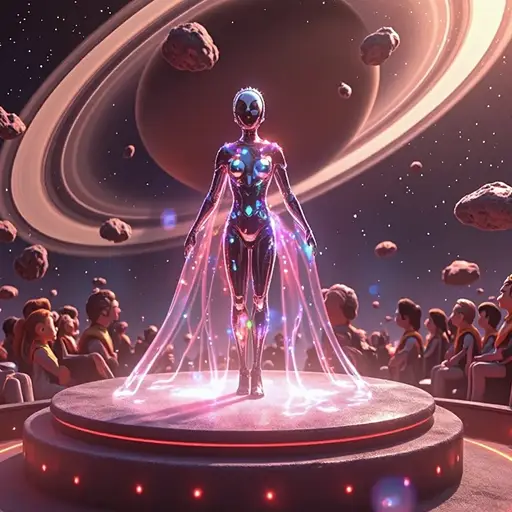
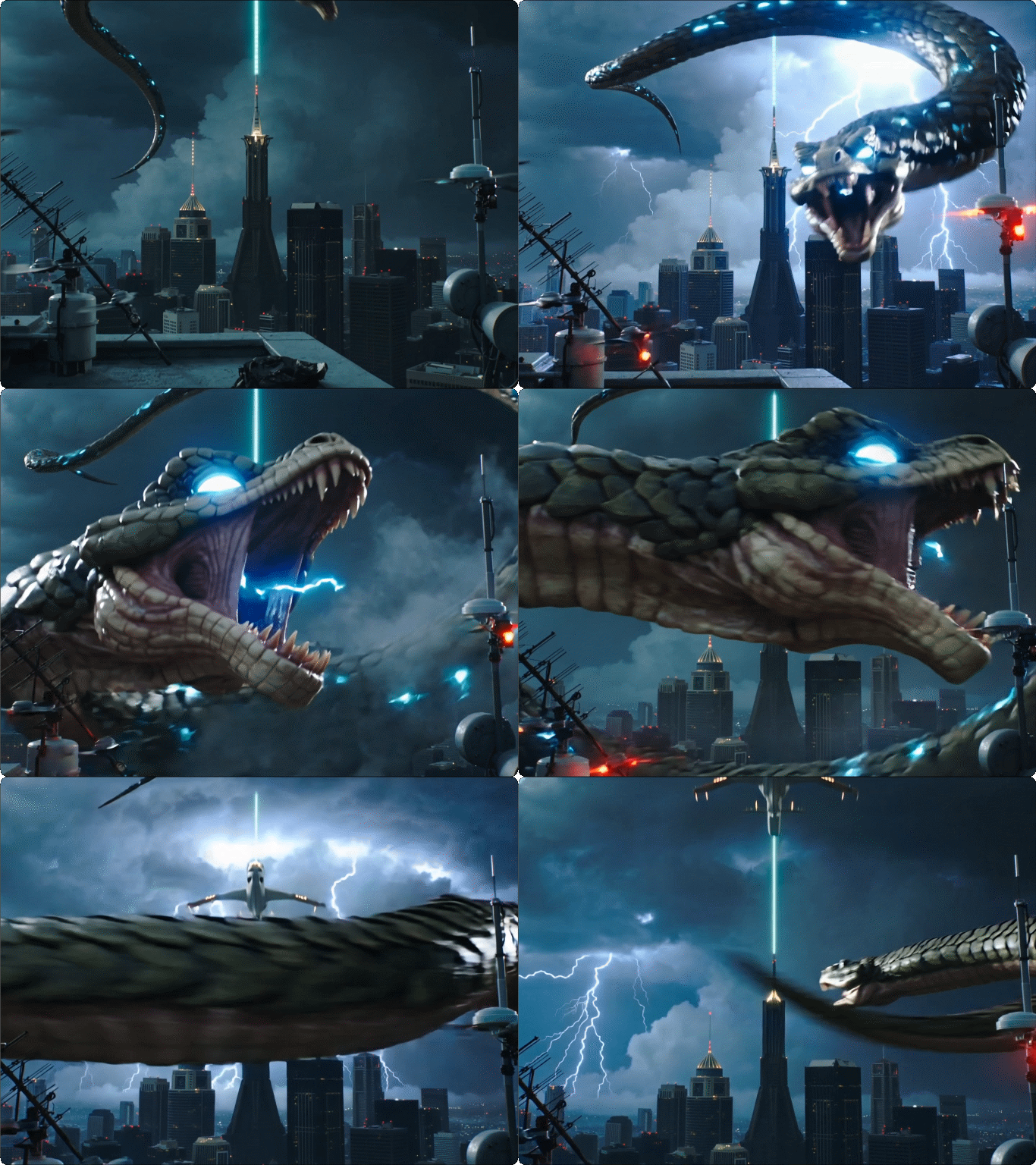
Hunyuan Video Text-to-Video generation

Turning Concepts into Visual Stories


Hunyuan Video excels at translating complex, abstract text prompts into coherent and visually rich video sequences. This capability is perfect for content creators who need to quickly prototype ideas or visualize concepts without any prior visual assets. Simply describe your scene, characters, and action, and watch the Hunyuan AI video model build your narrative frame by frame.

Hunyuan Video Image-to-Video generation

Animating Your Static Art and Photos


The Image-to-Video feature in Hunyuan Video 1.5 allows you to breathe life into your existing artwork, photographs, or design mockups. You can specify the exact motion and camera movement you want, transforming a static image into a dynamic clip while maintaining the original visual style.

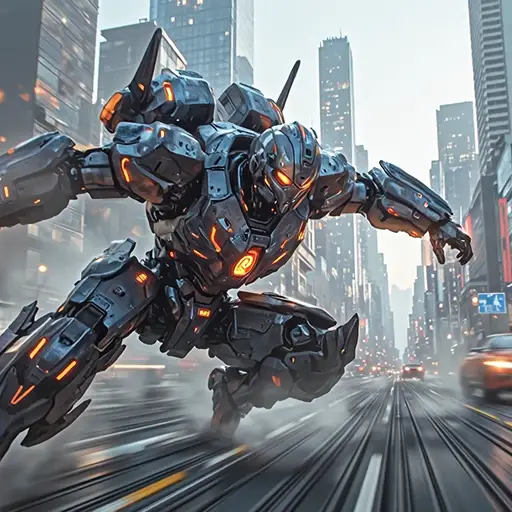
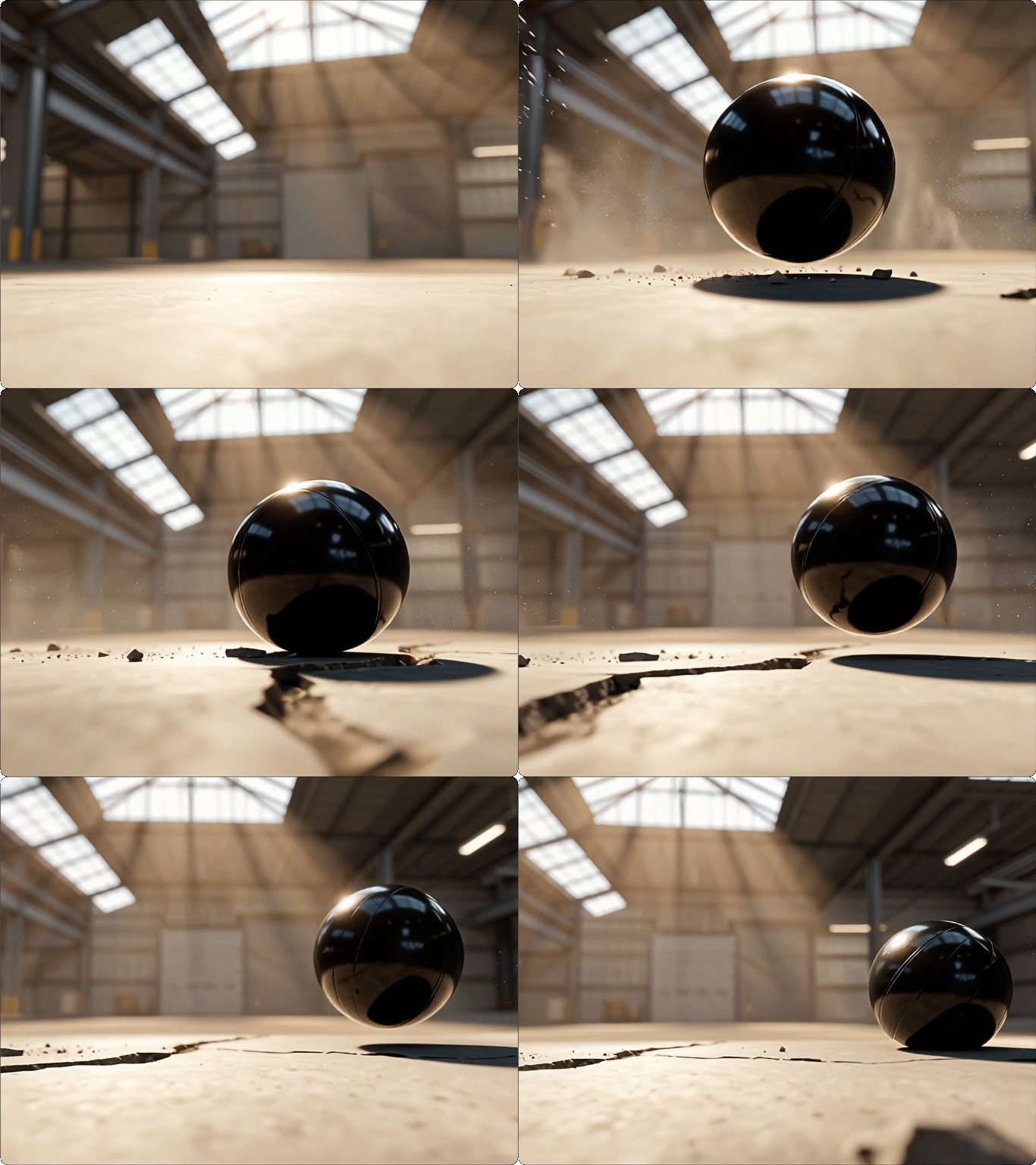
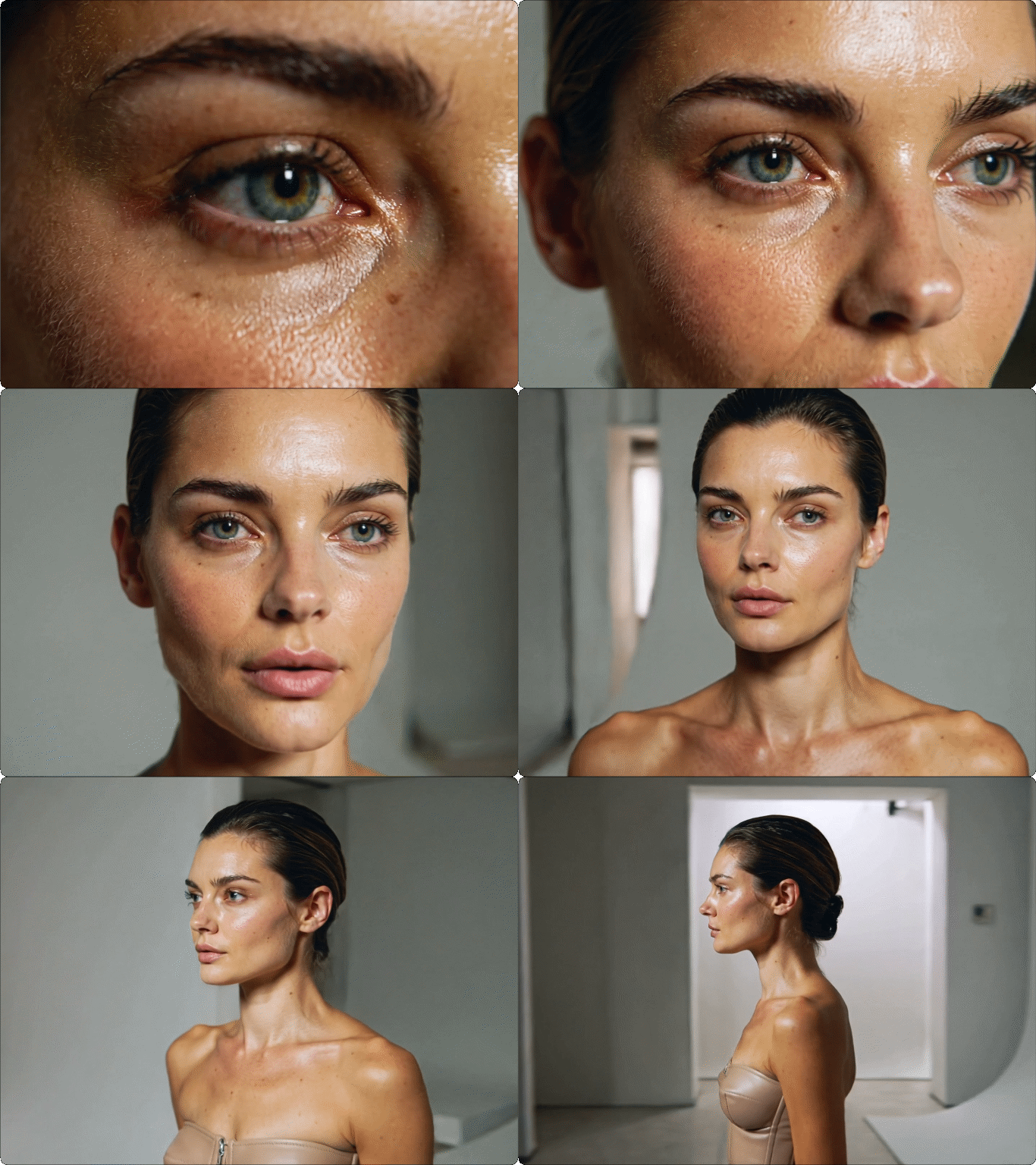
Hunyuan Video cinematic camera control


Master-Level Camera Control for Professional Results


The model incorporates a "Master mode" that allows for fine-grained control over cinematic elements like shot composition, depth of field, and complex camera paths. This feature ensures that your Hunyuan Video output has the polished look of a professional production, making it ideal for short films, advertisements, and high-end social media content.

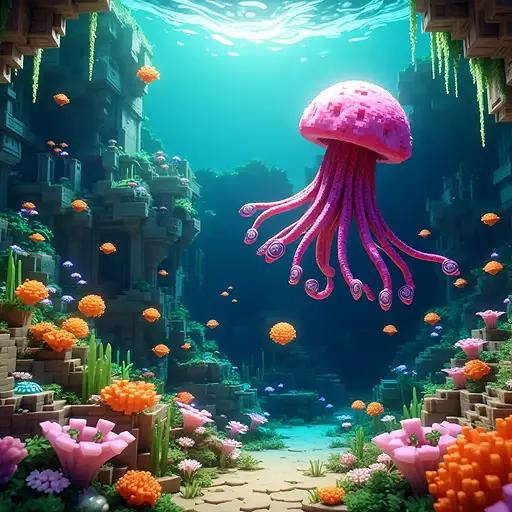
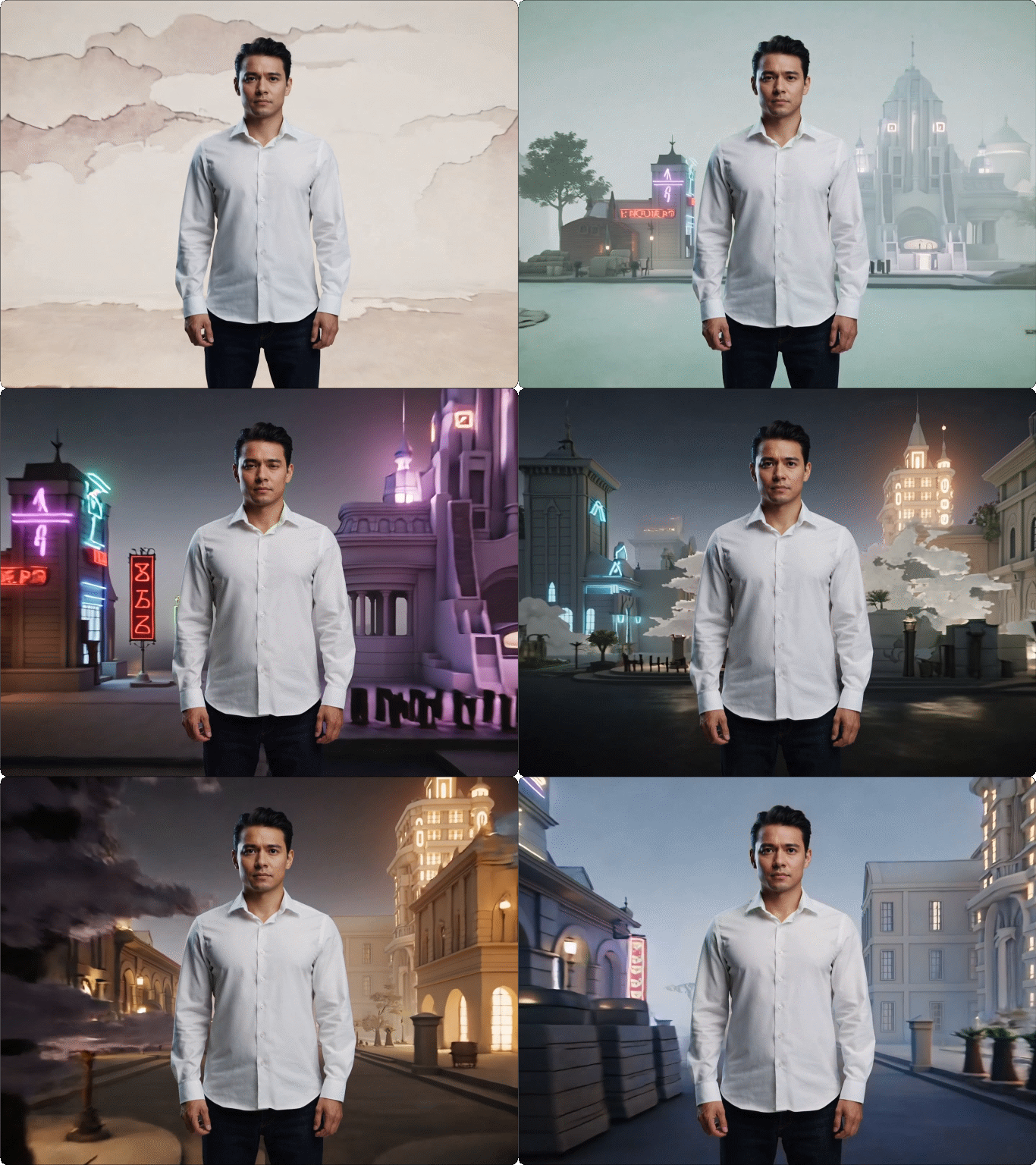
Hunyuan Video diverse style generation

Consistent Style Across Diverse Artistic Aesthetics


Hunyuan AI video maintains remarkable style consistency throughout the generated clip, whether you choose a photorealistic, stylized, or anime aesthetic. This is a critical feature for branding and series creation, ensuring that your visual identity remains intact from the first frame to the last.

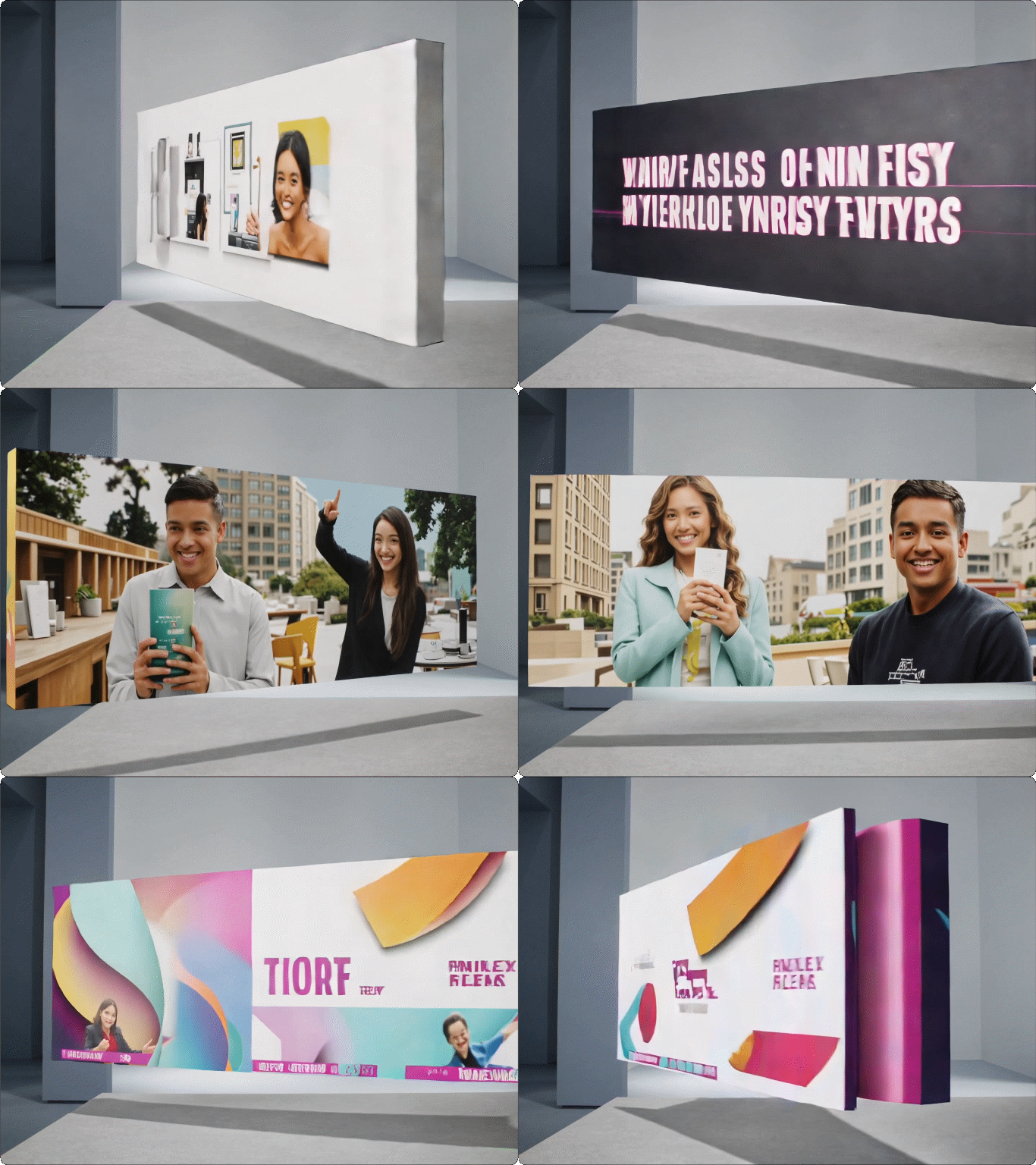
Hunyuan Video for social media marketing

Rapid Prototyping for Marketing and Social Media


The efficiency of Hunyuan Video 1.5 makes it a game-changer for fast-paced marketing teams. You can rapidly generate multiple video variations for A/B testing, social media campaigns, and product announcements. This speed allows you to stay ahead of trends and keep your content fresh and engaging.

FAQ

What is Hunyuan Video and how does it work on Dzine AI?

Hunyuan Video is a powerful AI model developed by Tencent that generates high-quality videos from text descriptions or static images. On Dzine AI, we provide a user-friendly interface to access this model, allowing you to input your prompt or image and generate cinematic videos in just a few clicks.

Is Hunyuan Video 1.5 better than the previous version?

Yes, Hunyuan Video 1.5 is a significant upgrade. It features a more efficient, lightweight architecture and delivers superior visual quality, better motion control, and enhanced cinematic composition, making it a top-tier choice for AI video generation.

Can I use Hunyuan AI video for commercial projects?

The usage rights for videos generated with Hunyuan AI video on Dzine AI are governed by our terms of service.

What is the maximum video length I can generate with Hunyuan Video?

The maximum video length is determined by the model's current configuration on Dzine AI. Typically, AI video models generate short, high-quality clips suitable for social media and short-form content. We are continuously working to increase the supported length.

How can I ensure the best quality when I use Hunyuan Video?

To get the best results from Hunyuan Video, use detailed and descriptive prompts that specify the subject, scene, motion, style, and camera angle. For Image-to-Video, choose a high-resolution source image and clearly describe the desired animation.

Does Dzine AI offer other AI video models besides Hunyuan Video?

Yes, Dzine AI is a comprehensive creative platform that offers a variety of cutting-edge AI video models. You can easily switch between Hunyuan Video and other models to find the perfect tool for your specific creative vision.

What Our Users Said

Unmatched Cinematic Quality

The Hunyuan Video 1.5 model on Dzine AI is a game-changer for my short film projects. The quality of the camera movement and lighting is truly cinematic, saving me countless hours in post-production. It's the best Hunyuan AI video experience I've had.

Alex RodriguezIndependent Filmmaker

Fast and Reliable for Marketing

We use Hunyuan Video daily for our social media ads. The speed and consistency of the generated videos are incredible. It allows us to rapidly test new creative concepts, which has significantly boosted our campaign performance.

Sarah ChenDigital Marketing Specialist

Perfect for Animating My Art

As a digital artist, the Image-to-Video feature is exactly what I needed. I can now animate my static illustrations with subtle, realistic motion using Hunyuan Video. It's a fantastic way to showcase my portfolio.

David KimConcept Artist