
- Tools
- Resources
- Pricing
- API
- Contact Sales
- Book a Demo


Luma Uni-1 AI Image Generator
Luma Uni-1 is the first image model built on unified reasoning architecture. It does not just match your words to pixels — it reads your intent, processes spatial relationships, and generates images that reflect what you actually meant. Now you can try it on Dzine - no account setup, no API keys, just type a prompt and generate.
No idea? Try these inspirations.
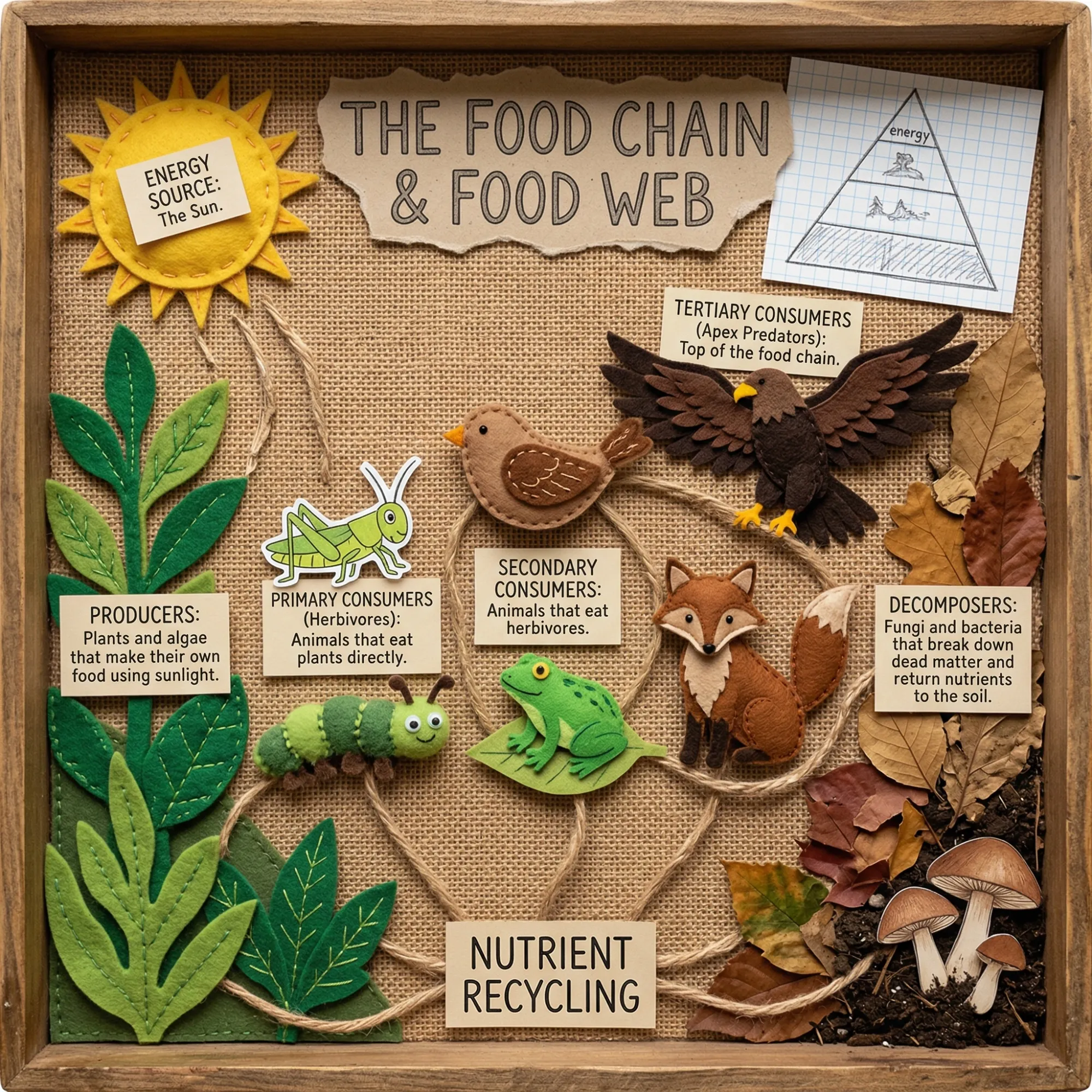
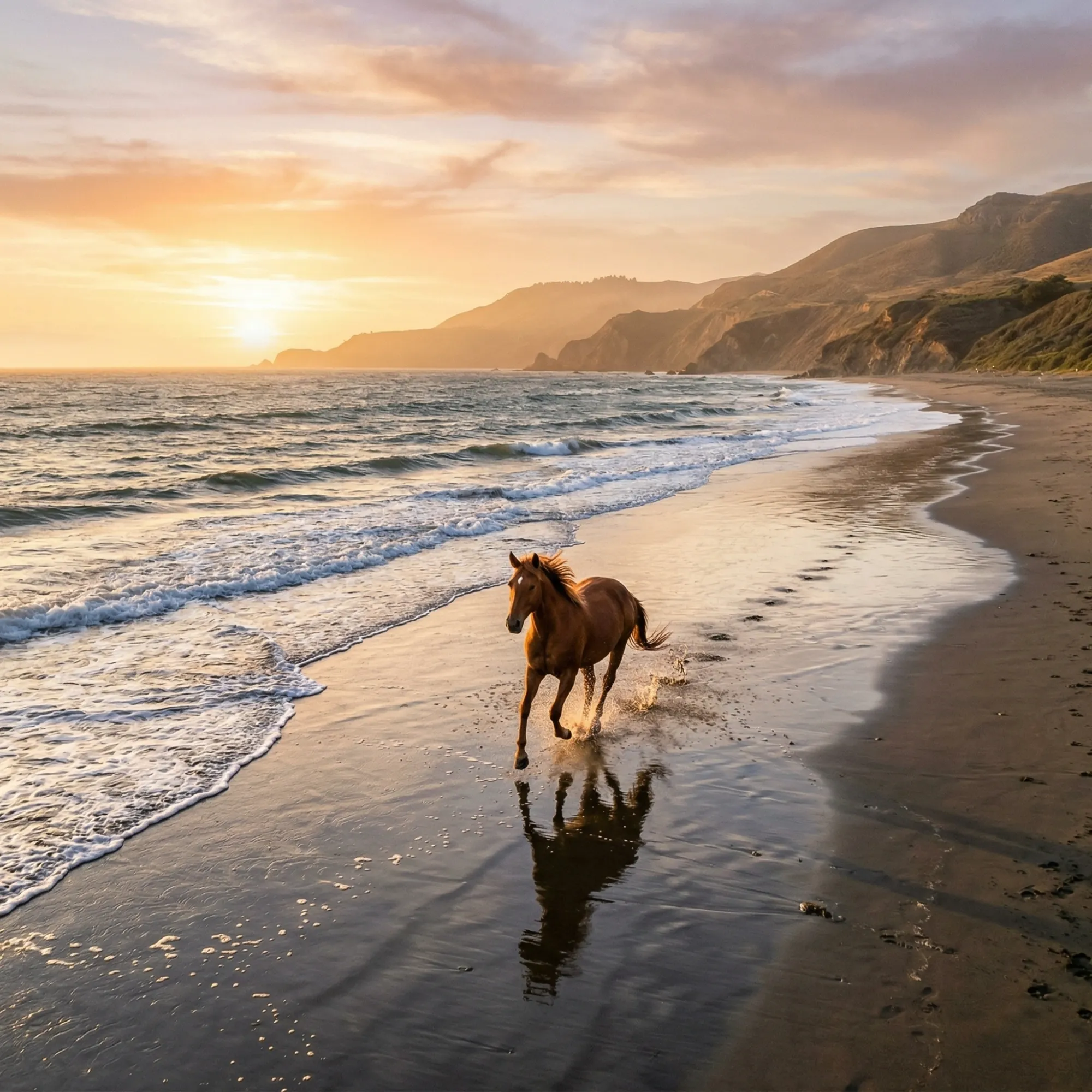
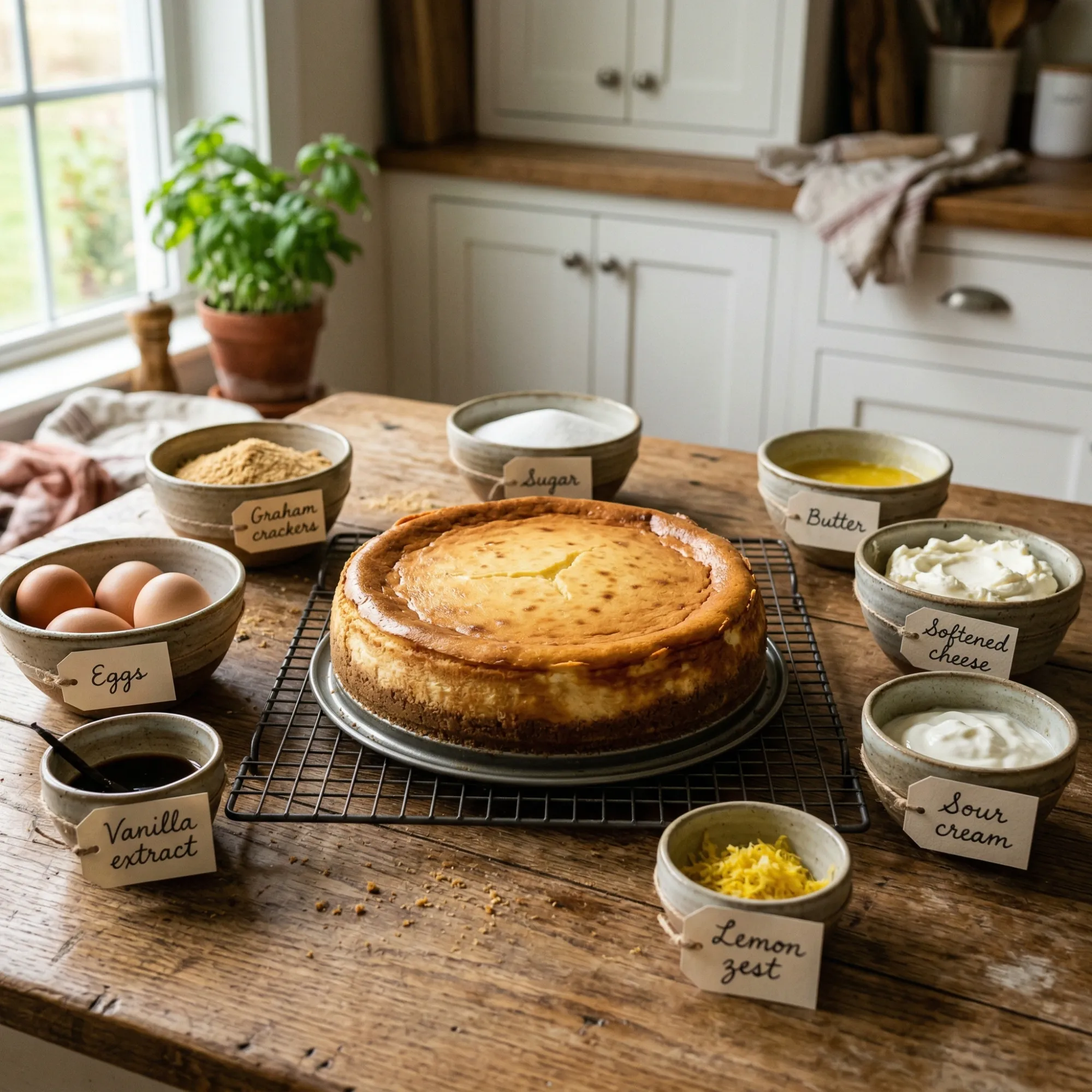

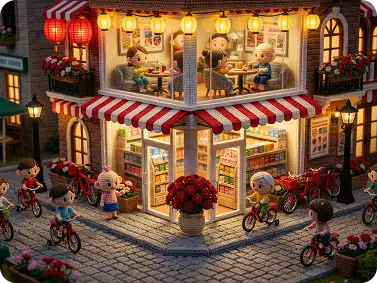
Luma Uni-1 Generates Images That Actually Understand Your Prompt
Most AI image generators treat your prompt as a bag of keywords. Luma Uni-1 reads it differently. Built on a unified autoregressive architecture, Uni-1 processes text and visual tokens together in a single model - the same way a language model reasons through a sentence. The result is an image that reflects the full structure of what you described, not just the most prominent nouns.
On Dzine, you access the Luma Uni-1 AI image generator through a clean browser interface. Select the model, enter your prompt, and generate. Spatial instructions like "place the red object to the left of the blue one" are followed correctly. Complex, multi-part prompts produce structured outputs. Instruction-based edits apply to the right area of the image. There is no gap between what you wrote and what the model understood - because understanding and generation are the same process in Uni-1.
How to Use Luma Uni-1 AI Image Generator on Dzine
Step 1: Enter Your Prompt
Open Dzine and go to the Text to Image tool. Type a clear, descriptive prompt.
Step 2: Select a Model
Choose Luma Uni-1 from the model list. Set your preferred aspect ratio and any style parameters before generating.
Step 3: Generate and Download
Click Generate and preview your result. Adjust your prompt and regenerate if needed. When the output matches your vision, click Download.
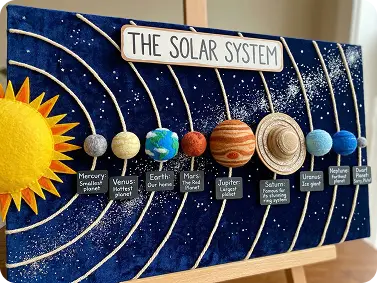
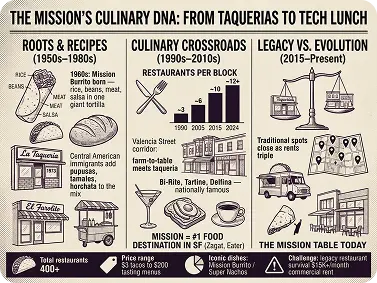
Luma Uni-1 Reads Spatial Instructions Correctly
Most image models misplace objects when your prompt describes positional relationships. Luma Uni-1 handles this at the architecture level. Tell it to place one object to the left of another, set a subject in the foreground, or arrange multiple items in a specific order - and the output reflects that structure.
Complex Prompts Produce Structured Outputs
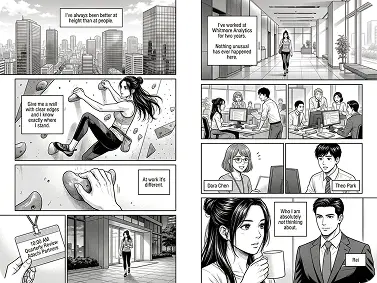
Diffusion models often drop details from long or layered prompts. Luma Uni-1 processes text and visual tokens in the same model pass - so multi-part instructions, nested descriptions, and conditional scene elements are carried through to the final image.
Instruction-Based Editing with the Same Model
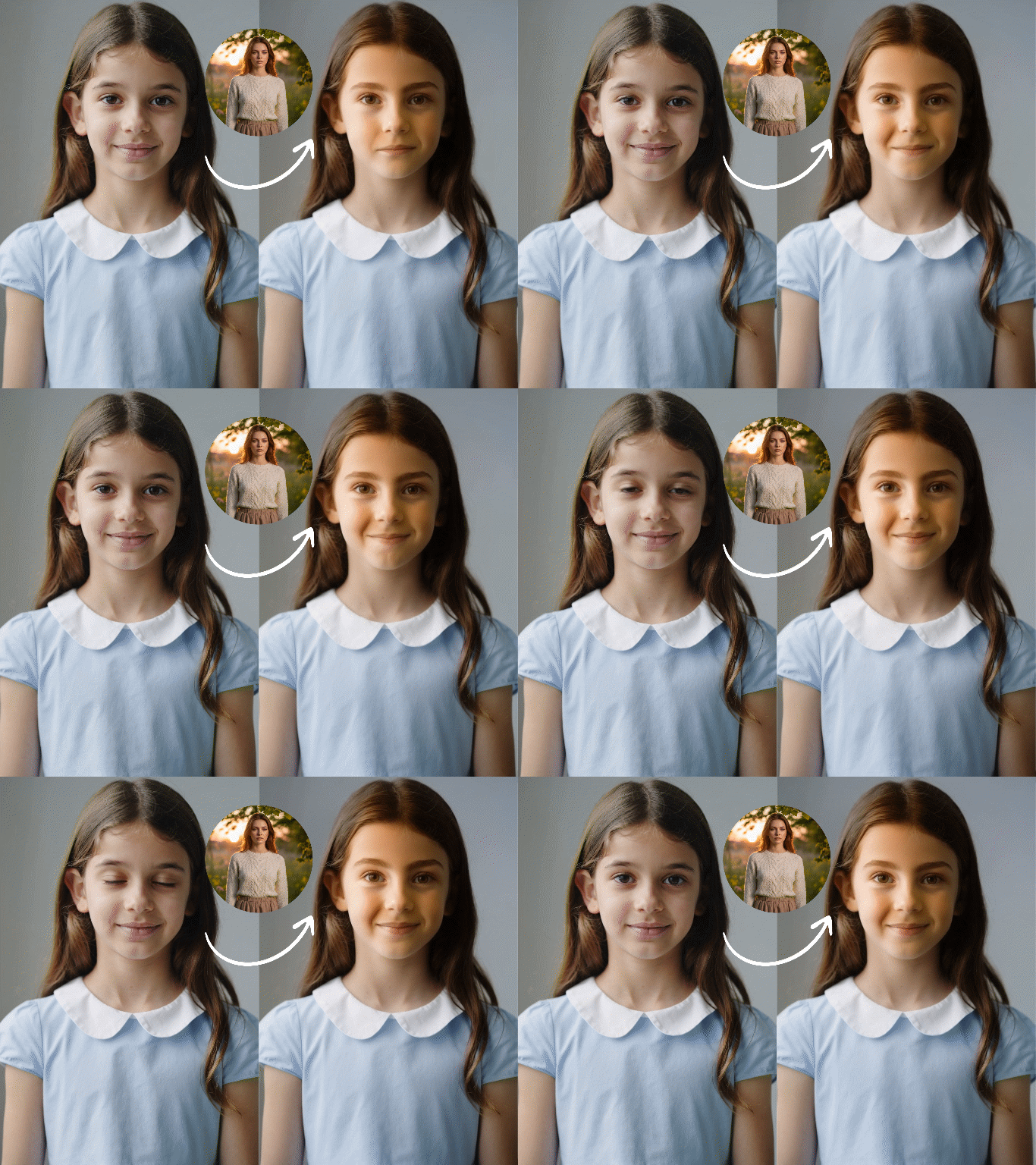
Luma Uni-1 does not require a separate editing pipeline. The same unified model that generates images also understands edit instructions - change a material, replace an object, adjust composition — without losing the rest of the scene. Pair this with Dzine's 2D to 3D image converter for deeper visual transformation after the base image is ready.
Photorealistic Output at Publication Resolution
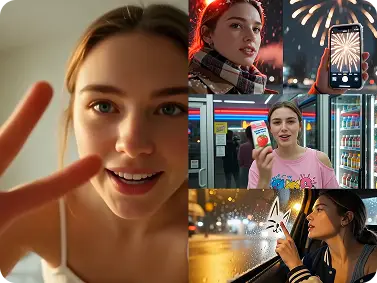
Luma Uni-1 produces sharp detail - accurate textures, consistent lighting, and realistic depth that holds at full resolution. For brand visuals, editorial content, or client presentations where image quality must be ready to publish, the output requires minimal post-processing.
What You Can Create with Luma Uni-1 on Dzine
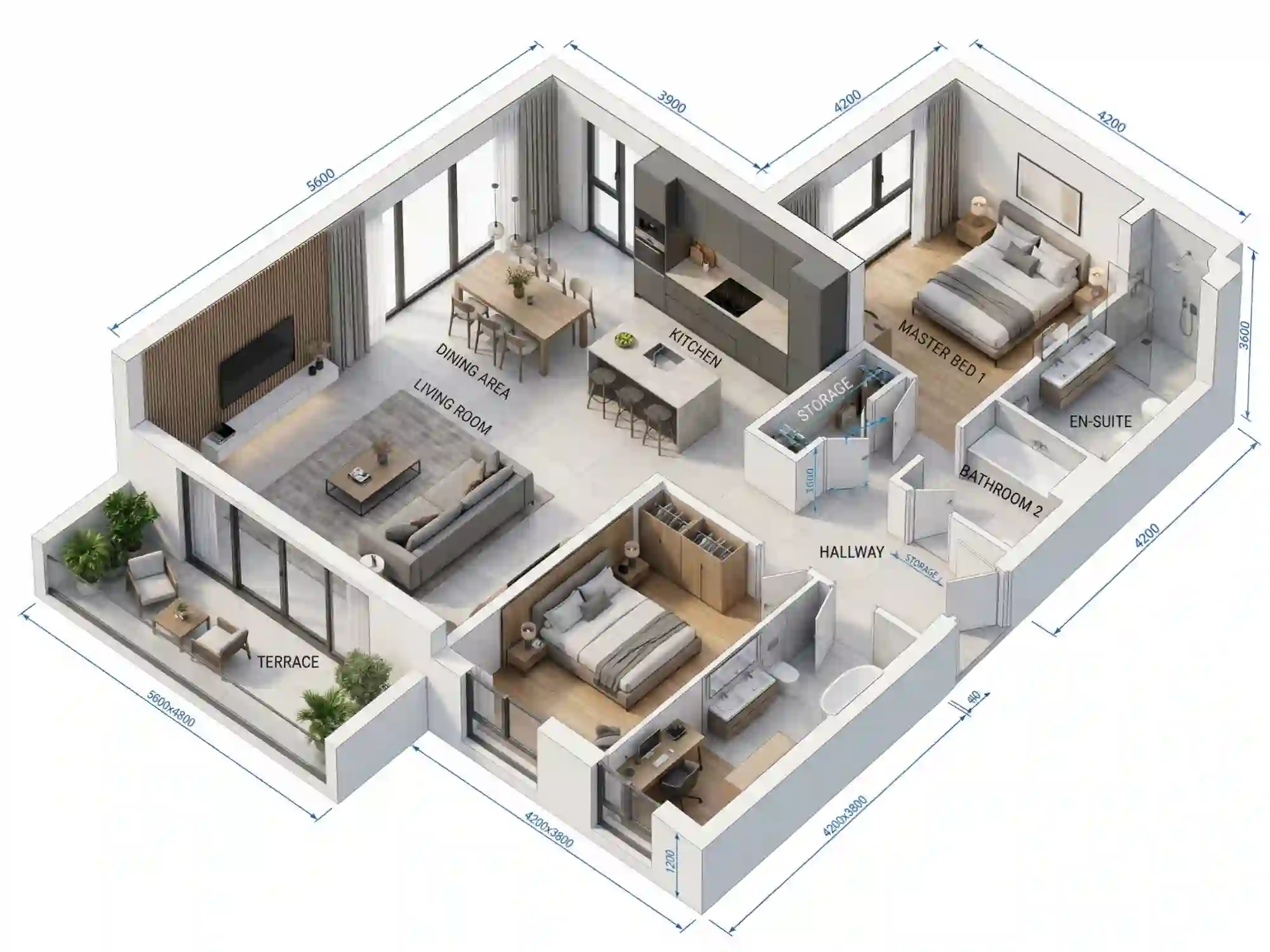
From precise marketing visuals and narrative concept art to product renders and architectural previews — Luma Uni-1 on Dzine handles creative tasks where prompt accuracy and compositional reasoning make the difference.
Luma Uni-1 for Marketing and Advertising
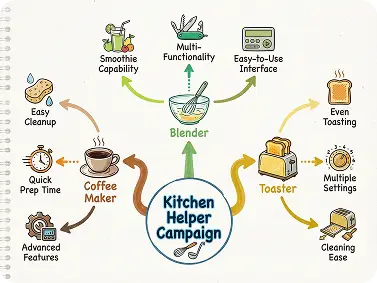
Generate campaign visuals that follow exact compositional briefs. Luma Uni-1 handles multi-element scenes - product in foreground, brand color in background, specific text placement - without breaking the layout.

Why Use Luma Uni-1 on Dzine?

Reasoning Built Into the Model
Luma Uni-1 uses a unified autoregressive architecture. It processes text and visual tokens together - meaning it reasons through your prompt before generating, not after.

No Translation Loss
In most systems, a reasoning component hands off to a generation component - and detail gets lost in between. In Luma Uni-1, they are the same component.

7-Day Free Trial
Try the Luma Uni-1 AI image generator on Dzine free for 7 days. No credit card needed. Full access to generation, model settings, and high-resolution export from day one.

Watermark-Free Export
Paid plans deliver clean, high-resolution images ready for commercial use. Publish directly to social channels, client campaigns, or your design pipeline - no watermark, no restrictions.

Works Across All Creative Styles
Luma Uni-1 adapts to photorealism, illustration, concept art, architectural rendering, and flat design from the same prompt interface.

Browser-Based, No Install
Run Luma Uni-1 directly in your browser on Dzine. No software to download, no GPU required. Access the full model from any device with an internet connection.
More Dzine Tools to Enhance Your Creation



What Our Users Said
Luma Uni-1 Finally Gets My Compositional Prompts Right
I design packaging concepts and spatial accuracy has always been the problem with AI tools. I describe a specific layout — product on the left, logo top right, shadow falling toward the viewer - and most models just put things wherever they want. Luma Uni-1 on Dzine follows the structure. The first output matches what I briefed about 80% of the time. That is a huge improvement over anything I have used before.
Clara VossPackaging & Brand Designer
Complex Scene Descriptions Actually Work Now
I write for a sci-fi anthology and I use AI image tools to visualize scenes before commissioning final art. My prompts are long - characters with specific attributes, detailed environments, multiple foreground and background elements. Luma Uni-1 AI text to image generator on Dzine handles all of it. Nothing gets dropped from the description. The output looks like someone read the whole scene brief, not just the first three words.
James OkoroScience Fiction Author & Art Director
Best Reasoning-Based Image Model I Have Tested on Dzine
I run a small UX studio and we use AI-generated images for rapid prototyping - mockup screens, UI context shots, device frames with specific content. Luma Uni-1 understands interface terminology and spatial layout instructions better than any model I have tried. How to use Luma Uni-1 took me about five minutes to figure out on Dzine. The interface is clean, the results are fast, and the free trial gave me enough confidence to upgrade on day two.
Priya NairUX Designer & Prototyping Lead
You May Also Be Interested in




FAQ
What is Luma Uni-1?
Luma Uni-1 is an AI image generation model built on unified autoregressive architecture. Unlike diffusion-based models, Uni-1 processes text and visual tokens together in a single model — meaning it reasons through your prompt before generating the image. It was developed by Luma AI and is available on Dzine as a browser-based text to image tool. You get accurate spatial layouts, complex compositional outputs, and instruction-following that most image models cannot match.
How do I use Luma Uni-1 AI image generator on Dzine?
Open the Text to Image tool on Dzine. Type a descriptive prompt — include subject, composition, lighting, and style. Select Luma Uni-1 from the model list, set your aspect ratio, and click Generate. Preview the result and download when it matches your vision. No account registration with Luma AI is required. The whole process runs inside Dzine.
How is Luma Uni-1 different from Midjourney or Stable Diffusion?
Midjourney and Stable Diffusion use diffusion architecture — they denoise random noise into an image guided by a text embedding. There is no intermediate reasoning step. Luma Uni-1 uses autoregressive generation, the same principle behind large language models. It predicts visual tokens sequentially, which allows it to reason through spatial relationships, follow multi-part instructions, and apply edits with the same model weights. Midjourney is stronger for aesthetic quality and artistic style. Luma Uni-1 is stronger for structural accuracy and complex prompt-following.
What kinds of prompts work best with Luma Uni-1?
Luma Uni-1 handles complex, multi-part prompts well. Include spatial positioning ("the lamp sits to the right of the table"), material descriptions ("brushed aluminum surface"), lighting direction ("soft light from the upper left"), and style references ("editorial photography"). Simple prompts also work, but Uni-1's architectural advantage becomes most visible when your brief is detailed and structured. Avoid vague one-word prompts if you want to see what the model can do.
Can Luma Uni-1 be used for image editing, not just generation?
Yes. Because Luma Uni-1 uses a unified model for both understanding and generation, it can interpret edit instructions with the same weights used to create images. You can describe a targeted change — adjust a material, replace an object, modify a background element — and the model applies it without rebuilding the full image from scratch. On Dzine, you can combine this with the AI Image Editor for more precise local edits after the base image is ready.
Is the Luma Uni-1 AI image generator free on Dzine?
Yes. Dzine offers a 7-day free trial that includes full access to the Luma Uni-1 AI text to image generator. No credit card is required to start. After the trial, paid plans unlock watermark-free exports, higher resolution output, and additional generation credits for heavier workloads.
What output styles does Luma Uni-1 support?
Luma Uni-1 adapts to the style you describe in the prompt. Photorealism, cinematic renders, flat illustration, concept art, architectural visualization, product photography, and editorial styles are all achievable without switching presets. Because reasoning and generation are unified in the model, style instructions carry the same weight as compositional instructions — describe both in your prompt and the model applies them together.