Free AI Tool to Make Video Clearer Online

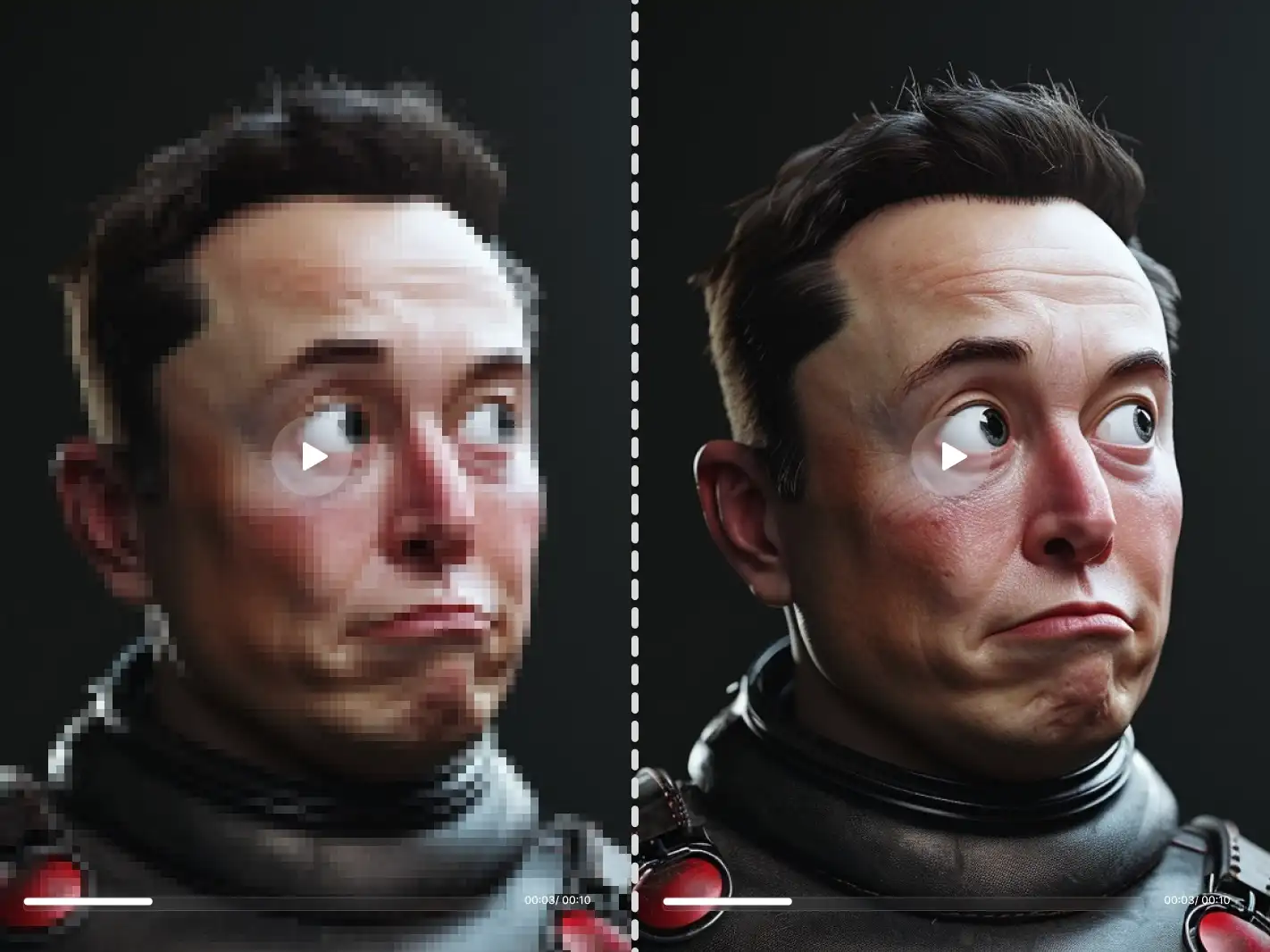
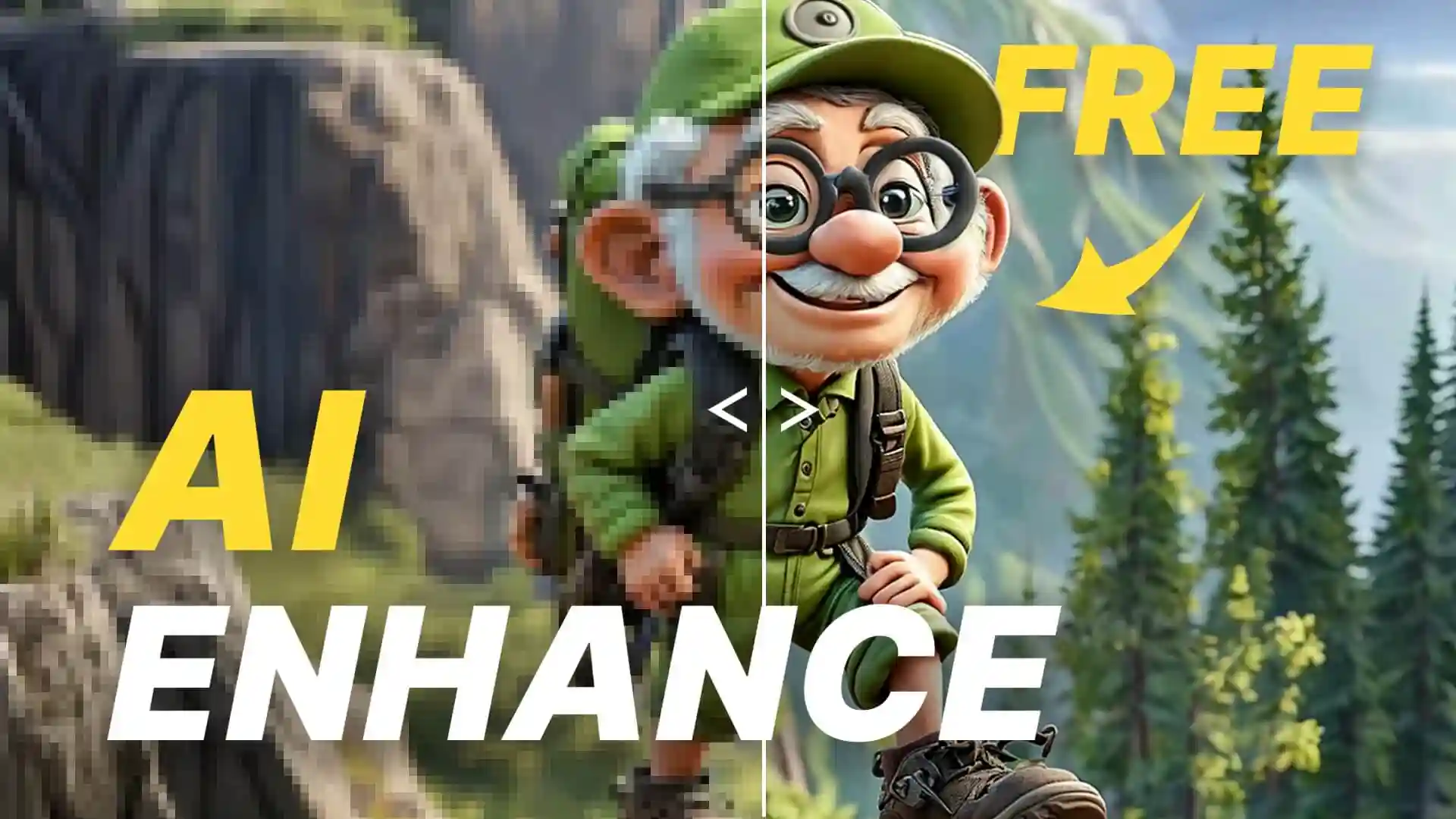
Make video clearer in seconds with Dzine's free AI enhancement tool. Transform low-quality, blurry, or fuzzy footage into sharp, professional content. Upload your video now to improve video quality and restore every detail instantly.

Why Clear Video Quality Matters for Every Creator

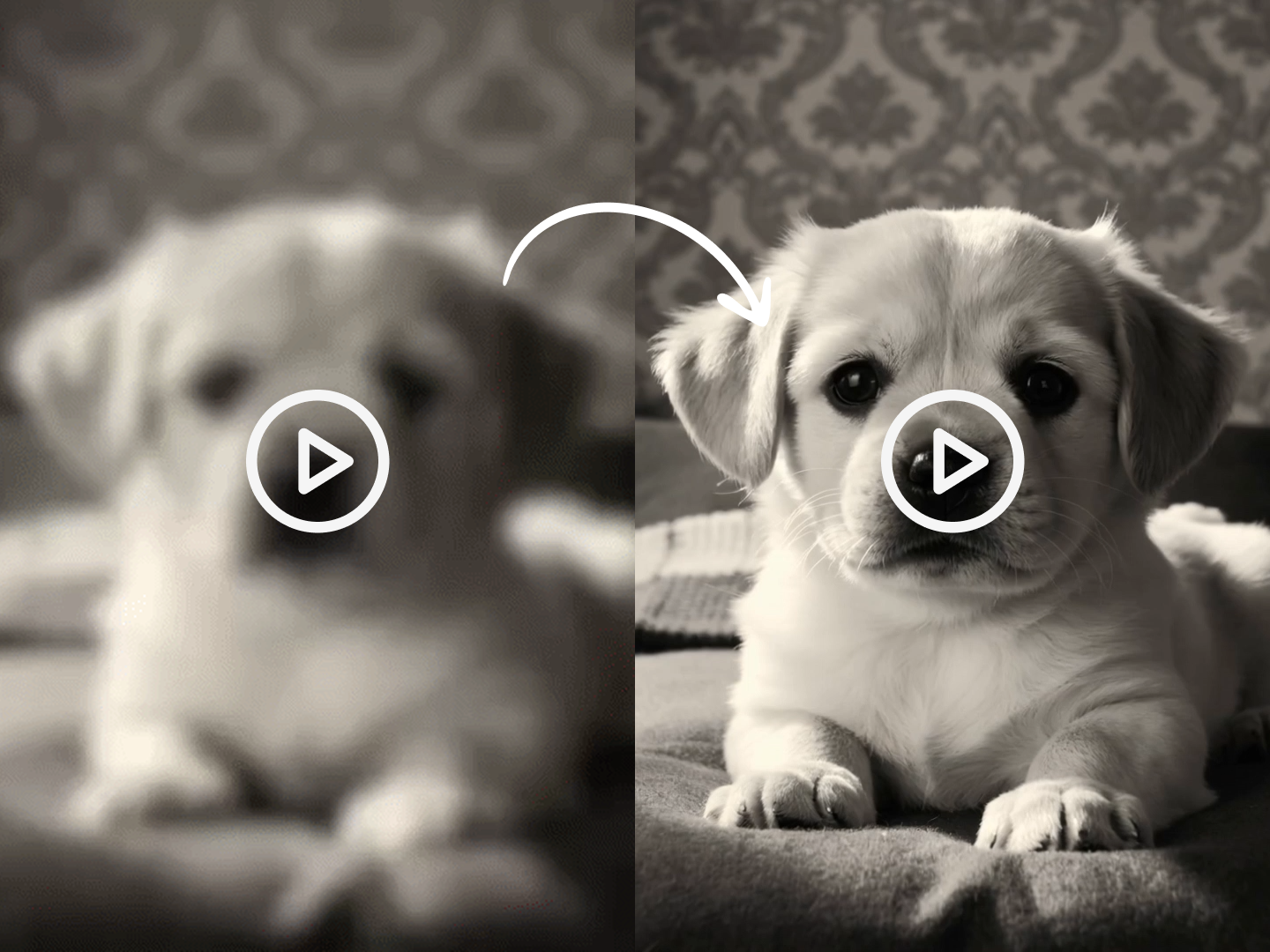
Poor video clarity kills engagement and ruins your message. Dzine's AI technology analyzes every frame to make blurry videos clear without complex editing. Our smart algorithm detects quality issues from various sources - low resolution, compression damage, camera limitations, or lighting problems - then rebuilds sharp visuals frame by frame.

This intelligent system works on any footage type. Whether you're fixing social media downloads, smartphone recordings, old archived clips, or compressed video files, our AI video enhancer to make video clearer delivers results in minutes. The AI preserves your original content's character while eliminating softness and blur, keeping natural colors and proper exposure throughout.

How to Make Video Clearer Using Dzine?

Step 1: Upload Your Video

Open Dzine's Upscale & Enhance tool and go to the Video section. Upload the video you want to make clearer from your device.

Step 2: Choose Enhance

Select your preferred enhancement settings and click Enhance. The AI will automatically analyze and improve video quality during processing.

Step 3: Generate Video

Preview your enhanced clear video and download it immediately. Share your improved footage across any platform with confidence.

Smartphone video enhancement

Make Smartphone Videos Crystal Clear


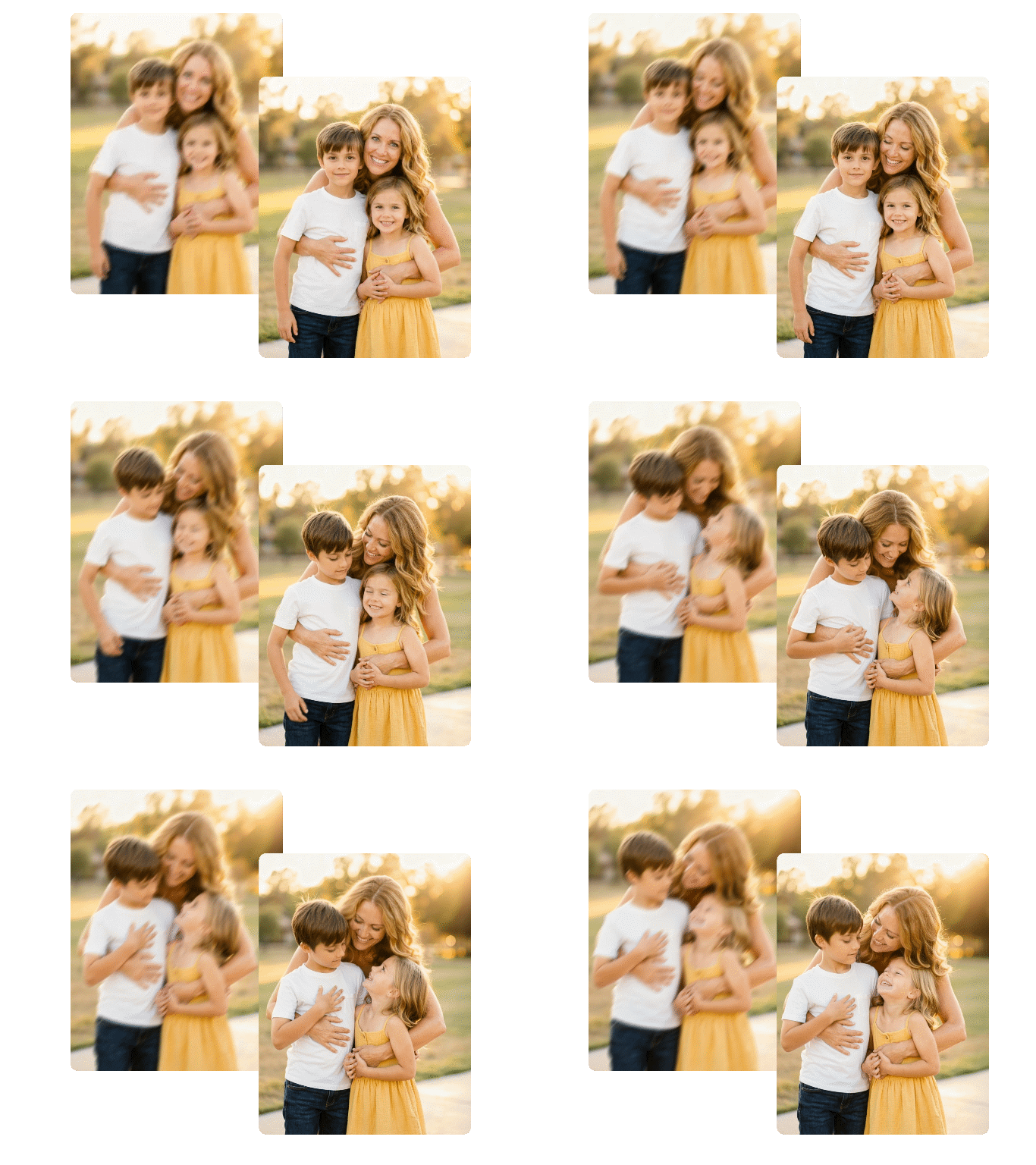
Phone cameras struggle with lighting and stability, producing soft or grainy footage. Our tool to make video clearer recognizes mobile recording limitations and applies targeted enhancements. The AI sharpens edges, reduces noise, and balances exposure without creating artificial-looking results. Perfect for social media creators, vloggers, and anyone capturing moments on mobile devices.

Low resolution video upscaling

Turn Low-Resolution Footage into HD Quality


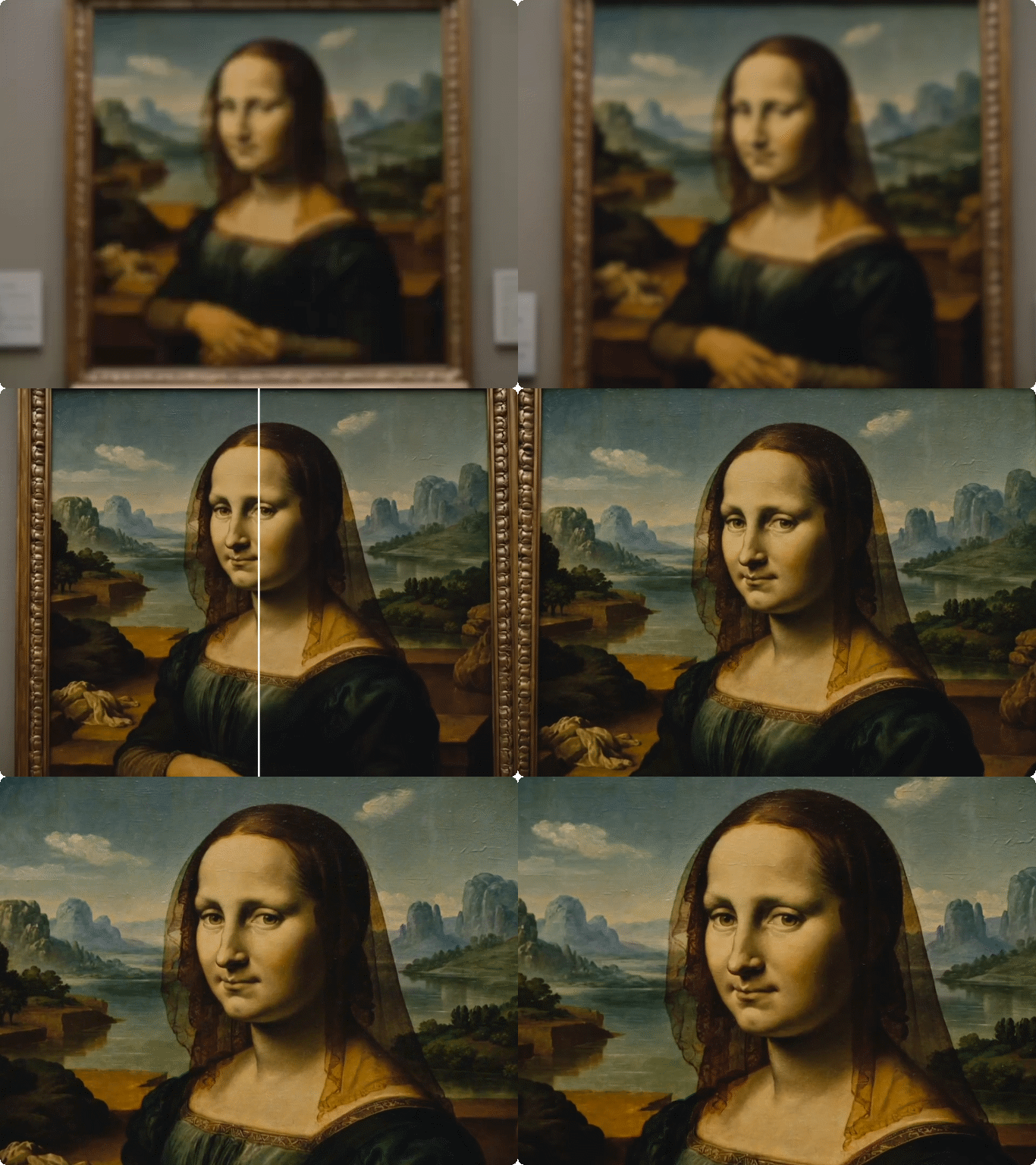
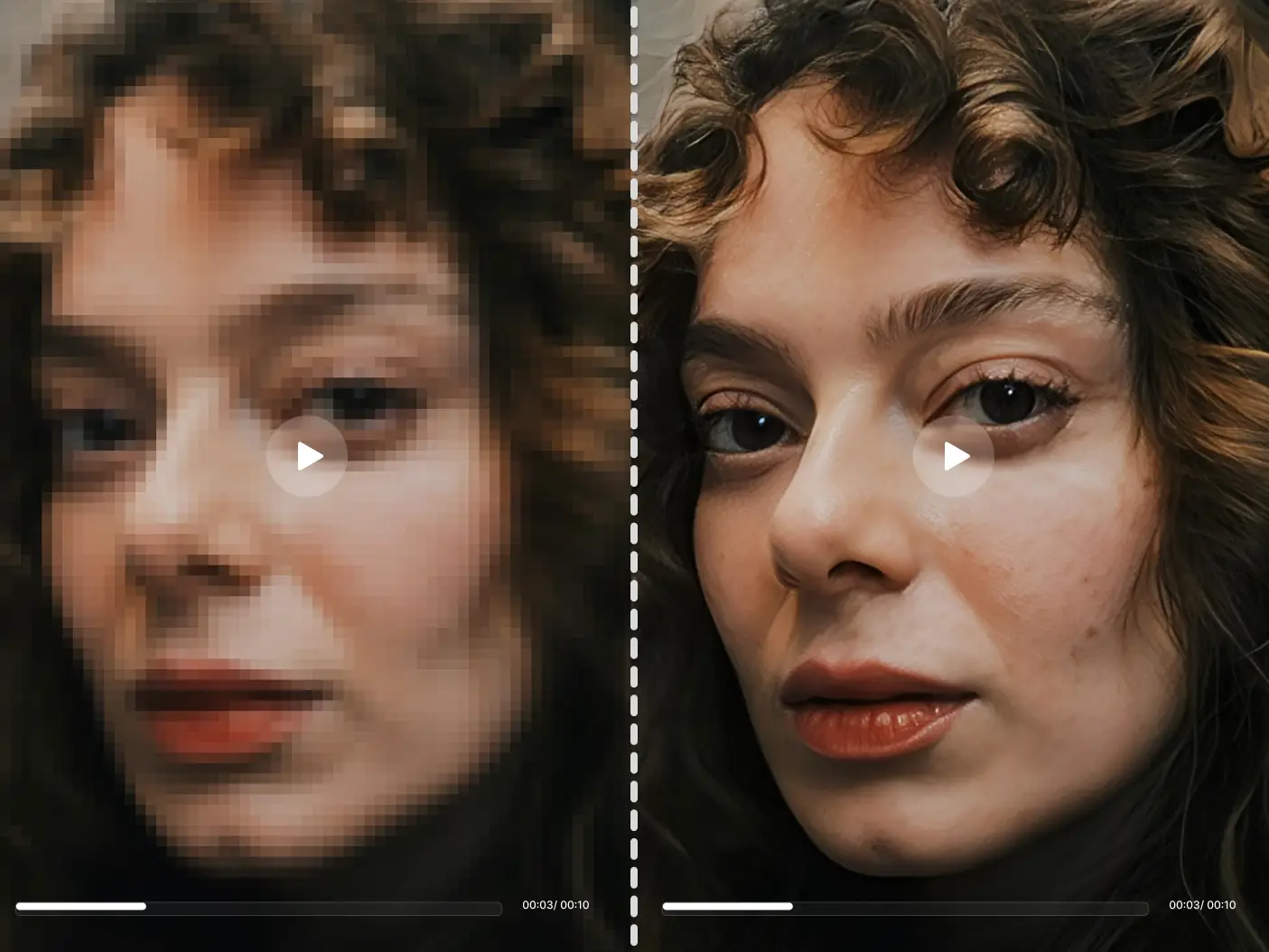
Old cameras and early digital devices captured limited resolution. These videos look pixelated and soft on modern displays. Dzine's AI understands how to improve video quality by adding authentic detail. The system doesn't just stretch pixels - it predicts and generates realistic textures based on content analysis. Family archives, vintage recordings, and legacy footage gain new life.

Dark footage enhancement

Make Dark and Grainy Videos Perfectly Clear


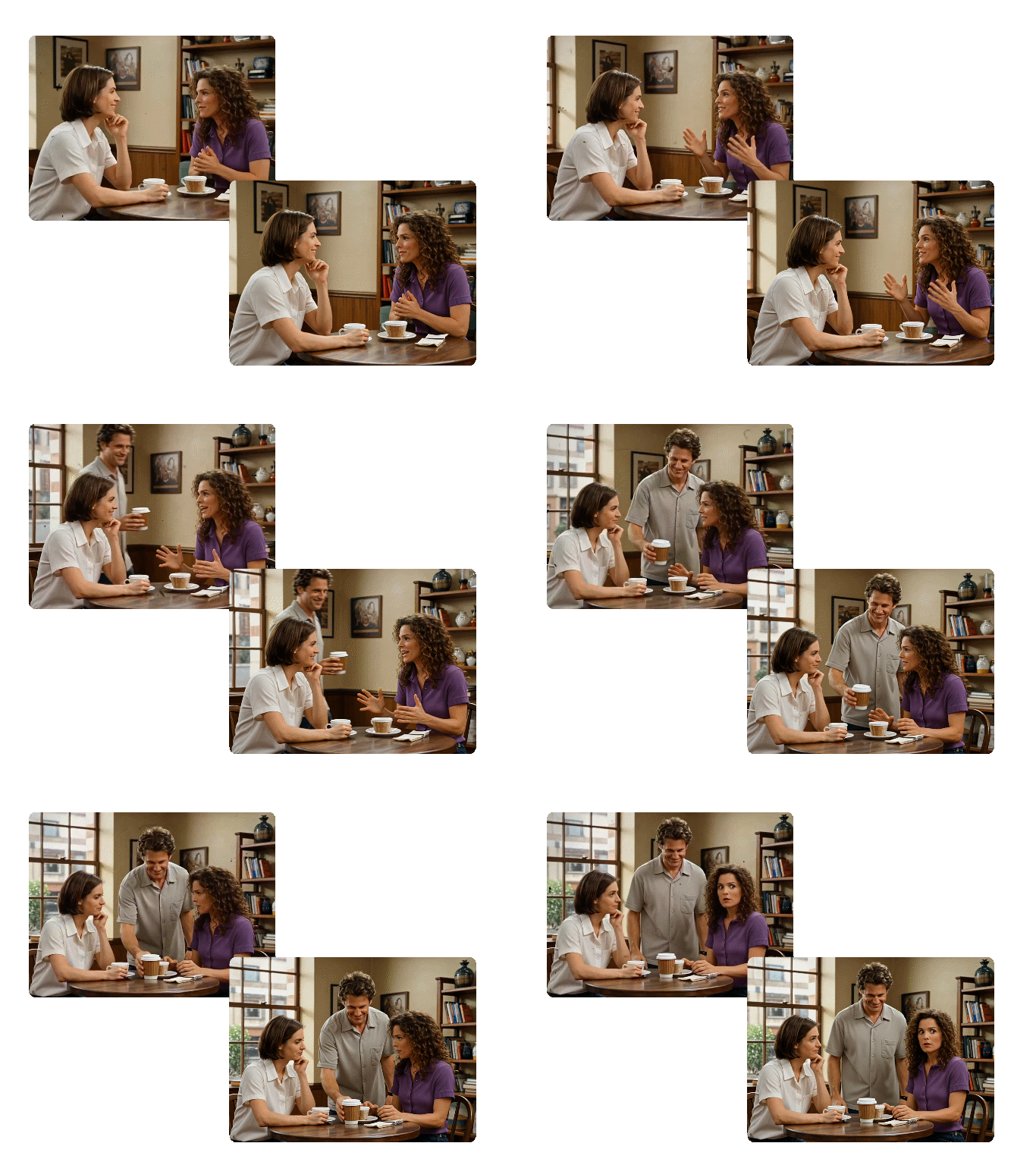
Low-light conditions force cameras to boost sensitivity, creating visible grain and softness. Indoor events, evening recordings, and dimly lit spaces produce unusable footage. Our tool to make a blurry video clear tackles both grain and blur simultaneously. The AI separates noise from actual image content, then sharpens details while cleaning unwanted grain. Wedding receptions, concert recordings, and nighttime captures become watchable and shareable.

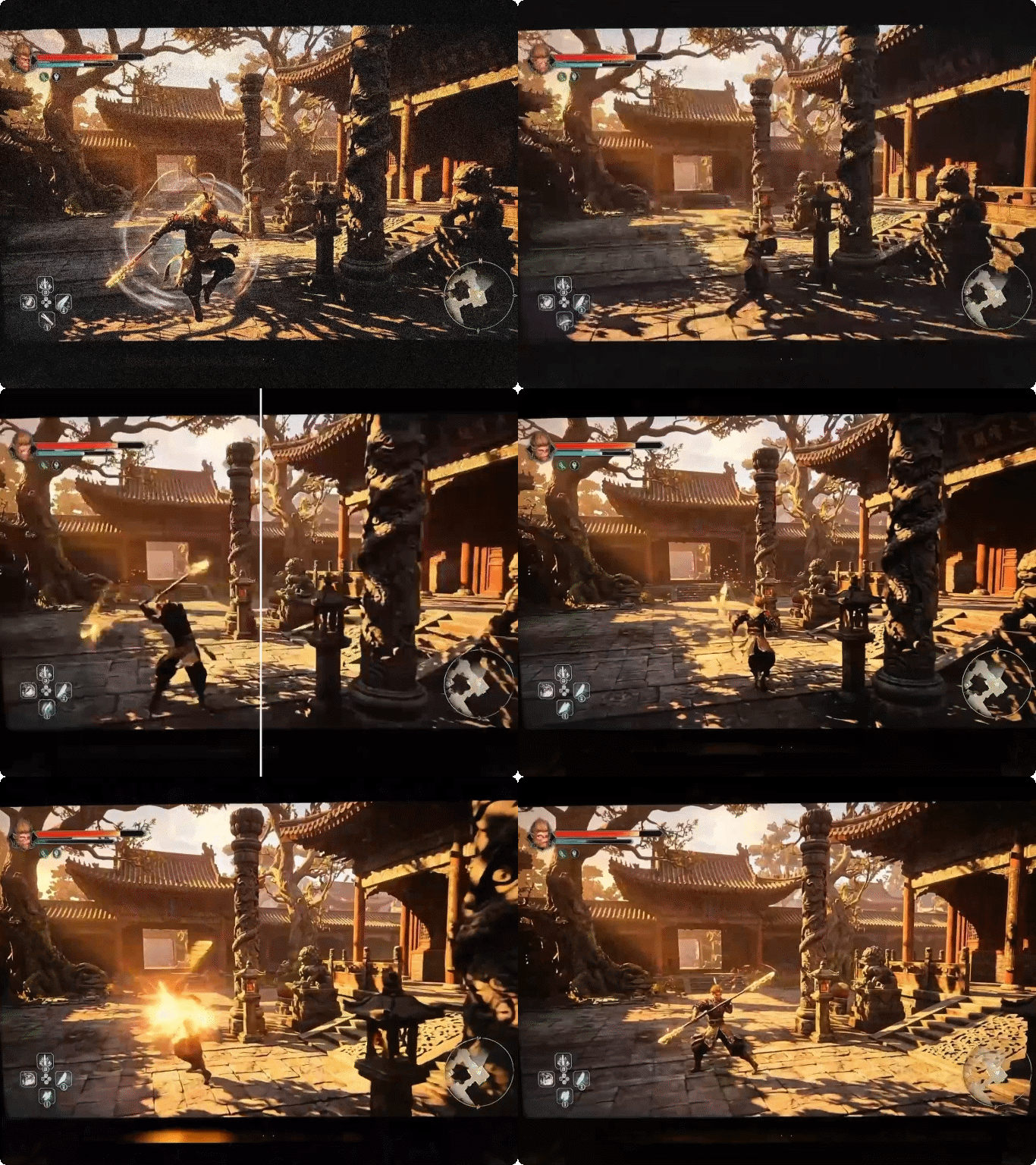
Action footage clarity

Sharpen Fast-Moving Action Sequences


Sports, kids playing, or any rapid movement creates motion blur that ruins key moments. Standard editing tools can't fix this without making footage look worse. Dzine shows you how to make video clearer even with intense action. The AI tracks motion patterns and applies frame-specific sharpening. Sports highlights, dance performances, and active family moments finally show every important detail clearly.

Screen recording improvement

Improve Clarity of Screen Recordings and Tutorials


Screen captures often compress text and interface elements, making tutorials hard to follow. Viewers struggle to read menus, code, or detailed information. Our system knows how to improve video quality for instructional content specifically. The AI recognizes text, UI elements, and fine lines, applying targeted sharpening that makes everything readable. Tutorial creators, educators, and software demonstrators produce professional content their audience can actually use.

Format conversion quality loss

Recover Clarity Lost During Format Conversions


Converting between video formats degrades quality through re-encoding. Multiple conversions compound the damage. If you've transferred footage between devices or changed formats for compatibility, you've lost clarity. Dzine's AI analyzes encoding artifacts and rebuilds original detail. The tool to make blurry videos clear works on footage that's been through multiple format changes. Video editors, archivists, and content managers rescue quality from conversion damage quickly.

FAQ

How can I make a blurry video clear for free?

Upload your video to Dzine's free enhancement tool, select the Enhance option, and let the AI process it automatically. The system analyzes your footage and applies intelligent sharpening to make video clearer without manual adjustments. Most videos finish processing within minutes.

What's the best way to improve video quality?

AI enhancement delivers better results than manual editing. Dzine's tool analyzes millions of quality patterns across your footage, applying frame-specific improvements that human editors can't match. The AI knows how to make video clearer by targeting specific issues like compression artifacts, noise, and softness simultaneously.

Can I make old videos clearer?

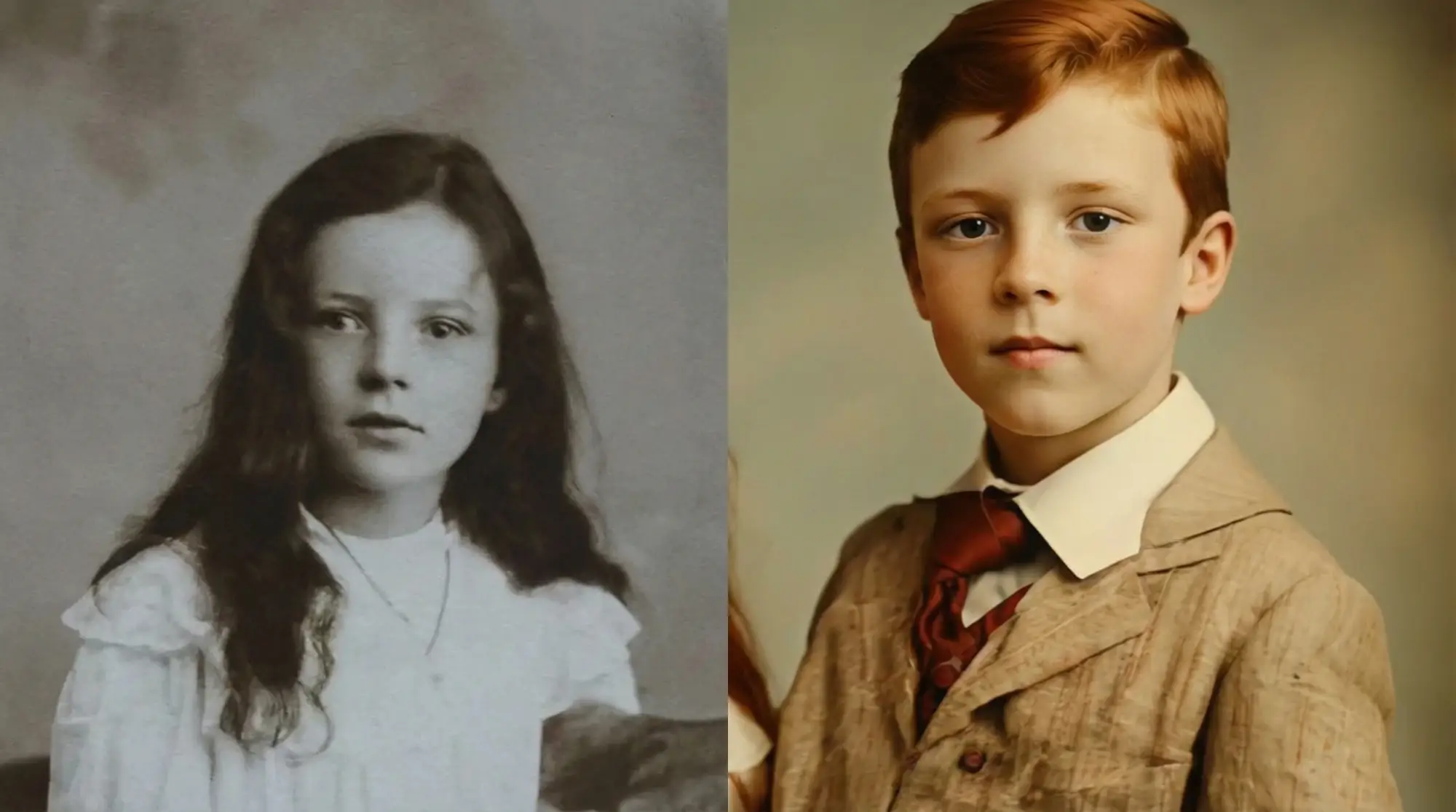
Yes. Dzine's AI handles footage from any era, including VHS transfers, early digital cameras, and archived recordings. The system understands how to improve video quality for legacy formats, reconstructing details lost to time and outdated technology. Family videos, historical footage, and vintage recordings all benefit.

Does making video clearer work on smartphone footage?

Absolutely. Phone recordings benefit significantly from AI enhancement. The tool addresses common mobile issues like limited dynamic range, noise in low light, and compression from apps. Your casual smartphone clips transform into content with clarity matching dedicated cameras.

How to make video clearer without losing quality?

Dzine's AI adds detail rather than degrading it. The system analyzes your original footage and generates authentic-looking sharpness based on content understanding. Unlike basic sharpening filters that create artifacts, our tool to make blurry videos clear preserves natural appearance while improving clarity.

What video formats can be enhanced?

Dzine processes all common formats including MP4, MOV, AVI, MKV, and more. The tool works on any resolution from standard definition to 4K. Upload your file regardless of format, and the system handles conversion and enhancement automatically.

Will enhanced videos look artificial or over-processed?

No. Our AI prioritizes natural results. The system learns from millions of high-quality videos to understand what authentic sharpness looks like. Enhanced footage maintains your original shooting style, lighting, and character while gaining clarity. The goal is improvement, not transformation into something artificial.

What Our Users Said

Transformed My YouTube Channel Quality

My phone recordings always looked soft and amateur compared to other creators. After discovering Dzine's tool to make video clearer, my subscriber feedback changed completely. People now comment on my professional-looking quality, and my watch time increased by 40%.

Jessica RodriguezYouTube Content Creator

Saved Our Training Video Library

We had hundreds of instructional videos shot years ago with inferior equipment. Refilming everything would cost thousands. Dzine's AI let us make blurry videos clear across our entire archive, extending the useful life of our training content by years.

Michael ChangCorporate Training Director

Made My Wedding Videos Watchable

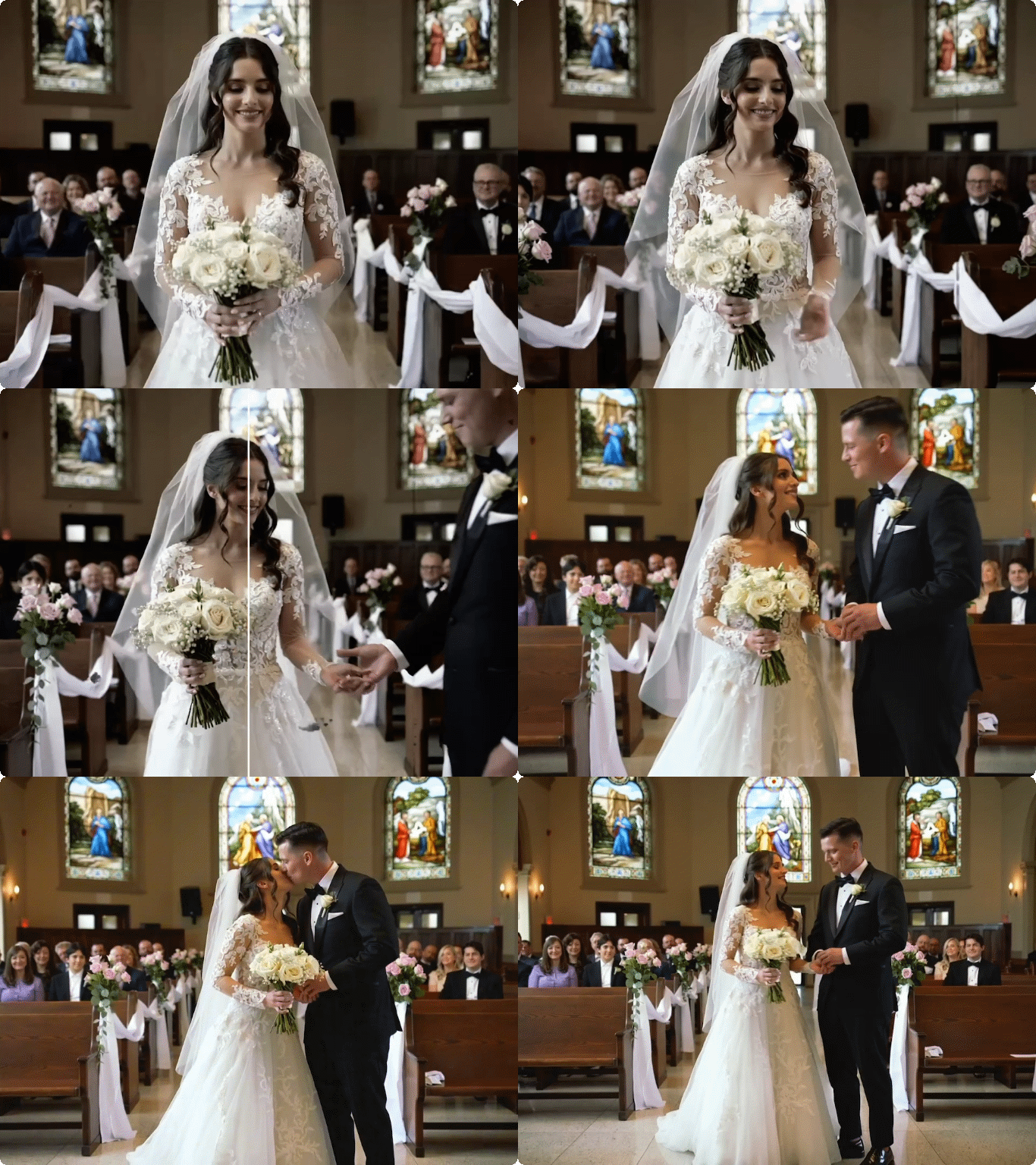
Our videographer's backup footage was soft and out of focus in key moments. Instead of losing those memories, Dzine helped make a blurry video clear enough to include in our final wedding album. My wife cried watching our clearly enhanced first dance.

Thomas AndersonNewlywed