
- Tools
- Resources
- Pricing
- API
- Contact Sales
- Book a Demo


Midjourney AI Image Generator
Midjourney is one of the most capable AI image generators available today. It converts text prompts into high-quality, artistic visuals with strong color, composition, and detail. Now you can use the Midjourney AI image generator directly on Dzine - no Discord account required, no complex setup, just type and generate.
No idea? Try these inspirations.
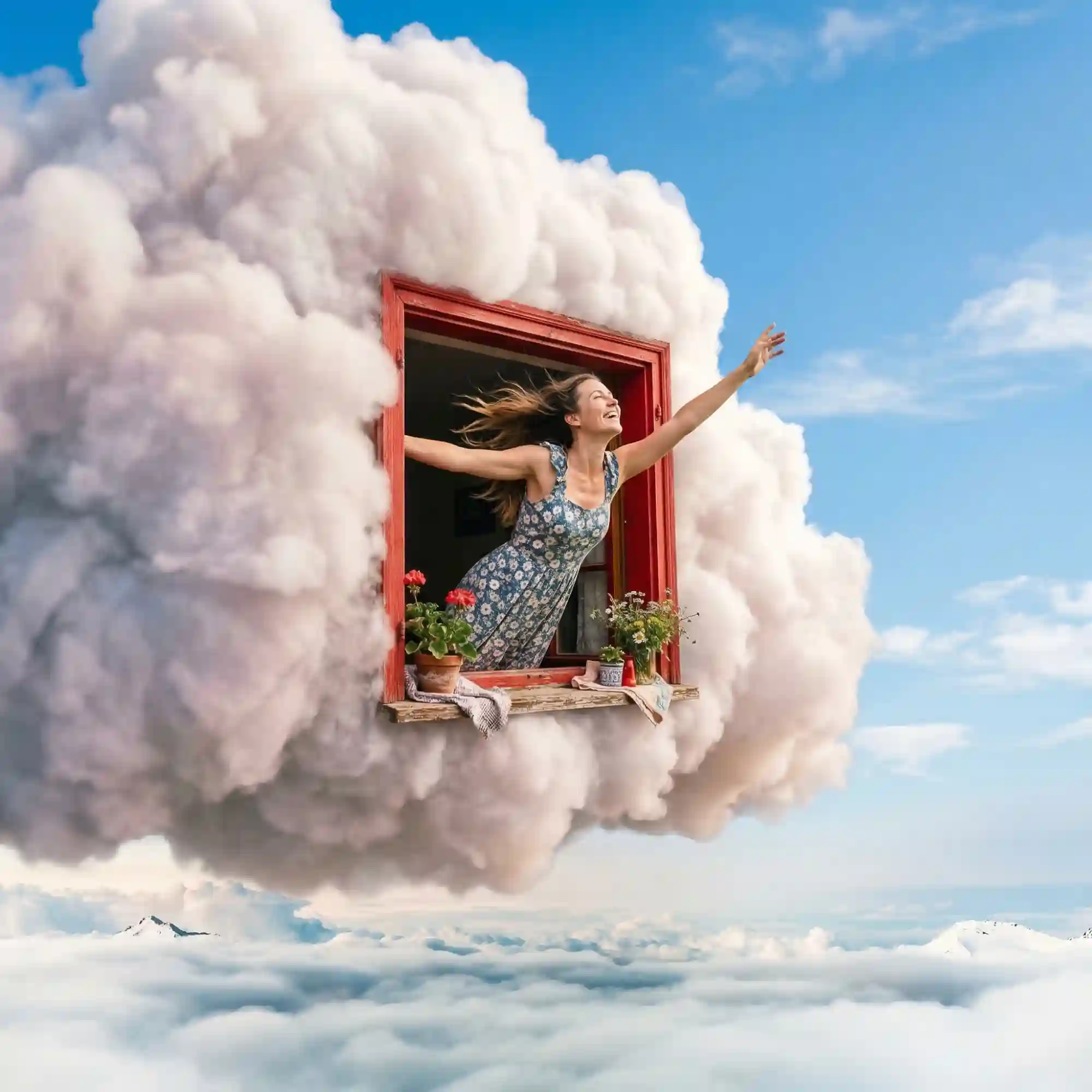
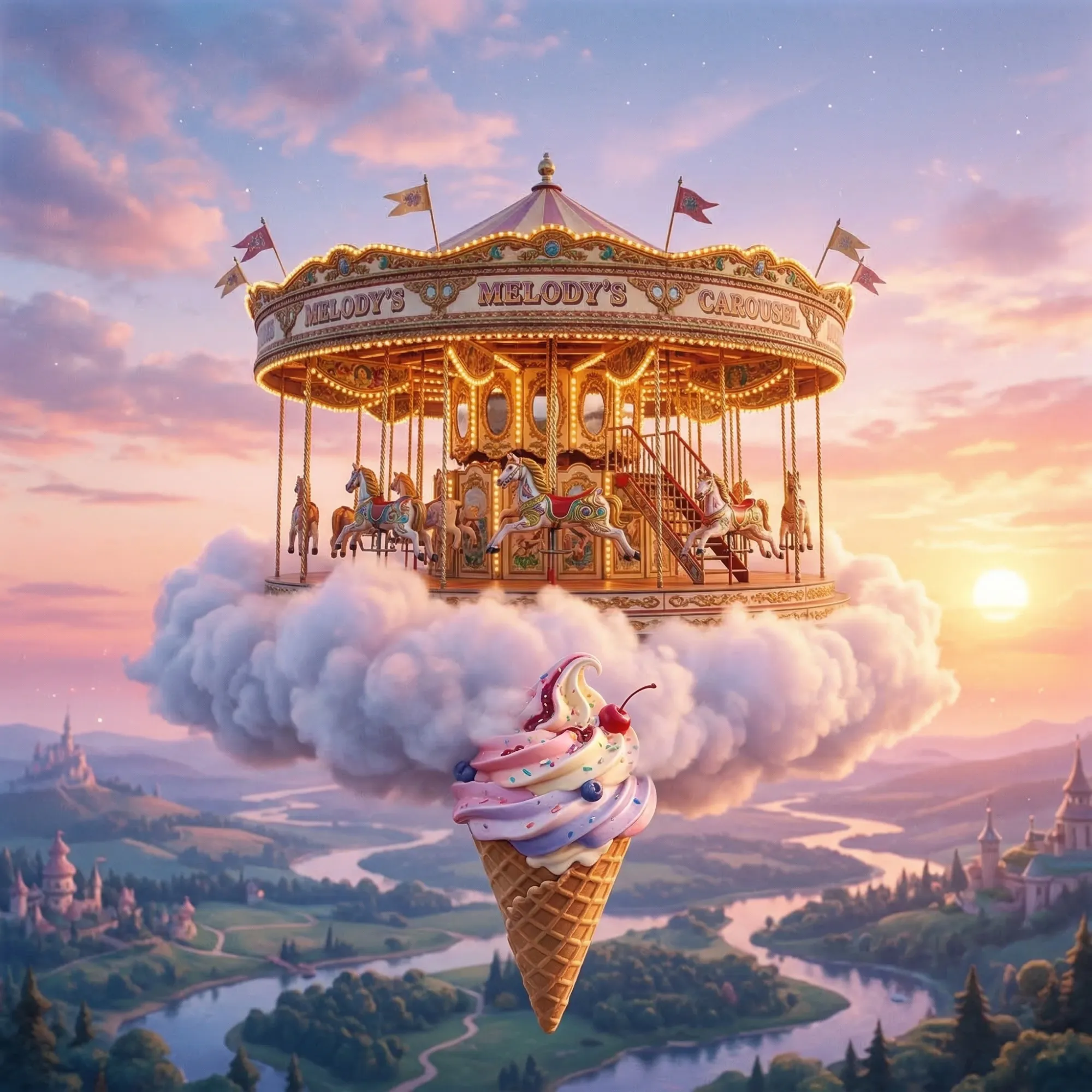
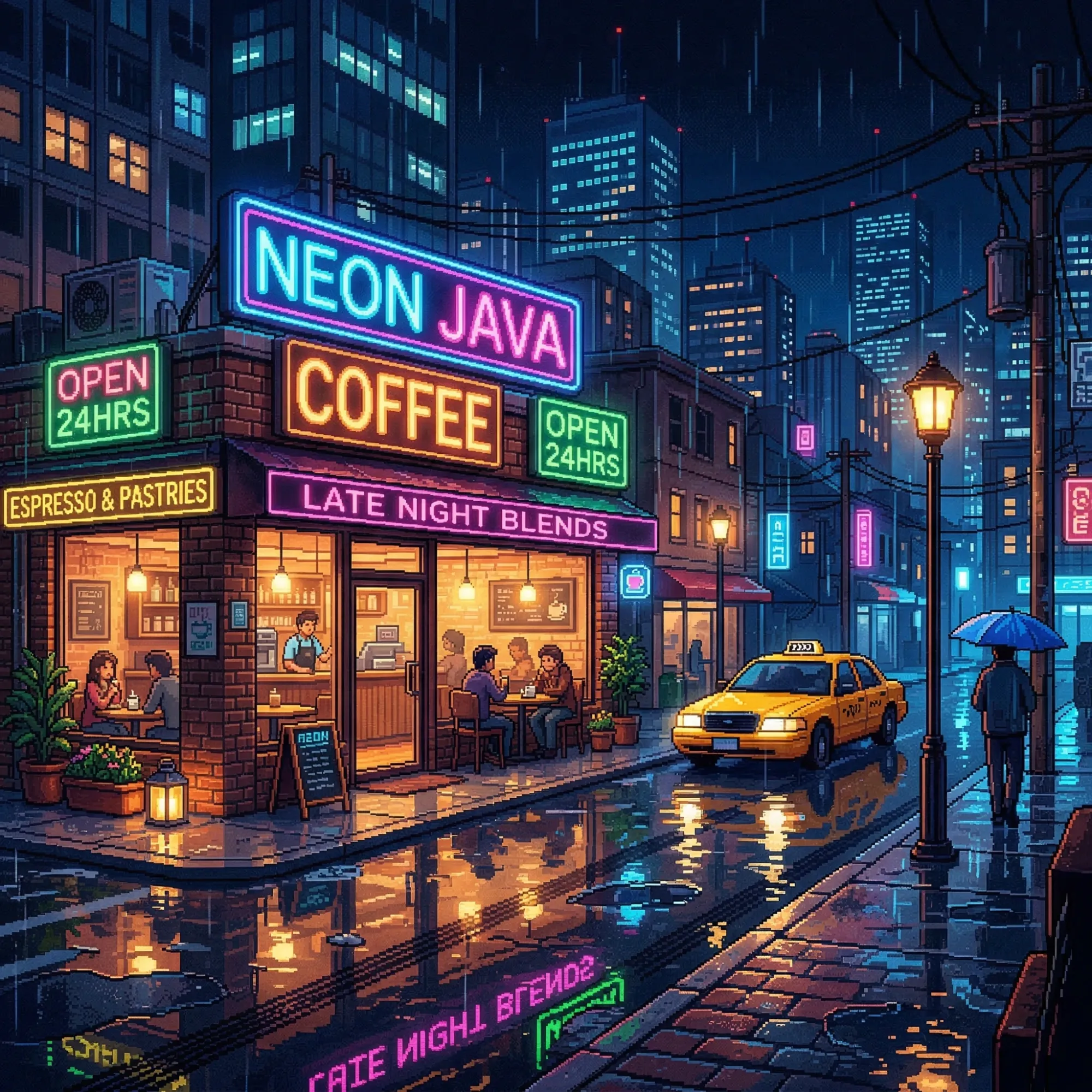
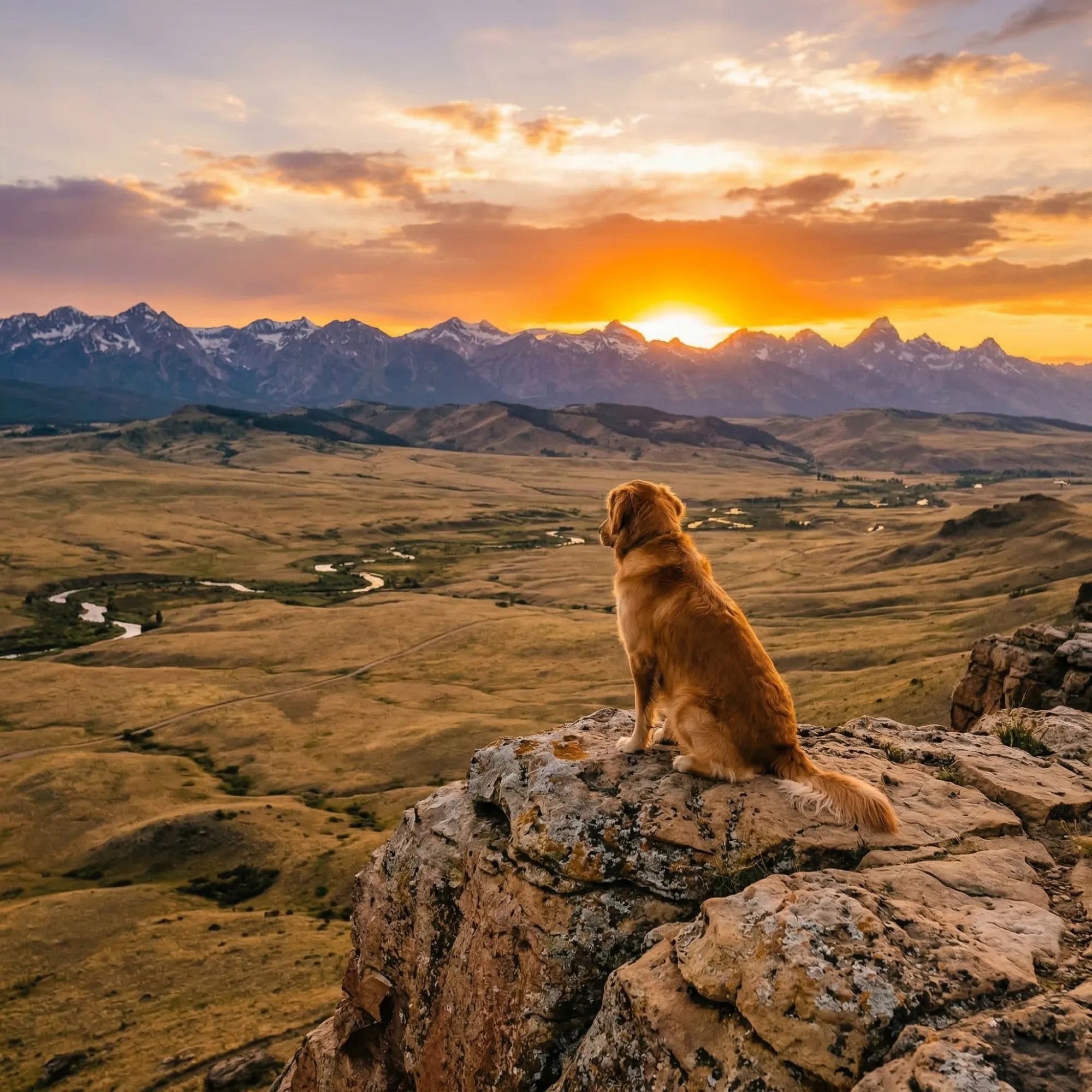
Midjourney Generates Images That Look Like They Were Made by a Human Artist
Most AI image tools produce generic, flat visuals. Midjourney is different. Its model is trained to interpret mood, lighting, composition, and artistic context - so the output consistently looks intentional, not accidental. On Dzine, you access the Midjourney AI text to image generator in a clean web interface. No need to navigate Discord servers or memorize slash commands. Select your model, type a prompt, and get results.
Midjourney V8 and earlier versions are available, each suited to different creative goals: from photorealism and concept art to stylized illustration and 3D rendering. Whether you're producing a single hero image for a campaign or iterating through dozens of character concepts, Midjourney on Dzine keeps the process fast and direct.
How to Use Midjourney AI Image Generator on Dzine
Step 1: Enter Your Prompt
Open Dzine and go to the Text to Image tool. Type a clear, descriptive prompt for the image you want to generate. The more specific your prompt, the closer the output matches your vision.
Step 2: Select a Model
Choose Midjourney V8 or another available Midjourney version from the model list. Set your preferred aspect ratio and style parameters before generating.
Step 3: Generate and Download
Click Generate and preview your result. If you want variations, adjust the prompt and regenerate. Click Download to save a high-resolution, watermark-free image.
What You Can Create with Midjourney on Dzine
From advertising visuals and film concept art to game assets and architectural renders - Midjourney on Dzine gives you high-quality AI image generation across the full range of creative and professional use cases.
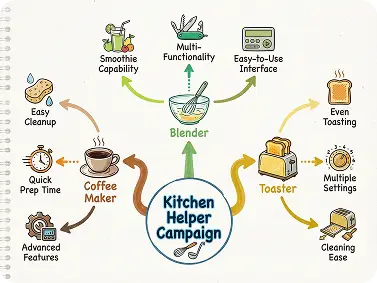
Midjourney for Marketing and Advertising
Generate campaign visuals, product hero images, and ad creatives directly from text. Midjourney produces polished, on-brand imagery that cuts down production time. Use it for social ads, email headers, landing page visuals, and promotional banners — without a photoshoot or design team.
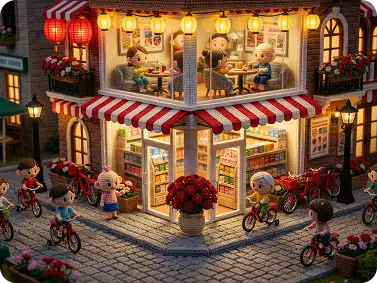
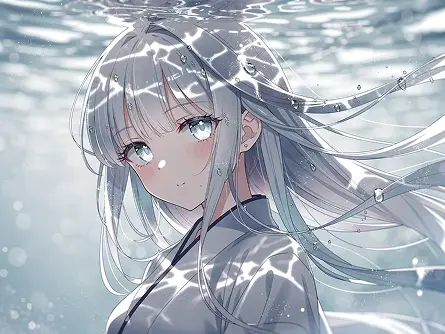
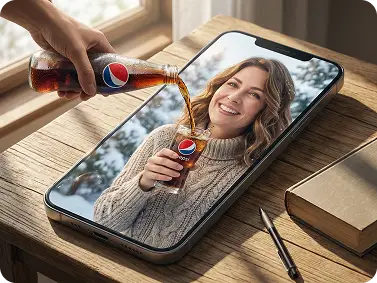
Midjourney Follows Your Prompt with Precision
Midjourney reads your prompt for subject, style, lighting, and mood at the same time. Describe what you want in detail, and the output matches it closely. Use the AI art generator on Dzine to iterate fast — no Discord complexity, no slash commands.
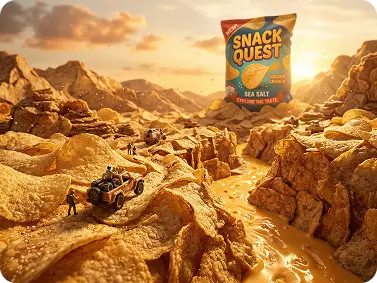
High-Resolution, Photorealistic Output Every Time
Midjourney produces sharp detail — accurate textures, realistic lighting, and depth of field that holds up at full resolution. For brand visuals and editorial content where quality matters, the output is ready to publish. Pair it with Dzine's AI photo enhancer to refine further before use.
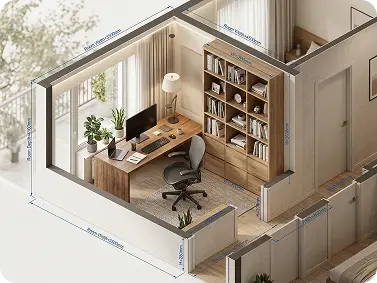
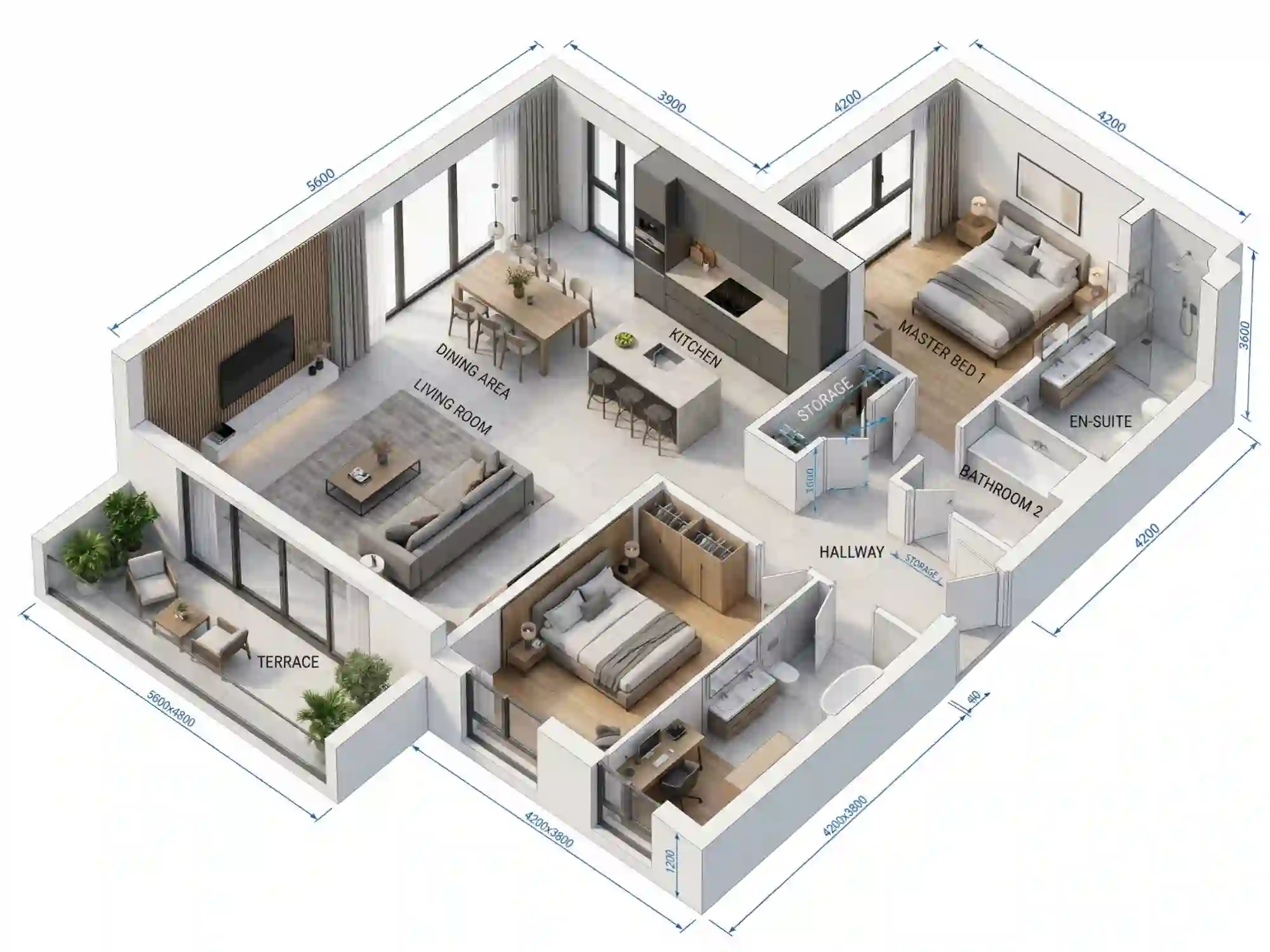
Generate 3D-Style Images Without 3D Software
Midjourney V8 generates images with real dimensional depth from text alone. Describe surface material, lighting, and geometry - and the output looks like a 3D render without any modeling software. Use it for product mockups, architectural concepts, or game asset prototyping.
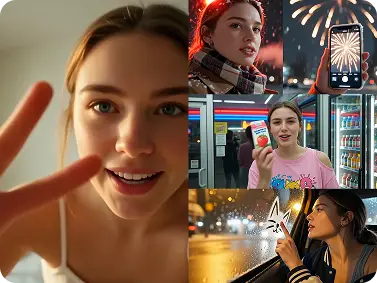
Multiple Styles, Consistent Characters Across Images
Midjourney covers photorealism, cinematic, anime, oil painting, concept art, illustration, and more - all from the same prompt interface. Character consistency is maintained through style seeds and reference inputs, so the same character looks the same across multiple scenes. Useful for comics, branded characters, and storyboards.
Why Use Midjourney on Dzine?

No Discord Required
Use the Midjourney AI image generator directly on Dzine. No Discord account, no server setup, no slash commands. Just open the tool, type your prompt, and generate.

Multiple Midjourney Versions
Access Midjourney V8 and previous model versions in one place. Choose the version that fits your project - artistic illustration, photorealistic rendering, or 3D-style output.

7-Day Free Trial
Try the Midjourney AI image generator on Dzine for 7 days at no cost. No credit card needed to start. Full access to generation, style controls, and high-res output.

Watermark-Free Export
Paid plans export clean, high-resolution images ready for commercial use. Publish to social media, use in client campaigns, or add to your design pipeline without any branding restrictions.

High-Resolution Output
Midjourney on Dzine generates images at publication-ready resolution. Fine detail, accurate color, and clean edges — ready for print, digital advertising, or editorial use.

Browser-Based, No Install
Run Midjourney directly in your browser on Dzine. No software download, no GPU required. Works on any device, anywhere you have an internet connection.
More Dzine Tools to Enhance Your Creation
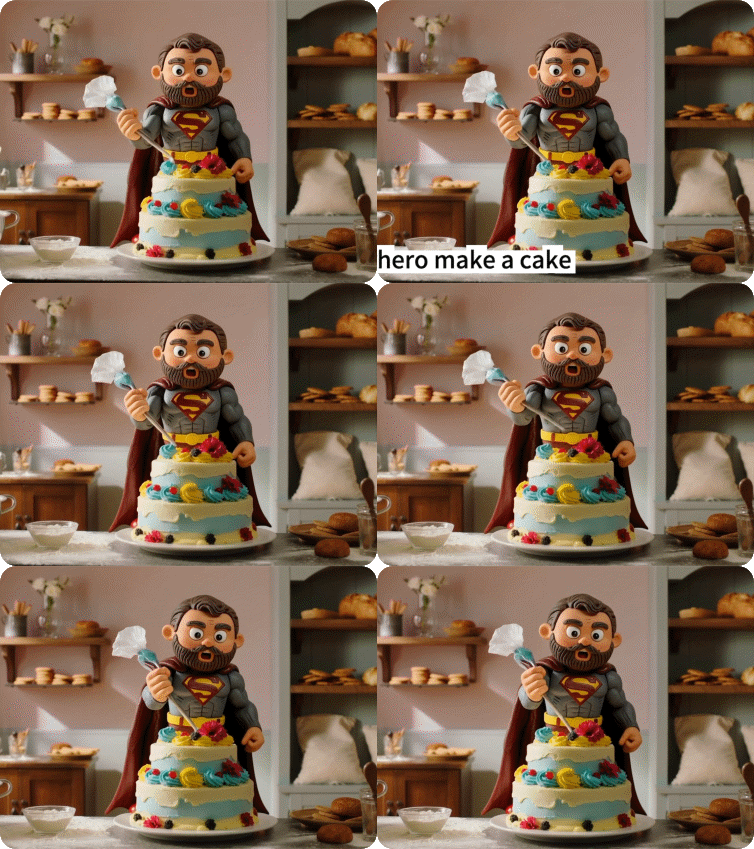

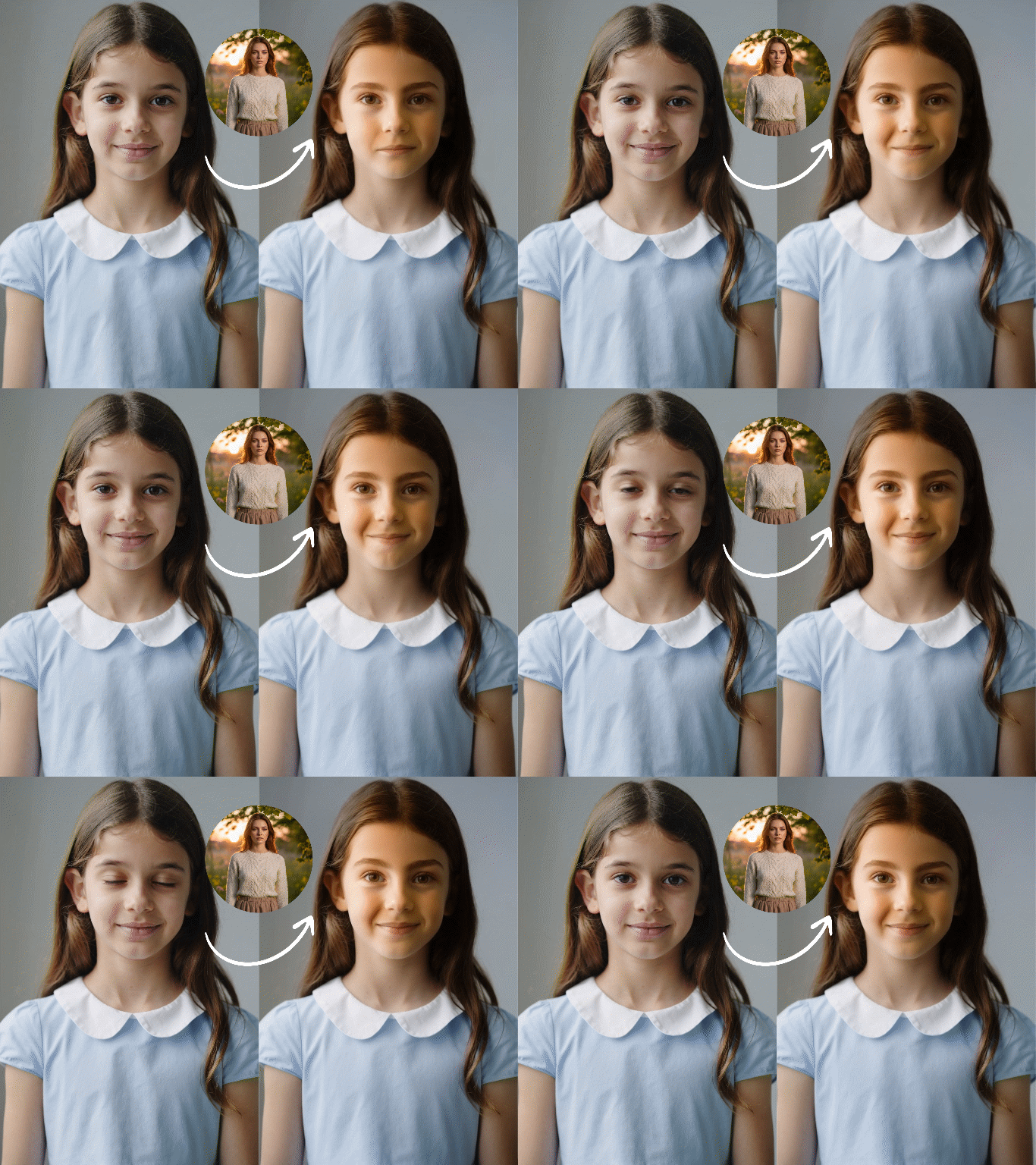
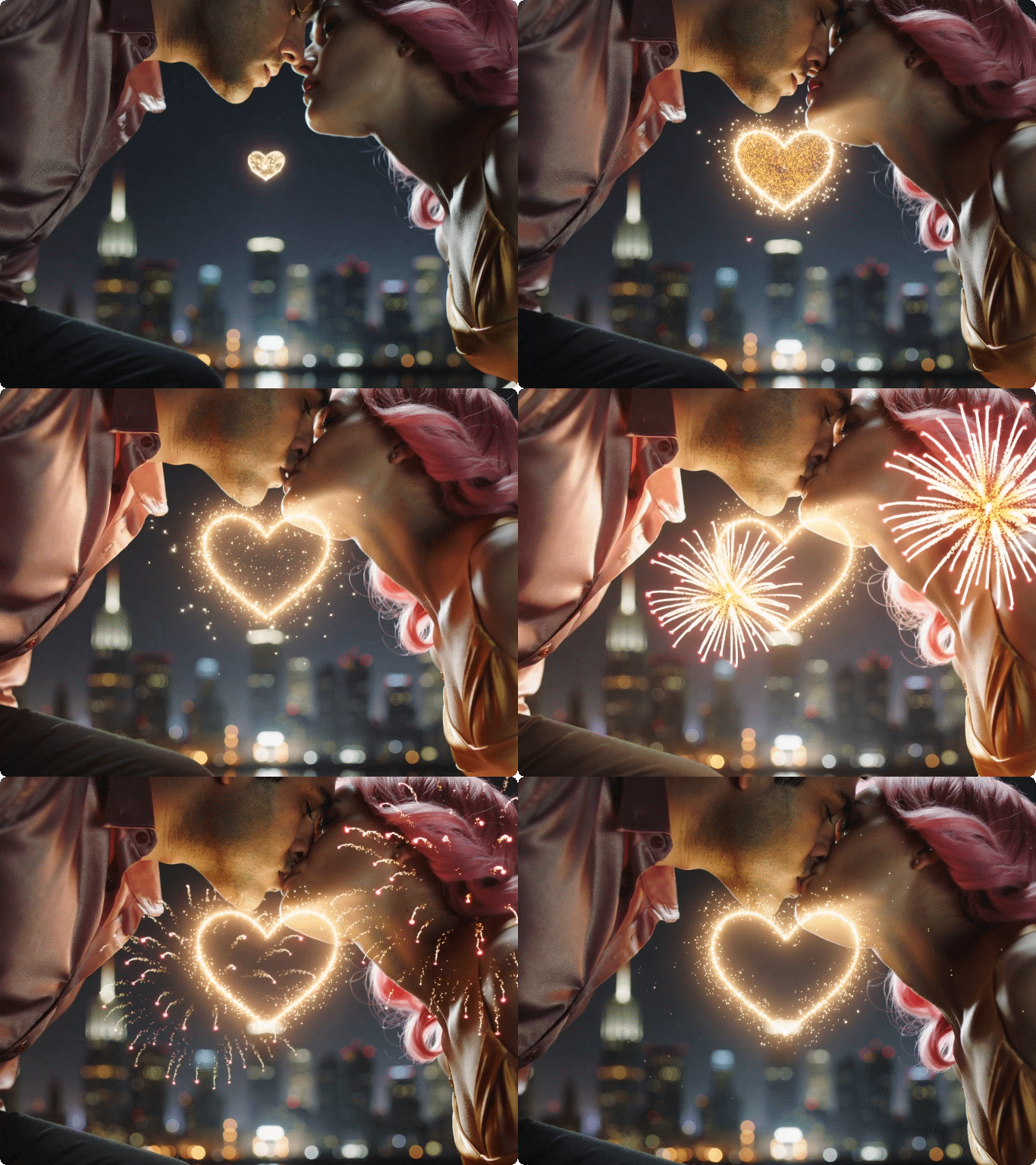
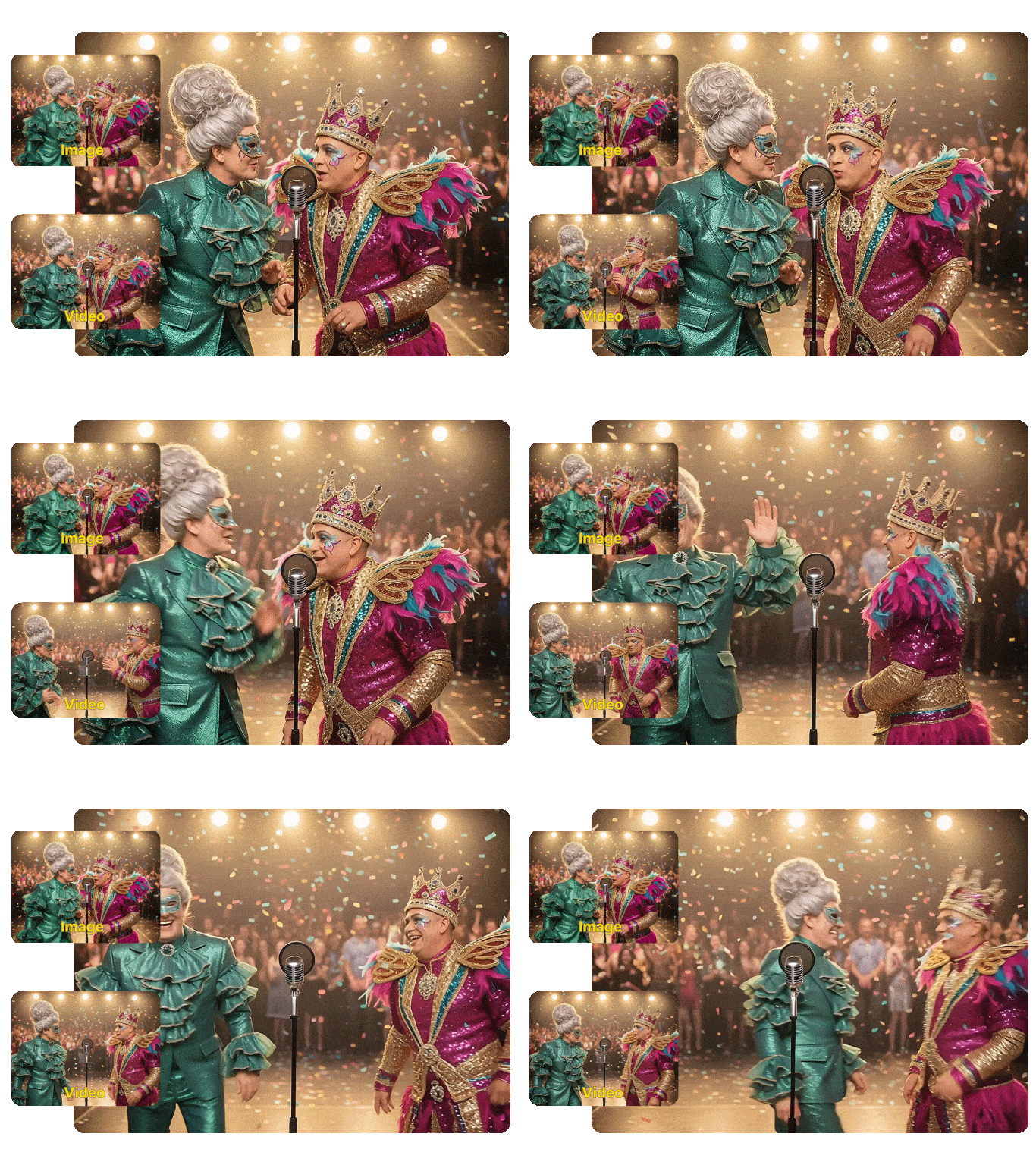
::
What Our Users Said
The Best Way to Use Midjourney Without the Discord Hassle
I've always loved Midjourney's output quality, but managing it through Discord was painful. Switching to Dzine changed everything. I get the same image quality, with a clean web interface I can actually navigate. Midjourney V8 on Dzine handles my product visualization prompts with a level of accuracy I haven't seen in other tools.
Lena HoffmannBrand Creative Director
Finally Got Consistent Characters Across a Full Storyboard
I'm writing a graphic novel and character consistency was my biggest problem with AI image tools. Midjourney on Dzine with seed-based referencing solved it. My main character looks the same across 30+ scenes now. The 3D-style output is sharp enough that some pages look like professional renders.
Marcus DelgadoIndie Comic Artist
Midjourney on Dzine Cut My Client Presentation Time in Half
I'm an interior designer and I used to spend hours in rendering software to show clients early concepts. Now I describe the room in a Midjourney prompt on Dzine and generate 4–5 mood options in minutes. The architectural and material accuracy is good enough for early-stage client approvals. The free trial gave me enough to know it was worth upgrading.
Ayasha PatelInterior Designer & Spatial Planner
You May Also Be Interested in




FAQ
What is the Midjourney AI image generator?
Midjourney is an AI text to image generator that converts written prompts into high-quality visuals. It is known for strong composition, accurate lighting, and consistent aesthetic quality. On Dzine, you access it directly in your browser — no Discord account needed. Type a prompt, pick a model, and generate.
How do I use the Midjourney AI image generator on Dzine?
Open the Text to Image tool on Dzine and enter a descriptive prompt. Select your Midjourney model version and aspect ratio. Click Generate, preview the result, and download. No Discord, no slash commands required.
What is Midjourney V8 and how is it different from earlier versions?
Midjourney V8 is the latest model version. It offers better prompt accuracy, sharper detail, improved anatomy handling, and stronger 3D-style rendering than earlier versions. Character consistency is also more reliable across multiple generations. Earlier versions like V6 and V7 are still available on Dzine for specific styles.
Can I generate 3D images with Midjourney?
Yes. Describe surface material, object geometry, and lighting direction in your prompt, and Midjourney produces imagery with the visual depth of a 3D render — no modeling software needed. It works well for product mockups, architectural visualization, and game asset concepts.
Is the Midjourney AI image generator free on Dzine?
Yes, Dzine offers a 7-day free trial with full access to the Midjourney AI image generator. No credit card required. After the trial, paid plans unlock watermark-free exports, higher resolution, and more generation credits.
What styles can Midjourney generate?
Midjourney supports photorealism, cinematic, anime, oil painting, concept art, watercolor, illustration, surrealism, and architectural render styles. Style is driven by your prompt - describe the aesthetic and Midjourney adjusts its output to match.
How do I write better prompts for Midjourney?
Be specific and visual. Include subject, setting, lighting, mood, and art style in your prompt. For example: "a lone astronaut on a red desert planet, golden hour, wide-angle, matte painting style." For character consistency across images, use a seed value or upload a reference image.