- Tools
- Resources
- Pricing
- API
- Contact Sales
- Book a Demo


Multiple Face Swap
Swap faces in group photos instantly and effortlessly. Perfect for fixing family portraits, creating funny memes with friends, or professional editing. Experience the power of multiple face swap on Dzine today.

Click or drag here to upload images
Try AI multiple face swap with one of these
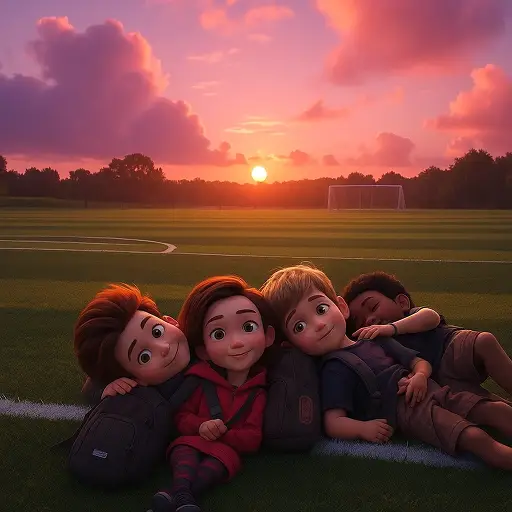
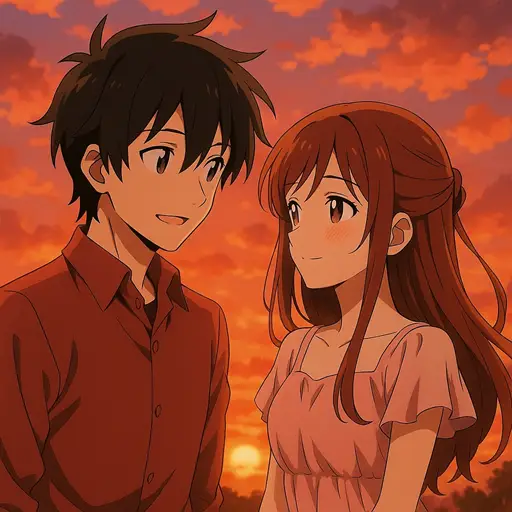
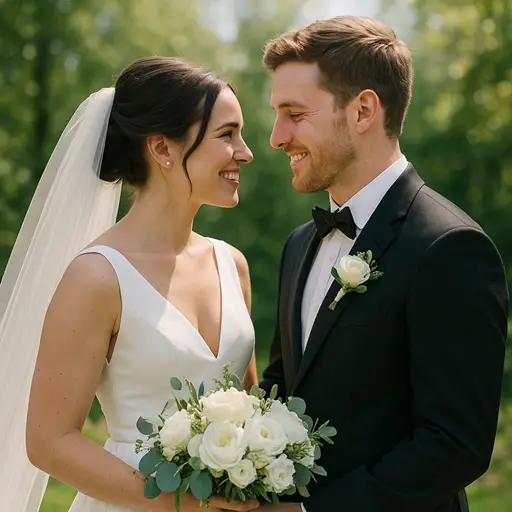
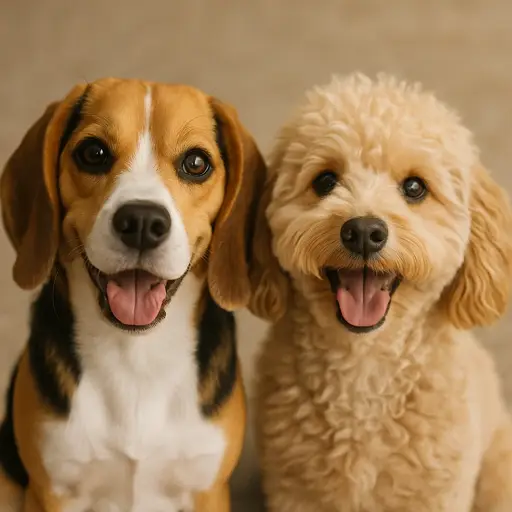
Group Photo Editing Made Simple with Dzine AI
Group photos often have that one person blinking or looking away. Dzine's AI multiple face swap allows you to fix these moments or completely reimagine them. Our tool handles complex compositions, ensuring every face in the picture is detected and swapped with high precision. From correcting family portraits to creating hilarious content where everyone shares the same face, this tool simplifies the editing process.
How to Use Multiple Face Swap in Dzine AI
Step 1: Upload Your Group Photo
Start a new project in Dzine. Upload the image containing multiple people that you want to edit into the Chat Editor tool. This will serve as your base canvas.
Step 2: Choose Faces and Model
Upload the reference image(s) for the faces you want to swap in. Select your preferred image model, such as Nano Banana Pro or Flux.2. Enter a text prompt describing the swap action to guide the AI.
Step 3: Generate and Download
Click the Generate button. The AI will process the multiple face swap request, blending the new faces naturally with the original lighting and angles. Once satisfied, download your edited image.
Watch More about Our Face Swap Tool
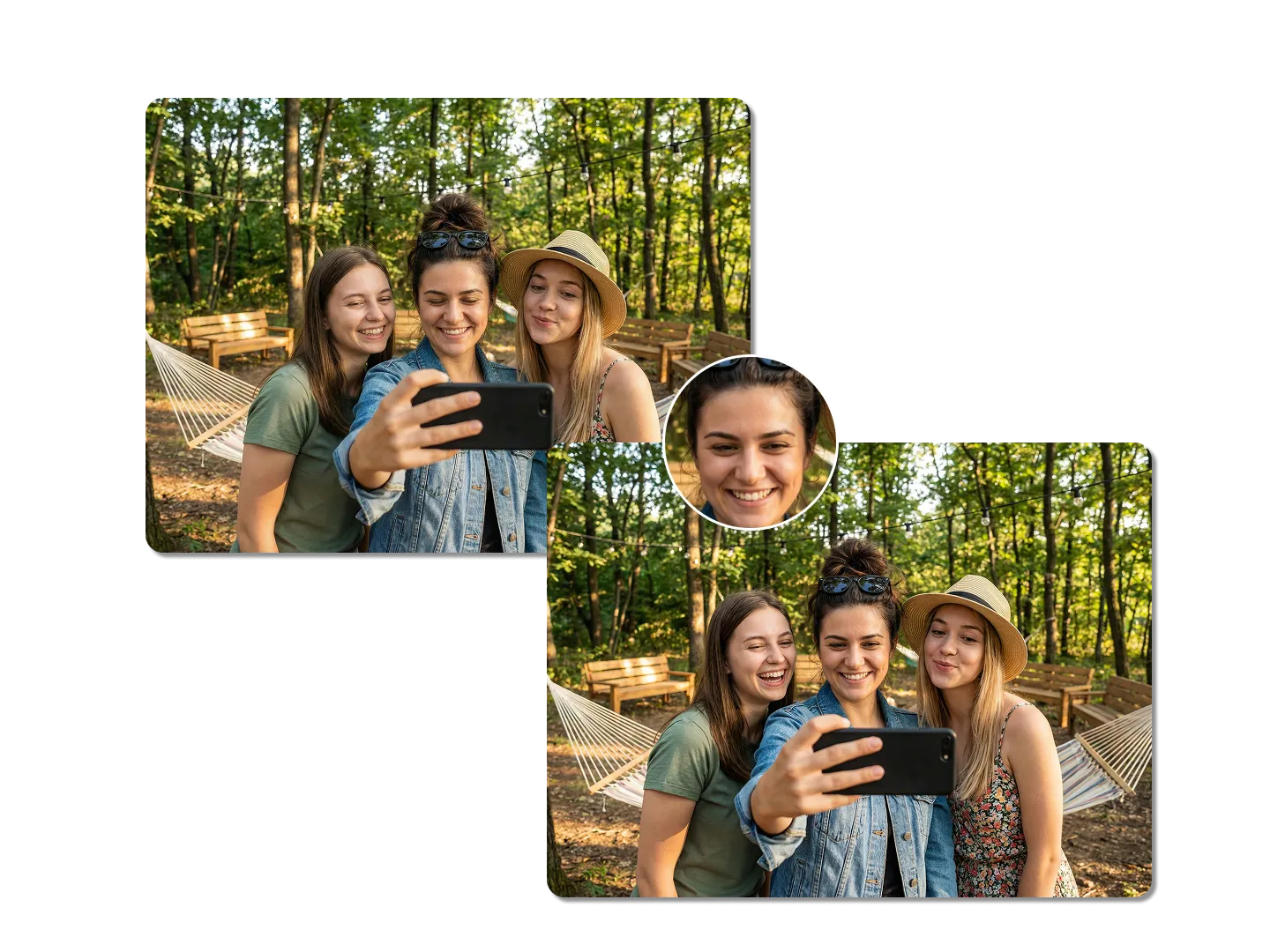
Fix Imperfections in Family Portraits
Getting the perfect shot where everyone looks their best is difficult. Our multiple face swap AI solves this by allowing you to replace specific faces in a group photo. If someone blinked or wasn't smiling, you can swap in a better expression from another shot. Keep the perfect composition while ensuring every family member looks great.
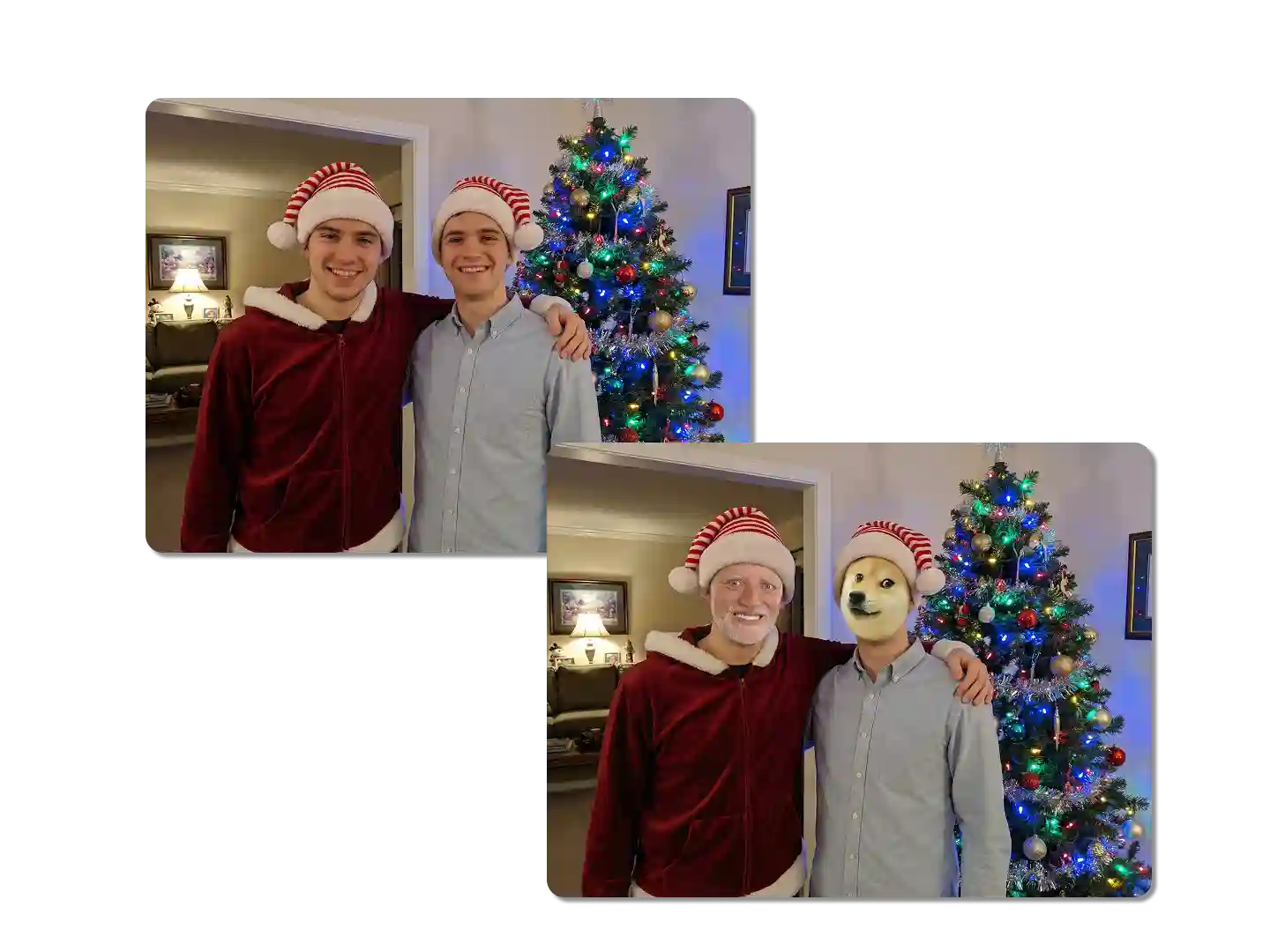
Create Viral Memes with Friends
Turn an ordinary gathering into a viral sensation. With the ability to face swap multiple faces at once, you can put your friend's face on everyone in the picture or swap your group into famous movie scenes. This feature is perfect for meme generation and creating inside jokes. The AI handles the angles and lighting, making even the most ridiculous edits look surprisingly realistic.
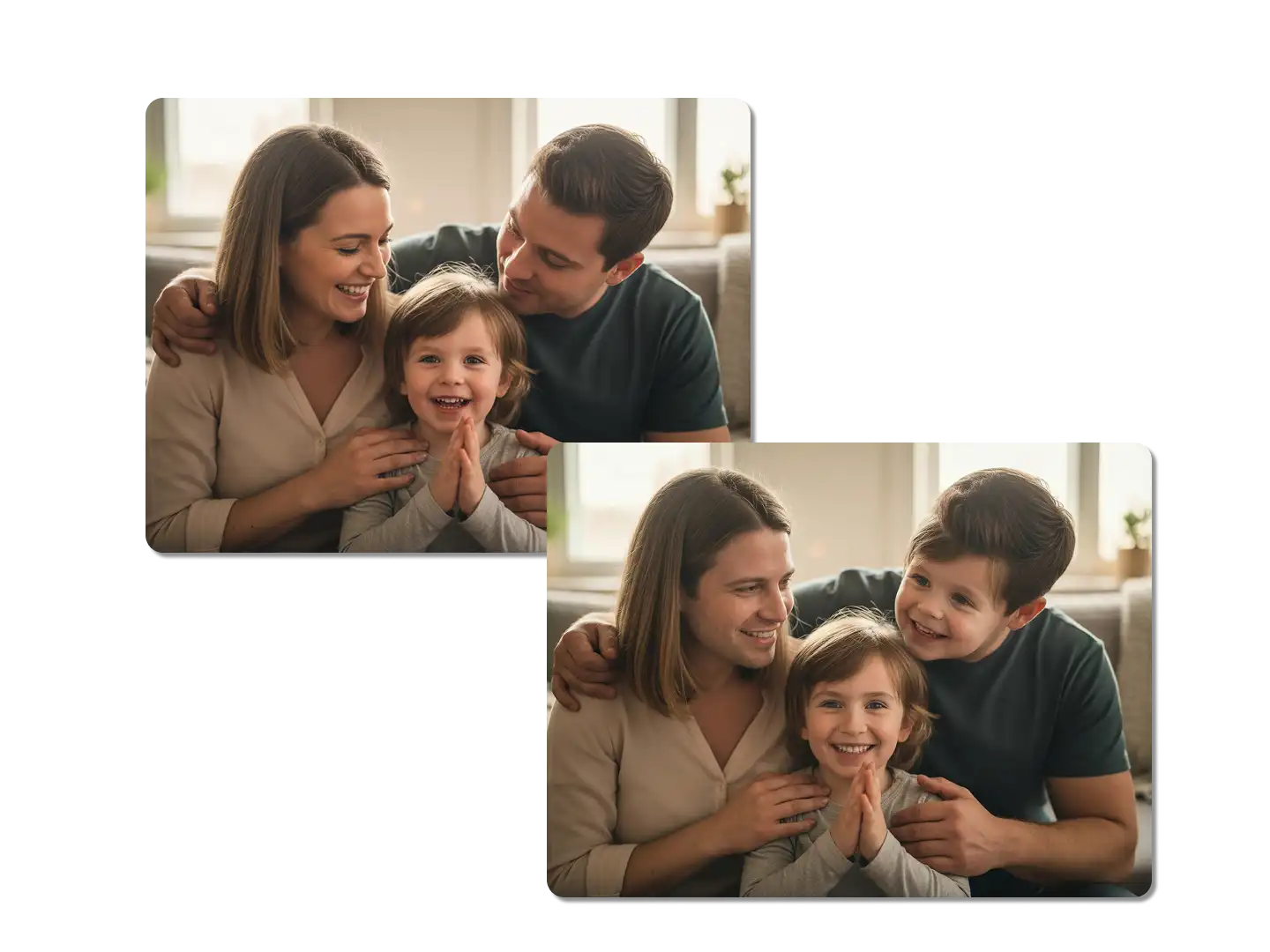
Swap Faces between Genders
Easily swap the faces of men and women in group photos to create hilarious gender-swapped photos. Our multi-person face-swapping tool supports cross-gender face swapping, not just same-sex swapping. You can randomly swap the faces of all men and women in a family photo.
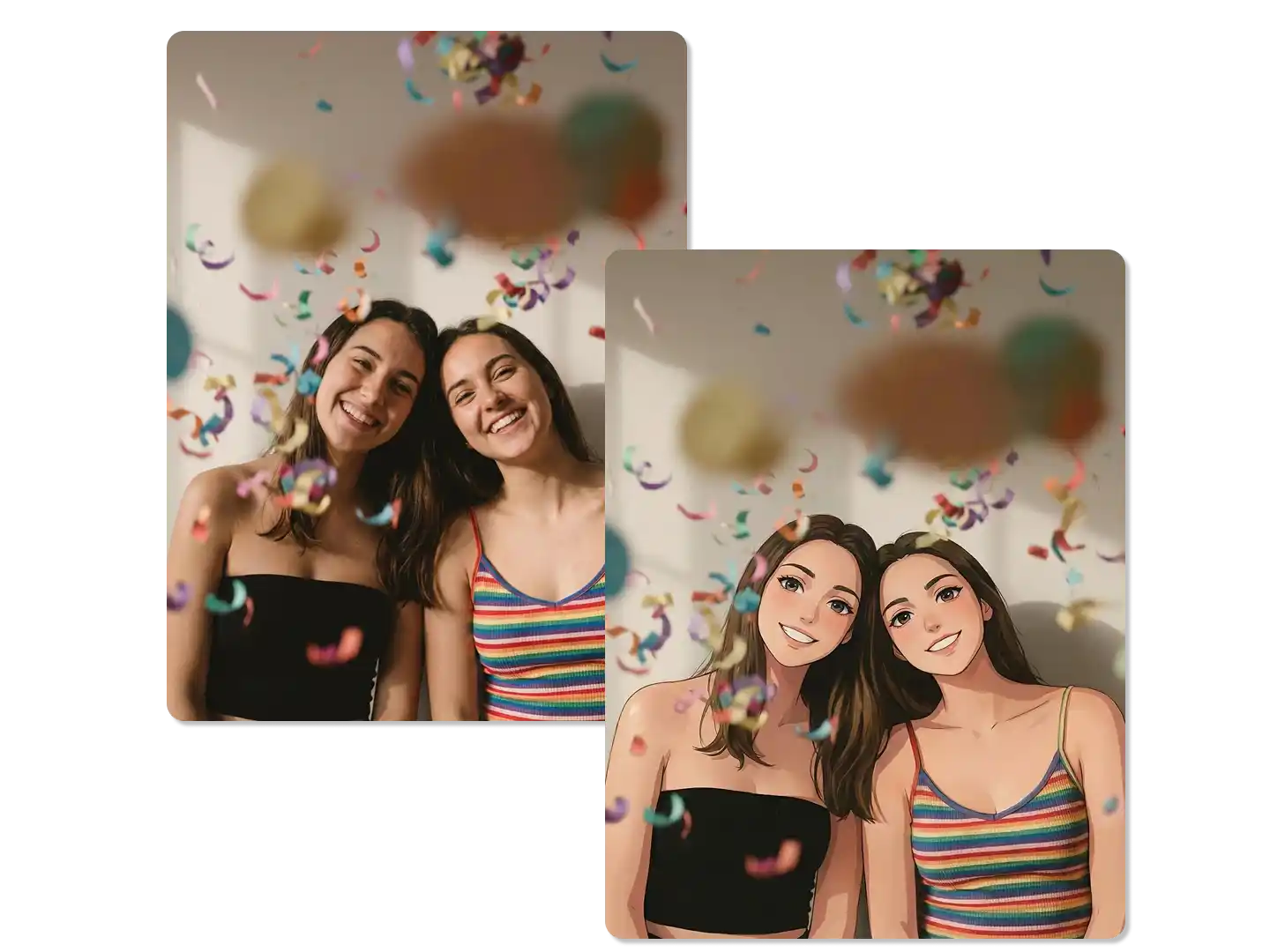
Transform Groups for Cosplay and Art
Visualize your friend group as superheroes, fantasy characters, or figures from a classical painting. The multiple face swap AI allows for creative thematic transformations. You can combine this with our image to image tools to stylize the entire environment while keeping the facial identities accurate. It is an excellent way to plan group cosplay ideas or create unique digital art pieces for social media.
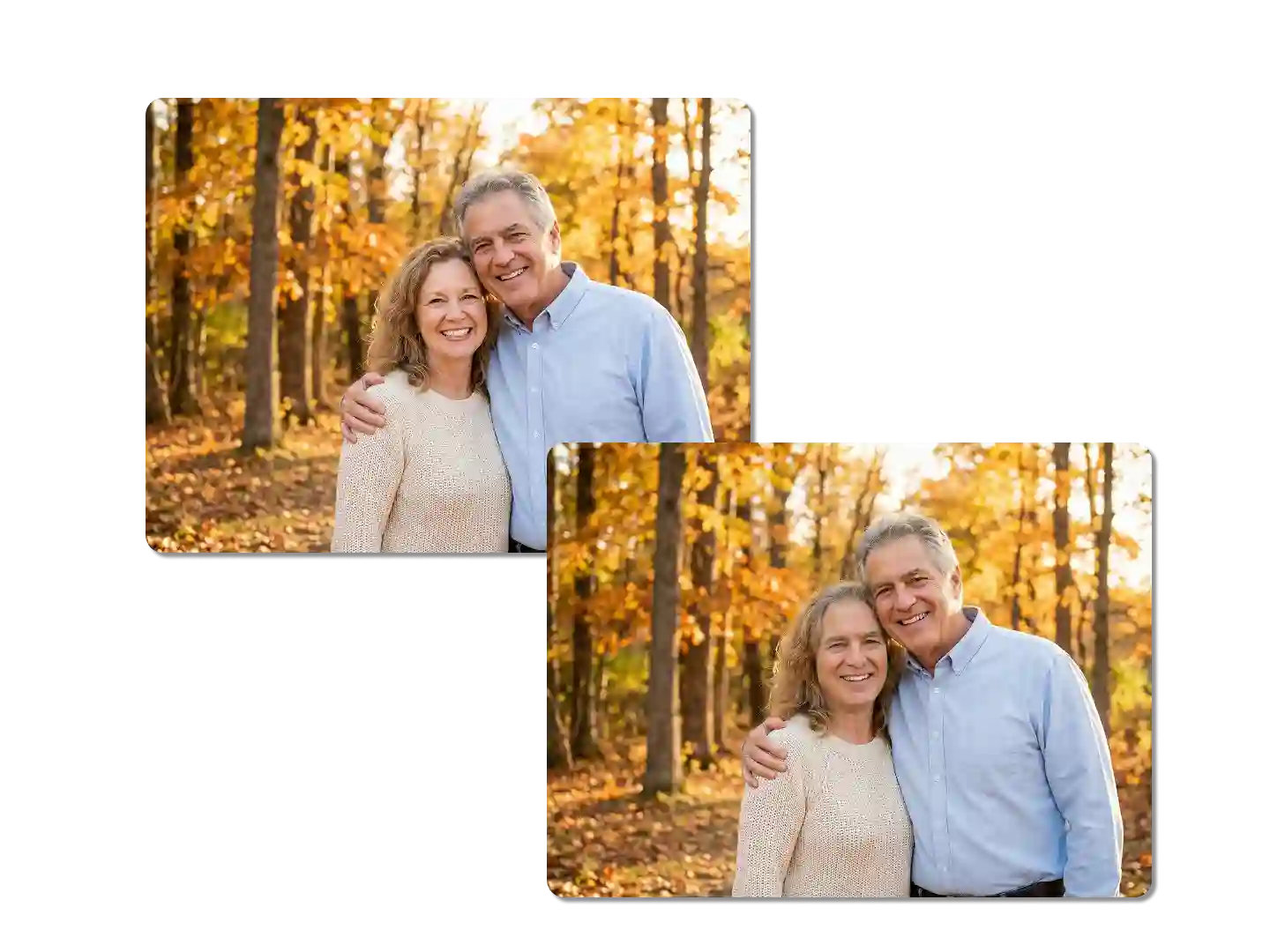
Replace All Faces with One from the Group Photo
Still struggling to find new ways to prank your friends? Try replacing everyone's face in a group photo with your own! Simply upload the same image to each of the recognized faces, and we'll replace them one by one. The final result is natural and realistic; everyone in the photo will look like they have a single face.
FAQ
How do I swap multiple faces in a single photo?
To perform a multiple face swap, upload your group photo to Dzine's Chat Editor. Then, upload the replacement faces and use the prompt feature to instruct the AI on which faces to swap. The system detects individual faces and applies the changes accordingly.
Is the multiple face swap feature free?
Yes, Dzine offers a free tier that allows you to use the multiple face swap AI. You receive daily credits that refresh, enabling you to edit photos and experiment with features without a subscription.
Can I swap faces with different genders?
Absolutely. Our AI is capable of gender-swapping within group photos. Whether for creative projects or fun memes, the tool adjusts facial features to blend naturally with the target body and hair.
Does this tool work on crowded images?
Dzine's advanced detection algorithms are designed to identify and swap faces multiple faces even in crowded shots. However, for the best results, ensure the faces in the original photo are visible and not heavily obscured.
Will the skin tones match after the swap?
Yes, one of the key strengths of our AI multiple face swap is its ability to match skin tones and lighting. The AI analyzes the ambient light and original skin texture to ensure the swapped face looks realistic and belongs in the scene.
Is my data private when I upload photos?
We prioritize user privacy. Images uploaded for processing are used solely for the generation purpose. We do not store your personal photos for public use, ensuring your group photos and personal data remain secure.
Can I use this for commercial purposes?
Yes, you can use the images generated for commercial purposes, provided you own the rights to the original photos and the faces you are using. This is popular for creating ads and marketing materials.
What Our Users Said
Saved Our Wedding Album
I had a perfect shot of the bridal party, but the best man was looking at the floor. I used Dzine to swap his face from another photo. It was seamless, and the couple was thrilled with the result.
Michael RossWedding Photographer
Best Tool for Group Memes
My friends and I love making memes. We used the multiple face swap to put our faces on the Avengers. The AI handled all five of us perfectly, even the ones in the back. It's hilarious and easy to use.
Jessica LeeDigital Creator
Efficient for Marketing Assets
We needed to diversify our website's banner images. Instead of a reshoot, we used Dzine to swap faces multiple faces in our existing stock. It saved us thousands of dollars and the quality was print-ready.
David ChenMarketing Director