Multiple Face Swap Video

Dzine's multiple face swap video tool lets you replace every face in a group video at once. Our AI detects all faces automatically and swaps them with the faces you upload. Create funny group content, parodies, and professional videos in seconds. Try it now.

Swap All Faces in Group Videos with One Click

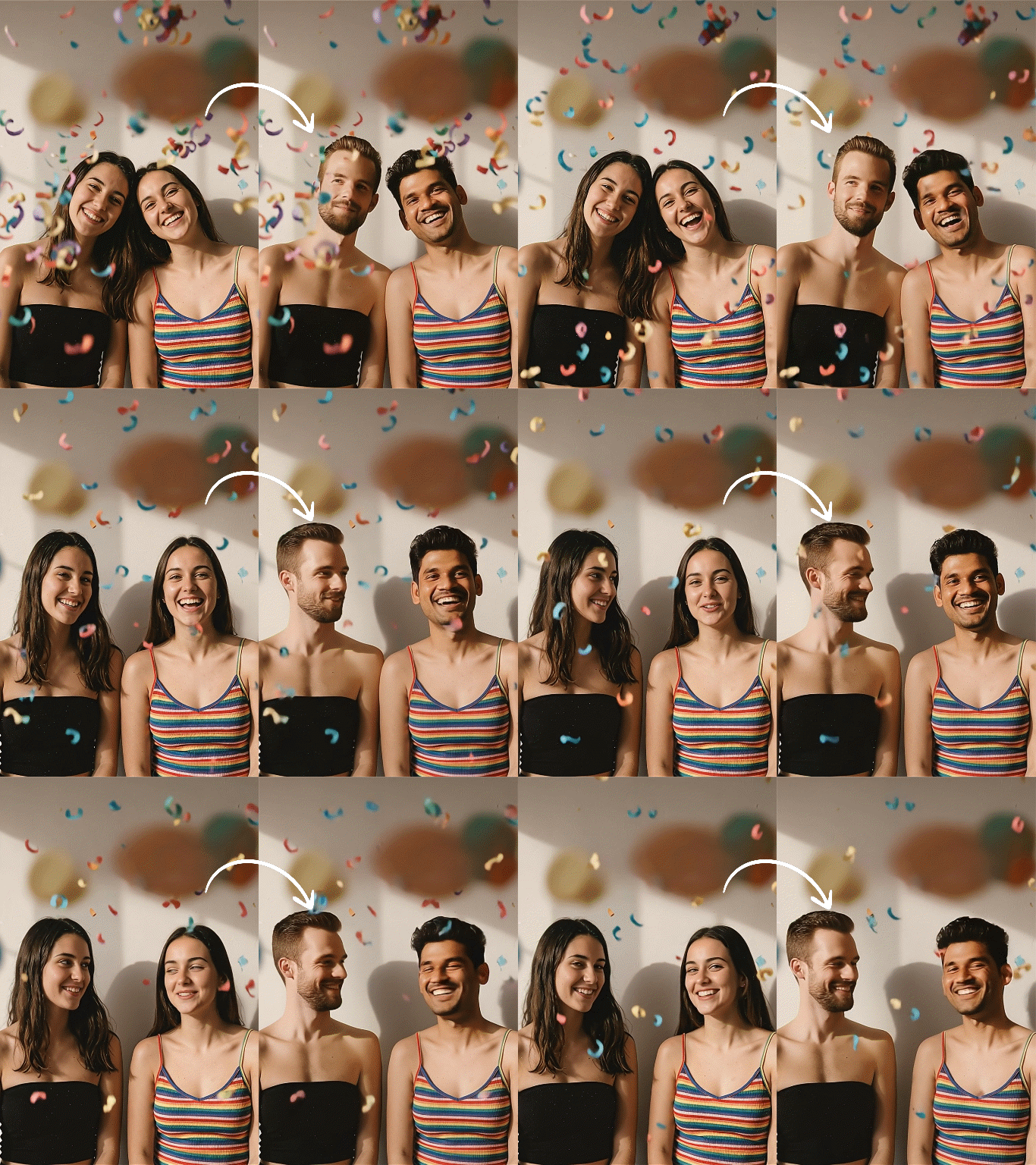
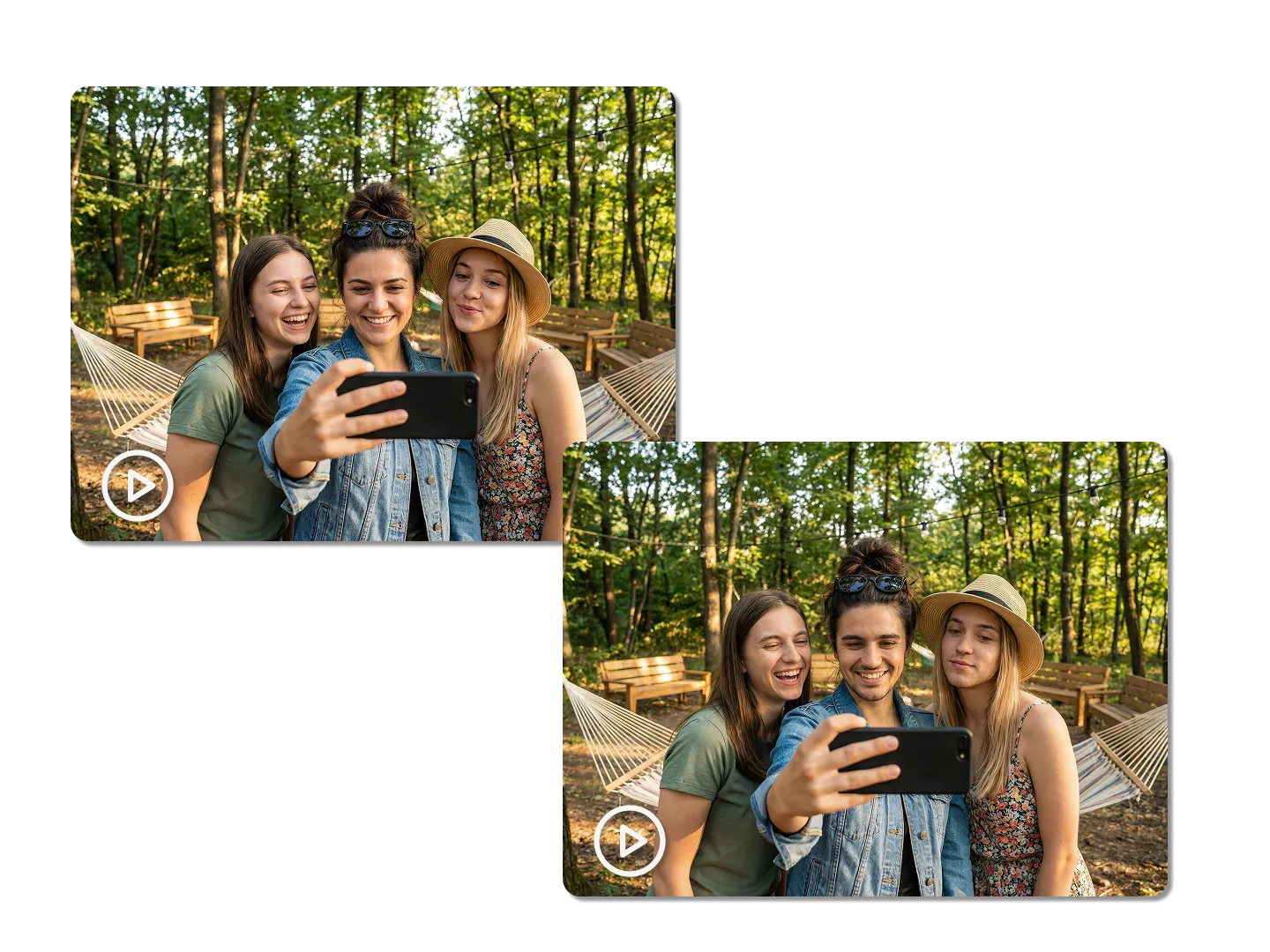
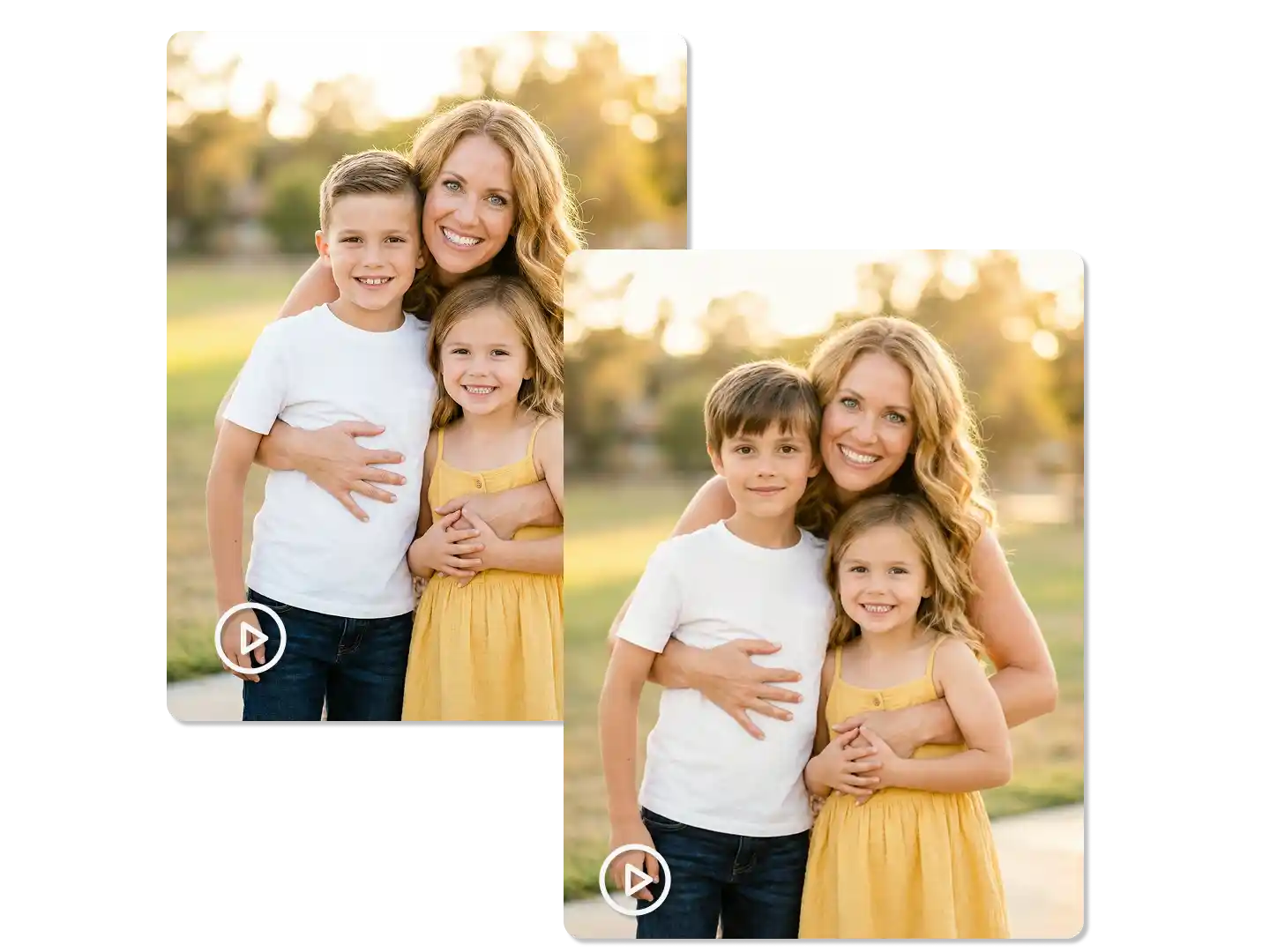
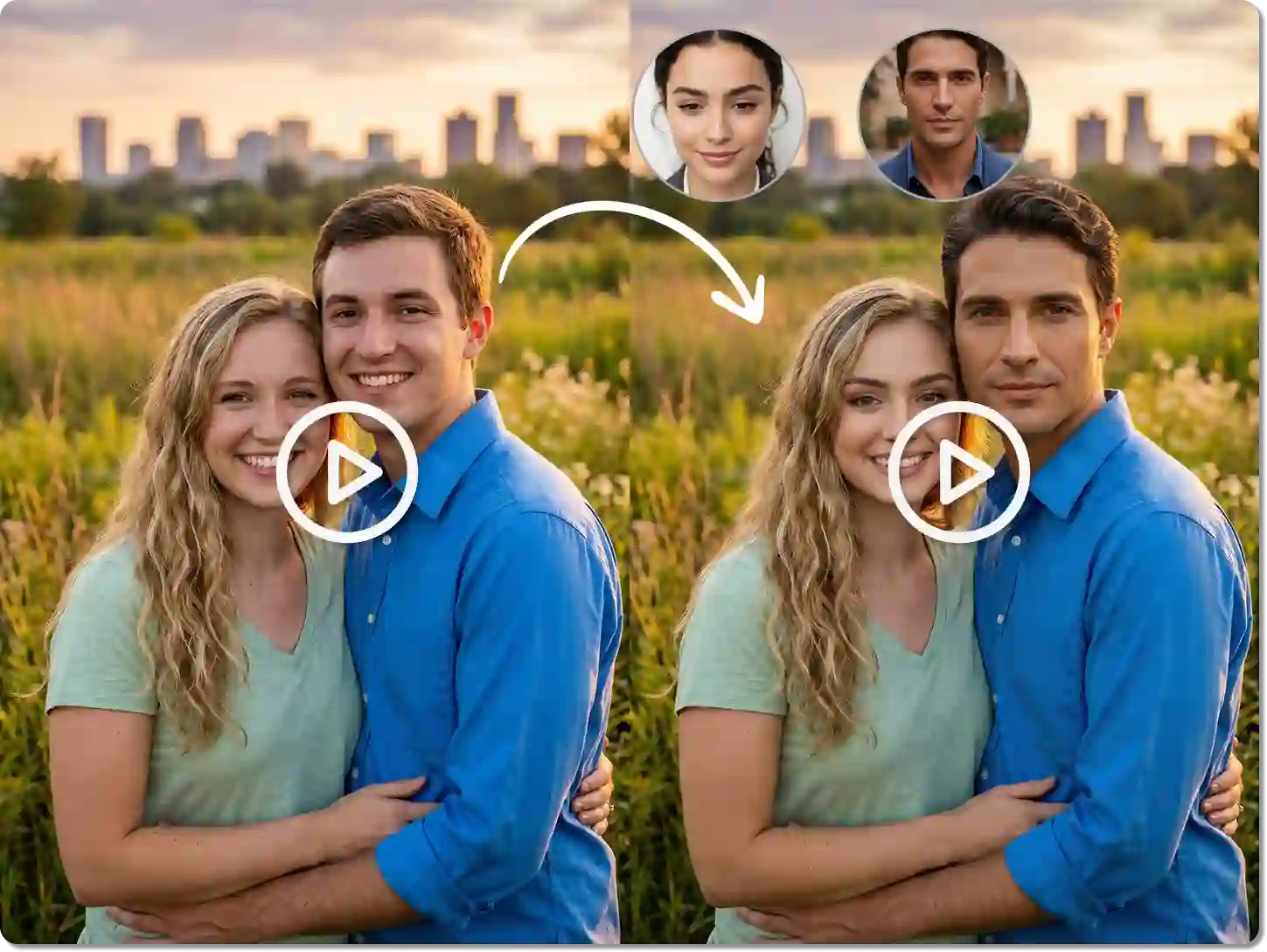
Dzine's multiple face swap video generator uses advanced AI to detect and replace every person's face in your video. You can swap 2, 5, or even 10 faces in one clip without manual editing. The AI matches each new face to the original's movements, expressions, and lighting. This makes every swap look natural and realistic.

Our platform offers face swap video multiple options for free. You don't need editing experience or complicated software. Upload your video, add the faces you want, and let our AI do the work. Whether you're making funny content, group parodies, or creative projects, Dzine gives you professional results in seconds. It's the fastest way to create multiple face swap video online.

How to Create Multiple Face Swap Video in 3 Steps

Step 1. Upload Video

Go to the Video Editor on Dzine. Upload the group video where you want to swap multiple faces.

Step 2. Input Command

Upload all the face images you want to use. Type a command to tell the AI which face goes where.

Step 3. Generate Video

Click Generate and Dzine will swap all faces in the video. Download your finished video.

Watch More about Our Face Swap Tool

Create Viral Group Memes Instantly

Create Viral Group Memes Instantly


Group memes get millions of views on TikTok and Instagram. With Dzine's multiple face swap video tool, you can put your friends into trending movie scenes or music videos. The AI handles all faces at once, keeping perfect sync with movements and expressions. You can create band parodies, friend group skits, or celebrity mashups in under a minute. Our face swap video multiple feature makes every person in the clip look natural. It's the easiest way to make shareable content that goes viral.

Perfect for Team Videos and Presentations

Perfect for Team Videos and Presentations


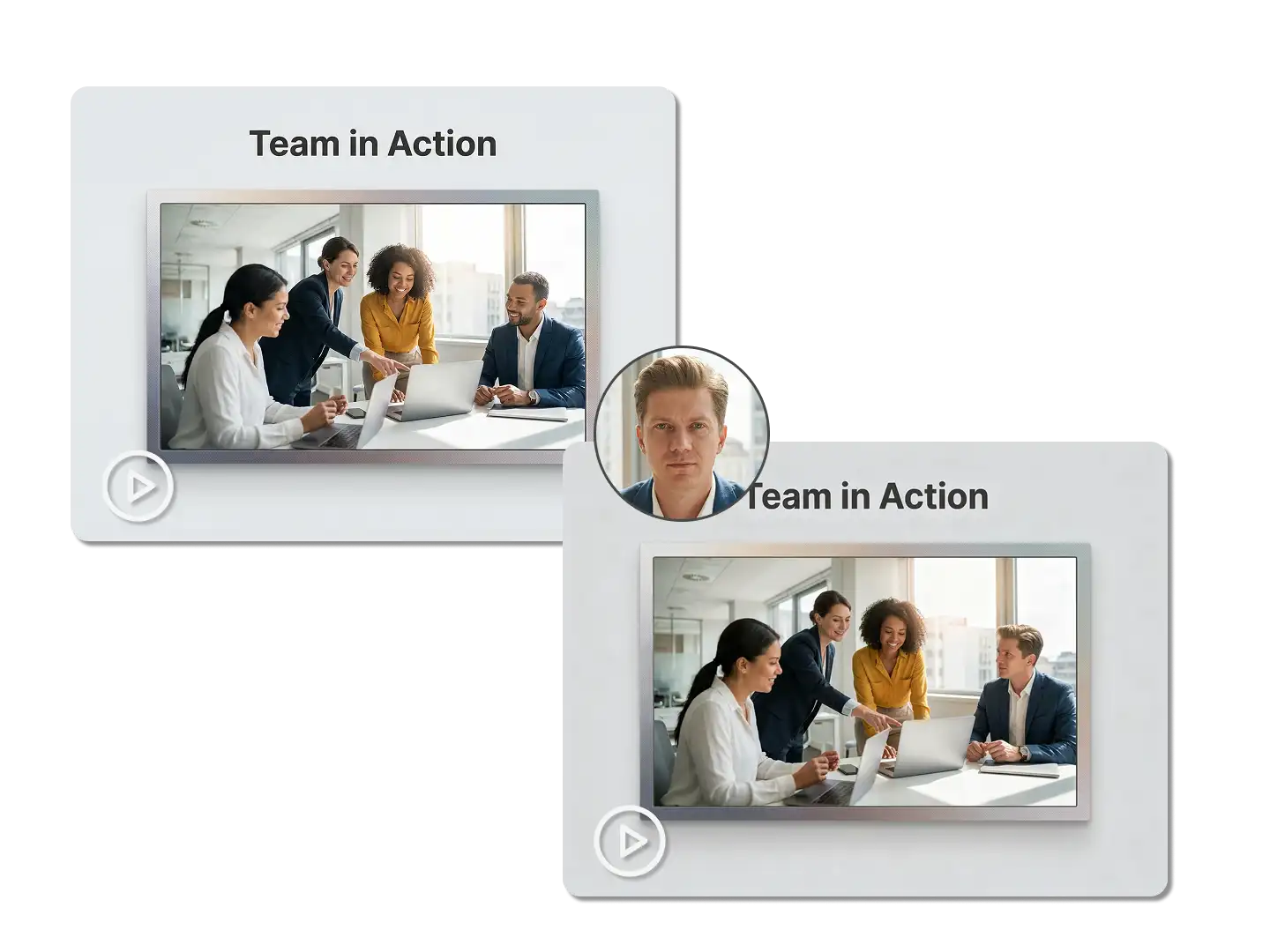
Corporate teams often need to swap faces in training videos or presentations. Our multiple face swap video generator saves hours of manual editing. You can replace entire teams in company videos, update old footage with new staff, or create personalized training content. The AI keeps professional quality while processing multiple faces simultaneously. It works with conference calls, team meetings, and corporate presentations.

Replace Entire Casts in Movie Scenes

Replace Entire Casts in Movie Scenes


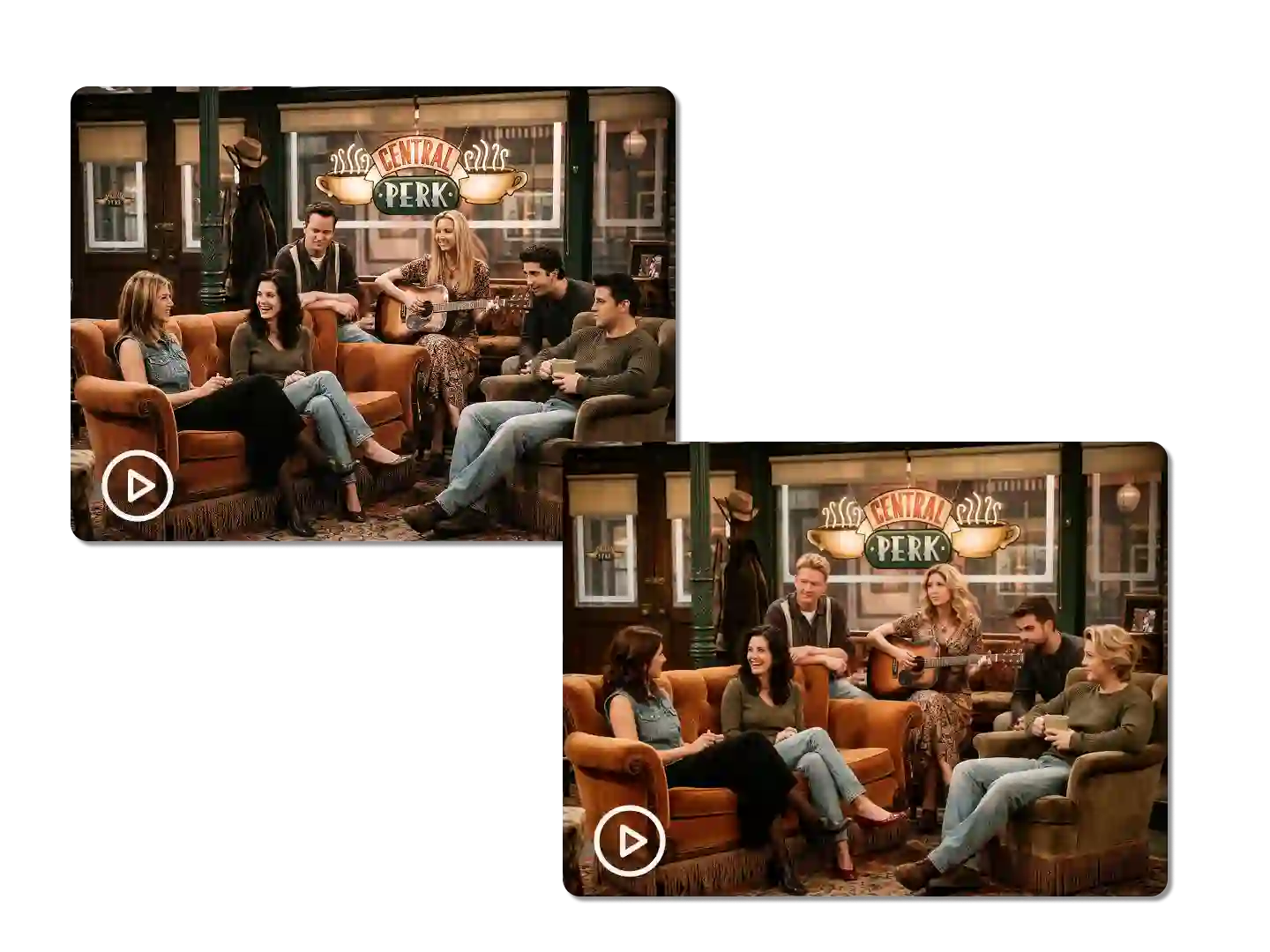
Imagine your family starring in The Avengers or Friends. Our Dzine multiple face swap video generator makes this possible with just a few clicks. Upload a scene with multiple characters and add your family's photos. The AI replaces every actor while keeping all dialogue and action perfectly matched. Each face tracks movements, shadows, and angles accurately.

Maintain Natural Expressions Across All Faces

Maintain Natural Expressions Across All Faces


The biggest challenge in face swapping is keeping expressions natural. Dzine's multiple face swap video generator solves this by tracking micro-expressions for each person. When someone laughs, frowns, or talks, the swapped face reacts identically. The AI analyzes facial muscles, eye movements, and mouth shapes frame by frame. This ensures perfect lip sync and emotional accuracy for every face. Your videos won't have the robotic or frozen look common in other tools.

Fast Processing for Long Videos

Fast Processing for Long Videos


Other tools slow down with longer videos or multiple faces. Dzine's multiple face swap video generator processes efficiently regardless of video length. You can swap faces in 30-second clips or 5-minute videos with the same speed. Our cloud-based AI uses powerful servers to handle complex processing. Most videos finish in under 2 minutes, even with 10+ face swaps. This speed makes Dzine perfect for creators who produce content regularly.

FAQ

How many faces can I swap in one video?

Dzine's multiple face swap video tool can detect and replace 2 to 15+ faces in a single video. The exact number depends on video quality and how clearly each face appears.

Is the multiple face swap video generator free to use?

Yes, Dzine offers multiple face swap video free options. You can create several videos without paying. Premium features are available for professional users.

Do I need to mark each face manually?

No manual work needed. Our face swap video multiple AI automatically detects all faces in your video. You just upload the replacement faces and the AI does the rest.

How long does it take to process group videos?

Most videos with multiple face swaps finish in 1-3 minutes. The time depends on video length and the number of faces. Our multiple face swap video online tool is faster than most competitors.

Can I swap faces in videos with poor lighting?

Yes, Dzine's AI works well even with challenging lighting conditions. The tool adjusts each swapped face to match the original video's lighting and shadows.

Will the faces stay synchronized with dialogue?

Absolutely. Our multiple face swap video generator tracks lip movements and facial expressions precisely. All faces remain perfectly synced with audio throughout the video.

What video formats does the tool support?

The Dzine multiple face swap video generator accepts MP4, MOV, AVI, WebM, and most common video formats. It works with videos from phones, cameras, and screen recordings.

What Our Users Said

Game Changer for Group Content

I create comedy videos for my YouTube channel. Dzine's multiple face swap video tool cut my editing time by 90%. The AI handles everything automatically.

Ryan T.Content Creator

Perfect for Corporate Training

We update training videos every quarter with new staff. The face swap video multiple feature saves our team thousands in production costs. Quality is excellent.

Jennifer K.HR Director

Made Our Wedding Video Hilarious

Used the multiple face swap video free tool to create a funny parody video for my sister's wedding. Everyone loved it. So easy to use!

Marcus L.Graphic Designer