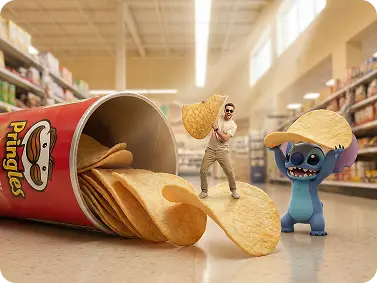
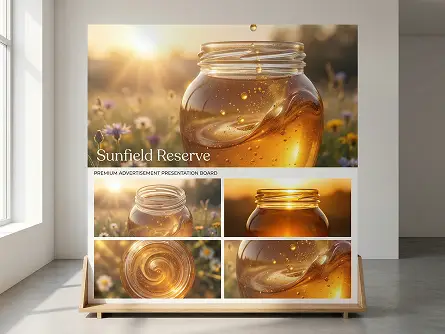
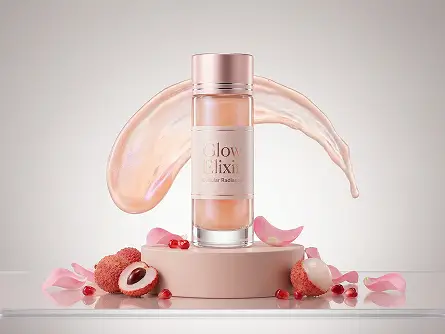
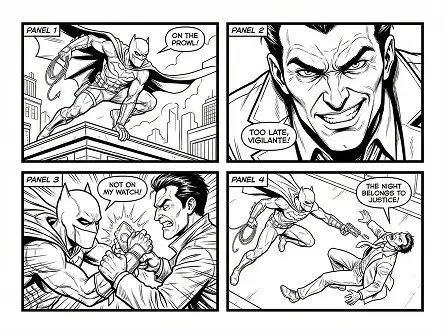
Nano Banana 2 is Google's latest AI image generation model, officially named Gemini 3.1 Flash Image. It delivers Pro-level visual quality at Flash speed - combining real-world knowledge, precision text rendering, and subject consistency in a single model. Try it on Dzine unlimited now.
No idea? Try these inspirations.
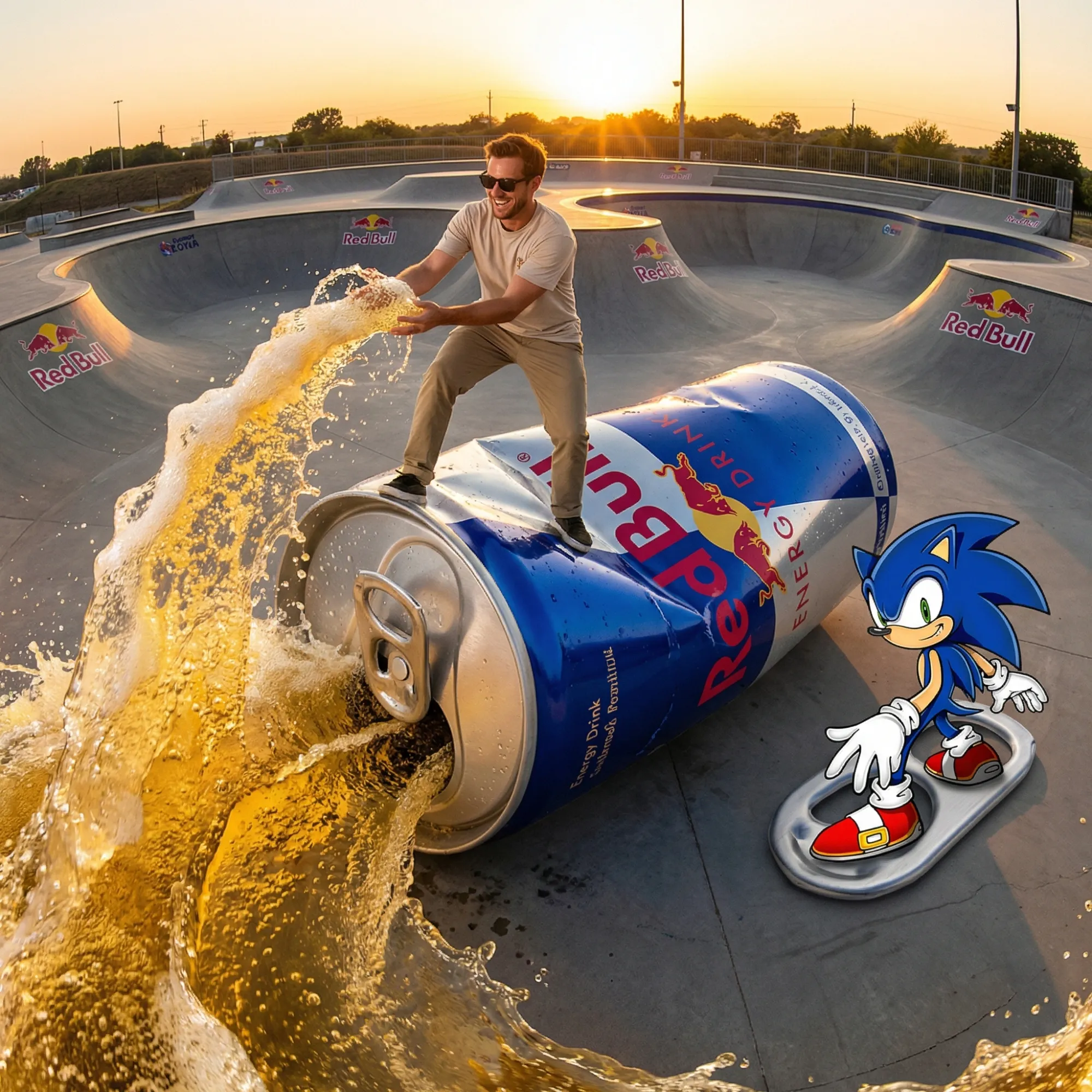
A man surfing on a giant Red Bull can, with Sonic the Hedgehog riding a hoverboard beside him, at a skatepark during a golden sunset.
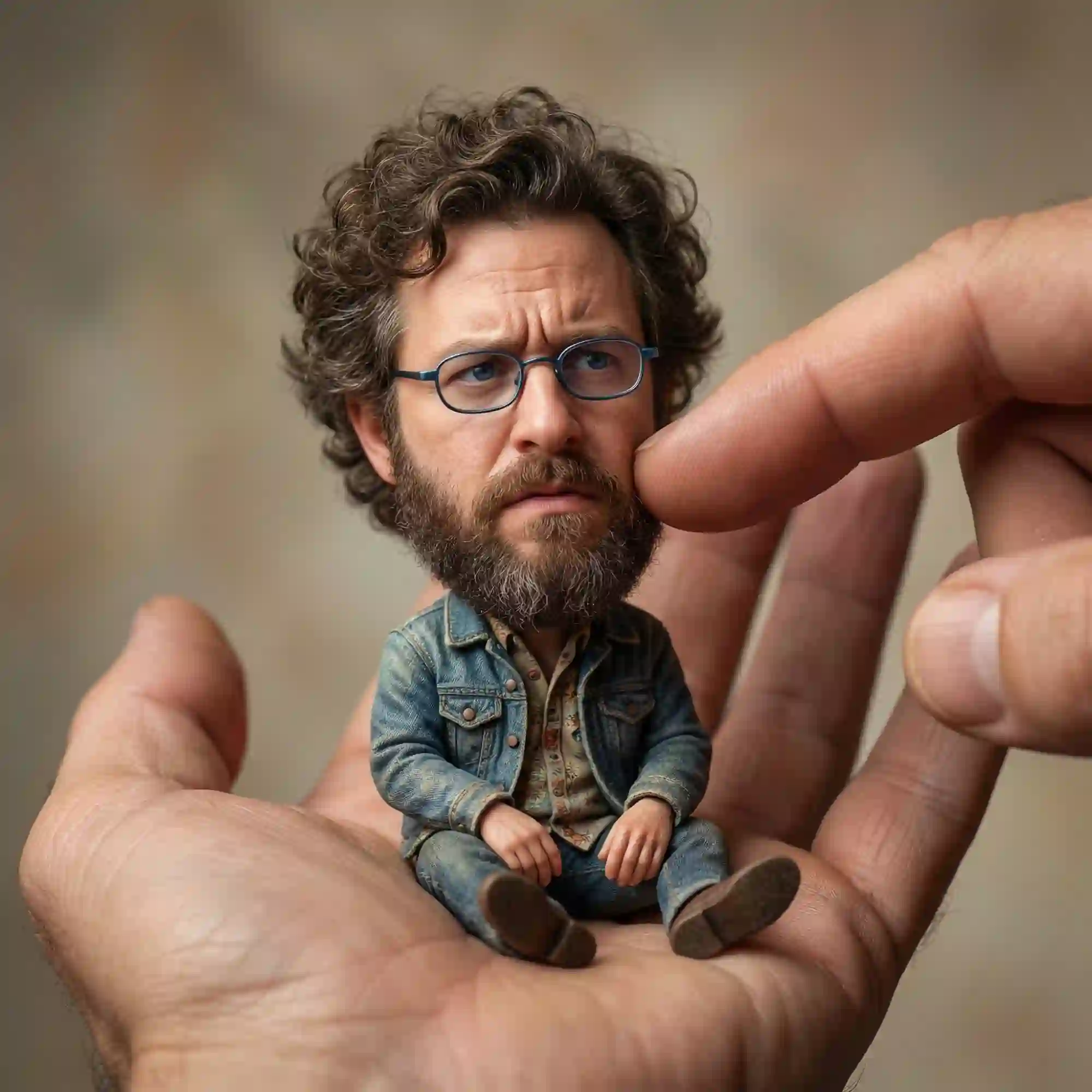
A tiny man with curly hair, glasses, and a denim jacket sits in the palm of a giant hand, with a finger gently touching his cheek.
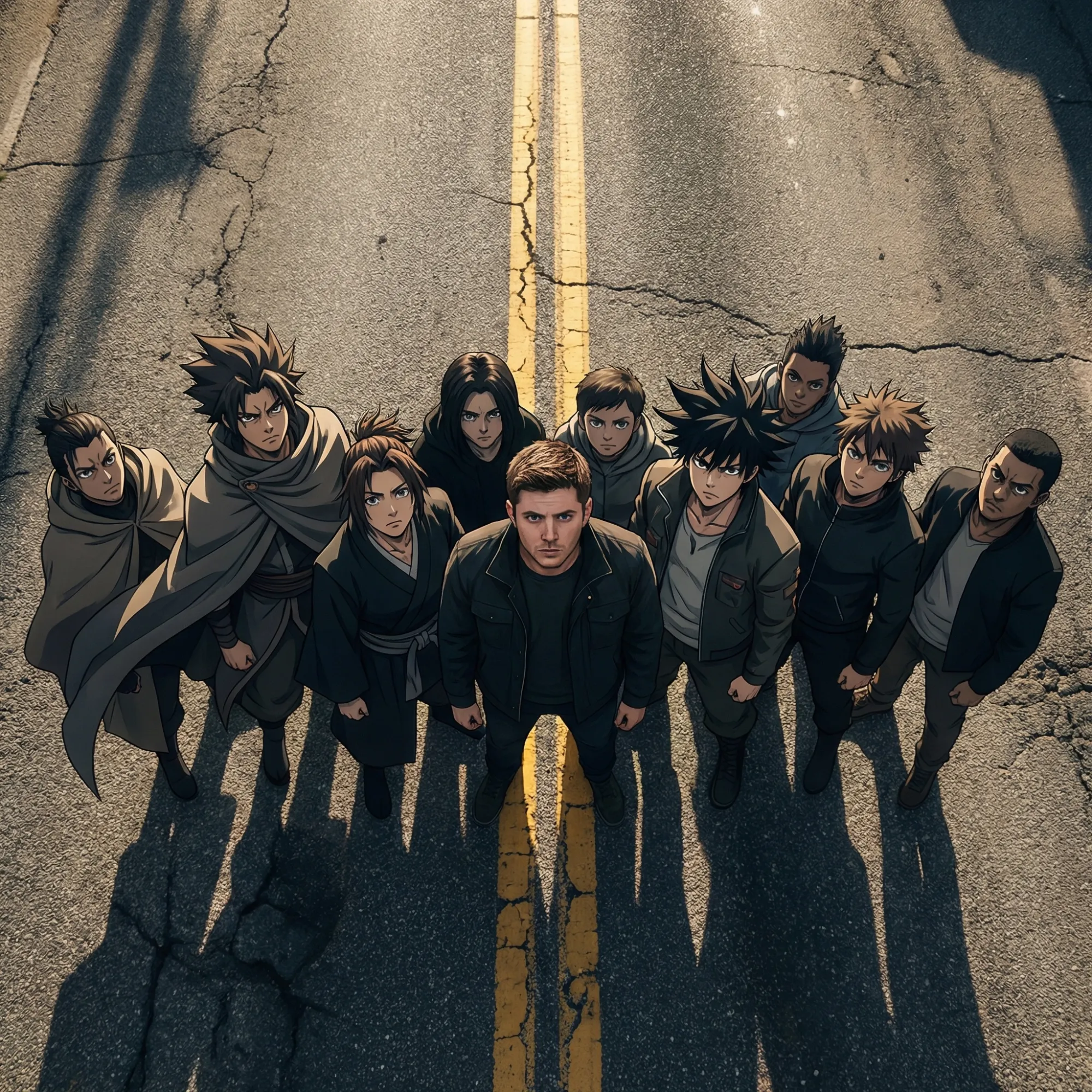
A group of anime-style characters in dark cloaks and modern jackets stand on a cracked asphalt road, viewed from a dramatic high-angle perspective.
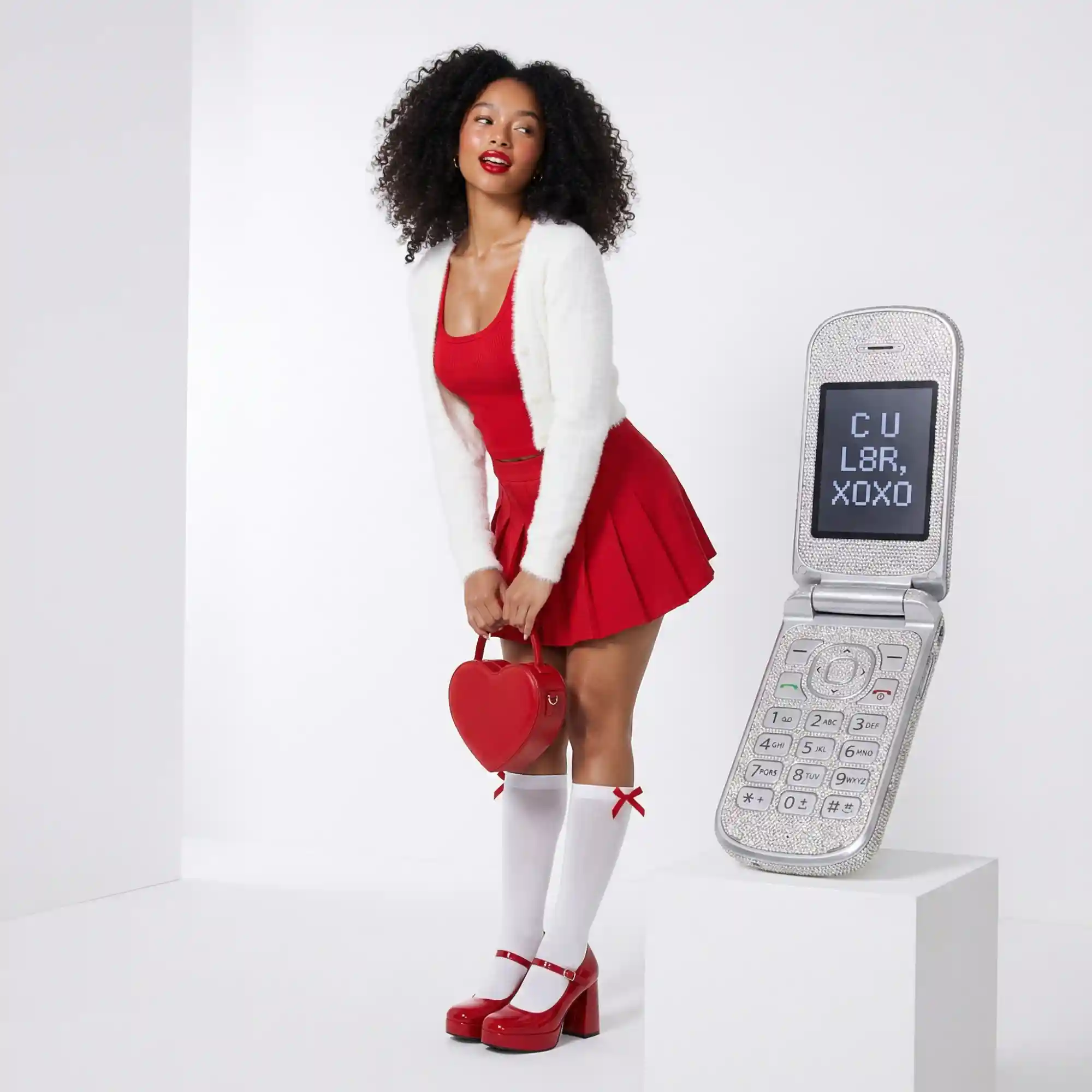
A woman in a red dress, white cardigan, and knee-high socks stands next to a retro flip phone displaying C U L8R XOXO on a white pedestal.
Google Nano Banana 2: Reasoning-Guided 4K Image Generation and Editing
The Nano Banana 2 features go well beyond faster rendering than Nano Banana Pro and Nano Banana. The model draws on Gemini's real-world knowledge base and retrieves live web information during generation. This means images referencing current products, real-world subjects, or recent events are rendered with much greater accuracy. It also handles complex, multi-part prompts with nuance - maintaining subject details, spatial relationships, and visual mood across the full output.
On Dzine, Nano Banana 2 integrates directly into our Chat Editor. You can generate, refine, and iterate without ever switching tools. The model supports text-to-image creation, image editing, in-image text translation, and outputs up to 512px resolution - all from one place.
How to Use Nano Banana 2 on Dzine
Step 1: Enter Your Prompt
Open Dzine and go to the Chat Editor. Type a detailed text prompt describing the image you want to create. Include subject, style, lighting, and any text elements you need rendered in the image.
Step 2: Select Nano Banana 2
In the model selection panel, choose Nano Banana 2 (Gemini 3.1 Flash Image). Set your preferred aspect ratio - including the new 4:1, 1:4, 8:1, or 1:8 native ratios if needed.
Step 3: Generate and Download
Click Generate. Nano Banana 2 processes your input and produces a result in seconds. Preview the output, use follow-up text prompts to refine specific areas, then download your final image at up to 4K resolution.
Subject Consistency Across 5 Characters and 14 Objects
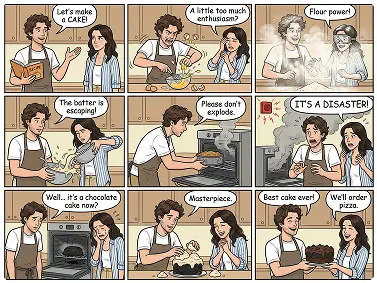
Nano Banana 2 tracks and preserves the visual identity of up to five characters and 14 distinct objects within a single workflow. A character's face, outfit, hair, and proportions stay consistent whether they appear in close-up, mid-shot, or full scene. For comic creators, brand designers, and visual storytellers working with recurring subjects.
Improved World Knowledge for More Accurate Visuals
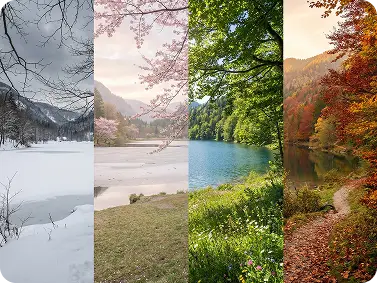
Nano Banana 2 is built on Gemini 3.1, which brings a significantly expanded world knowledge base compared to previous versions. When you prompt for a real product, a known landmark, a specific breed of animal, or a technical object like a piece of medical equipment, the model draws on deeper factual understanding to render it accurately.
Precision Text Rendering and In-Image Localization
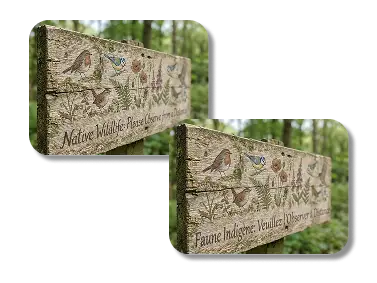
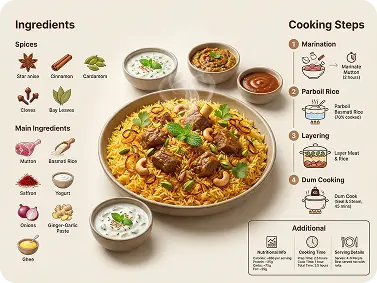
Nano Banana 2 renders clear, accurate, legible text inside images. Marketing mockups with slogans, greeting cards with custom messages, and infographic layouts with data labels all come out sharp and readable. The Google Nano Banana 2 model also supports in-image localization - it can translate text already embedded in an image into other languages.
Native Aspect Ratios Including 4:1, 1:4, 8:1, and 1:8
Nano Banana 2 upgrades the range of supported native aspect ratios significantly. Beyond the standard square, portrait, and landscape formats, it now supports extreme ratios - 4:1, 1:4, 8:1, and 1:8. These are purpose-built for specific use cases: wide panoramic banners for website headers, ultra-tall mobile story formats, cinematic letterbox compositions, and vertical scrolling layouts.
Flash Speed at Pro Quality - Lower Cost Per Image
The model runs on Gemini 3.1 Flash architecture, which means generation is significantly faster than Nano Banana Pro while retaining most of its visual quality. You can create more assets in less time, iterate faster on concepts, and reduce production costs per image. On Dzine, this efficiency is built directly into our AI Art Generator workflow.
Nano Banana 2 vs Nano Banana Pro in Price
Billing Item
Nano Banana 2
Nano Banana Pro
Price Difference / Ratio
Input Price (Text/Image, per 1M Tokens)
$0.25
$2.00
Pro is 8x Nano Banana 2
Output Price (Text/Reasoning, per 1M Tokens)
$1.50
$12.00
Pro is 8x Nano Banana 2
Output Price (Image Base Cost, per 1M Tokens)
$60.00
$120.00
Pro is 2x Nano Banana 2
Single Image Cost: 1K (1024×1024)
$0.067
$0.134
Pro is 2x Nano Banana 2
Single Image Cost: 2K (2048×2048)
$0.101
$0.134
Pro is ~1.3x Nano Banana 2
Single Image Cost: 4K (4096×4096)
$0.151
$0.240
Pro is ~1.6x Nano Banana 2
Web Search Assistance (Grounding)
First 5,000 free, then $14 / 1,000 calls
First 5,000 free, then $14 / 1,000 calls
No difference (same price)
Nano Banana 2 Use Cases Across Creative Industries
Nano Banana 2 handles a wide range of visual production scenarios. From fast ad iterations to multi-character storytelling, this model adapts to professional creative workflows while delivering consistent quality and speed.
Advertising Design
Product Photography
Comic & Storyboard
Global Campaign Localization
Ad Creatives with Readable Text
Nano Banana 2's precision text rendering makes it ideal for ad production. Generate marketing banners, social media ads, and promotional graphics where slogans, prices, and product names need to be sharp and legible. The model understands layout context, keeping text visually integrated — not floating awkwardly on top of the scene.
Studio-Quality Product Shots
Use Google Nano Banana 2 to create photorealistic product images with vibrant lighting, rich material textures, and sharp fine detail. Ideal for e-commerce listings, catalogs, and packaging mockups that need to look like professional studio photography without the cost.
Consistent Characters Across Panels
How to use Nano Banana 2 for sequential art? Set up your character once, then generate multiple panels with consistent face, outfit, and proportions. The model tracks up to five characters and 14 objects per workflow, making it practical for webtoons, pitch decks, and storyboard production.
Translate Text Directly Inside Images
Nano Banana 2 supports in-image localization. Upload an ad creative and ask the model to translate the embedded text into another language. It adapts the visual layout automatically so the design stays cohesive. Save hours of manual redesign work when adapting campaigns for international markets.
Access Google Nano Banana 2, Gemini 3.1 Flash Image, and other leading models to create high-quality visuals that meet professional standards across every use case.
One Click to Generate
Enter your prompt, select your model, and generate. No complex settings or technical configuration required — Dzine handles the workflow so you can focus on the result.
Free Trial
Access Nano Banana 2 for free on Dzine. Experiment with the model's features before committing to a plan, with no credit card required to start.
High Quality Results Export
Export outputs at up to 4K resolution in multiple formats. Every image is sharp, detailed, and ready for print, digital advertising, or commercial use.
Watermark Free
Download clean, watermark-free outputs for use in commercial projects, client work, or social media without any restrictions on how you publish them.
Online Platform No Downloading
Run Nano Banana 2 directly in your browser. No software installation, no GPU required — just open Dzine and start generating on any device.
What Our Users Said
Text Rendering Finally Works the Way I Need It
I design retail packaging and text accuracy inside images has always been a blocker with AI tools. Google Nano Banana 2 changed that entirely. I type the copy I want on the package, and it comes out sharp, correctly spelled, and properly spaced. I went from spending hours fixing AI-generated text in Photoshop to getting print-ready results on the first generation.
Marcus WebbPackaging Designer
Character Consistency Made Our Campaign Possible
We run a social media series with a recurring fictional character. Before Nano Banana 2, every image looked like a different person. Now I upload the reference once and generate 20 scene variations — same face, same wardrobe, same personality in every image. Our engagement rate went up because the audience recognized the character immediately.
We were spending $800 per shoot to photograph products in lifestyle settings. With Google Nano Banana 2, I upload the product photo and describe the scene. The fusion is photorealistic — the lighting and shadows interact naturally with the product. We now produce 30 lifestyle images per week at a fraction of the previous cost.
Nano Banana 2 is Google's latest AI image model, officially named Gemini 3.1 Flash Image. It combines Pro-level visual quality with Flash generation speed. Core Nano Banana 2 features include subject consistency for up to five characters and 14 objects, precision text rendering, in-image localization, and new native aspect ratios. On Dzine, you can access it directly through the Chat Editor.
What are the main Nano Banana 2 upgrades over the original Nano Banana?
The key Nano Banana 2 upgrades are: improved subject consistency now available to all users, clearer in-image text rendering, four new native aspect ratios (4:1, 1:4, 8:1, 1:8), in-image localization support, and faster generation at a lower cost per image than Nano Banana Pro.
How does subject consistency work in Nano Banana 2?
The model preserves the visual identity of up to five characters and 14 objects across a workflow. Facial features, outfit, and proportions stay consistent across different poses and scenes - without manual correction between frames. It is especially useful for comic series and brand character systems.
How do I use Nano Banana 2 on Dzine?
Open the Chat Editor and enter your prompt. Select Nano Banana 2 from the model panel and choose your aspect ratio. Click Generate and download at up to 4K. Use follow-up prompts to refine the output at any point.
What aspect ratios does Nano Banana 2 support?
Nano Banana 2 supports standard ratios plus four new native extremes: 4:1 and 8:1 for wide panoramic formats, and 1:4 and 1:8 for tall vertical layouts. The model generates directly at these ratios — no cropping or reframing needed.
Can Nano Banana 2 render text inside images?
Yes. The model generates clear, legible text inside images - suitable for ad mockups, poster headlines, and infographic labels. It also supports in-image localization: translate text already embedded in an image into another language, with the layout adjusting automatically.
Is Nano Banana 2 free to use on Dzine?
Yes, Dzine offers a free trial with access to Nano Banana 2 — no subscription required to start. Free credits are available on sign-up. For higher-volume use, check Dzine's pricing page for current plan options. You can also explore other tools during your trial.