PixVerse V6

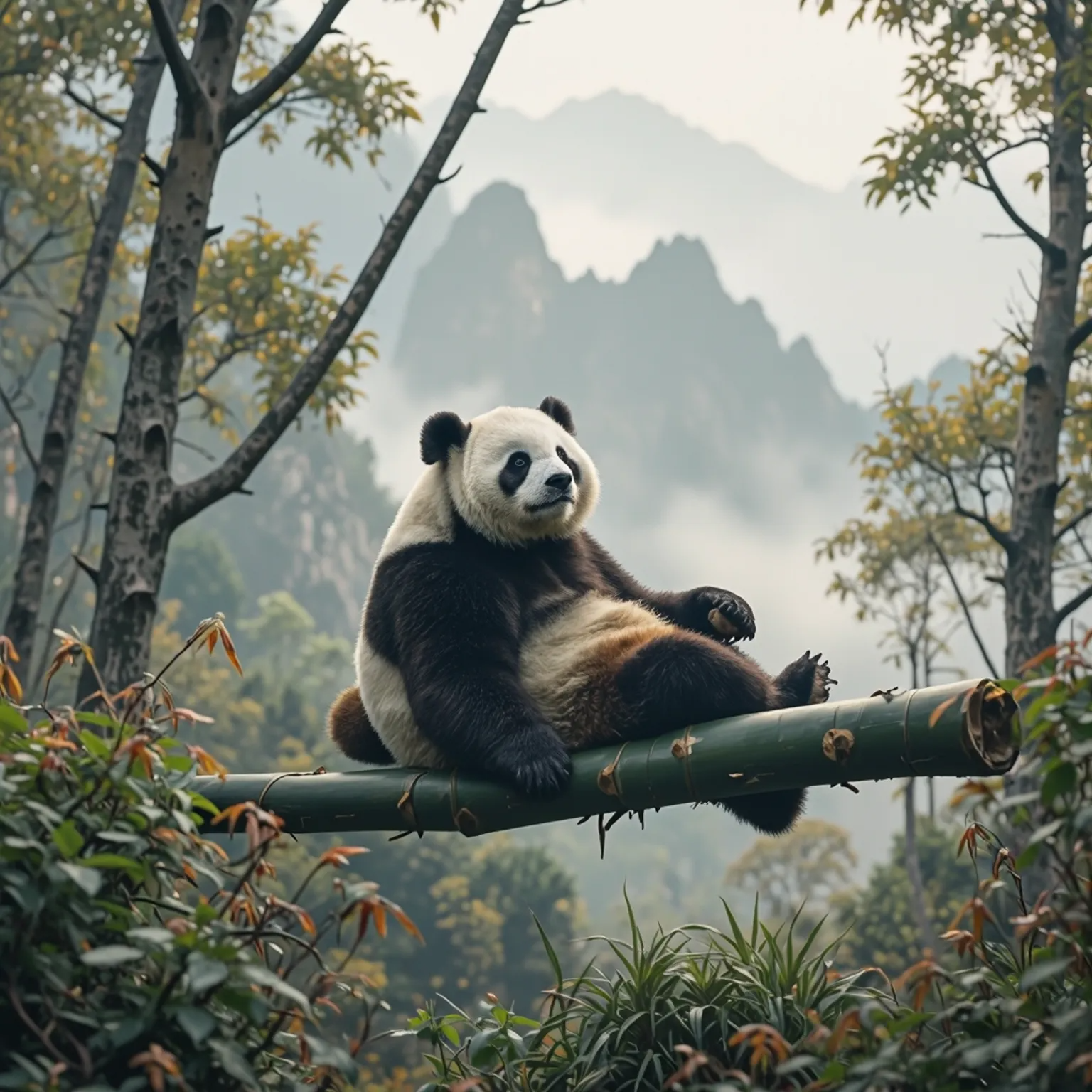
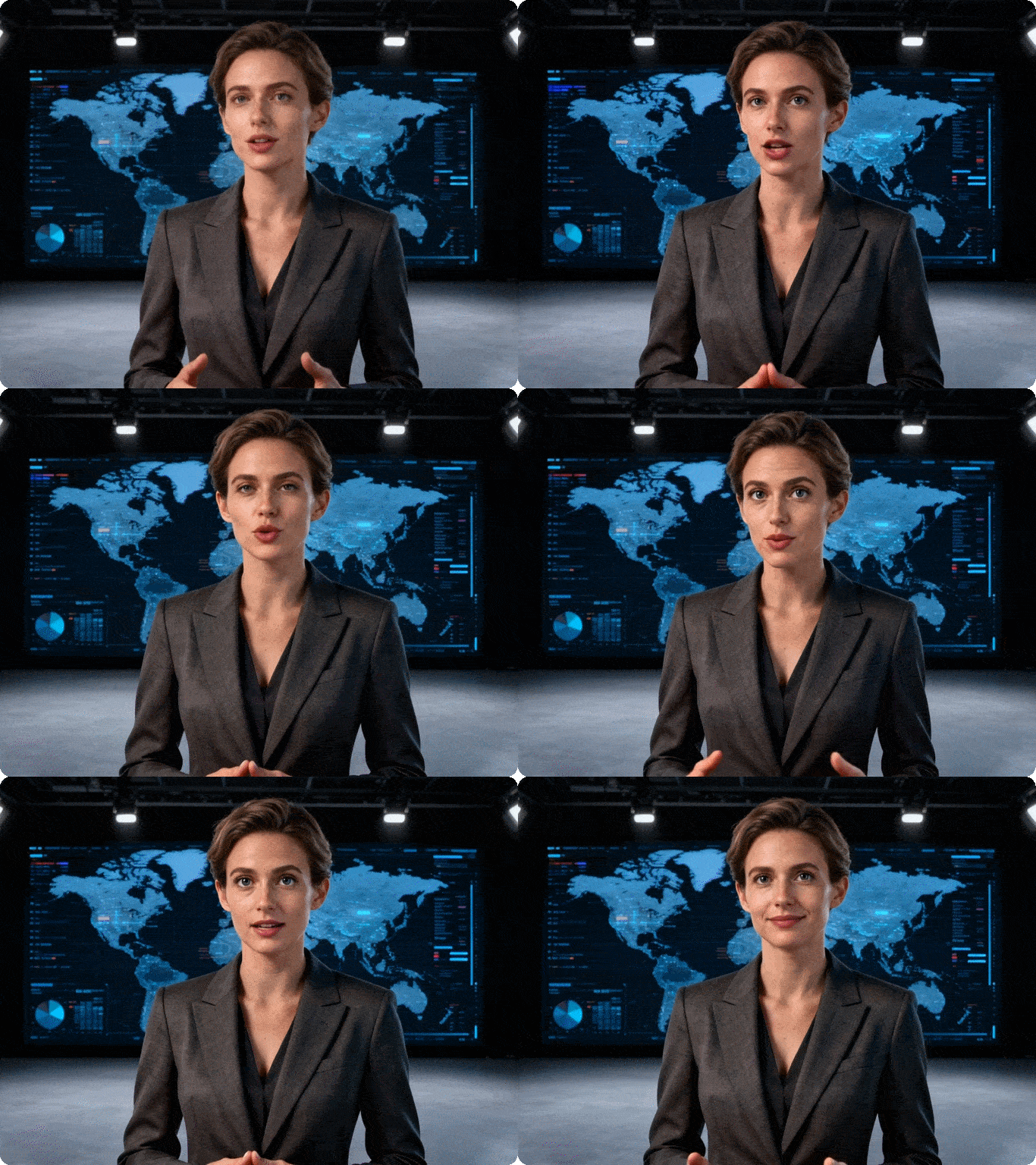
PixVerse V6 is the latest AI video generation model from PixVerse. It produces 15-second 1080P videos with multi-shot storytelling, native audio integration, enhanced character consistency, and 20+ cinematic lens controls - all in a single generation workflow. You can try it on Dzine.

Click or drag here to upload images

Uploading via drag and drop

Try PixVerse V6 with one of these examples

PixVerse V6 Turns AI Video Into a Complete Production Workflow

PixVerse V6 moves well beyond single-clip generation. It brings together multi-shot sequencing, synchronized native audio, and professional camera controls in one place. The result is a model built for creators who need more than a short visual effect - they need a structured, publication-ready output. On Dzine, you get access to the full PixVerse V6 AI video generator without any software to install.

Upgrades of PixVerse V6

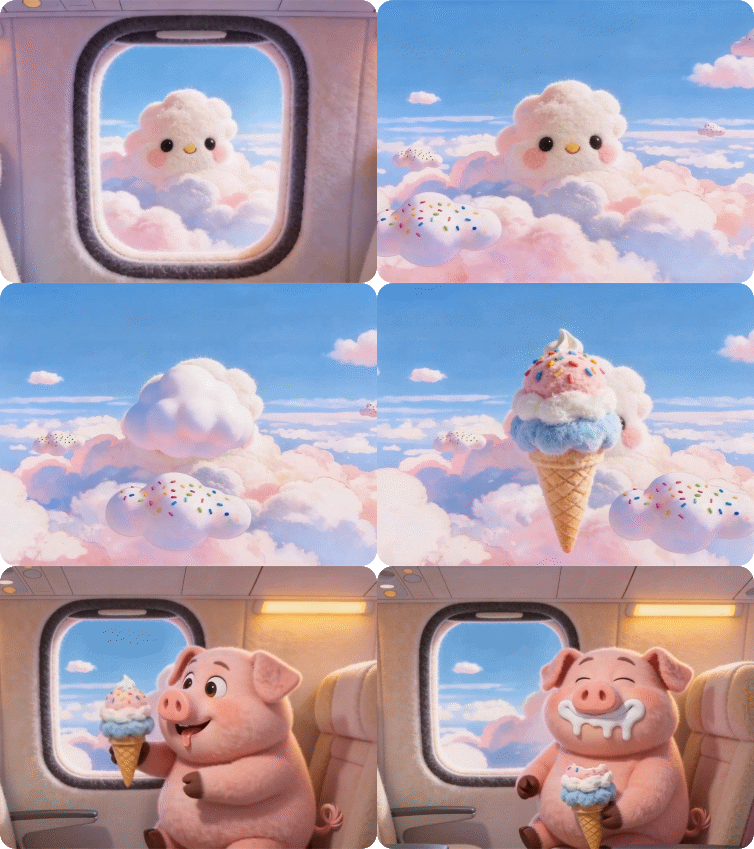
  1. Multi-shot video with native audio - PixVerse V6 generates connected scenes with synchronized sound in a single workflow. You no longer need separate tools to add audio or stitch scenes together. The audio matches the motion from the moment the video is generated.
  2. 15-second 1080p temporal stability - The PixVerse V6 video generator maintains visual coherence across the full 15-second duration at 1080P. Subject identity, lighting, and motion stay consistent from the first frame to the last - without the drift or flickering common in shorter-form AI video tools.
  3. Enhanced character consistency via multi-image reference - Upload multiple reference images of a character and PixVerse V6 holds their appearance stable across every shot. Clothing, facial features, hair, and body proportions stay aligned even as camera angles and lighting change.
  4. 20+ cinematic lens controls - This is a genuine differentiator. You get explicit control over focal length, aperture, depth of field, lens distortion, chromatic aberration, and vignetting.
  5. Multi-resolution and ratio flexibility - Generate the same scene in 16:9, 9:16, or 1:1 in a single session. The model adjusts the focal point and composition for each format - so your content is ready for YouTube, TikTok, and Instagram without manual cropping.

How to Use PixVerse V6 on Dzine

Step 1: Enter Your Prompt

Go to Dzine's Chat Editor tool. Choose AI Video and write a detailed prompt describing the scene, characters, camera movement, and audio you want. You can also upload a reference image to anchor the visual style or character identity.

Step 2: Select PixVerse V6 as Your Model

In the model selector, choose PixVerse V6. You can also explore other models like Wan 2.7 or LTX 2.3 depending on your project needs.

Step 3: Generate Your Video

Click Generate and Dzine will process your inputs using the PixVerse V6 AI video generator. Your 15-second 1080p video will be ready shortly. Preview it and download it directly - no watermark.

Multi-Shot Video With Native Audio

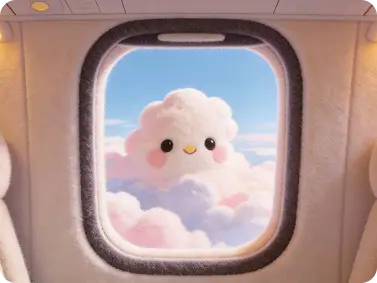
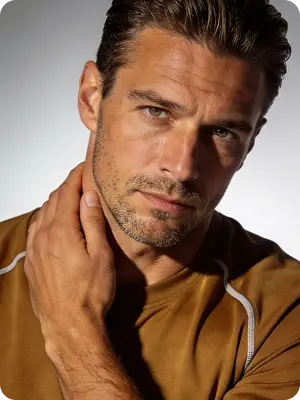
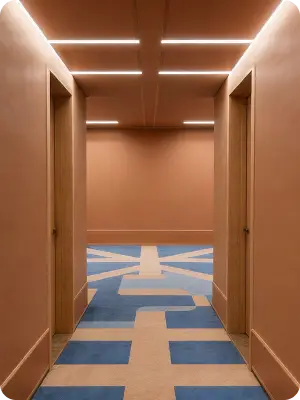
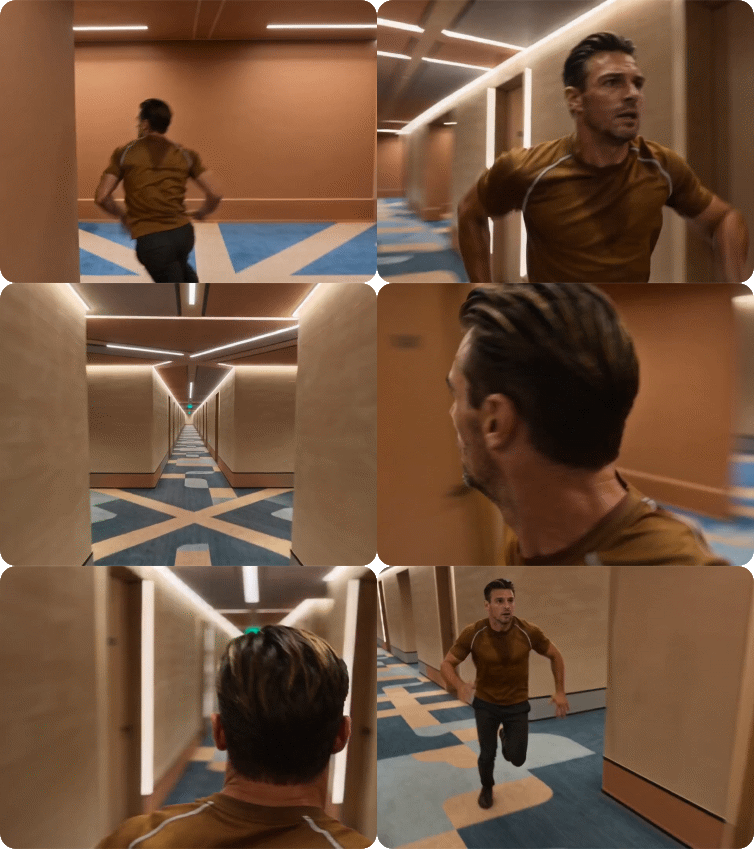
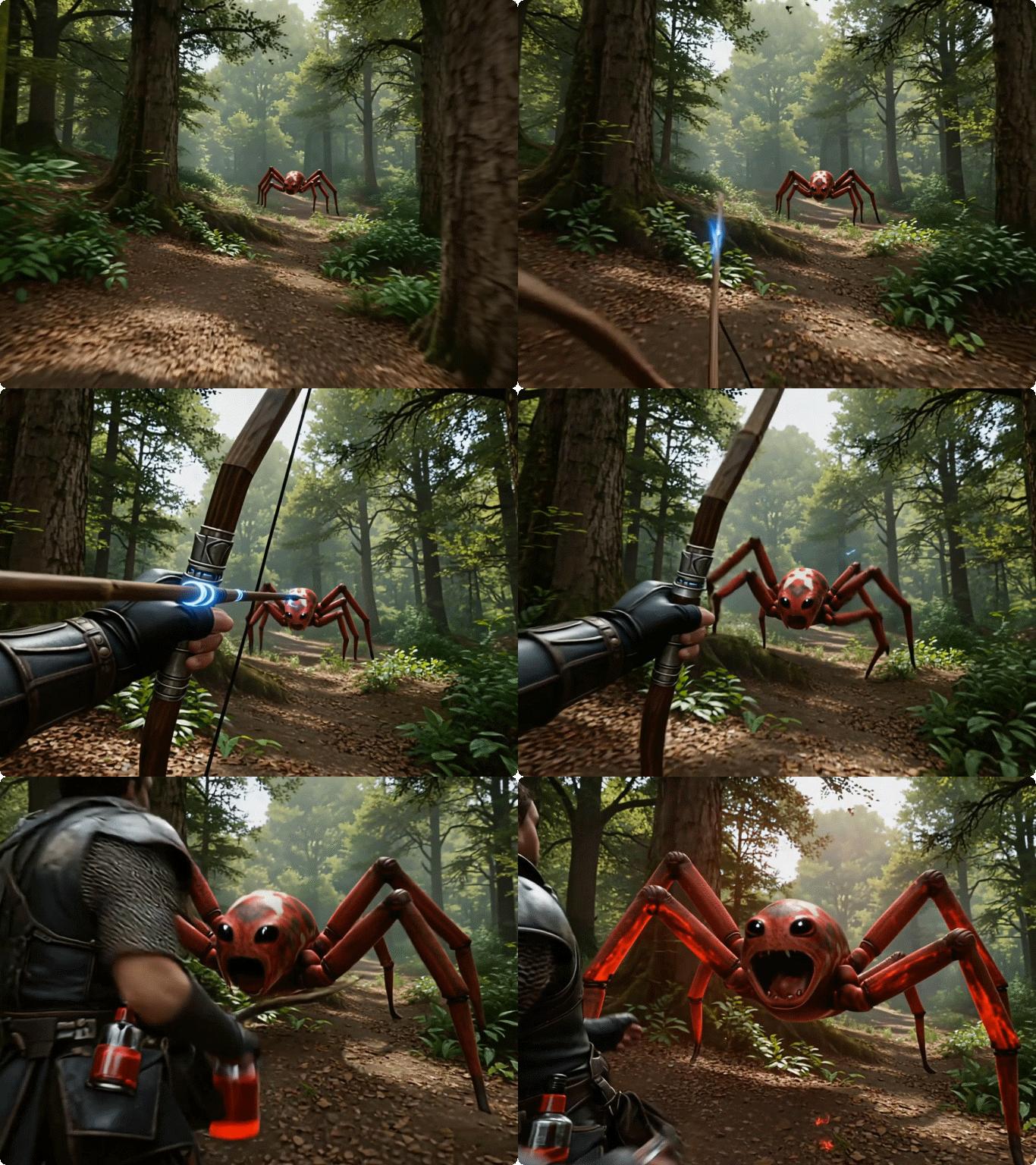
PixVerse V6 generates a sequence of connected scenes with synchronized sound in one pass. No separate audio tools. No manual scene stitching. The dialogue, ambient sound, and background music are all produced alongside the visuals. This works well for short branded videos, product narrative ads, and story-driven social content where audio and motion need to feel unified from the start.

Image 1Image 2Image 3Output Video
image 1image 2image 3output video

Enhanced Character Consistency

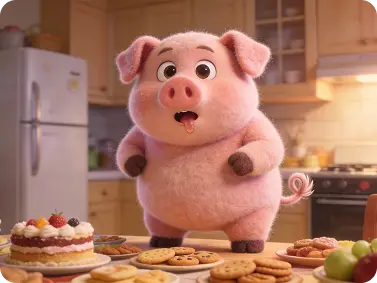
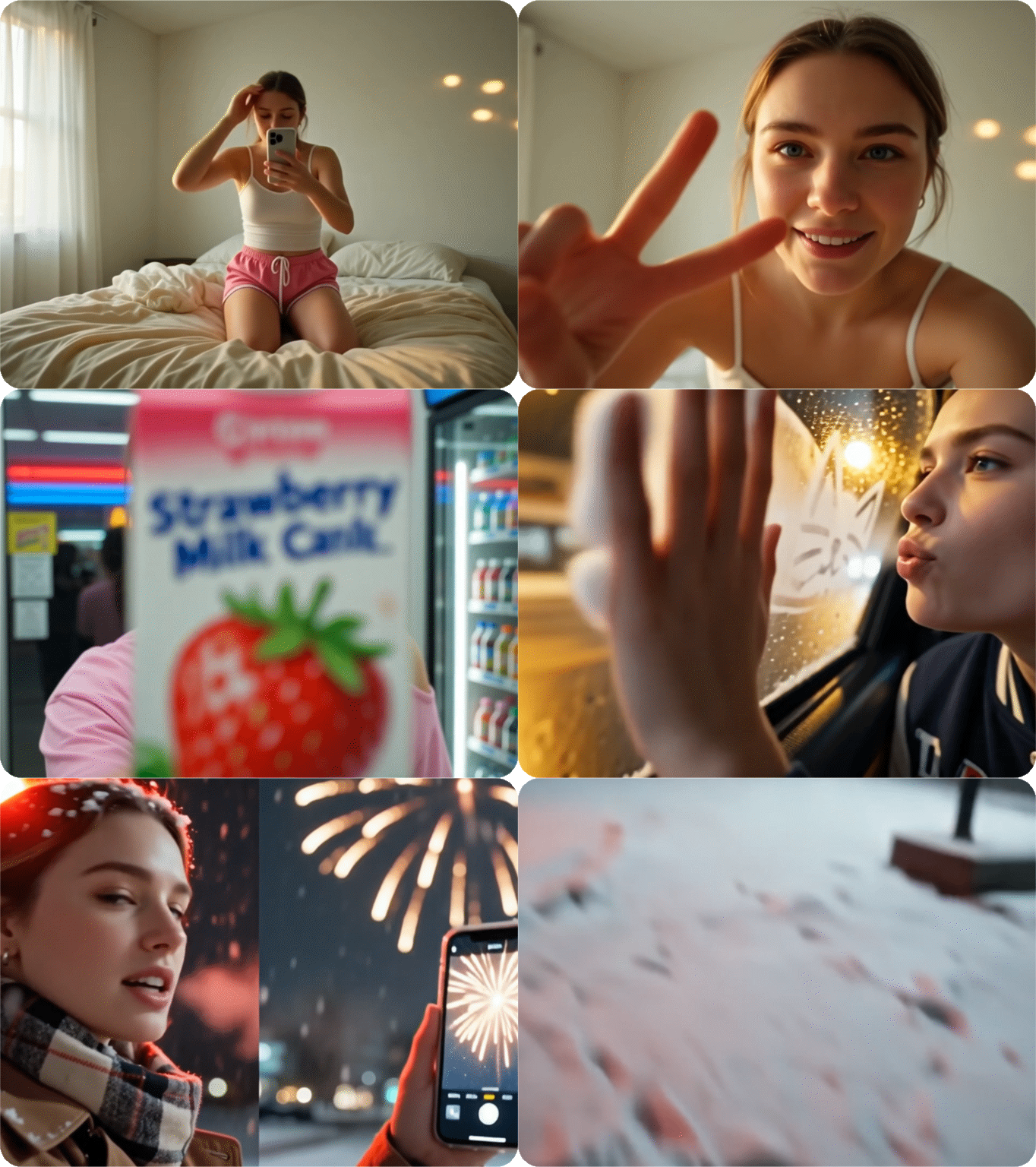
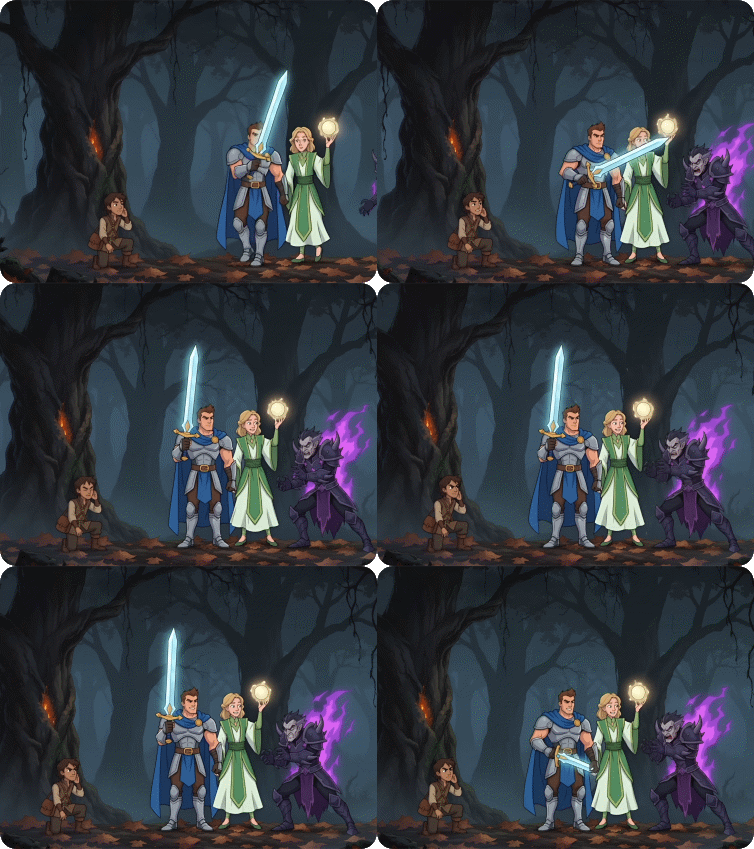
Upload multiple reference images of the same character - different angles, different expressions - and PixVerse V6 locks their visual identity across every shot. Face proportions, outfit details, and hair stay stable whether the camera is wide or close-up. This is especially useful for AI animation video production, anime-style short films, and brand mascot content where character drift would break immersion.

Input GridPromptOutput Video
9-grid inputmake a video with the imageoutput video

Multi-Resolution and Ratio Flexibility

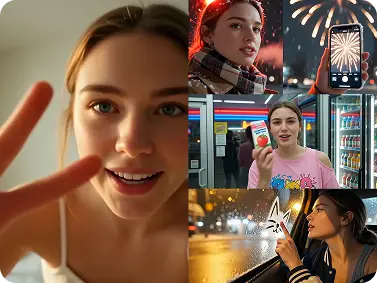
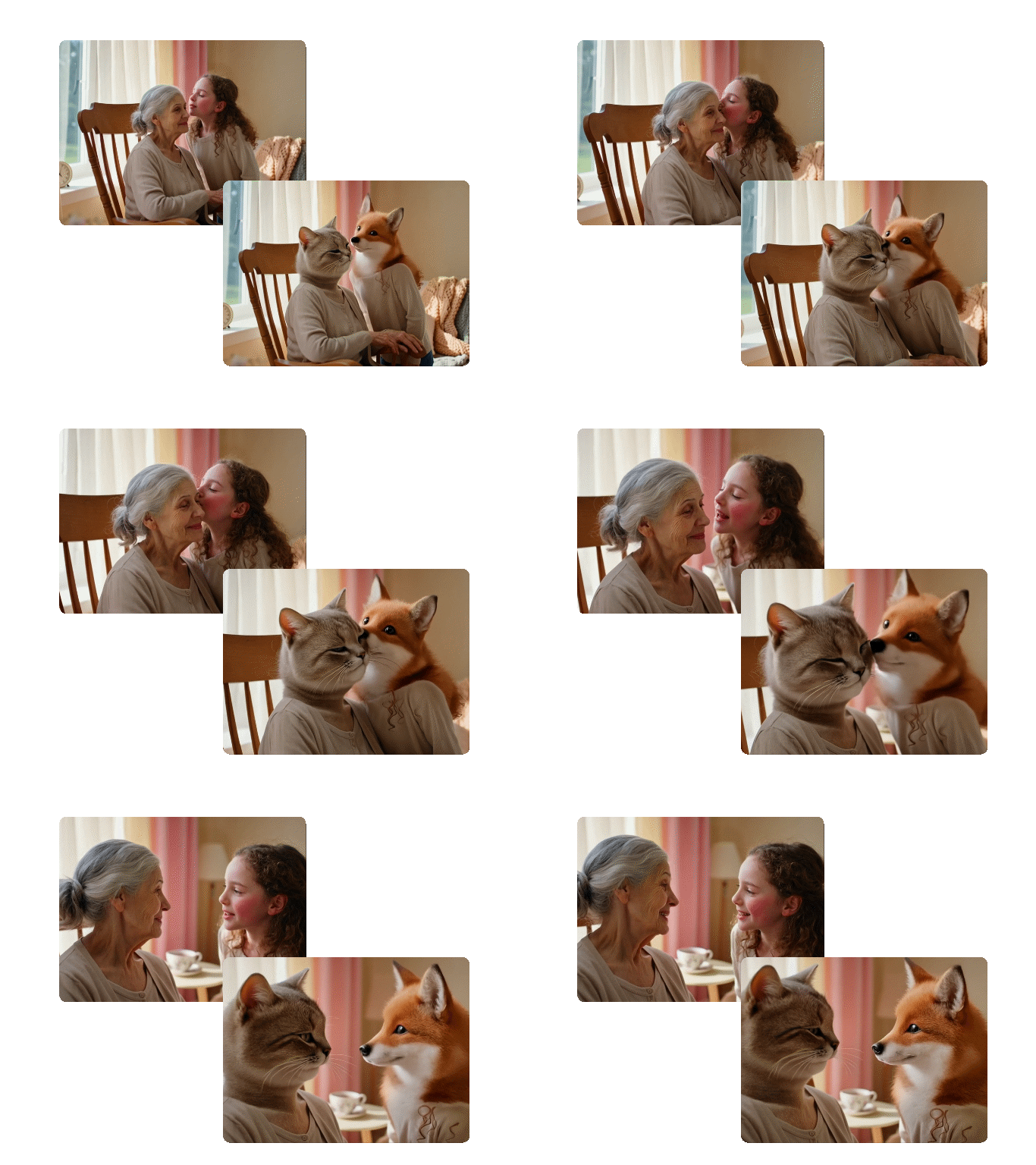
Set your target aspect ratio before generation and PixVerse V6 builds the composition around it. A 9:16 output is not a cropped version of a 16:9 clip - the framing, subject placement, and motion are adapted for the vertical canvas from the start.

Image 1Image 2Output Video
image 1image 2output video

15-Second 1080P Cinematic Stability

Earlier AI video models often required stitching multiple short clips to tell a complete story. Every edit introduced a risk of visual style drift - textures shifting, colors changing slightly, subjects looking different between clips. PixVerse V6 holds the full 15 seconds at 1080P as a single coherent generation.

PromptOutput Video
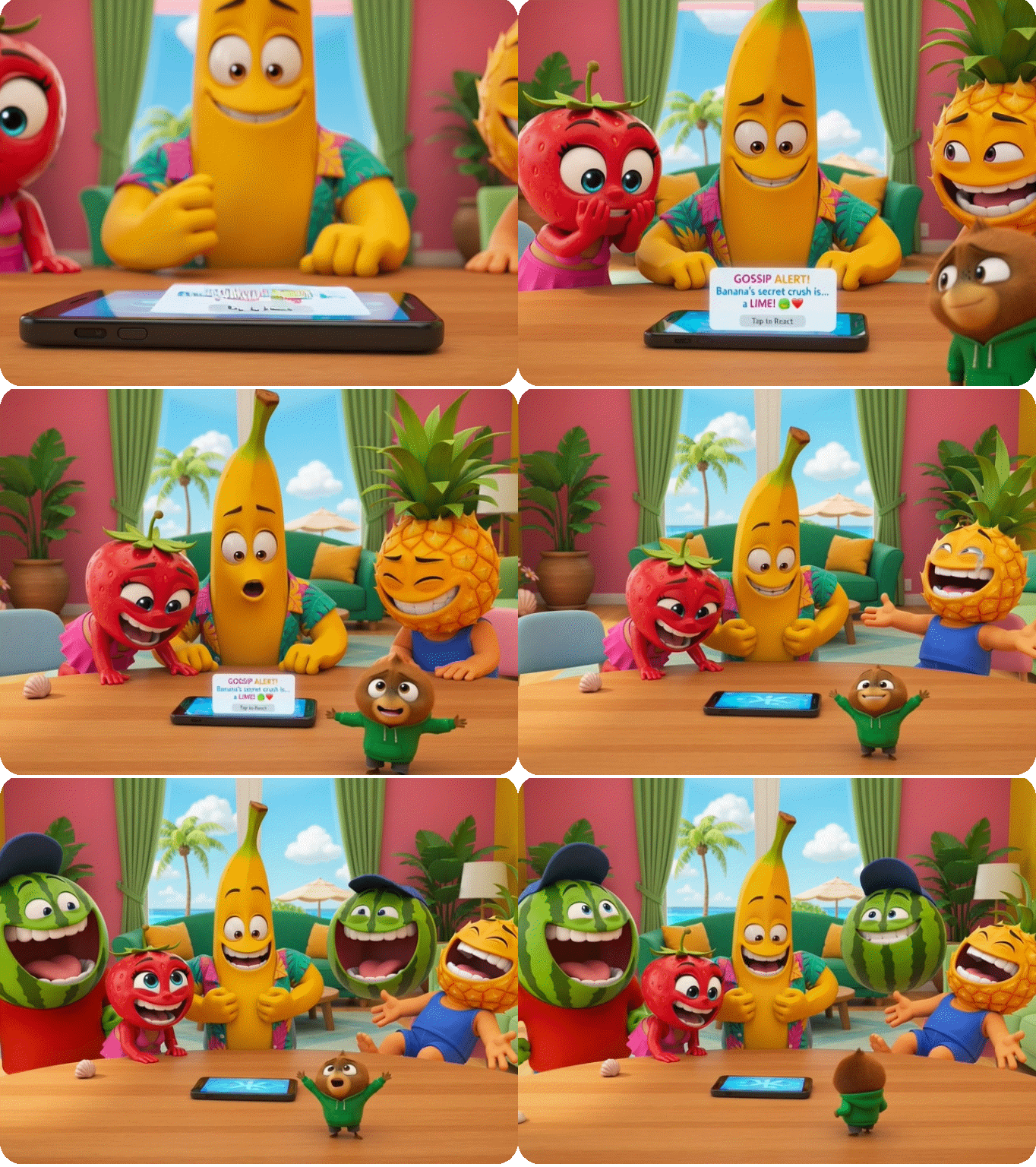
3D Pixar cartoon, Fruit Love Island, anthropomorphic fruits laugh hysterically at funny phone gossip in tropical villa living room, exaggerated comedic expressions, bright lighting, 16:9, 15s video, smooth animationvideo

Why Use PixVerse V6 on Dzine AI?

Advanced AI Models

Advanced AI Models

Advanced AI models such as PixVerse V6, Wan 2.7, and Hailuo 2.3 deliver high-quality, varied video content that makes your work truly distinctive.

One Click to Generate

One Click to Generate

Produce polished visuals instantly, apply styles automatically, or refine designs without pro skills.

Free Trial

Free Trial

Access core AI tools for free, experiment with creations freely, or test features before committing.

High Quality Results Export

High Quality Results Export

Export high-res visuals in multiple formats, preserve every fine detail, or use them for print and digital.

Watermark Free

Watermark Free

Get clean, watermark-free outputs, use visuals for commercial campaigns, or share them seamlessly.

Online Platform, No Downloading

Online Platform, No Downloading

Create on the web directly, skip software installation, or design anytime, anywhere, on any device.

What Our Users Said

Multi-Shot Audio Made My Ads Distribution-Ready From Day One

I run video production for a mid-size e-commerce brand. Before PixVerse V6, every AI clip needed manual sound design before it could go out. With the PixVerse V6 AI video generator on Dzine, the audio comes out synced to the action from the start. Last week we produced a 15-second product reveal with ambient sound, handling noise, and background music all baked in. We published it the same day. That kind of turnaround did not exist six months ago.

Amara SolisVideo Production Lead, E-commerce Brand

Character Consistency Across Shots Finally Works

I create short animated series for YouTube. Keeping a character looking the same across different camera angles has always been the hardest part of AI video. With the PixVerse V6 video generator on Dzine, I uploaded three reference images of my main character and the model held their face, outfit, and hair stable through six different shots in a single generation. I did not have to fix a single frame in post. That is the first time I have said that about an AI tool.

Kenji WatanabeIndependent Animator & YouTube Creator

The Lens Controls Are the Real Story Here

I have been testing AI video tools for two years. Most of them treat camera behavior as a black box - you type "dolly zoom" and hope for something close. PixVerse V6 gives you actual parameters: focal length, aperture, depth of field, vignetting. I used it through Dzine to shoot a product close-up with controlled depth of field and it looked like something from a proper production. The how to use PixVerse V6 on Dzine workflow took me five minutes to learn. The quality took me by surprise.

Isabelle MorelCreative Director & Commercial Filmmaker

FAQ

What is PixVerse V6?

PixVerse V6 is the latest AI video generation model from PixVerse, launched on March 30, 2026. It generates 15-second 1080p videos with multi-shot native audio, enhanced character consistency using multi-image reference, 20+ cinematic lens controls, and flexible aspect ratio output. You can access the PixVerse V6 AI video generator directly on Dzine.

How to use PixVerse V6 on Dzine?

Go to Dzine's AI video tool and enter your prompt or upload a reference image. Select PixVerse V6 in the model selector. Set your preferred aspect ratio and click Generate. Your 15-second 1080p video will be ready shortly. Dzine offers a free trial so you can test the PixVerse V6 video generator with no upfront commitment.

What is multi-shot video with native audio in PixVerse V6?

Multi-shot video with native audio means PixVerse V6 generates a sequence of connected scenes with synchronized sound in a single workflow. Dialogue, ambient noise, and background music are produced alongside the visuals - not added after. This removes the need for manual audio sync and separate sound design tools.

How does PixVerse V6 maintain character consistency?

PixVerse V6 uses multi-image reference input to lock a character's visual identity across shots. Upload multiple images of the same character from different angles and the model holds their face, clothing, hair, and body proportions stable throughout the generated video. This is a significant improvement over single-reference approaches used in earlier versions.

What are the cinematic lens controls in PixVerse V6?

PixVerse V6 includes over 20 cinematic lens controls, including focal length, aperture, depth of field, lens distortion, chromatic aberration, and vignetting. These are explicit production parameters - not text prompt hints. They give you direct control over the look of each shot in a way that most AI video generators do not offer.

What aspect ratios does PixVerse V6 support?

PixVerse V6 supports 16:9 for YouTube and widescreen, 9:16 for TikTok and vertical video, and 1:1 for Instagram square format. The model adjusts composition and subject framing for each ratio natively - it does not simply crop a single output. This makes it practical for multi-platform content production.

How is PixVerse V6 different from PixVerse V5.6?

PixVerse V5.6 focused on stylized clips and visual effects for short standalone social posts. PixVerse V6 shifts to a production workflow model - adding multi-shot sequencing, native audio, 20+ lens controls, and enhanced character consistency via multi-image reference. The output is designed to be closer to distribution-ready without requiring post-production fixes.