- Tools
- Resources
- Pricing
- API
- Contact Sales
- Book a Demo


Relight Image: Fix Lighting in Photos with Free AI Relight Tool
Adjust photo lighting in seconds. Our AI relight tool fixes dark areas, balances brightness, and enhances details without complex edits.

Click or drag here to upload images
Try AI Relight Image with your own photos
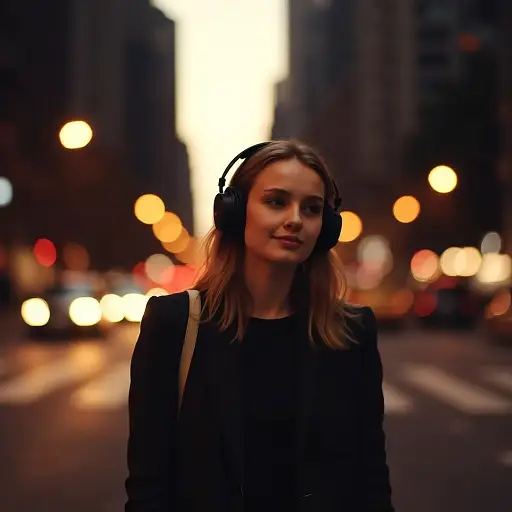

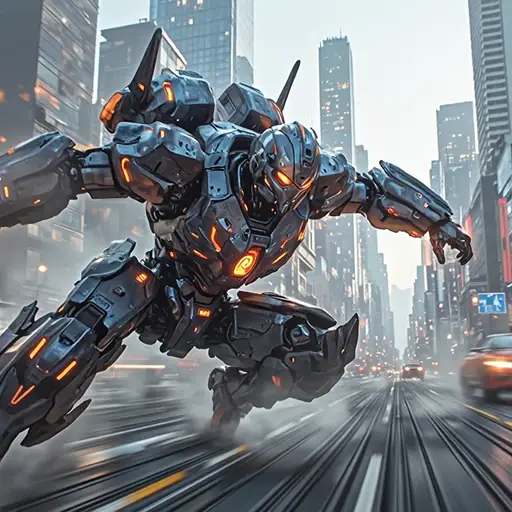

Perfect Photo Lighting for Every Shot, No Skills Needed
Our AI relight tool handles all lighting issues. Fix underexposed portraits, brighten shadowy landscapes, or adjust harsh flash effects. It works on selfies, product photos, and travel shots. Use it to make your images look professional. Combine with AI Image Enhancer for even better results. Edit directly in your browser — no software to install.
How to Relight Photos in Three Steps
Step 1. Upload Your Original Image
Select the photo you want to adjust from your device or cloud storage.
Step 2. Describe Your Lighting Needs
Tell us what you want. For example, "brighten the face in this portrait" or "reduce harsh shadows in the landscape".
Step 3. Generate Your Relit Image
Wait a few seconds for our AI to process. Download the improved photo when satisfied.
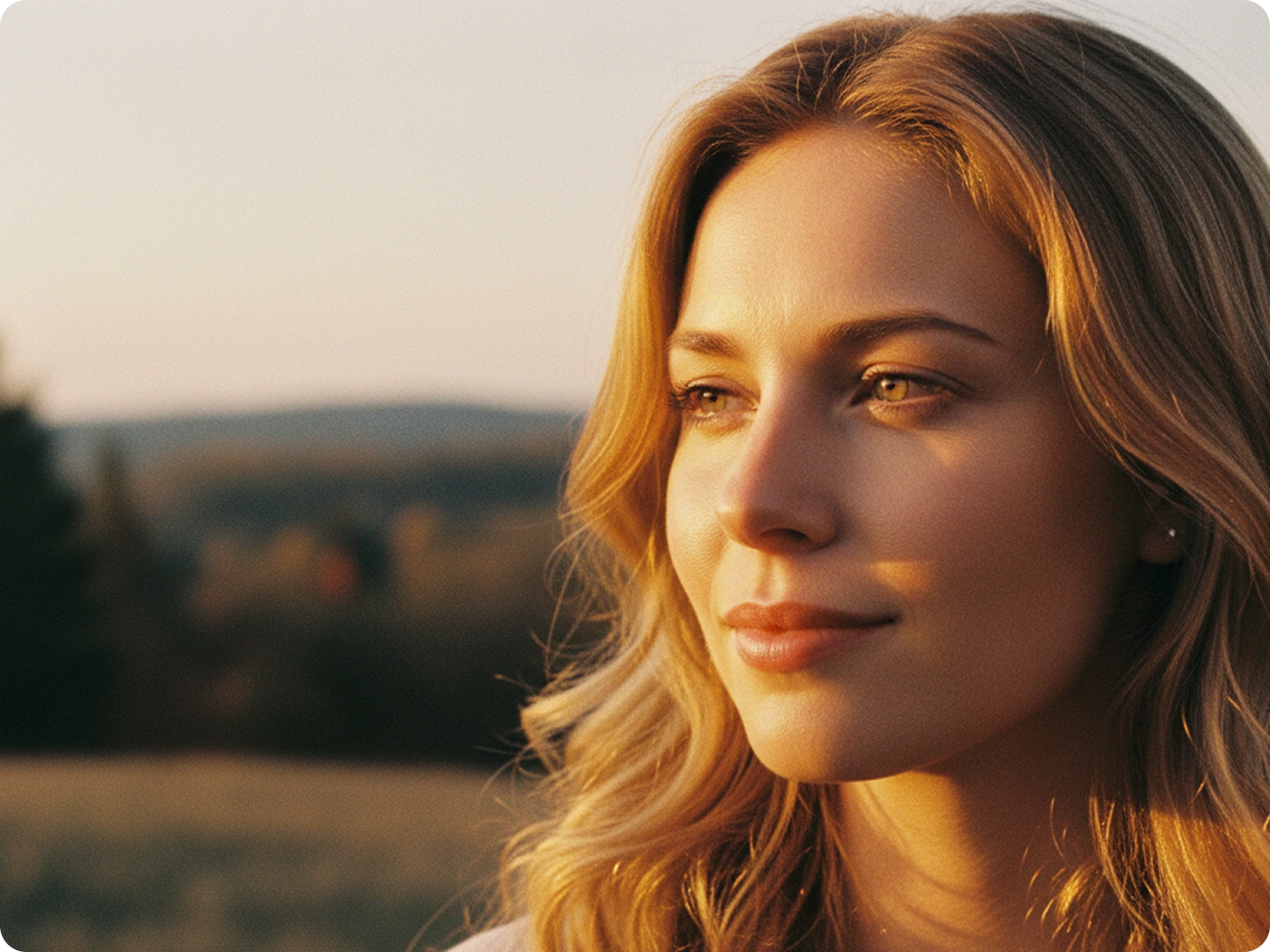
Make Portraits Look Natural and Clear
Fix uneven lighting on faces. Brighten dark eye areas, soften harsh flash, or add warm tones to skin. Our tool keeps facial details sharp while adjusting light. Great for profile pictures, family photos, and headshots. Pair with AI Portrait Editor for complete portrait refinement.

Showcase Products with Perfect Lighting
Make product photos stand out. Highlight textures, fix glare, or balance light across the item. Whether it’s jewelry, clothing, or home goods, proper lighting increases appeal. Use with Product Photo Generator to create consistent product catalogs.
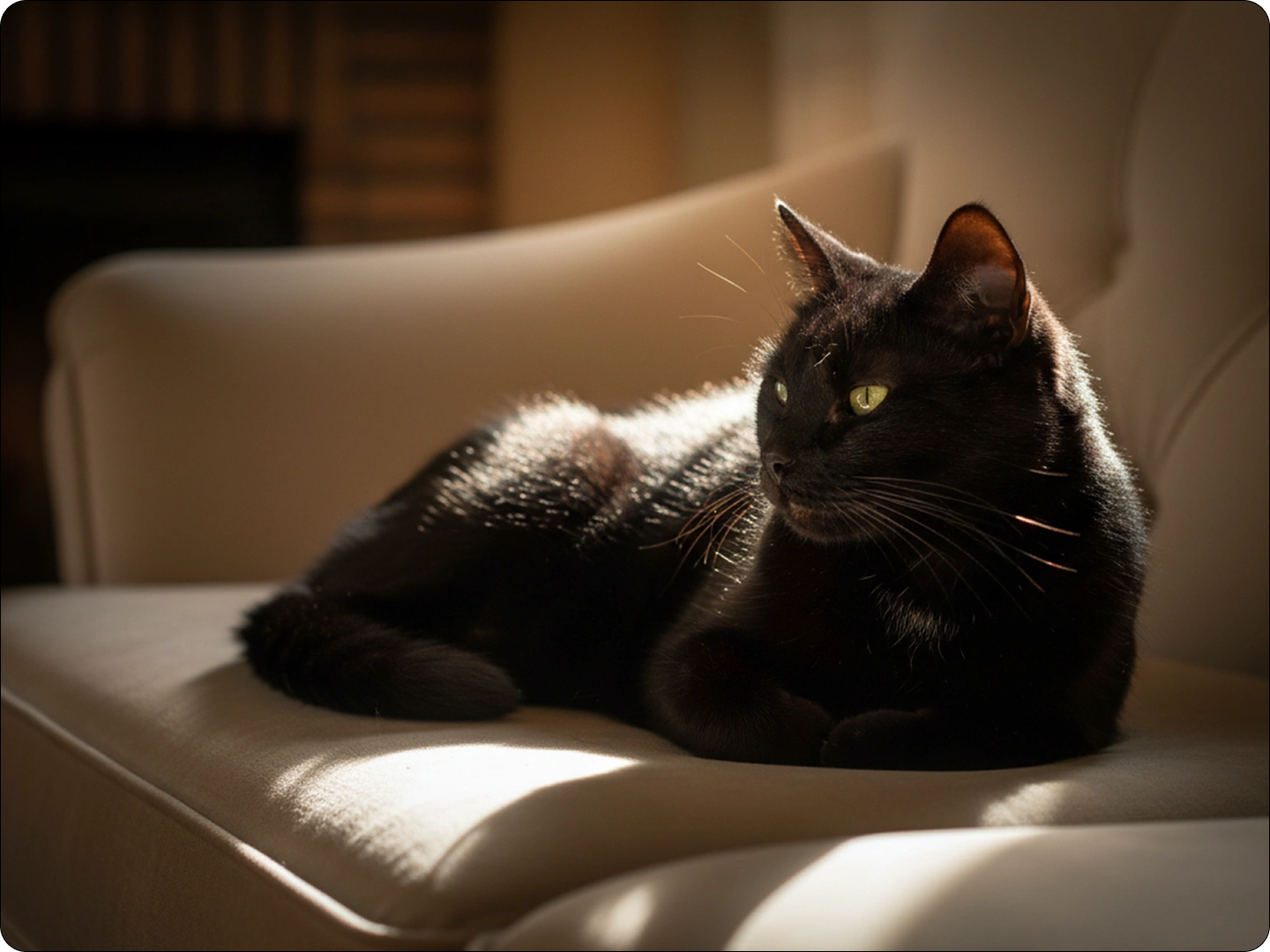
Bring Out Details in Landscape Shots
Fix dark forests, overexposed skies, or shadowy mountain ranges. Our AI balances light to show both foreground and background details. Enhance sunsets, sunrises, and night scenes without losing natural beauty. Link to Landscape Photo Editor for more adjustments.
Improve Lighting in Event Photos
Fix dim wedding photos, concert shots, or party snapshots. Brighten faces without washing out colors. Preserve the mood of the event while making details visible. Combine with Event Photo Enhancer for group shots and action moments.
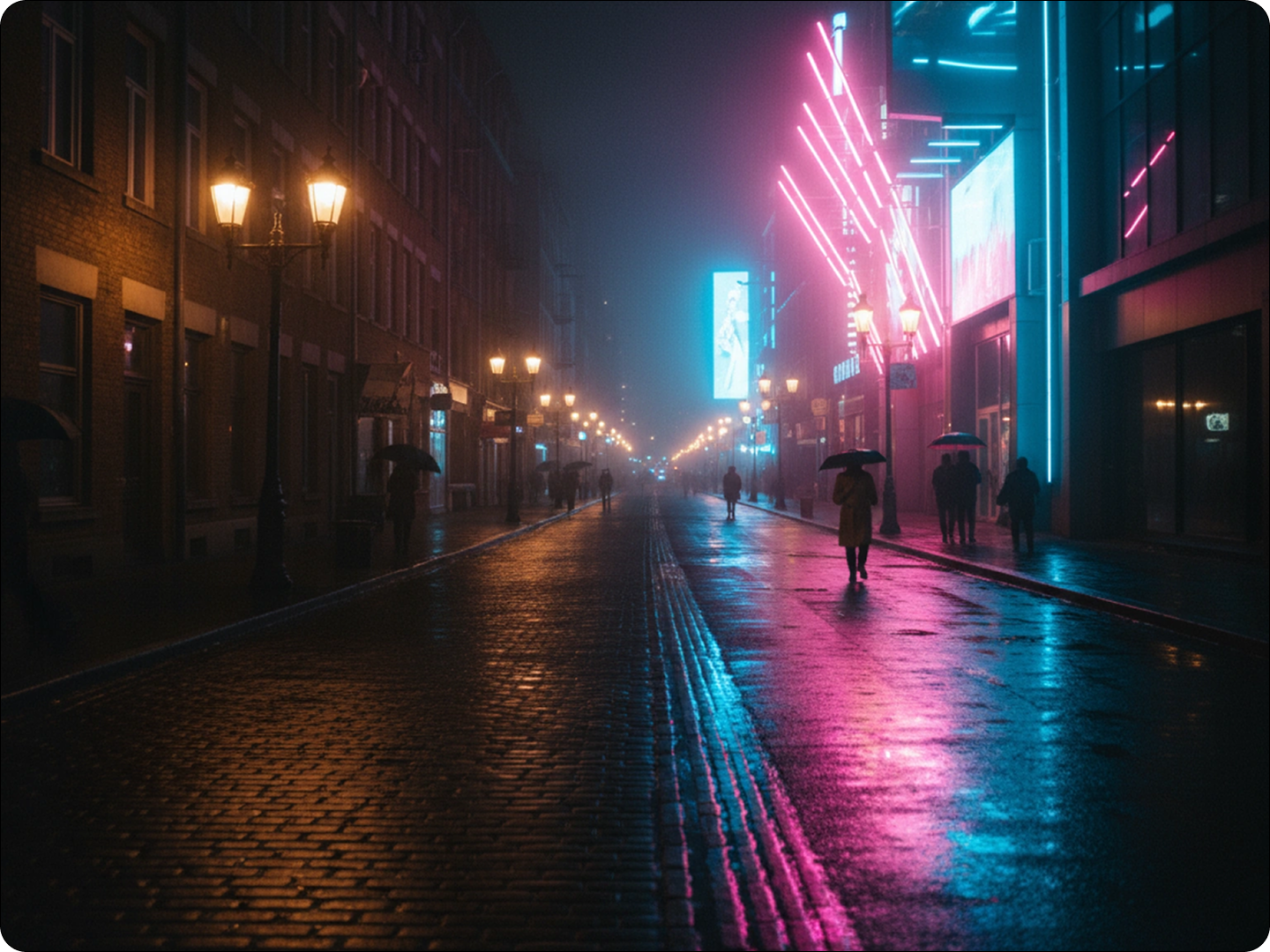
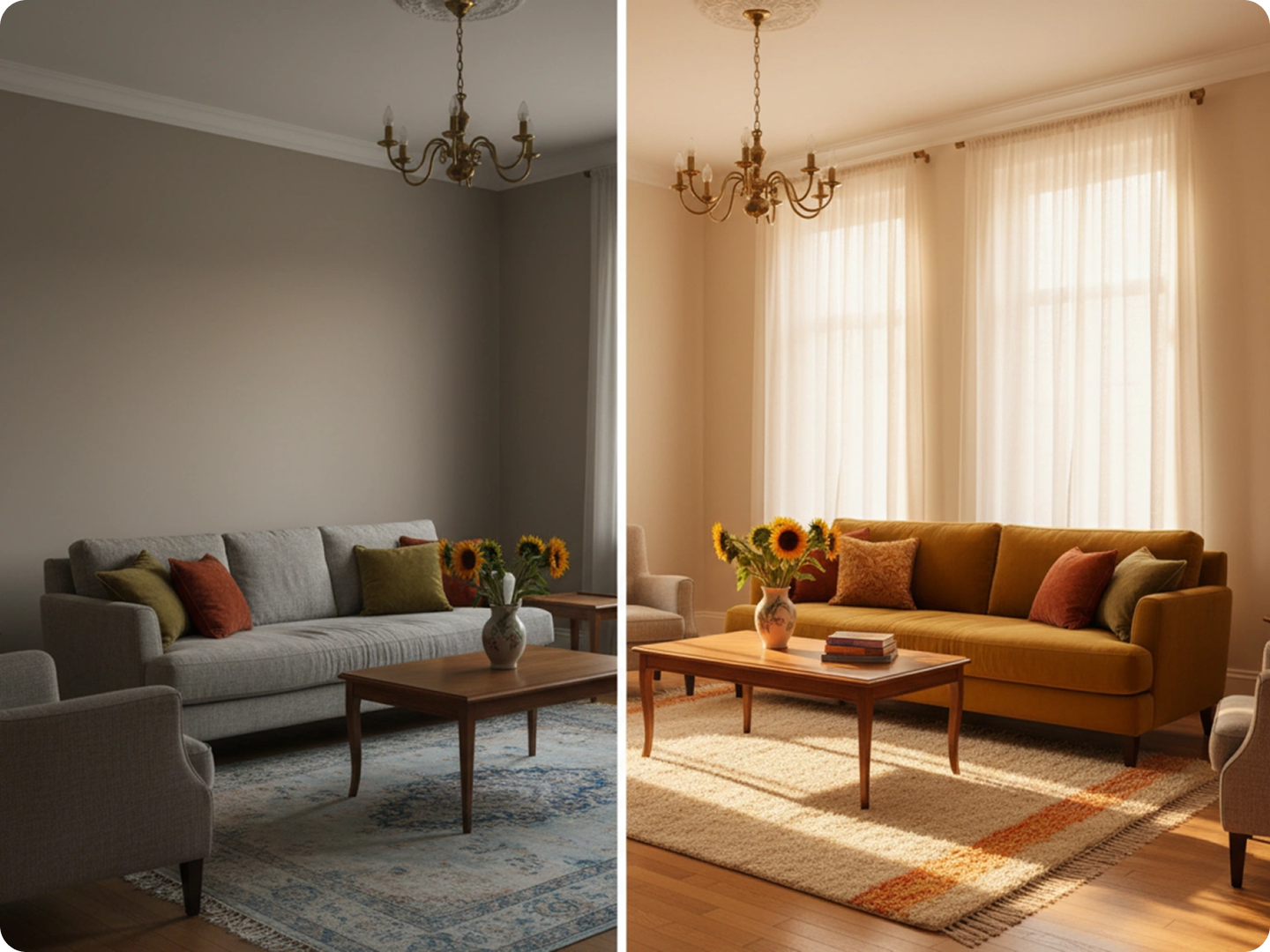
Make Property Photos Look Inviting
Brighten dark rooms, enhance natural light, or fix uneven lighting in real estate photos. Show off spaces at their best to attract buyers. Highlight room size and features with balanced lighting. Use with Real Estate Photo Editor for professional listings.
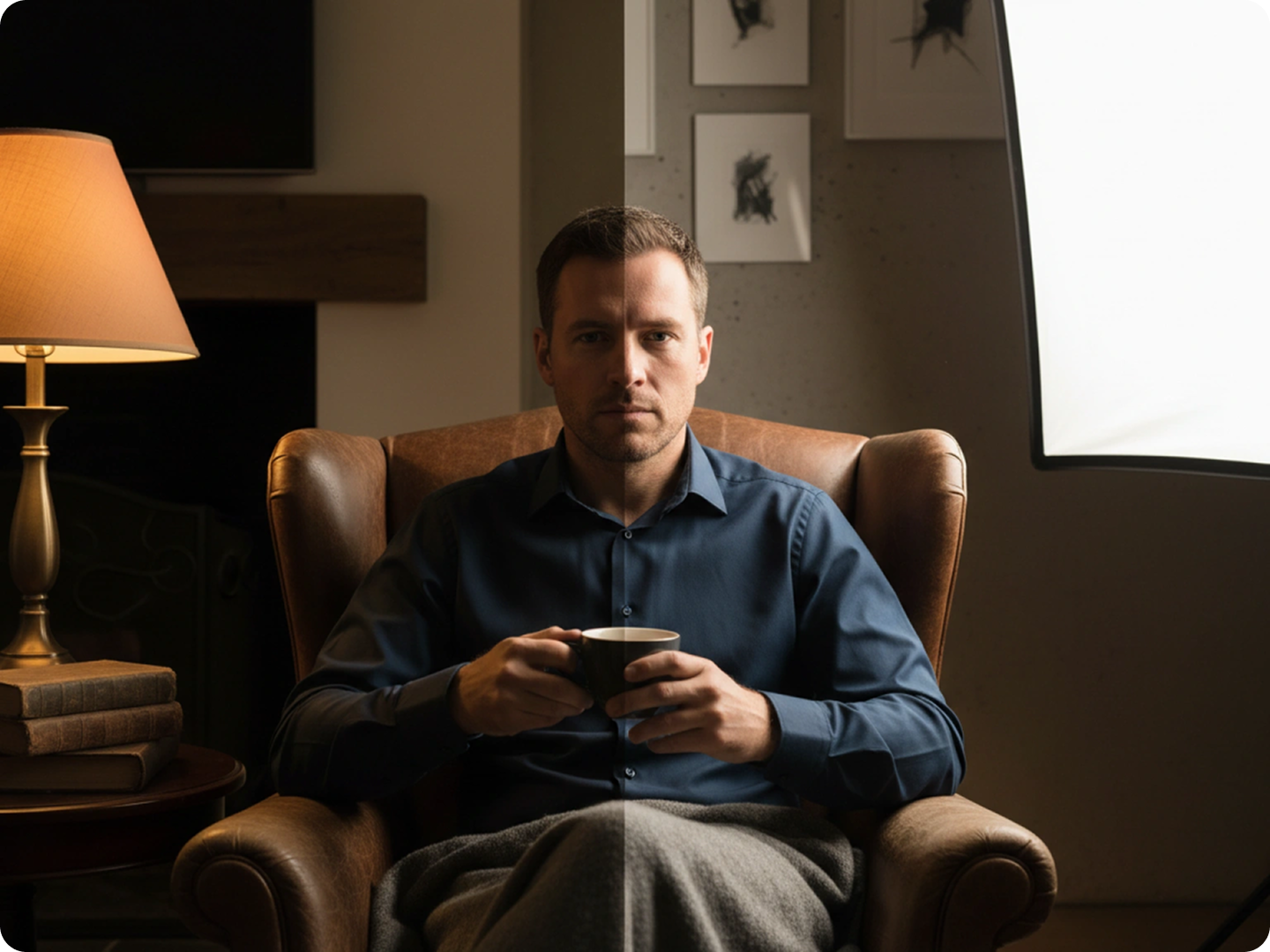
Restore Lighting in Old or Scanned Photos
Fix faded colors and uneven light in vintage photos. Bring back details in old family pictures or historical images. Preserve memories while making them clearer. Pair with Photo Restoration Tool for complete repair.
FAQ
Is the AI relight tool really free to use?
Yes, our relight tool is free for all users. No hidden costs or trial periods for basic lighting adjustments.
What types of images work best with the relight tool?
It works on all image types, including portraits, landscapes, products, and events. JPG, PNG, and WebP formats are supported.
Can I adjust the lighting manually after AI processing?
Yes, you can refine results by re-describing your needs. For example, "make the left side darker" for precise control.
How long does it take to relight a photo?
Most images process in 5-10 seconds. Larger files or complex adjustments may take a few seconds longer.
Will relighting affect the quality of my photo?
No, our AI preserves image quality while adjusting light. Details and resolution remain intact.
Can I use the relit images for commercial purposes?
Yes, all images processed with our tool can be used commercially, including ads, websites, and products.
What Our Users Said
Saved My Product Photos
I sell handmade jewelry online. The relight tool fixed the harsh shadows in my photos. Sales went up after updating my listings.
Lisa ChenSmall Business Owner
Perfect for Family Portraits
Our holiday photos were too dark. This tool brightened everyone's faces without making the picture look washed out. So easy to use.
James WilsonPhotographer Hobbyist
Great for Real Estate Listings
I take property photos for clients. The relight tool makes dark rooms look bright and welcoming. Clients love the results.
Maria GarciaReal Estate Agent