- Tools
- Resources
- Pricing
- API
- Contact Sales
- Book a Demo


Remove Color from Image: AI Color Remover for Precise Edits
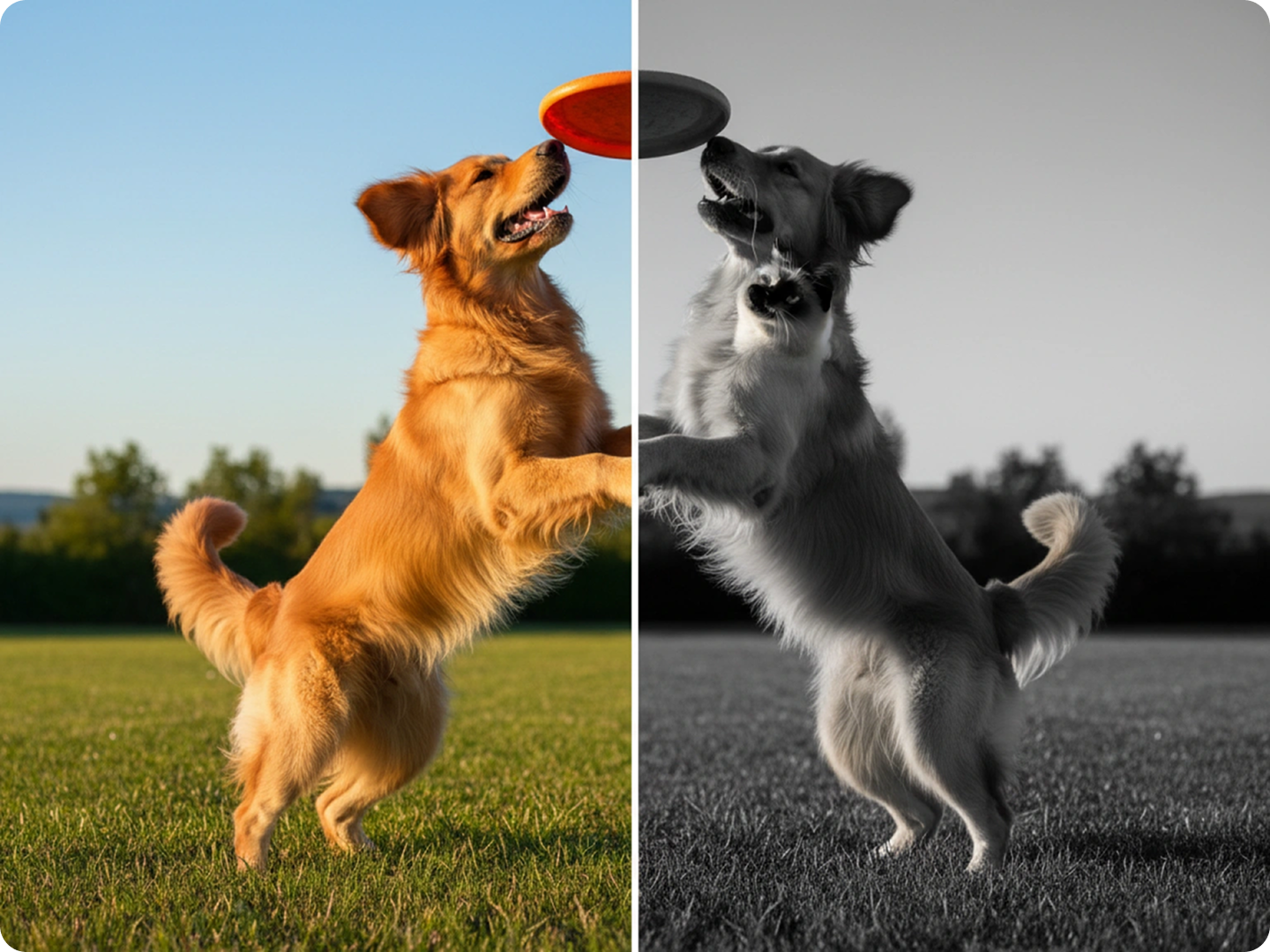
Take control of image colors. Our tool removes specific colors or converts images to grayscale with accuracy, no editing skills required.

Click or drag here to upload images
Try AI Color Remover with your own photos


Remove Any Color with Simple Instructions, No Expertise Needed
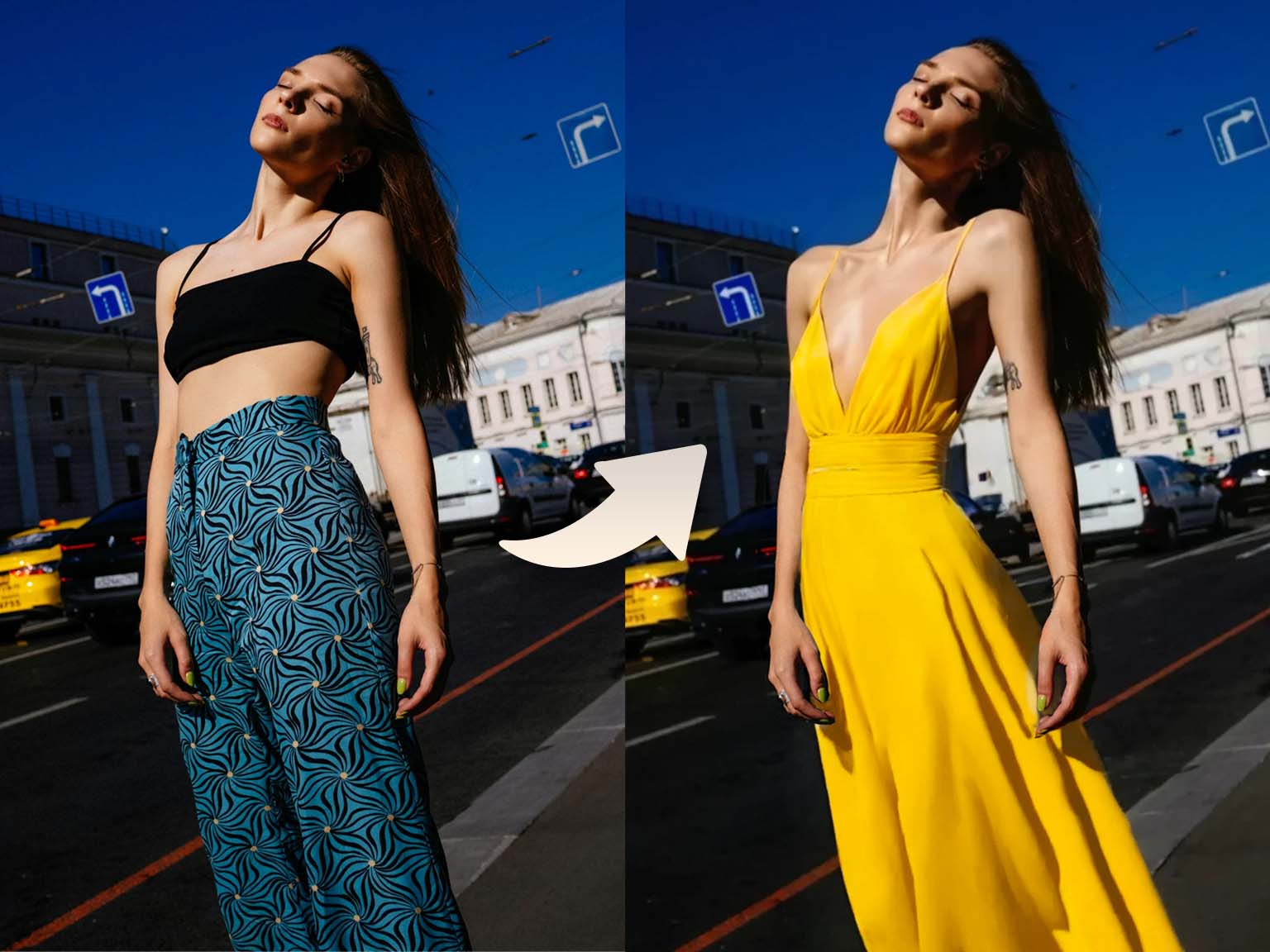
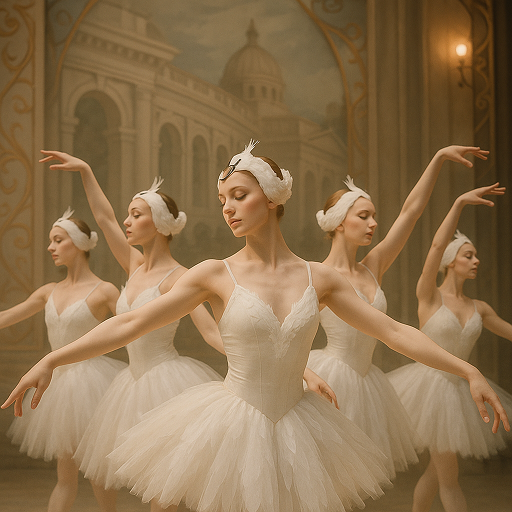
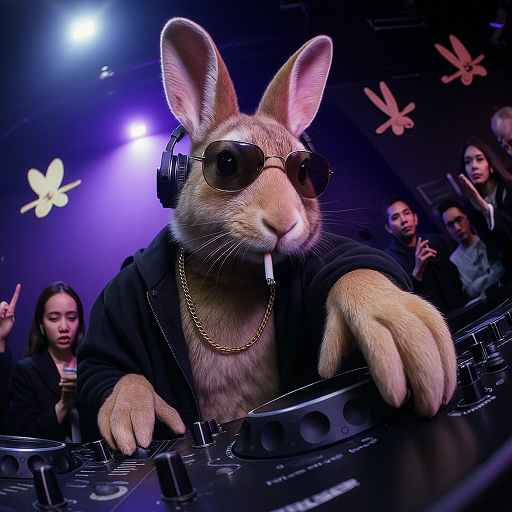
Our AI color remover handles all color-related tasks. Remove a single hue from a complex image, turn photos to grayscale, or eliminate unwanted color casts. It works on product shots, portraits, and graphic designs. Use it to create consistent visuals. Pair with AI Image Enhancer for polished results. Edit in your browser — no software downloads.
How to Remove Color from Image in Three Steps
Step 1. Upload Your Original Image
Select the image you want to edit from your device or cloud storage.
Step 2. Describe Your Color Removal Needs
Tell us exactly what you want. For example, "remove the red color from the shirt" or "convert to black and white".
Step 3. Generate Your Edited Image
Wait a few seconds for our AI to process. Download the adjusted image when satisfied.
Create Clean Product Mockups
Remove background colors from product photos to create versatile mockups. Perfect for e-commerce listings where you need products to fit various themes. Our tool preserves product details while eliminating unwanted hues. Combine with Product Photo Generator for consistent catalogs.
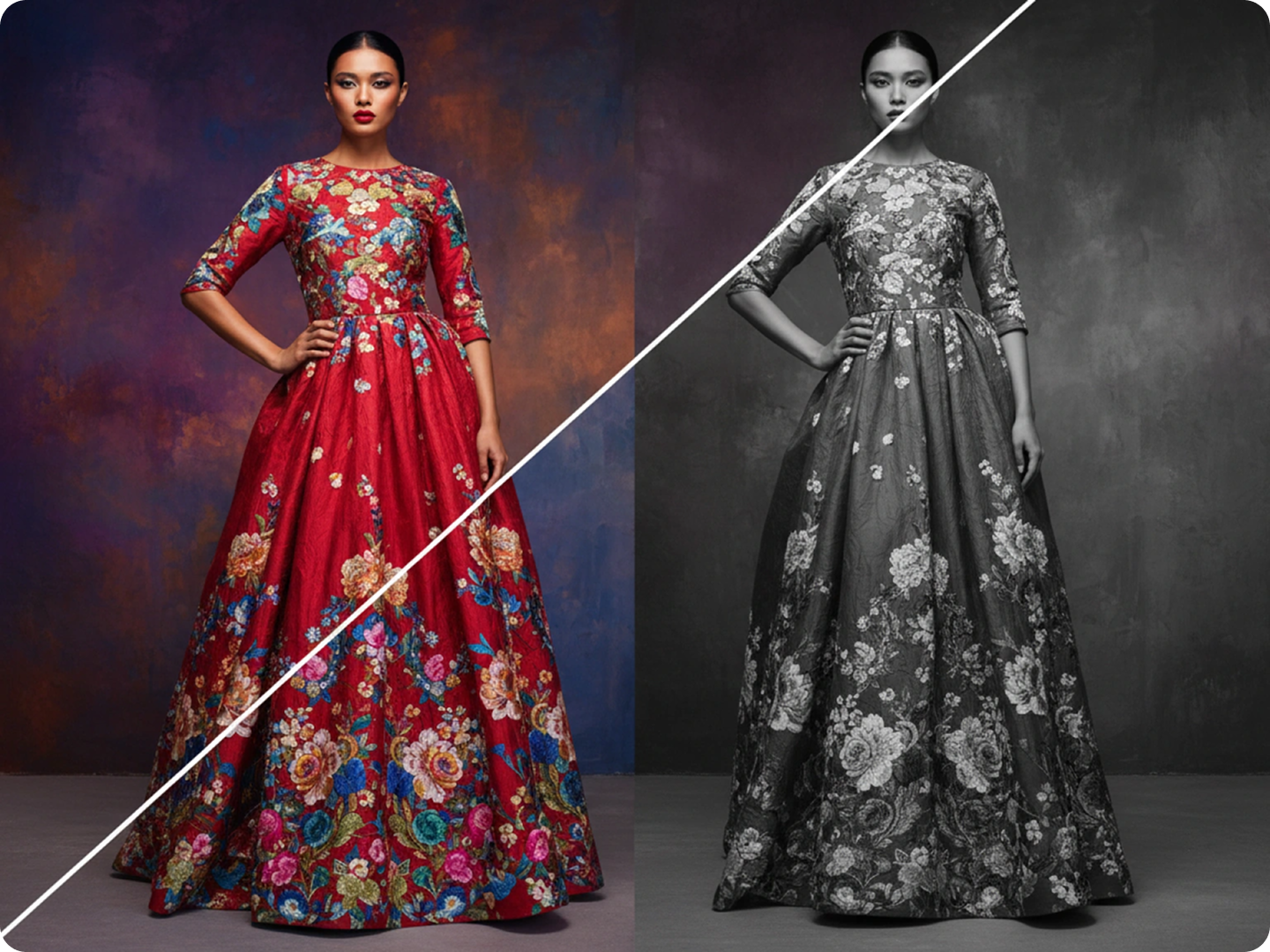
Enhance Portrait Focus
Remove distracting colors from backgrounds to make subjects stand out. Soften bright hues that pull attention away from faces in family photos or headshots. The tool maintains natural skin tones while neutralizing disruptions. Use with AI Portrait Editor for complete refinement.
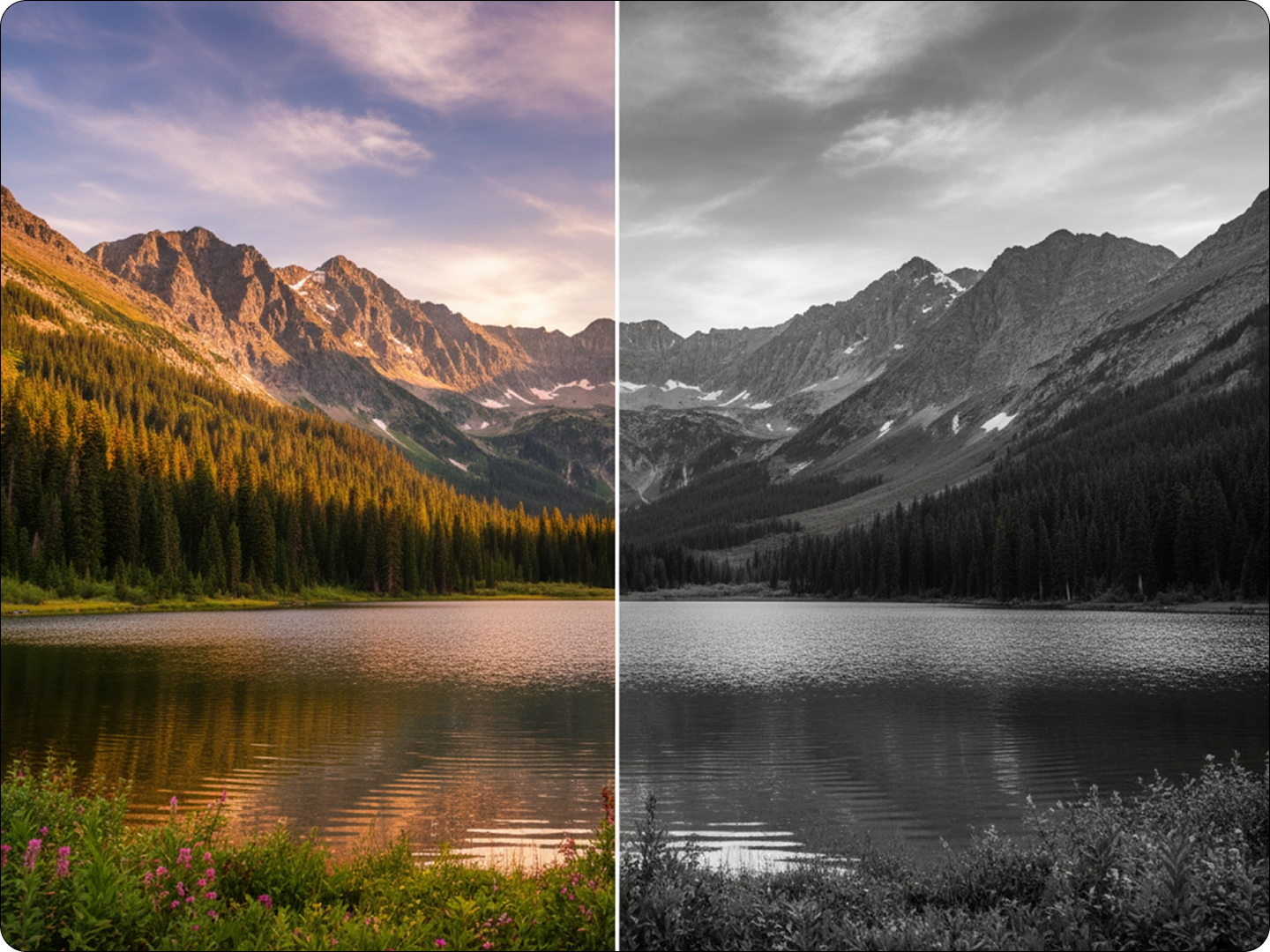
Prepare Images for Printing
Remove RGB colors that don’t translate well to print. Convert images to CMYK-compatible tones or grayscale for professional printing results. Avoid color shifts in brochures, flyers, or merchandise. Link to AI Image Upscaler for higher resolution prints.
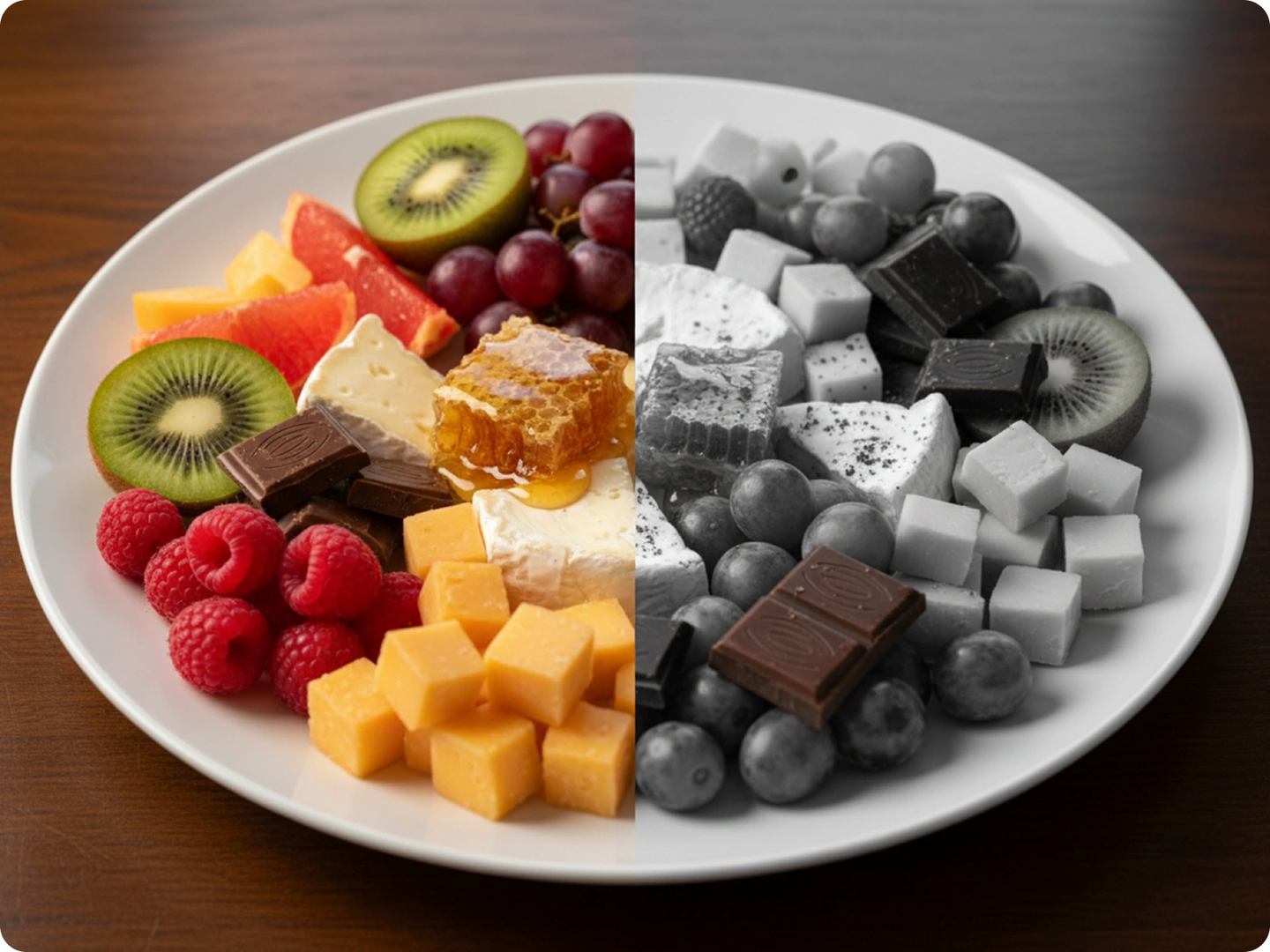
Restore Vintage Photos
Remove faded color casts from old photos to reveal true tones. Eliminate yellowing or discoloration in scanned family albums. Our AI identifies original color patterns while neutralizing damage. Pair with Photo Restoration Tool for complete recovery.
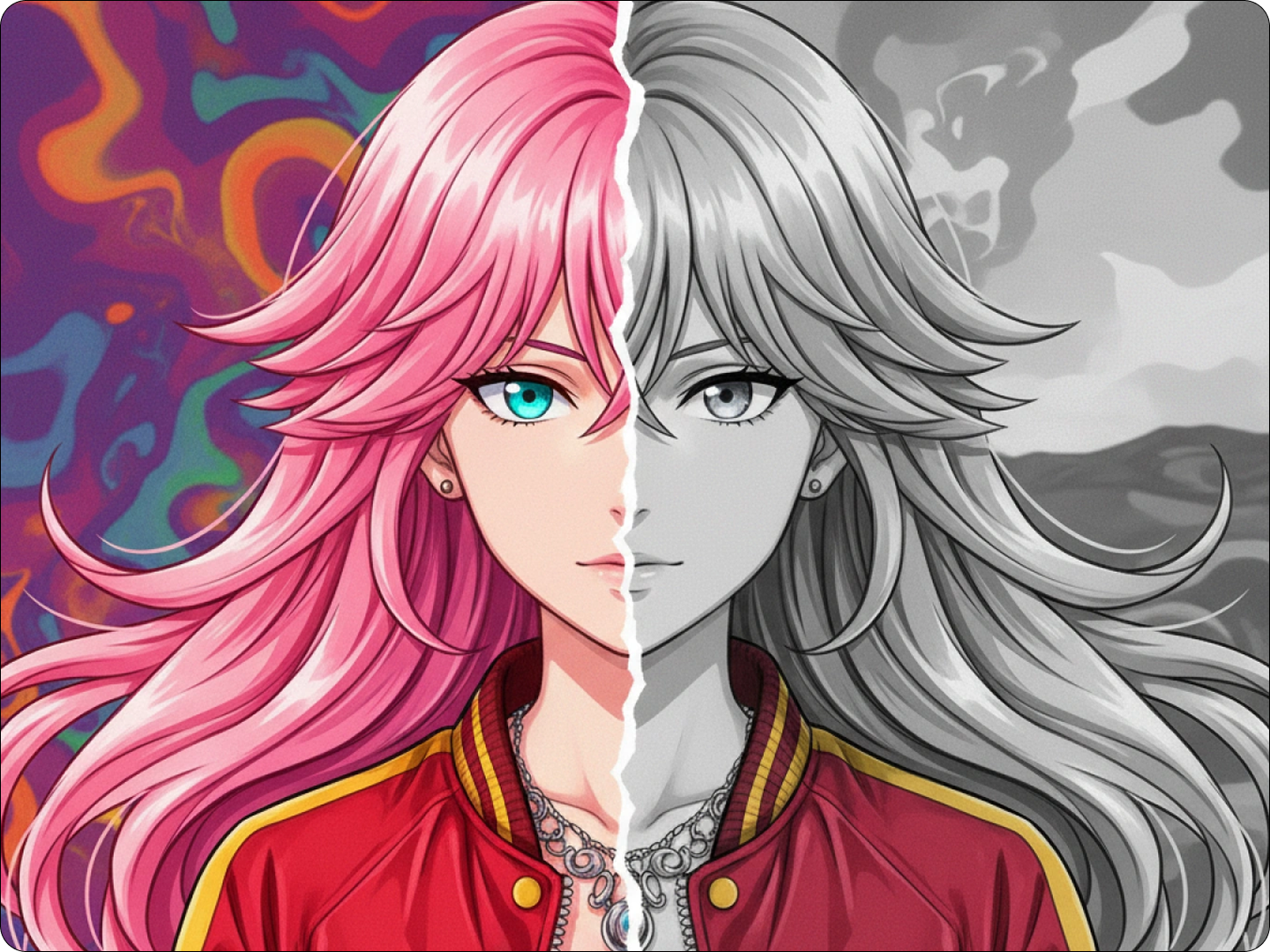
Create Stylized Graphics
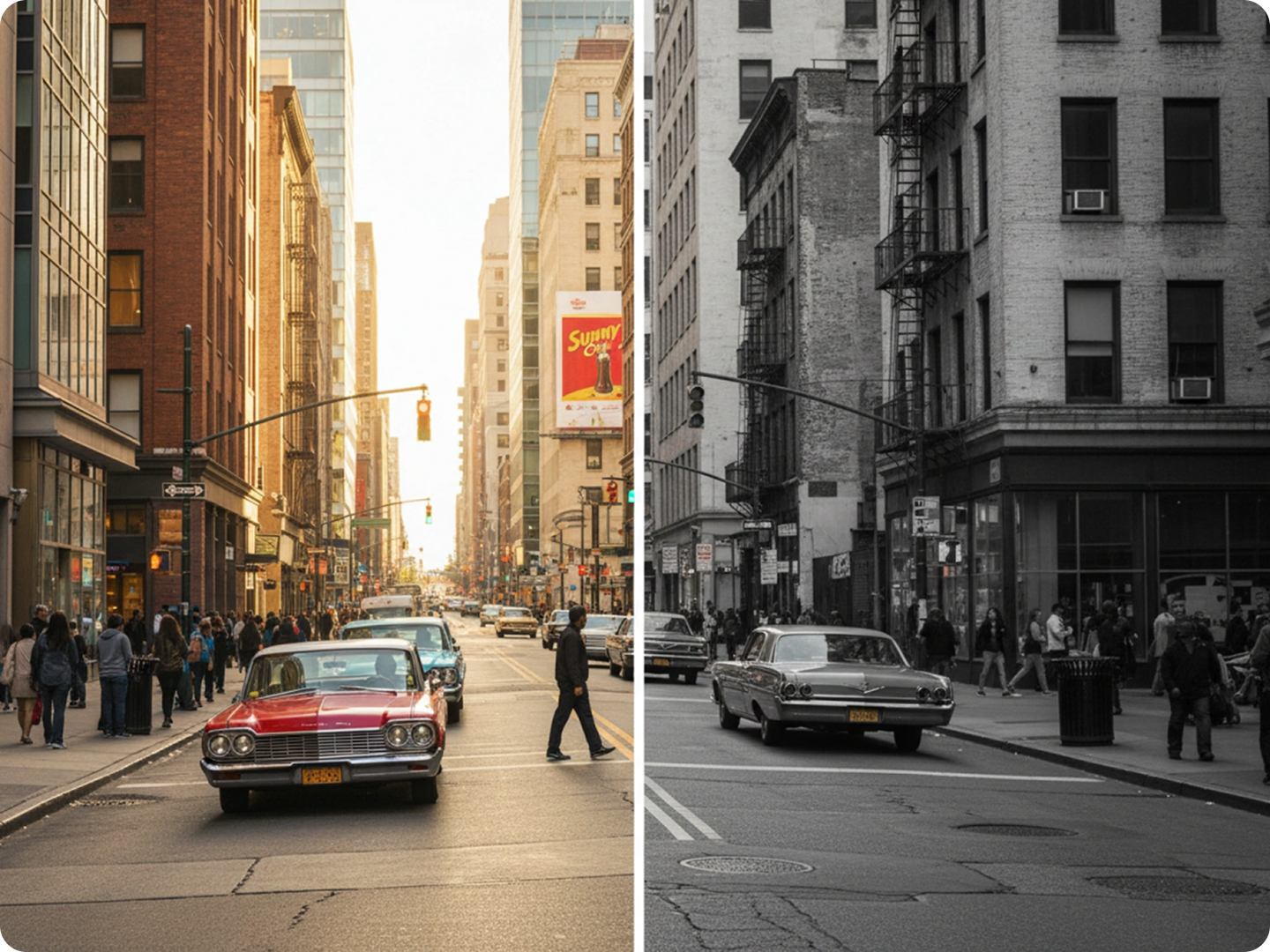
Remove all but one color to create striking visual effects. Highlight a single hue in marketing materials or social media posts for brand consistency. Achieve professional-looking monochromatic themes with ease. Use with AI Graphic Designer for complete design projects.
Fix Color Balance Issues
Remove unwanted color tints caused by poor lighting. Correct blue casts from indoor photos or orange tones from sunset shots. Our tool analyzes lighting conditions to restore natural colors. Combine with AI Image Corrector for perfect results.
FAQ
Can I remove just one specific color from an image?
Yes, our tool lets you target and remove individual colors. Describe the exact hue, and our AI will isolate and eliminate it while preserving other elements.
Does removing color affect image quality?
No, our AI maintains image resolution and details. Edits only target specified colors without compromising overall quality.
What image formats are supported?
We support JPG, PNG, WebP, and TIFF formats. Most common image types work seamlessly with our color remover.
Is there a limit to how many images I can process?
No, there’s no limit. You can use the tool as many times as needed for both personal and commercial projects.
Can I reverse the color removal if I’m not satisfied?
Yes, you can reprocess the original image with new instructions. Our tool keeps your uploads available for quick adjustments.
How accurate is the color detection?
Our AI detects colors with 98% accuracy. It recognizes subtle shade variations to ensure precise removal without affecting other areas.
What Our Users Said
Made Product Editing Simple
I needed to remove background colors from 50+ product photos. This tool did it in minutes. My listings look consistent now.
Alex ThompsonE-commerce Store Owner
Perfect for Vintage Photo Projects
Removed yellow tints from my grandparents' wedding photos. They look like new without losing their original feel.
Sarah JohnsonGenealogist
Saved My Marketing Materials
I needed to highlight our brand color in campaign images. The tool removed all other colors cleanly. Clients noticed the difference.
Michael RodriguezMarketing Specialist