
- Tools
- Resources
- Pricing
- API
- Contact Sales
- Book a Demo


SeedEdit 3.0
Edit any image with a single instruction. Dzine integrates SeedEdit 3.0 to deliver precise, instruction-based image editing with natural light preservation, object-level control, and clean background retention. Try it now.

Click or drag here to upload images
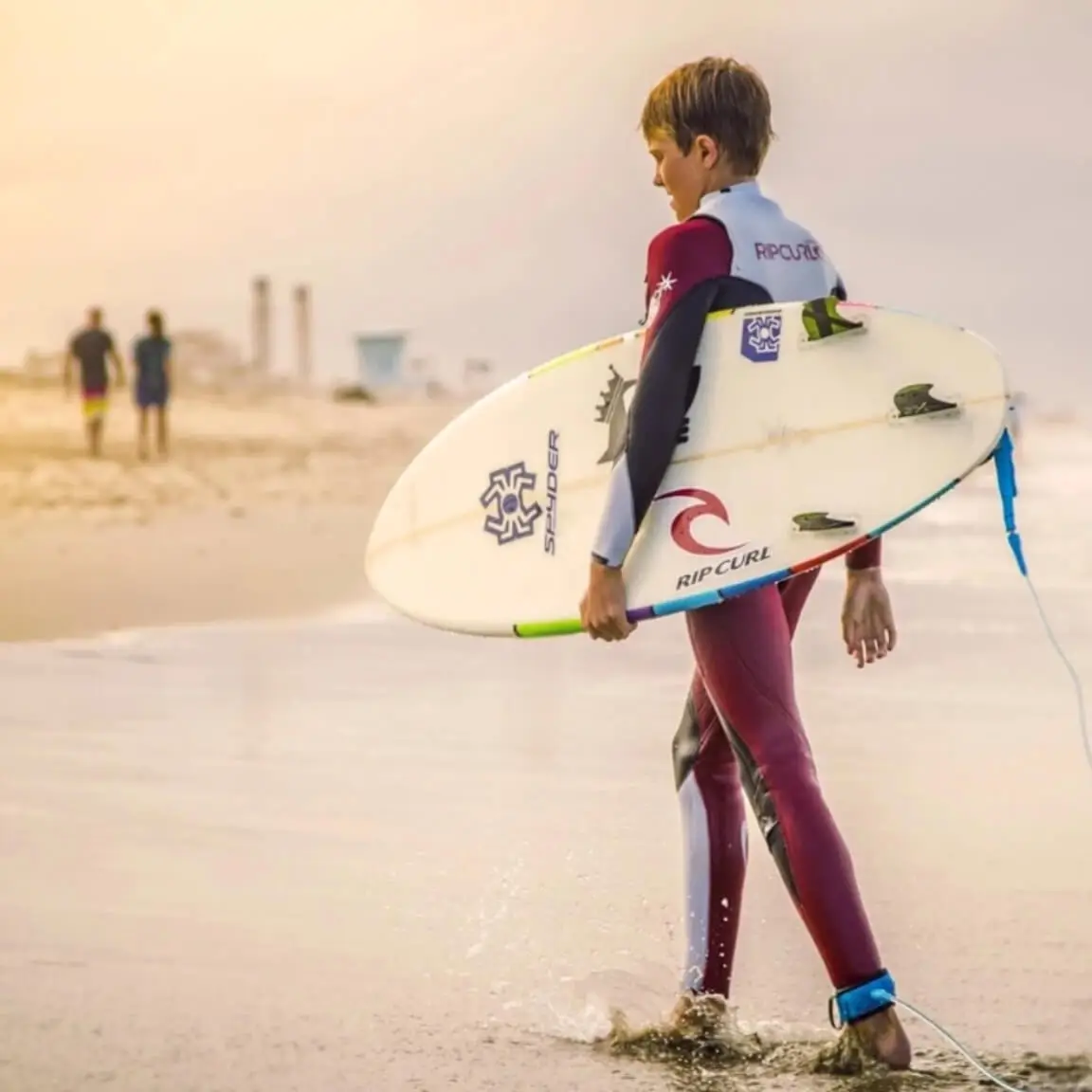
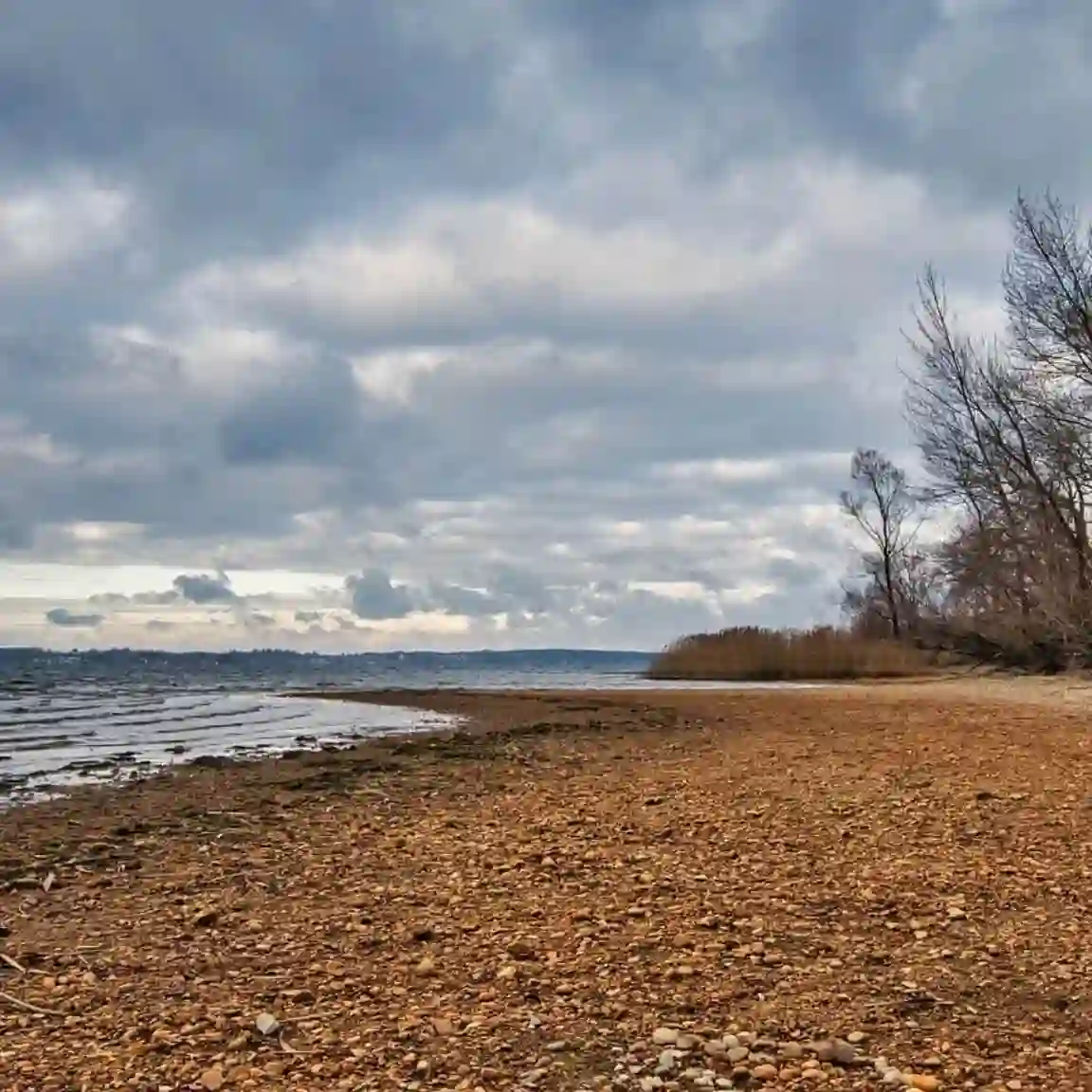
Try SeedEdit 3.0 with one of these


Edit Images Precisely - Without Disrupting What Works
SeedEdit 3.0 is ByteDance's latest instruction-based image editing model, now available on Dzine. This SeedEdit 3.0 AI image editor takes a plain-text instruction and applies targeted changes to the right part of your image. Colors, textures, lighting, and structure outside your edit stay exactly as they were.
Tell it to change a jacket color, swap a sky, remove a prop, or add a product shadow. SeedEdit 3.0 interprets your words and acts on them with precision. It handles complex edits that other tools distort - including fine fabric detail, facial features, and transparent materials. Use it for product photography, social content, fashion editing, or any project where clean, controlled results matter.
How to Use SeedEdit 3.0 on Dzine
Step 1: Upload Your Image and Enter an Instruction
Open Dzine's Chat Editor. Upload the photo you want to edit. Then type your edit instruction in plain language.
Step 2: Select SeedEdit 3.0 Model
Choose SeedEdit 3.0 from the model selection panel. The model will process your instruction and identify the target area automatically.
Step 3: Generate and Download
Click Generate. SeedEdit 3.0 applies your edit in seconds. Preview the result, refine with a follow-up instruction if needed, then download your finished image.
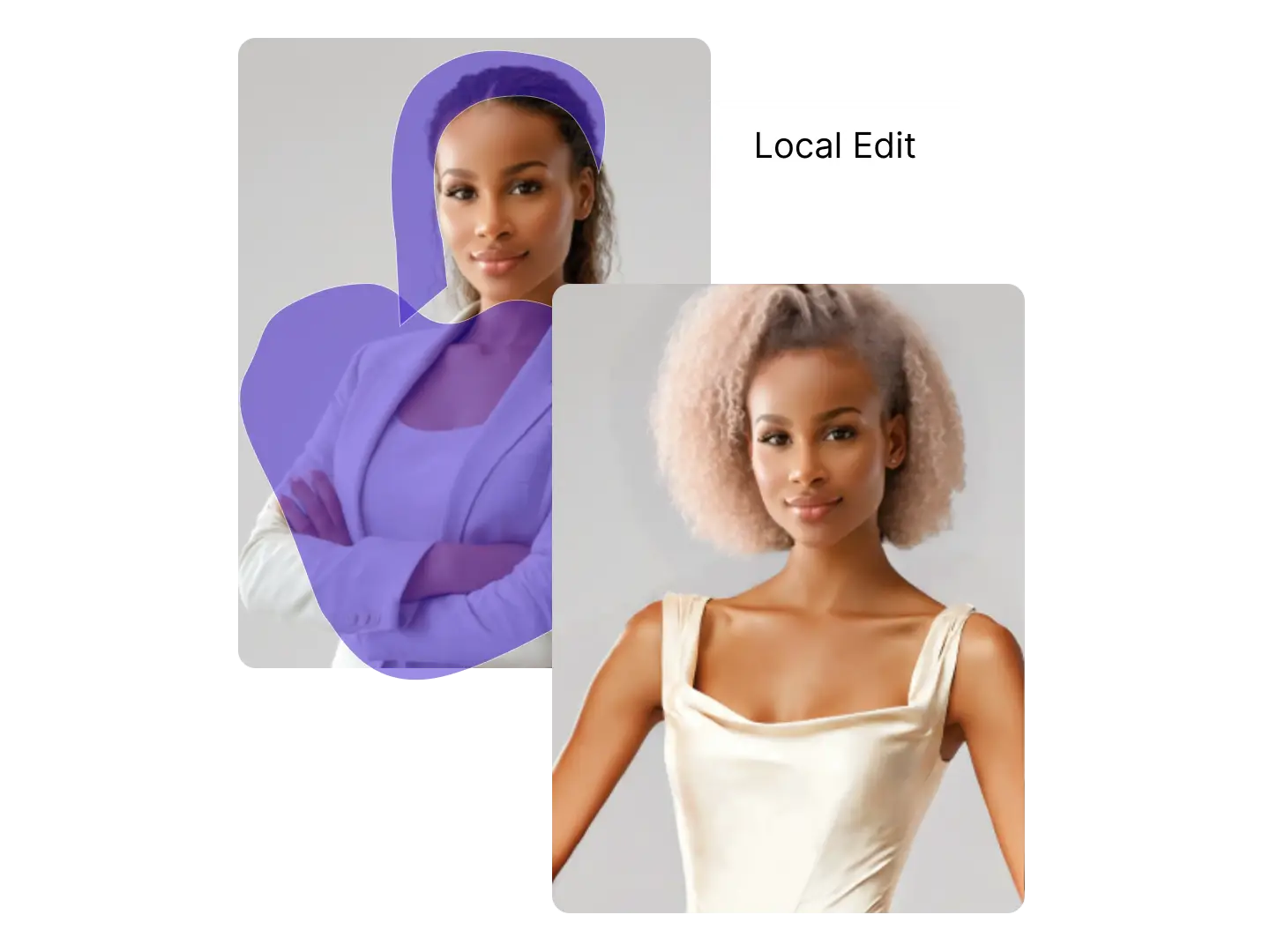
Change Specific Objects Without Touching the Rest
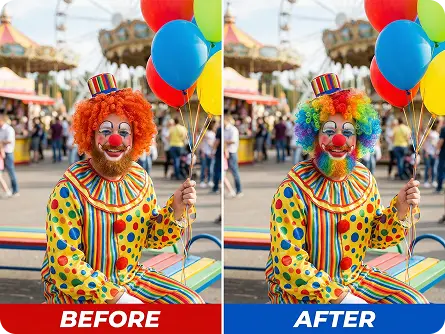
SeedEdit 3.0 reads your instruction and edits only the target element. The rest of the image - background, lighting, adjacent objects - remains completely intact. This makes it practical for product photo retouching, ad creative updates, and fashion catalog edits.
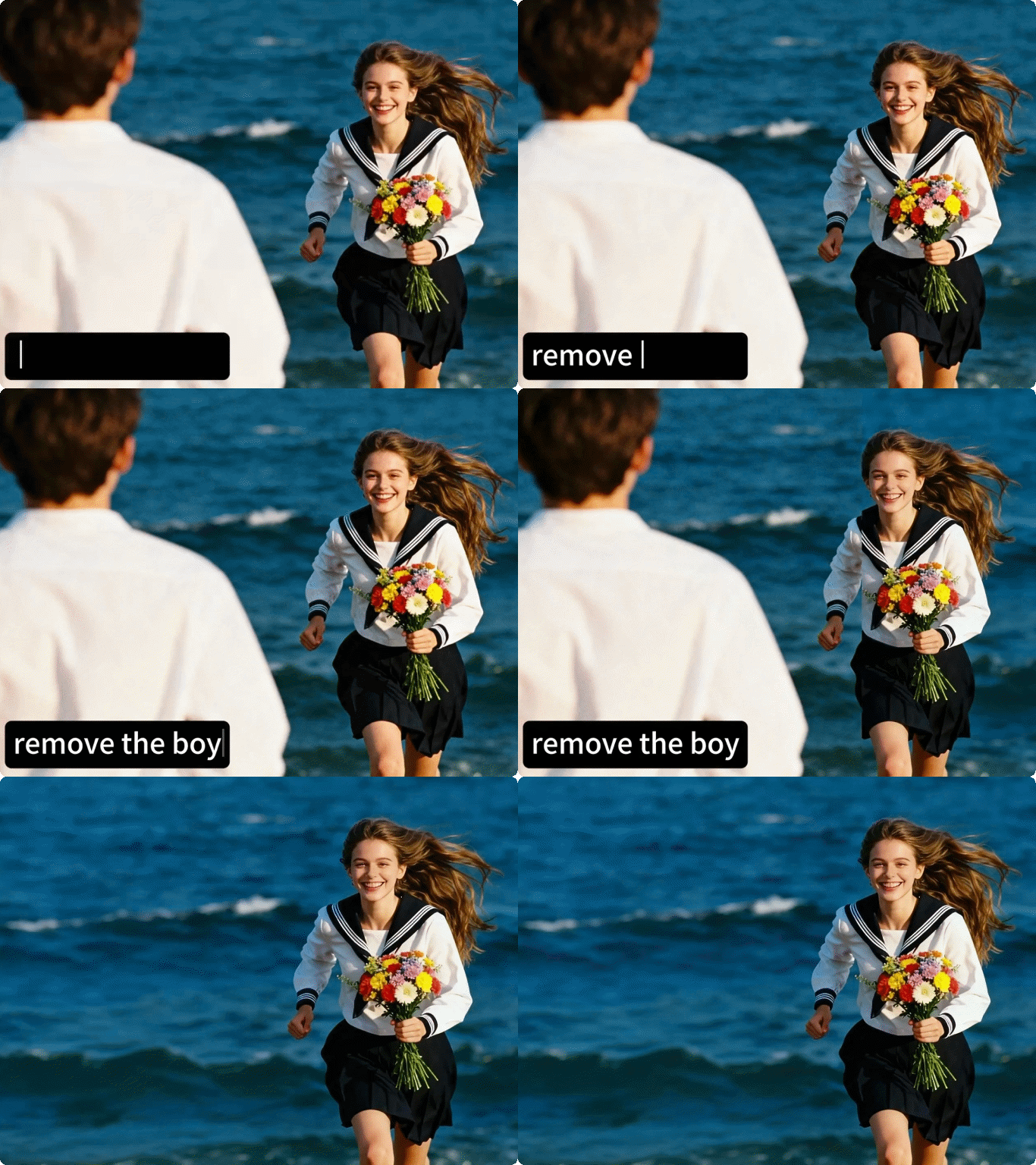
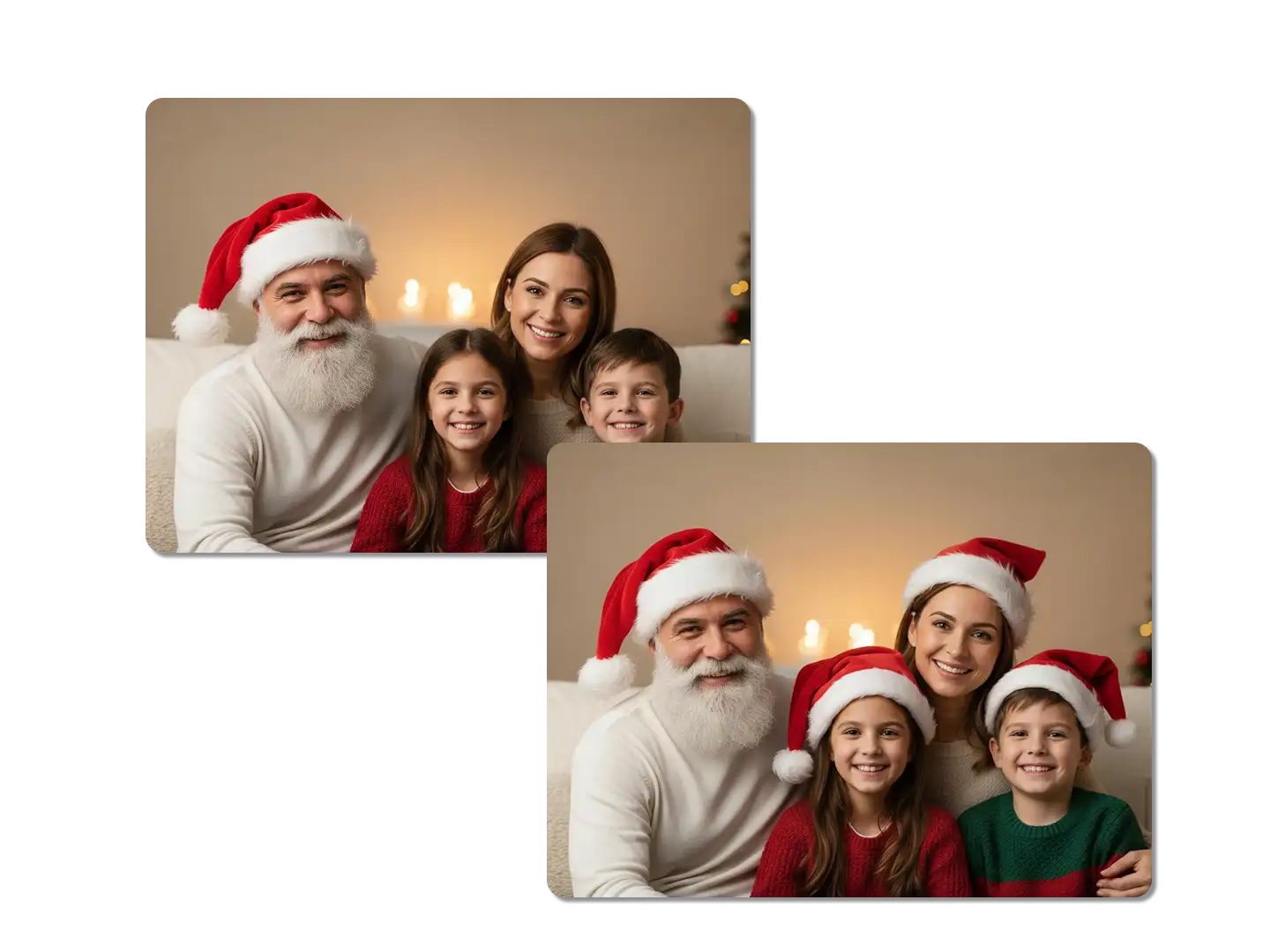
Relight and Reshape Scenes with a Single Sentence
SeedEdit 3.0 AI image editor goes beyond swapping colors. It can restructure the lighting of a scene, adjust material finish, or alter atmospheric conditions. Tell it to make the setting look like late afternoon, add a soft studio light, or change the surface from matte to glossy - it responds with natural, consistent results.
Add, Remove, or Replace Elements
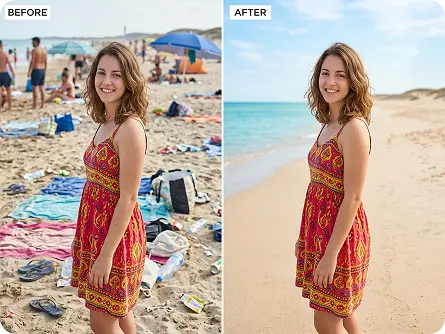
SeedEdit 3.0 handles object-level additions and removals with background awareness. When you remove an element, the model fills the gap with a background that matches the surrounding texture and pattern. When you add one, it positions and scales the object to fit the scene naturally.

Apply Style Transfers While Keeping the Subject Intact
SeedEdit 3.0 can shift the visual style of a scene or background without altering your main subject. Convert a product photo into a minimal studio look, shift a lifestyle shot toward a film aesthetic, or apply a consistent color grade across a series of images.
Examples of SeedEdit 3.0 Across Real Use Cases
SeedEdit 3.0 AI image editor fits into creative and commercial workflows across different industries. Each use case benefits from its ability to make precise edits while keeping the rest of the image unchanged.

Clean Product Images, Ready to Publish
SeedEdit 3.0 AI image editor changes product colors, removes distracting props, and adjusts backgrounds without disturbing the product itself. E-commerce teams use it to generate multiple product variants from a single base shot - saving time on reshoots and manual retouching.
Why Choose SeedEdit 3.0 on Dzine?

Instruction-Based Editing
Type what you want changed in plain language. SeedEdit 3.0 identifies the right area and applies the edit without requiring manual selection or masking.

Object-Level Precision
Key features of SeedEdit 3.0 include the ability to isolate and edit single elements - a color, a material, a shape - without any visible bleed into adjacent areas.

Natural Background Reconstruction
When objects are removed, SeedEdit 3.0 fills the gap with a background that matches the surrounding texture, color, and pattern. No patchy areas or obvious fills.

Lighting and Material Awareness
The model understands how light interacts with surfaces. Edits to materials, finishes, and lighting conditions produce consistent, physically plausible results.

Multi-Step Instruction Support
SeedEdit 3.0 AI image editor handles compound instructions. You can describe several changes in one prompt and the model addresses each one in the correct order.

Works Across Image Types
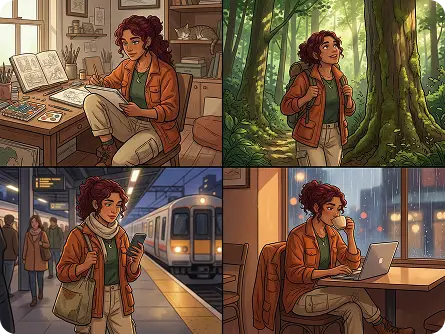
From product shots and portraits to lifestyle photography and illustrations, SeedEdit 3.0 adapts to different image types without needing format-specific settings.
You May Also Be Interested in




What Our Users Said
SeedEdit 3.0 Handles Product Variants Faster
I run a small accessories brand and we photograph each product once. SeedEdit 3.0 AI image editor lets me generate every color variant from that one shot. The texture and shadow stay consistent across all versions. What used to take a half day of retouching now takes about ten minutes.
Jamie OkaforE-Commerce Brand Owner
The Most Controlled Editing I've Found
I've tested a lot of instruction-based editors. Most of them bleed into parts of the image you didn't ask to change. SeedEdit 3.0 on Dzine is genuinely different - it edits what you describe and leaves everything else alone. I use it for campaign creative updates every month.
Priya NairCreative Director
Finally, Background Fills That Actually Look Right
Removing objects from photos always left ugly fills in other tools. With SeedEdit 3.0, the background reconstruction reads the surrounding texture and matches it. I can clean up a cluttered scene in one step and it looks like the object was never there.
Tom WesterfieldCommercial Photographer
FAQ
What is SeedEdit 3.0?
SeedEdit 3.0 is ByteDance's instruction-based AI image editing model, available on Dzine. The SeedEdit 3.0 AI image editor takes plain-text instructions and applies targeted edits to your image - changing specific objects, colors, materials, or backgrounds while leaving everything else untouched.
How to use SeedEdit 3.0 on Dzine?
Using SeedEdit 3.0 on Dzine takes three steps. First, upload your image and type your edit instruction. Second, select SeedEdit 3.0 from the model panel in the Chat Editor. Third, click Generate - the model applies your edit in seconds and you can download the result immediately. Follow-up instructions are also supported for multi-step refinements.
What are the key features of SeedEdit 3.0?
The key features of SeedEdit 3.0 include instruction-based object editing, natural background reconstruction after removal, lighting and material awareness, style transfer with subject preservation, and multi-step instruction support. The model identifies edit targets automatically without manual masking or selection.
What are good examples of SeedEdit 3.0 use cases?
Examples of SeedEdit 3.0 in practice include: changing a product color across multiple catalog images, removing props or clutter from a scene, applying a new lighting style to a portrait, swapping a background without cutting out the subject, adjusting fabric textures in fashion photography, and refreshing ad creatives with a new color theme - all from a single text instruction.
Can SeedEdit 3.0 edit backgrounds without affecting the subject?
Yes. SeedEdit 3.0 AI image editor is designed to isolate edit targets based on your instruction. When you ask it to change or remove the background, the model preserves the subject - including fine edge detail like hair, fur, and transparent materials. The result integrates naturally without manual cleanup.
Is SeedEdit 3.0 suitable for commercial use on Dzine?
Yes. Images edited with SeedEdit 3.0 on Dzine can be used for commercial purposes, including product photography, advertising materials, social media content, and catalog assets. The output resolution is suitable for both digital and print applications.
How does SeedEdit 3.0 compare to other AI image editors?
Most AI image editors require manual masking or region selection before editing. SeedEdit 3.0 reads your instruction and identifies the target area automatically. It also handles background reconstruction and lighting consistency better than most tools at this level. The result is a cleaner, faster editing workflow - especially for product and fashion photography where precision matters.