
- Tools
- Resources
- Pricing
- API
- Contact Sales
- Book a Demo


Seedream 5.0 Lite
Seedream 5.0 Lite is ByteDance's latest unified multimodal image model. It combines real-time web search, deep reasoning, and precise instruction following to generate images that go beyond static training data. Unlike earlier AI generators, it retrieves live information when your prompt needs it. Try it now on Dzine and generate images that reflect the world as it is today.
No idea? Try these inspirations.


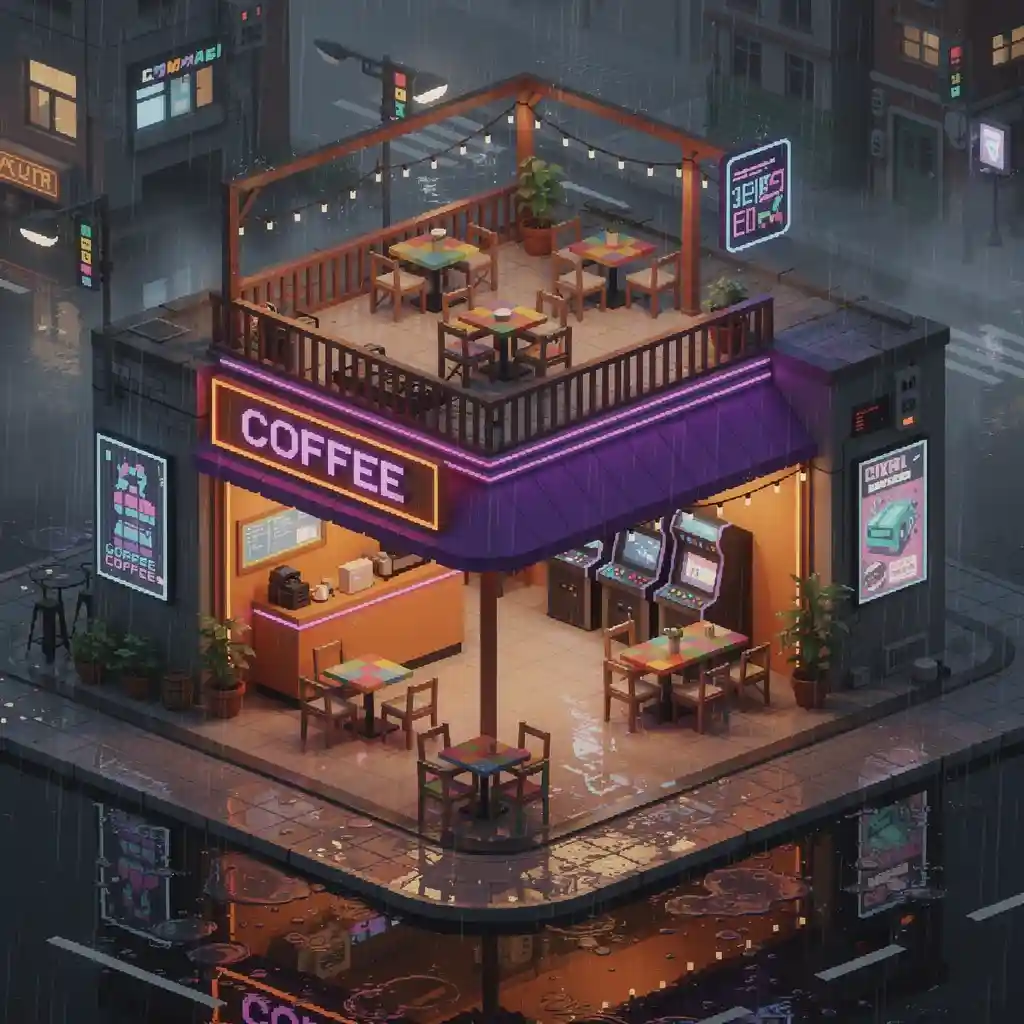
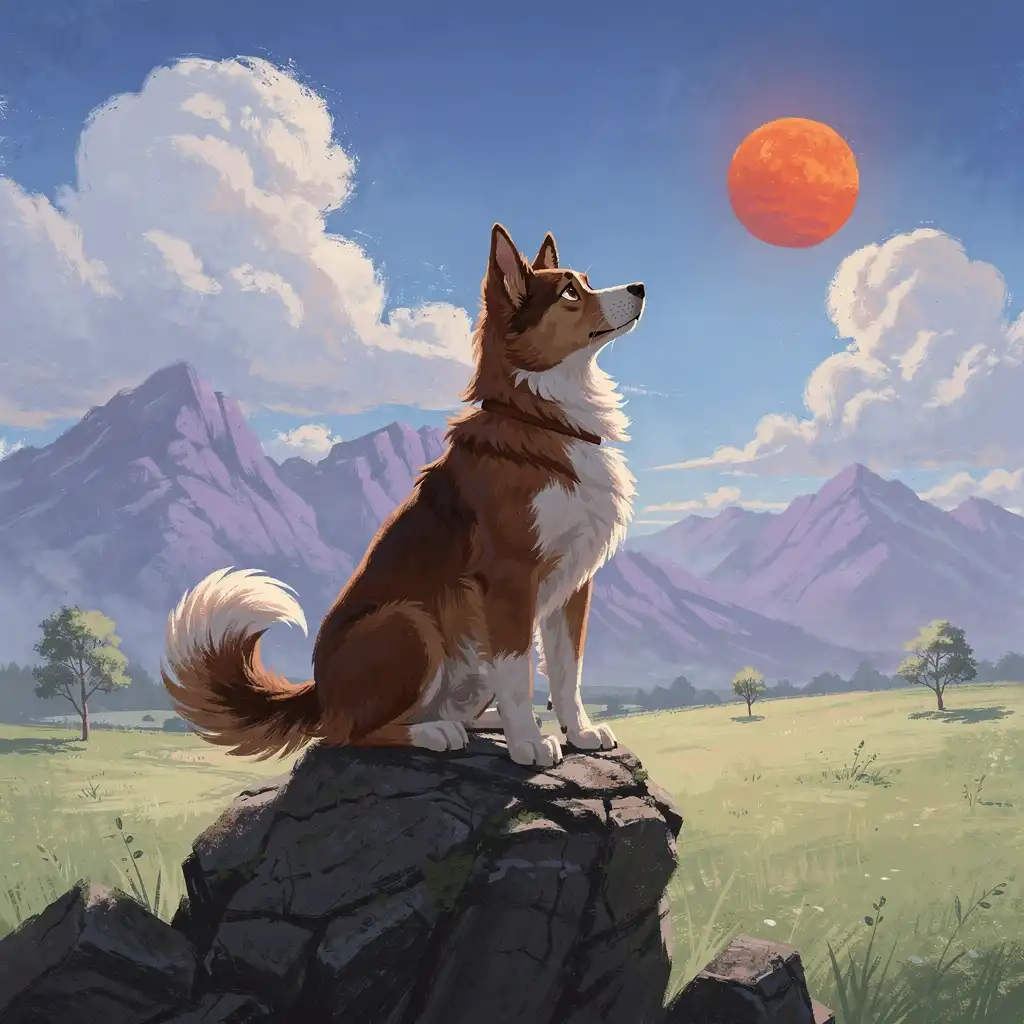
What Makes Seedream 5.0 Lite Different from Every Other AI Image Generator
Most AI image generators are frozen in time. They only know what they were trained on. Seedream 5.0 Lite breaks that limitation. It connects to the internet during generation, pulling current information when your prompt mentions trending topics, recent events, or new product releases. You get images that are factually grounded and visually accurate.
The model also reasons through complex, multi-step instructions. You can ask it to "arrange six product images by size, apply the style from image three, and add a pricing label in the top-right corner" - and it will do all of that in one generation. This kind of structured instruction following is a core Seedream 5.0 Lite feature that standard models simply cannot match.
On Dzine, Seedream 5.0 Lite integrates directly with our Chat Editor. You can generate, iterate, and refine without switching tools. It supports text-to-image, image-to-image editing, example-based style transfer, multi-image compositing, and 4K-resolution output — all from one interface.
How to Use Seedream 5.0 Lite on Dzine
Step 1: Upload Your Image or Enter a Prompt
Open Dzine's Chat Editor. Upload a reference image if you want to edit or apply a style transfer. Or skip the upload and type a detailed text prompt to generate from scratch.
Step 2: Select Seedream 5.0 Lite as Your Model
In the model selection panel, choose Seedream 5.0 Lite. You can also set your preferred aspect ratio and resolution at this step. The model will automatically activate its web search and reasoning capabilities based on what your prompt requires.
Step 3: Generate and Download Your Image
Click Generate. Seedream 5.0 Lite processes your input and produces a high-resolution result in seconds. Preview the output, make follow-up edits using natural language if needed, then download your final image at up to 4K resolution.
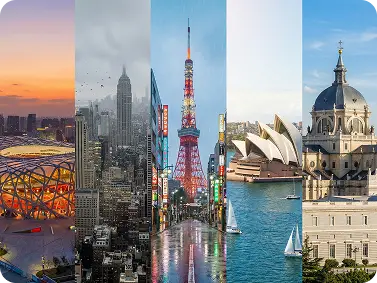
Real-Time Web Search Built Into Every Generation
Seedream 5.0 Lite connects to the internet during generation. When your prompt mentions a recent product launch, a current event, or a trending topic, the model retrieves up-to-date information before creating the image. You get visuals that reflect the real world as it exists now — not what the model was trained on months ago.
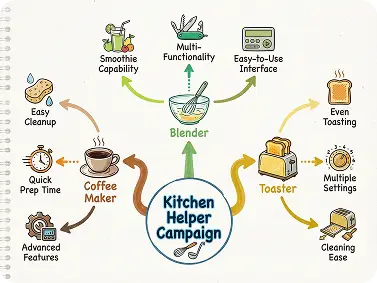
Multi-Step Reasoning That Actually Follows Instructions
Standard models struggle with compound instructions. Seedream 5.0 Lite handles them precisely. You can describe a scene with multiple objects, specific spatial relationships, and layered style requirements - all in one prompt. The model processes each condition in sequence and delivers a result that matches your intent.
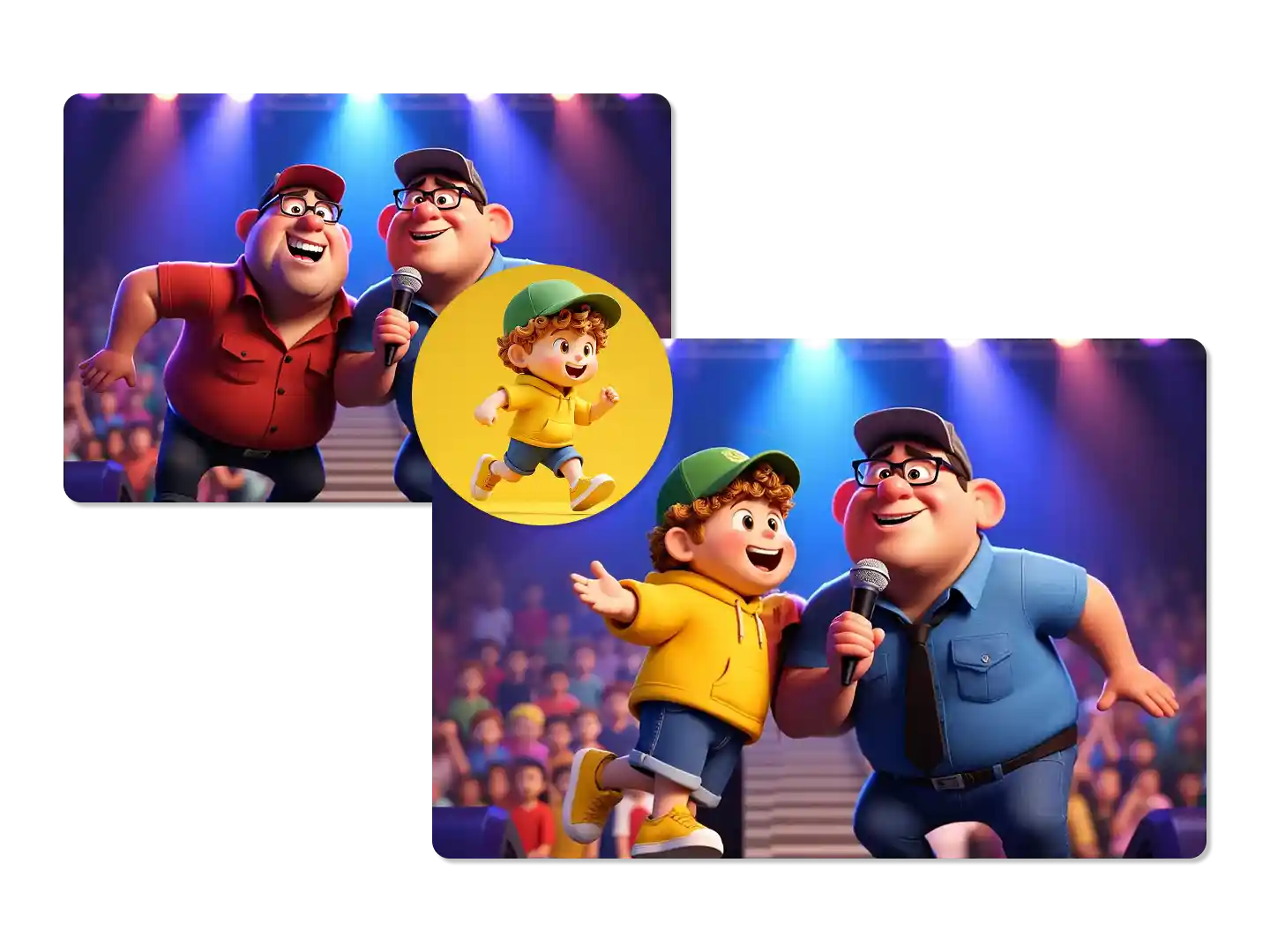
4K Output with Precise, Region-Level Editing
Seedream 5.0 Lite generates images at up to 4K resolution. Every detail — fabric texture, small-font labels, background architecture — is sharp and print-ready. Beyond generation, you can circle a region of the image and apply targeted edits using plain language. The model understands object mechanics and scene composition, so edits land exactly where you intend.
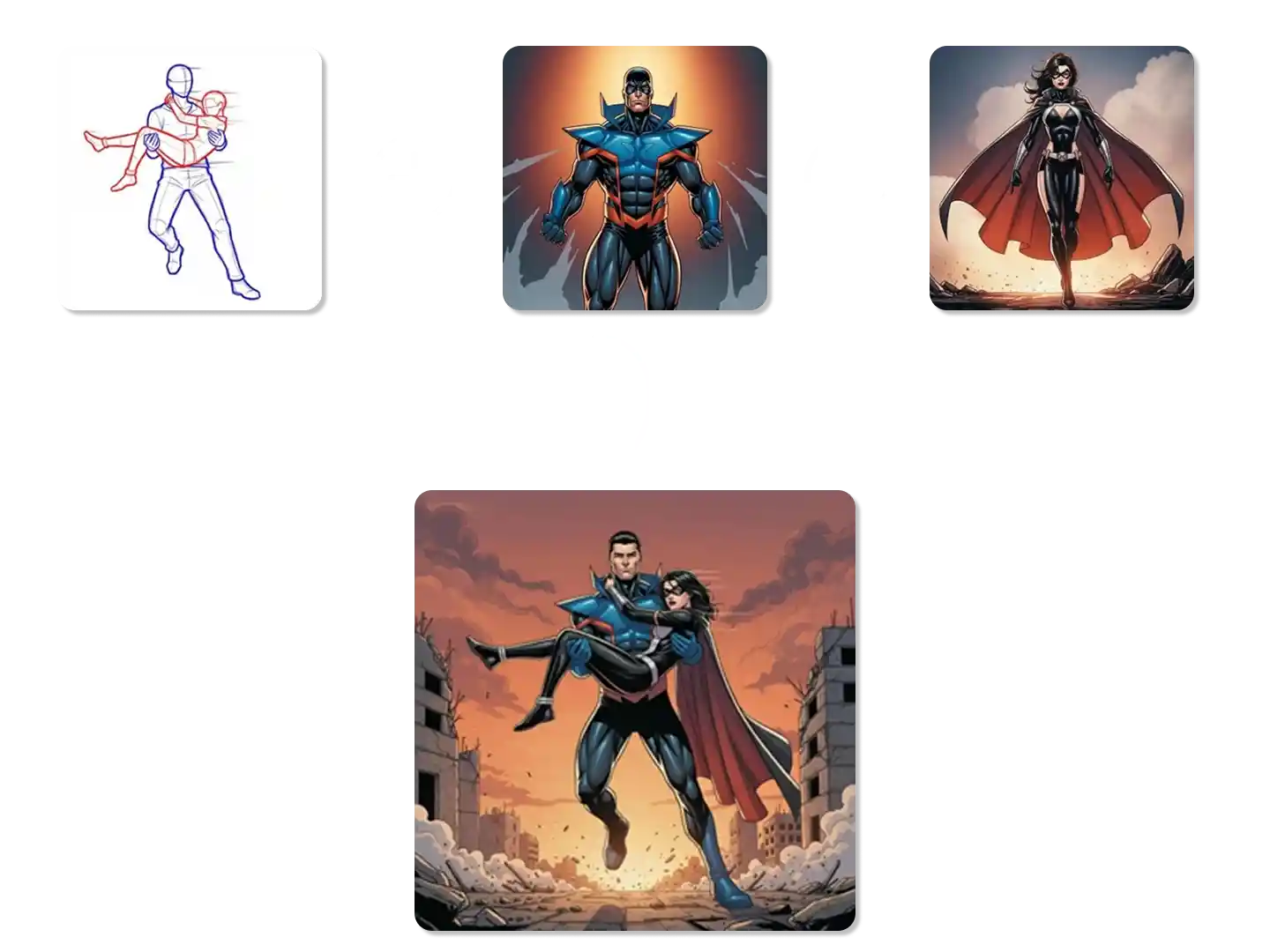
Multi-Image Input with Up to 14 Reference Sources
One of the most requested Seedream 5.0 Lite features is multi-image compositing. You can upload up to 14 reference images and combine them in a single generation. Extract the style from one image, the character from another, and the background from a third.
Usages of Seedream 5.0 Lite Across Creative Projects
Seedream 5.0 Lite AI image generator handles diverse creative needs. From detailed product shots to character continuity, this tool adapts to professional workflows while maintaining consistent quality and precise control.

Professional Product Visuals
Seedream 5.0 Lite AI image generator creates product images with accurate materials, consistent lighting, and sharp details. Perfect for e-commerce, catalogs, and marketing campaigns that need professional-quality visuals without expensive photoshoots.



Why Try Seedream 5.0 Lite on Dzine AI?

Advanced AI Models
Adcaned AI image and vidoe models such as Google Veo 3.1 and Nano Banana Pro to deliver high-quality, varied video content that makes your work truly distinctive.

One Click to Generate
Produce polished visuals instantly, apply styles auto-magically, or refine designs without pro skills.

Free Trial
Access core AI tools for free trial, experiment with creations freely, or test features before committing.

High Quality Results Export
Export high-res visuals in multiple formats, preserve every fine detail, or use them for print & digital.

Watermark Free
Get clean, watermark-free outputs, use visuals for commercial campaigns, or share them seamlessly.

Online Platform No Donwloading
Create on the web directly, skip software installation, or design anytime anywhere on any device.
You May Also Be Interested in




What Our Users Said
Seedream 5.0 Delivers Professional Results
I use ByteDance Seedream 5.0 for all my e-commerce product shots now. The texture rendering and lighting consistency are remarkable. What used to take hours with traditional photography now happens in minutes, and the quality matches professional studio work.
Marcus ChenE-commerce Store Owner
Perfect for Brand Design Work
How to use Seedream 5.0 on Dzine became my go-to resource. I create complete brand identity systems with this tool. The text rendering quality means I can design logos, packaging, and promotional materials knowing the typography will be sharp and readable at any size.
Sarah WilliamsBrand Designer
Character Consistency Changed My Workflow
As a visual development artist, maintaining character consistency across scenes was always challenging. Seedream 5.0 AI image generator solved this completely. I can generate multiple poses and expressions while keeping facial features identical. This tool saves me days of manual adjustment.
David ParkVisual Development Artist
FAQ
What is Seedream 5.0 Lite?
Seedream 5.0 Lite is ByteDance's latest AI image generation model. It combines real-time web search, multi-step logical reasoning, and advanced instruction following into a single unified system. It supports text-to-image generation, image editing, style transfer, and multi-image compositing at up to 4K resolution. On Dzine, you can access it directly inside the Chat Editor.
How does the web search feature in Seedream 5.0 Lite work?
When your prompt references a recent event, a newly released product, a trending topic, or any time-sensitive information, Seedream 5.0 Lite automatically queries the web before generating. It retrieves the relevant context and uses it to shape the image output. You do not need to trigger this manually — the model decides when a search is needed based on your prompt content.
What are the main Seedream 5.0 Lite upgrades over Seedream 4.5?
The three most significant upgrades are real-time web search (not available in any previous Seedream version), support for up to 14 reference images in a single generation (up from 10 in Seedream 4.5), and domain-specific knowledge application across fields like medicine, architecture, and industrial design. Reasoning depth and instruction alignment have also improved substantially.
How do I get the best results when using Seedream 5.0 Lite on Dzine?
For text-to-image prompts, be specific about subject, style, spatial layout, and any text that should appear. For search-based prompts, include full product names, brand names, or event titles so the model knows what to retrieve. For multi-image tasks, upload references in a clear order and describe which element you want from each source. Start with one generation, then use follow-up instructions to refine.
Can I use Seedream 5.0 Lite for commercial projects?
Yes. Seedream 5.0 Lite on Dzine produces output at up to 4K resolution, which meets the quality requirements for print, digital advertising, e-commerce product pages, and editorial publishing. Check Dzine's current plan terms for commercial usage rights and licensing details.
How is Seedream 5.0 Lite different from Seedream 5.0?
Seedream 5.0 Lite is the accessible, efficiently optimized version of the Seedream 5.0 model family. It retains the core capabilities — web search, reasoning, multi-image compositing, and 4K output — while being designed for faster generation and broader accessibility. On Dzine, both versions are available depending on your workflow requirements.
Is Seedream 5.0 Lite free to use on Dzine?
Dzine offers a free trial that gives you access to Seedream 5.0 Lite without requiring a subscription to start. Free credits are available upon sign-up. For higher volumes and advanced plan features, check Dzine's pricing page for the latest details.