- Tools
- Resources
- Pricing
- API
- Contact Sales
- Book a Demo


Free Silhouette Maker
Transform any photo into a striking silhouette in seconds with Dzine AI’s free Silhouette Maker. Whether you want to silhouette a picture for art, decor, or social media, our AI-powered tool delivers crisp, customizable silhouettes with zero design experience required.

Click or drag here to upload images
Recolor image examples: product shots, old photos, creative designs
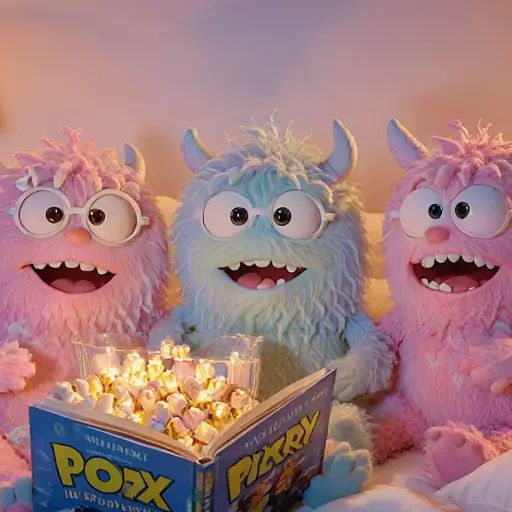
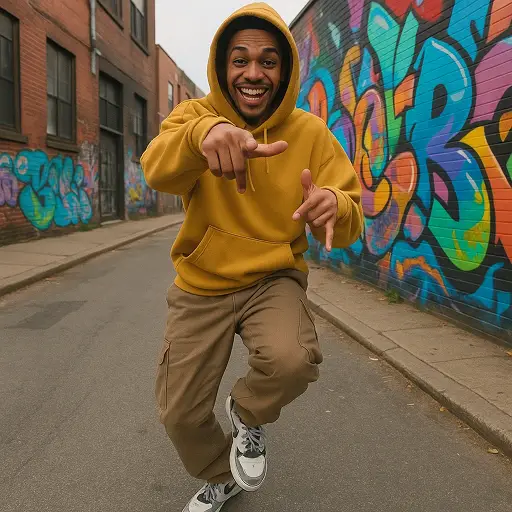
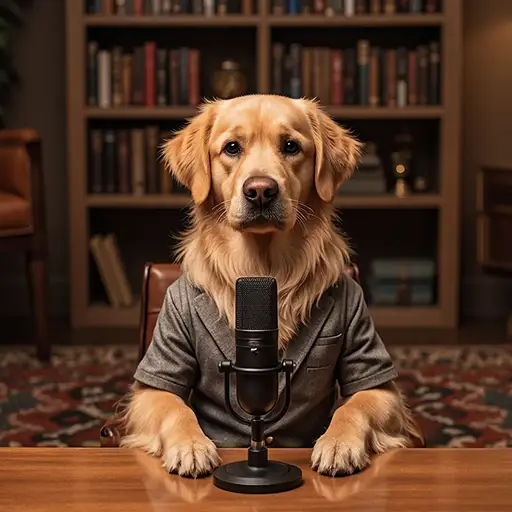
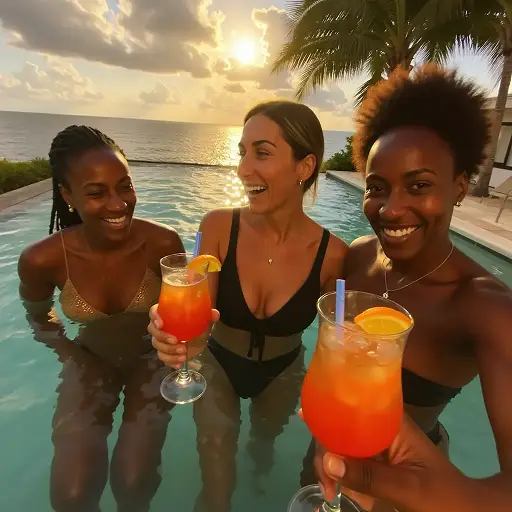
Create Professional-Grade Silhouettes Without Manual Editing Hassle
Dzine’s Silhouette Maker eliminates the tedious work of tracing or cutting out shapes to turn picture into silhouette—our AI intelligently identifies subjects, removes backgrounds, and generates clean, high-resolution silhouettes tailored to your vision. Perfect for wedding invitations, wall art, social media graphics, or branding materials, our tool lets you silhouette a picture in ways that basic editors can’t match. Unlike generic tools, we optimize every silhouette for your use case, from print-ready decor to eye-catching Instagram posts, so your creations always stand out. Integrate with our AI Image Editor to refine your silhouettes even further with text, colors, or backgrounds.
How to Turn Photo into Silhouette in 3 Simple Steps
Step 1: Upload Your Image & Input Silhouette Goals
Head to Dzine’s "AI Image" tool and upload the photo you want to convert—we support JPG, PNG, WebP, and TIFF. Type in your prompt (e.g., "silhouette a picture of a family at sunset" or "create a black silhouette of a dog with transparent background").
Step 2: Set Generation Parameters
Choose from our AI models Nano Banana Pro or Seedream 5.0, then configure image size (up to 4K), resolution, and silhouette style (minimal, bold, textured).
Step 3: Generate & Download Your Silhouette
Click the Generate button to turn your photo into a silhouette instantly. Download the high-resolution result—no watermarks or limits on usage.
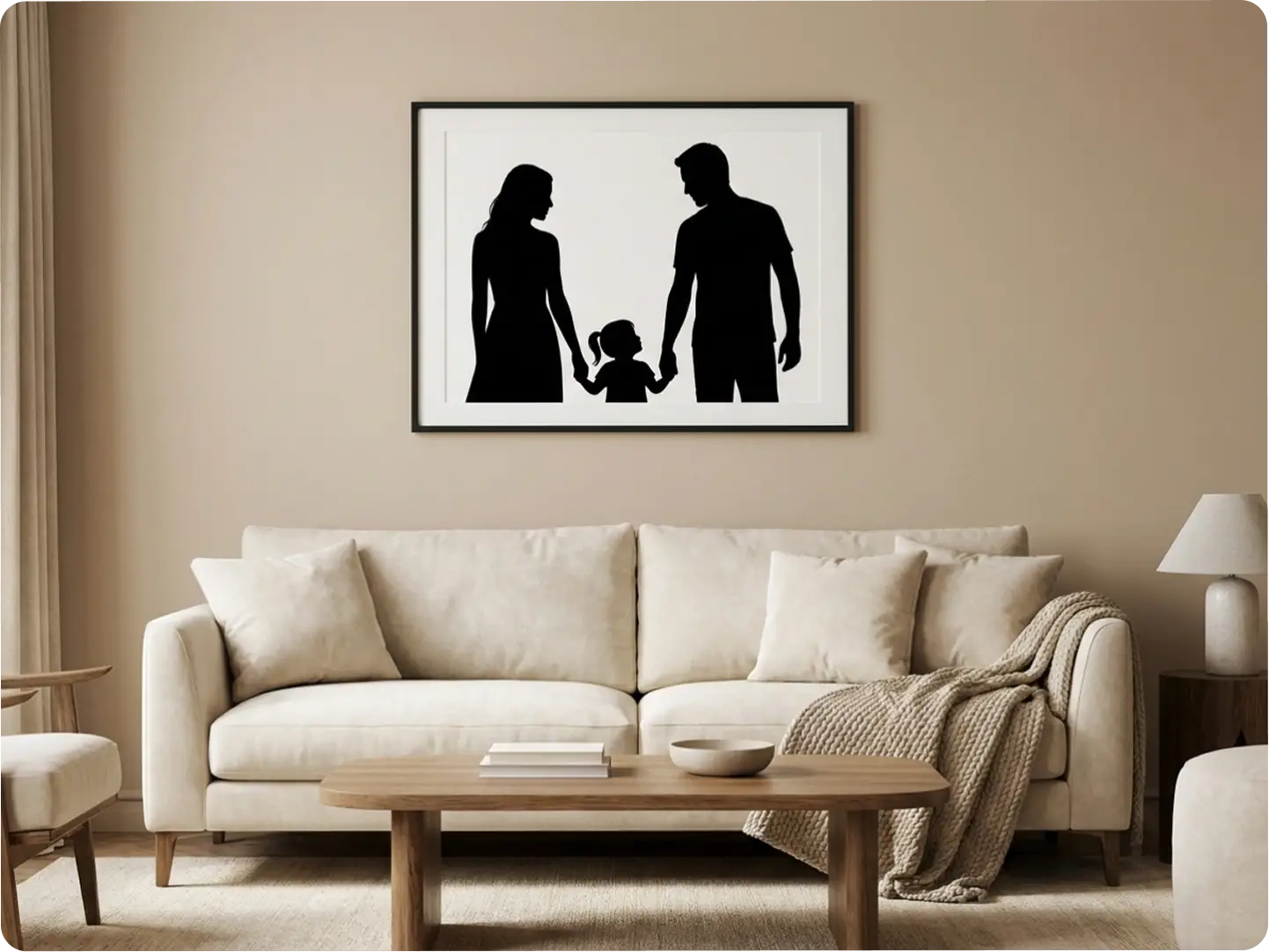
Create Stunning Portrait Silhouettes for Personal
Turn picture into silhouette of family, pets, or loved ones to craft unique wall art, custom gifts, or wedding stationery. Our AI preserves facial contours and key details, ensuring your portrait silhouettes are recognizable and meaningful. Pair with our Portrait to Landscape Converter to resize silhouettes for frames or digital displays.
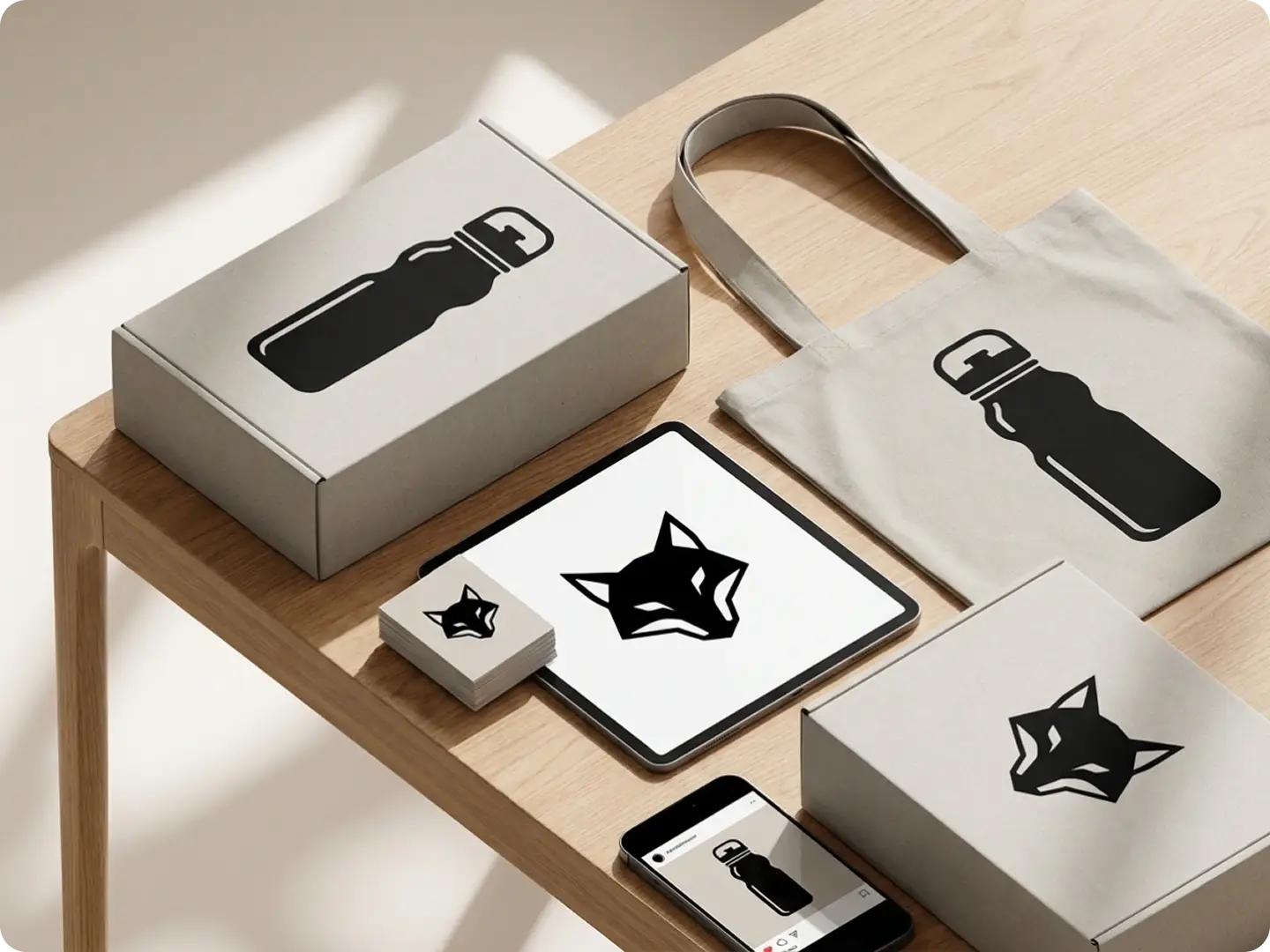
Design Brand Silhouettes for Marketing Materials
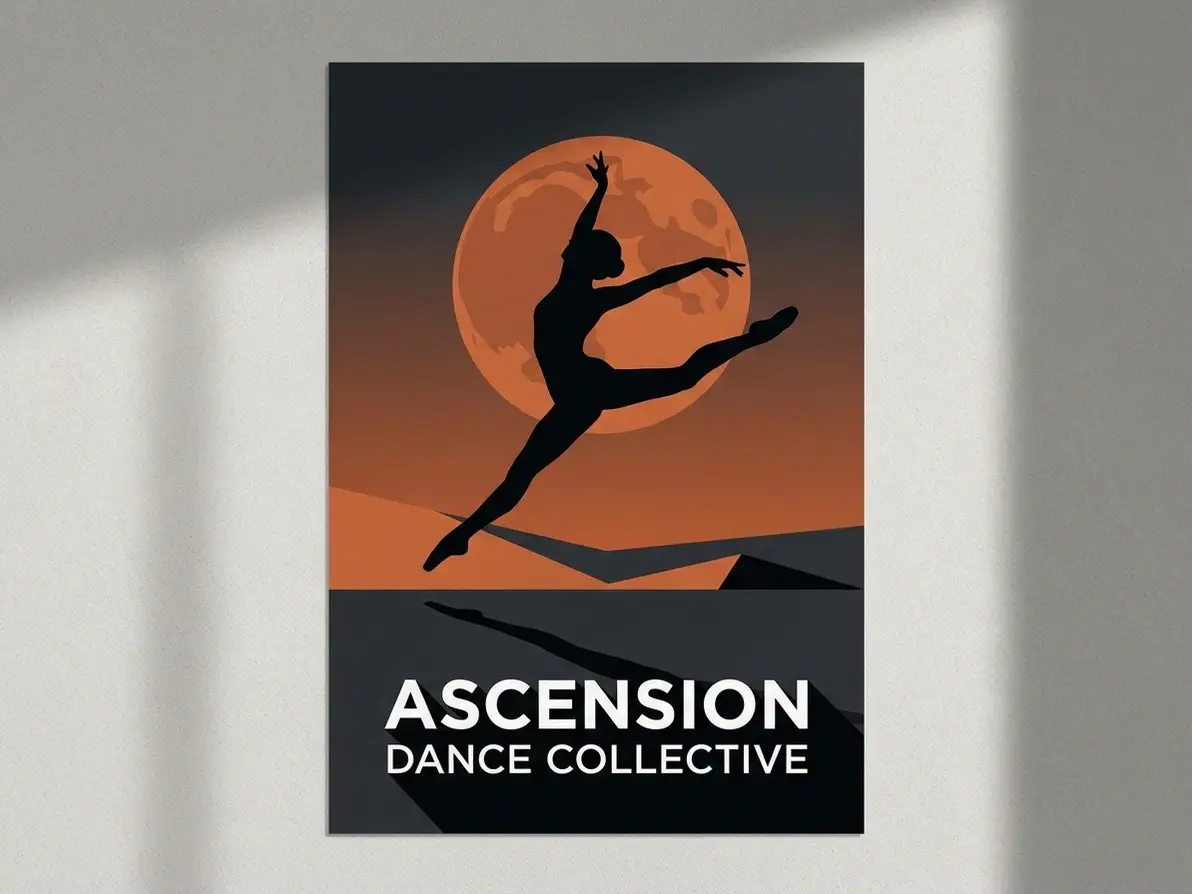
Silhouette a picture of your product, mascot, or brand icon to create memorable logos, social media graphics, or packaging designs. Our AI generates consistent, scalable silhouettes that align with your brand identity—ideal for Shopify listings or Instagram Shop visuals.
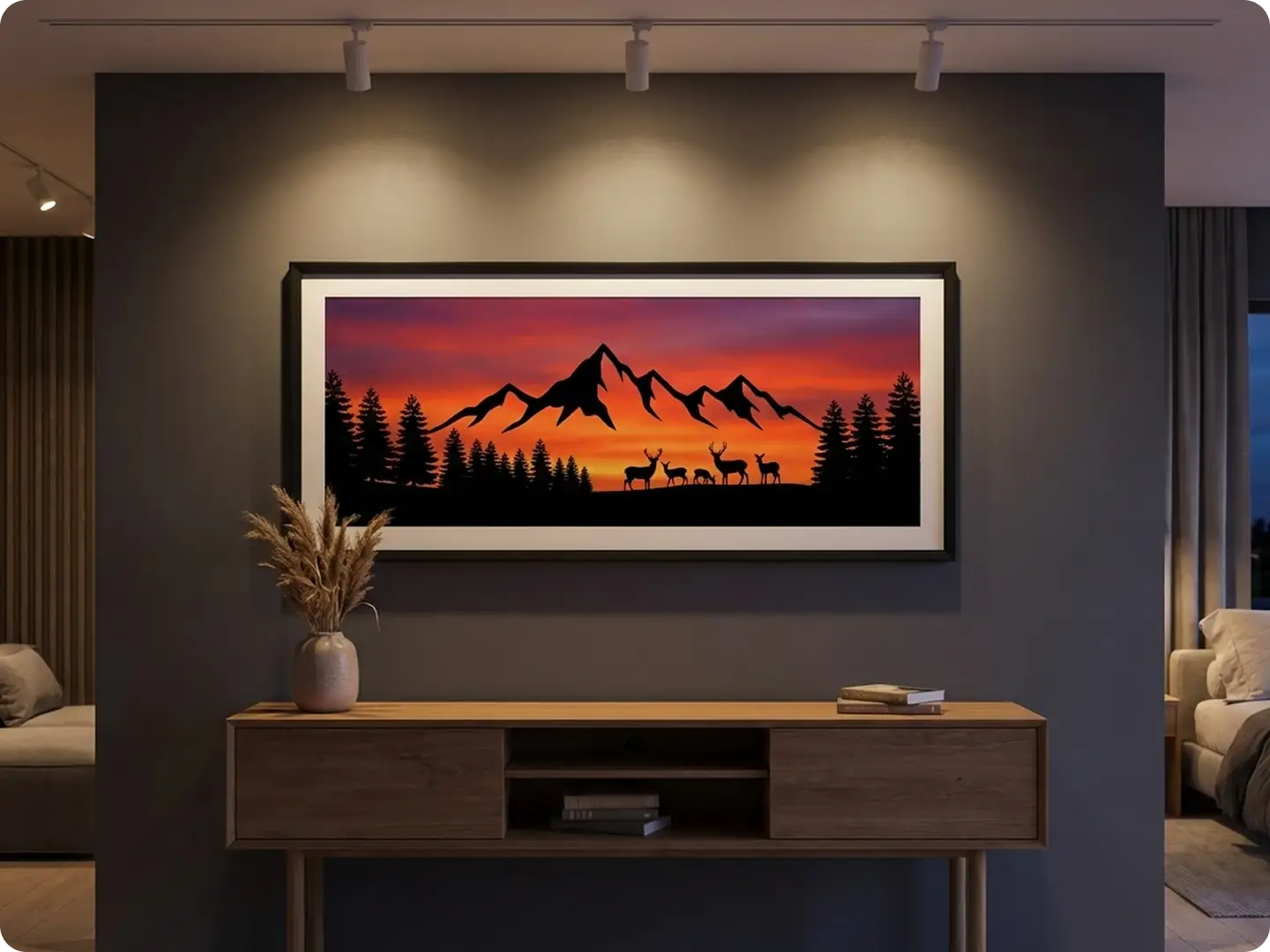
Craft Nature and Landscape Silhouettes for Art
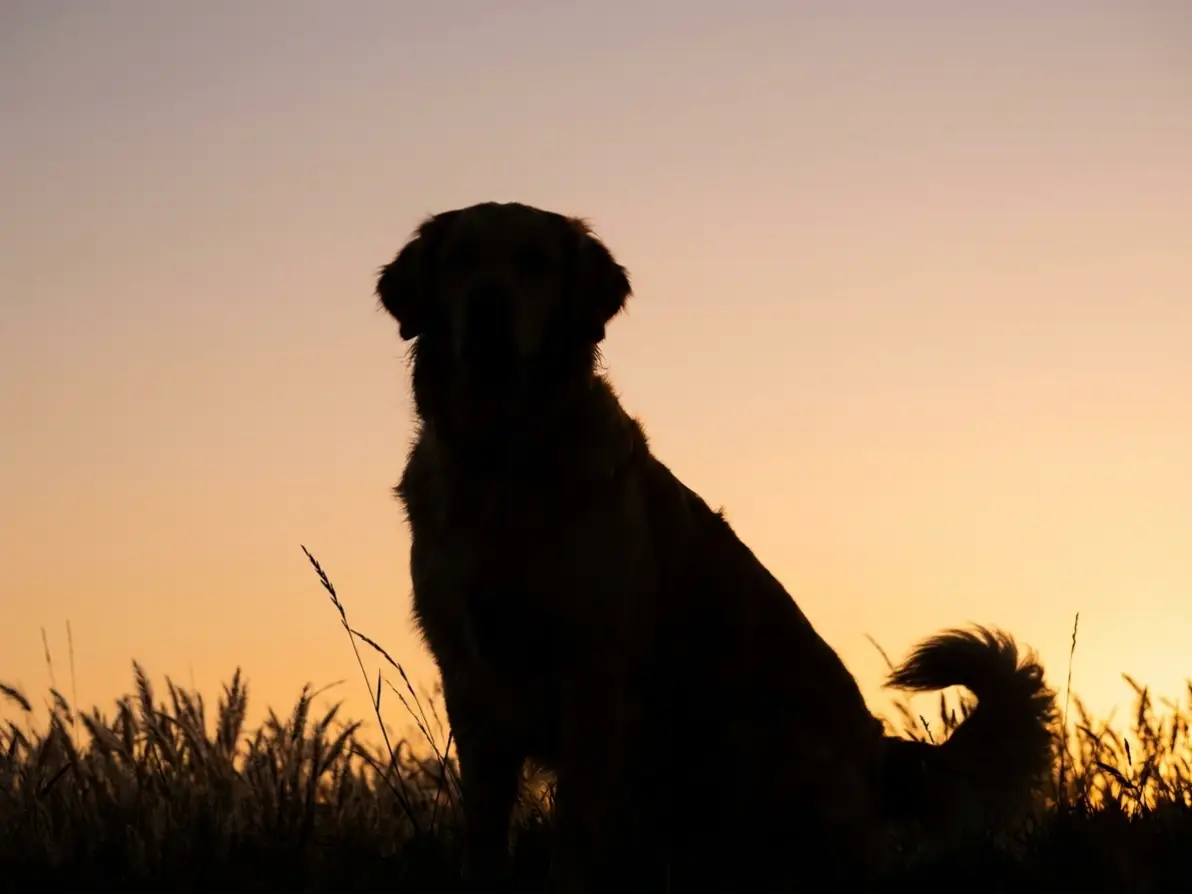
Turn photo into silhouette of sunsets, mountains, or wildlife to create printable wall art, phone wallpapers, or canvas prints. Our AI enhances natural contours, making your landscape silhouettes look artistic and professional—no manual editing required.
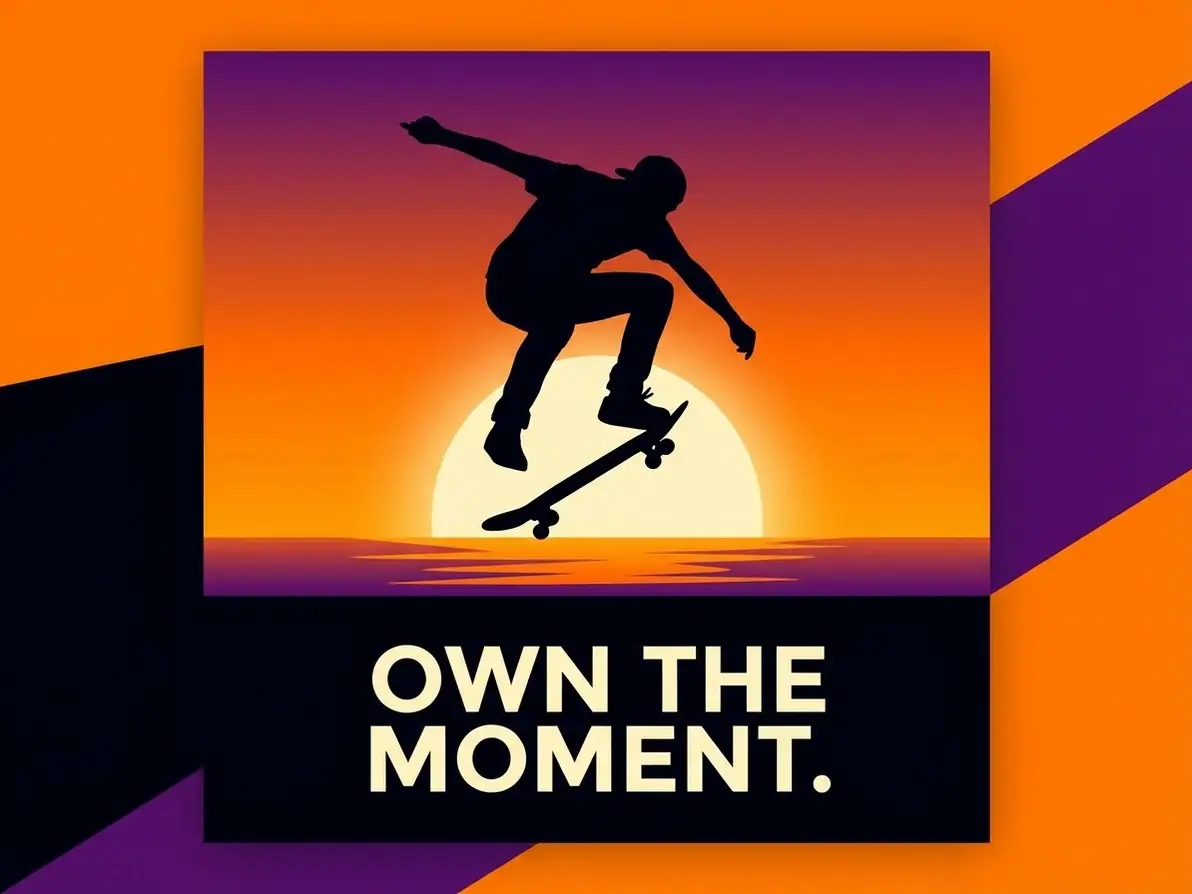
Make Eye-Catching Silhouettes for Social Media Content
Silhouette a picture to create unique TikTok, Instagram, or Pinterest content that stands out in feeds. Our AI lets you add custom colors, backgrounds, or text to silhouettes. Try our AI Meme Generator also to boost engagement further.
Explore Real-World Ways to Use a Silhouette Maker
Get more value from every image. With Dzine, you can silhouette a picture for branding, creativity, or everyday content—our AI adapts to your workflow and delivers professional results instantly.
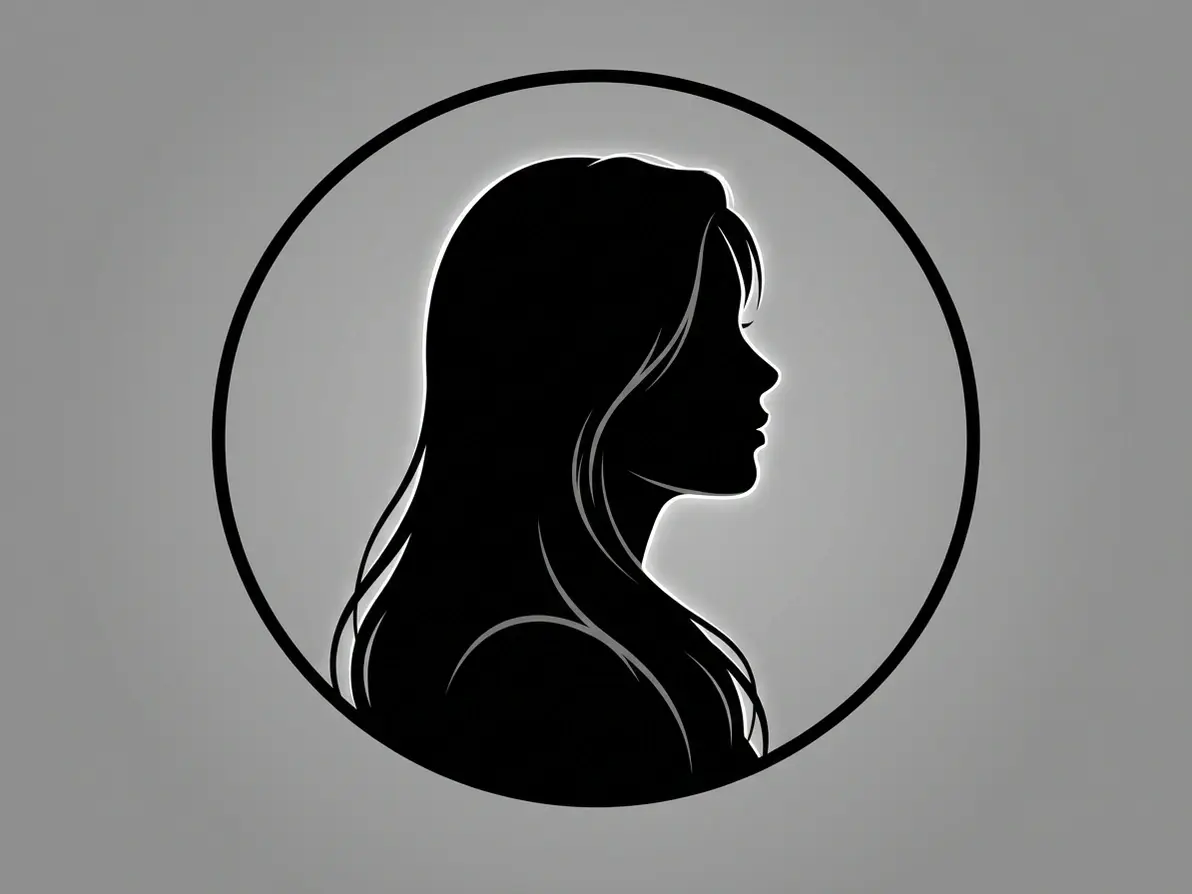
Turn Profile Photos into Clean Silhouette Avatars
Make your identity stand out instantly. Use our silhouette maker to turn photo into silhouette for profile pictures, gaming avatars, or personal branding.
Try now for free
Why Dzine’s Silhouette Maker Is the Best Choice

AI-Powered Subject Recognition
Our AI accurately identifies people, animals, and objects to silhouette a picture with crisp, clean edges—no messy lines or missed details.

4K High-Resolution Outputs
Turn photo into silhouette without losing quality—our tool preserves sharpness, perfect for print, large displays, or professional branding.

100% Free (No Watermarks/Limits)
Silhouette a picture unlimited times with free downloads—no subscriptions, hidden fees, or watermarks on your final silhouettes.

Ultra-Fast Generation (3 Seconds)
Skip long editing sessions—our AI turns picture into silhouette in seconds, ideal for time-sensitive projects like event decor or social media posts.

Custom Silhouette Styles & Backgrounds
Choose from minimal, bold, textured silhouettes or add custom backgrounds (transparent, gradient, scenic)—tailor every detail to your vision.

GDPR-Compliant & Private
We never store your original photos or silhouettes—all processing is local, protecting your personal and creative work.
More AI Tools to Elevate Your Creations

What Our Users Said
Finally a Silhouette Tool That Gets the Details Right
I use Dzine to silhouette a picture of my pets for custom wall art, and the AI captures every contour perfectly—no more messy manual tracing! The 4K resolution makes the prints look professional, and it’s totally free.
Emma ThompsonDIY Enthusiast
Game-Changer for My Small Business Branding
I needed to turn photo into silhouette of my handmade jewelry for logos and social media, and Dzine’s tool delivered in seconds. The custom styles let me match my brand aesthetic, and engagement on my Shopify store is up 35%!
Miguel RodriguezSmall Business Owner
Perfect for Creating Personalized Wedding Gifts
I used Dzine to silhouette a picture of the bride and groom for their wedding invitations—everyone commented on how unique and beautiful they were. The process was so easy, even my tech-averse mom could do it!
Lisa ChenEvent Planner
FAQ
What is Dzine’s Silhouette Maker?
Dzine’s Silhouette Maker is an AI-powered tool that lets you easily turn picture into silhouette, silhouette a picture, or turn photo into silhouette online—ideal for art, branding, gifting, and social media with zero design skills.
Is Dzine’s Silhouette Maker free to use?
Yes! Our tool is 100% free with unlimited silhouette creation, high-resolution downloads, and no watermarks—no subscriptions or hidden fees to turn photo into silhouette.
Can I customize the style of my silhouette?
Absolutely. You can choose from minimal, bold, or textured silhouette styles, add custom backgrounds (transparent, gradient, scenic), and adjust size/resolution to fit your needs.
What file formats do you support for silhouette creation?
We support all major formats: JPG, PNG, WebP, and TIFF. Upload any photo in these formats to silhouette a picture with ease.
Will the silhouette look like the original subject?
Yes. Our AI uses advanced subject recognition to preserve key contours and details, ensuring your silhouette is recognizable and true to the original photo.
Can I use my silhouettes for commercial purposes?
Yes! You can use silhouettes created with our tool for personal or commercial use (e.g., branding, e-commerce, advertising) as long as you comply with our terms of service.