- Tools
- Resources
- Pricing
- API
- Contact Sales
- Book a Demo


Skinny Filter
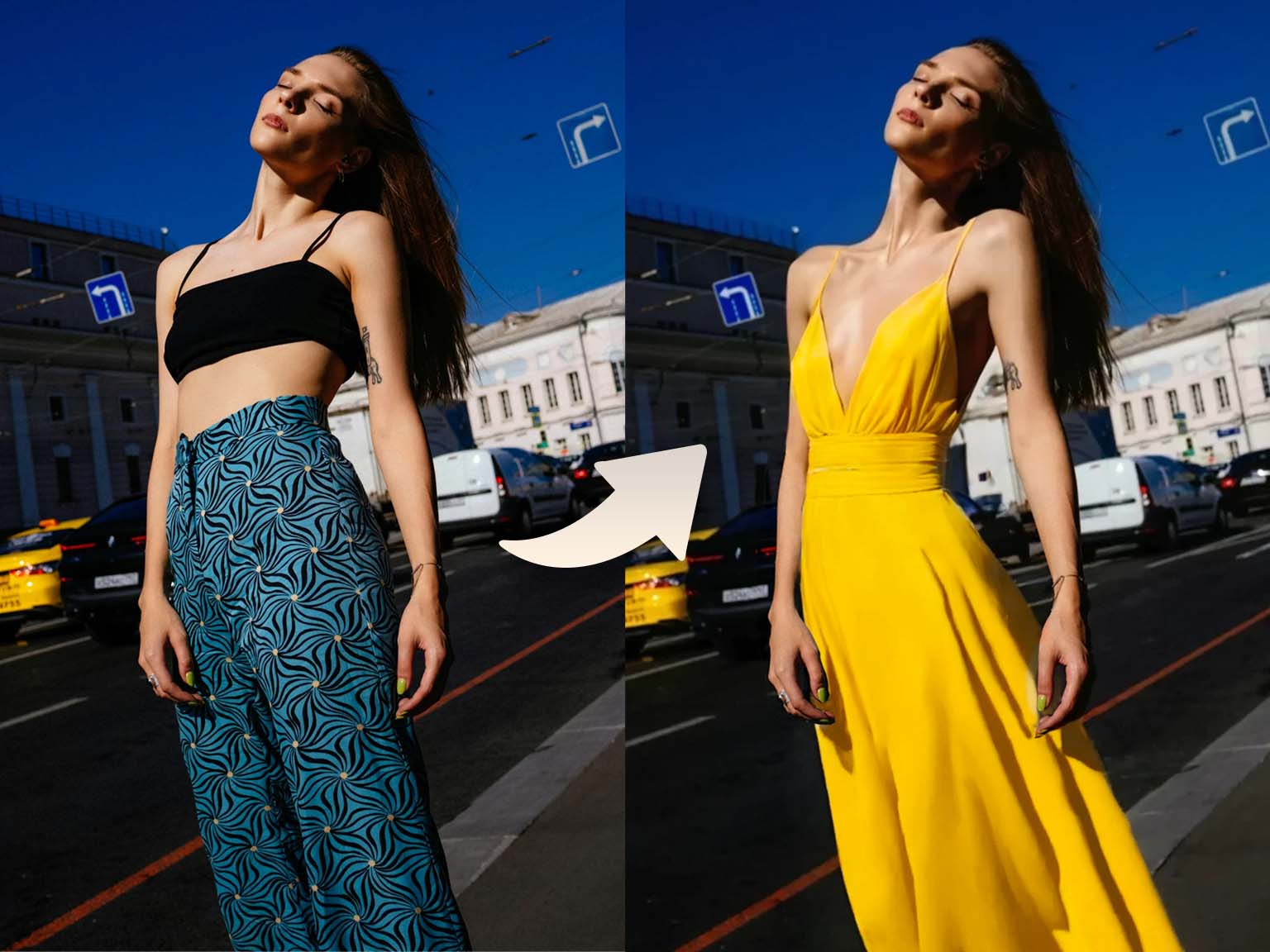
Refine body features in photos with natural-looking results using our AI tool. No complex editing required.

Click or drag here to upload images
Upload your image to start refining with our AI technology
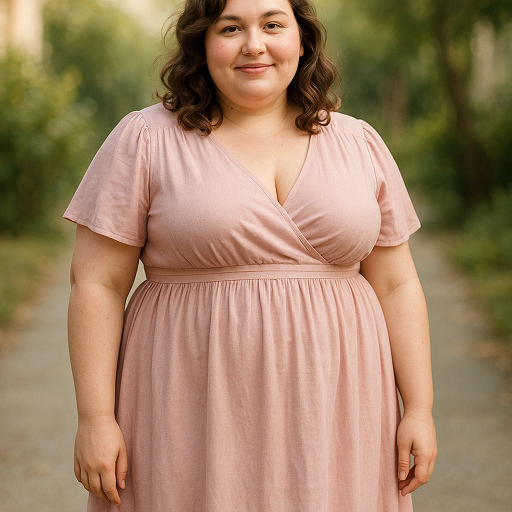
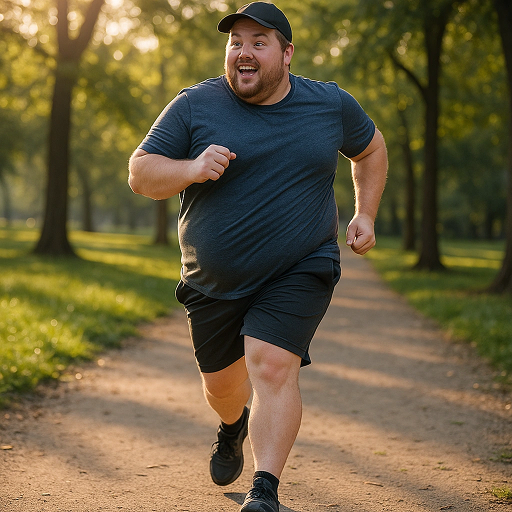
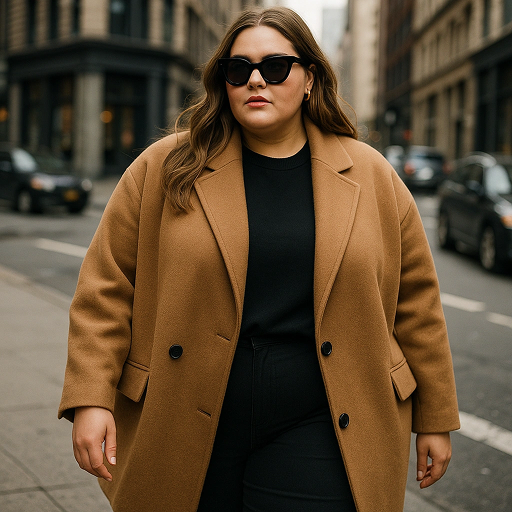
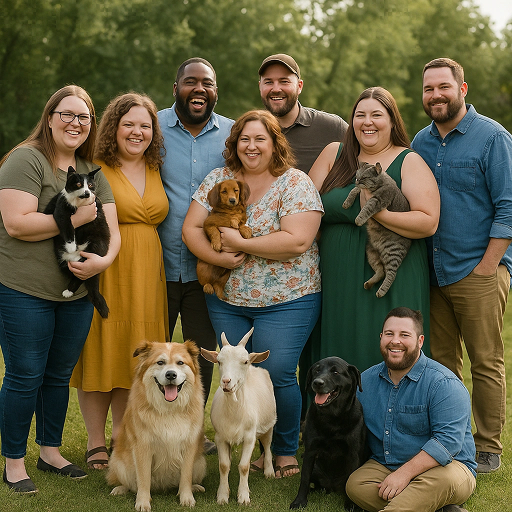
Achieve Natural-Looking Adjustments for Any Photo
Our skinny filter works across various scenarios. It adjusts body features while preserving natural proportions and clothing fit. Use it for personal photos, fashion edits, or social media content. The AI maintains skin texture and lighting for seamless results. Pair with AI Photo Editor for complete image refinement. All changes look organic, never overdone.
How to Use Skinny Filter in Three Steps
Step 1. Upload Your Image
Choose a photo from your device. JPG, PNG, and WEBP formats are supported.
Step 2. Describe Your Vision
Tell us what you need. For example, "subtly slim waist while keeping natural posture" or "adjust hips to fit clothing better".
Step 3. Generate and Download
Wait a few seconds for processing. Save your edited image when satisfied.
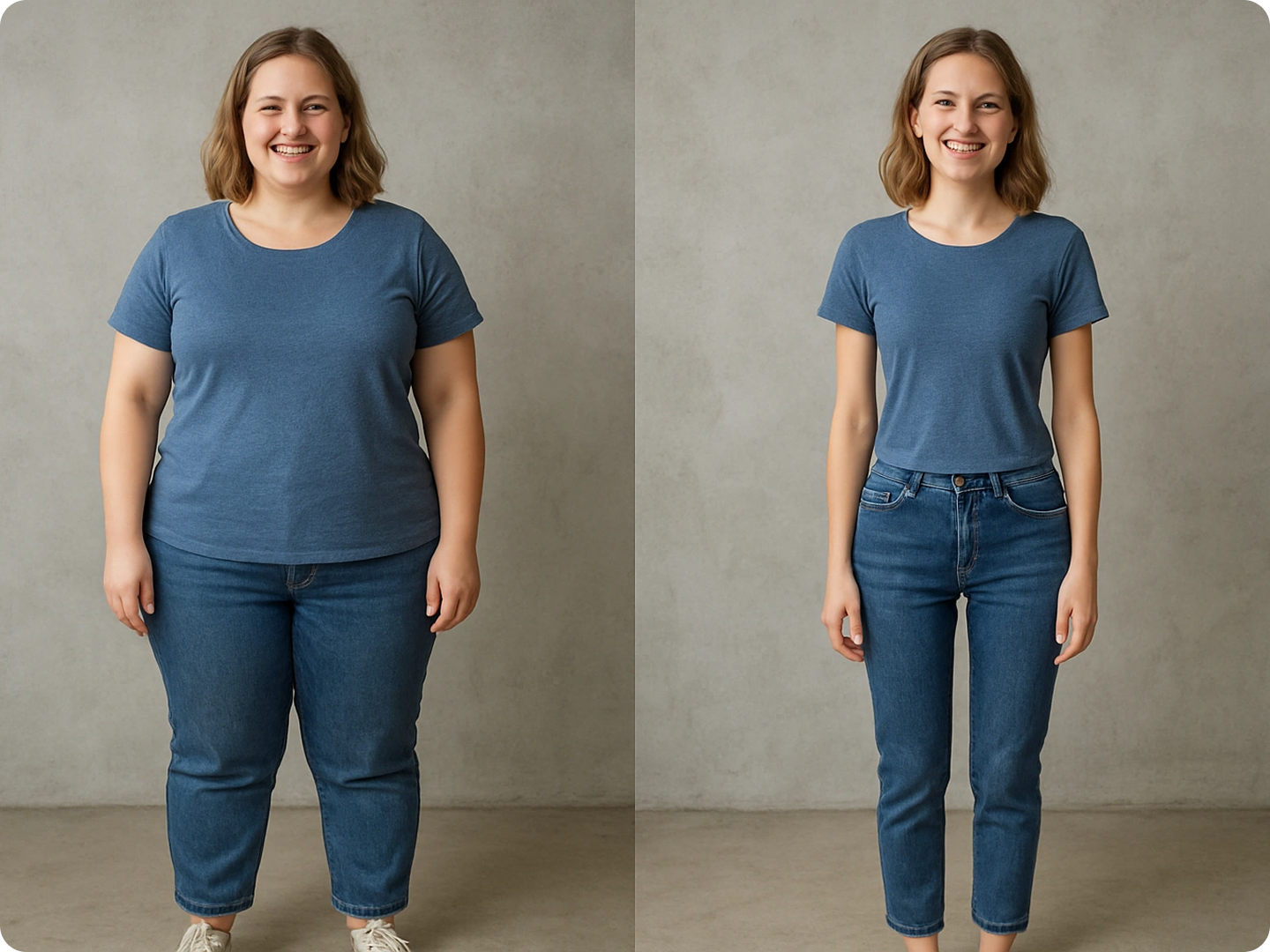
Enhance Fashion Lookbook Photos
Perfect images for clothing lines or brand catalogs. Ensure garments fit as intended. Highlight designs without distracting inconsistencies. Combine with Fashion Photo Enhancer for professional results.
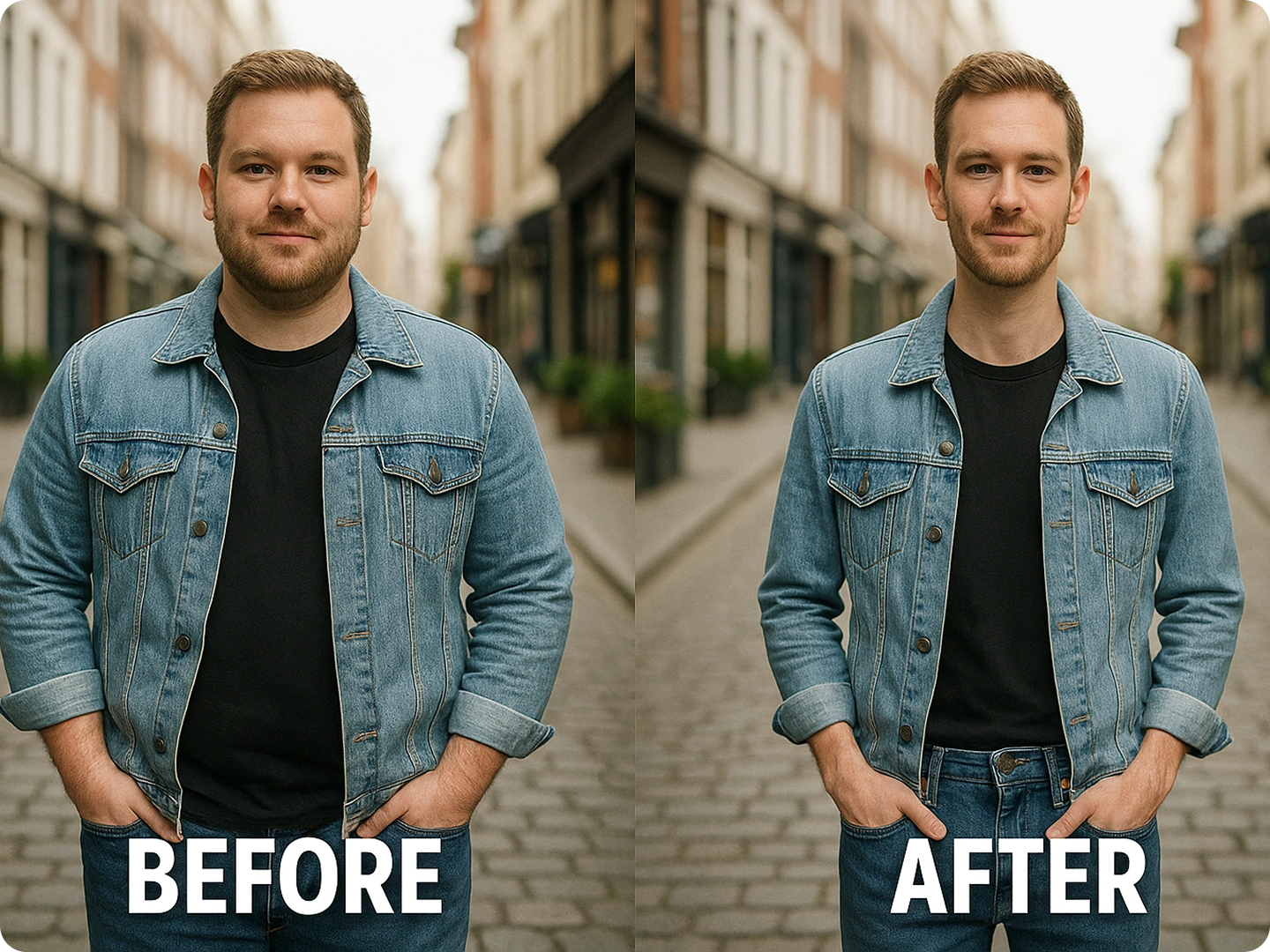
Refine Personal Portrait Photos
Adjust casual or formal portraits to match your desired look. Make subtle changes that feel true to your appearance. Keep memories looking their best. Use Portrait Editor AI for additional tweaks.
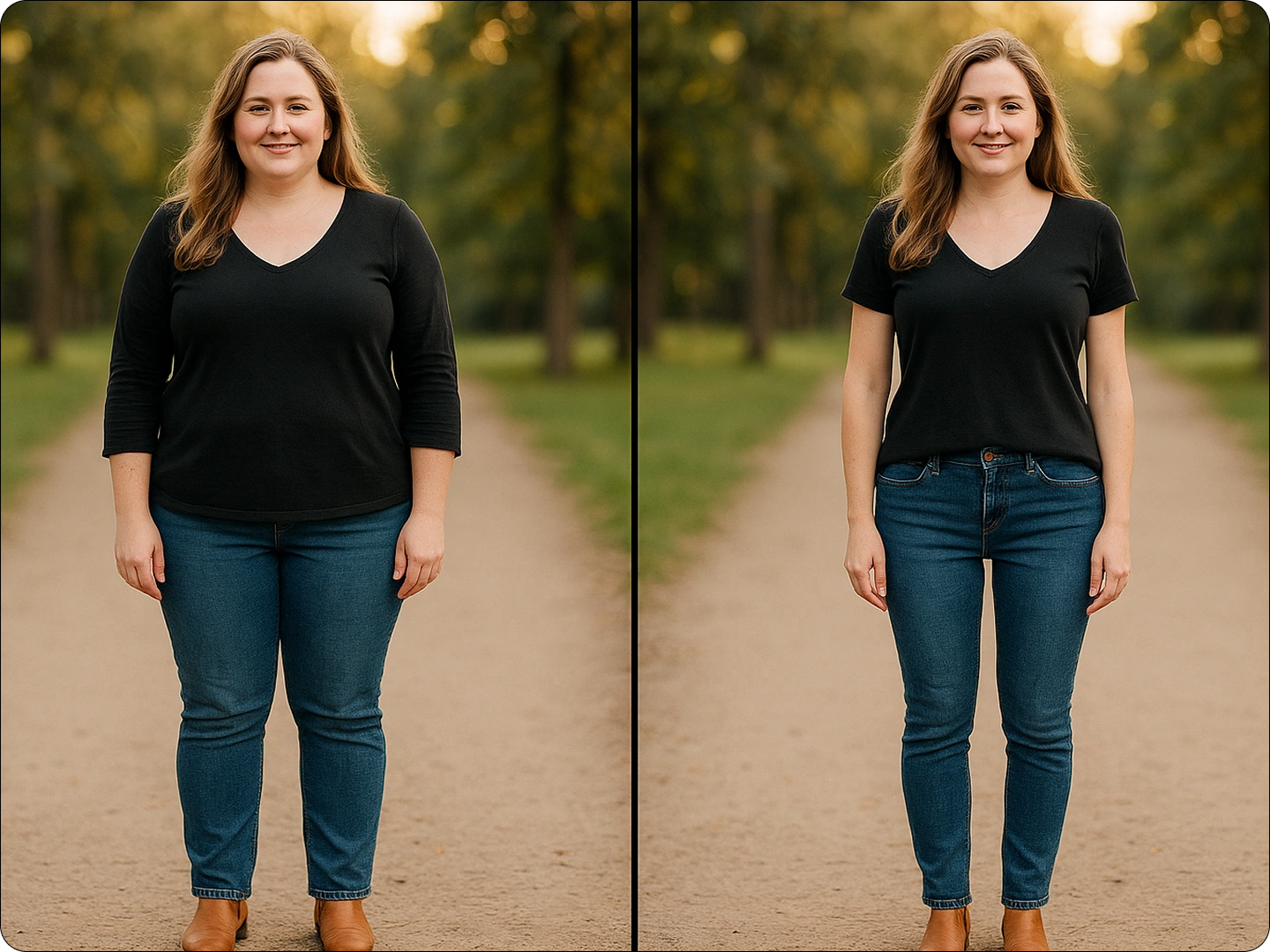
Create Consistent Social Media Content
Maintain a cohesive aesthetic across posts. Adjust photos to fit your personal brand. Keep edits natural to preserve authenticity. Link to Social Media Content Creator for full post design.
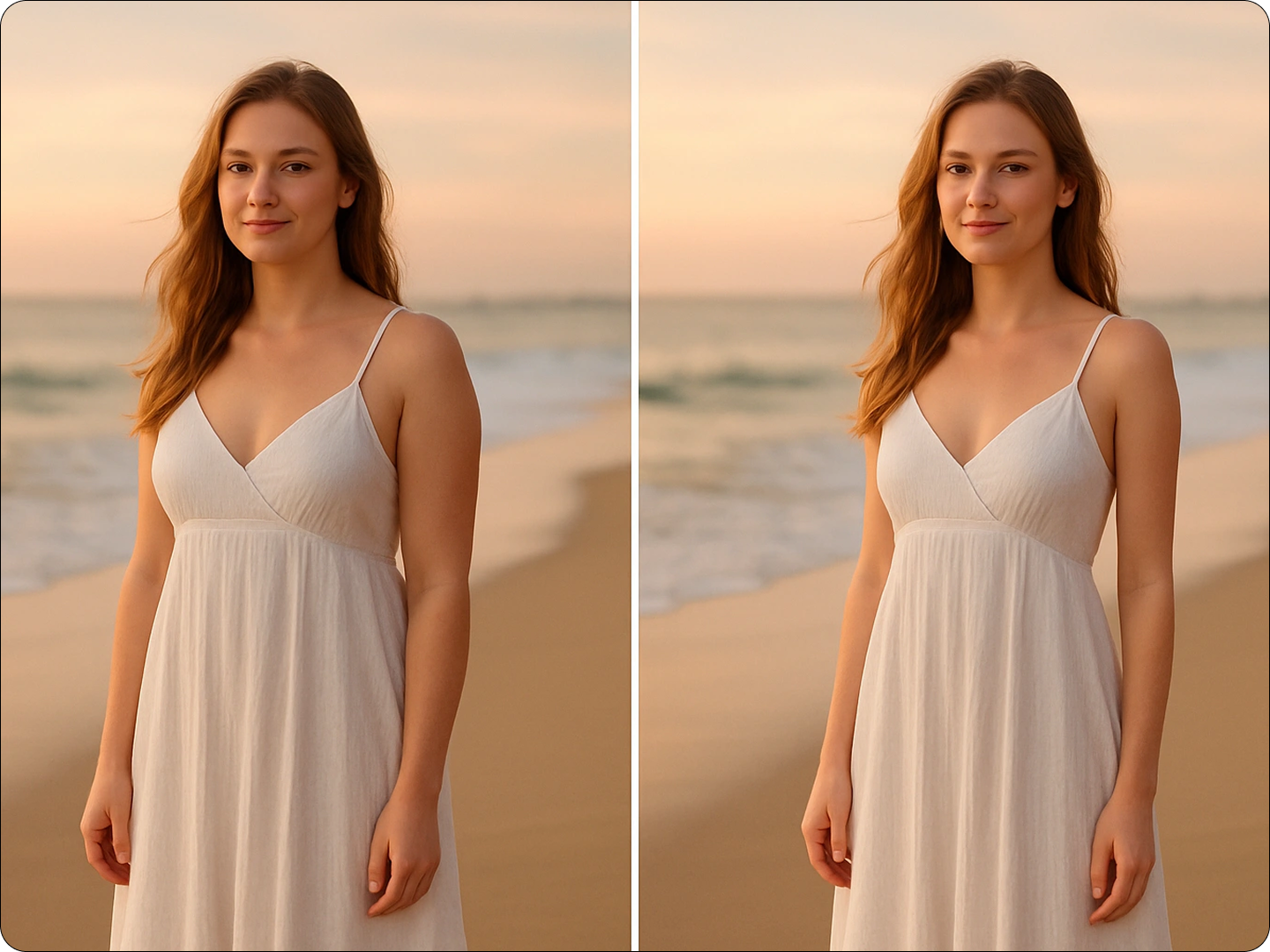
Prepare Photos for Special Events
Refine images for weddings, graduations, or parties. Ensure everyone looks their best in group shots. Keep edits subtle to honor the moment. Pair with Event Photo Optimizer for occasion-specific touches.
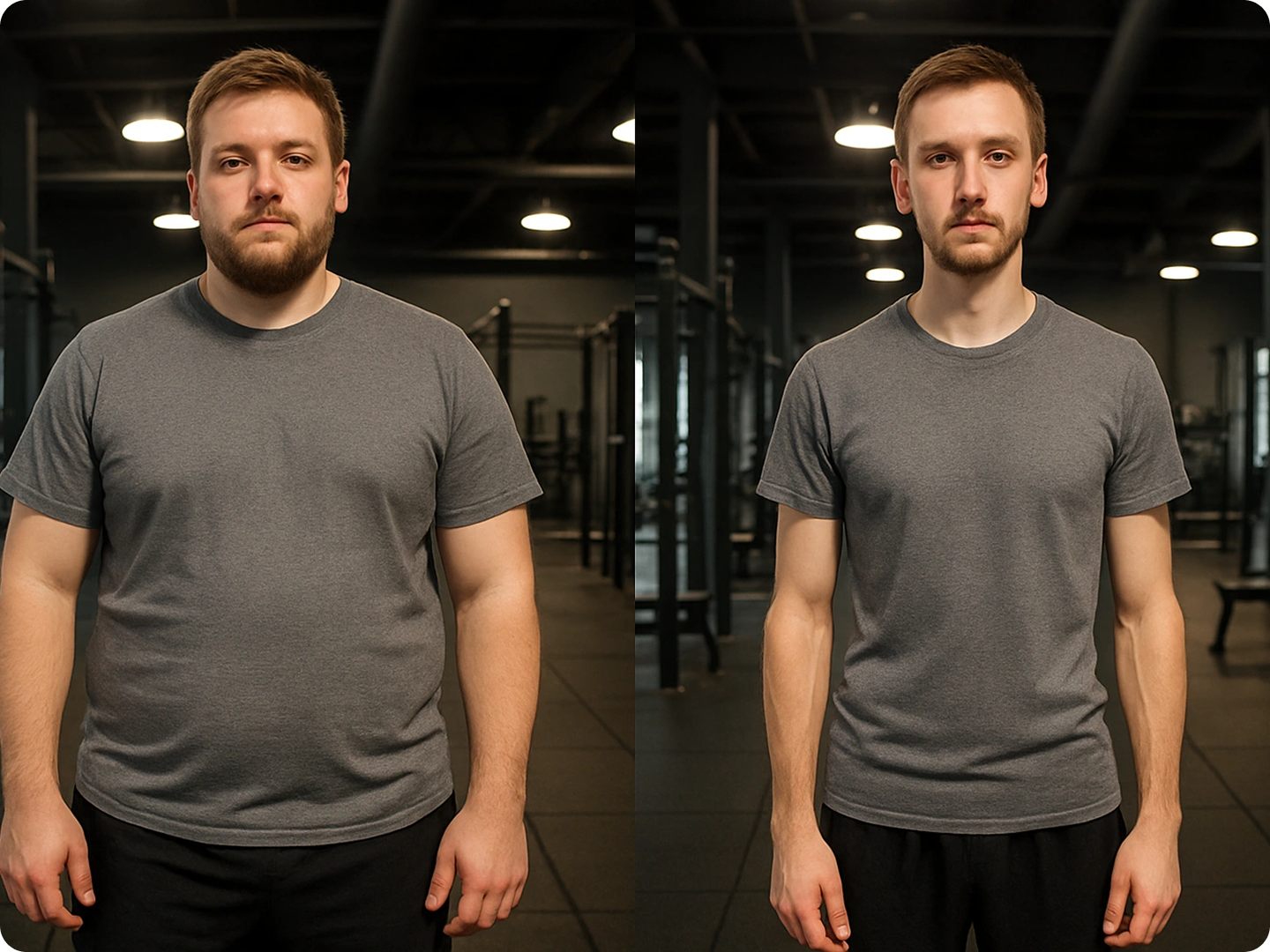
Experiment with Fitness Progress Visuals
Create hypothetical progress images for motivation. Visualize goals without altering facial features. Keep proportions realistic to set achievable targets. Use Fitness Photo Editor for workout-related edits.
FAQ
Will the adjustments look natural?
Yes, our AI preserves body proportions and clothing details to ensure changes blend seamlessly.
Can I control how much adjustment is applied?
Absolutely. Describe your preference — from subtle tweaks to more noticeable changes — for tailored results.
Does it work on group photos?
Yes, you can adjust individual subjects in group shots while maintaining consistent lighting and perspective.
Are there restrictions on commercial use?
No, edited images can be used for commercial purposes, including marketing and advertising.
How long does processing take?
Most images process in 5-10 seconds, depending on complexity and file size.
Can I compare the original and edited versions?
Yes, you can view both versions side by side and regenerate if you want different results.
What Our Users Said
Great for Fashion Catalogs
This tool helped me adjust product photos so clothing fits perfectly. Clients comment on how natural the images look.
Sofia MartinezFashion Brand Owner
Perfect for Social Media
I use it to refine photos for my lifestyle blog. Edits look so natural, followers never notice — just compliment the photos.
James WilsonLifestyle Influencer
Useful for Event Photos
Wedding photos turned out amazing. Subtle adjustments made everyone look their best without losing the moment's authenticity.
Priya PatelEvent Photographer