
- Tools
- Resources
- Pricing
- API
- Contact Sales
- Book a Demo


Text to CAD AI
Dzine's Text to CAD AI transforms written descriptions into accurate CAD drawings. No complex professional skills required. Simply type what you need, and our AI generates detailed technical drawings in minutes.
Need ideas? Try these text to CAD prompts.
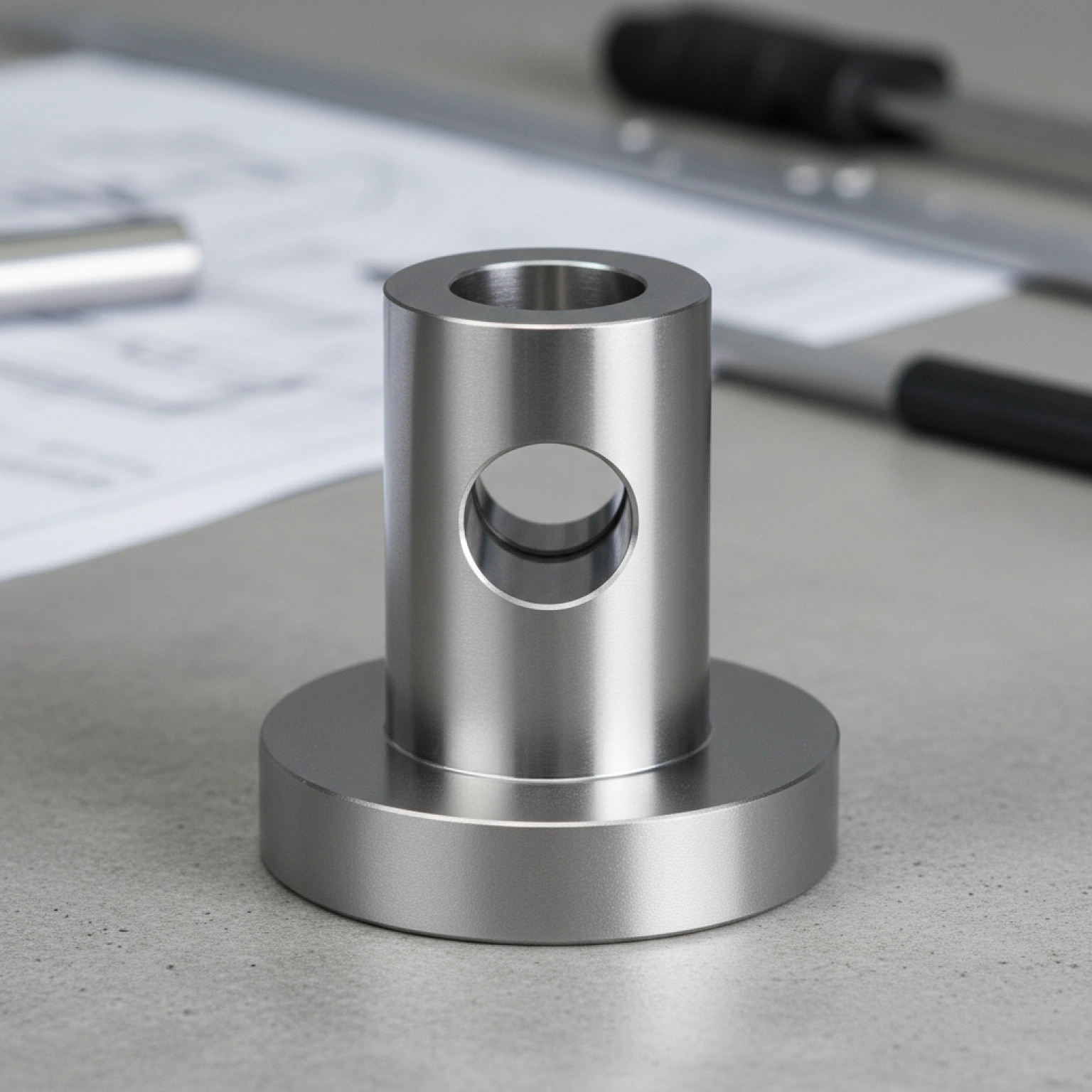
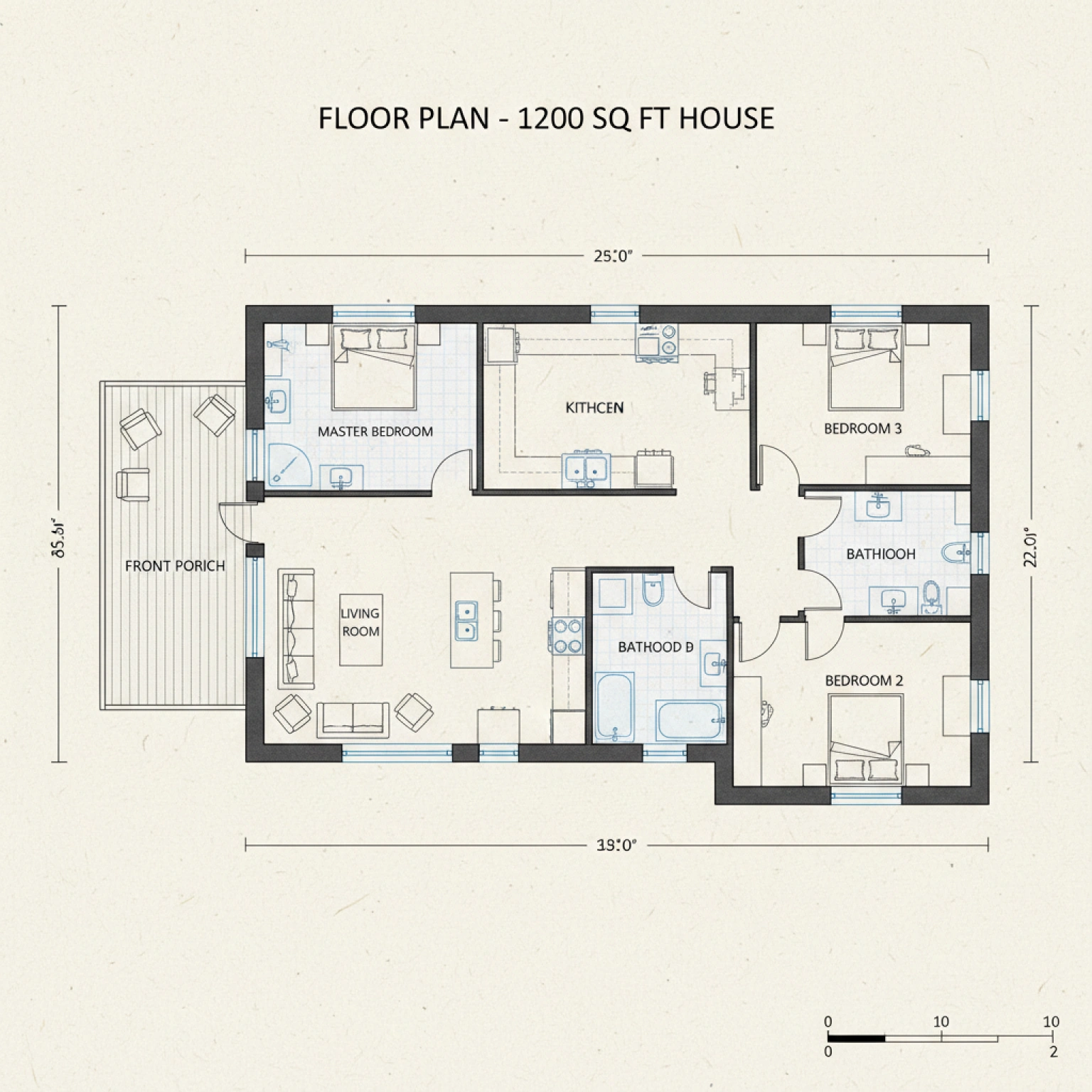
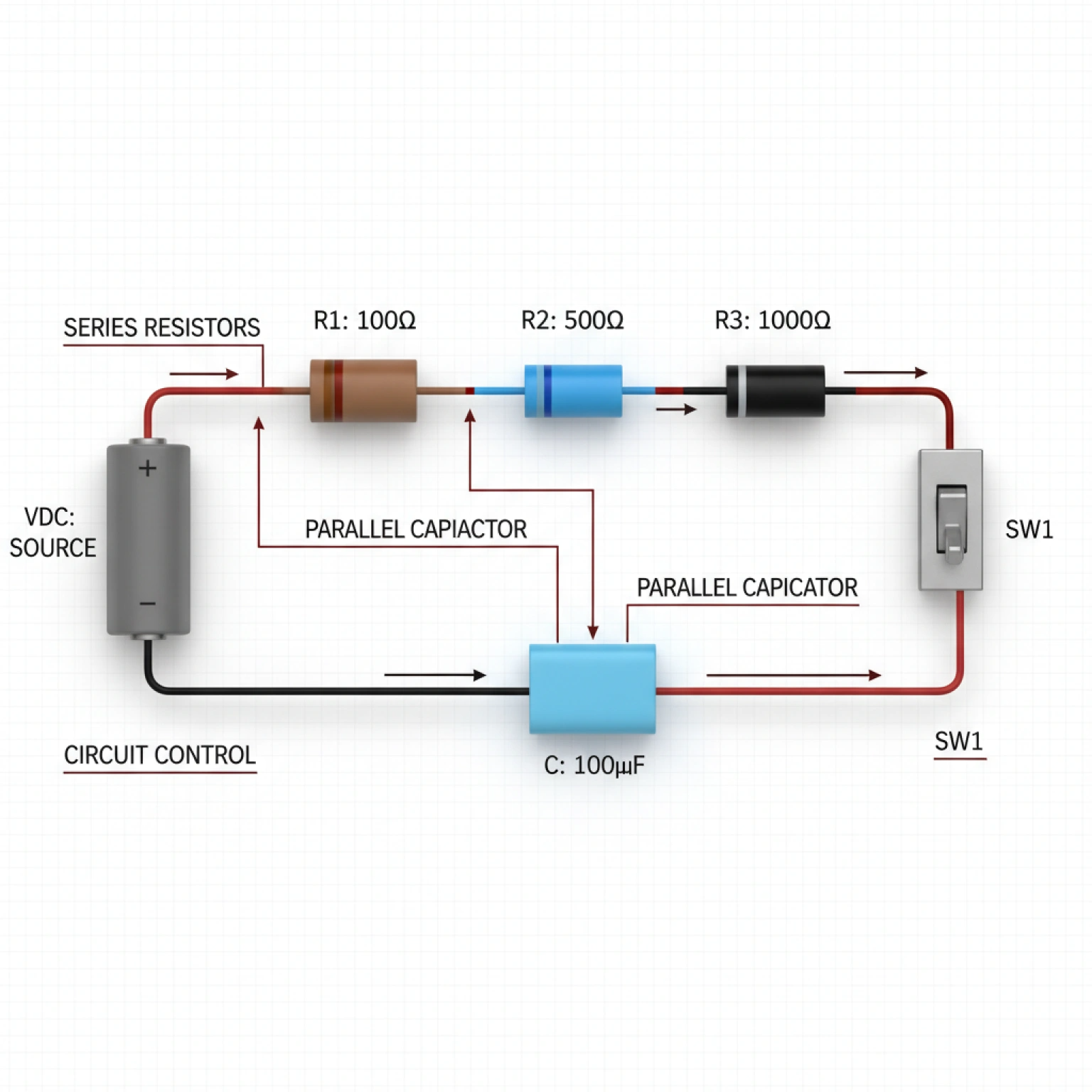
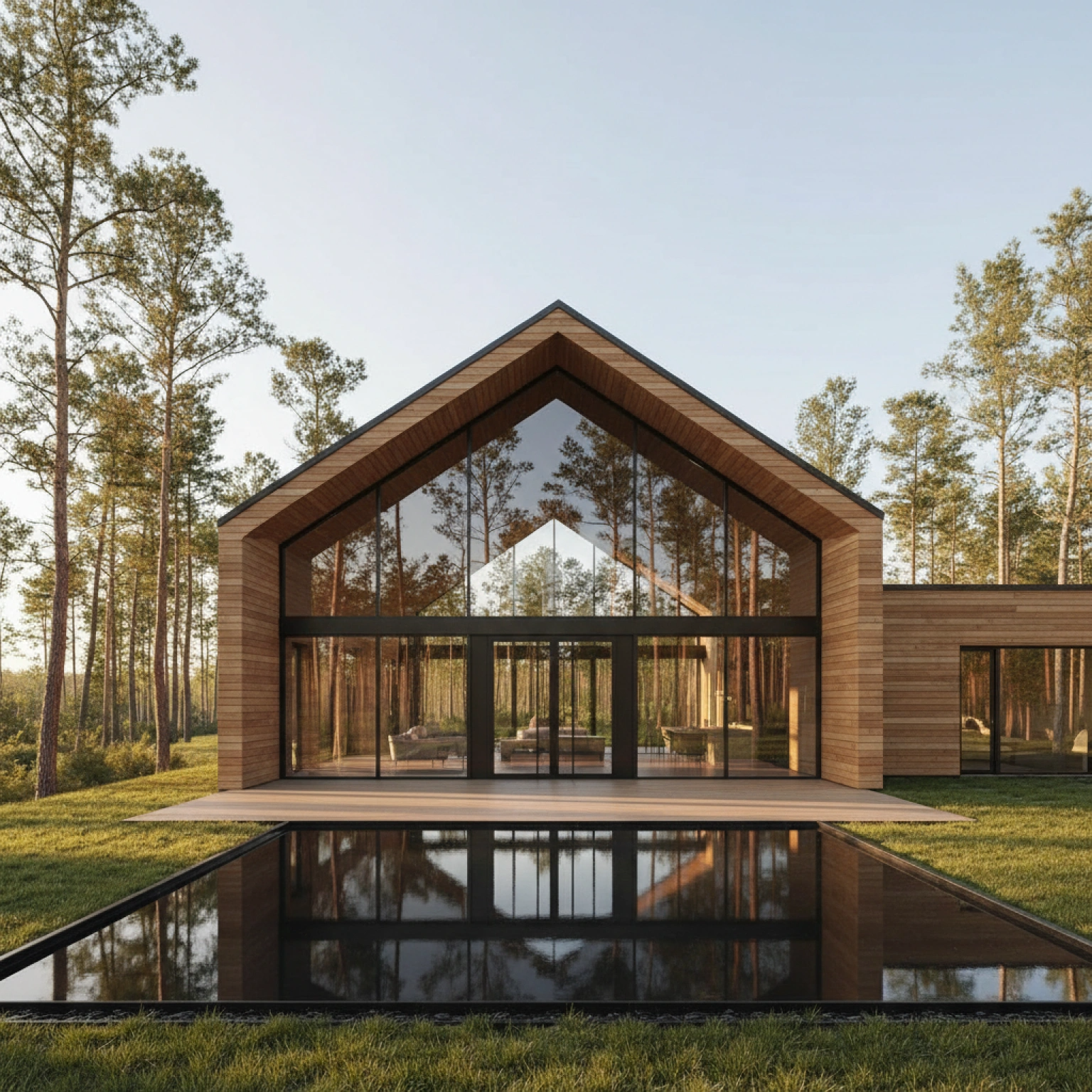
Turn Words into Precise CAD Drawings in Minutes
Creating CAD drawings often takes hours of manual work. Our Text to Cad AI changes that. It converts simple text descriptions into technical drawings with accurate dimensions and details.
Use it for architectural plans, mechanical parts, electrical schematics, or product designs. The AI understands engineering terms, measurements, and design principles to produce usable CAD files. Pair it with our AI Image Editor to refine details or adjust proportions after generation.
How to Generate CAD Models from Text in 3 Simple Steps
Step 1: Enter AI Image Tool
Navigate to Dzine’s “AI Image” feature to start your custom CAD design journey.
Step 2: Set Generation Parameters
Choose a model (e.g., Nano Banana 2) and configure parameters, style, and resolution.
Step 3: Generate Your CAD Model
Click the Generate button — our AI converts your text prompt into a precise CAD model in seconds. Preview, tweak, and download your design in industry-standard formats (STL, DWG, DXF).
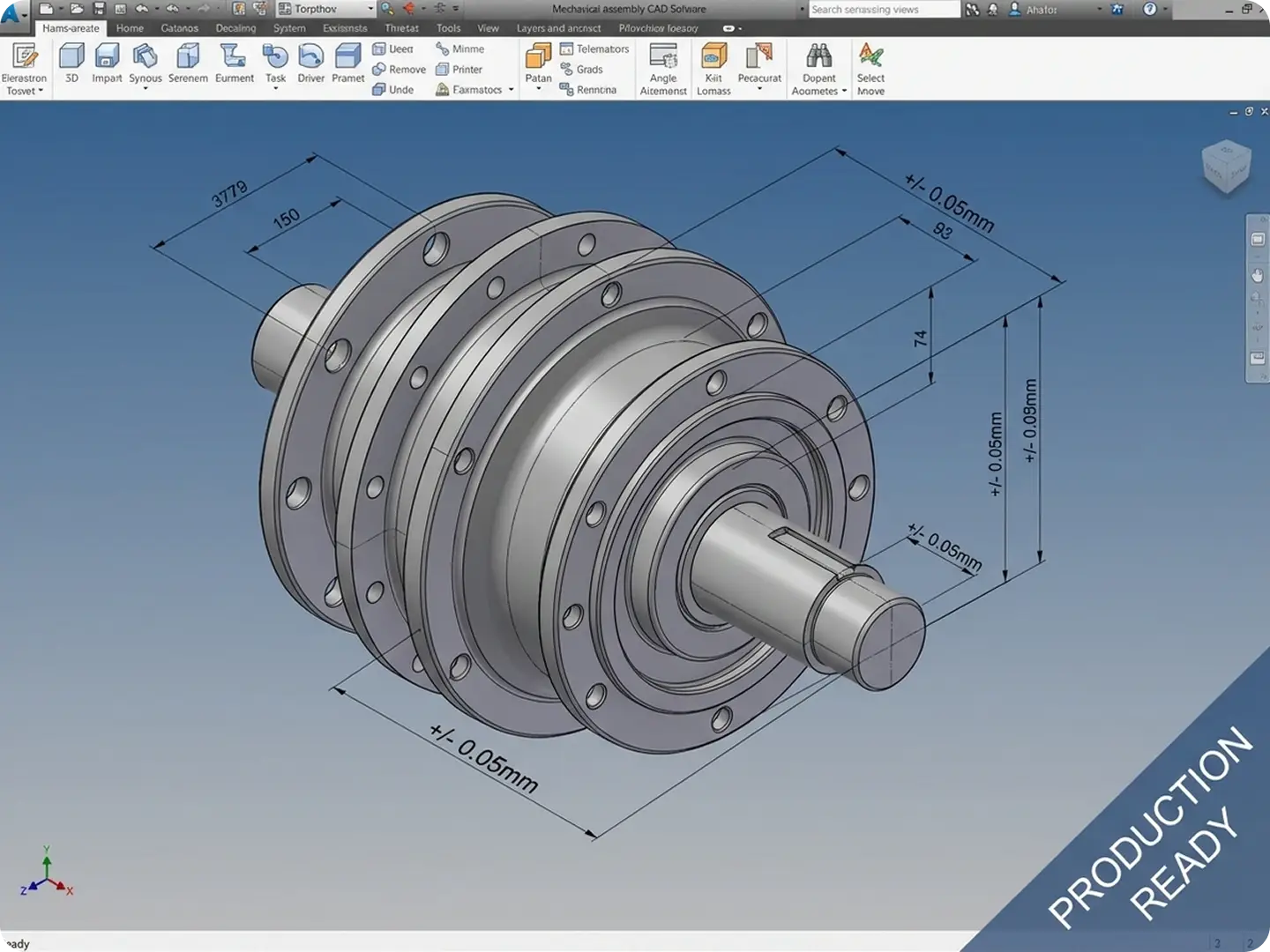
Create 3D CAD Models for Prototyping & Manufacturing
Dzine’s Text to CAD AI generates production-ready 3D CAD models from simple text prompts—ideal for engineers and product designers creating parts for 3D printing, CNC machining, or injection molding. Our AI adheres to geometric tolerances and industry standards, so your designs are functional from day one. Integrate outputs with our AI Image to Video Generator to visualize CAD models in motion for client presentations.
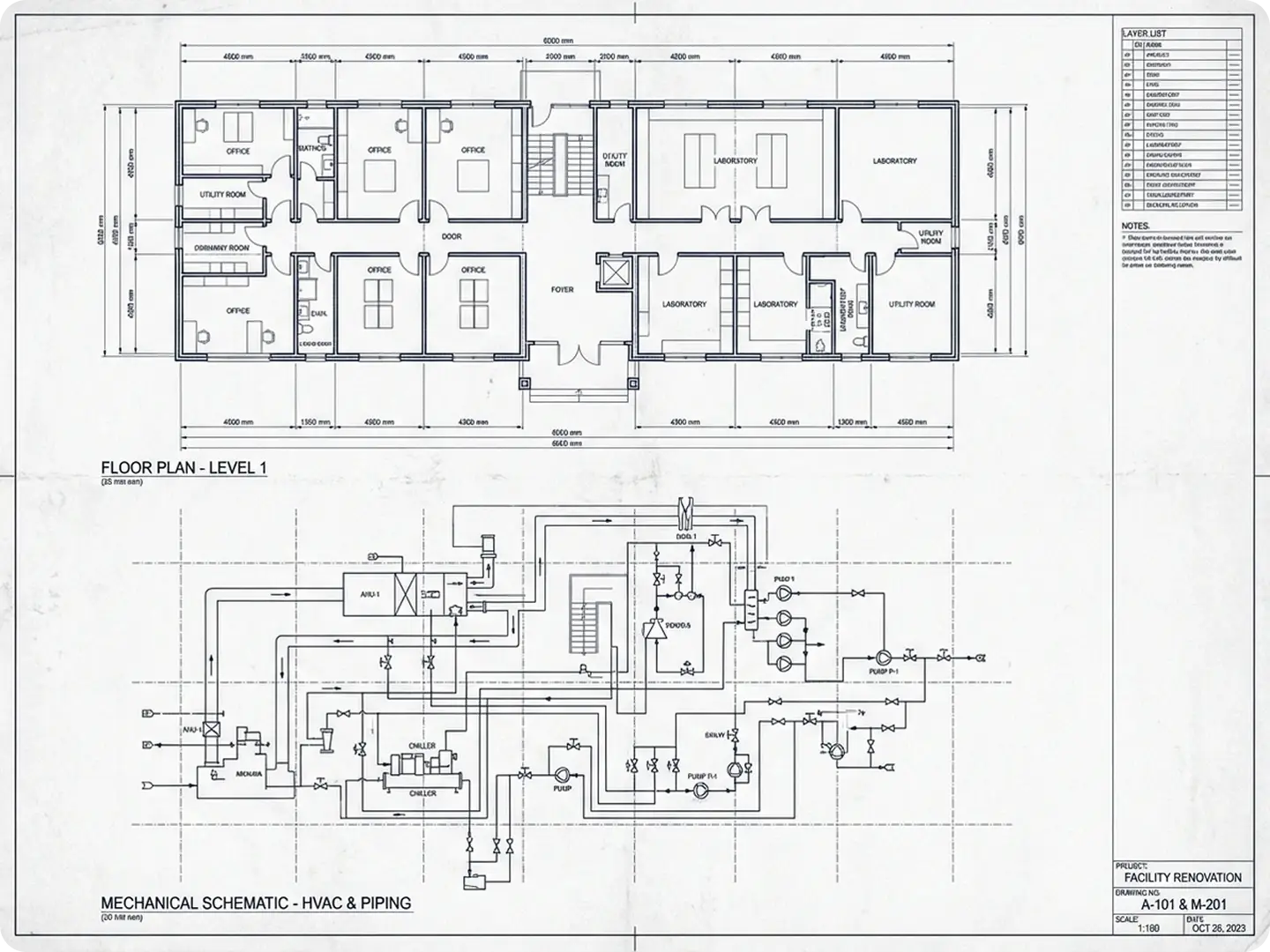
Generate Precise 2D CAD Sketches for Technical Drawings
Turn text descriptions of floor plans, mechanical schematics, or architectural details into clean 2D CAD sketches. Dzine’s AI ensures accurate measurements, layer organization, and annotation compatibility—perfect for architects, civil engineers, and drafters looking to speed up initial design phases.
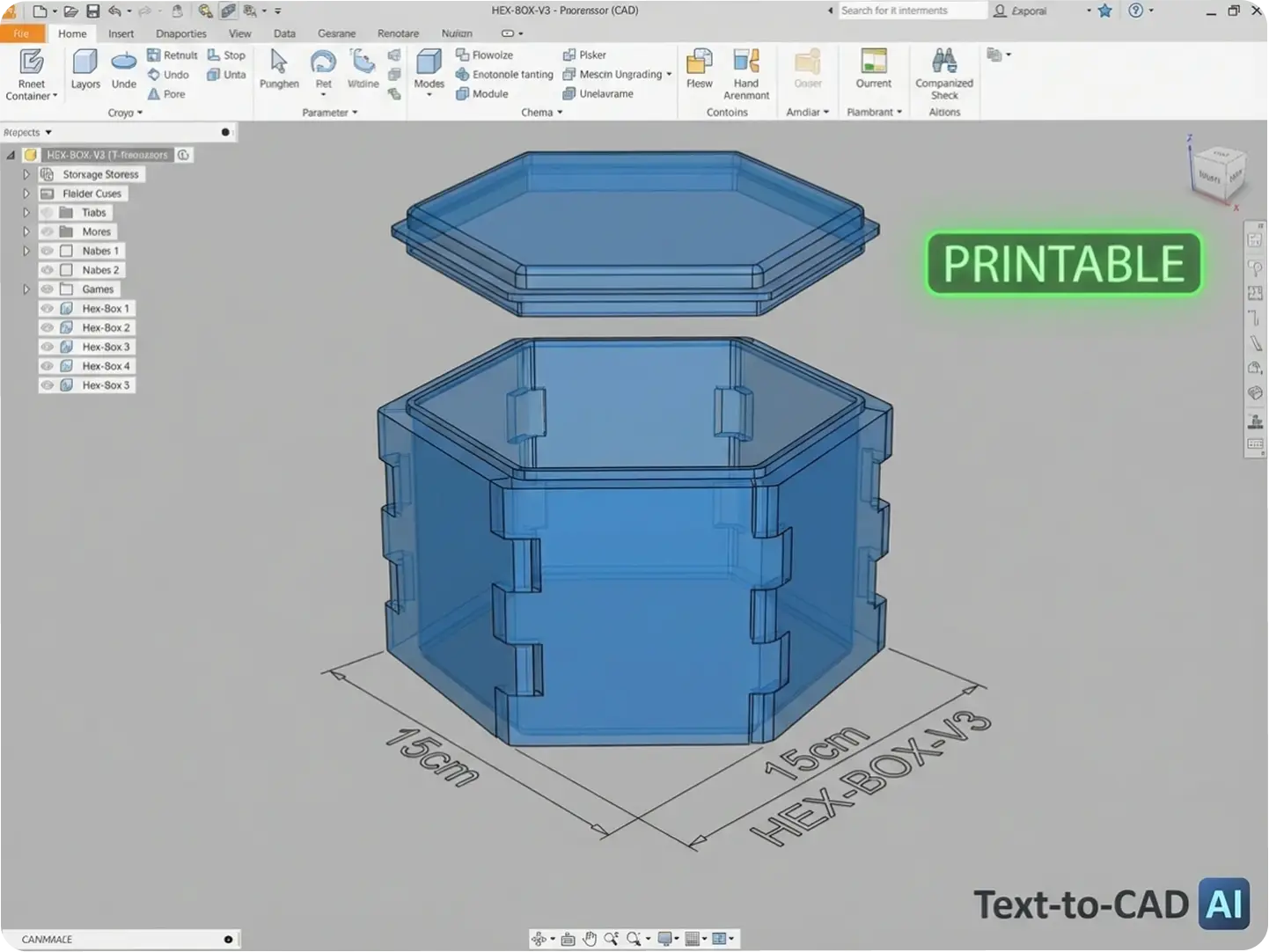
Custom CAD Designs for Hobbyists & Makers
No CAD experience? No problem. Dzine’s Text to CAD AI lets hobbyists create custom designs for 3D printing, cosplay props, or home DIY projects using plain language. Describe your idea (e.g., “a hexagonal storage box with interlocking tabs, 15cm tall”) and our AI generates a printable CAD model—no complex software required.
Explore Text to CAD AI Use Cases
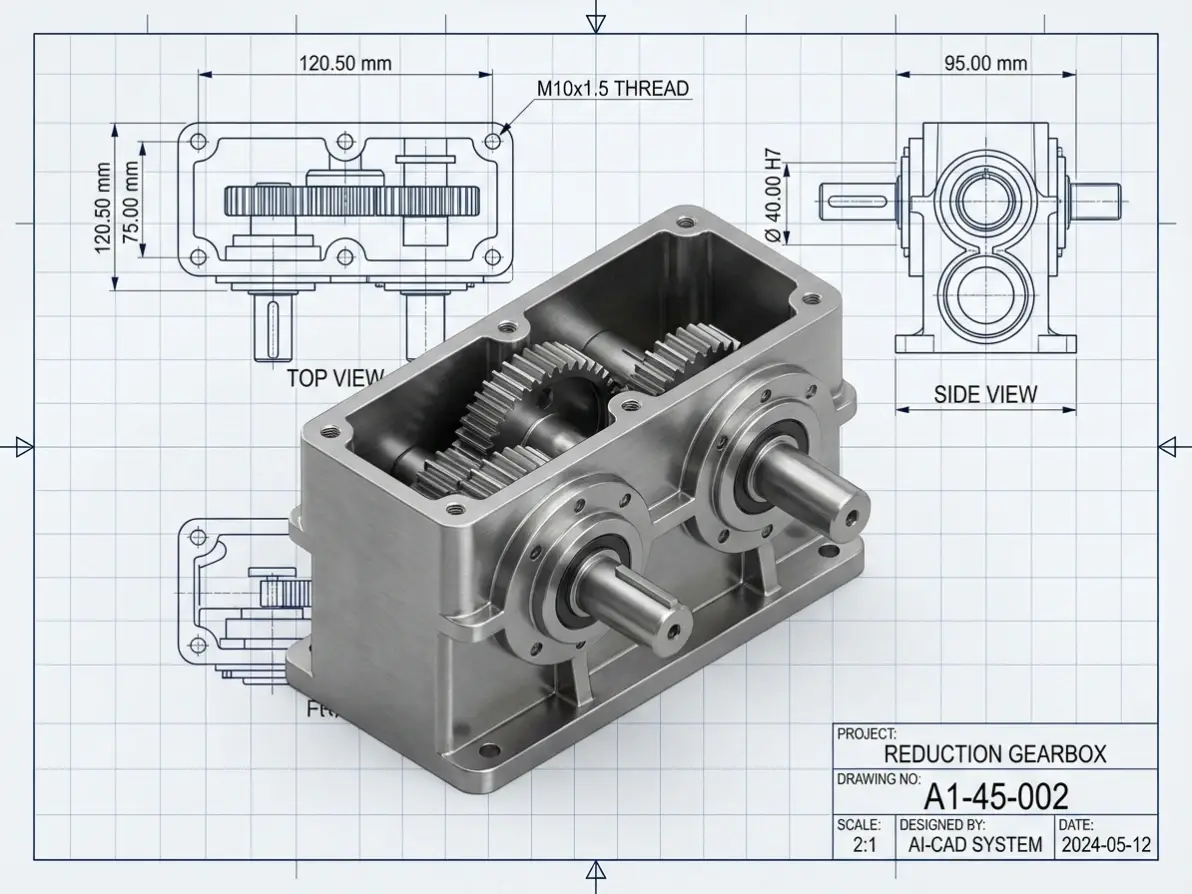
Prompt
a highly detailed CAD design of a complex mechanical part, featuring precise dimensions, clean linework, multiple orthographic views (top, side, isometric), technical drawing style combined with 3D rendering
Prompt
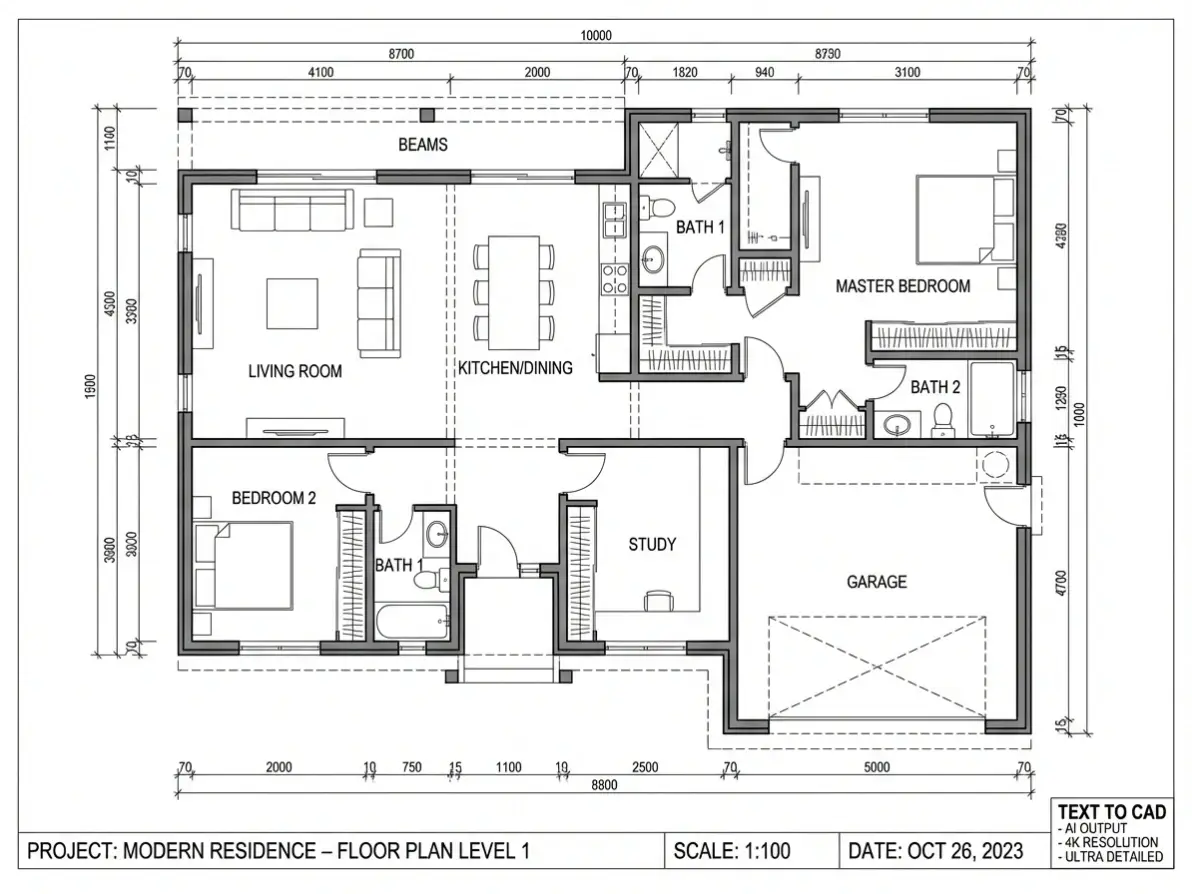
a professional CAD floor plan of a modern house, showing rooms, furniture layout, walls, doors, and windows, clean vector lines, top-down architectural blueprint style
Prompt
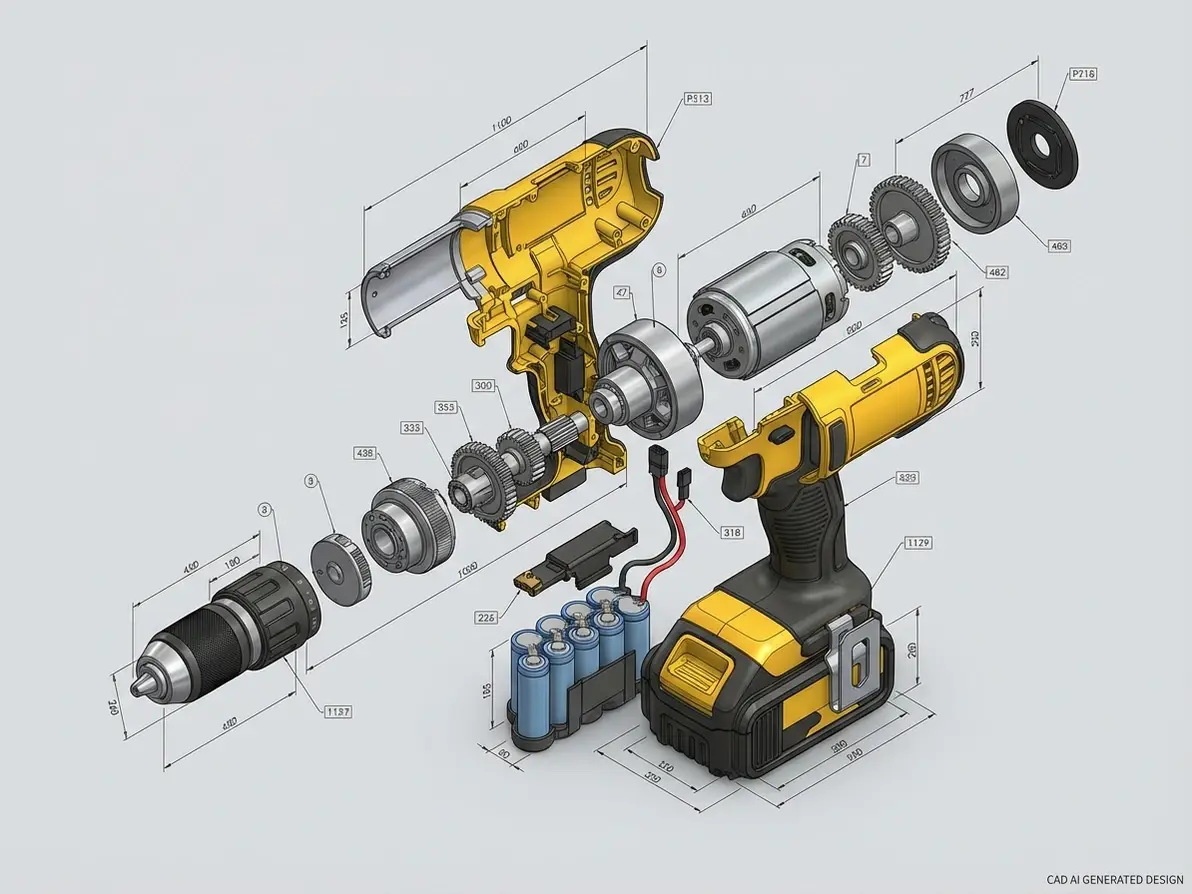
a detailed CAD model of an industrial product, such as a power tool or consumer device, shown in exploded view with components separated, precise geometry, clean edges, engineering design style
Prompt
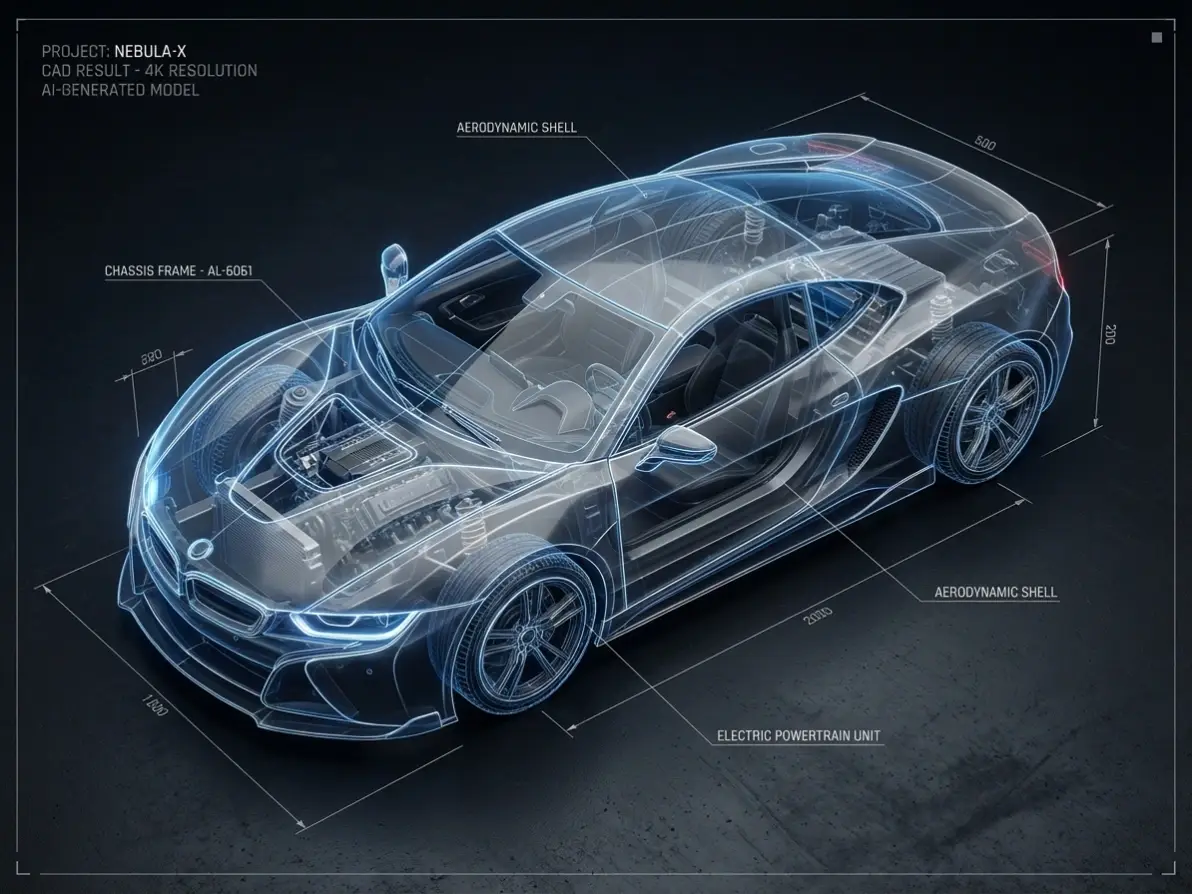
a high-precision CAD design of a car, showing wireframe and solid model combined, transparent body revealing internal structure, clean topology lines, engineering-grade detailing
Prompt
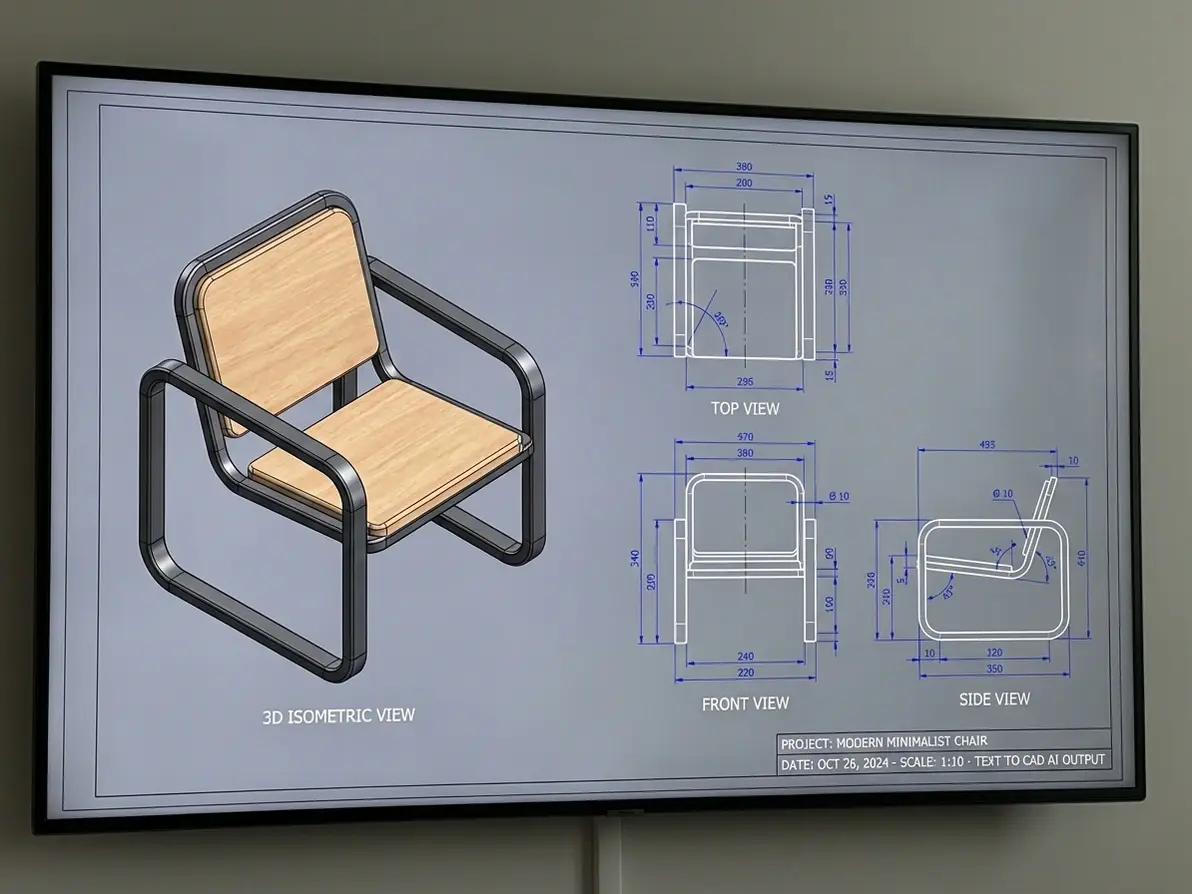
a refined CAD design of a modern chair or table, including orthographic views and a 3D isometric rendering, precise proportions, smooth surfaces, minimalistic industrial design
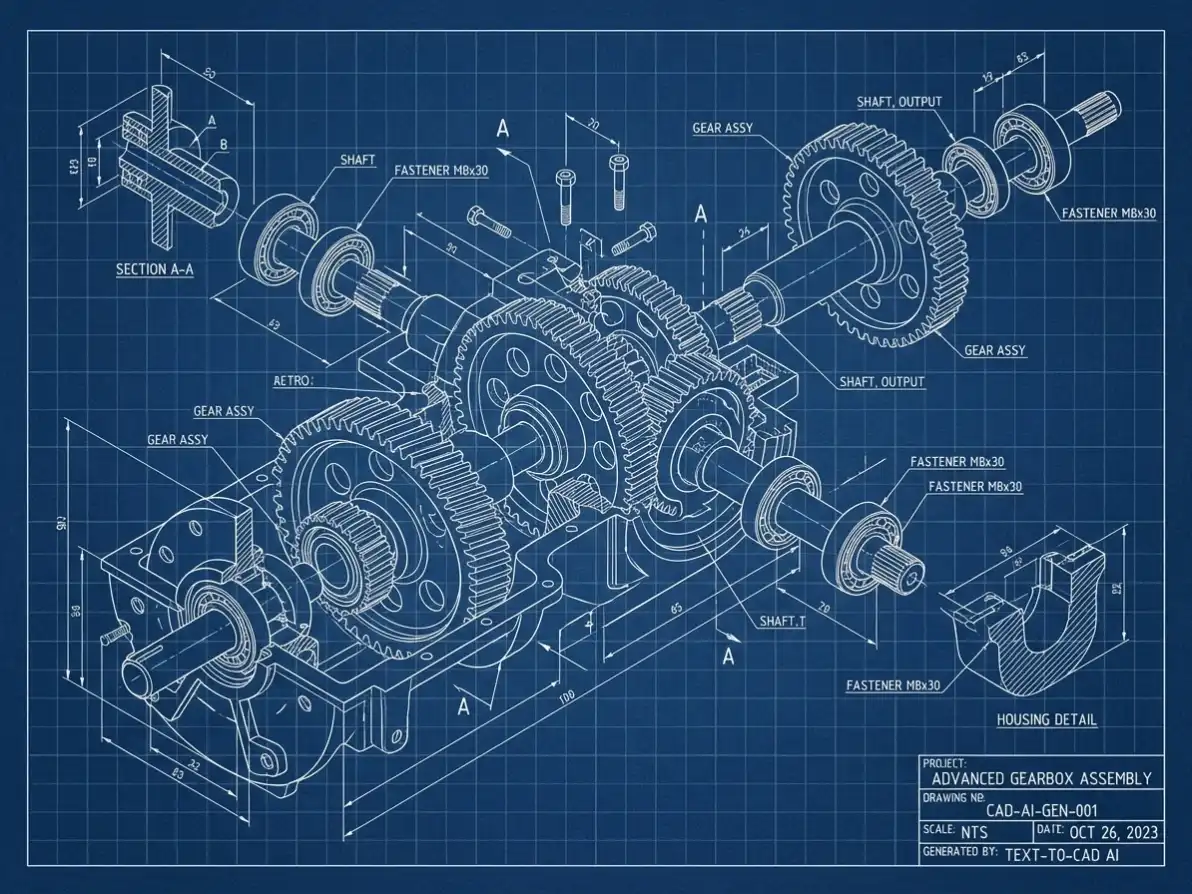
Prompt
a complex CAD assembly drawing of interconnected mechanical components, gears, shafts, and fasteners, detailed blueprint style with labeled sections and exploded perspective, precise alignment
Why Dzine’s Text to CAD AI Is the Best Choice for Designers

100% Free (No Watermarks)
Generate unlimited CAD models and download industry-standard files—no subscriptions, paywalls, or watermarks on your final designs.

Industry-Standard CAD Accuracy
Our AI is trained on engineering and design standards to ensure geometric precision, compatible with AutoCAD, Fusion 360, and SolidWorks.

Instant Generation (3 Seconds or Less)
Skip hours of manual CAD drafting—Dzine’s AI creates 2D/3D models from text in seconds, so you iterate faster and meet tight deadlines.

No CAD Expertise Required
Create professional CAD designs using plain language—no prior experience with CAD software or technical drafting needed.

Multi-Format Export Options
Download CAD models in STL (3D printing), DWG/DXF (2D drafting), and OBJ (3D visualization)—compatible with all major design tools.

GDPR-Compliant & Private
We never store your CAD designs or personal data—all models are processed locally and deleted after your session ends.
More Dzine Tools to Enhance Your Workflow


What Our Users Said
Game-Changer for Engineering Drafting
I use Dzine’s Text to CAD AI to turn client notes into initial 2D sketches—what used to take 2 hours now takes 30 seconds. The accuracy is impressive, and exporting to DWG works seamlessly with our AutoCAD workflow. It’s cut our drafting time by 70%!
Michael TorresMechanical Engineering Manager
Perfect for Hobbyist Makers
As a 3D printing hobbyist with no CAD experience, Dzine’s Text to CAD AI lets me create custom parts using simple descriptions. I designed a custom phone stand by typing “angled stand with cable cutout, fits iPhone 15” and the model printed perfectly on my first try.
Lisa Wong3D Printing Enthusiast
Essential for Architectural Concepting
Our architecture firm uses Dzine’s Text to CAD AI to draft quick floor plan concepts from client briefs. The AI captures spatial relationships and dimensions accurately, letting us focus on design creativity instead of manual drafting. It’s become a core tool in our initial design phase.
David ChenLead Architect
Watch and Figure out more Tools
More Ways to Transform Your Photos with AI

FAQ
Is Dzine’s Text to CAD AI really free to use?
Yes! Our Text to CAD AI lets you generate unlimited 2D/3D CAD models from text prompts—no hidden fees, subscriptions, or watermarks on your final designs. Advanced export options are also free for all users.
What file formats can I export my CAD models in?
Dzine’s Text to CAD AI supports industry-standard formats: STL (3D printing), DWG/DXF (2D CAD drafting), and OBJ (3D visualization). All exports are compatible with major CAD software like AutoCAD, Fusion 360, and SolidWorks.
Do I need CAD experience to use this tool?
No—our Text to CAD AI is designed for both professionals and beginners. You only need to describe your design in plain language (e.g., “a 10cm cube with a 2cm hole through the center”) and the AI handles all technical CAD generation.
Can I use the CAD models for commercial purposes?
Yes! All CAD models created with Dzine’s Text to CAD AI are free for personal and commercial use—perfect for selling 3D-printed products, using in client projects, or incorporating into manufacturing workflows.
How accurate are the AI-generated CAD models?
Our AI is trained on engineering standards and geometric tolerances, ensuring models meet industry accuracy requirements for prototyping, manufacturing, and technical drafting. For critical applications, we recommend final review in your preferred CAD software.
Can I customize the resolution and size of my CAD models?
Absolutely. Dzine’s Text to CAD AI lets you configure output resolution (up to 4K for technical drawings), dimensions (metric/imperial units), and style (detailed/minimalist/technical) to match your specific project needs.