- Tools
- Resources
- Pricing
- API
- Contact Sales
- Book a Demo


AI Unblur Text
Fix blurry text in any image instantly with Dzine's free online tool. From unclear screenshots and scanned documents to low-quality photos, our AI text enhancer makes every word sharp and readable. Upload your image and unblur text image online now.

Click or drag here to upload images
Try AI unblur text with one of these
Turn Blurry Text Into Clear, Readable Content
Blurry text makes photos useless when you need to read important information. Traditional sharpening methods create artificial edges and noise that make things worse. Dzine AI recognizes letters, numbers, and symbols, then reconstructs sharp edges that match the original font's natural characteristics.
This text unblur tool works on images from any source. Whether you're recovering lecture notes from a shaky photo, enhancing scanned receipts for expense reports, or clearing up product labels from online listings, our unblur text image online free tool delivers professional results.
How to Unblur Text Using Dzine?
Step 1: Upload Your Image
Open the Upscale & Enhance tool in Dzine. Click to upload the photo or screenshot containing blurry text from your device.
Step 2: Select Enhance
Choose the enhancement level that matches your image quality needs. Click the Enhance button to start processing.
Step 3: Download Clear Text
Review your enhanced image with sharp, readable text. Download the result and use it for studying, work, or any purpose without text clarity issues.
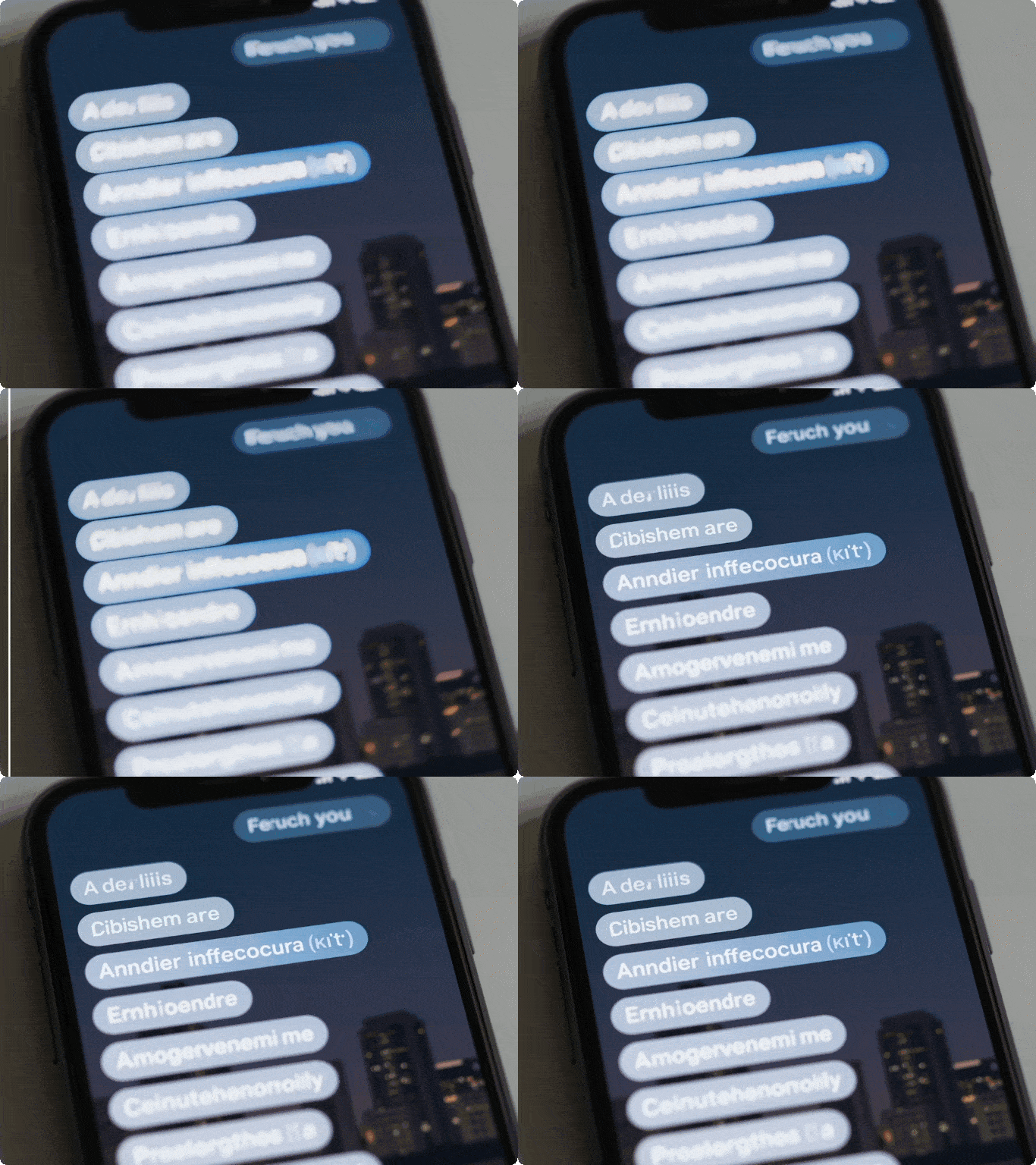
Recover Text From Screenshots and Photos
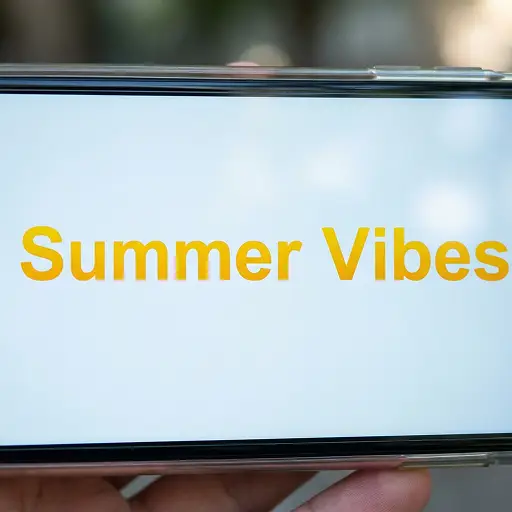
Error messages, confirmation codes, and chat conversations become useless when text is unclear. Our AI tool to unblur text in an image analyzes each character's structure and rebuilds sharp edges. Students can rescue lecture slide photos, professionals can clarify meeting notes, and shoppers can read product details. The system handles different fonts, sizes, and orientations while preserving the original layout.
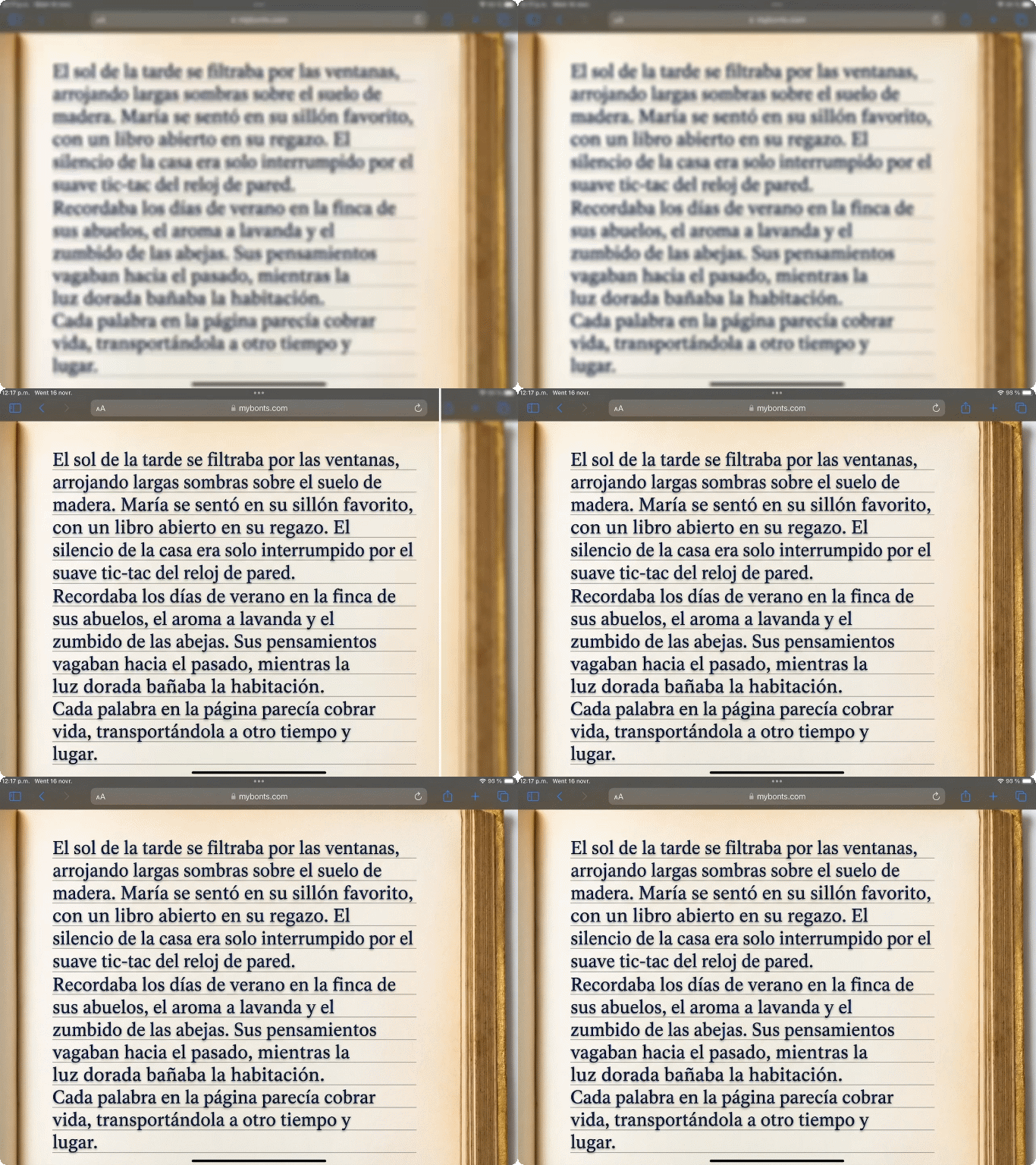
Enhance Scanned Documents and Paperwork
Old scanners and phone cameras create low-quality document images where text appears fuzzy and hard to read. Contracts, receipts, certificates, and forms need perfect clarity for legal and business purposes. Our AI distinguishes text from tables, logos, and signatures, applying appropriate enhancement to each element.
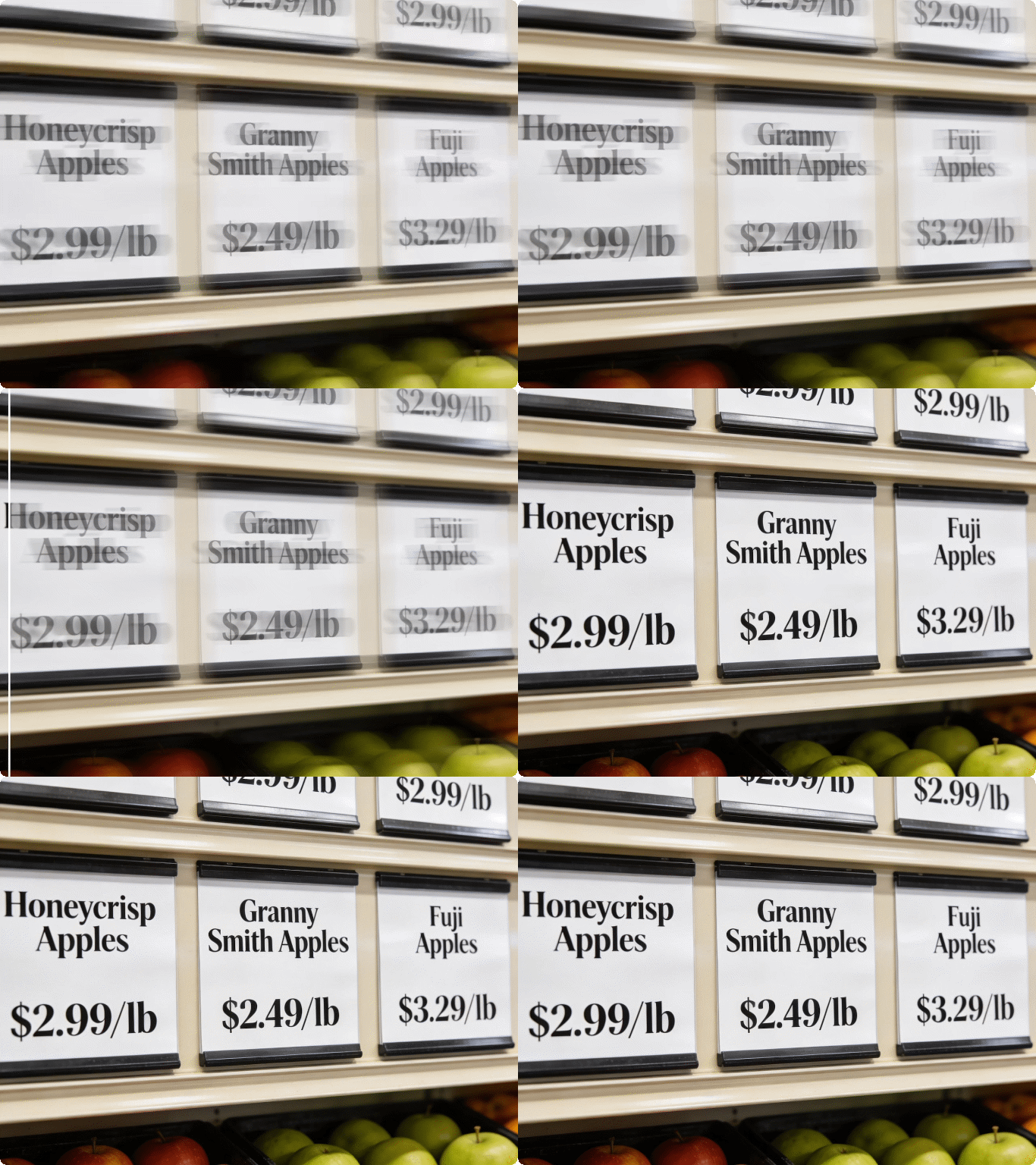
Clarify Product Labels and Packaging
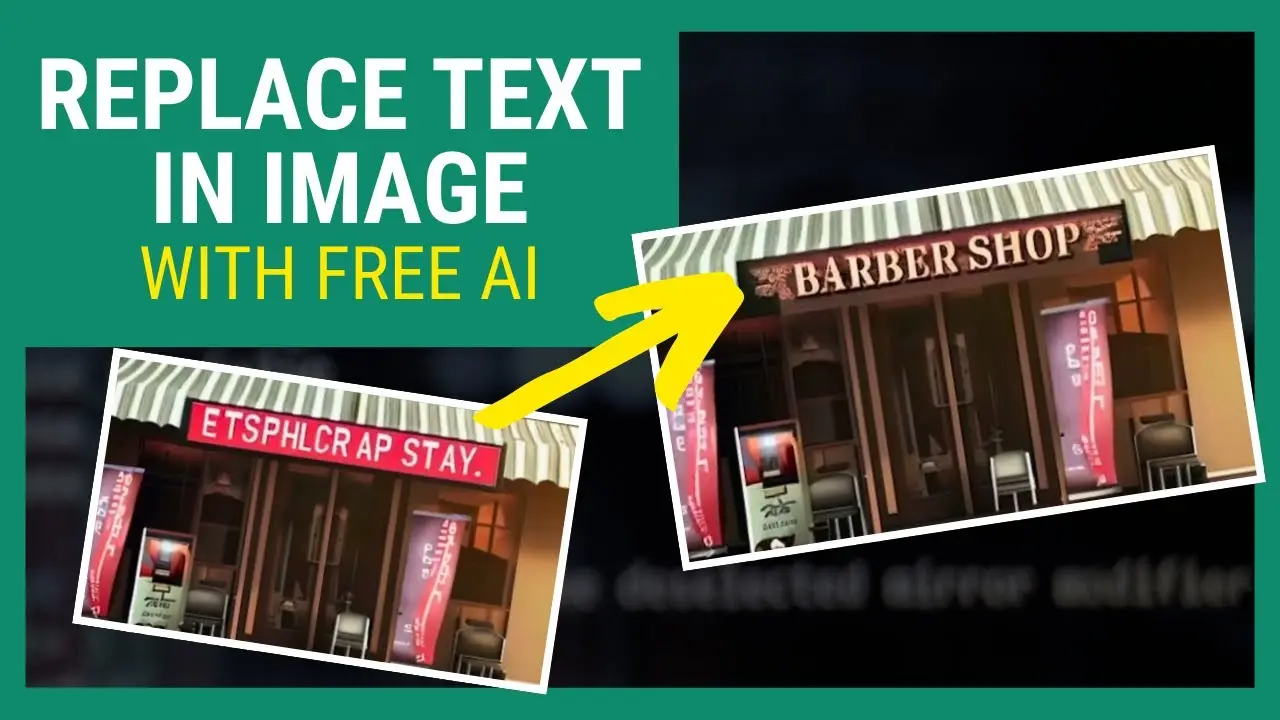
Online shopping photos often show products with blurry ingredient lists, instructions, and specifications. Customers need to read details before buying but can't make decisions from unclear images. Our how to unblur text in an image solution sharpens small print on bottles, boxes, and tags. Sellers can improve listing photos without reshooting products, while buyers can verify information with confidence.
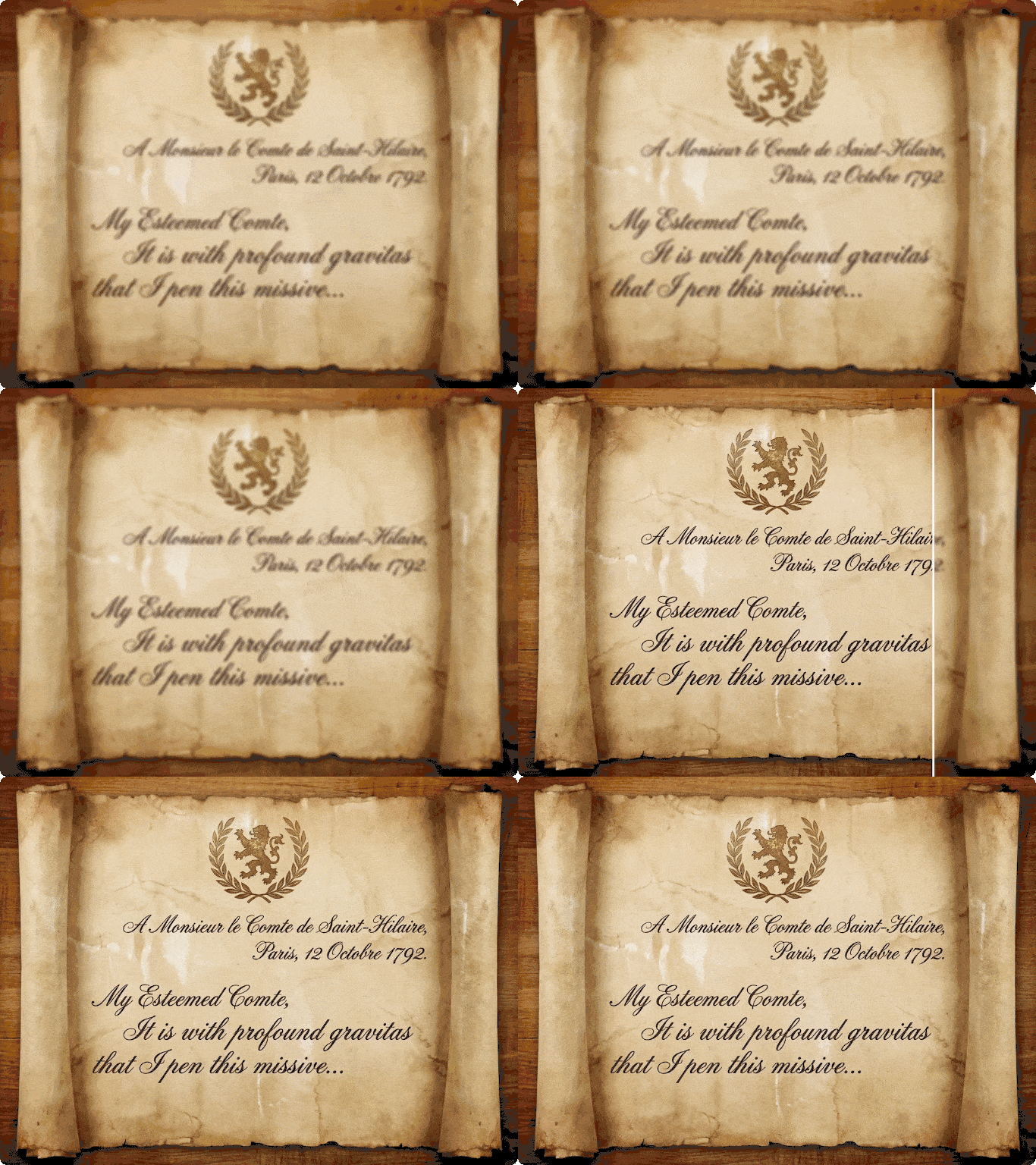
Restore Historical Documents and Letters
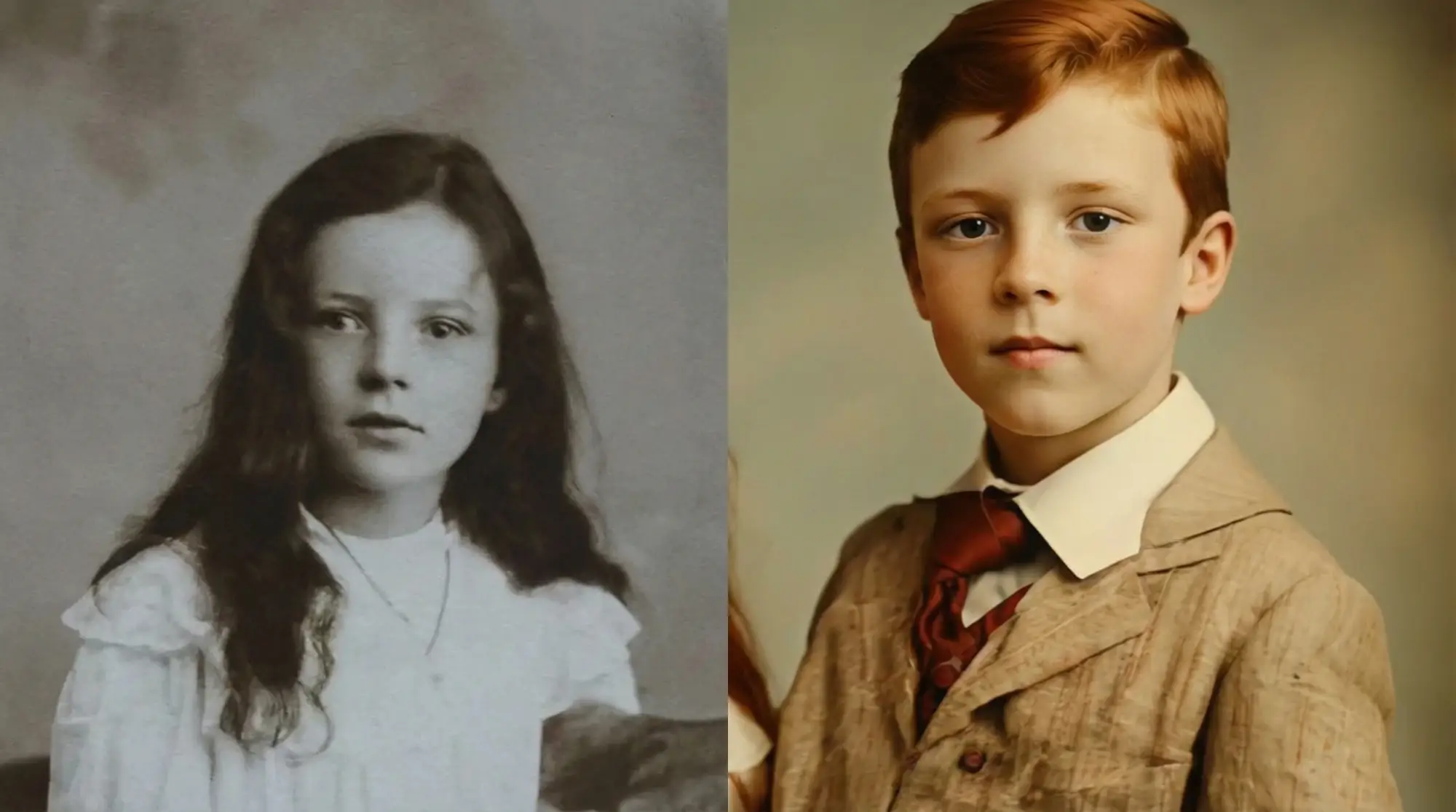
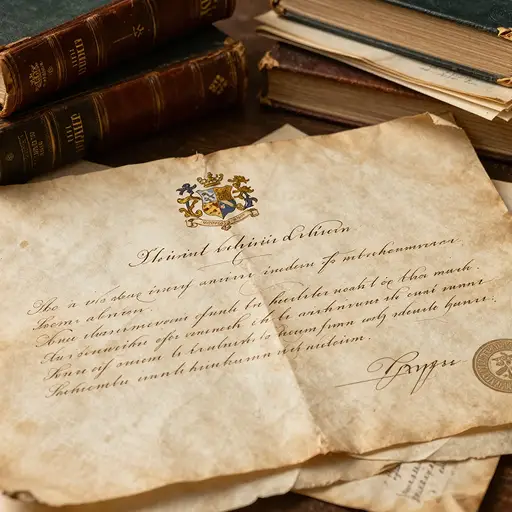
Family archives and historical records suffer from age, poor storage, and outdated photography. Handwritten letters, vintage newspapers, and old certificates contain irreplaceable information that becomes harder to read over time. The unblur text image online free technology adapts to cursive writing, aged paper, and faded ink.
FAQ
What causes text to appear blurry in images?
Text blurs from camera shake, poor focus, low resolution, or compression artifacts. Phone cameras struggle with small text in low light. Scanning old documents at low DPI creates fuzzy characters. Social media platforms compress images and destroy text clarity. Our AI unblur text tool fixes these issues by reconstructing sharp character edges regardless of the blur source.
Can you really unblur text in an image for free?
Yes. Dzine offers a completely free text unblur tool with no watermarks or usage limits. Upload any image containing blurry text and get clear results instantly. The unblur text image online free tool uses the same advanced AI technology as premium services but remains accessible to everyone who needs it.
Does the tool work on handwritten text?
Absolutely. The AI recognizes both printed and handwritten text, adapting its enhancement approach to different writing styles. Cursive, block letters, and mixed writing all receive appropriate processing. Historical documents with aged handwriting become legible again. The system preserves the authentic character of handwritten content while removing blur and improving readability.
How quickly can I unblur text in an image online?
Most images process in 10-20 seconds. Upload your photo, click enhance, and get readable text almost immediately. Processing speed depends on image size but remains fast enough for practical use. Batch processing multiple screenshots or documents takes just minutes instead of hours of manual editing.
Will unblurring damage other parts of my image?
No. The AI specifically targets text areas while leaving photos, illustrations, and backgrounds untouched. Smart detection identifies where text exists and applies precise enhancement only to those regions. Colors, contrast, and non-text elements maintain their original appearance. You get sharp text without sacrificing overall image quality.
Can I use this for documents with multiple languages?
Yes. The text unblur system works with Latin, Cyrillic, Asian characters, and most writing systems. Mathematical symbols, technical notation, and special characters also receive proper enhancement. The AI recognizes character structures regardless of language, making it suitable for international documents and multilingual content.
What image formats can I upload to unblur text?
The tool accepts JPG, PNG, WEBP, HEIC, and most common image formats. Screenshots from any device work perfectly. Scanned PDFs need conversion to image format first. Maximum file size is generous enough for high-resolution document scans. Upload directly from your phone, computer, or tablet without compatibility worries.
What Our Users Said
Made My Research Notes Usable Again
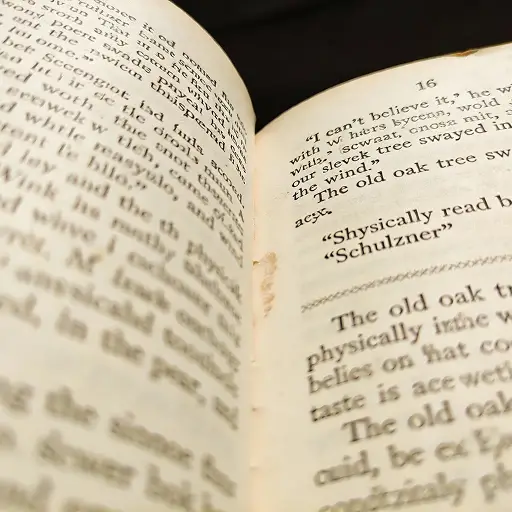
I photograph library books and research papers for my thesis work. Phone camera quality left critical text blurry and unreadable. This tool saved hours I would have spent manually typing everything out. My advisor was impressed by how clear my citation images turned out.
David ChenGraduate Student
Essential for My Online Store
Product photos from suppliers always have blurry labels that customers complain about. I used to spend weekends reshooting everything. Now I just run supplier images through this tool and ingredient lists become perfectly clear. Sales increased because people can actually read what they're buying.
Rachel MartinezeCommerce Manager
Recovered Irreplaceable Family History
My grandmother's handwritten recipes were photographed years ago with a terrible camera. The writing was so blurry I couldn't follow her instructions. This tool brought every word back to life. I can now pass down these treasured family recipes with complete confidence in their accuracy.
Thomas AndersonHome Cook