Free AI Tool to Unblur Video Online

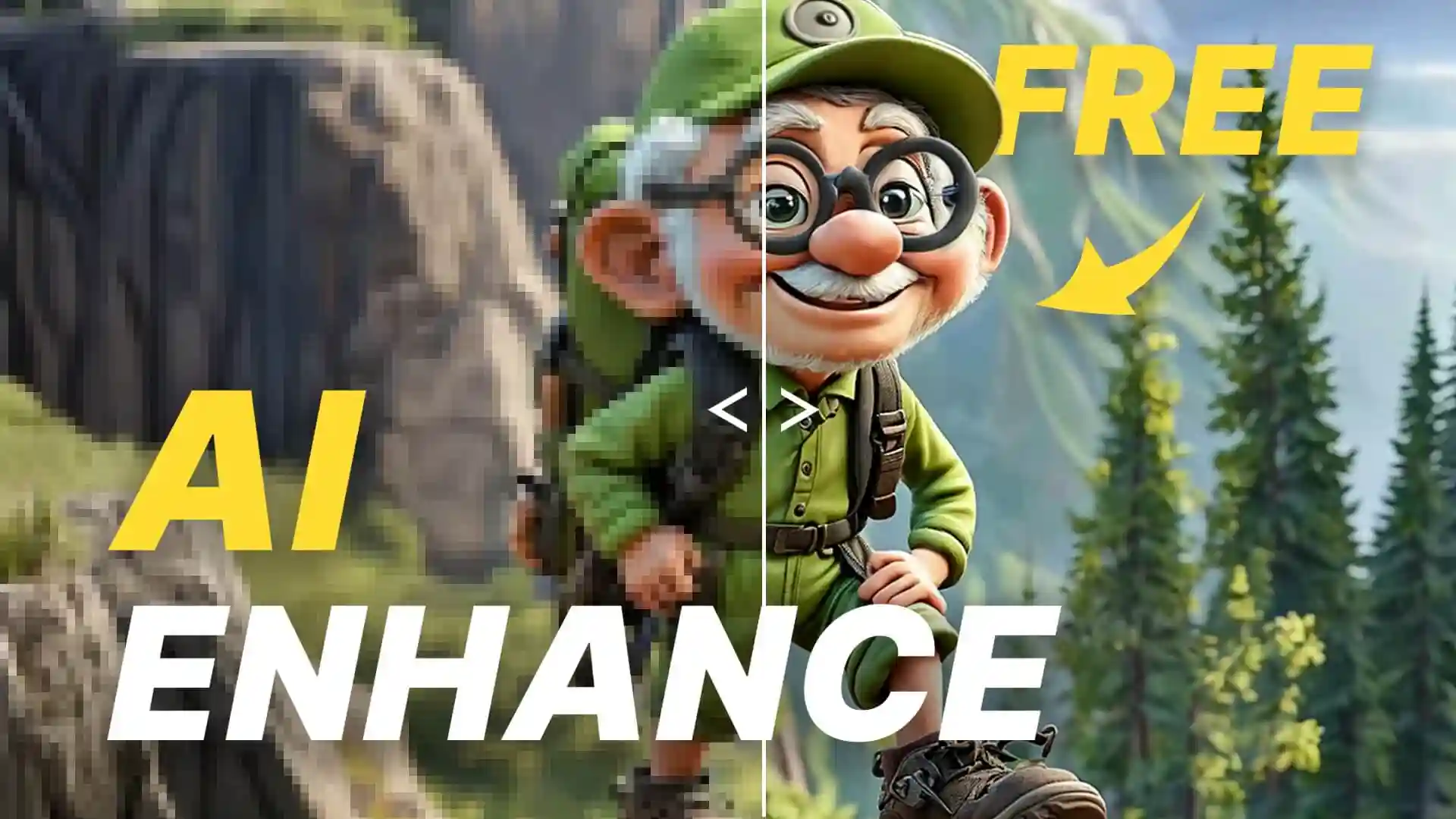
Fix blurry videos in seconds with Dzine's free AI unblur tool. Transform shaky, out-of-focus, or low-quality footage into sharp, professional content. Upload your video now to remove blur from video and recover lost details instantly.

Turn Blurry Footage into Professional-Quality Videos

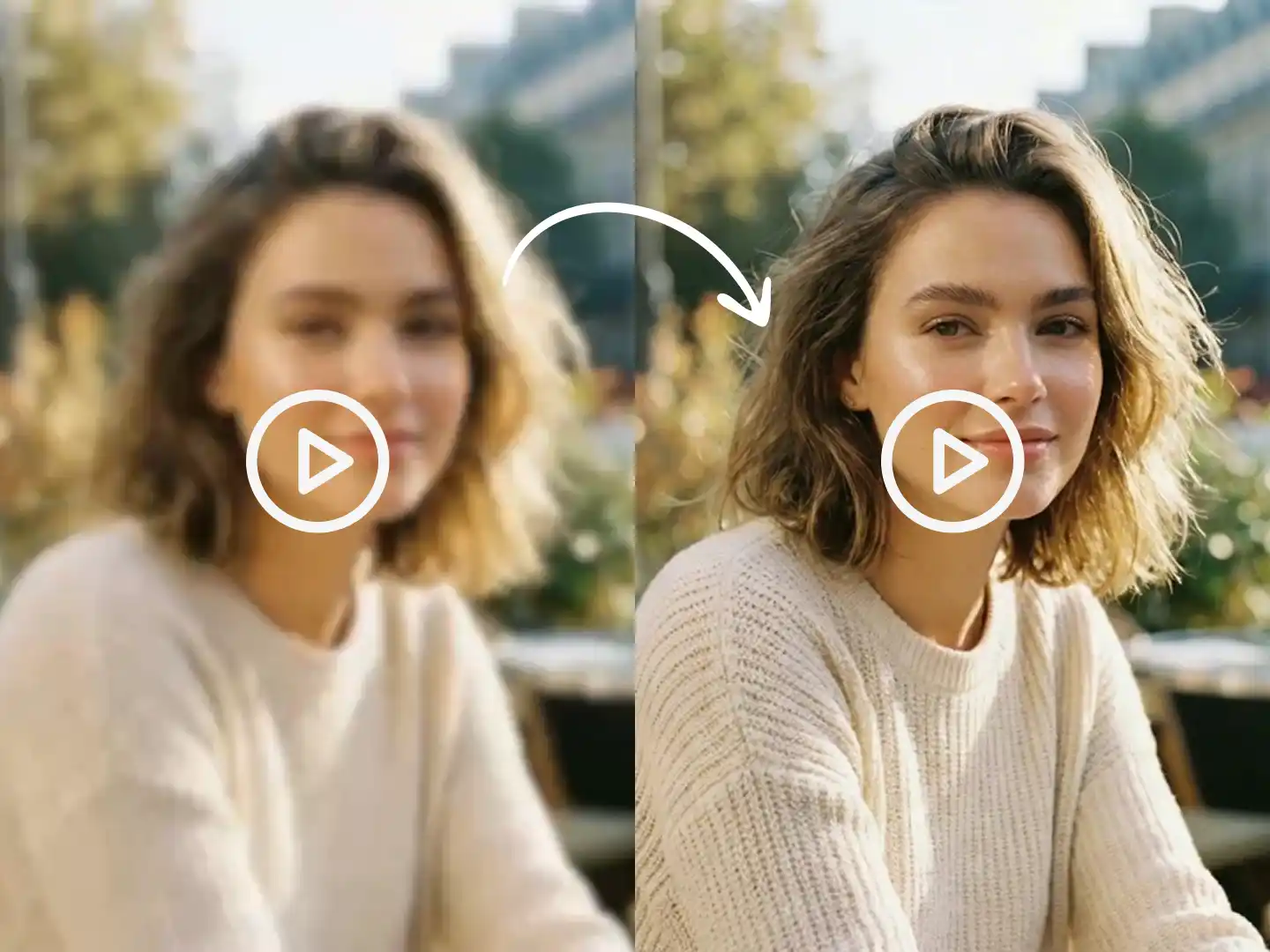
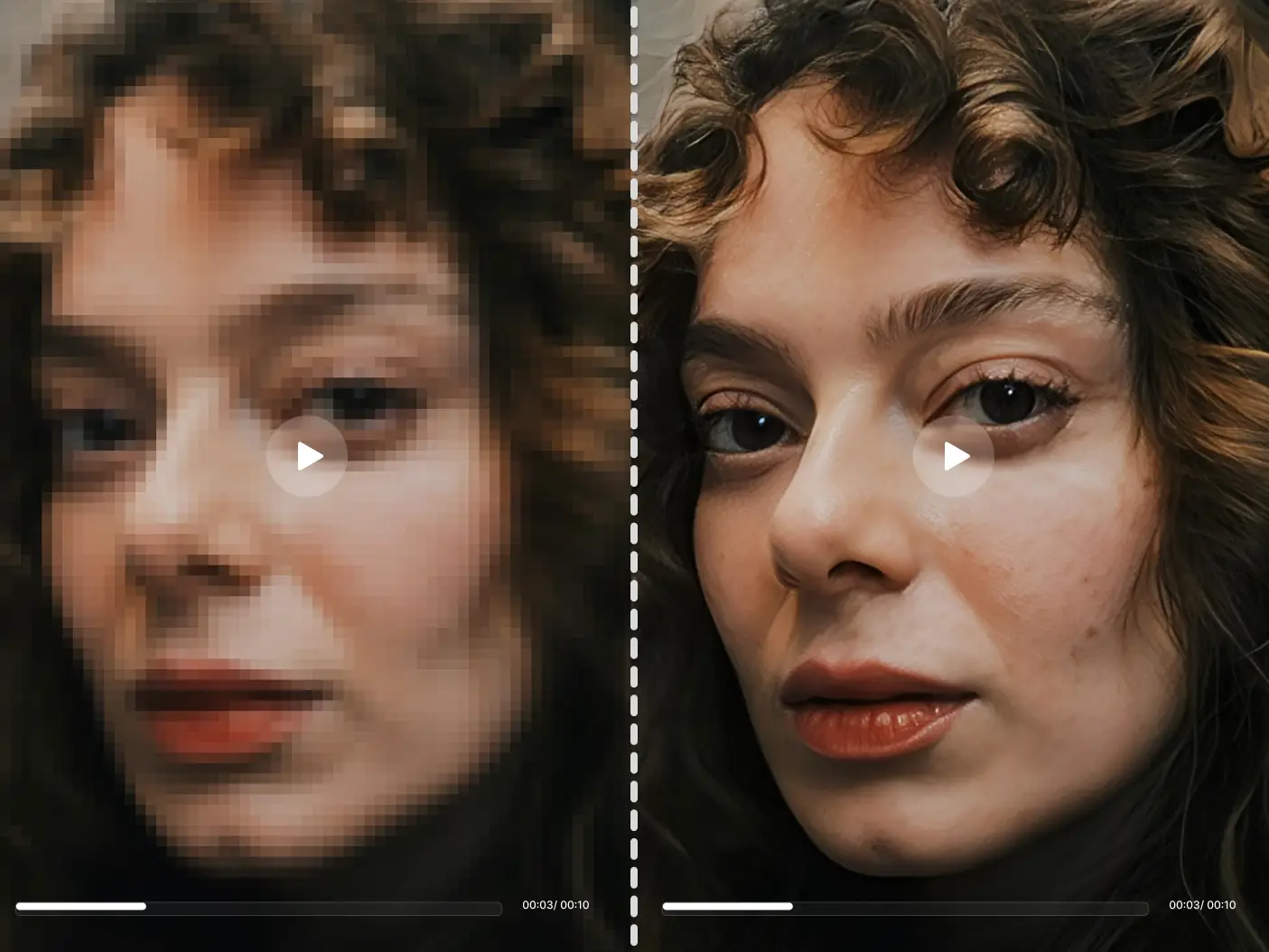
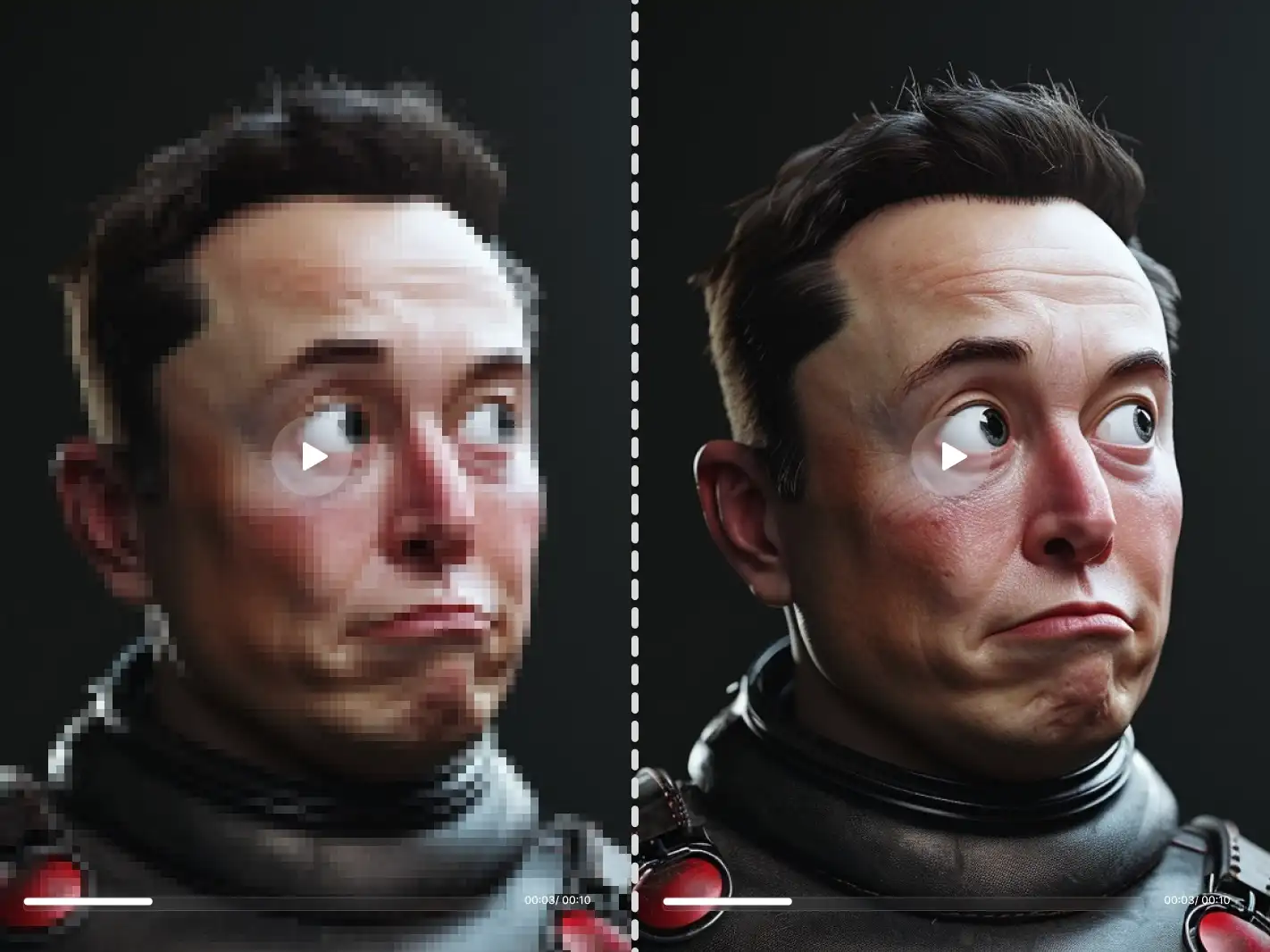
Motion blur, focus issues, and compression artifacts ruin otherwise good videos. Dzine's AI unblur video technology analyzes each frame to identify and fix blur in video AI without manual editing. Our advanced algorithm detects blur patterns caused by camera shake, low light, or poor focus, then reconstructs sharp details frame by frame.

This video blur remover works automatically on any footage. Whether you're dealing with shaky smartphone recordings, old family videos, or compressed social media clips, our fix blur in video AI online tool restores clarity in minutes. The AI unblur video system preserves natural motion while eliminating unwanted blur, maintaining original colors and lighting throughout the process.

How to Unblur a Video Using Dzine?

Step 1: Upload Your Blurry Video

Open the Upscale & Enhance tool and navigate to the Video area. Upload the blurry video you want to fix from your device.

Step 2: Choose Upscale Settings

Select your desired output resolution and click the Enhance button. The AI will automatically detect and remove blur from video during processing.

Step 3: Download Your Clear Video

Preview your unblurred video and download it immediately. Share your restored footage on any platform without quality concerns.

Fix motion blur instantly

Fix Motion Blur from Camera Shake Instantly


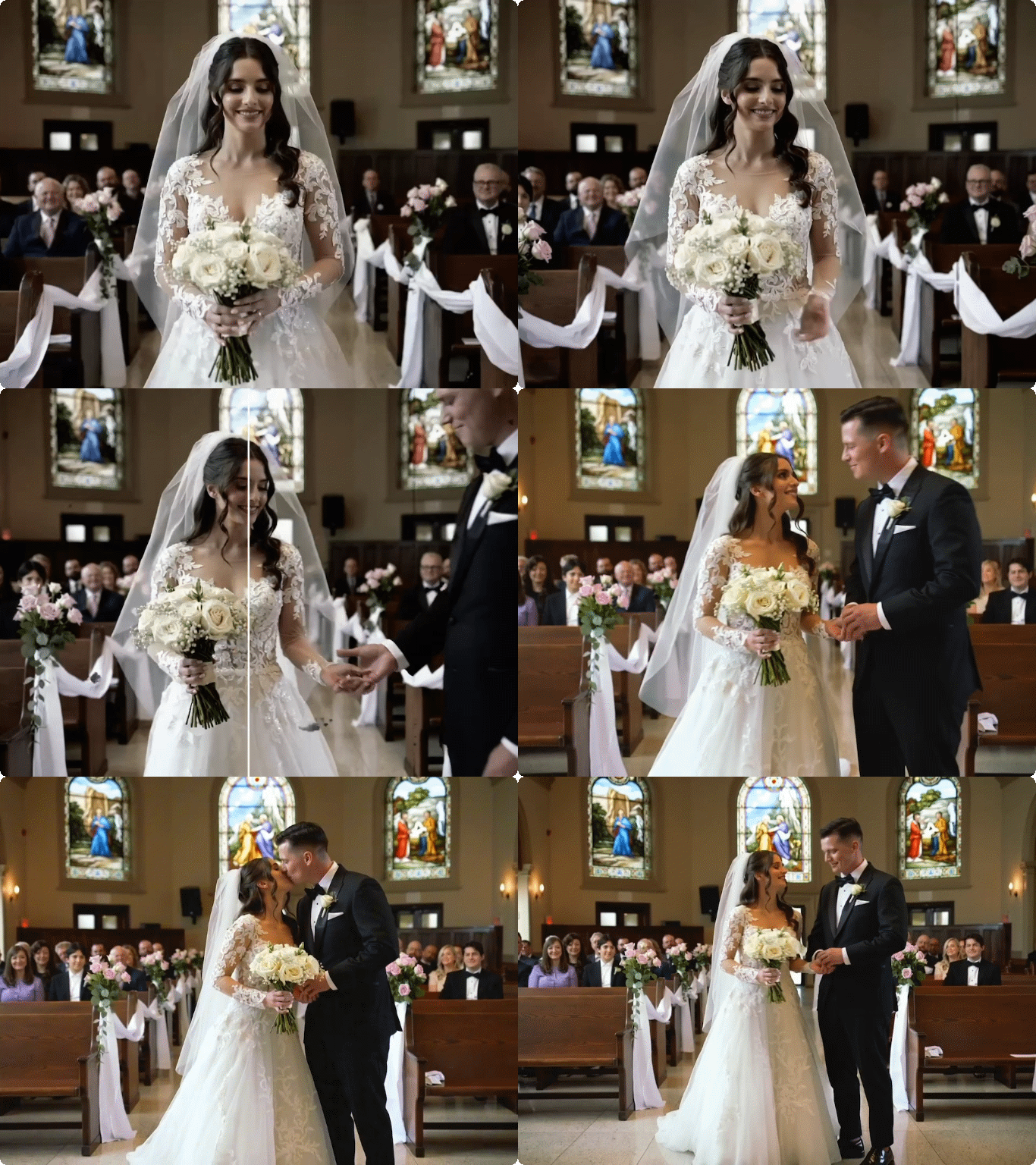
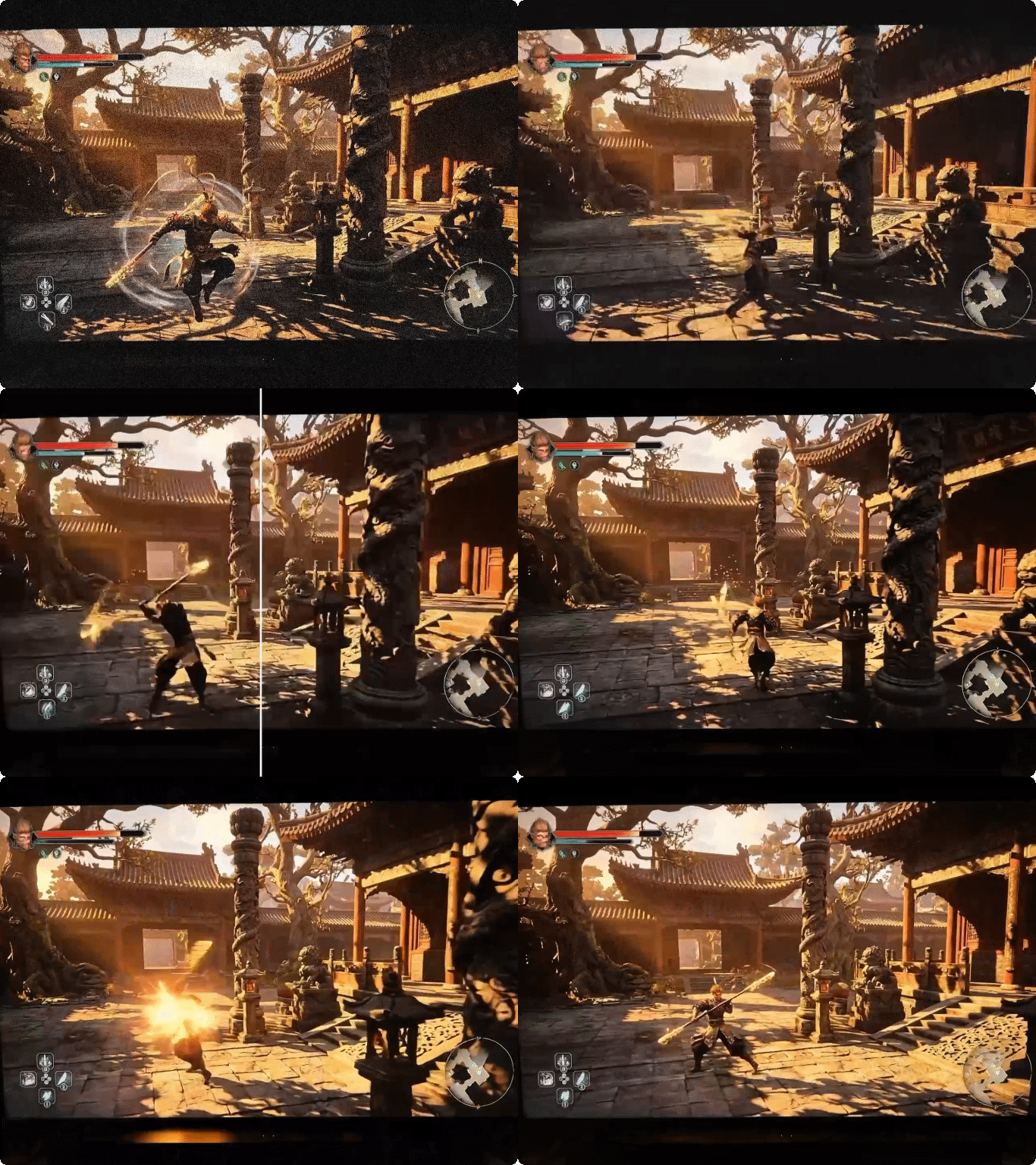
Shaky hands and sudden movements create distracting motion blur. Our unblur video online free tool identifies these blur patterns and reconstructs sharp edges without artifacts. The AI unblur video technology stabilizes footage while preserving natural movement, making your handheld clips look professionally shot. Perfect for action sequences, walking shots, or any scenario where camera stability was compromised.

Restore out-of-focus footage

Recover Details from Out-of-Focus Footage


Autofocus failures and depth-of-field mistakes leave important subjects blurry. Our fix blur in video AI online system analyzes focus patterns and reconstructs sharp details where the camera missed. The video blur remover distinguishes between intentional background blur and focus errors, targeting only the problems that need fixing. Restore your cherished memories from birthday parties, weddings, or family gatherings that suffered from focus issues.

Handle compression blur

Eliminate Compression Blur from Downloaded Videos


Social media compression and format conversions introduce blur and softness. Our AI unblur video tool reverses these quality losses by reconstructing fine details that compression algorithms destroyed. The system recognizes compression artifacts versus original content, applying targeted sharpening that looks natural. Content creators who need to repurpose downloaded clips or work with client-provided footage benefit from this precise restoration.

Fix low-light blur

Fix Low-Light Recording Blur


Dark environments force cameras to use slower shutter speeds, creating blur from any movement. Our unblur video online free tool tackles this specific challenge by analyzing motion patterns and restoring sharpness without amplifying noise. Evening events, indoor recordings, and nighttime footage transform from unusable to clear. The fix blur in video AI technology balances noise reduction with detail recovery for optimal results.

Rescue old family videos

Rescue Blurry Old Family Videos


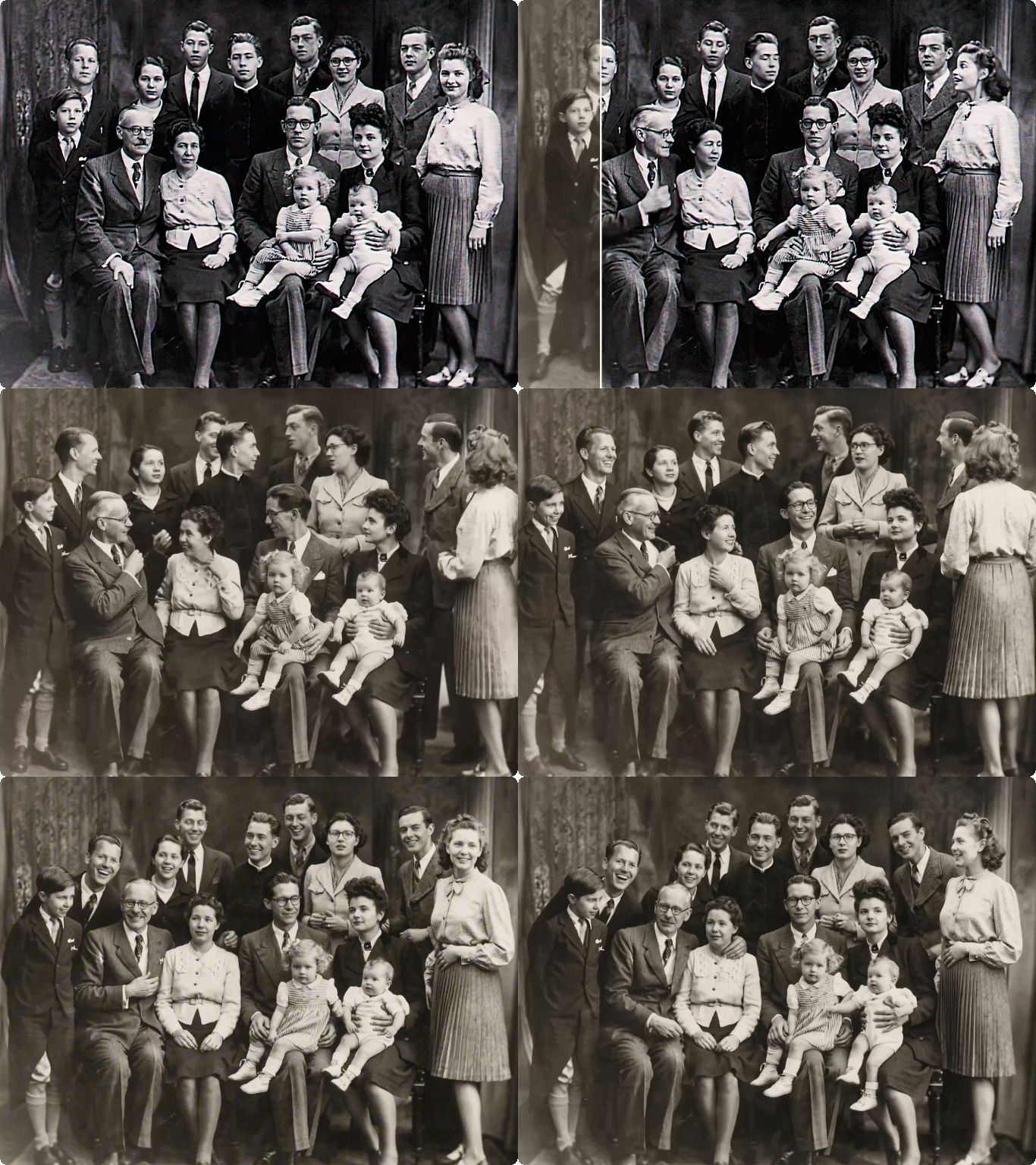
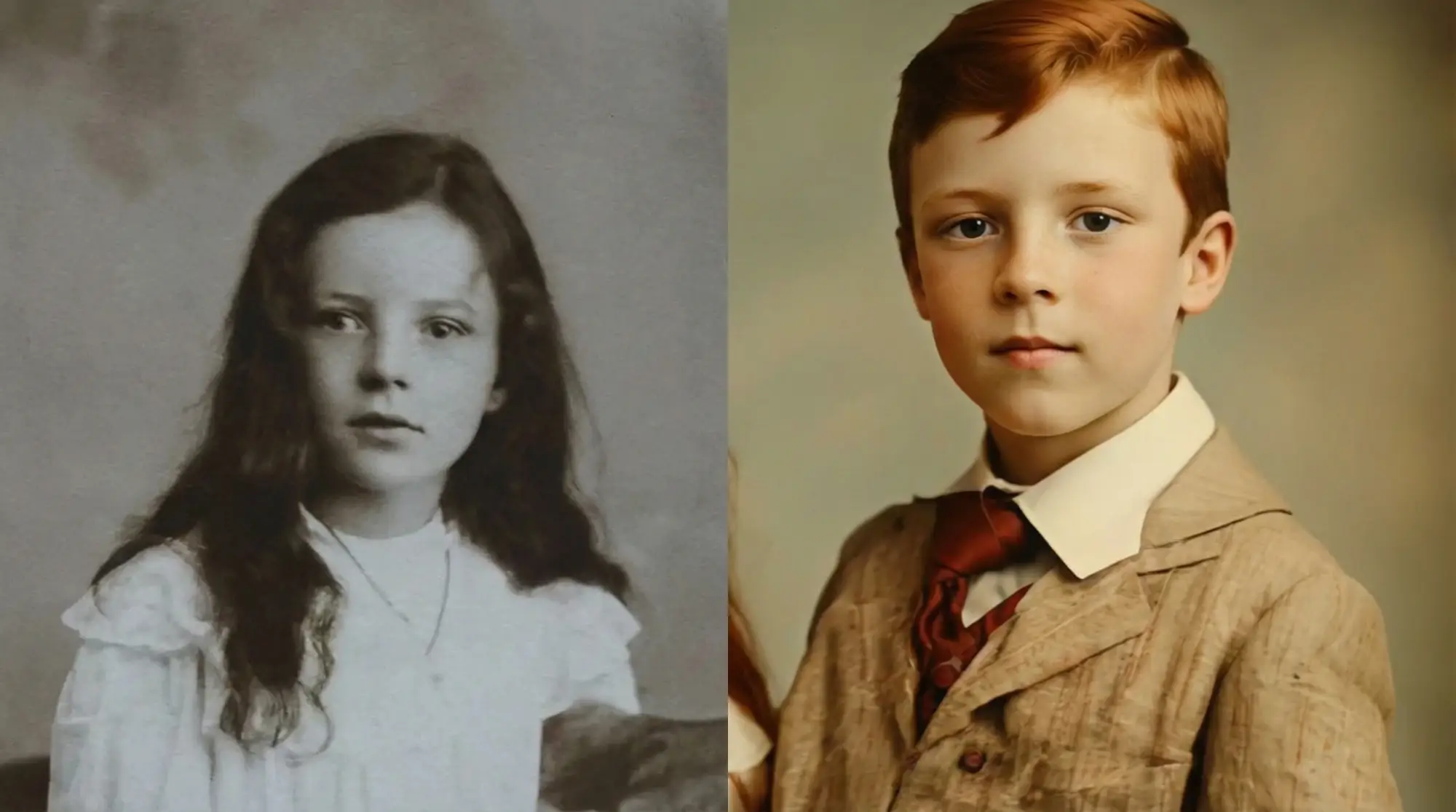
Decades-old recordings suffer from multiple blur sources - tape degradation, poor original quality, and transfer artifacts. Our video blur remover handles these complex cases with specialized processing. The AI unblur video system separates different blur types and applies appropriate corrections to each. Grandparents' wedding tapes, childhood birthday parties, and historical family moments deserve to be seen clearly.

FAQ

What causes video blur and can AI fix it?

Video blur comes from camera shake, focus errors, fast motion, low light, or compression. AI unblur video tools analyze these patterns and reconstruct sharp details by predicting what the clear image should look like, effectively reversing blur damage.

How to unblur a video for free online?

Upload your blurry video to Dzine's free AI tool, select your output settings, and let the AI process it. The video blur remover works automatically without manual adjustments, delivering clear results in minutes.

Does removing blur from video reduce quality?

No. Our fix blur in video AI online tool actually improves quality by adding back lost detail. The AI reconstructs sharp edges and textures while preserving original colors, lighting, and composition.

Can this tool fix severely blurred videos?

Yes. The AI unblur video system handles extreme blur from various sources including heavy motion blur, severe focus issues, and multiple compression passes. Results depend on original footage but most videos show significant improvement.

What video formats does the unblur tool support?

Dzine's video blur remover accepts all common formats including MP4, MOV, AVI, and more. The tool processes any resolution from mobile clips to 4K footage, maintaining format compatibility throughout.

How long does it take to unblur a video?

Processing time varies with video length and resolution. Most clips finish within 2-5 minutes. The fix blur in video AI online system optimizes processing speed while maintaining quality standards.

Is AI video deblurring better than manual editing?

AI deblurring analyzes millions of blur patterns that humans can't match manually. The unblur video online free tool completes in minutes what would take hours of frame-by-frame editing, producing more consistent and natural results.

What Our Users Said

Saved Hours of Sports Footage

We capture hundreds of game clips weekly and camera shake was killing our highlight reels. This AI unblur video tool processes our entire backlog overnight, making every play crystal clear for our subscribers.

Marcus ThompsonSports Content Creator

Perfect for Client Deliverables

Clients sometimes provide blurry source footage expecting miracles. Dzine's video blur remover has become our go-to solution, transforming unusable clips into broadcast-quality content without extending project timelines.

Sarah ChenVideo Production Manager

Revived My Family's History

My grandfather's 1970s home movies were unwatchable due to camera shake and age. This unblur video tool brought them back to life, letting my kids see their great-grandparents clearly for the first time.

David MartinezFamily Historian