- Tools
- Resources
- Pricing
- API
- Contact Sales
- Book a Demo


Unpixelate Image Online
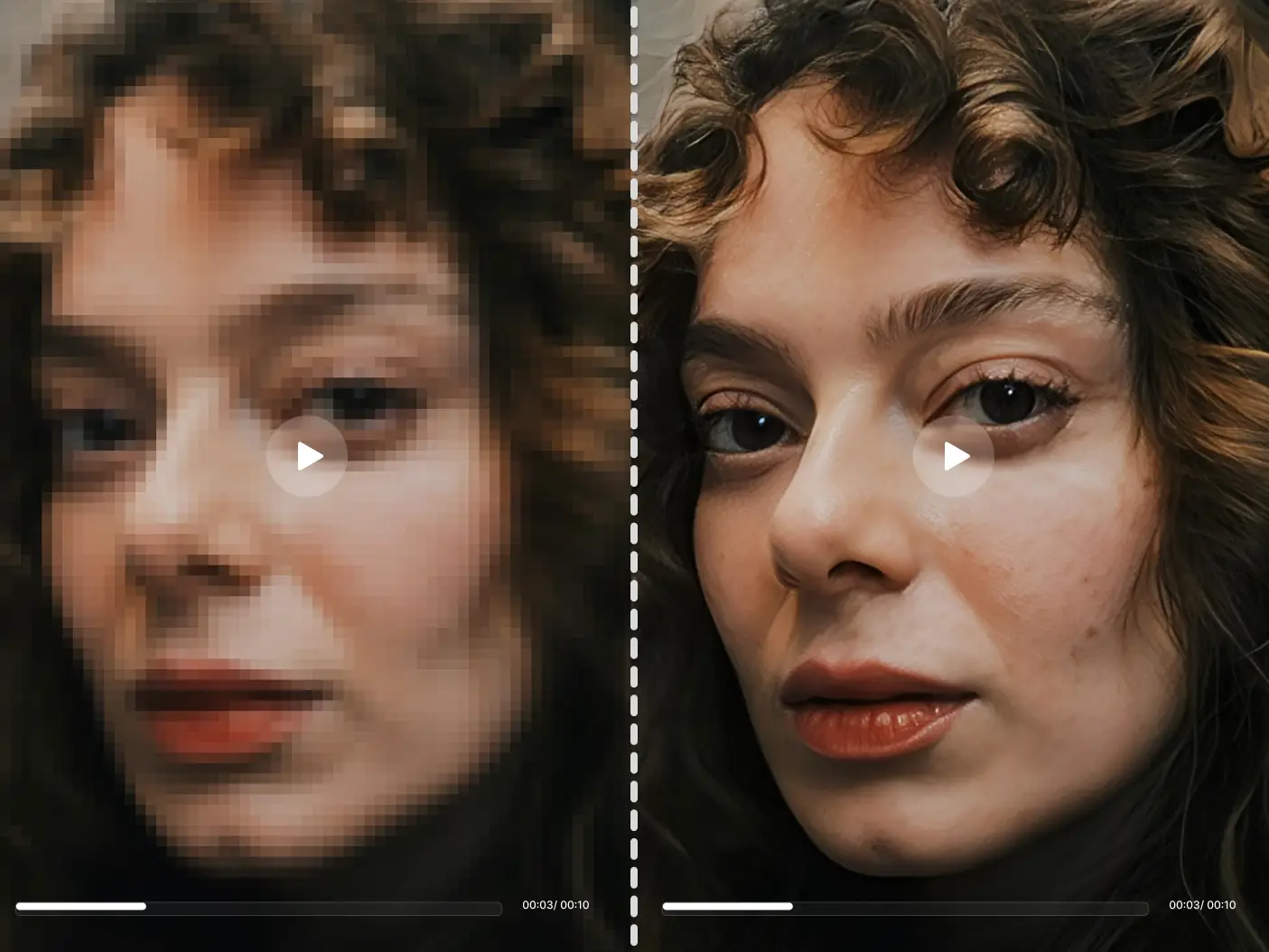
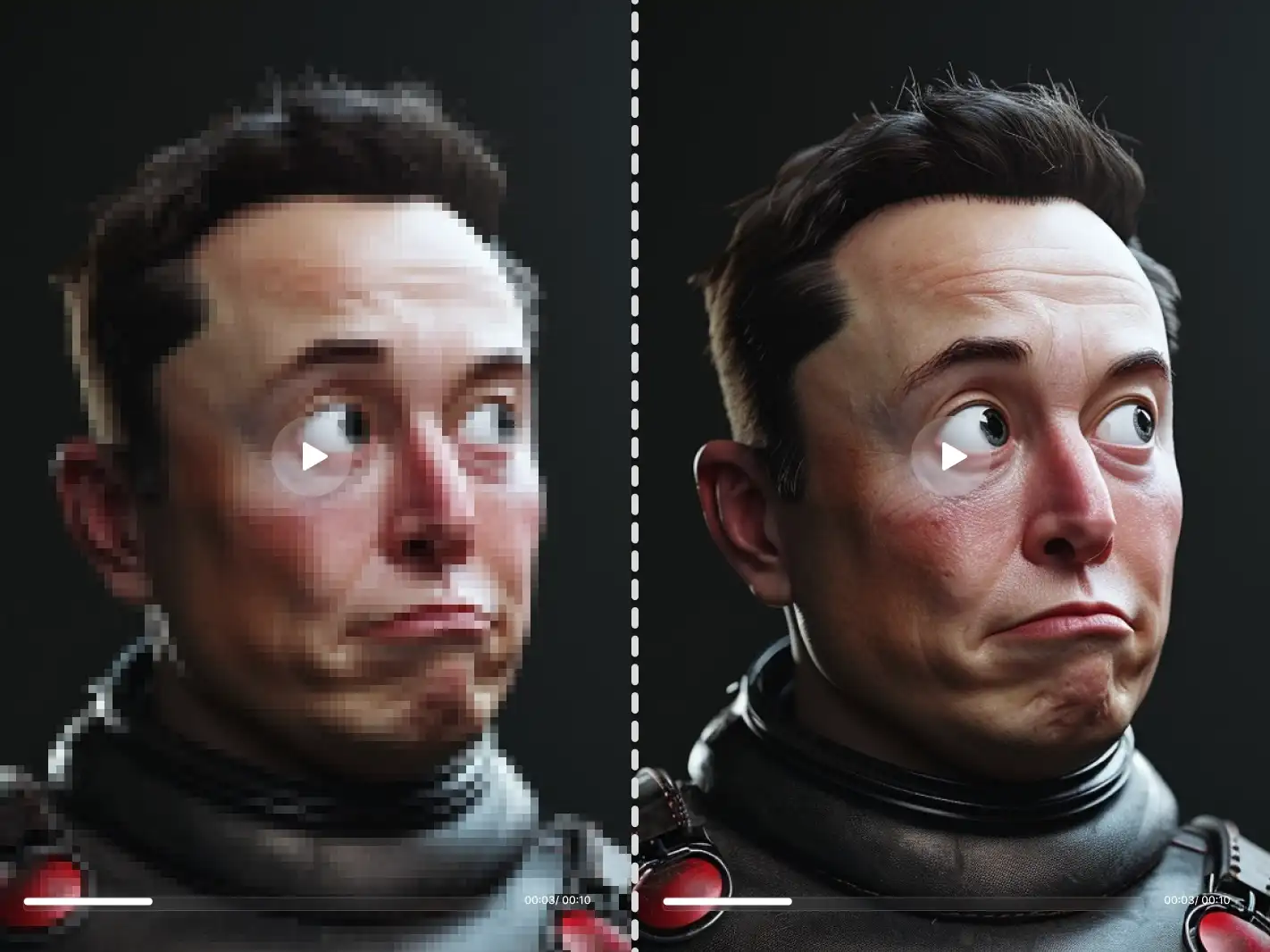
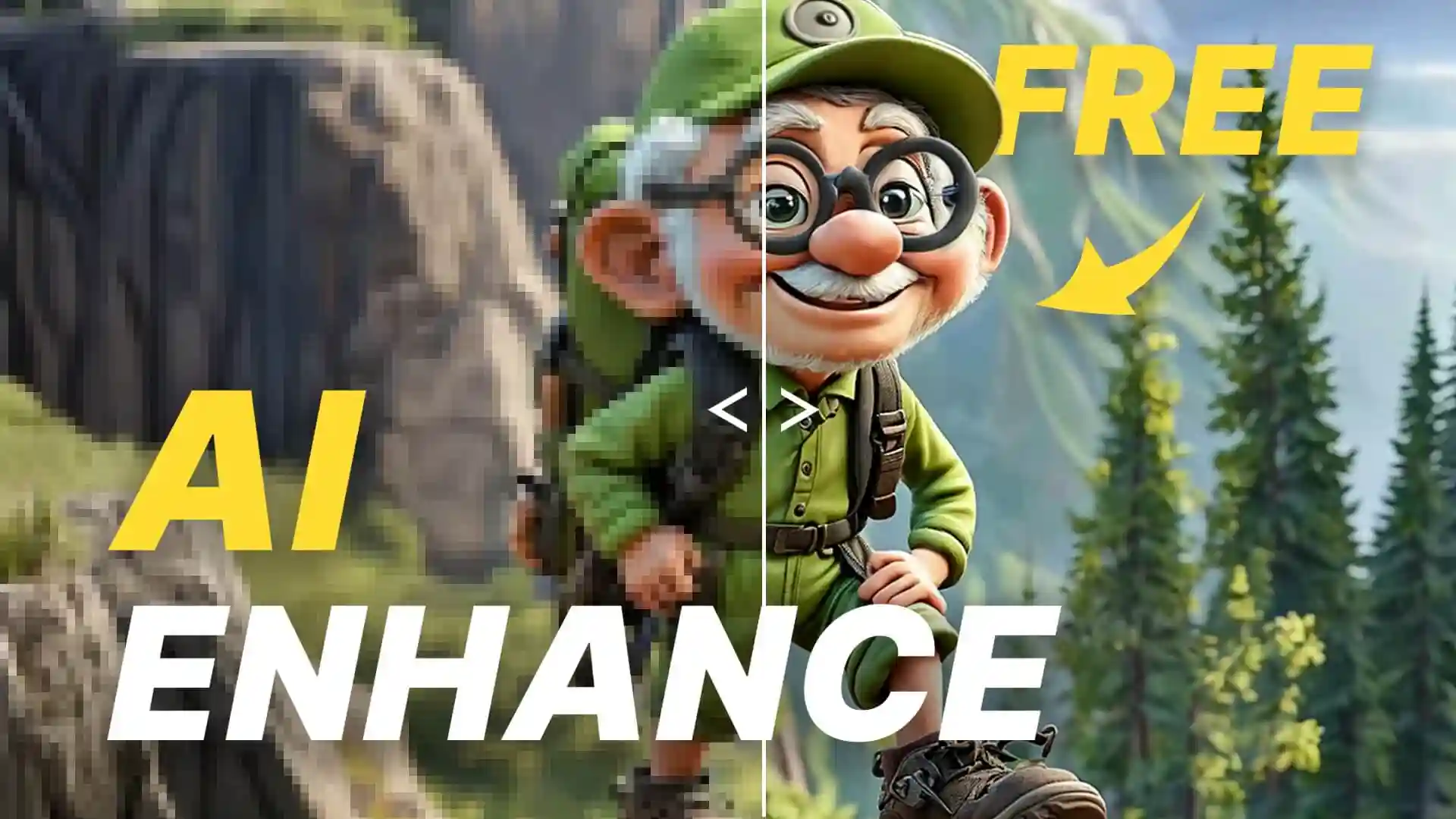
Unpixelate image in seconds with Dzine's powerful AI enhancement tool. Transform blocky, low-resolution, or compressed photos into sharp, detailed images. Upload your pixelated picture now to fix pixelated photos and restore every pixel instantly.

Click or drag here to upload images
Try to fix pixelated image with one of these
Why Pixelated Photos Need Immediate Fixing
Pixelated images destroy your visual story and make content look unprofessional. Dzine's AI technology examines every pixel cluster to depixelate image without losing original details. Our intelligent algorithm identifies pixelation sources - aggressive compression, low capture resolution, excessive cropping, or poor upscaling attempts - then reconstructs smooth, natural-looking visuals.
This smart system handles any image type. Whether you're fixing social media downloads, over-compressed JPEGs, screenshots, zoomed-in sections, or old digital photos, our AI image upscaler delivers professional results in moments. The AI maintains your photo's authentic character while eliminating blocky artifacts, preserving natural skin tones, textures, and fine details throughout.
How to Unpixelate Image Using Dzine?
Step 1: Upload Your Image
Open Dzine's Upscale & Enhance tool and navigate to the Image section. Upload the pixelated photo you want to fix from your device.
Step 2: Choose Enhance
Select your preferred enhancement settings and click Enhance. The AI will automatically analyze and fix pixelated image during processing.
Step 3: Generate Image
Preview your restored clear photo and download it immediately. Share your improved images across any platform with confidence.
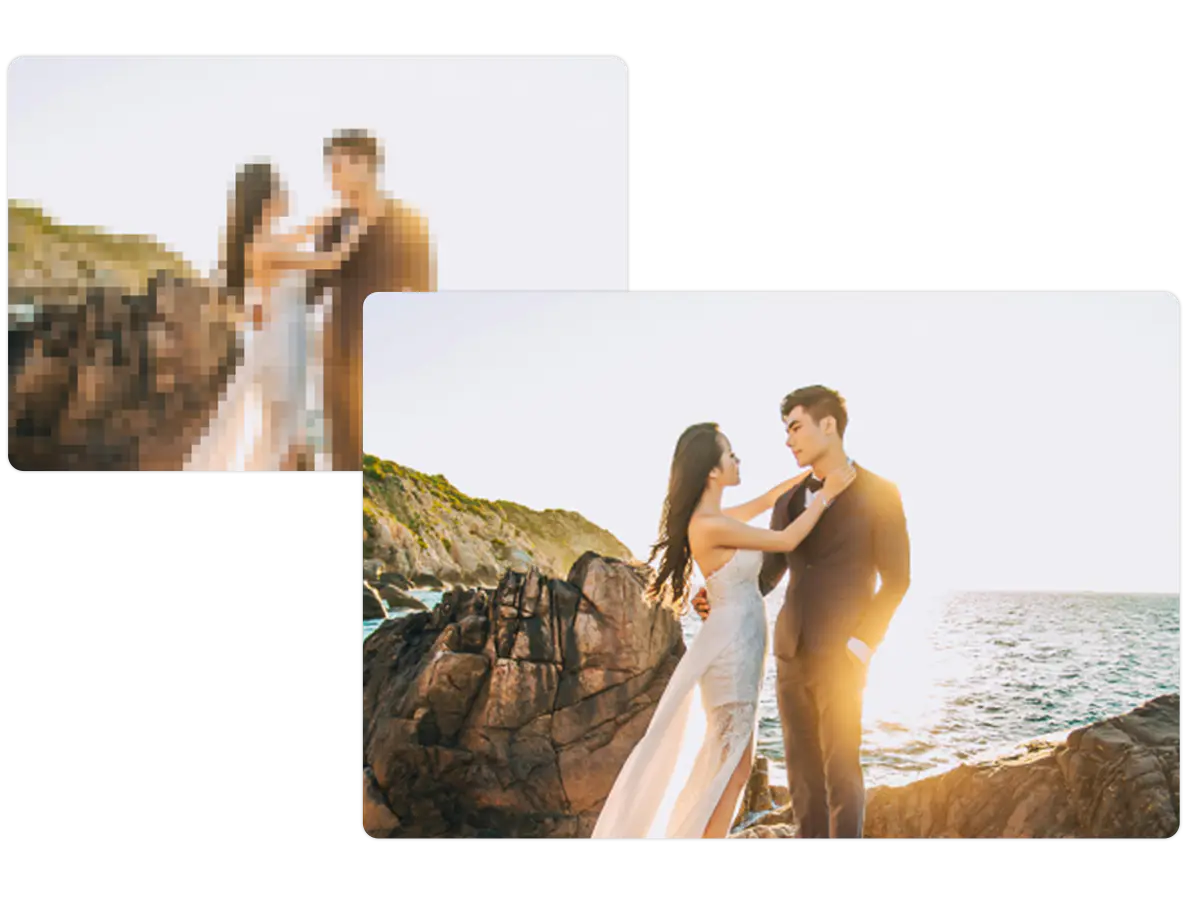
Fix Pixelated Photos from Social Media Downloads
Instagram, Facebook, and Twitter downloads lose detail through multiple compression layers. Our tool to unpixelate image recognizes platform-specific compression patterns and rebuilds original clarity. The AI smooths blocky edges, restores lost textures, and enhances color accuracy. Content creators, marketers, and social media managers rescue valuable photos that seemed beyond repair.
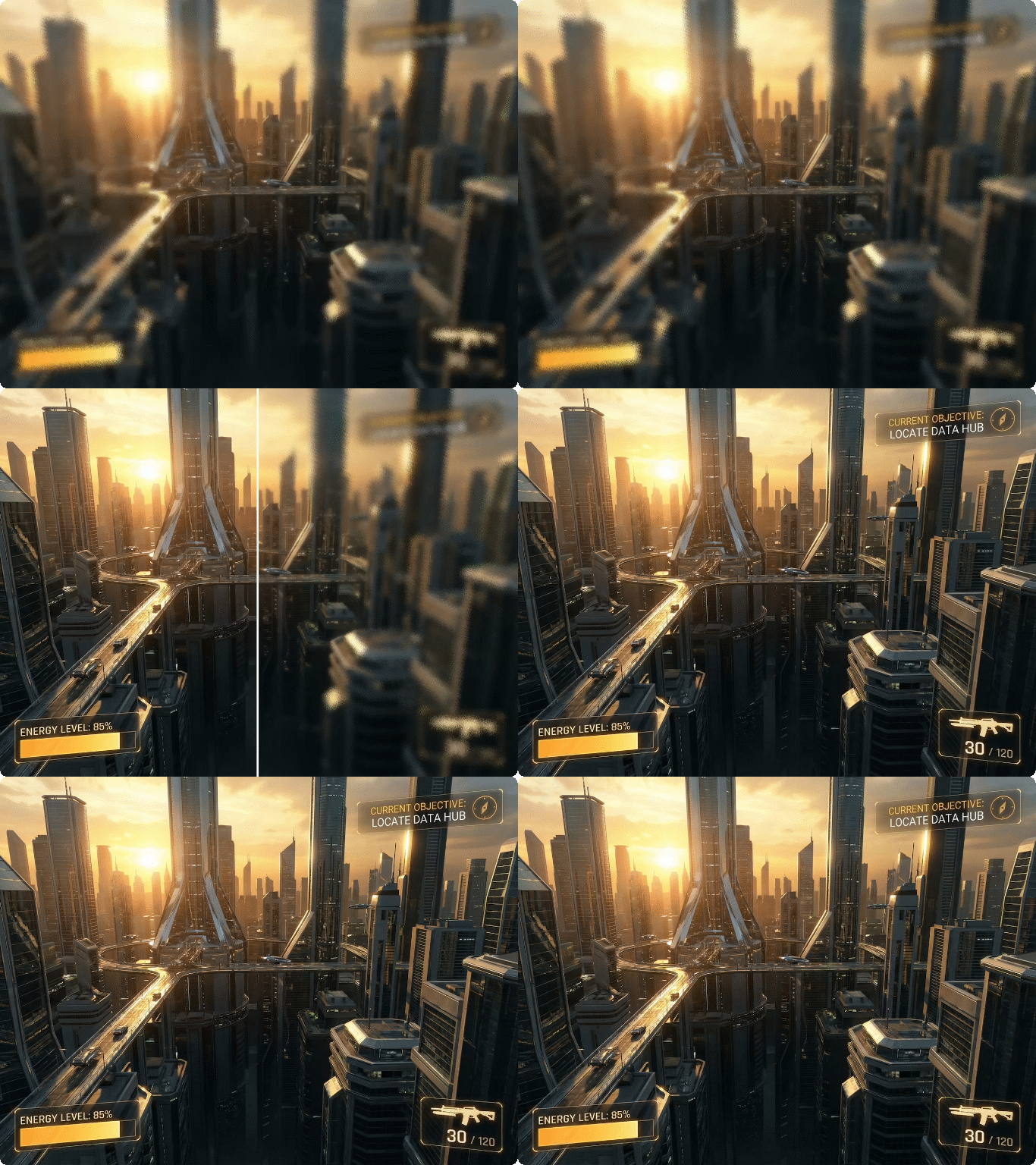
Depixelate Image Screenshots for Professional Use
Text becomes jagged, icons lose sharpness, and overall quality suffers. Dzine's free image upscaler understands how to fix pixelated photos from screen captures specifically. The system recognizes UI elements, text, and interface components, applying targeted reconstruction. Tutorial makers, documentation writers, and business presenters transform rough screenshots into crisp visual aids.
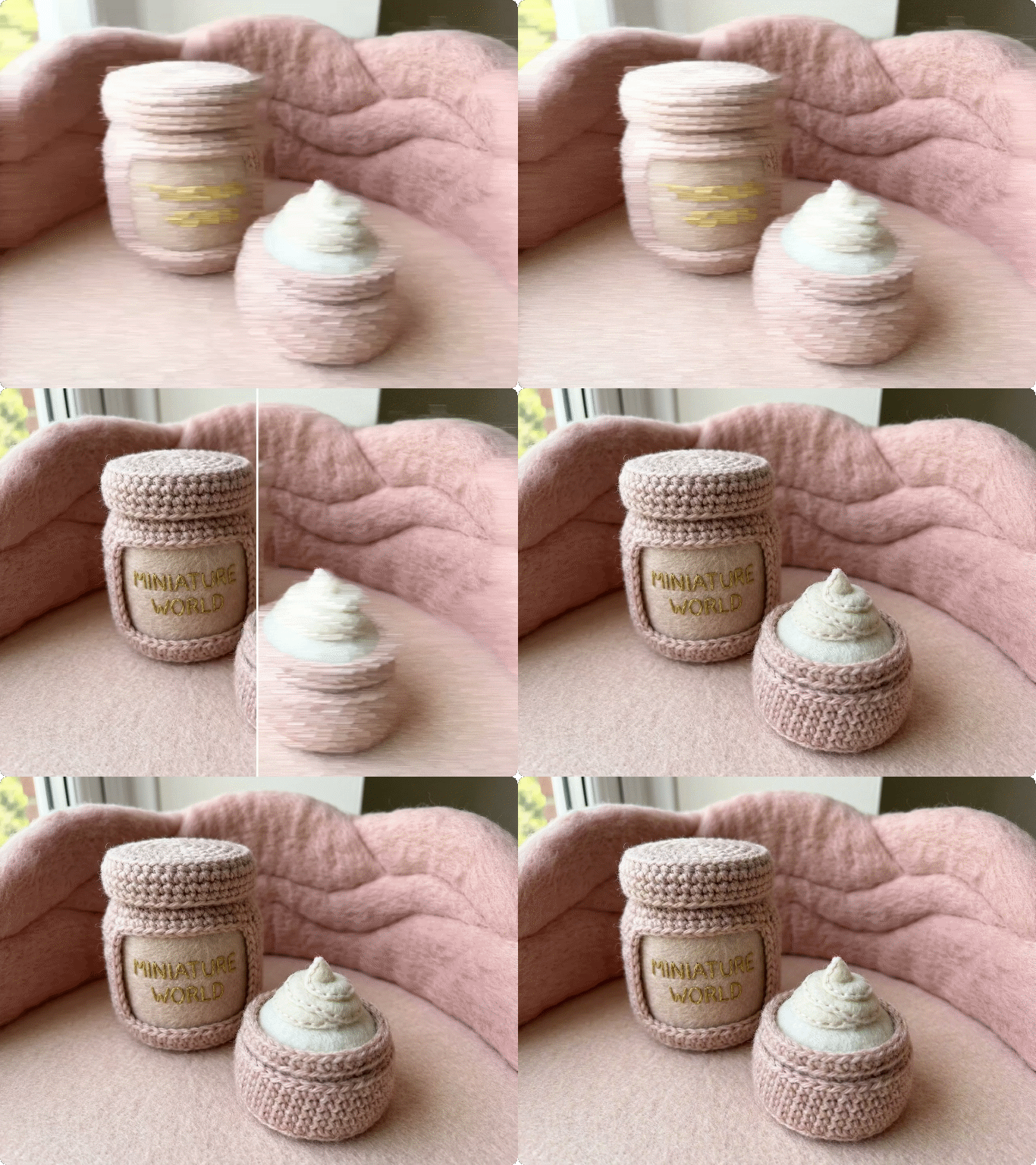
Restore Clarity to Low-Resolution Digital Photos
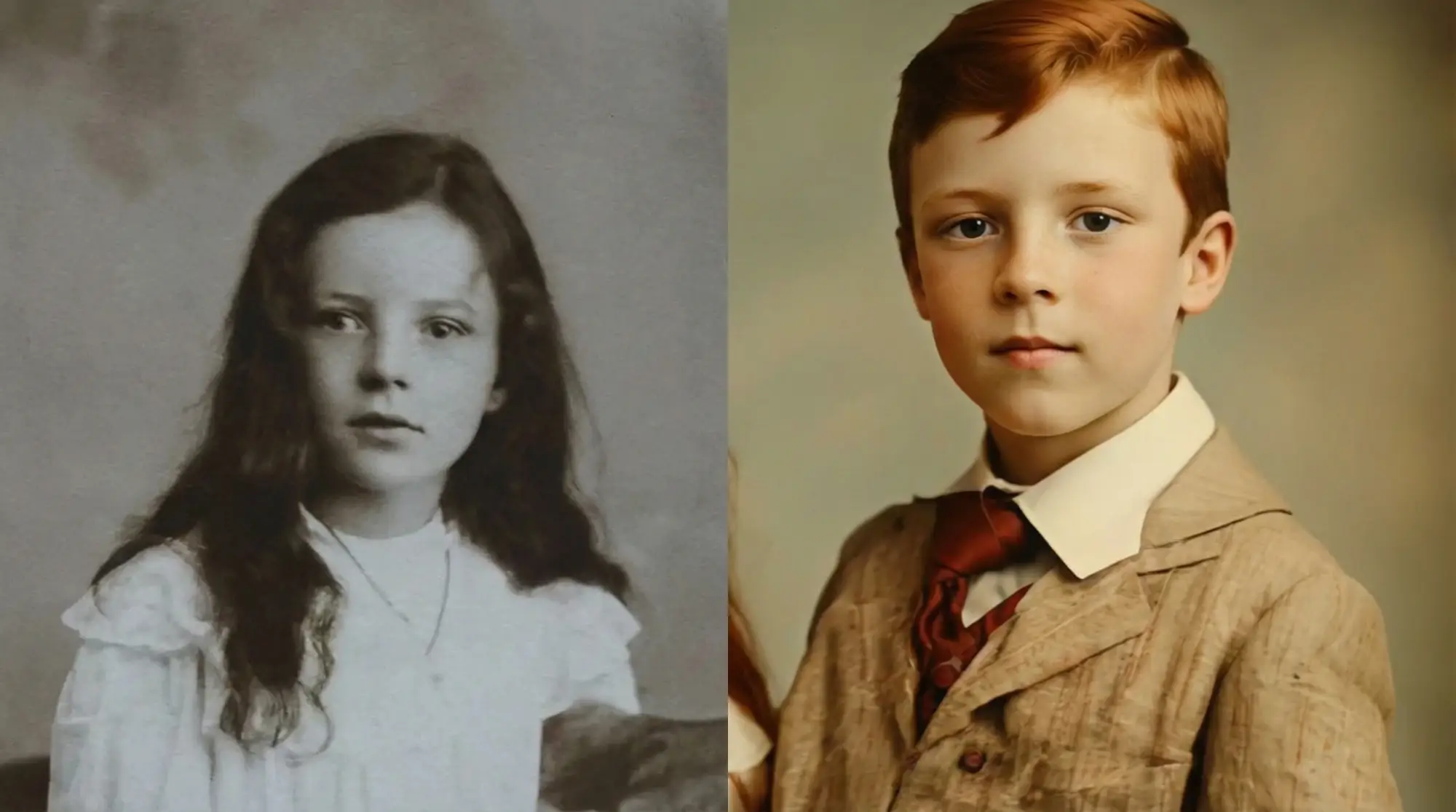
Early digital cameras captured limited megapixels, producing images that look terrible on modern displays. These photos contain precious memories trapped in outdated resolution. Our AI photo upscaler analyzes pixel patterns and generates authentic detail. The system doesn't just stretch pixels - it predicts realistic textures based on image content.
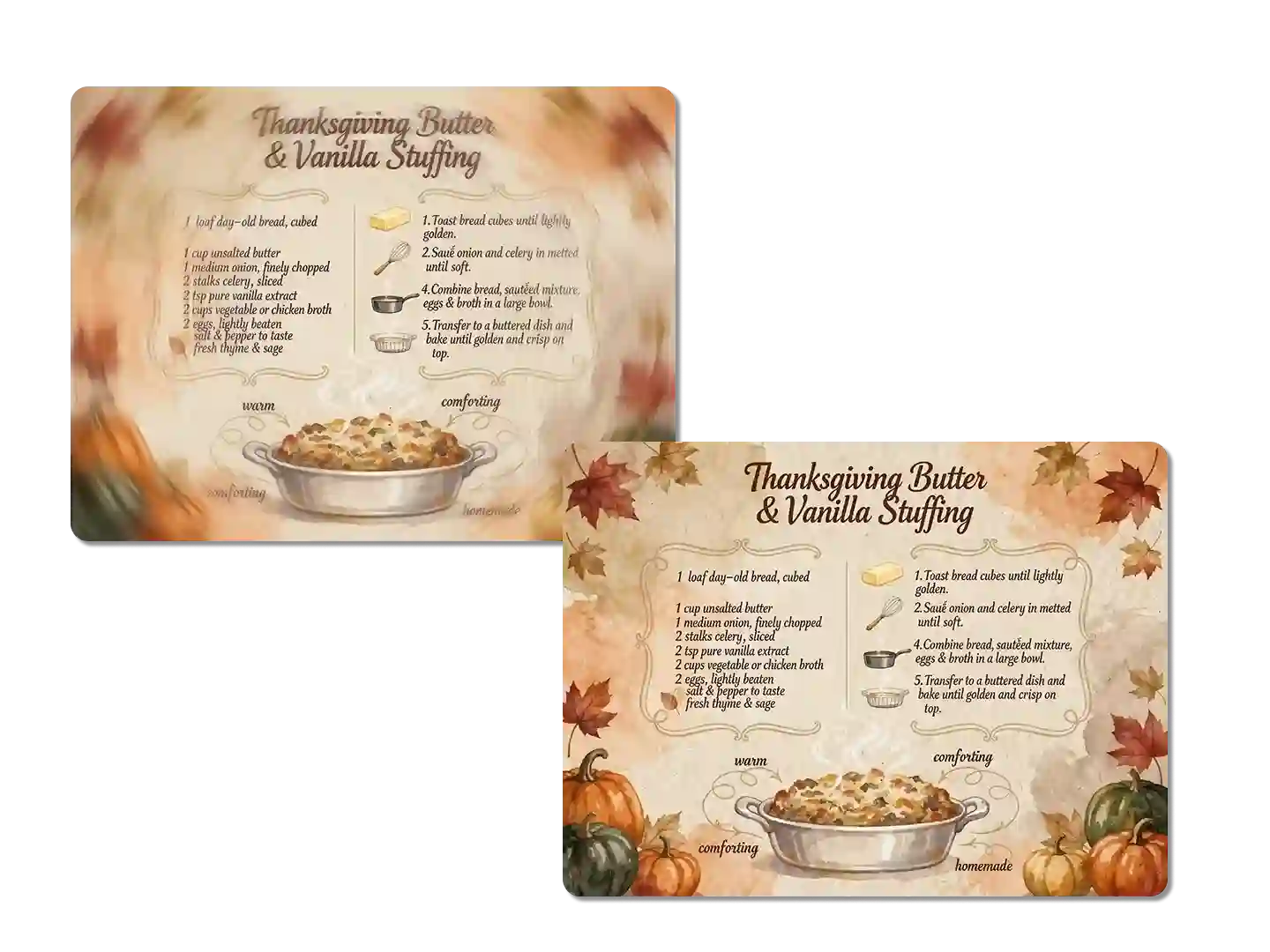
Fix Pixelated Images from Excessive Cropping
Cropping tight on subjects reduces resolution dramatically. The closer you zoom, the more pixelation appears. Product photos, portraits, and detail shots suffer when cropped beyond their native resolution. Dzine shows you how to unpixelate a picture that's been cropped too aggressively.
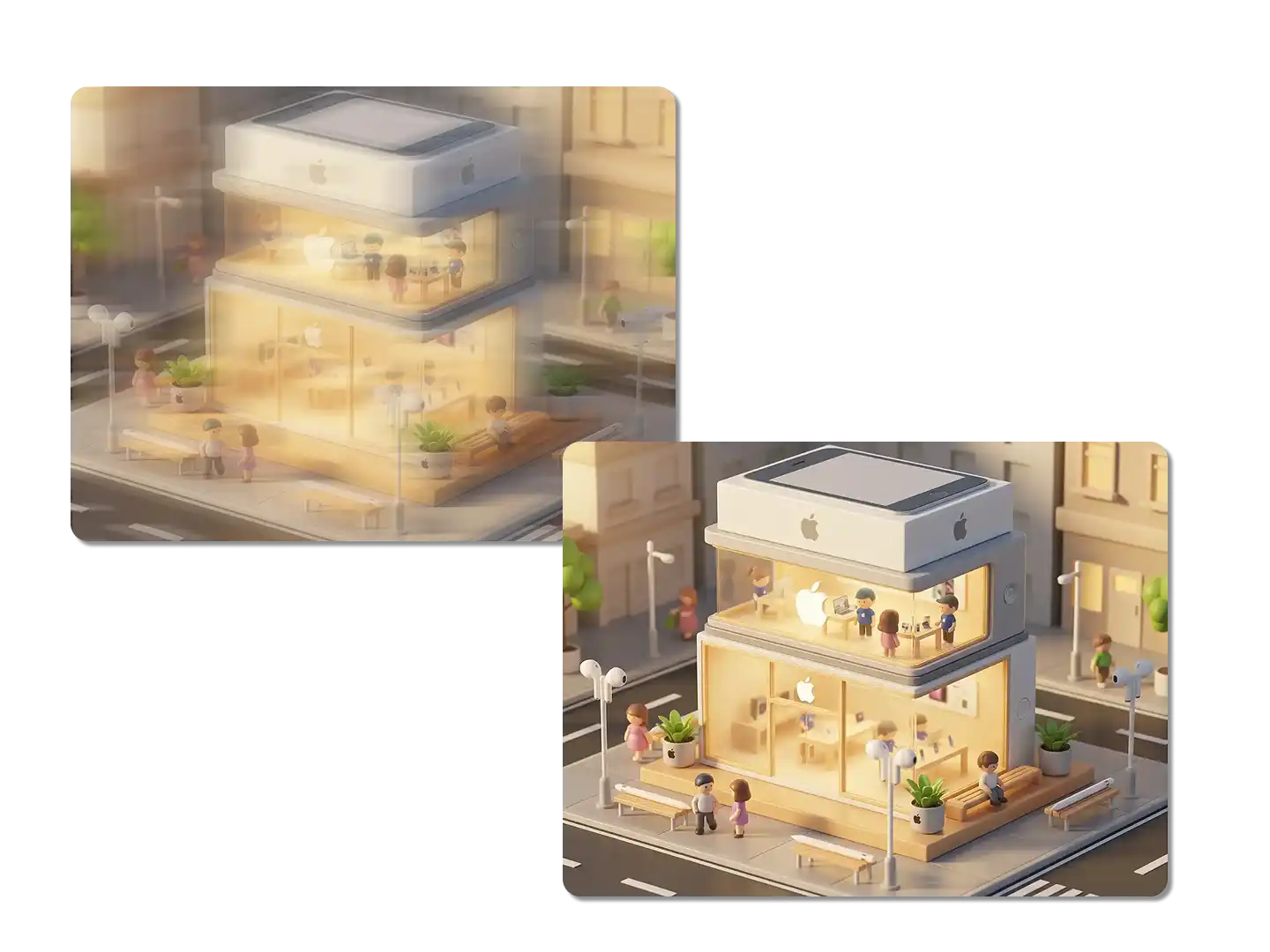
Restore Pixelated Logos and Graphics
Brand assets lose quality through improper saving and sharing. Low-resolution logos appear unprofessional in presentations, websites, and print materials. Vector files aren't always available, leaving designers stuck with pixelated images. Our AI image upscaler free tool reconstructs clean edges and solid colors. Designers, marketers, and business owners maintain brand quality across all materials.
FAQ
How can I unpixelate image for free?
Upload your pixelated photo to Dzine's free enhancement tool, select the Enhance option, and let the AI process it automatically. The system analyzes pixel patterns and applies intelligent reconstruction to fix pixelated image without manual editing. Most images finish processing within seconds.
What causes photos to become pixelated?
Images become pixelated from multiple causes: aggressive compression, low capture resolution, excessive cropping, poor upscaling attempts, or format conversions. Social media platforms and messaging apps compress images automatically, creating visible pixel blocks. Dzine's AI recognizes these patterns and knows how to fix pixelated photos by rebuilding smooth, natural detail.
Can AI really depixelate image effectively?
Yes. Dzine's AI analyzes millions of high-quality images to learn how details should appear. The system predicts and generates realistic textures based on surrounding pixels and content understanding. Unlike basic sharpening that creates artifacts, our image unpixelate tool reconstructs authentic-looking detail that matches your photo's original character.
Does unpixelating images work on old photos?
Absolutely. Early digital cameras captured limited resolution, but Dzine's AI photo upscaler handles vintage digital photos from any era. The system understands how to unpixelate a picture regardless of age, reconstructing details lost to outdated technology. Family archives and old digital memories gain new clarity.
Will unpixelated images look natural or artificial?
Natural results are guaranteed. Our AI prioritizes authentic appearance by learning from millions of real photos. The system avoids over-sharpening and artificial enhancement. Enhanced images maintain your original photo's lighting, color, and mood while gaining clarity. The goal is restoration, not transformation into something fake.
What image formats can be unpixelated?
Dzine processes all common formats including JPEG, PNG, WebP, BMP, TIFF, and more. The free image upscaler works on any resolution from thumbnails to high-resolution photos. Upload your file regardless of format, and the system handles conversion and enhancement automatically.
How does AI unpixelate compare to manual editing?
AI enhancement delivers superior results faster. Manual editing requires hours of painstaking work with limited success on severely pixelated images. Dzine's upscale image online tool analyzes thousands of pixels simultaneously, applying consistent improvements across the entire photo. The AI achieves what human editors cannot match in both quality and speed.
What Our Users Said
Saved My Product Catalog From Disaster
My supplier sent low-resolution product images that looked terrible on my website. Reordering photography would delay my launch by weeks. Dzine's tool to unpixelate image transformed every photo, making my catalog look professional. Sales increased 35% in the first month.
Rachel KimE-Commerce Store Owner
Rescued Precious Family Memories
My grandmother's old digital photos were so pixelated we couldn't display them at her memorial service. Dzine's AI photo upscaler fixed every single image, bringing clarity back to decades of memories. Seeing her face clearly again meant everything to our family.
David MartinezFamily Archivist
Transformed My Design Portfolio Quality
Client logos I received were constantly pixelated and unusable for presentations. Instead of requesting files repeatedly, I started using Dzine's free image upscaler. My portfolio now showcases professional quality across every project, helping me win larger contracts.
Sarah ThompsonFreelance Designer