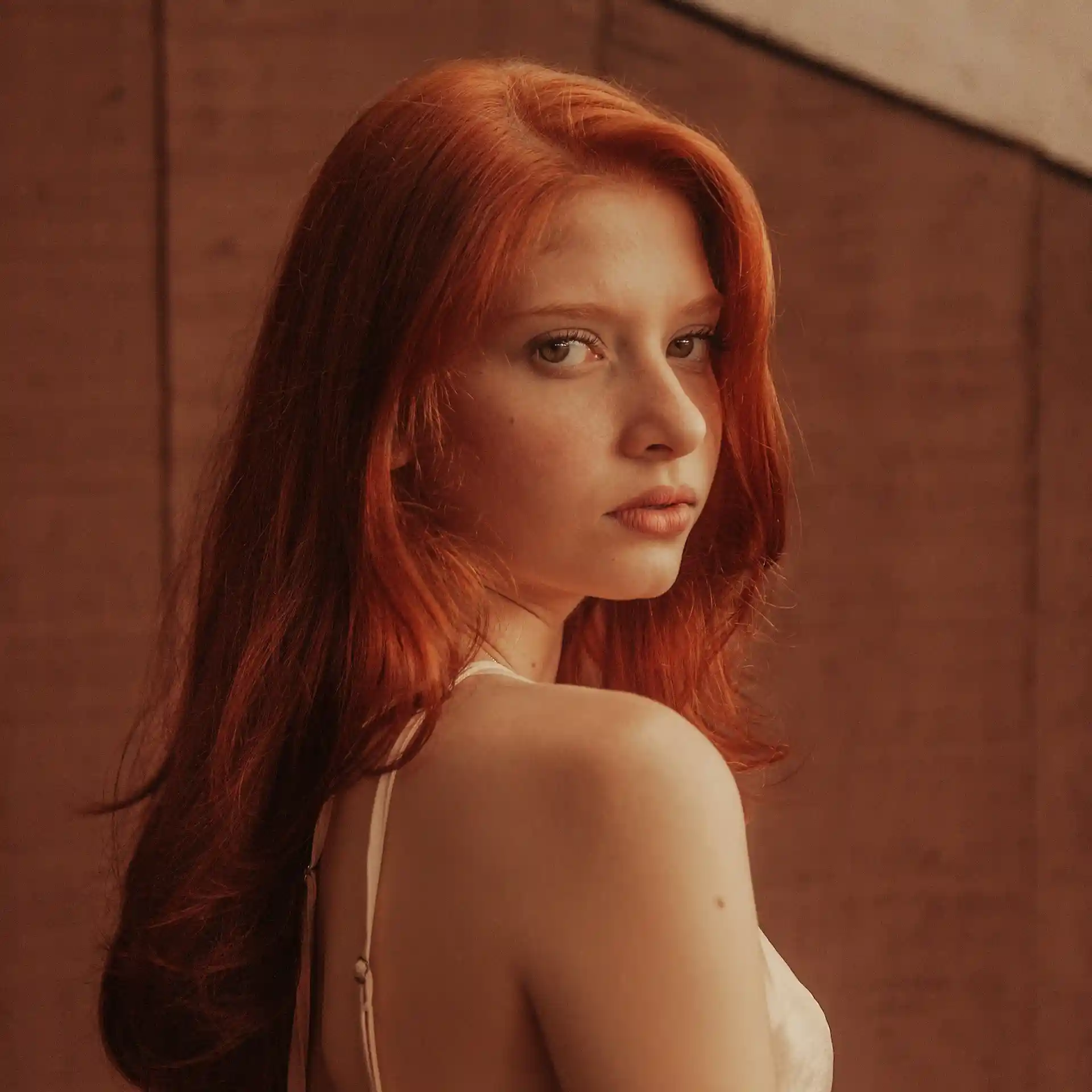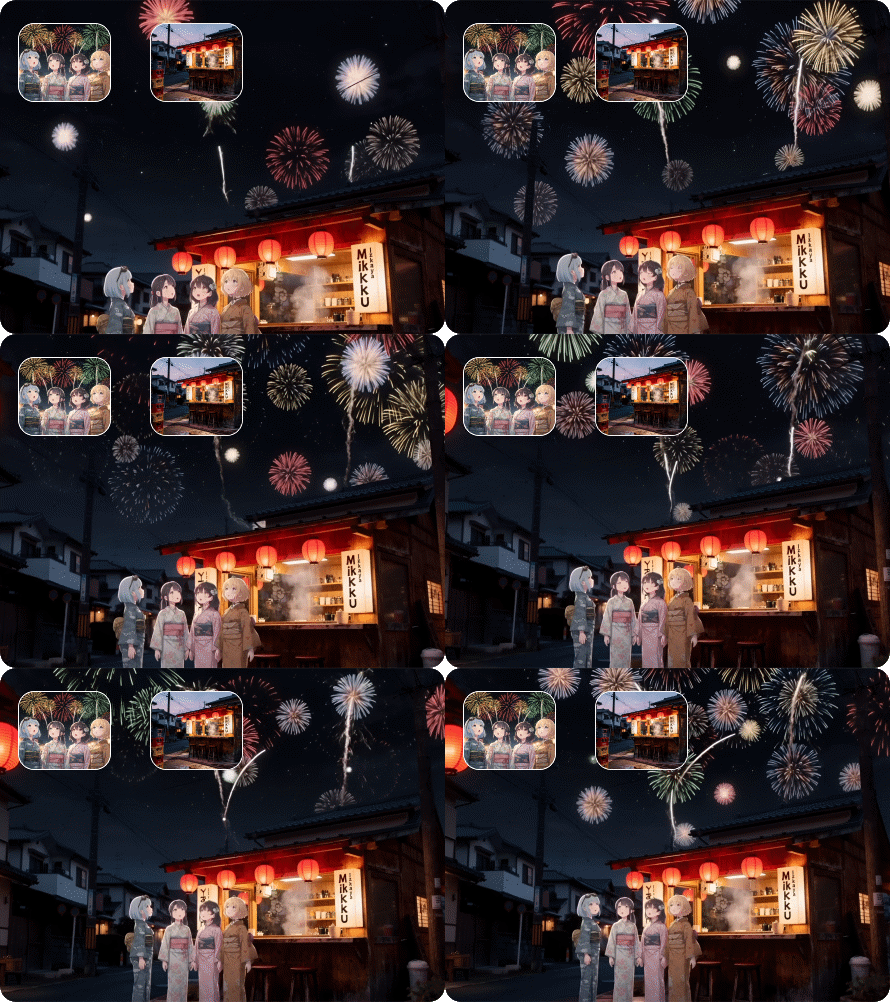

Vidu Q2 is Shengshu Technology's latest video model with two modes - Turbo and Pro. They can generate 720P or 1080P video with flexible 2-8 second durations, enhanced object consistency, and revolutionary motion control. Now, you can try it on Dzine.

Click or drag here to upload images
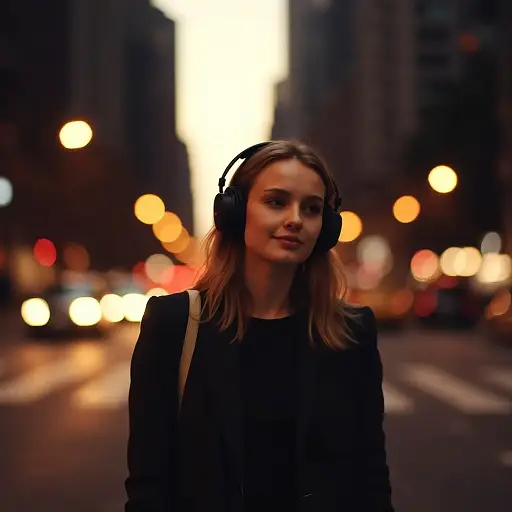
Using Vidu Q2 Turbo mode, you can produce action-packed videos with stable camera transitions at extremely fast speeds, making it ideal for simple and short video creations. Meanwhile, Vidu Q2 Pro mode is slower but well-suited for cinematic videos that typically require the highest visual detail.
Vidu Q2 can render detailed visual sequences that show subtle and dynamic movements in the scene. Besides, it can render expressive characters with extremely natural facial expressions and body language. It is ideal for generating cinematic scenes or unique animation styles.

Choose Vidu Q1 from the available models on Dzine. There you can find a set of video models like: Kling 2.5, Wan 2.5, Ray 3, etc.

Image to video and text to video are both supported. You can upload reference images or just input prompts, then customize the aspect radio and resolution.

Click Generate and receive your 1080P cinematic-quality video in seconds, featuring expressive motion and vivid details. Then, you can download and share it.
Vidu Q2 excels at both text to video generation and image to video transformation, with powerful multi-reference editing support. Generate cinematic clips, commercial ads, short drama footage and animated content without complex workflows.

Create professional videos with Vidu Q2 Reference-to-Video. Generate cinematic clips, match character and scene details, and refine visual styles via multi-reference editing while maintaining strict consistency across all video clips for production-ready footage.

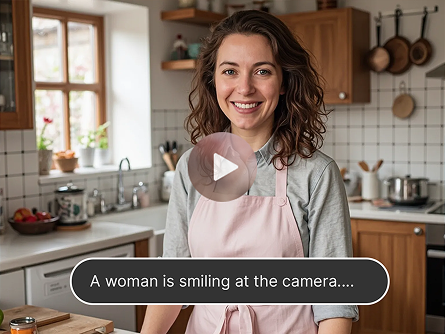
Creators can transform comic book images into animated videos with smooth and natural character movements, maintaining the unique characteristics of these genres. This makes the Vidu Q2 AI video generator a perfect fit for anime enthusiasts and professional studios looking to streamline their animation workflow.

Vidu Q2 upgraded reference editing with multi-reference support for 2 videos + 4 images and 6 video reference types covering character, scene, effects, expressions, actions and textures; it also features flexible video editing functions to add, remove and modify content. You can also change the video's aspect radio.

Vidu Q2 ensures that the subject and scene in your video remain highly consistent across clips. Compared to its predecessor - Vidu Q1, it significantly reduces the sense of jumpiness between frames, making it easier to create long videos with coherent plots and smooth visuals.

It can not only produce images with rich details and natural movements, but also present more realistic visual effects by relying on its understanding of real-world physical laws. Thus making sports-related images more accurate; Besides, the characters it renders are very expressive, with natural facial expressions and body movements.

Vidu Q2 allows you to create short clips with controllable start/end frames from a single still image for clean looping and match-cutting. It also supports capturing brand identity or consistent apparel from multiple reference sources. You can choose a clip length between 2 and 8 seconds.

Adcaned AI models such as Google Veo 3.1 and Hailuo 2.3 to deliver high-quality, varied video content that makes your work truly distinctive.

Produce polished visuals instantly, apply styles auto-magically, or refine designs without pro skills.

Access core AI tools for free trial, experiment with creations freely, or test features before committing.

Export high-res visuals in multiple formats, preserve every fine detail, or use them for print & digital.

Get clean, watermark-free outputs, use visuals for commercial campaigns, or share them seamlessly.

Create on the web directly, skip software installation, or design anytime anywhere on any device.
I was impressed by Vidu Q1, but Q2's handling of micro-expressions is a game-changer for character-driven stories. The believable eye blinks and lip sync it generates add a layer of emotional authenticity I hadn't seen before. It's no longer just about motion; it's about performance.
Sophia ChenAnimation Director
The new Turbo and Pro modes in Vidu Q2 have streamlined our workflow dramatically. We use Turbo for rapid iteration on concepts and Pro for the final, polished shots with its incredibly smooth camera moves. The fixed duration and preset options make the output predictable, saving us precious time.
David KleinVideo Producer
The biggest leap with Vidu Q2 is its semantic understanding. It now captures small details from my prompts and reference images with stunning accuracy. The scenes are more cohesive, and the 'rubbery' effect is gone. It feels like the model truly comprehends my creative intent.
Priya SharmaDigital Artist
Vidu Q2 is an advanced AI video generation model developed by Vidu AI, available on Dzine. It specializes in creating high-fidelity 1080p videos from images and text, featuring enhanced micro-expressions, cinematic camera movements, and dual generation modes (Turbo and Pro).
Dzine offers a 7-day free trial that allows users to explore the full feature set of Vidu Q1 with no limitations or payments required.
Vidu Q2 builds on Vidu Q1 by offering improved motion realism, greater visual consistency, more precise prompt interpretation, and enhanced generation speed. It also introduces new features like micro-expression control and cinematic camera grammar, making it a superior Vidu Q2 AI video generator.
Vidu Q2 is versatile, ideal for character-driven shorts, dynamic product and brand moments, stylized 2D/anime motion, and rapid content iteration. Its focus on detail and camera control makes it suitable for cinematic scenes, advertisements, and social media content.
The Vidu Q2 AI video generator supports both image-to-video and text-to-video generation. Users can upload a single image or multiple reference frames, combine them with a descriptive text prompt, and customize settings to produce AI videos.