Adobe Animate Will Shut down? Top 6 Alternatives for You!
Adobe originally planned to stop selling its 2D animation tool, Adobe Animate, in March 2026 and end support and file access in 2027, as they decided to shift their focus to AI. However, this plan was met with opposition from many users and creators. Adobe then announced that it would switch Animate to an indefinite maintenance model to ensure continuous security updates, bug fixes, and full access for all users.
This post will discuss the impact of this project’s discontinuation on regular users and 2D animation enthusiasts, and what alternatives these groups can use.
What We Know So Far?
Adobe Announces to Shut Down the Animate Project
As Adobe increases its investment in artificial intelligence, the company has decided to shut down its 2D animation software, Adobe Animate. On February 2, 2026, Adobe posted an update on its support website and sent emails to existing customers announcing that Adobe Animate will cease service on March 1, 2026.
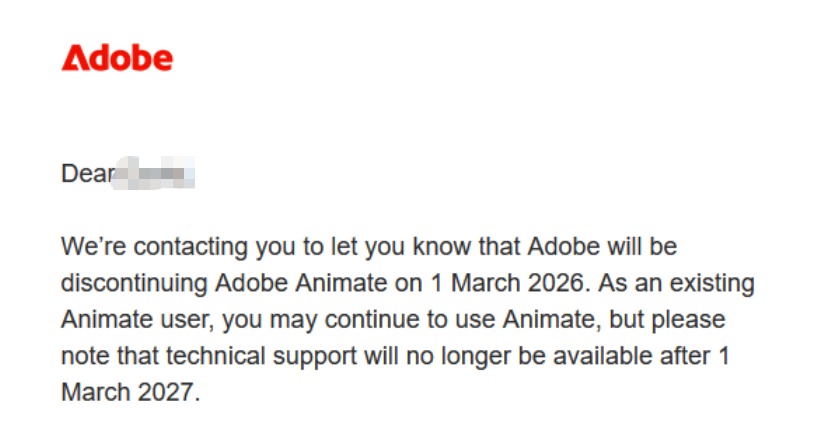
The transition timetable stipulates that enterprise users will continue to receive technical support until March 1, 2029, while other users will only receive support until March 2026. However, this decision has drawn opposition, disbelief, disappointment, and anger from Adobe Animate users.
Adobe Reverses Plan to End Animate
On February 3, 2026, they announced that they will not discontinue or cancel access to Adobe Animate. Animate will continue to be available to existing and new customers, and we will ensure you continue to have access to your content. They will provide ongoing security updates and bug fixes, but will no longer add new features.
How Does the Decision Impact Adobe Users
Animators are worried because the features they’re used to in Adobe Animate (such as the user-friendly timeline, coding capabilities, and the ability to output interactive animations) may not be as convenient in the future.
Adobe recommends that customers with a Creative Cloud Pro plan use other Adobe applications to replace some of Animate’s functionality. Adobe After Effects supports complex keyframe animation using the Puppet tool, while Adobe Express offers one-click animation effects that can be easily applied to photos, videos, text, shapes, and other design elements.
However, it is not easy! The concerns repeatedly expressed by professionals are not just that Adobe Animate is about to be discontinued, but that there is no clear, identical alternative in the Adobe product portfolio that can achieve the functionality of Animate.
Thus, for all users, we will introduce the top 6 Adobe Animate alternatives for your 2D animation tasks.
Top 6 Adobe Animate Alternatives
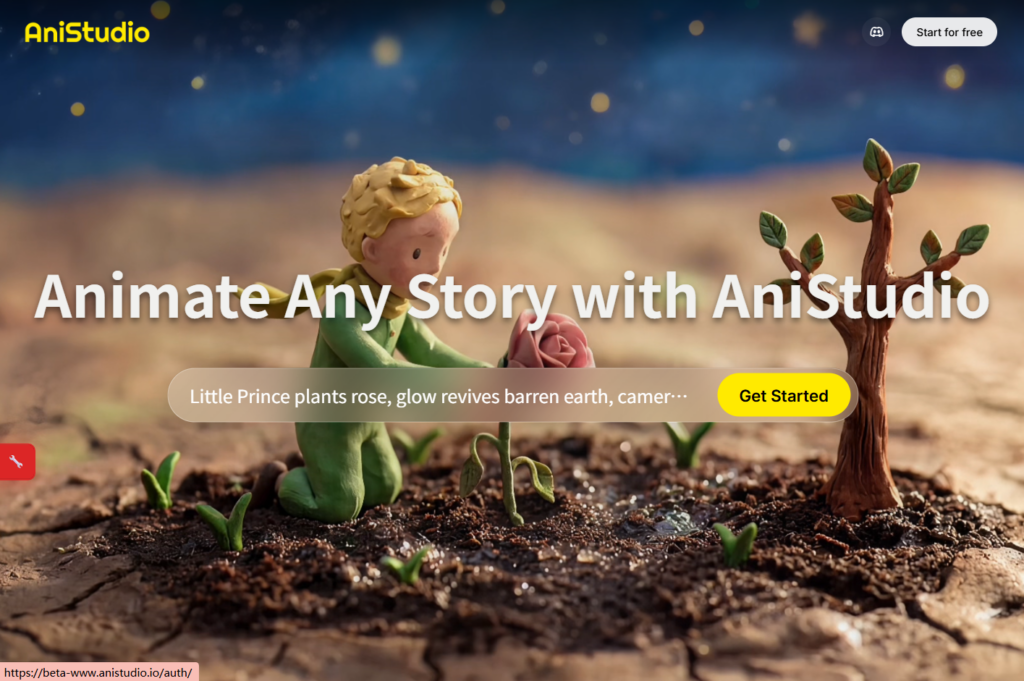
Top 1: Anistudio
First up is Anistudio, a powerful yet easy-to-use video agent that even beginners can easily master. If you want to quickly create simple animated videos without starting from scratch, then it’s the best Adobe Animate alternative you’ve been looking for.
You just need to describe your idea with a single sentence, Anistudio animation agent will help you generate some concpts and storyborads. Next, you can modify the specific characters with referenced images in Chat. Then, you can use the timeline editor to modify the 2D animation video.
Top 2: Dzine AI
If you’re looking for a reliable, free alternative to Adobe Animate, Dzine AI is definitely worth a try. It works for both 2D and 3D projects. Dzine’s 2D Animation Generator lets you seamlessly turn ideas into captivating animations with just a few clicks.
It also has other features including lip sync, video enhancement, image editor, etc. Whether you’re looking to create charming cartoons, breathtaking Ghibli-style films, or attention-grabbing marketing videos, Dzine provides everything you need to produce professional-quality content.

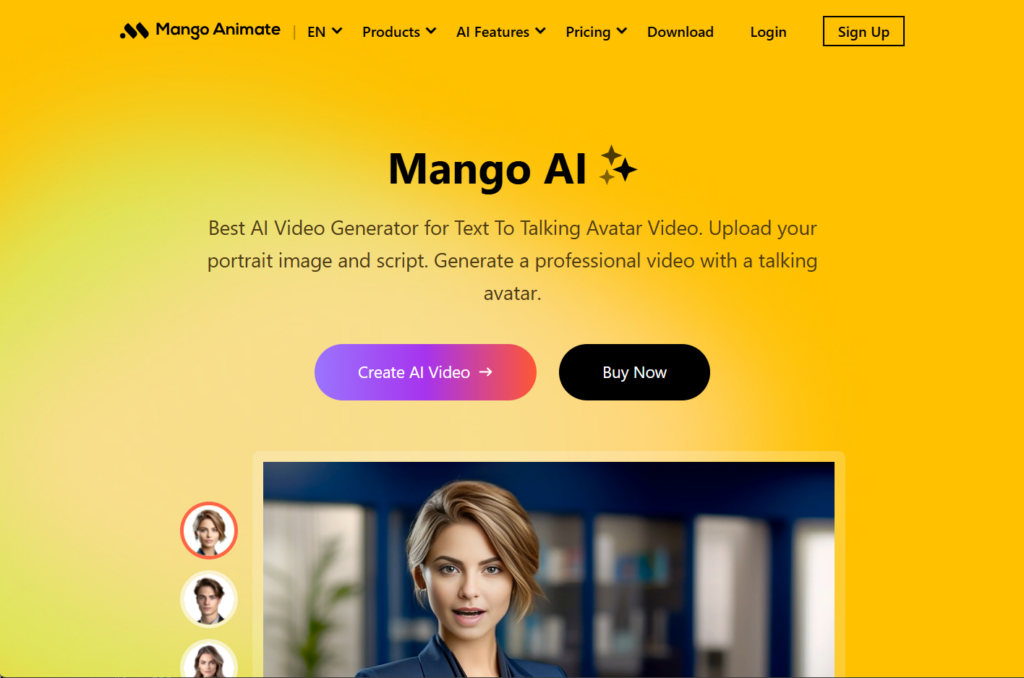
Top 3: Mango Animate
Mango Animate is an animation video creation software primarily serving the marketing, corporate training, and online education sectors. It offers an integrated solution designed to help users, especially non-professional animators, efficiently create professional-looking animated videos.
Top 4: Animaker
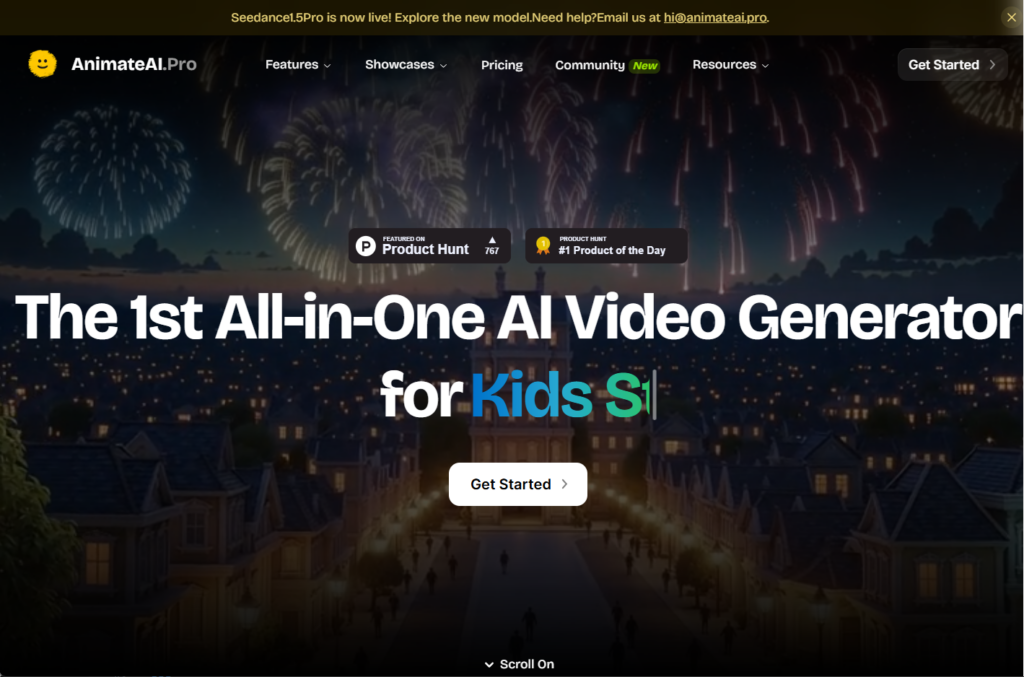
Animaker is one of the Adobe Animate alternatives that can generate animations for you, or you can customize one of many ready-made templates. If you want to create an animated video quickly and easily, Animaker is a great choice. However, if you are a professional animator and need to create complex animated films or interactive content, Animaker cannot replace Animate.
Top 5: Powtoon
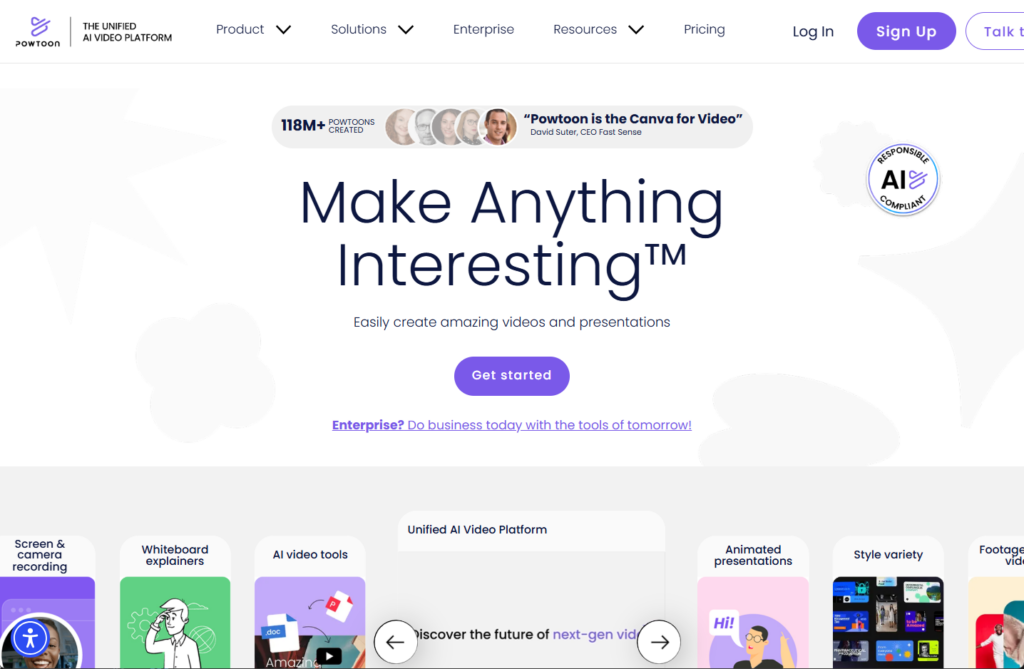
As the Adobe Animate alternative, Powtoon is a powerful online animation creation platform loved by everyone from beginners to professionals for its intuitive and easy-to-use features. It’s not just an excellent animation tool, but also makes it easy to create engaging and dynamic presentations and video content.
Top 6: DigiCel Flipbook
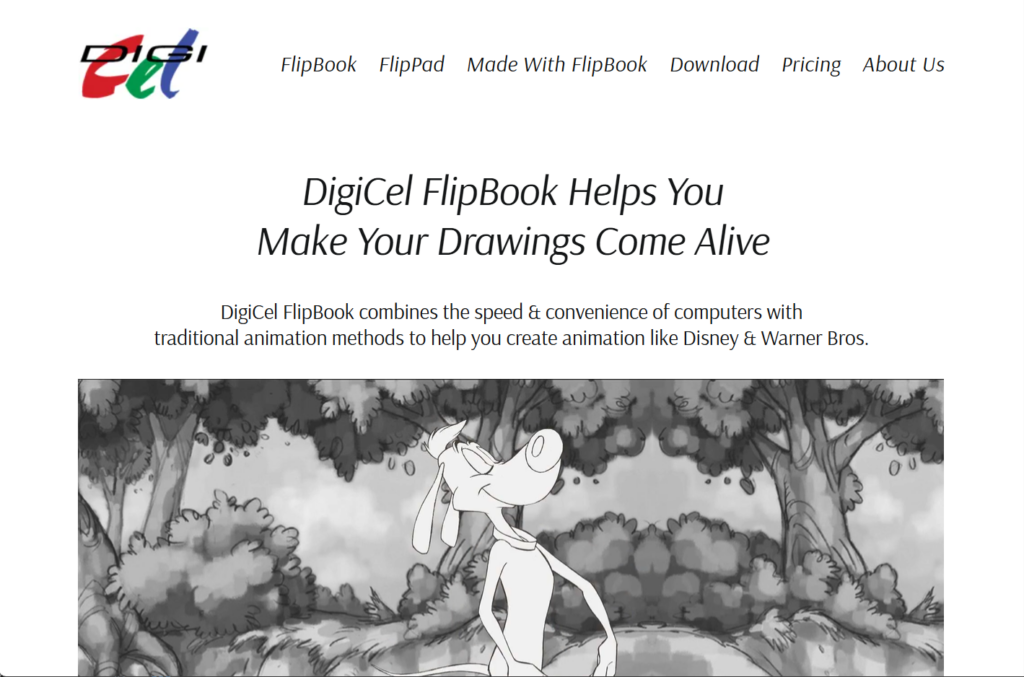
DigiCel Flipbook is a simple yet powerful animation tool that remains popular among many experienced animators. While geared towards beginners, it still offers a variety of functions and uses. Because DigiCel Flipbook aims to retain the traditional essence of frame-by-frame animation, it does not support skeletal animation.
Final Words
While Adobe Animate will no longer be adding new features, you can choose from different types of Adobe Animate alternatives depending on your skill level. These software programs are available in both online and offline versions, covering various aspects such as professional and beginner levels, 2D animation production, and 3D animation production.