- Tools
- Resources
- Pricing
- API
- Contact Sales
- Book a Demo


Doodle Maker
Dzine's Doodle Maker lets you create fun, quirky doodles in seconds. No drawing skills needed. Just share your ideas, and our tool turns them into unique doodle art.
Need ideas? Try these doodle prompts.
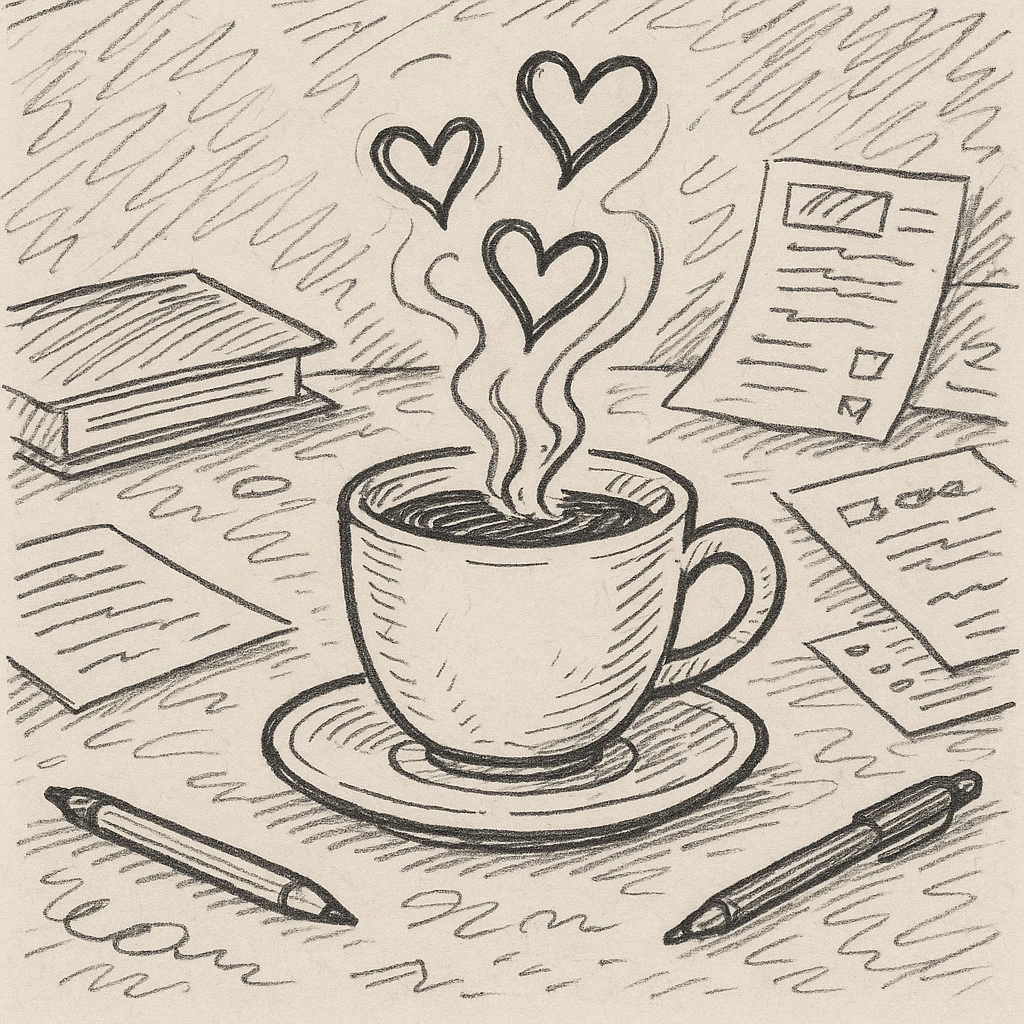
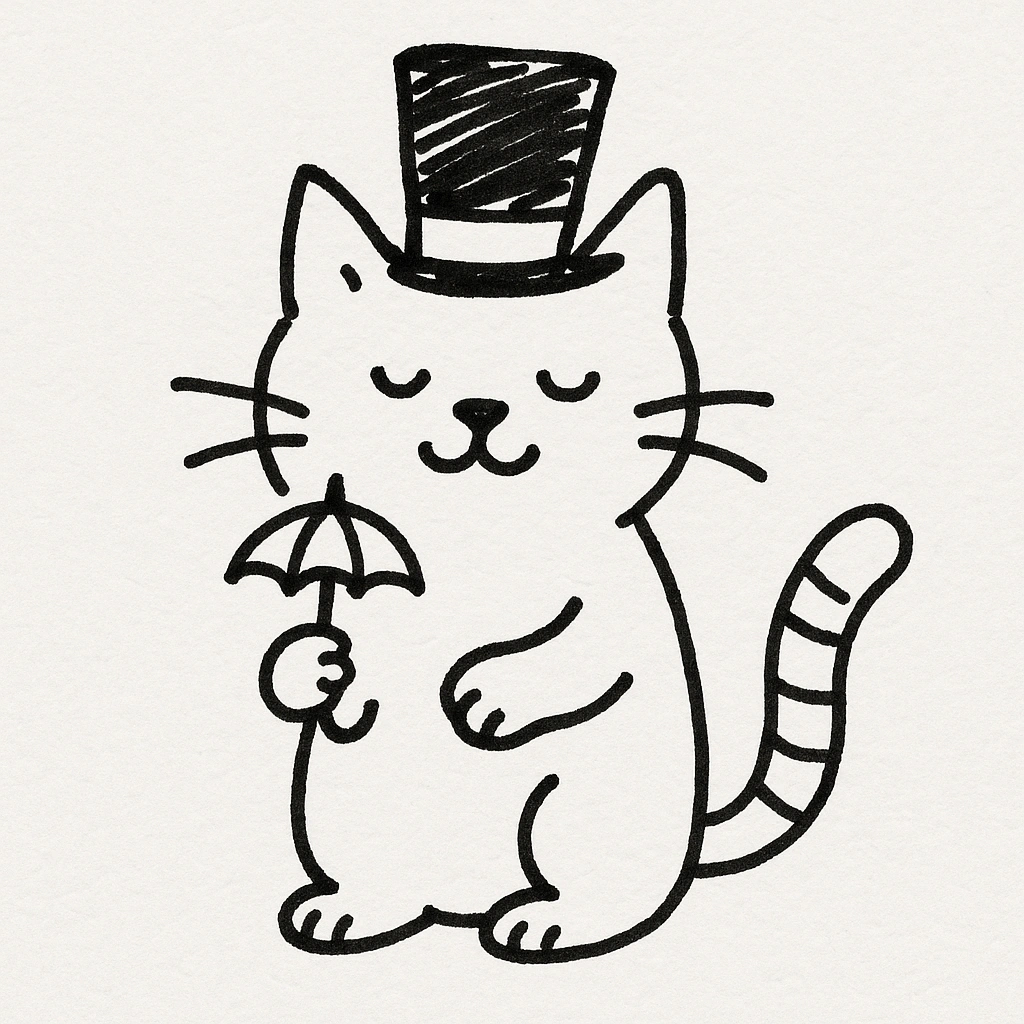
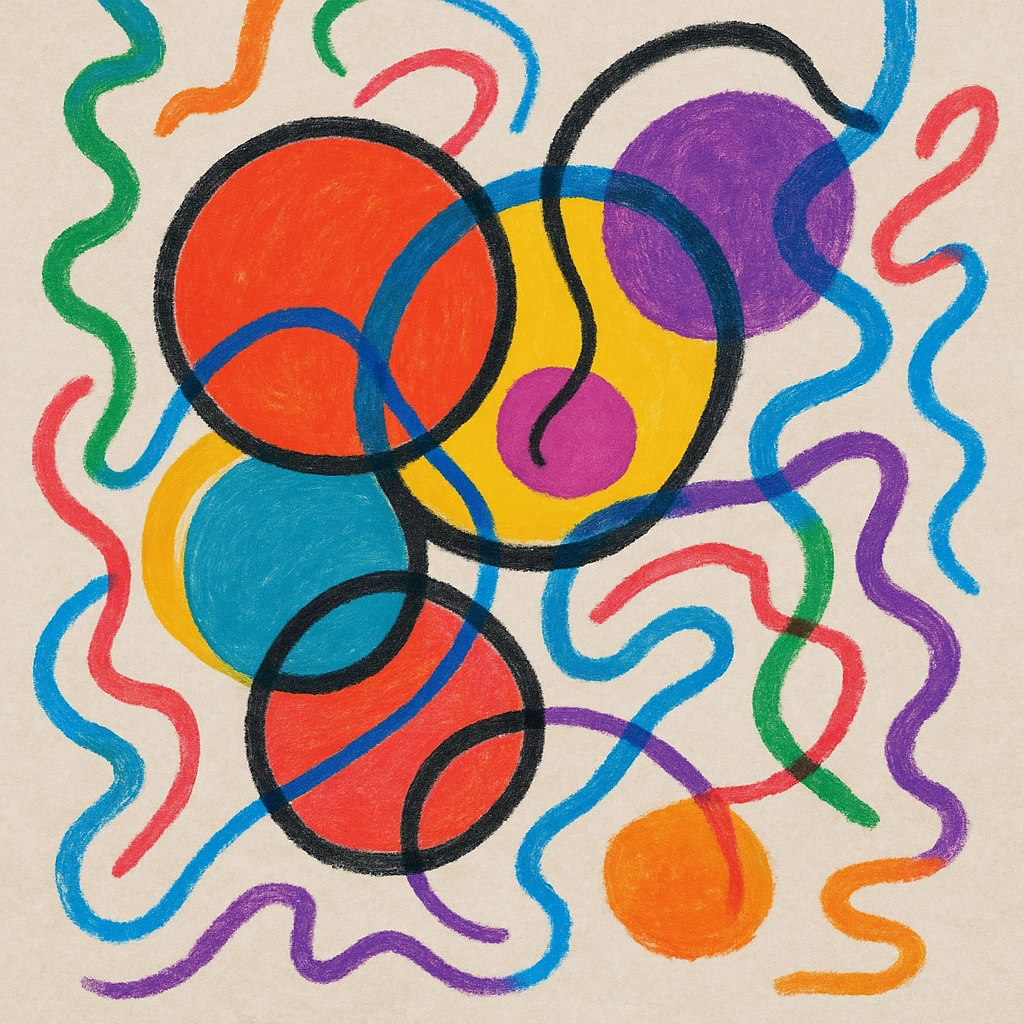
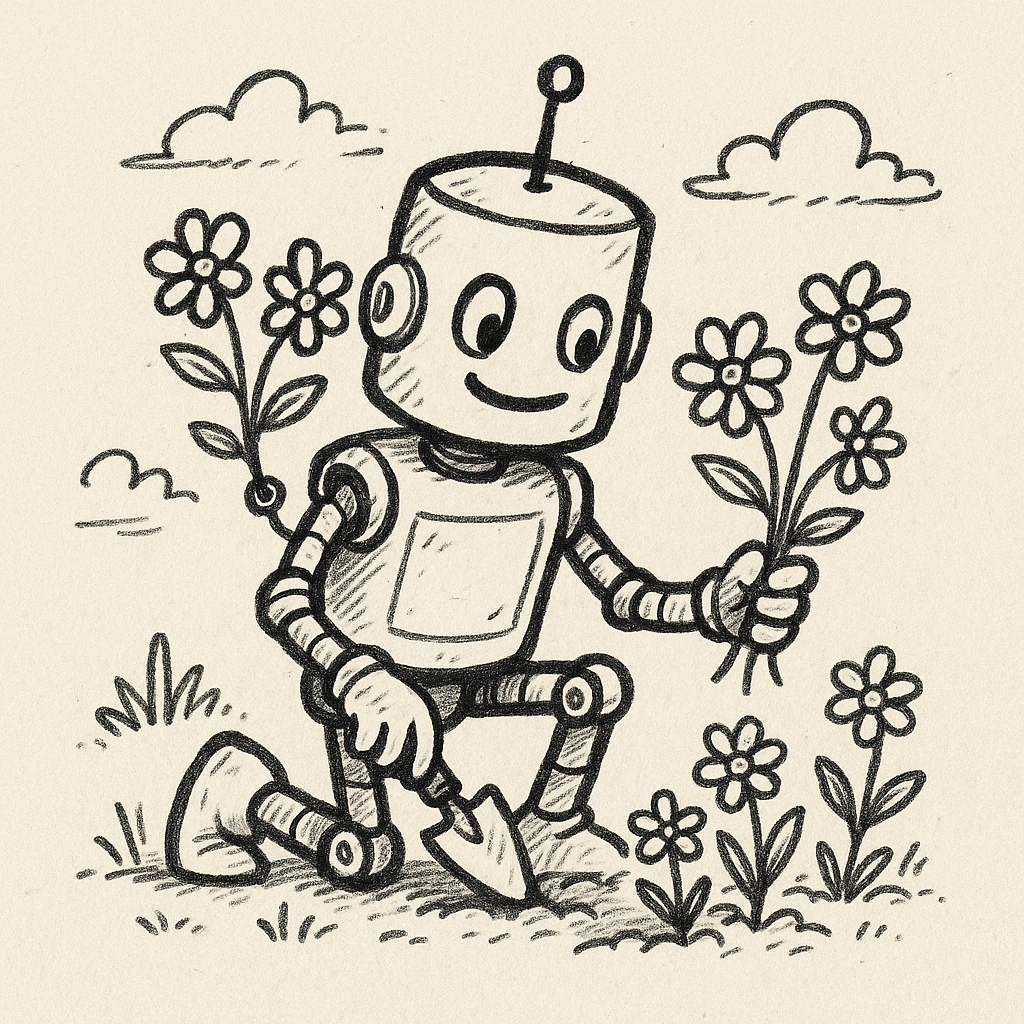
Turn Simple Ideas into Playful Doodle Art Instantly
Creating doodles used to take time and practice. Our Doodle Maker changes that. It turns any thought into a unique doodle. Use it for notes, social posts, or just for fun. Add details like colors, themes, or objects to get the look you want. Pair it with our AI Image Editor to tweak and perfect your doodles.
How to Generate Doodles
Step 1. Choose a Model
Pick from models made for different doodle styles. Options include sketchy, cartoonish, or minimalist doodle looks. You can also use versatile ones like Google Imagen 4.
Step 2. Describe Your Preferences
Tell us what you want. Try "doodle of a dog chasing a butterfly" or "doodle of a city skyline with funny buildings."
Step 3. Generate and Explore
Click to generate. If it's not right, generate again. Save the doodles you love for later.
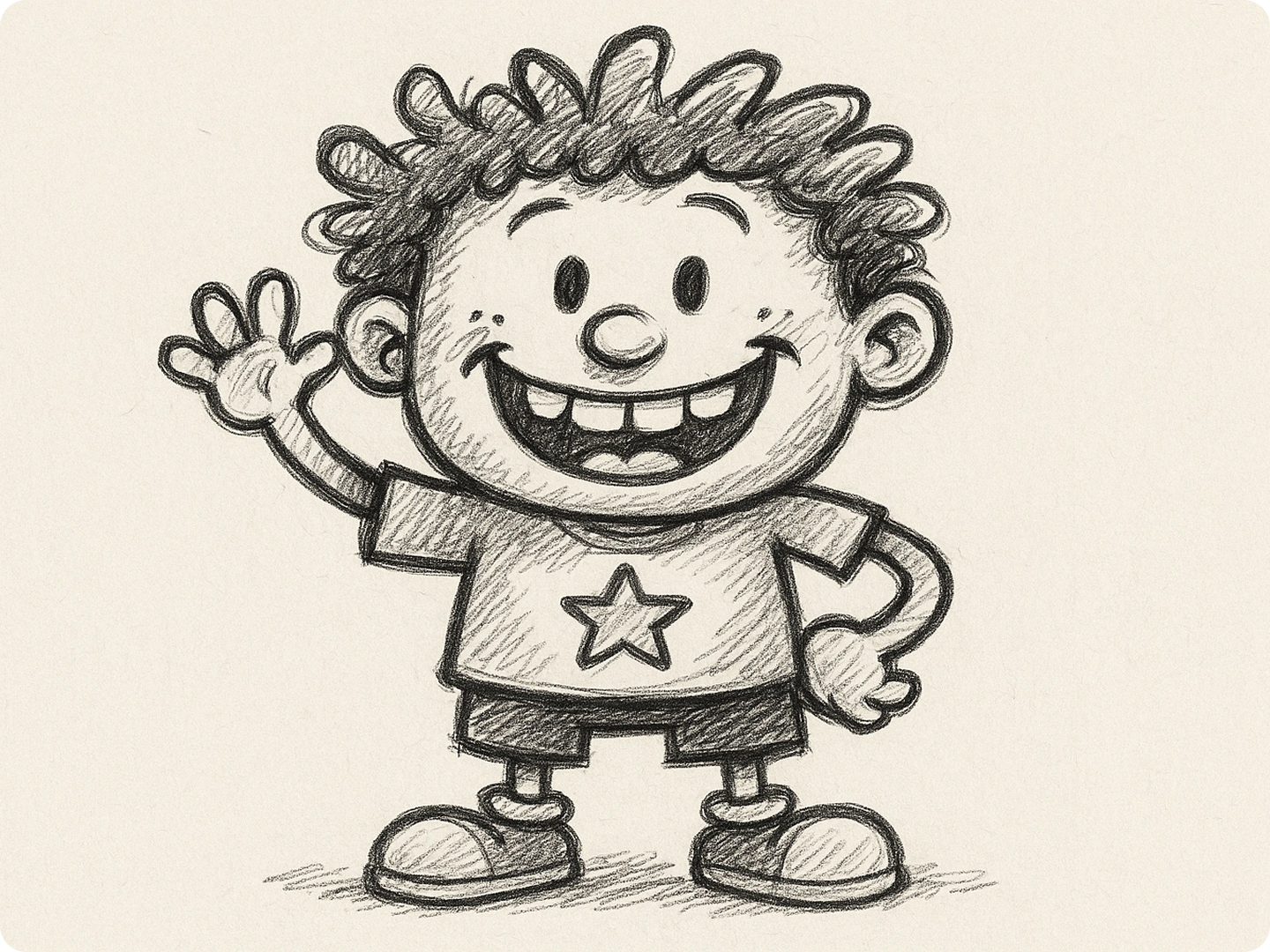
Liven Up Notes and Presentations
Make your notes and presentations more engaging with doodles. Add small doodles next to key points to make them stand out. Teachers can use doodles in lesson slides to keep students interested. Students can jazz up study guides to make reviewing more fun. Our Doodle Maker creates quick visuals that fit any topic.
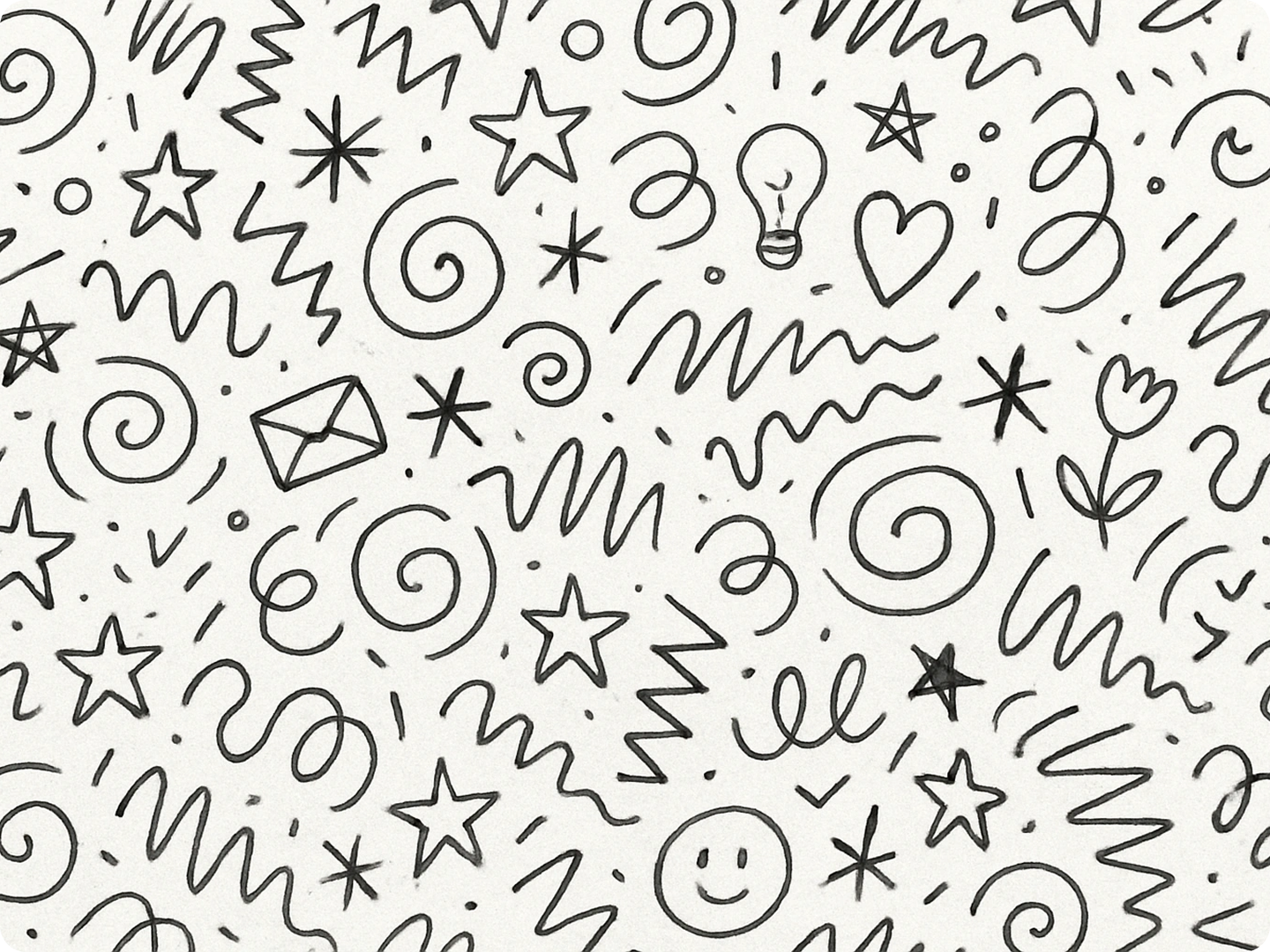
Create Fun Social Media Posts
Social media feeds get more attention with unique visuals. Use doodles to illustrate quotes, share updates, or highlight offers. Small businesses can add doodles to their posts to show personality. Influencers can create consistent doodle styles to brand their content. Our tool makes it easy to get fresh doodles for daily posts.
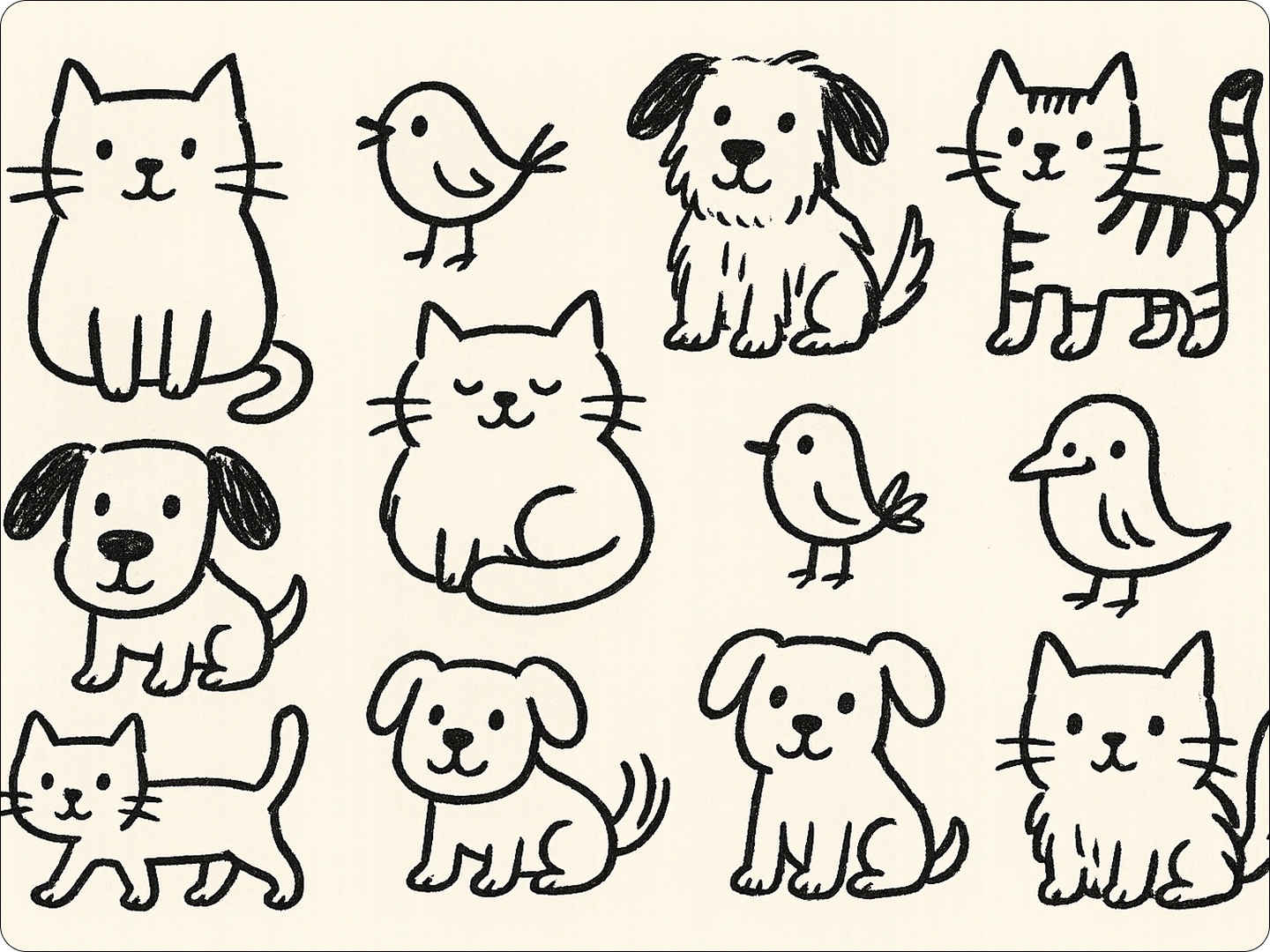
Design Custom Greeting Cards
Personalize greeting cards with one-of-a-kind doodles. Add doodles of inside jokes, shared memories, or the recipient's hobbies. Birthdays, thank-yous, or just-because cards feel more special with custom art. Our Doodle Maker lets you create doodles that match the occasion and the person.
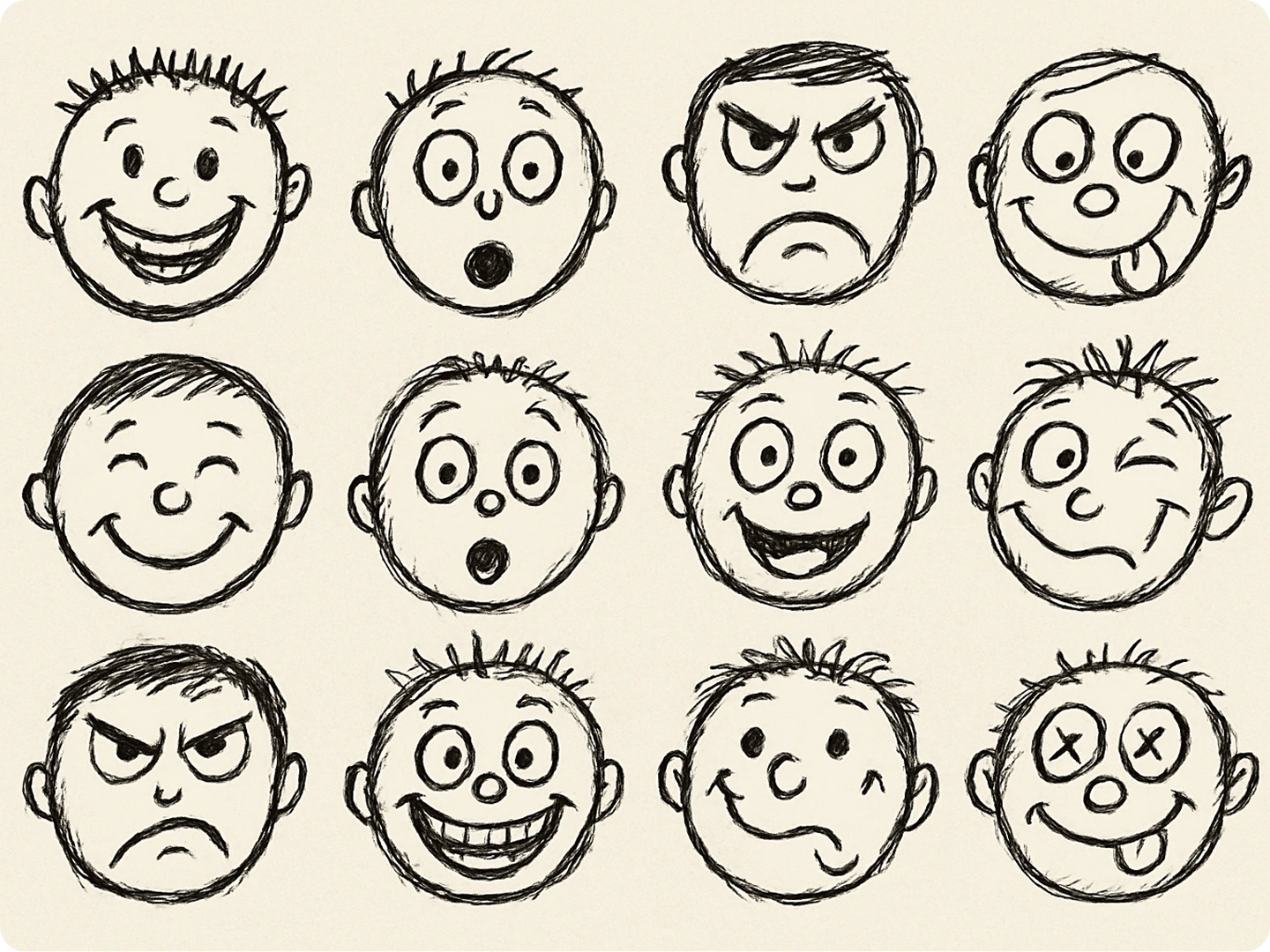
Make Kids' Activities More Enjoyable
Kids love colorful, playful doodles. Use them for coloring sheets, activity books, or classroom games. Parents can generate doodles for rainy-day activities. Teachers can create themed doodles for lessons on animals, space, or history. The simple, fun style keeps kids engaged and learning.
Add Personality to Digital Products
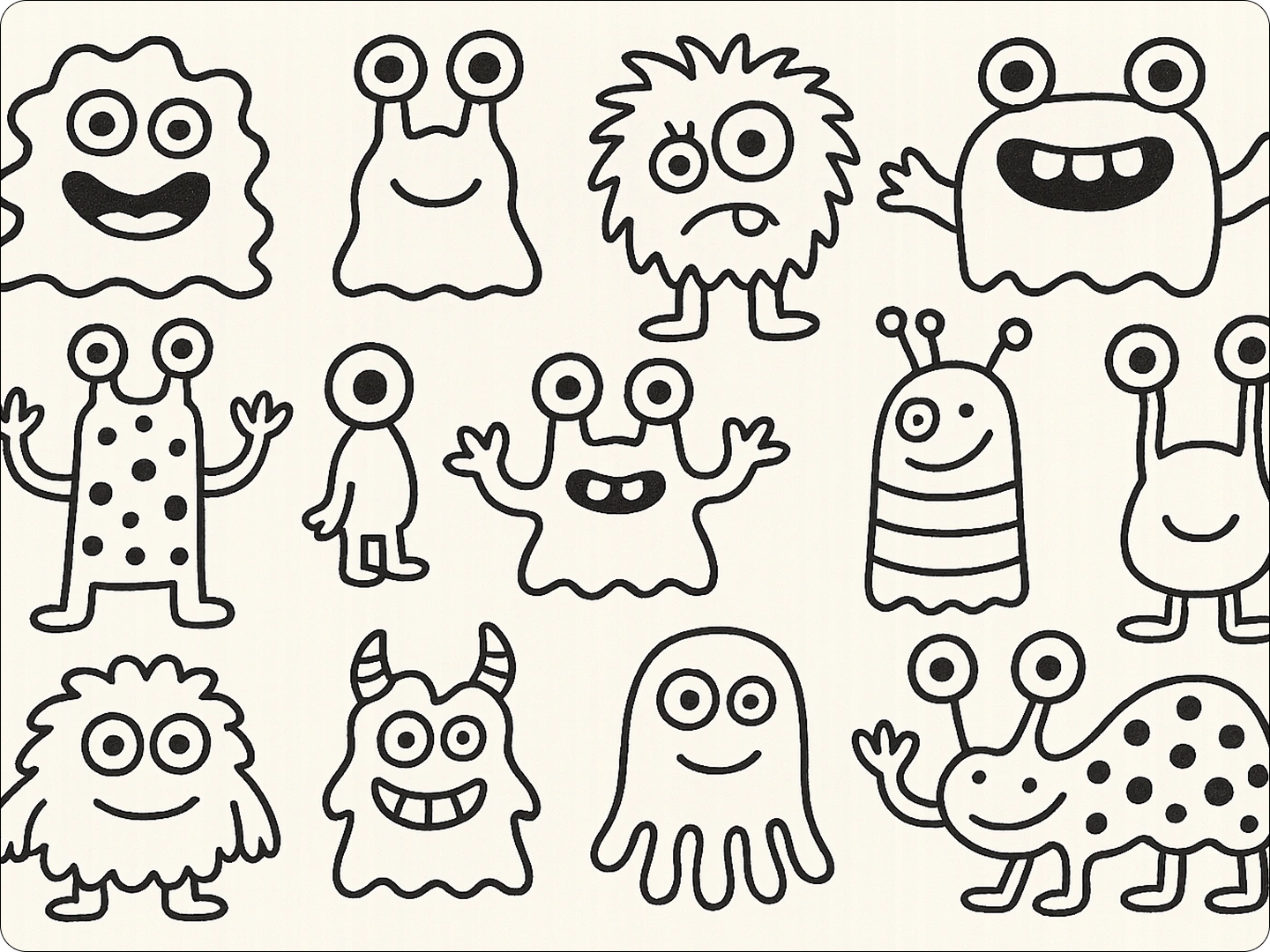
App and website designers can use doodles to add charm. Put doodles in loading screens, error messages, or user onboarding. They make digital products feel friendlier and less formal. Our Doodle Maker creates doodles that fit different screen sizes and design styles.
Create Doodle Art for Merchandise
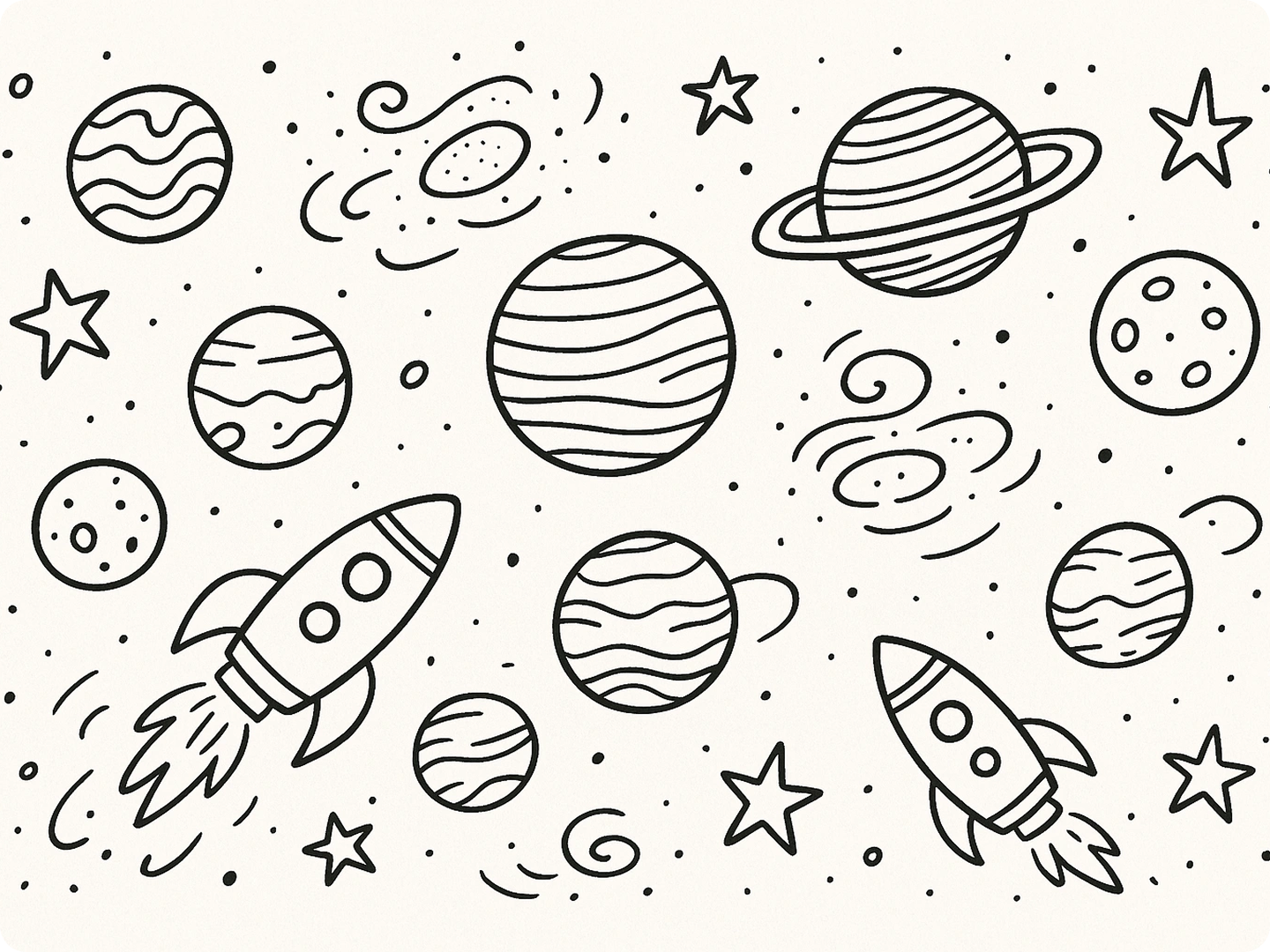
Small businesses and creators can use doodles on merchandise. Put them on t-shirts, mugs, or stickers. Doodles have a casual, relatable vibe that connects with customers. Our tool lets you generate doodles in specific sizes to fit different products.
FAQ
Can I change the style of my doodles?
Yes. You can pick different styles like sketchy, bold, or minimalist. The model you choose affects the final look of your doodle.
Are the doodles I create free to use?
Basic doodles can be used for personal and small commercial projects. For large-scale use, check our premium licensing.
How long does it take to generate a doodle?
Doodles generate in seconds. You can get a new doodle almost instantly after entering your description.
Can I make doodles in specific sizes?
Yes. Include size details in your description, like "doodle 800x800" or "doodle for a 3x5 card," to get the right fit.
Can I edit the doodles after generating them?
Absolutely. Use our AI Image Editor to adjust colors, add elements, or change lines.
Do I need drawing skills to use this tool?
No. You don't need any drawing skills. Just describe what you want, and our tool creates the doodle for you.
What Our Users Said About
Perfect for My Classroom
I use doodles in my lessons every day. The kids love them, and it makes teaching easier. This tool saves me so much time.
Sarah LopezElementary School Teacher
Great for My Small Business
I put doodles on my product packaging. They make my items stand out. Customers always comment on how cute they are.
Jake WilsonSmall Business Owner
Makes Social Media Fun
I struggle with creating visuals for my posts. This doodle maker gives me unique content that gets more likes and shares.
Mia ChenSocial Media Manager