- Tools
- Resources
- Pricing
- API
- Contact Sales
- Book a Demo


Free Fish Eye Filter
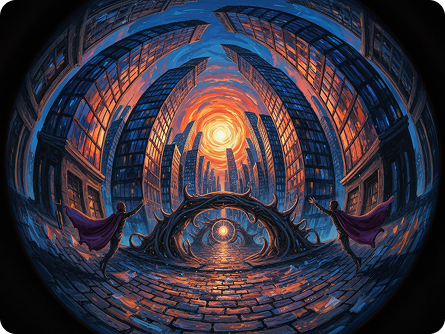
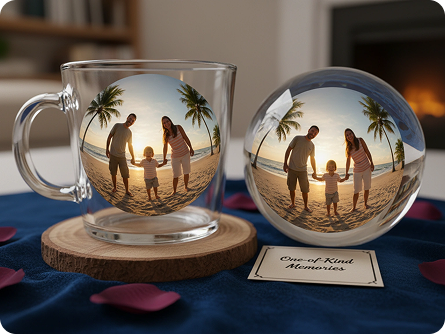
At Dzine, our AI-powered Fish Eye Filter lets you effortlessly add the iconic fish eye lens effect to any photo—no design skills, no app downloads, and 100% free. Whether you’re creating trendy social media content, artistic visuals, or playful memes, our fish eye filter delivers high-resolution (up to 4K) results that capture the bold, distorted perspective of a classic fish eye lens.

Click or drag here to upload images
Try one of these samples to experience the stunning fish eye lens effect instantly


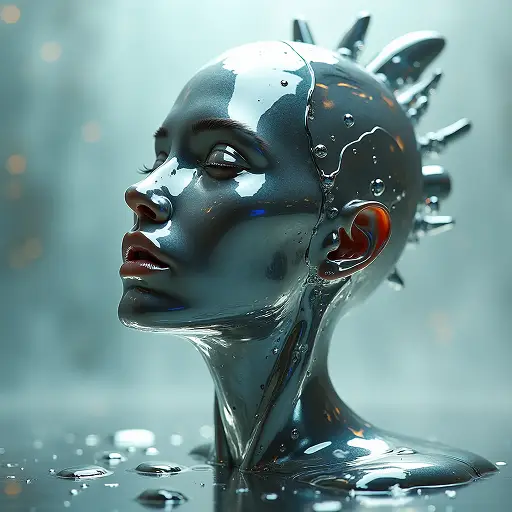
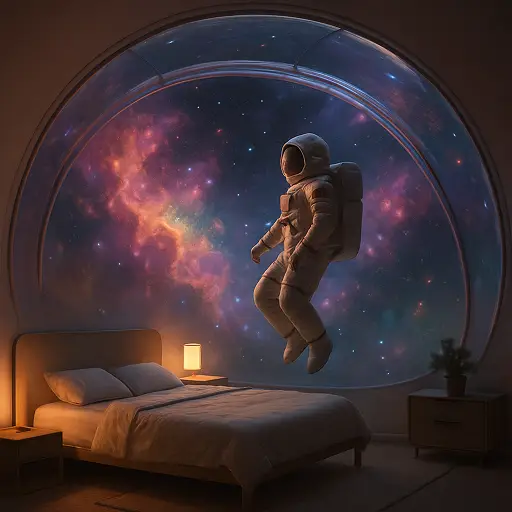
Unlock Bold Visuals with Customizable Fish Eye Lens Filter Effects
The fish eye filter is a game-changer for adding drama, playfulness, and uniqueness to your photos—and Dzine’s AI-powered tool stands out with unmatched customization and professional-grade output. Our fish eye filter lets you adjust distortion intensity, add vignettes, and tailor the effect to match your creative vision—ideal for social media influencers, artists, or anyone looking to transform ordinary photos into eye-catching content. Pair our fish eye filter with the AI Image Editor to refine your photos before applying the effect, or use the AI Photo Enhancer to sharpen details for crisp, immersive results.
How to Use Dzine’s AI Fish Eye Filter in 3 Simple Steps
Step 1: Upload Your Image & Input Fish Eye Goals
Head to Dzine’s "AI Image" tool and upload the photo you want to edit (supports JPG, PNG, WebP, TIFF). Type in your prompt (e.g., "apply fish eye filter with strong spherical distortion" or "add fish eye lens effect to photo with dark vignette and 90s skate style")s
Step 2: Set Generation Parameters
Choose from our AI models Nano Banana Pro or Z-Image, then configure image resolution (up to 4K), fish eye distortion intensity, vignette style, and color preservation to match your vision.
Step 3: Generate & Download Your Edited Photo
Click the Generate button to create your photo with the perfect fish eye filter effect instantly. Download the result—no watermarks, no usage limits, and perfect for sharing on social media or printing.
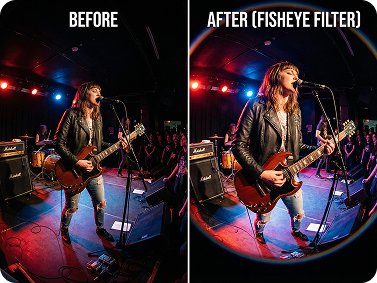
Trendy Fish Eye PFPs for Social Media
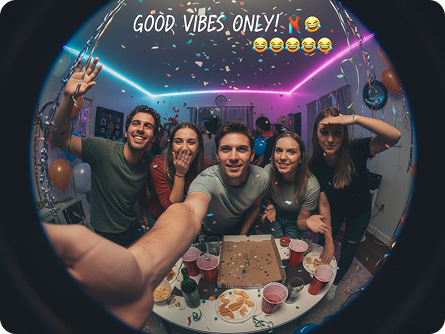
Add fish eye filter to your selfies to create unique, eye-catching profile pictures that stand out on Instagram, TikTok, or Twitter. Our fish eye lens filter lets you tweak distortion to reflect your personality—playful, edgy, or artistic—pair it with the AI Polaroid Photo Generator for retro-inspired PFPs.
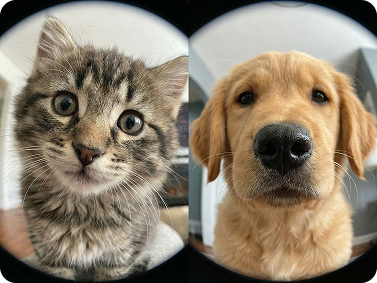
Hilarious Fish Eye Memes
Add fish eye lens filter to photos of pets, friends, or funny moments to create viral-worthy memes. Our fish eye filter tool integrates seamlessly with Dzine’s meme-making features—add text, stickers, and more to craft the perfect distorted perspective meme in seconds.
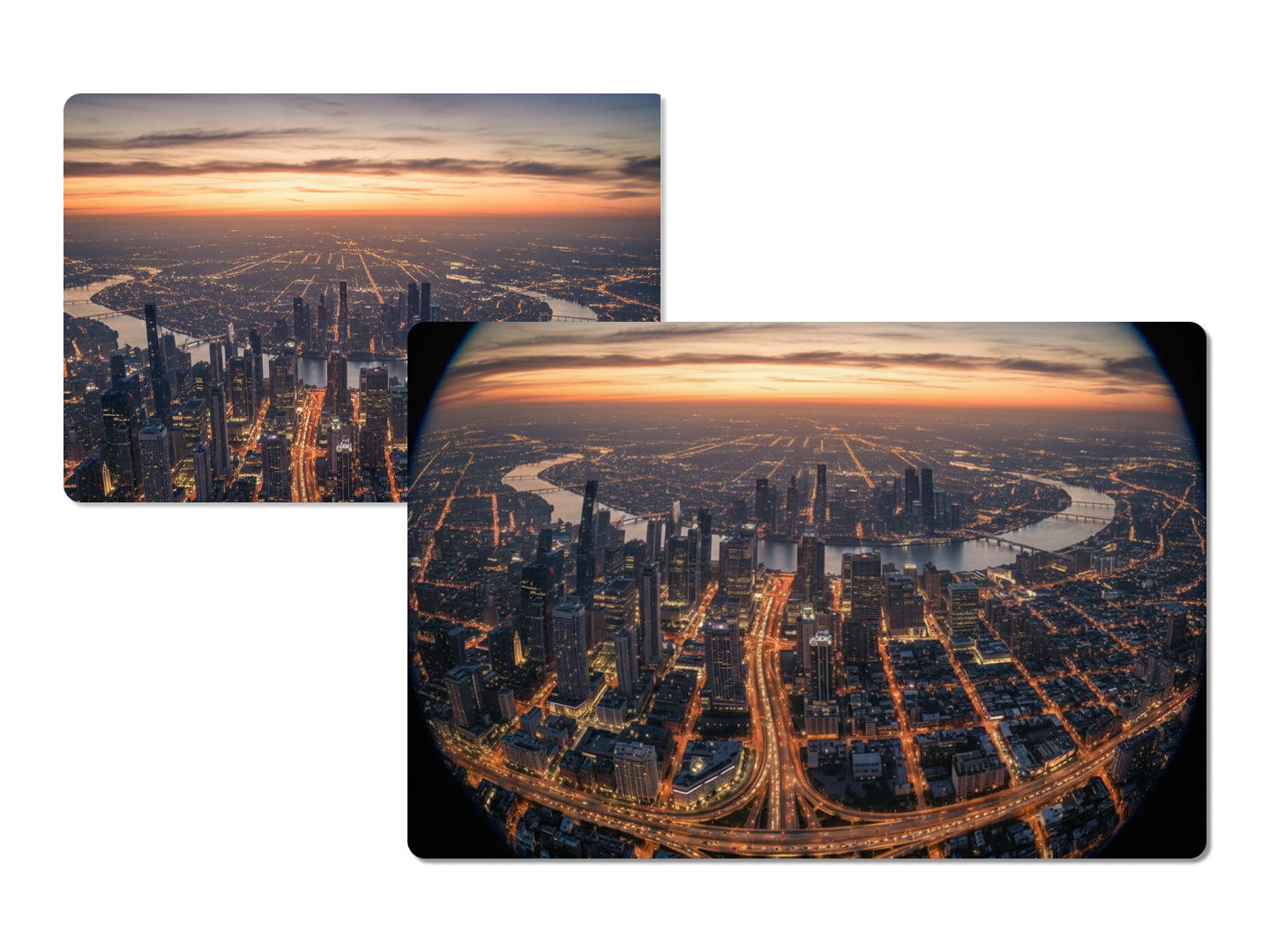
Artistic Fish Eye Effects for Landscapes & Artwork
Apply fish eye filter to landscape photos or digital art to add depth and drama—warp straight lines into bold curves and create immersive, eye-catching compositions. Use the 2D to 3D Image Converter alongside our fish eye lens filter for even more dynamic visuals.
Explore Creative Use Cases for Our Fish Eye Filter
Dzine’s Fish Eye Filter adapts to every creative need, from nostalgic 90s aesthetics to professional real estate visuals. Our free tool lets you add fish eye filter or fish eye lens effect to any photo with full customization—no subscriptions, no watermarks, and instant results.
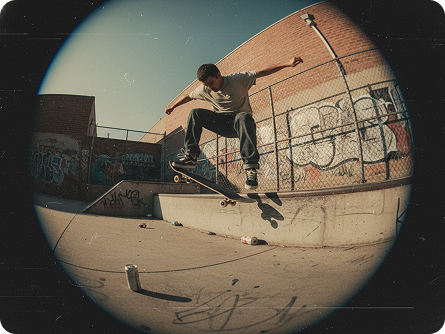
Nostalgic Fish Eye Lens Filter
Add fish eye filter to action photos to recreate the iconic 90s skate video look—bold distortion, vignette edges, and authentic retro styling that captures the era’s vibe perfectly.
Try now for free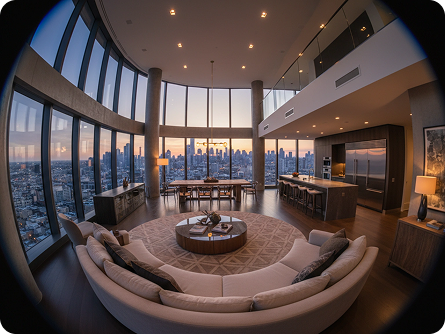
Why Dzine’s Fish Eye Filter Stands Out

AI-Powered Customization
Our fish eye filter uses AI to adapt to your prompts—adjust distortion intensity, vignette style, and aesthetic (90s skate, minimalist, retro) to get exactly the fish eye lens effect you envision.

4K High-Resolution Output
Unlike basic fish eye tools, our filter preserves HD quality—your photos with fish eye lens effect look crisp and clear for printing, large-scale sharing, or professional use.

Instant Generation (3 Seconds)
Skip long wait times—our fish eye filter generates edited photos in seconds, perfect for time-sensitive social media posts or last-minute creative projects.

100% Free (No Watermarks/Limits)
Use our fish eye filter as much as you want, download unlimited photos, and share anywhere—no hidden fees, subscriptions, or watermarks on your creations.

500+ Fish Eye Styles
Choose from classic fish eye, 90s skate, minimalist, retro, and more—our filter has endless styles to match every creative vision and use case.

GDPR-Compliant & Private
We never store your photos or edited results—all processing is local, so your personal images stay secure while you create with our fish eye filter.
More AI Tools to Enhance Your Creations



What Our Users Said
The Best Fish Eye Filter for Social Media Content
I use Dzine’s fish eye filter to create trendy PFPs and reels for TikTok—their AI lets me adjust distortion intensity to match viral trends, and the 4K quality makes my content stand out. My engagement has gone up 60% since I started using it!
Mia CarterSocial Media Influencer
Perfect for Recreating 90s Skate Aesthetics
As a skate photographer, I rely on Dzine to add fish eye lens filter to action shots—authentic distortion and vignette effects that capture the classic 90s vibe without expensive equipment. The free, watermark-free output is perfect for client work.
Tyler ReedAction Sports Photographer
Game-Changer for Real Estate Visuals
I use Dzine’s fish eye filter to showcase property photos—widening perspectives makes small spaces feel larger, and the tool is so easy to use I can edit dozens of photos in minutes. Clients love the immersive, professional look!
Sarah JohnsonReal Estate Marketing Specialist
How to Style Your Characters | Dzine AI Tutorial
FAQ
What is Dzine’s Fish Eye Filter?
Dzine’s Fish Eye Filter is an AI-powered tool that lets you add authentic fish eye lens filter effects to any photo online. Our free tool offers customizable distortion intensity, 500+ styles, up to 4K resolution, and no watermarks or downloads required.
Are Dzine’s fish eye tools free to use?
Yes! Our fish eye filter is 100% free to use, with unlimited generations, high-resolution downloads, and no hidden fees. You can add fish eye lens effect to photos as many times as you want without subscriptions.
Can I adjust the distortion intensity of the fish eye effect?
Absolutely. Our AI-powered tool lets you input custom prompts (e.g., "add fish eye filter with mild spherical distortion" or "strong fish eye lens effect with extreme curve") to tailor the distortion to your exact preferences—giving you full creative control.
How do I achieve a 90s skate video look with this fish eye filter?
Simply input a prompt like "add 90s skate style fish eye lens filter with dark vignette and retro color grading"—our AI will apply the classic distorted perspective, edge darkening, and color tones that define 90s skate video aesthetics.
Can I use the fish eye filter for real estate or interior photos?
Yes. The fish eye lens filter is perfect for real estate visuals—it widens perspectives to showcase room size and layout, making spaces feel more open and immersive. Pair it with the AI Image Editor to refine lighting before applying the effect.
Why is the fish eye effect viral on social media?
The fish eye filter creates bold, eye-catching visuals that stand out in crowded feeds—its distorted perspective adds playfulness, drama, and uniqueness to selfies, reels, and posts, making it a favorite for creators looking to boost engagement.