



Click or drag here to upload images
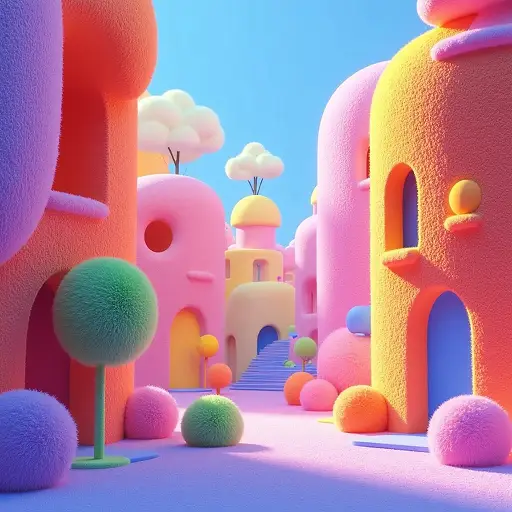

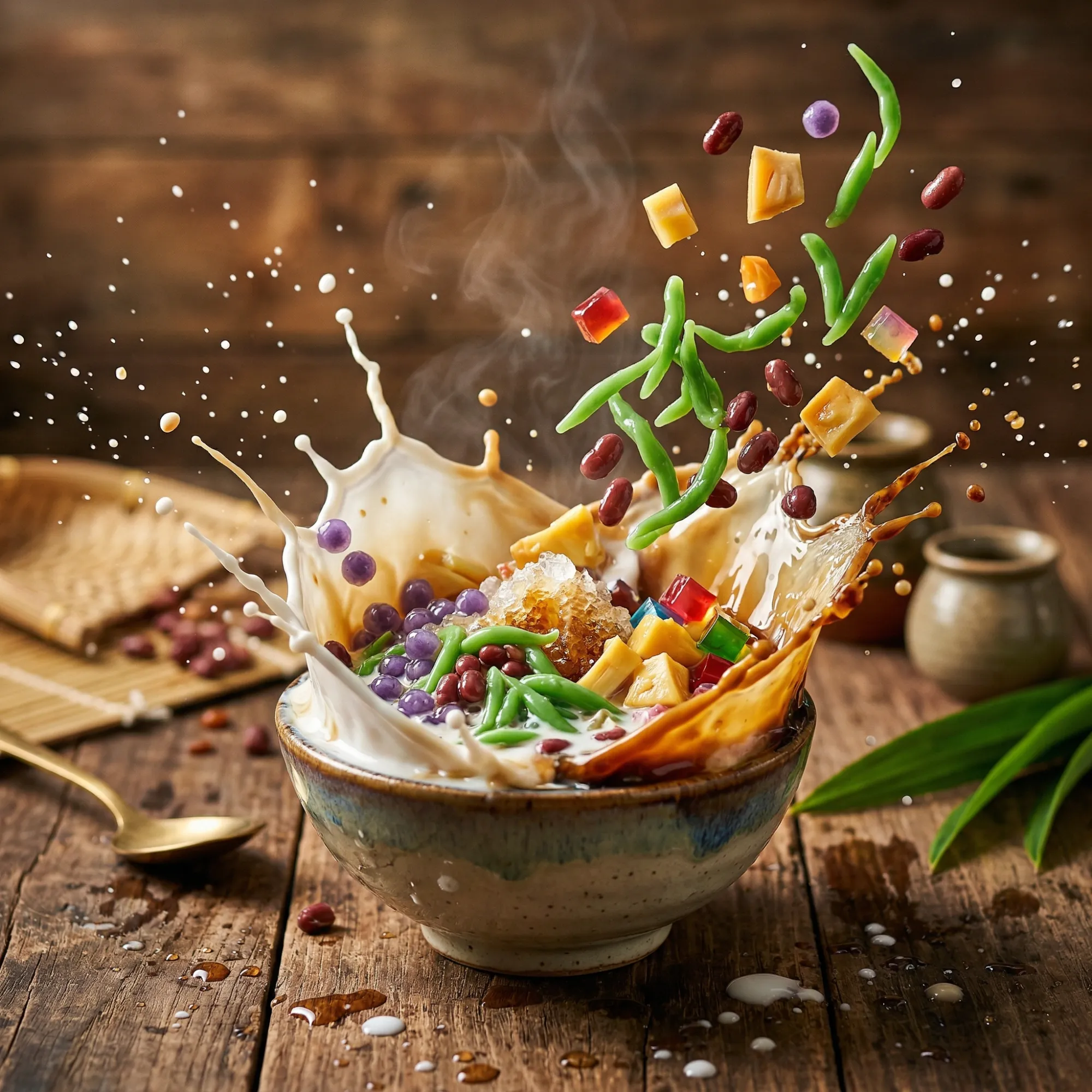
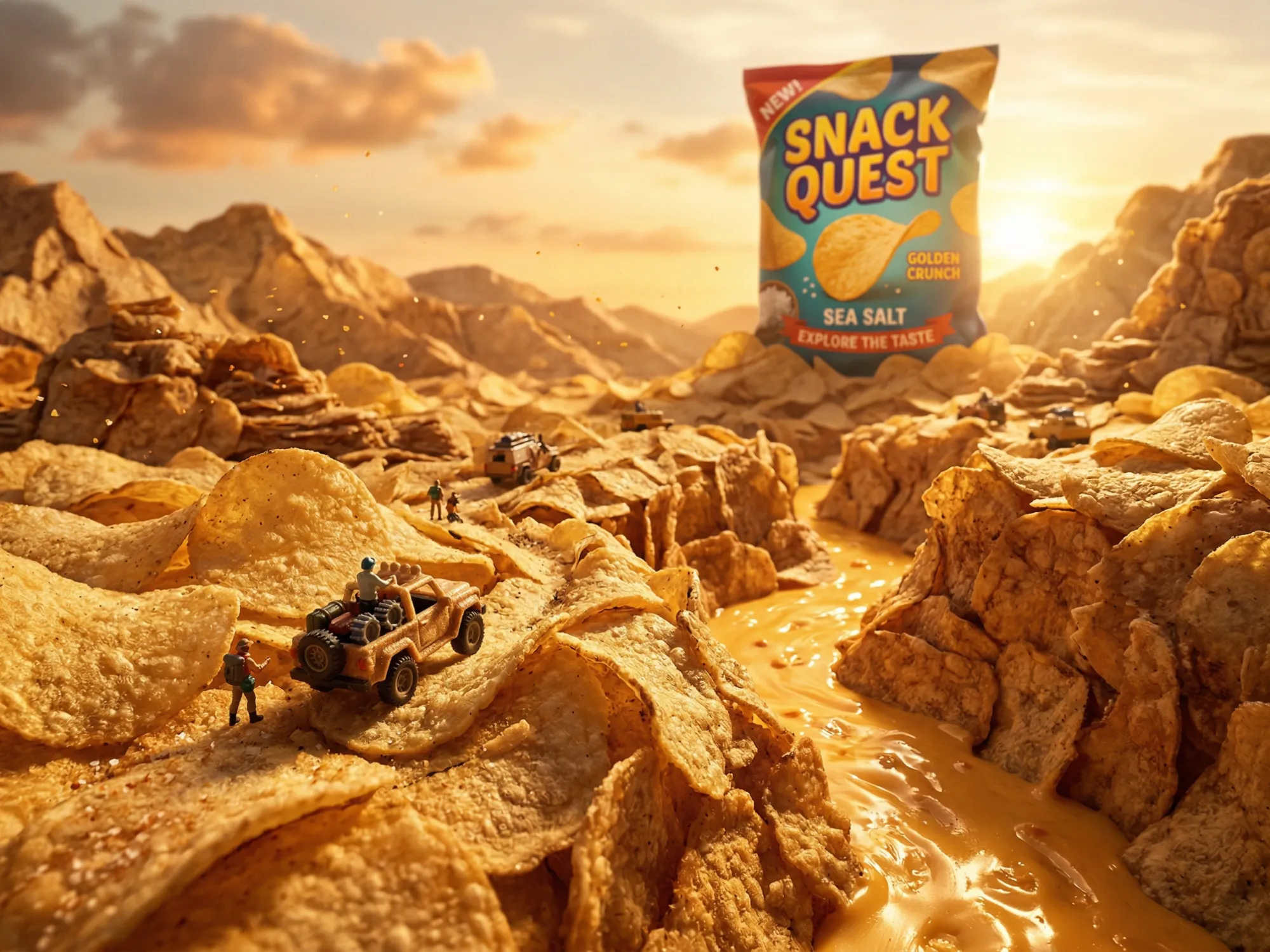
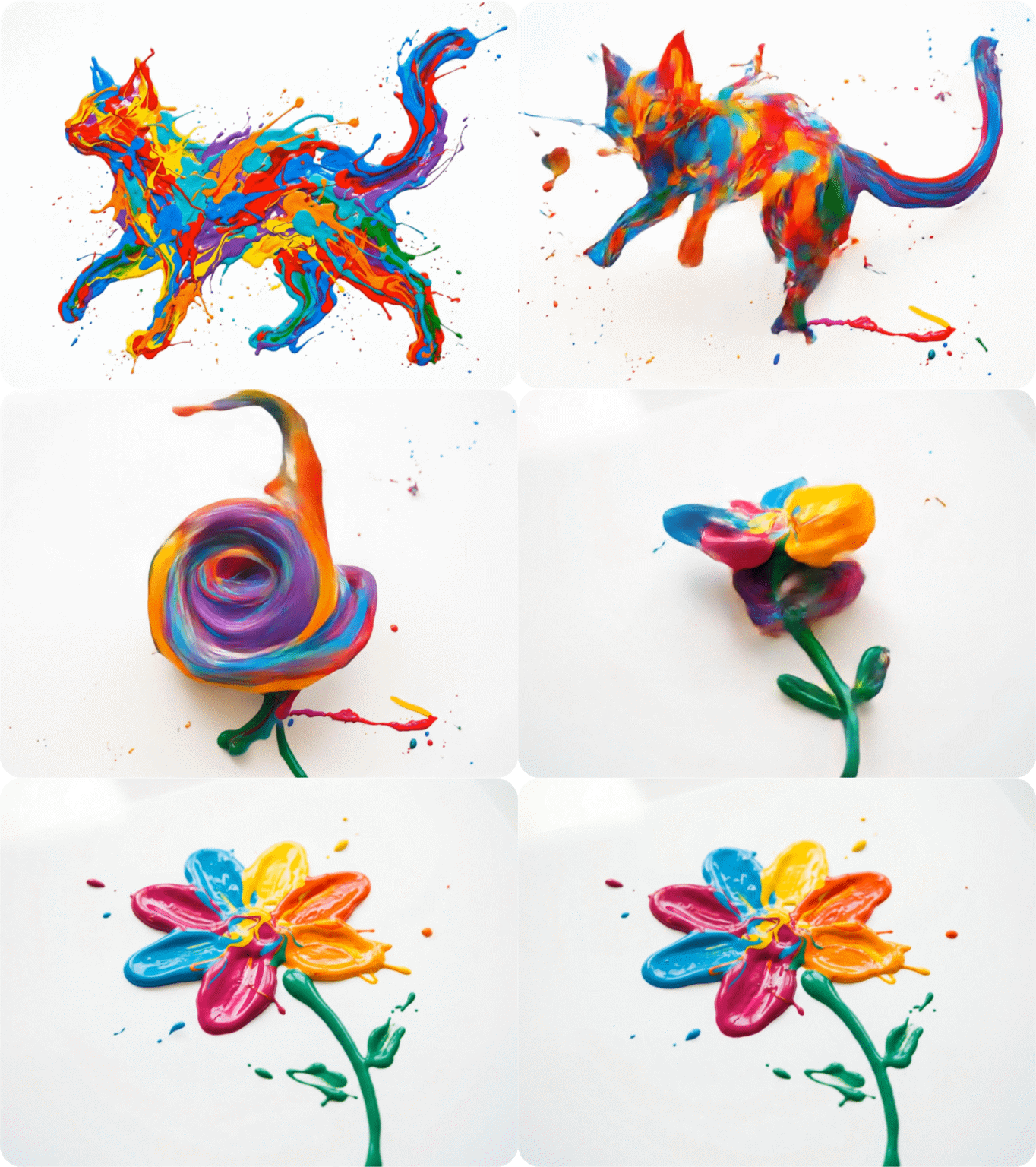
Kling Start/End Frame - Control Every Moment
Define exactly where your video begins and ends. Upload a reference image for the first and last frame, and Kling AI generates everything in between with smooth, physically coherent motion.
Try now for free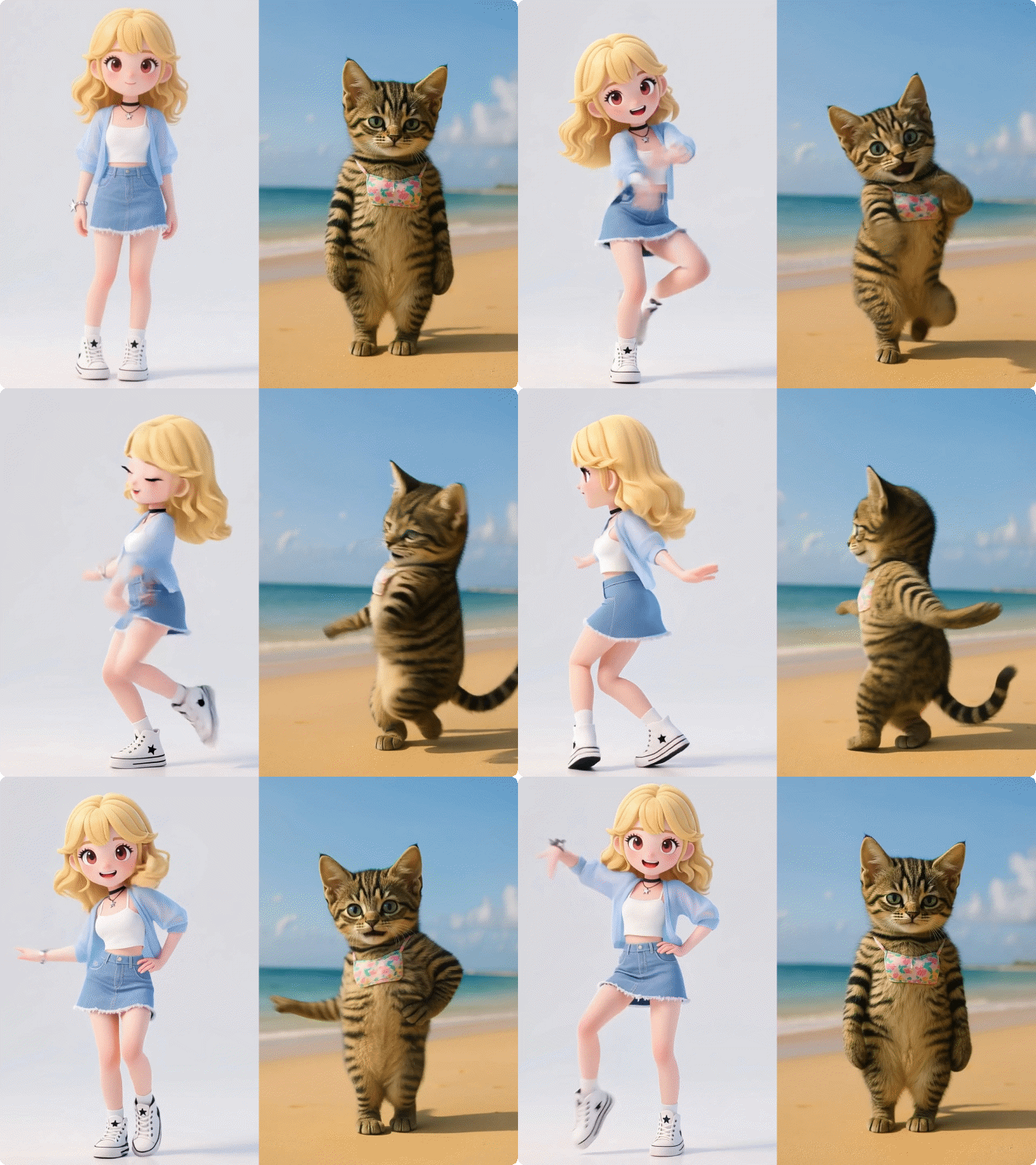

Multiple Kling Models
Access Kling AI 3.0, 2.1, and 1.6 in one place. Choose the right model for your project — 4K output, 1080p social content, or long-form video up to 2 minutes.

No Skills Required
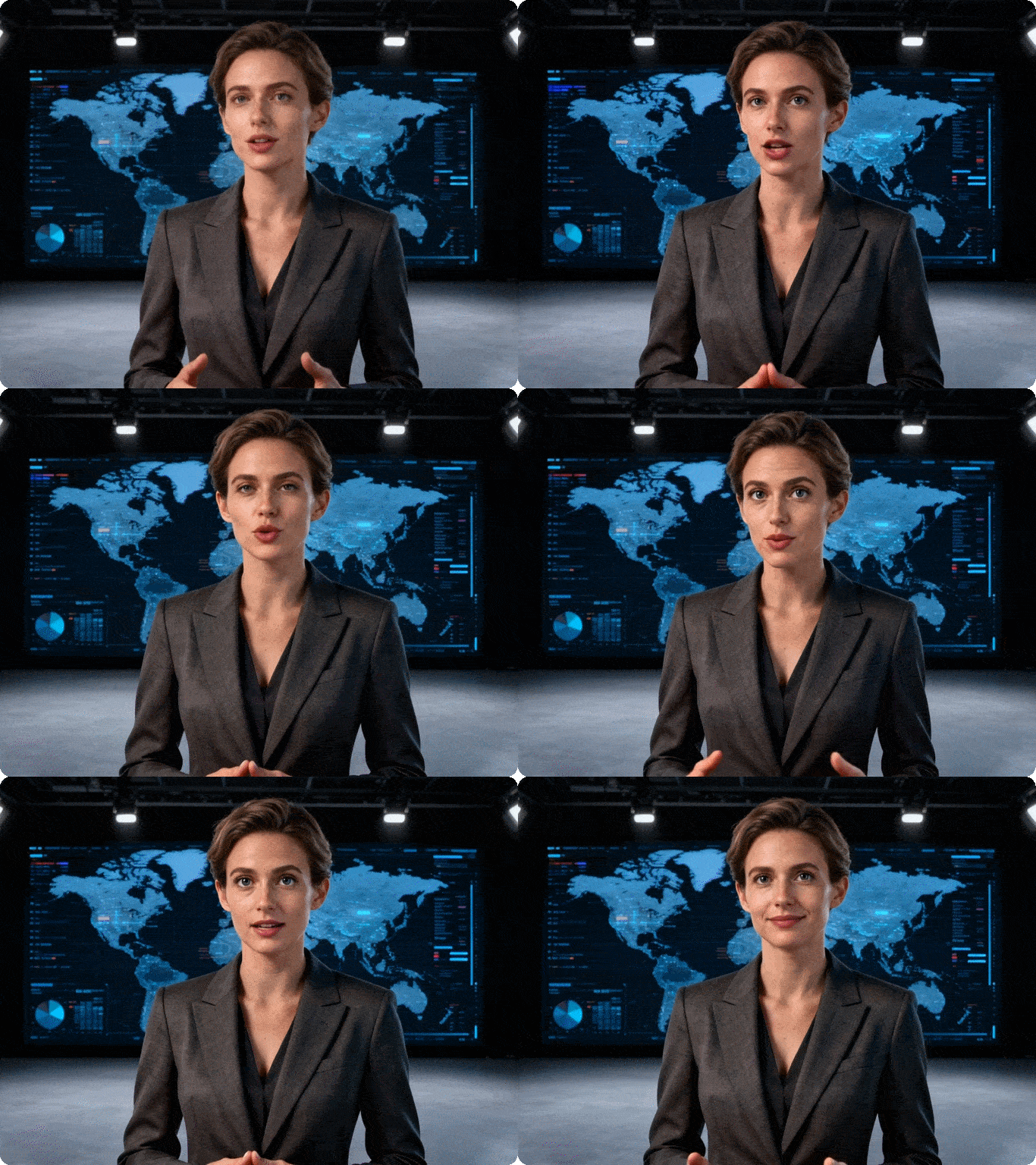
Upload an image or type a prompt. Kling generates a professional video in seconds. No editing software, no technical setup, no experience needed.

7-Day Free Trial
Try all Kling AI features on Dzine for 7 days at no cost. No credit card required to get started. Full access to generation, motion control, and avatar tools.

Watermark-Free Export
Paid plans export clean, watermark-free videos ready for commercial use. Share directly to social media, use in campaigns, or deliver to clients.

4K Resolution Output
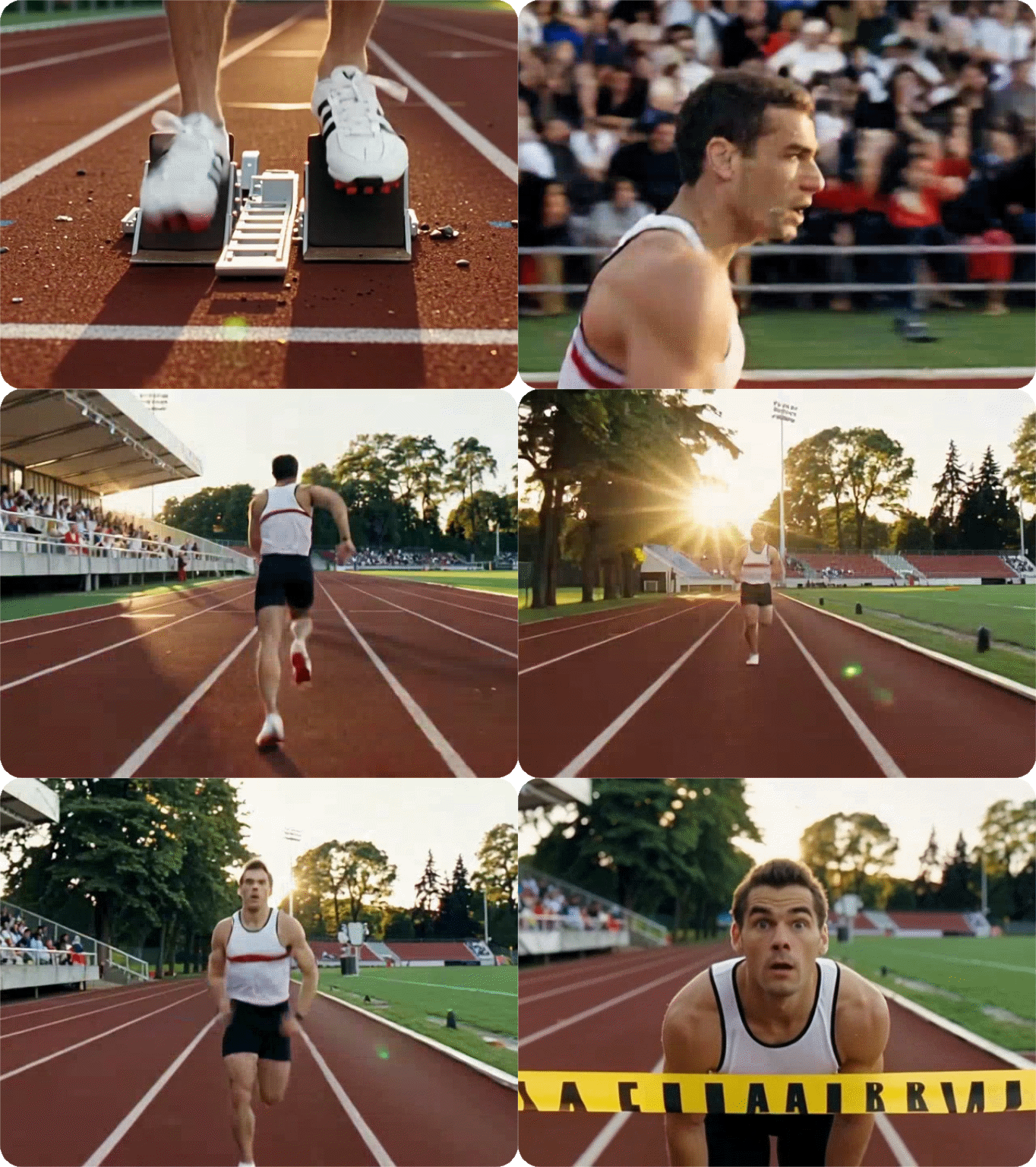
Kling AI 3.0 produces native 4K at 60FPS — broadcast-grade quality for film, advertising, and premium digital platforms.

Browser-Based, No Download
Run Kling AI directly in your browser on Dzine. No installation, no GPU required. Works on any device, anywhere.



