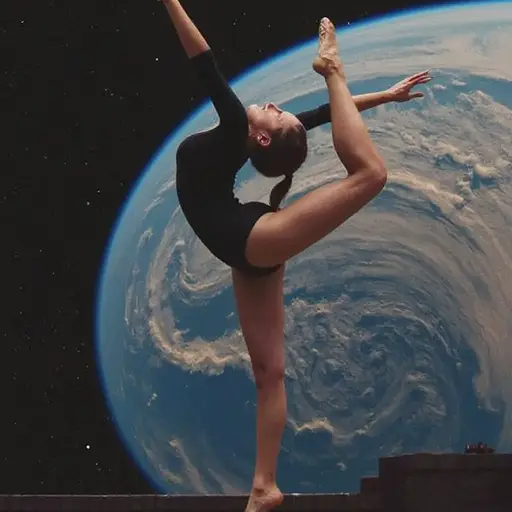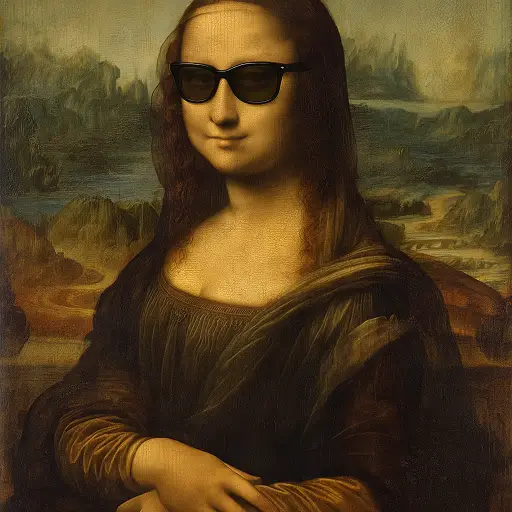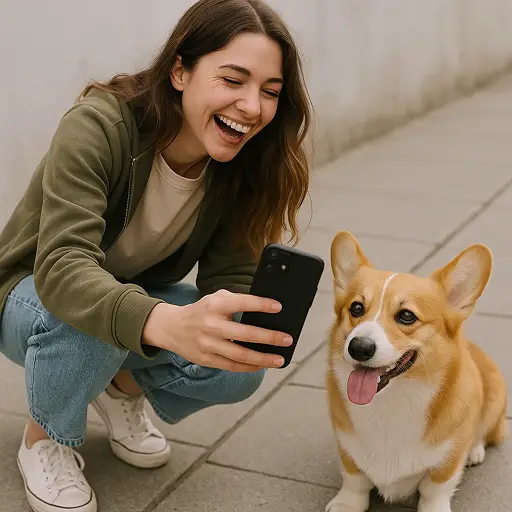

Kling AI start/end frame function supports uploading images as the start and end frames, or you can upload only the end frame and the remaining video content will be automatically generated by the system. Now, you can free trial this feature on Dzine.

Click or drag here to upload images
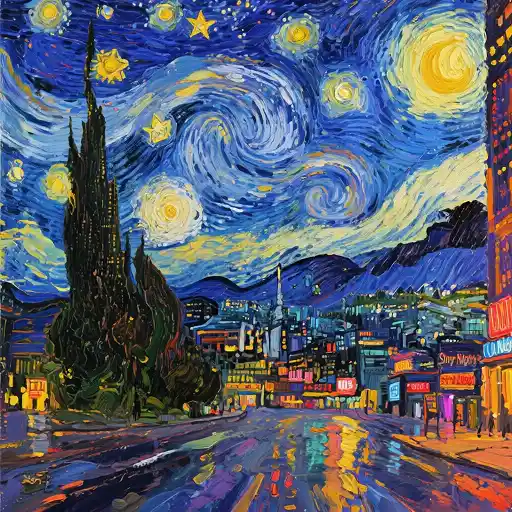
Kling 2.1's newly upgraded "Start/End Frame" function intelligently optimizes the beginning and ending effects of your video. Whether you're editing creative shorts, product demonstrations, or vlogs, you can easily achieve smooth and natural transitions, ensuring every frame flows seamlessly. Try it on Try it on Dzine now. for free now.

Open AI Video on Chat Editor and select Kling 2.1 as the video model.

Upload your photos as the start and end frames. Then, enter your creative prompt as detailed as possible and click Generate.

Preview the generated video and click the Download button to save on your device. Share the AI-generated video with your friends.
Kling 2.1's Start/End Frame feature lets you define your video's initial and final frames with precision, guaranteeing polished transitions and perfect timing. Create impactful introductions, hold that perfect ending shot, or design seamless looping effects - complete creative command over your entire video timeline.

Upload one image as the opening frame. Kling AI generates everything after it - motion, environment, and character behavior - based on your prompt. Upload an image as the final frame. The AI works backwards, generating motion that leads convincingly to that endpoint. This works well for transformation content, before/after reveals, product unboxing sequences, and countdown finishes.

Whether you're a content creator, marketer, or filmmaker, you can make content more intentional and controlled. You can how off weight loss journeys, makeup makeovers, or home renovations with flawless before/after transitions. You can also create content for TikTok, Instagram Reels, and YouTube Shorts with smooth, story-driven edits.
Kling AI's start/end frame feature has an advantage - no post-production tools needed. Just upload the key start and end frames, the AI will handle the rest. No need for complex editing software or professional skills; it can generate beautiful, coherent videos directly from static images and let you focus on creativity.

Access Kling AI 3.0, 2.1, and 1.6 in one place. Choose the right model for your project — 4K output, 1080p social content, or long-form video up to 2 minutes.

Upload an image or type a prompt. Kling generates a professional video in seconds. No editing software, no technical setup, no experience needed.

Try all Kling AI features on Dzine for 7 days at no cost. No credit card required to get started. Full access to generation, motion control, and avatar tools.

Paid plans export clean, watermark-free videos ready for commercial use. Share directly to social media, use in campaigns, or deliver to clients.

Kling AI 3.0 produces native 4K at 60FPS — broadcast-grade quality for film, advertising, and premium digital platforms.

Run Kling AI directly in your browser on Dzine. No installation, no GPU required. Works on any device, anywhere.

Kling's Start/End Frame feature revolutionized my editing workflow. I can now perfectly time my video openings and closings with just a few clicks. The intuitive controls helped me create professional-grade transitions for my YouTube channel that used to take hours in just minutes.
Marco RodriguezVideo Editor
As an e-commerce seller, I use Kling's Start/End Frame for all my product reveal videos. The precision framing ensures my products get the perfect introduction every time. My conversion rates improved by 30% since I started using this feature for my Amazon listings.
Jessica WongE-commerce Entrepreneur
I'm a photographer dipping into video, and Kling's Start/End Frame gives my slideshows a professional edge. The smart transition suggestions help my still images flow like a movie. Clients keep asking if I hired a video editor!
David KimPortrait Photographer
Kling AI’s start/end frame feature lets users upload images as either both the starting and ending frames or just an ending frame, with the AI generating all remaining video content. This functionality is part of its image-to-video toolset and is currently accessible in Kling 1.0, Kling 1.5, and Kling 1.6 versions.
The time it takes to generate a video using Kling AI's start/end frame feature varies depending on the version of Kling AI and the length and quality of the video.
Yes. Dzine provides our users 7-day free trial, you can use Kling AI start/end frame feature without upfront costs.
Yes. It is a video - generation model developed by Kuaishou, a Chinese technology company.
Top 5 Kling AI alternatives are as follows: