- Tools
- Resources
- Pricing
- API
- Contact Sales
- Book a Demo


Grok Imagine
Dzine’s Grok Imagine AI redefines visual creation, empowering you to craft studio-quality images in seconds — powered by advanced xAI Imagine technology. Whether you’re a content creator, marketer, designer, or artist, our Grok image generator eliminates complex editing tools and transforms simple text prompts or existing images into cinematic, high-resolution visuals.

Click or drag here to upload images
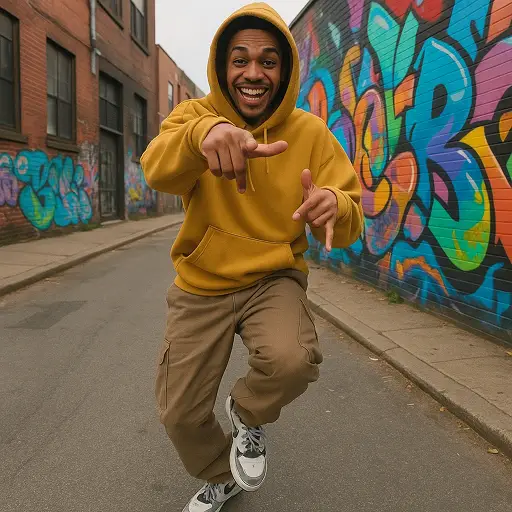
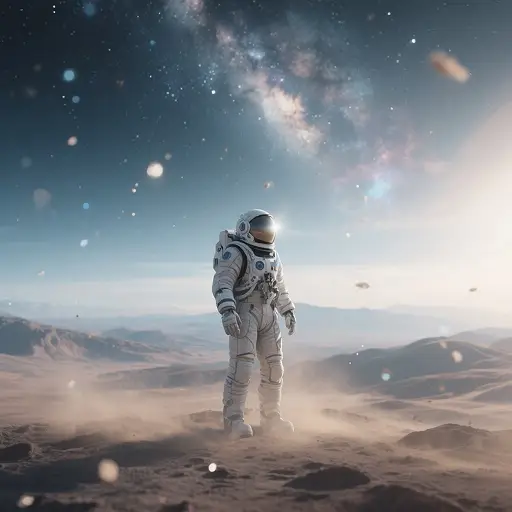
Create Studio-Quality Visuals in Seconds: Text, Image & Video to Cinematic Art
Dzine’s Grok Imagine AI leverages xAI’s cutting-edge Aurora Engine to deliver cinema-grade results that outpace generic AI tools, making it the go-to Grok image generator for professionals and creators alike. Our platform supports four creative modes (Normal, Fun, Custom, Spicy) and five core workflows, letting you generate photorealistic images, animate static photos, or edit videos with natural language commands—no design expertise required. Seamlessly integrate your creations with our AI Face Swap Video tool for personalized content, or scale production with our AI Video Editor for polished final outputs.
How to Create with Dzine’s Grok AI Image Generator
Step 1. Upload Image or Enter Text
Upload a photo for editing, or type a detailed prompt (include scene, style, mood, or audio preferences) to start from scratch.
Step 2. Select Grok Imagine
Choose Grok Imagine on the Chat Editor list (alongside Nano Banana 2) to unlock xAI-powered generation.
Step 3. Generate Your Image
Hit "Generate" — our Grok image generator creates high-quality image. Download or refine with one click.

Text-to-Image with High Quality
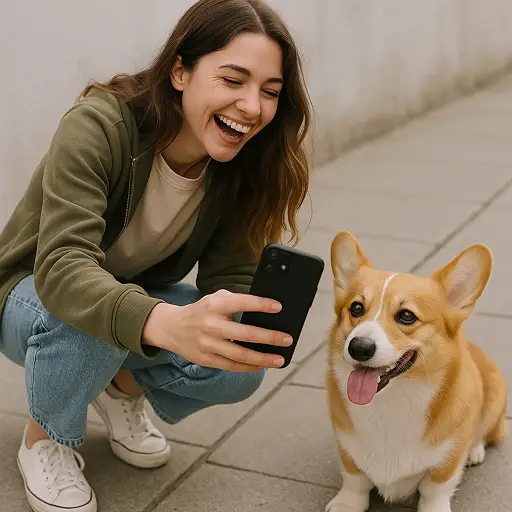
Dzine’s Grok Imagine AI transforms your text prompts into high-quality, photorealistic or artistic images in seconds. Simply describe your scene, subject, lighting, or style, and it can deliver detailed visuals with cinematic composition and sharp resolution.
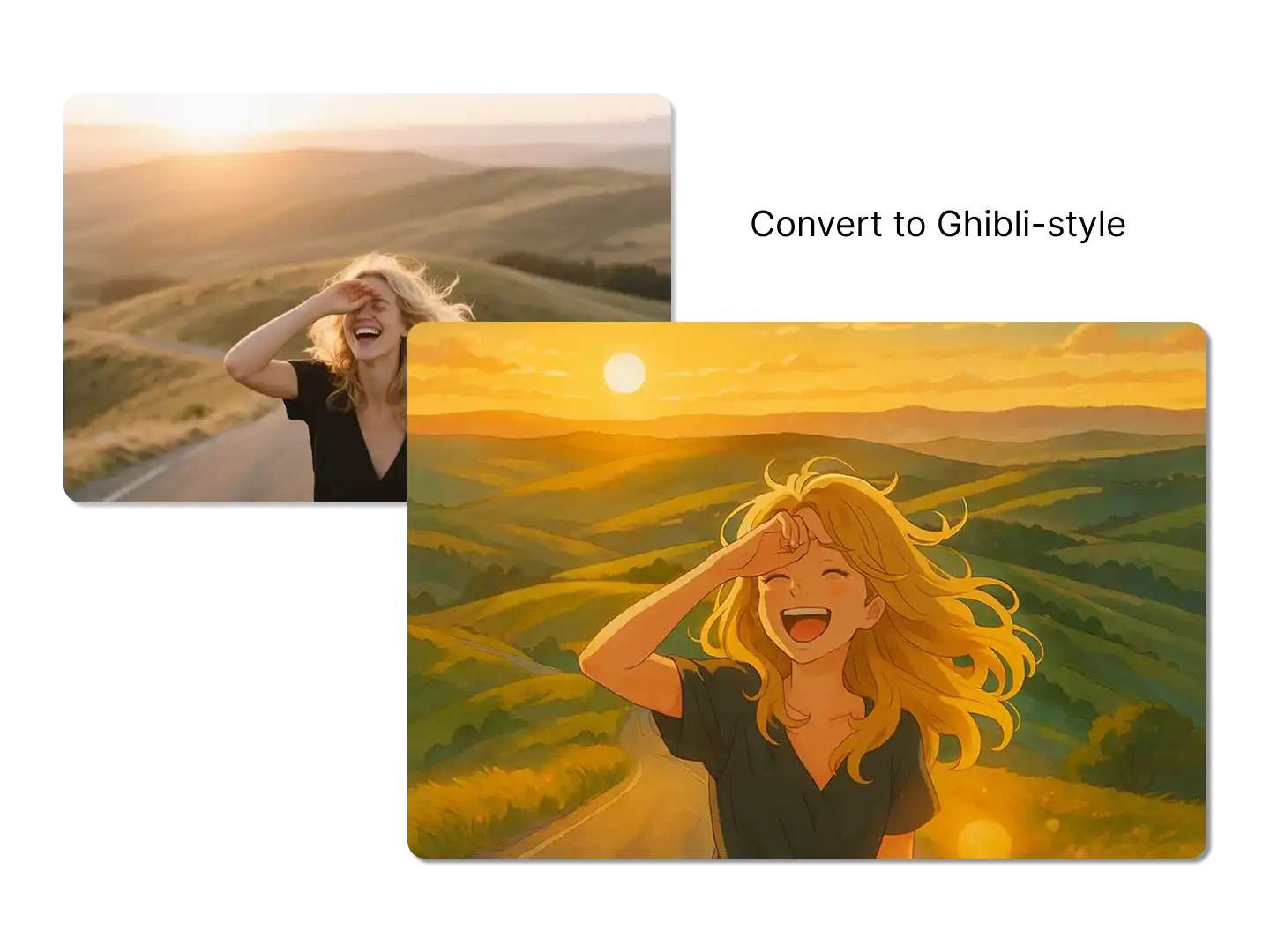
Edit Images Using Text Commands
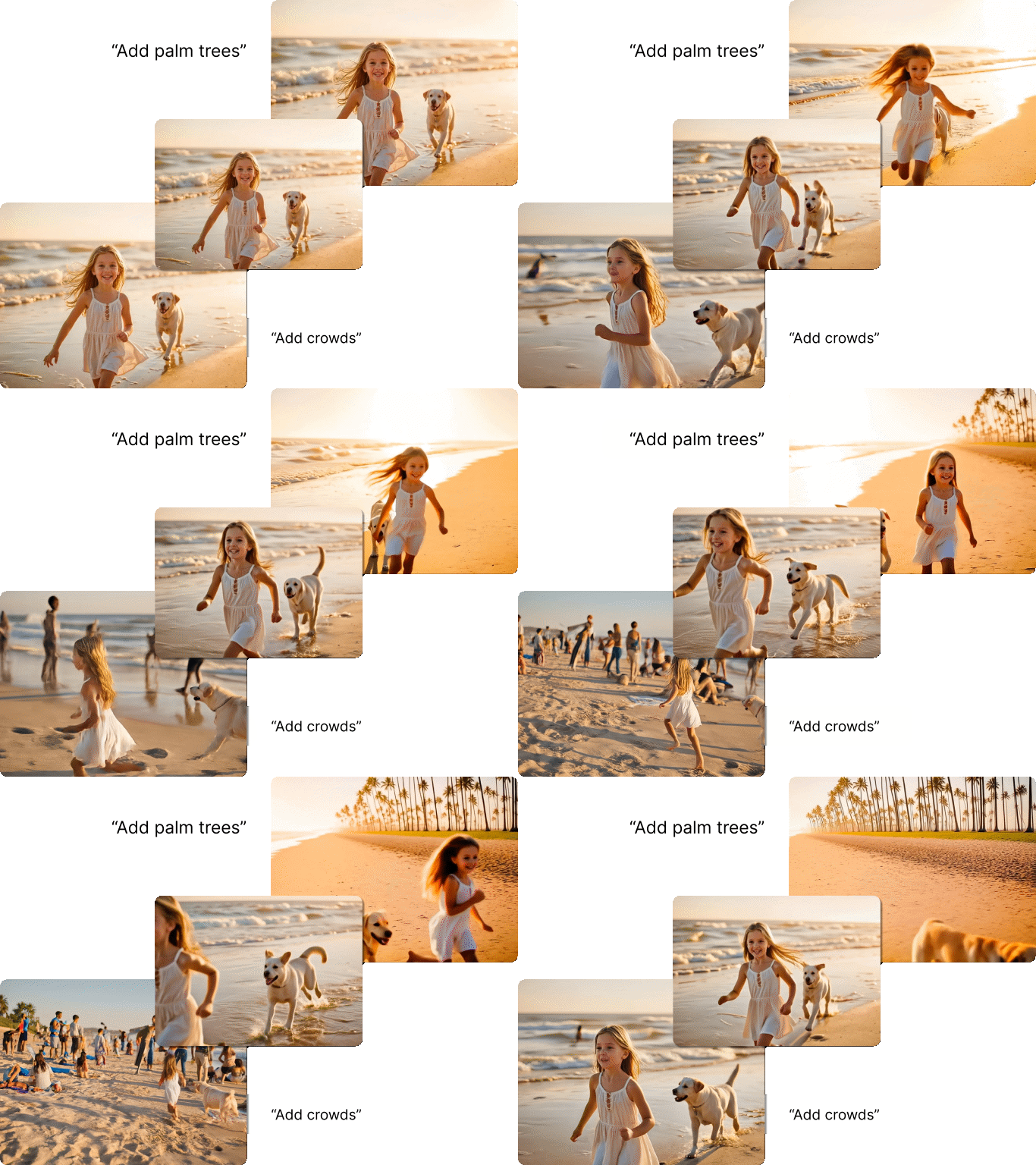
Upload any image and refine it using simple natural language instructions. With Dzine’s Grok image generator, you can change styles, replace objects, enhance lighting, adjust backgrounds, or transform the entire visual direction — all without manual editing.
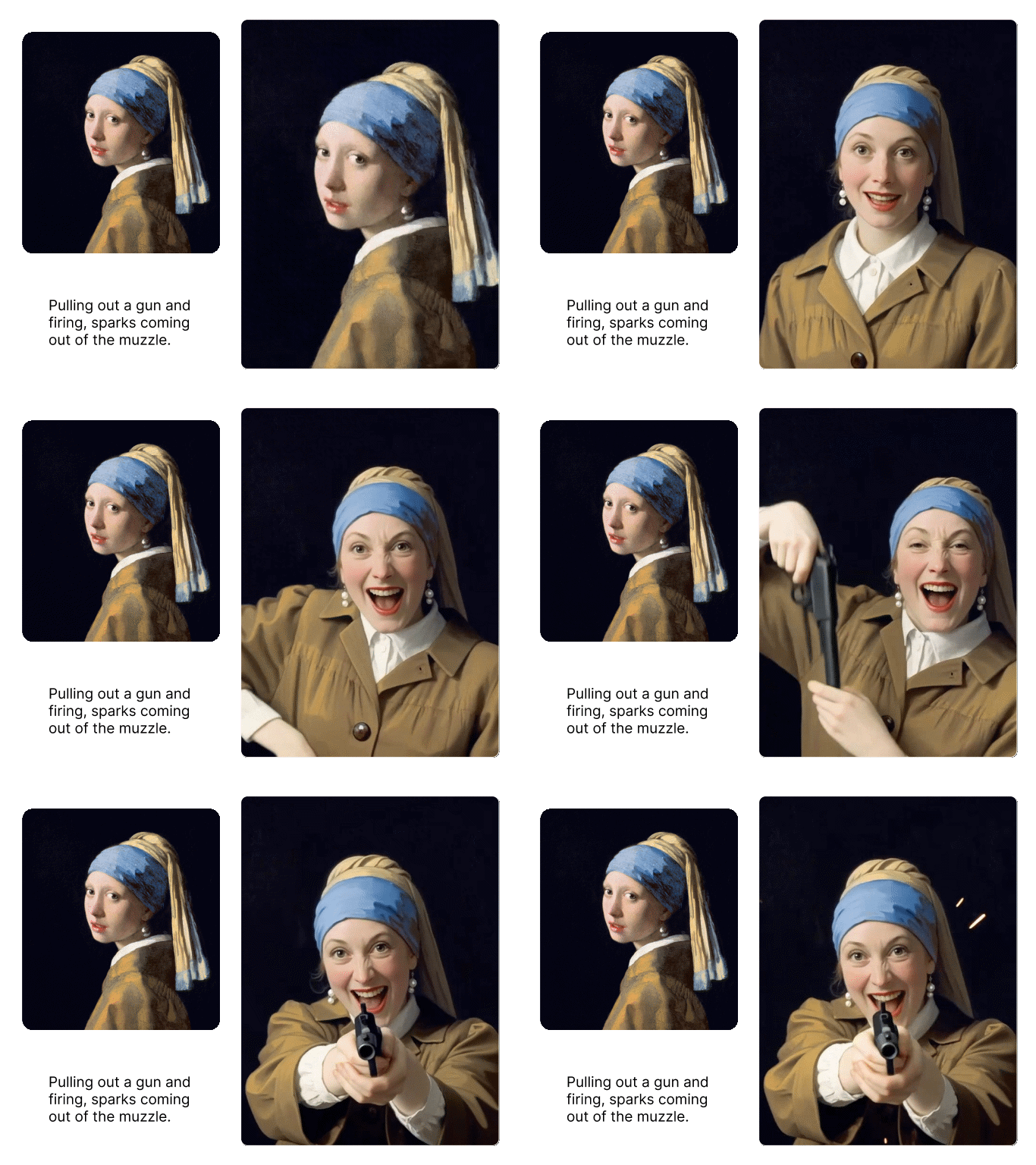
Image to Video Animation
Convert still photos into smooth animated videos while preserving the original visual effects. Dzine's Kling 3.0 or Seedance 2.0 can easily help you add dynamic effects, depth of field, and lighting variations. Ideal for character animation, product previews, and creative prototyping.
Video-to-Video Generation
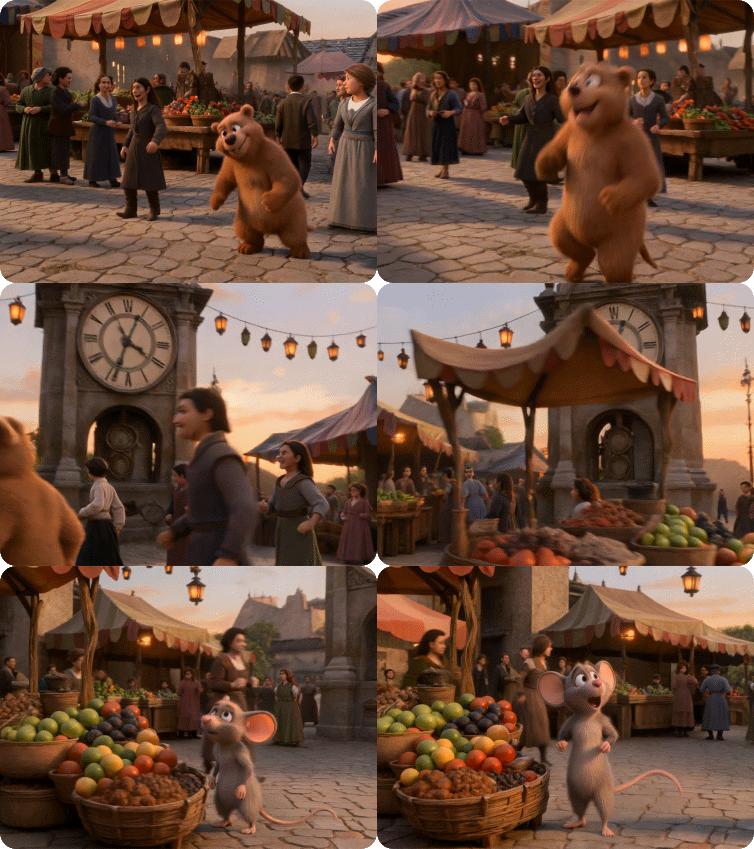
Dzine AI employ the high-quality video editor to refine your videos with style adjustments, motion controls, and object replacements for perfect results.
Why Dzine’s Grok Imagine AI Is the Best XAI Image Generator

Photorealistic 1024×1024 Quality
Our Grok AI image generator produces crisp, high-resolution visuals with precise details—ideal for printing, social media, or professional portfolios.

Lightning-Fast Generation
Create Grok images/videos in 10–30 seconds—2–4× faster than competitors—with up to 4 variations per prompt for rapid creative iteration.

Native Audio Synchronization
Auto-generate music, sound effects, and dialogue for videos—no extra audio editing needed, powered by xAI’s Aurora Engine.

Complex Prompt Support
Grok Imagine understands mood, lighting, composition, and embedded text—craft hyper-specific visuals that match your exact vision.

Versatile Style Range
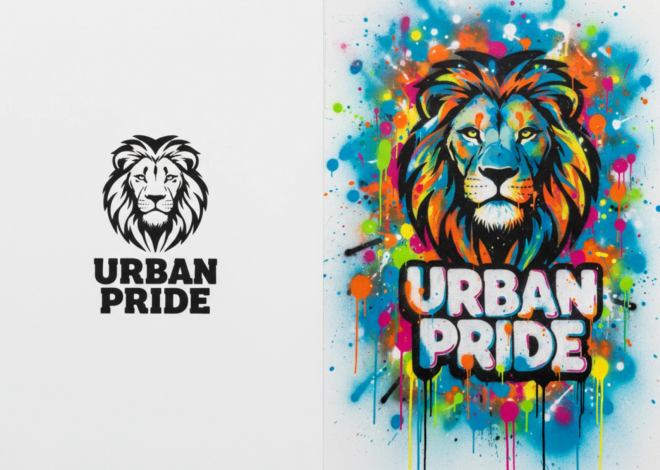
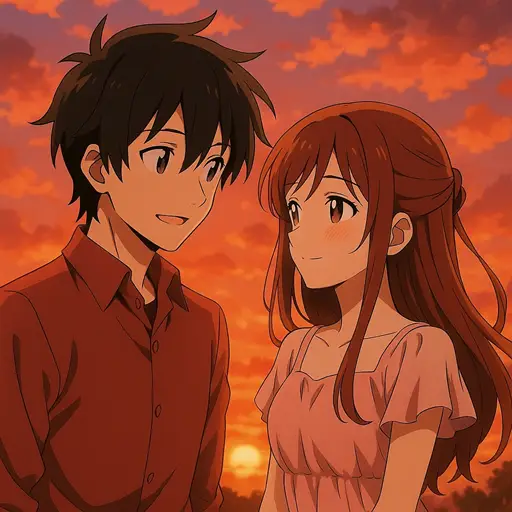
Master photorealism, anime, fantasy, abstract, and editorial styles—our Grok image generator adapts to any creative project or brand aesthetic.

Image-to-Video Animation
Add natural motion and depth to static photos—perfect for character animation, product previews, or real estate promo videos.
More AI Tools to Elevate Your Creations

What Our Users Said About Dzine’s Grok Imagine AI
The Fastest Way to Create Professional Video Ads
This Grok AI image generator cut my video creation time from half a day to 30 minutes—sales doubled after I started using it for all my UGC ads. The audio sync is flawless, and the 4 variations feature lets me test ideas instantly!
Alex M.Marketing Agency Owner
Cinematic Quality for My Travel Content
As a travel creator, Dzine’s Grok Imagine AI turns my photos into animated videos with natural motion and perfect audio. It’s better than any expensive editing software, and the photorealistic quality looks amazing on social media.
Sofia L.Travel Content Creator
Game-Changer for Non-Profit Storytelling
We use the Grok image generator to create emotional videos for our environmental campaigns—fast, high-quality, and no design skills needed. It helps us reach more people across languages and regions with powerful visuals.
Marcus T.Non-Profit Communications Lead
FAQ
What is Dzine’s Grok Imagine AI?
Dzine’s Grok Imagine AI is a cutting-edge Grok AI image generator powered by advanced xAI Imagine technology. It creates cinematic-quality images from text prompts and supports intelligent image-to-image editing—no design expertise required.
Can I use Grok Imagine AI for free?
Yes! Dzine offers a free trial of our Grok Imagine AI with limited generations. Premium plans unlock extended usage, high-resolution downloads, and commercial use rights for all your Grok-generated images.
How fast is the Grok image generator?
Our Grok Imagine AI generates high-quality images in just 10–30 seconds, with up to 4 variations per prompt for rapid iteration and creative testing.
What styles does Grok Imagine support?
Dzine’s Grok AI image generator excels across photorealism, digital art, anime, fantasy, abstract, surreal, editorial, and product-focused styles—adapting to any creative project from brand visuals to concept art.
Do I need editing skills to use Grok Imagine?
No editing skills are required! Our Grok Imagine AI lets you modify images using simple text commands—adjust styles, replace objects, enhance lighting, or refine details without complex tools like Photoshop.
Can I edit existing images with Grok Imagine?
Absolutely! Upload any image and use natural language instructions to transform it. Change backgrounds, restyle portraits, refine product shots, or enhance composition—all within seconds.