
- Tools
- Resources
- Pricing
- API
- Contact Sales
- Book a Demo


Kling AI Text to Video
Turn your ideas into cinematic videos with just a prompt. Dzine gives you direct access to Kling AI text to video generation - create realistic scenes, dynamic motion, and consistent characters without filming or editing. Try it for free now.
No idea? Try these inspirations.


Bring your Text Idea to Life with Kling AI
Kling AI text to video turns simple prompts into cinematic videos with stunning realism. Instead of basic animations, it creates smooth motion, lifelike scenes, and consistent visuals that feel like real footage - bringing your ideas to life in minutes.
On Dzine, you can unlock Kling AI text to video with a fast, intuitive workflow. Just type your idea, choose a model like Kling 3.0 or 2.5, and generate high-quality videos with ease - perfect for ads, storytelling, and creative content at scale.
How to Use Kling AI Text to Video on Dzine
Step 1: Enter a Prompt
Open Dzine's AI Video tool and describe your idea in detail with your scene, motion, and style.
Step 2: Choose Your Kling AI Model
Select Kling 3.0 or Kling 2.5 depending on whether you want higher quality or faster generation.
Step 3: Generate and Download
Click the Generate button, preview your video, then download a watermark-free version ready to publish or share.
Powerful Kling AI Features for Every Creator
With Kling AI on Dzine, transform text into dynamic videos - bring 3D characters to life, sync speech in any language, and craft multi-shot cinematic sequences with seamless consistency.

Kling AI 3D Avatar Video - Generate Rich Characters from Text
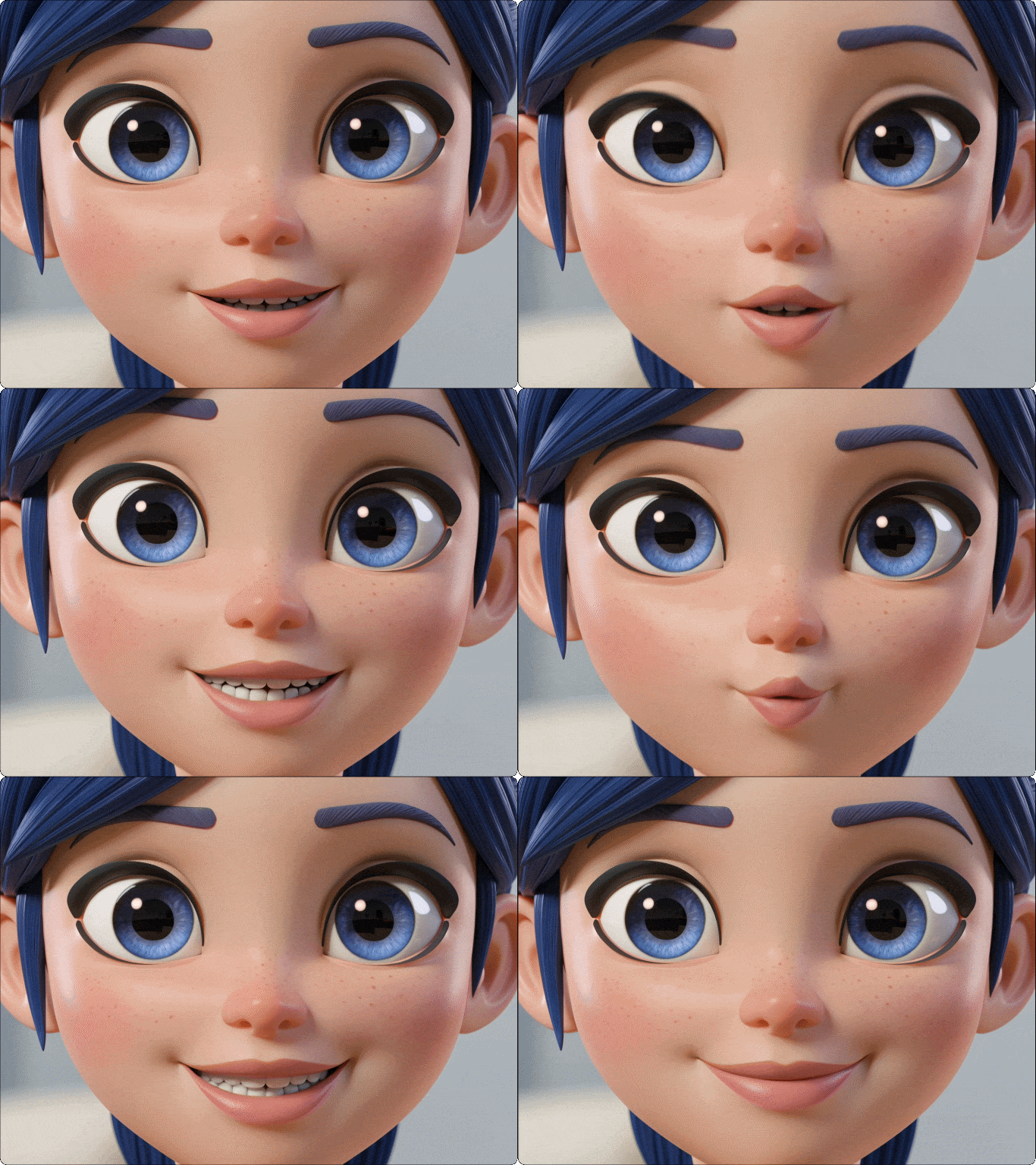
Kling AI text to video works with advanced 3D character generation tools to turn prompt descriptions into fully - realized avatars. Just describe appearance, clothing, and style, then animate your character in video with natural motion and expressive performance - perfect for digital hosts, brand mascots, and storytelling.
Create Stunning 3-15 Second AI Videos in Minutes
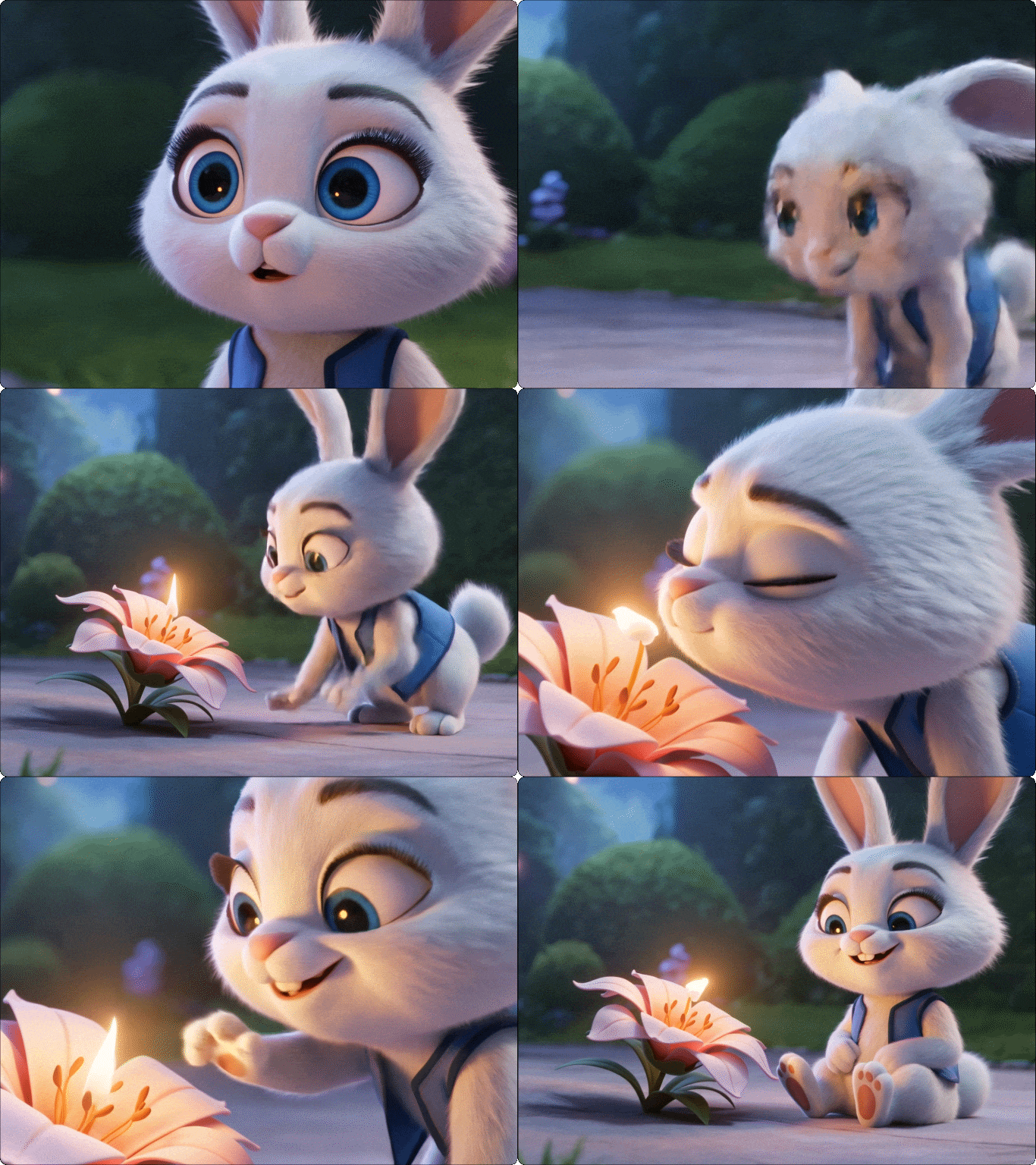
Kling AI lets you generate high-quality, ready-to-share videos ranging from 3 to 15 seconds. With native audio, smooth motion, and cinematic visuals, your clips come out polished and consistent - fast enough to iterate ideas and scale content production without the wait of traditional workflows. To expand your video and add more scenes seamlessly, use Dzine's AI video extender to maintain high quality even with longer durations.
Cinematic Camera Control from Your Prompt
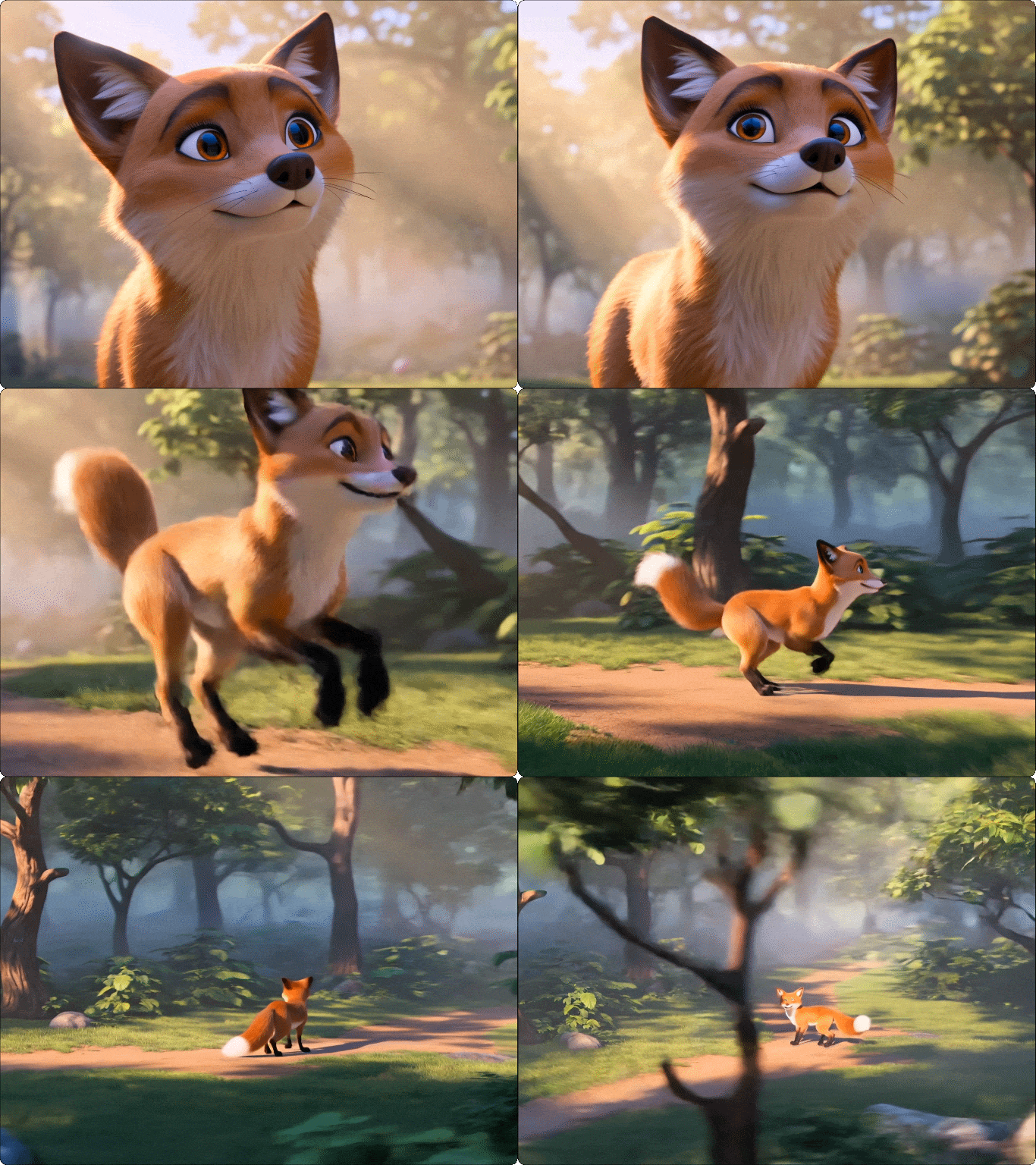
Bring professional camera work to your videos without manual editing. Describe pans, zooms, tracking shots, or dynamic angles in your prompt, and Kling AI applies them consistently across the clip. Your videos instantly gain cinematic depth and polish, perfect for storytelling, ads, or social content. To improve your shots even further, explore Dzine's AI video editor to fine-tune your video after creation.
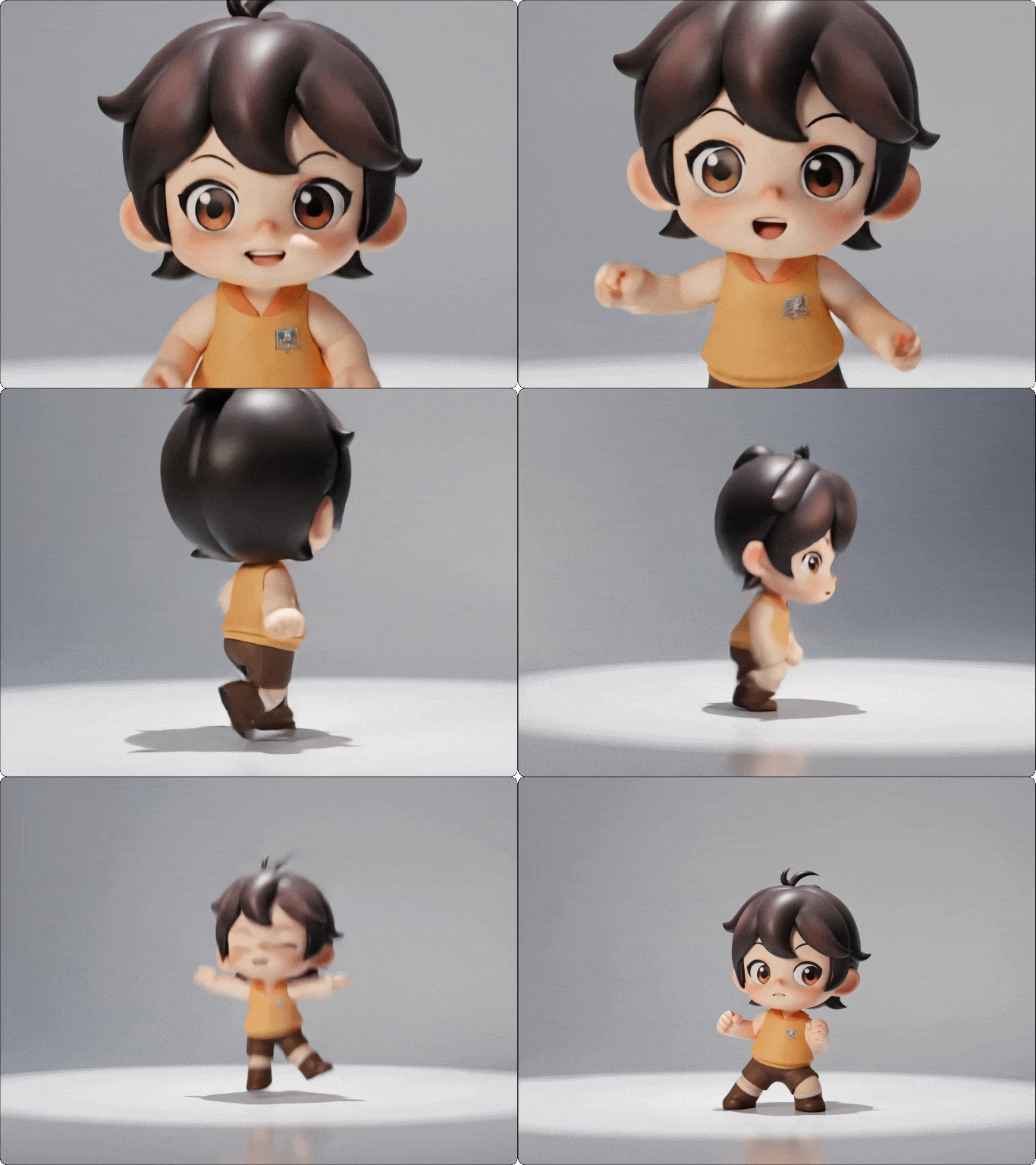
Realistic Motion That Feels Natural
Kling AI Text to Video generates movement that obeys real-world physics. Characters walk, turn, and interact with objects smoothly, with accurate weight and momentum. Every frame flows naturally, making your AI-generated video feel like authentic footage - even in complex or fast-moving scenes.
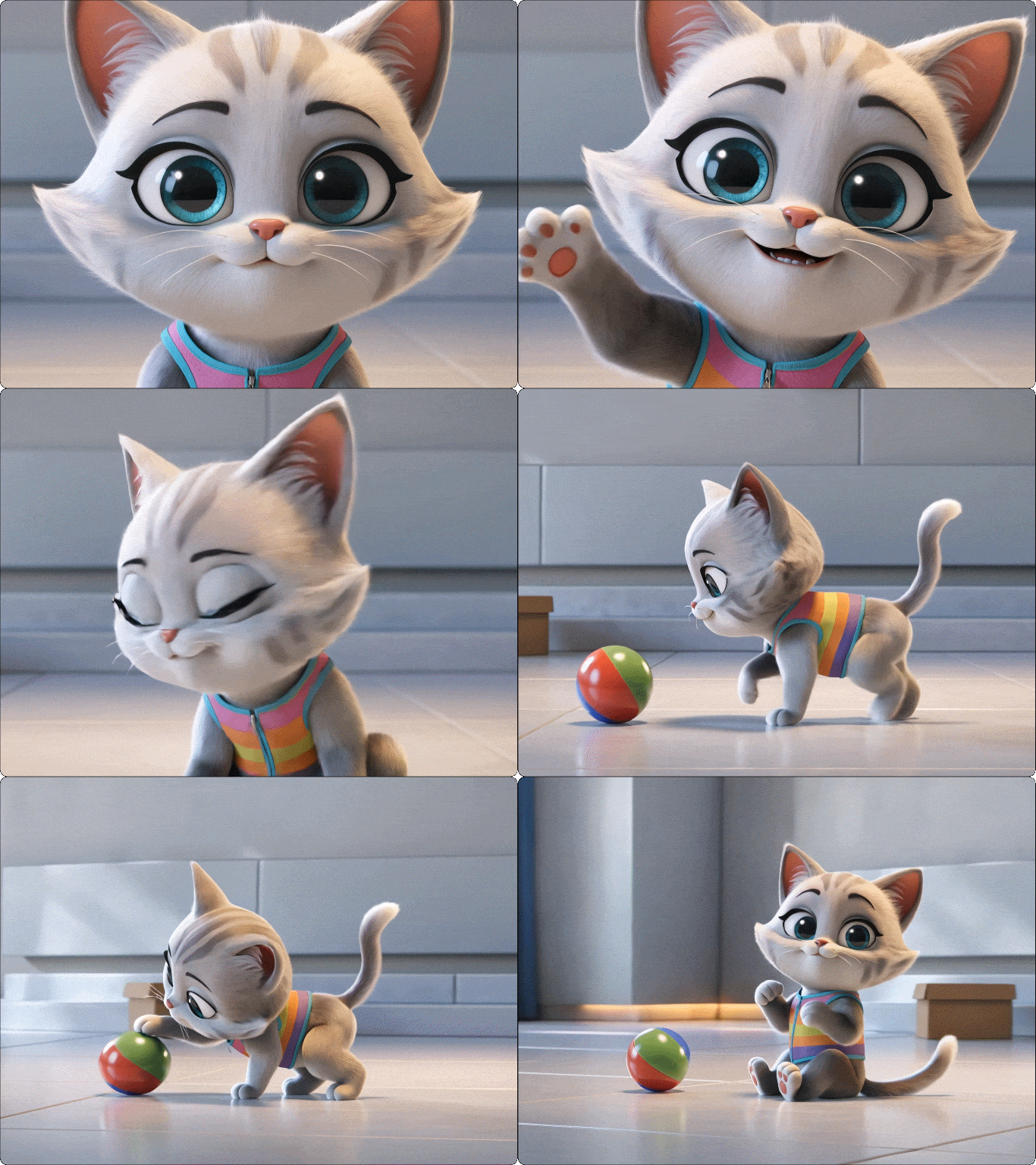
Keep Characters Consistent Across Every Frame
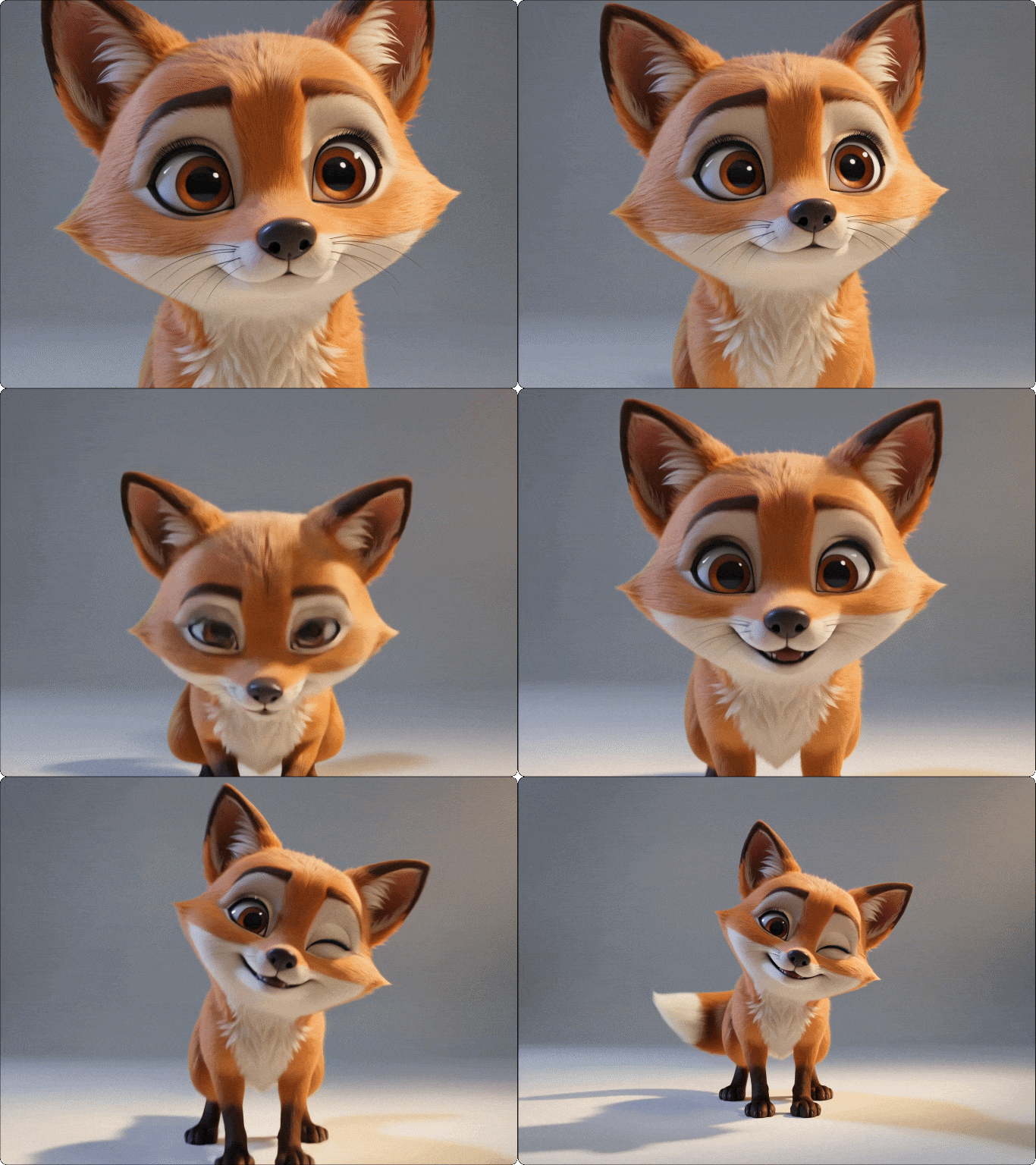
Maintain stable character identity throughout your videos. Kling AI preserves facial features, clothing, and proportions—even in multi-shot sequences or motion-heavy scenes. No more distortion or mismatched frames - just reliable, repeatable characters ready for digital hosts, branding, or narrative content.
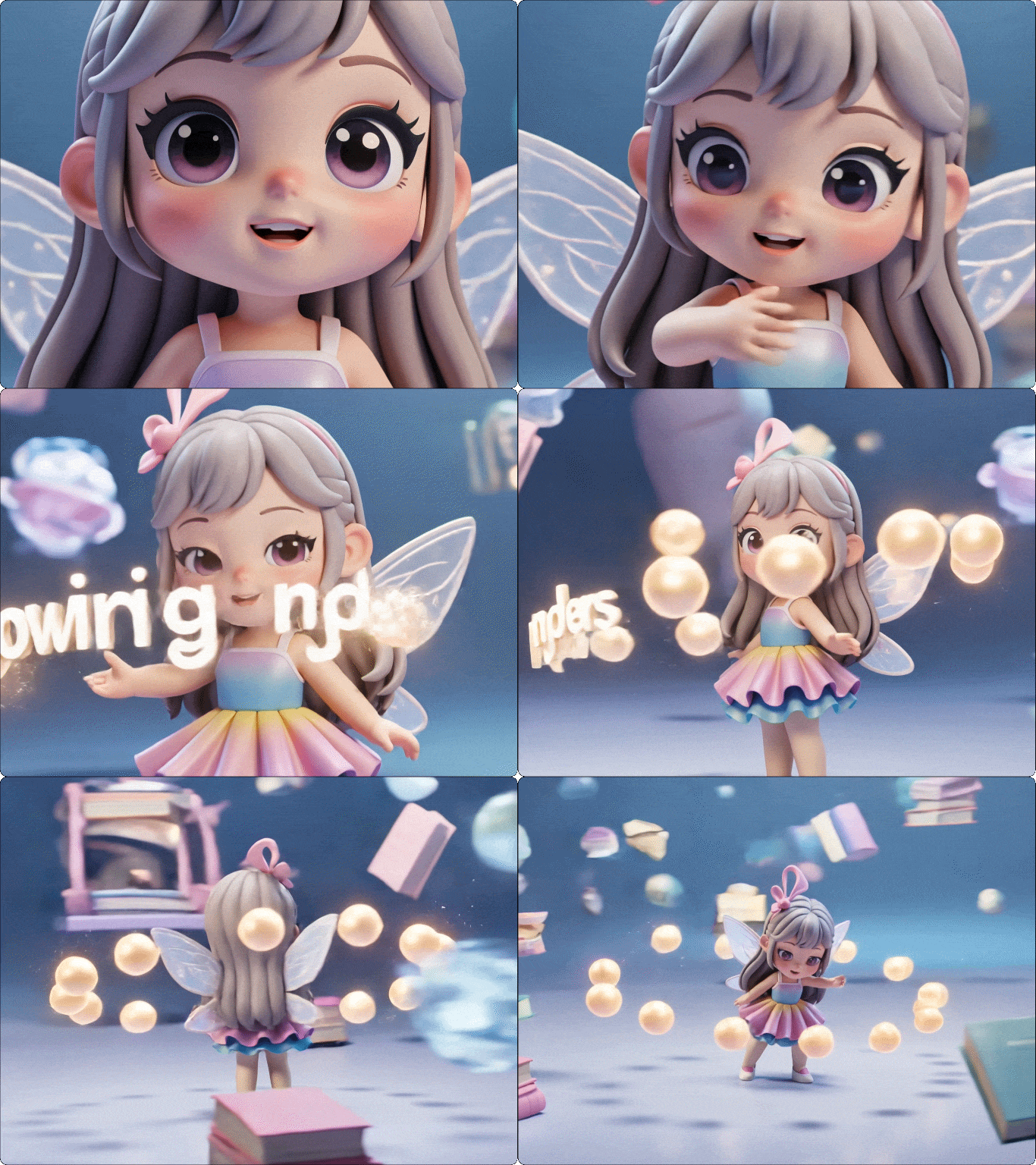
Turn Your Ideas into Exactly What You Imagine
Kling AI doesn't just read your prompt - it understands your vision. From actions and environments to lighting and mood, it translates prompts into structured, coherent scenes. With precise control over start and end frames, you can ensure every moment is exactly as you imagined, delivering videos that match your intent with believable performances and perfect framing, every time.
Why Try Kling AI Text to Video on Dzine AI?

All Kling Models in One Place
Access multiple Kling AI text to video models including Kling 3.0 and 2.5 in a single platform. Choose the right balance of quality, speed, and resolution for anything from quick social clips to cinematic 4K videos.

No Editing or Experience Needed
Turn ideas into videos with a simple text to video AI generator workflow. Just enter a prompt and Kling AI handles motion, composition, and rendering—no software, no learning curve.

Free Trial
Start creating with Kling AI text to video free using Dzine's built-in credits. Explore advanced features, test outputs, and validate your ideas before upgrading.

Production-Ready Video Output
Export clean, high-quality videos ready for ads, social media, or client delivery. No watermarks on paid plans, no extra editing - just ready-to-use content from your AI text to video generator.

High-Resolution, Cinematic Quality
Generate up to 4K videos with smooth motion and detailed visuals. Kling AI text to video delivers results that look polished enough for professional campaigns and brand storytelling.

Create Anywhere, No Setup Required
Use this browser-based text to video AI tool directly on Dzine. No downloads, no GPU, no installation—just open, create, and generate videos from any device.
What Our Users Said
Kling AI Text to Video Replaced My Entire Video Workflow
I used to rely on editors and stock footage to create marketing videos. Now I just write a prompt, and Kling AI text to video generates exactly what I need in minutes. The scenes feel structured and intentional, not random like other tools. We've cut production time by over 70% and can test multiple ad variations in a single day.
Kevin LiuGrowth Marketing Manager
Finally a Text to Video AI That Gets My Ideas Right
Most AI video tools gave me unpredictable results, but Kling AI actually understands what I'm trying to create. I can describe camera movement, mood, and actions, and the output matches surprisingly well. It feels less like generating clips and more like directing a scene.
Emily CarterCreative Director
From Prompt to Client-Ready Video in Minutes
I use Kling AI text to video for client presentations and social content. What used to take hours of editing now takes just a few minutes. The quality is high enough to deliver directly, and the consistency across scenes makes it look professionally produced.
Diego RamirezFreelance Video Producer
Master Kling AI Video Creation | Dzine AI Tutorial
You May Also Be Interested in

FAQ
What is Kling AI text to video?
Kling AI text to video is an AI tool that converts prompts into videos using advanced motion and scene generation.On Dzine, you access it through Kling 3.0, Kling 2.5.
How to use Kling AI text to video on Dzine?
Open Dzine's AI video tool, enter your prompt, choose a Kling AI model, and click Generate. Your video will be ready in minutes and available for download.
Is Kling AI text to video free?
Yes, you can try Kling AI text to video free on Dzine with free available credits.
How do I write an effective prompt for Kling AI text to video?
A good prompt guides the AI with clear details about the scene, characters, actions, and style. Include elements like camera angles, lighting, background, and movement. For example: "A friendly robot walks through a sunny park, camera tracking from left to right, upbeat music in the background."
What are common limitations of AI text to video?
Kling AI may struggle with highly complex narratives, very long sequences, or extreme scene intricacy. Extremely detailed or abstract prompts can sometimes produce unexpected results, so some post-editing may be needed for perfection.
What makes Kling AI text to video different from other AI video generators?
Kling AI stands out for its realistic motion, cinematic camera control, and native audio generation. Unlike many basic AI tools, it produces structured, professional-quality videos that feel deliberate and visually cohesive.