Kling Motion Control

Elevate your AI-generated videos with Kling Motion Control on Dzine — the industry-leading AI camera movement system that creates cinematic, director-level motion sequences for 1080P videos with pixel-perfect precision.

Click or drag here to upload images

Uploading via drag and drop

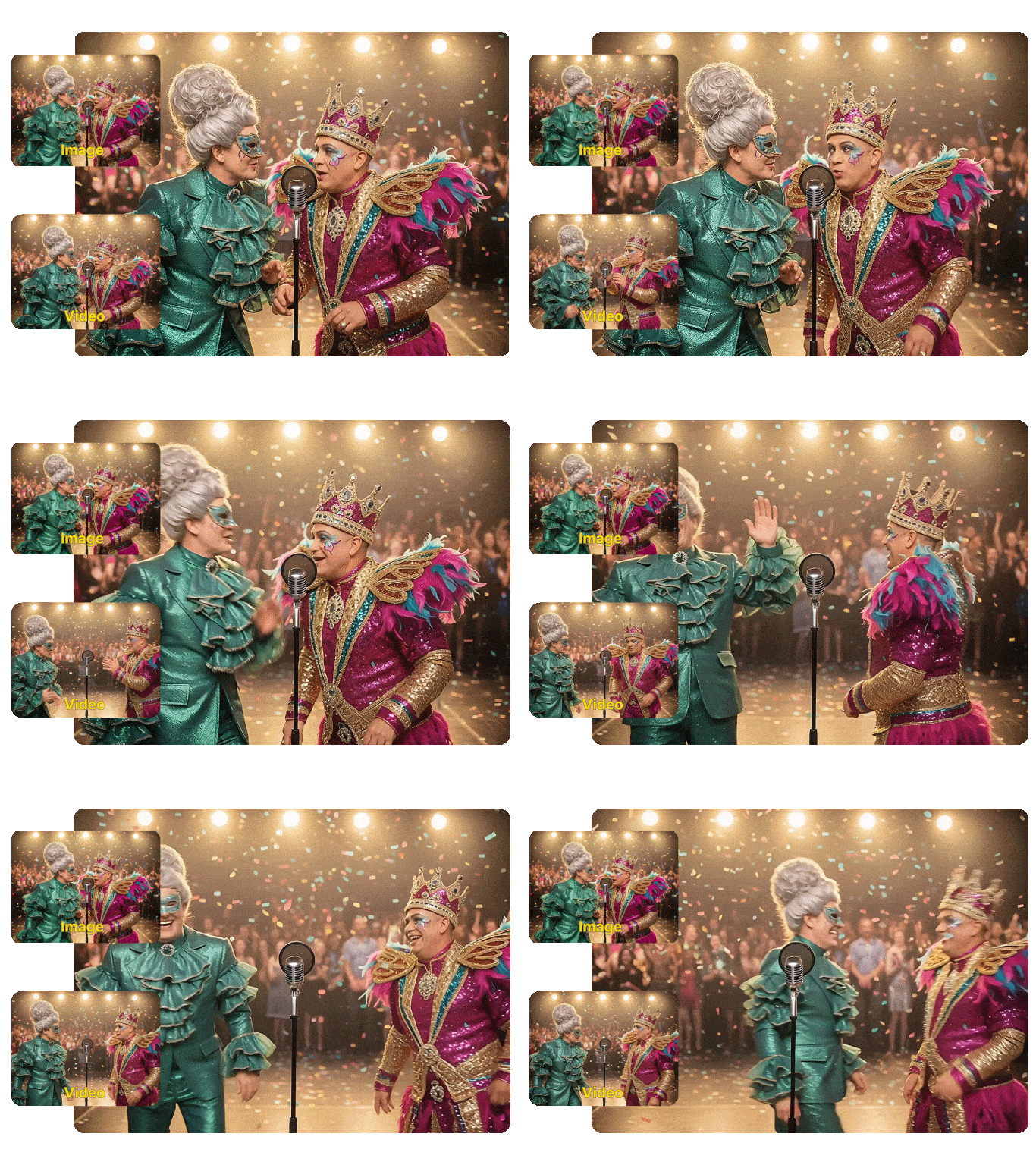
Try Kling Motion Control with these cinematic examples

Key Features of Kling Motion Control

  1. Frame-level motion accuracy – Kling Motion Control preserves body proportions, limb direction, and movement timing from real reference videos, delivering natural and physically consistent motion.
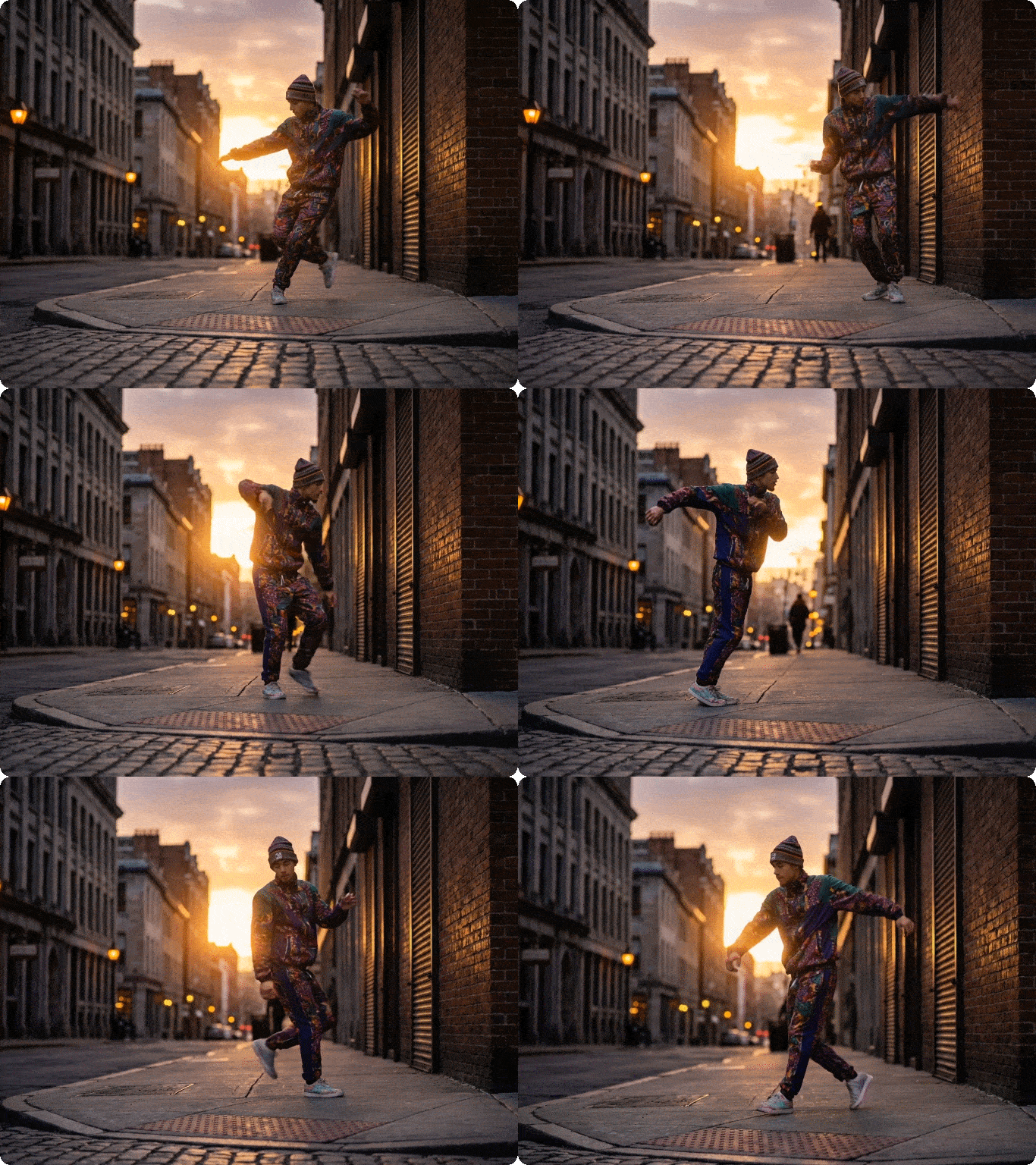
  2. Real human motion transfer – Apply full dance routines, athletic movements, gestures, or performances from video to image without rigs, keyframes, or manual animation.
  3. Precision camera movement presets – Kling Motion Control offers 20+ professional camera movement presets (push-ins, pans, tracking shots, orbits, jibs, and dollies) with customizable speed, smoothness, and trajectory for hyper-specific creative direction.
  4. AI motion path optimization – The system analyzes your video content in real-time to adjust camera paths around key subjects, ensuring focal points remain centered even during complex movements (no more off-frame characters or lost action).
  5. Multi-axis motion synchronization – Kling Motion Control free combines horizontal, vertical, and rotational camera movements with perfect timing, creating 3D-like depth and cinematic immersion in 2D video outputs.
  6. Transition motion blending – Seamlessly blend multiple camera movements into a single sequence (e.g., pan + zoom + orbit) with automatic easing curves, eliminating jarring cuts or robotic motion shifts.
  7. Custom motion keyframing – For advanced users, Kling Motion Control on Dzine supports manual keyframe placement to define exact start/end points for camera movements, giving full creative control over every frame.

How to Use Kling Motion Control on Dzine

Step 1: Create or Upload Videos

Go to Dzine's AI video generator. Upload a reference image/text prompt to generate a base video, or upload your existing video clip to add motion control.

Step 2: Enable Motion Control

In the video editing panel, select the Kling Motion Control tab. Choose a preset (e.g., "Slow Orbit" or "Dynamic Tracking") or switch to custom keyframe mode for manual adjustments.

Step 3: Adjust & Generate

Tweak motion speed, smoothness, and focal point tracking. Click Generate to render your video with cinematic camera movement, then download in 1080P HD or share directly.

Complex Motion Handling

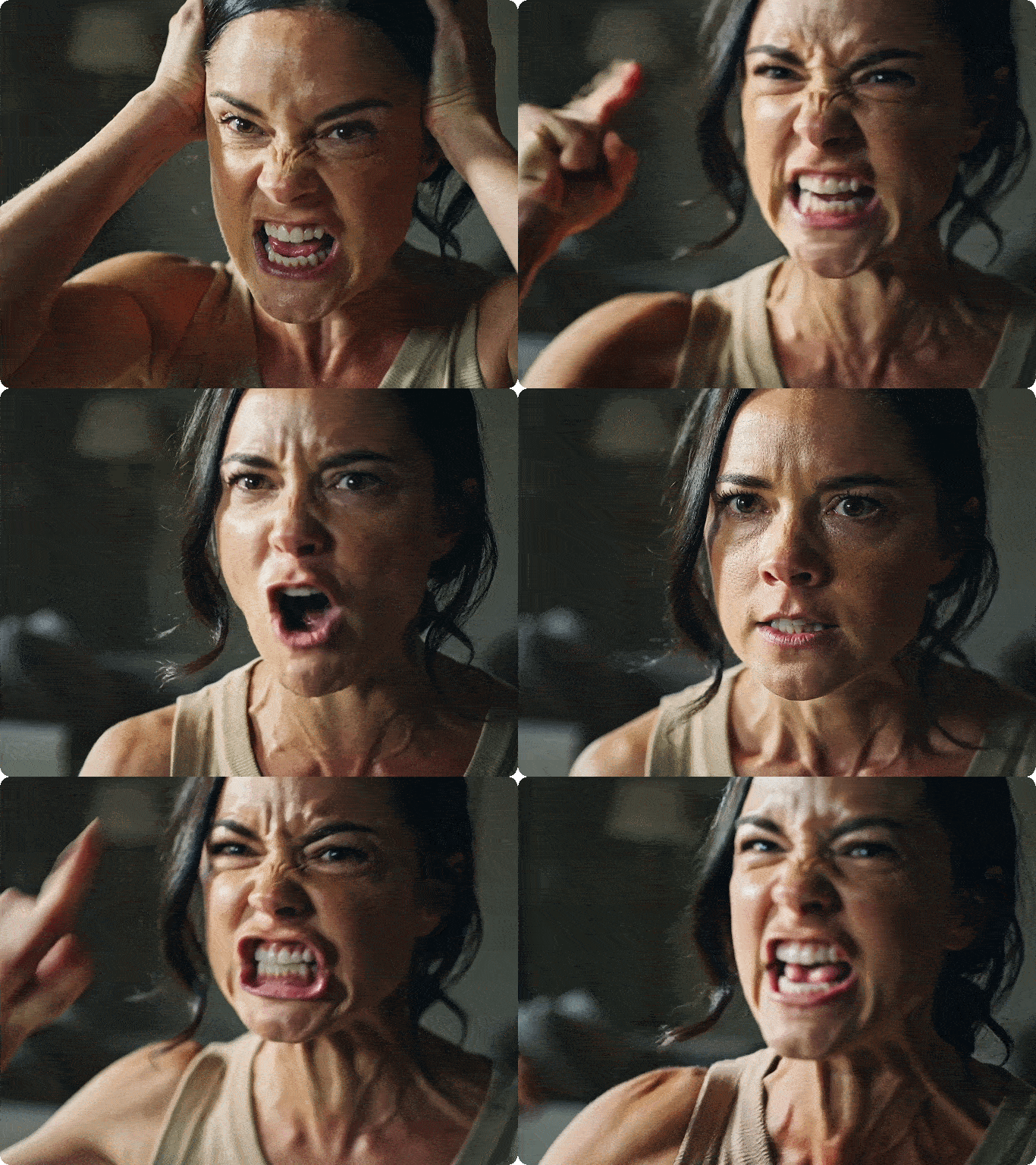
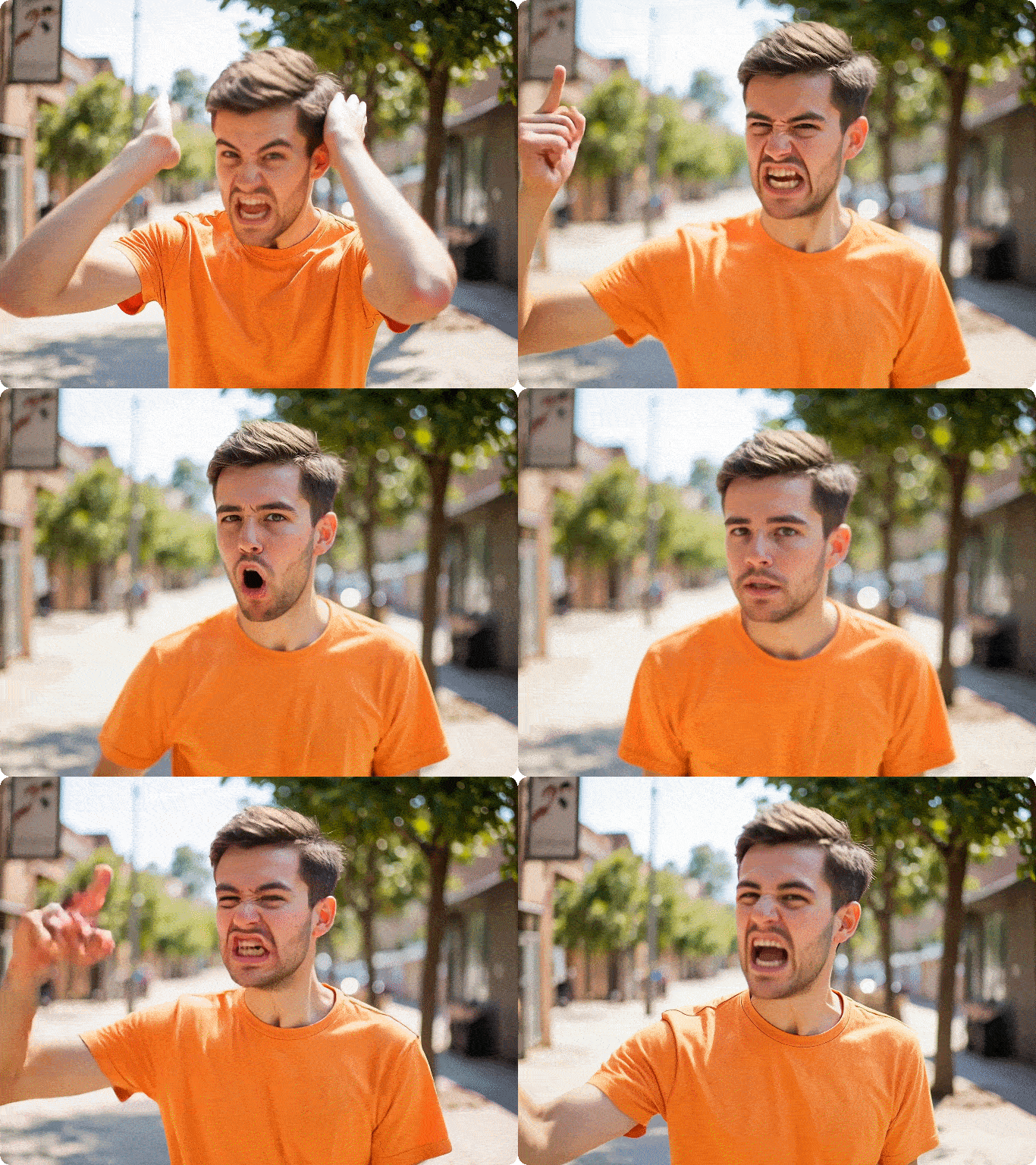
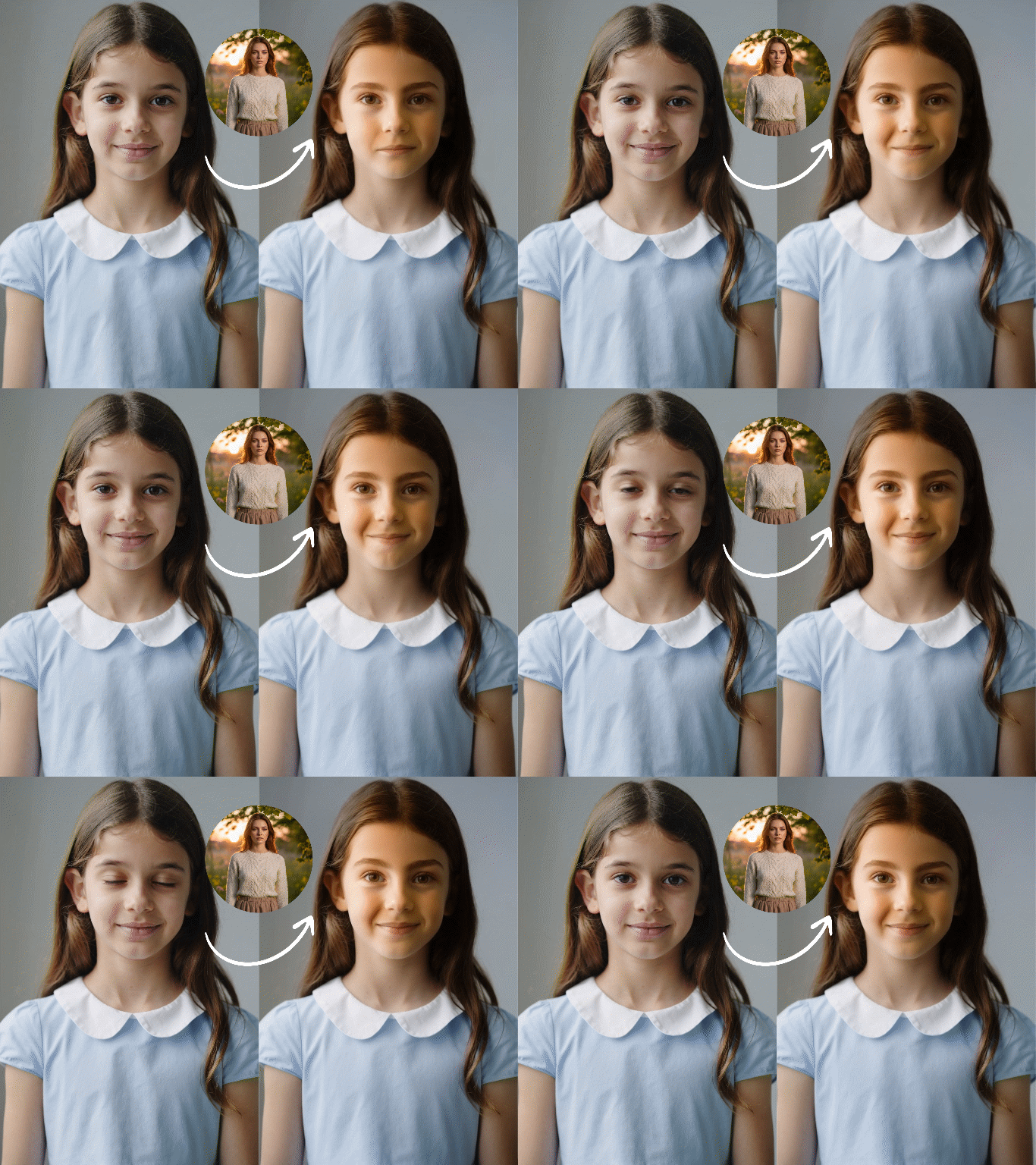
It can perform complex sequences of movements, such as dance steps or martial arts techniques, without losing character consistency. The model understands weight transfer and momentum, meaning that if your reference video shows a heavy stomp or a high jump, the generated character will realistically reflect that physical impact.

Preset MotionOutput Video
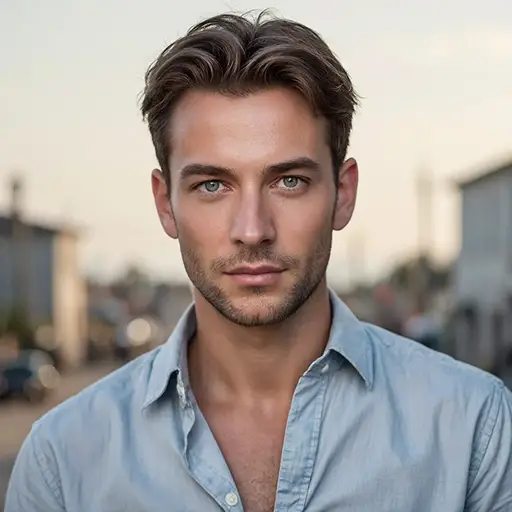
An angry womanAngry man motion from a woman

Hand & Finger Motion Capture

Hand movements have always been a weak point in AI-generated videos. This feature significantly improves the fluidity of finger joint movements and hand gestures by mimicking real video footage.

Control over Scene, Clothing, and Environment with Texts

You don't have to be limited to the background of the reference video. You can use text to instruct the AI ​​to change the environment (for example, "replace the grassland with the sea"), while the characters will still perform the actions from the reference video.

Input VideoPrompt ExampleOutput Video
Girl and dog running along the beachKeep all character movements, running speed, body posture, timing, interaction, and camera motion unchanged, matching the reference video frame by frame. Only change the environment: replace the beach setting with a lush green grass field.Girl and dog running through the grassland

Direct Movement with Text Prompts

Unlike traditional animation workflows, Kling Motion Control responds directly to natural language instructions, enabling precise control without technical complexity.

Prompt ExampleOutput Video
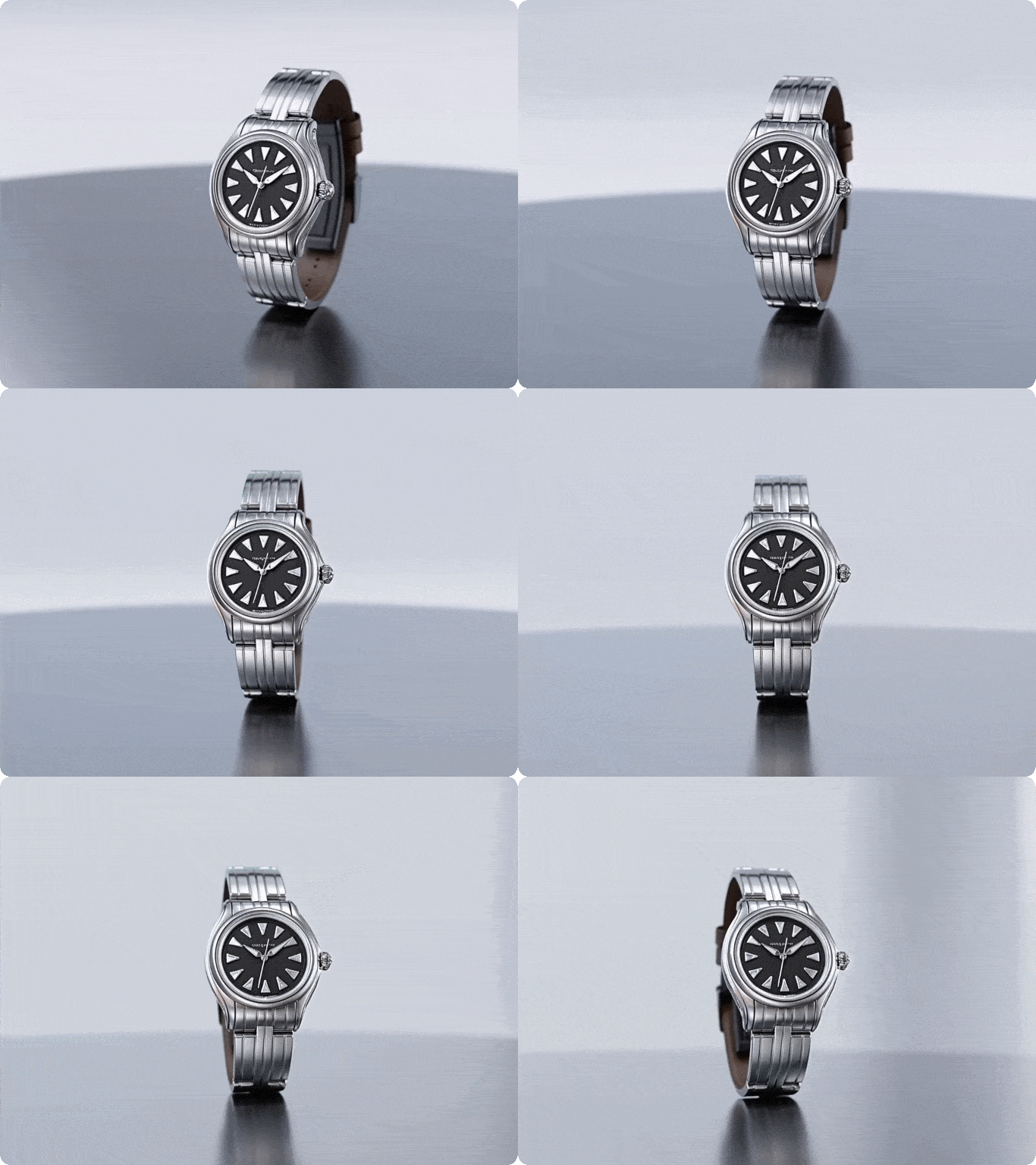
Slow 360° orbit around a luxury watch product, maintaining focus on the watch face with subtle upward tilt to highlight the strap details. Motion speed: 0.8x, smoothness: 100%.The shot is rotating around a watch

Reusable Motion for Scalable Content

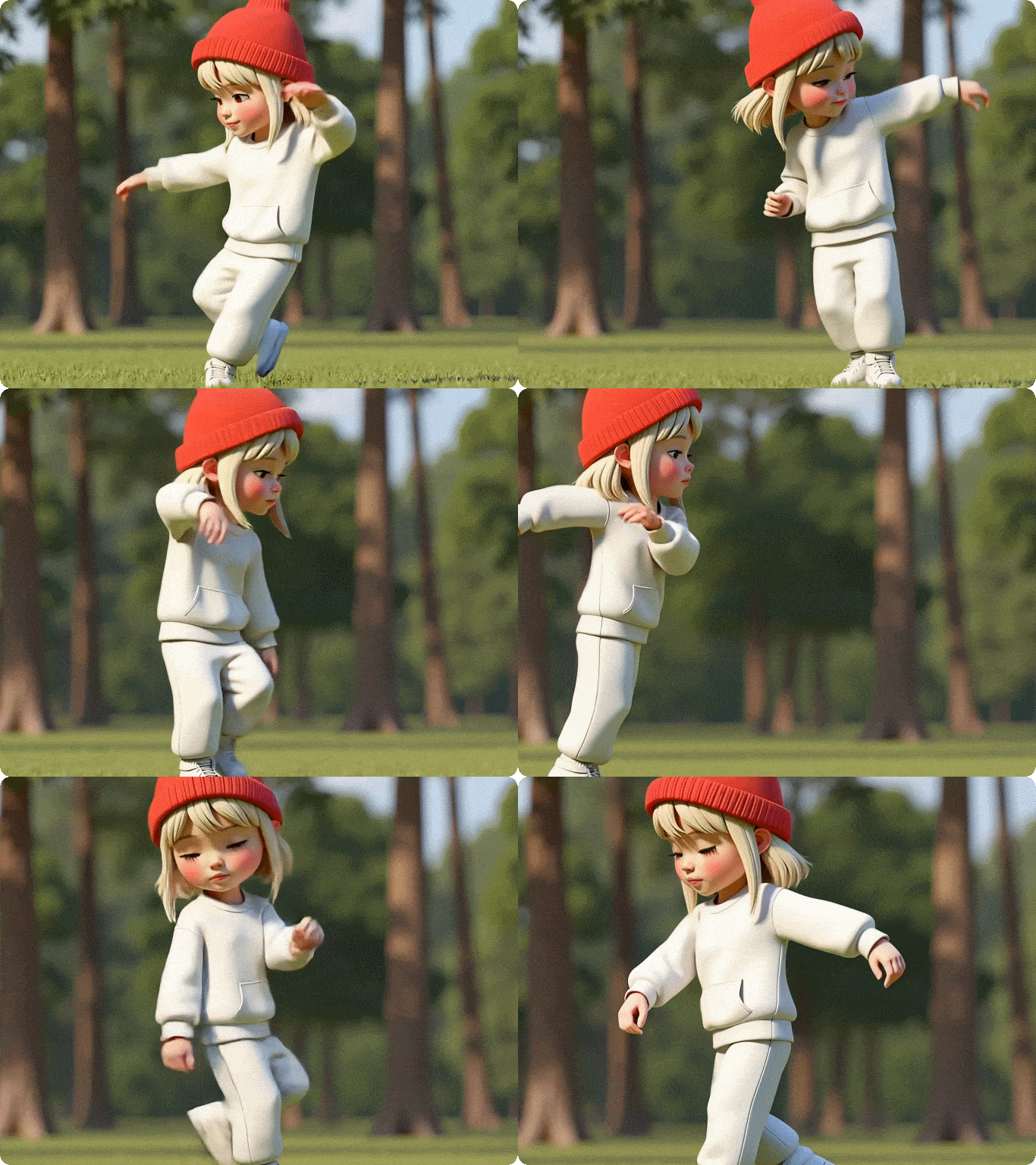
Reuse one motion reference across multiple characters to create consistent campaigns, tutorials, or product demos without reshooting footage.

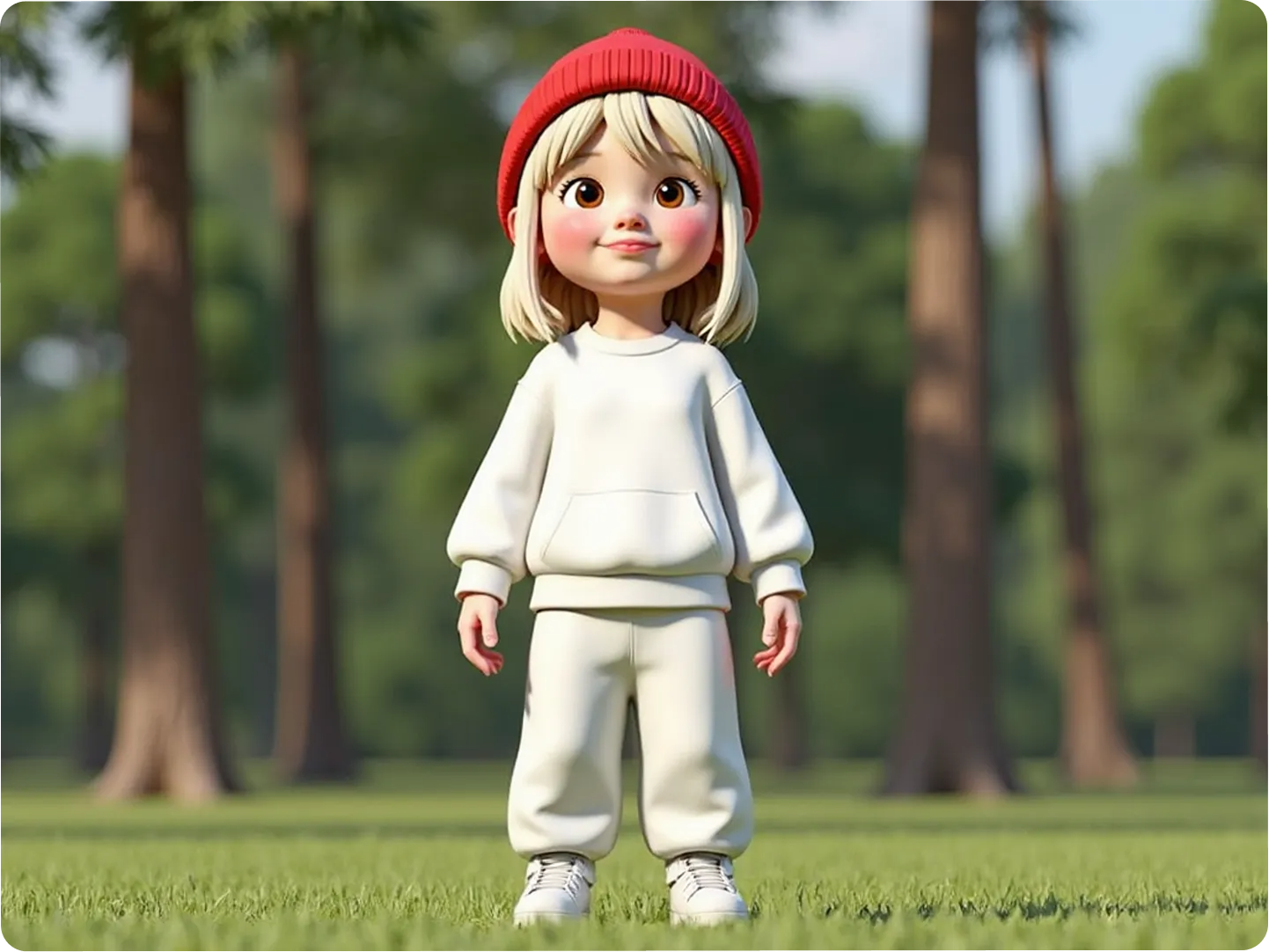
Character ImageSame MotionOutput
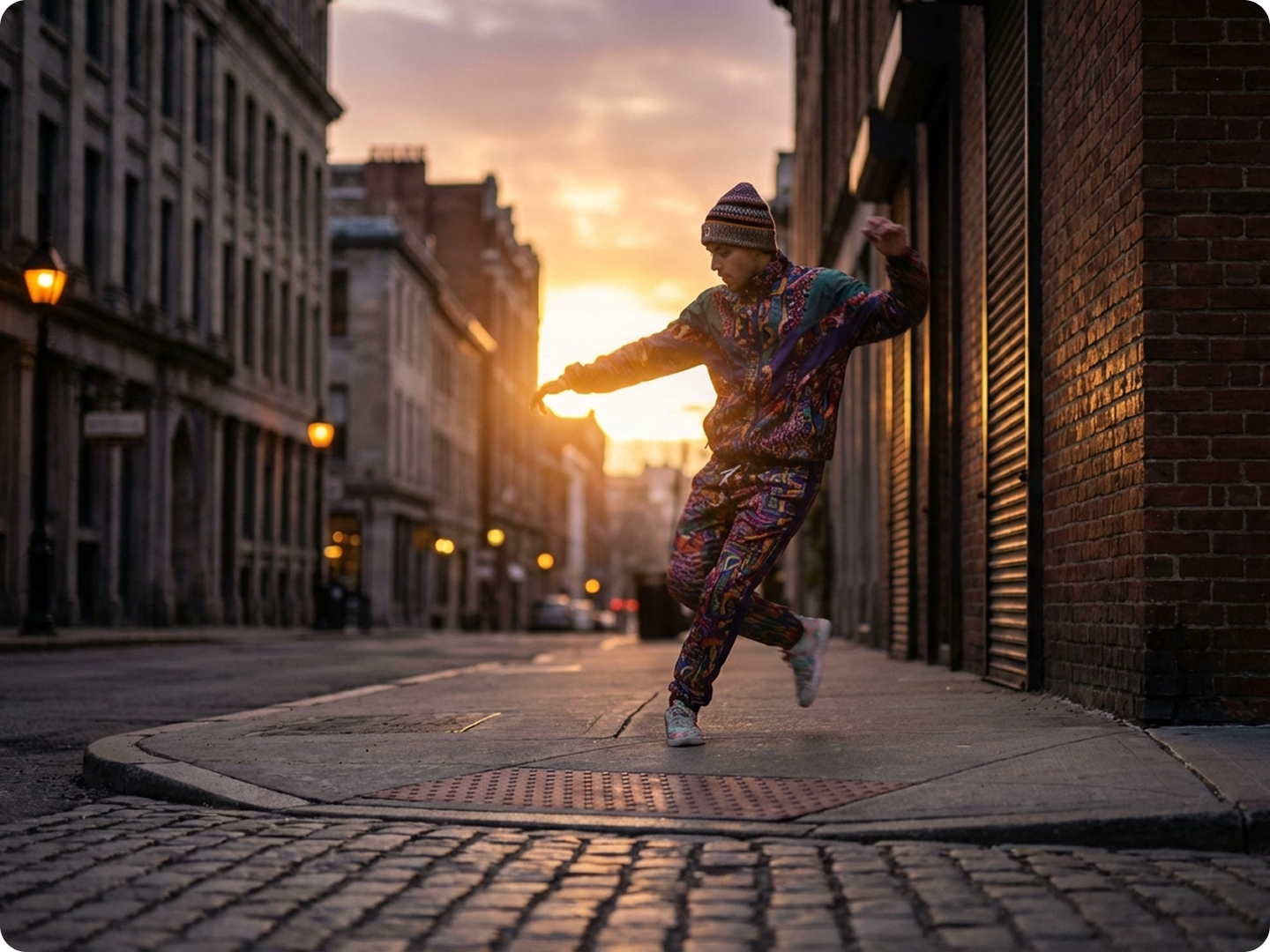
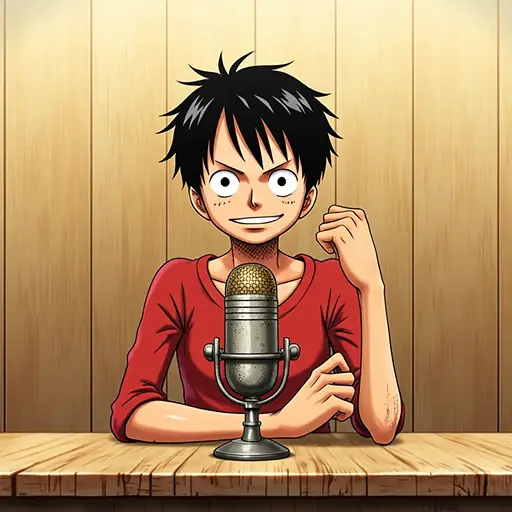
A dancerDancing man
Cartoon characterDancing cartoon

Why Choose Kling Motion Control on Dzine AI?

Cinematic Grade Motion

Cinematic Grade Motion

Professional camera movements previously only achievable with expensive equipment — now automated via AI for every video project.

One-Click Presets

One-Click Presets

Skip complex manual editing — choose from pre-built motion presets optimized for different content types and generate in seconds.

Free Trial

Free Trial

Test all Kling Motion Control features for free with Dzine's 7-day trial — no credit card required, unlimited video generation.

1080P HD Output

1080P HD Output

All motion-controlled videos render in full 1080P resolution, preserving sharp details even during fast camera movements.

Watermark Free

Watermark Free

Export clean, professional videos without watermarks — perfect for commercial use, social media, and client deliverables.

No Software Required

No Software Required

Use Kling Motion Control directly in your browser on Dzine — no downloads, installations, or technical setup needed.

What Our Users Said

Game-Changing for Product Videos

Kling Motion Control's orbit preset transformed our product demos — finally, we can showcase every angle of our products with smooth, cinematic movement without hiring a videographer. The AI optimization keeps the product centered even during fast orbits, which is a huge time-saver.

Sarah JohnsonE-Commerce Content Lead

Professional Camera Work Without the Gear

As a solo content creator, I can't afford professional camera stabilizers or dolly tracks. Kling Motion Control gives me the same results with just a few clicks — the motion blending feature makes my videos look like they were shot by a professional crew.

Miguel SantosFreelance Content Creator

Custom Keyframes = Total Creative Control

I love that Kling Motion Control doesn't limit me to presets. The custom keyframing lets me design exact camera paths for my storytelling videos, and the AI optimization ensures my subjects never go off-frame. It's the perfect balance of control and automation.

Aisha PatelShort Film Creator

FAQ

What is Kling Motion Control?

Kling Motion Control is an advanced AI-powered camera movement system exclusive to Dzine AI. It enables users to add cinematic, professional-grade camera movements (pans, zooms, orbits, tracks, etc.) to AI-generated or uploaded videos with precise control and automatic optimization.

How to use Kling Motion Control for free?

Dzine offers a 7-day free trial that includes full access to Kling Motion Control — all presets, custom keyframing, and high-resolution exports are unlocked with no payment information required during the trial.

Can Kling Motion Control be used with existing videos?

Yes! Kling Motion Control works with both AI-generated videos (via Dzine's video generator) and uploaded video clips. Simply upload your video to Dzine, enable Kling Motion Control, and apply camera movements to enhance existing content.

What camera movement presets are available?

Kling Motion Control offers 20+ presets including orbit, pan, zoom, track, dolly, jib, push-in/pull-out, and rotational movements — each with adjustable speed, smoothness, and focal point tracking.

Does Kling Motion Control support custom keyframing?

Yes, advanced users can use custom keyframing to define exact start/end points for camera movements, adjust motion speed at specific frames, and create unique, bespoke camera paths tailored to their creative vision.

What video resolution does Kling Motion Control support?

All videos generated with Kling Motion Control render in full 1080P HD resolution. The system is optimized to preserve detail and clarity even during fast or complex camera movements.

How is Kling Motion Control different from basic AI video zoom/pan features?

Unlike basic AI video tools that offer simple, linear zoom/pan effects, Kling Motion Control uses AI motion path optimization to keep key subjects centered, supports multi-axis synchronization, and offers seamless motion blending — creating natural, cinematic movement rather than robotic, scripted effects.

More Dzine Tools to Enhance Your Video Creation