- Tools
- Resources
- Pricing
- API
- Contact Sales
- Book a Demo


Linkedin Banner Maker
Create polished, professional LinkedIn banners in seconds. Dzine's AI-powered tool helps you design clean, on-brand LinkedIn background banners that elevate your profile—perfect for job seekers, creators, entrepreneurs, and business teams.
Need ideas? Try these linkedin banner prompts.
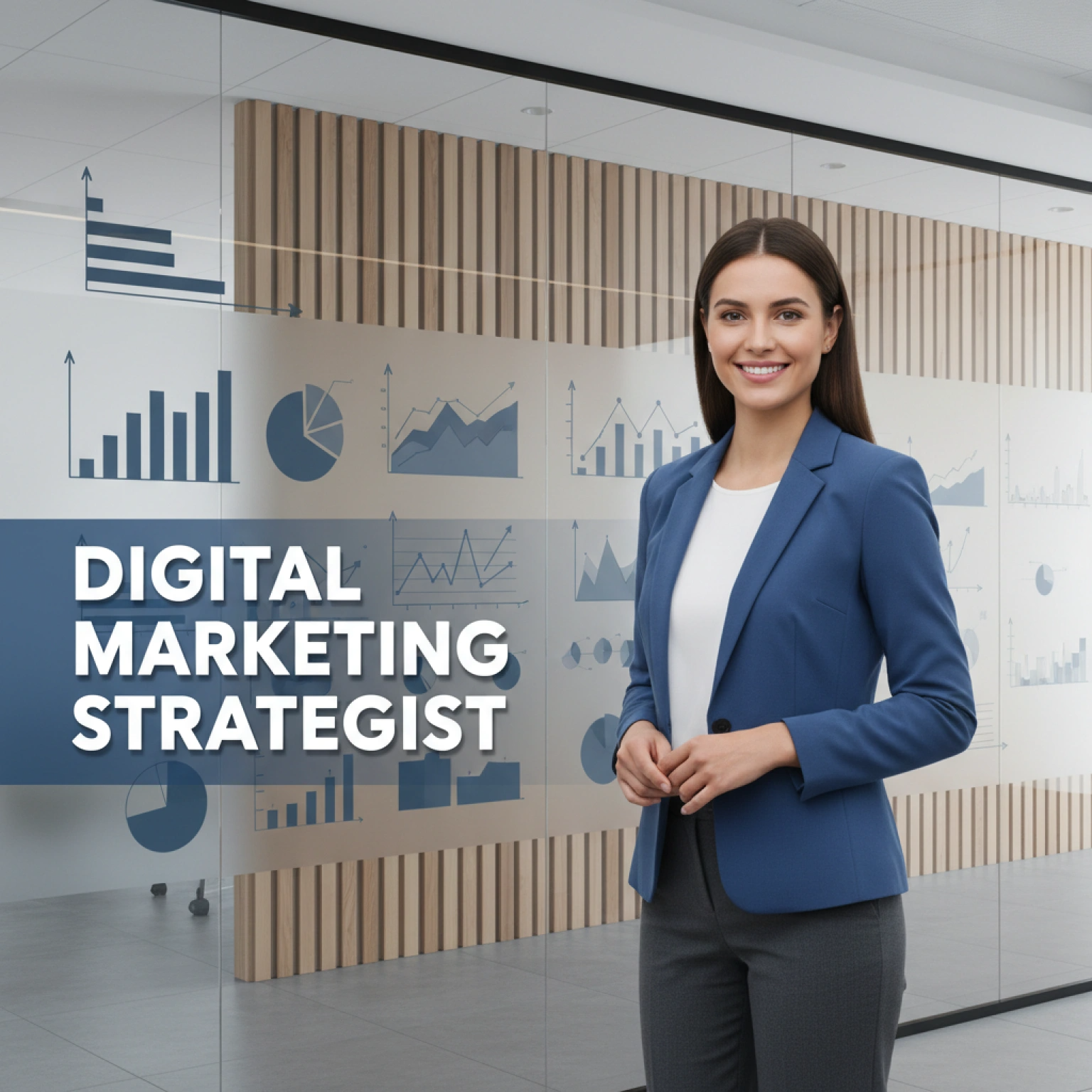
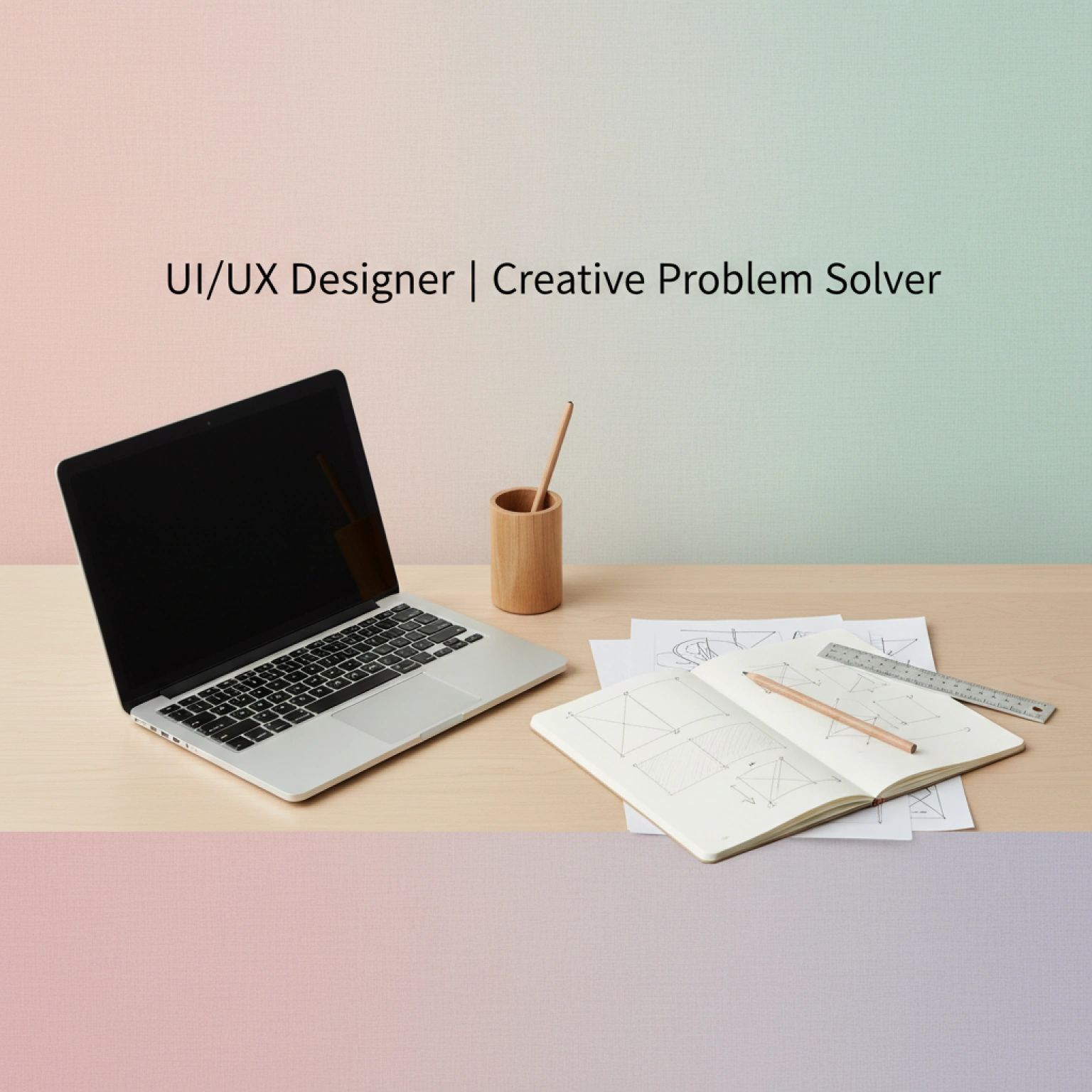
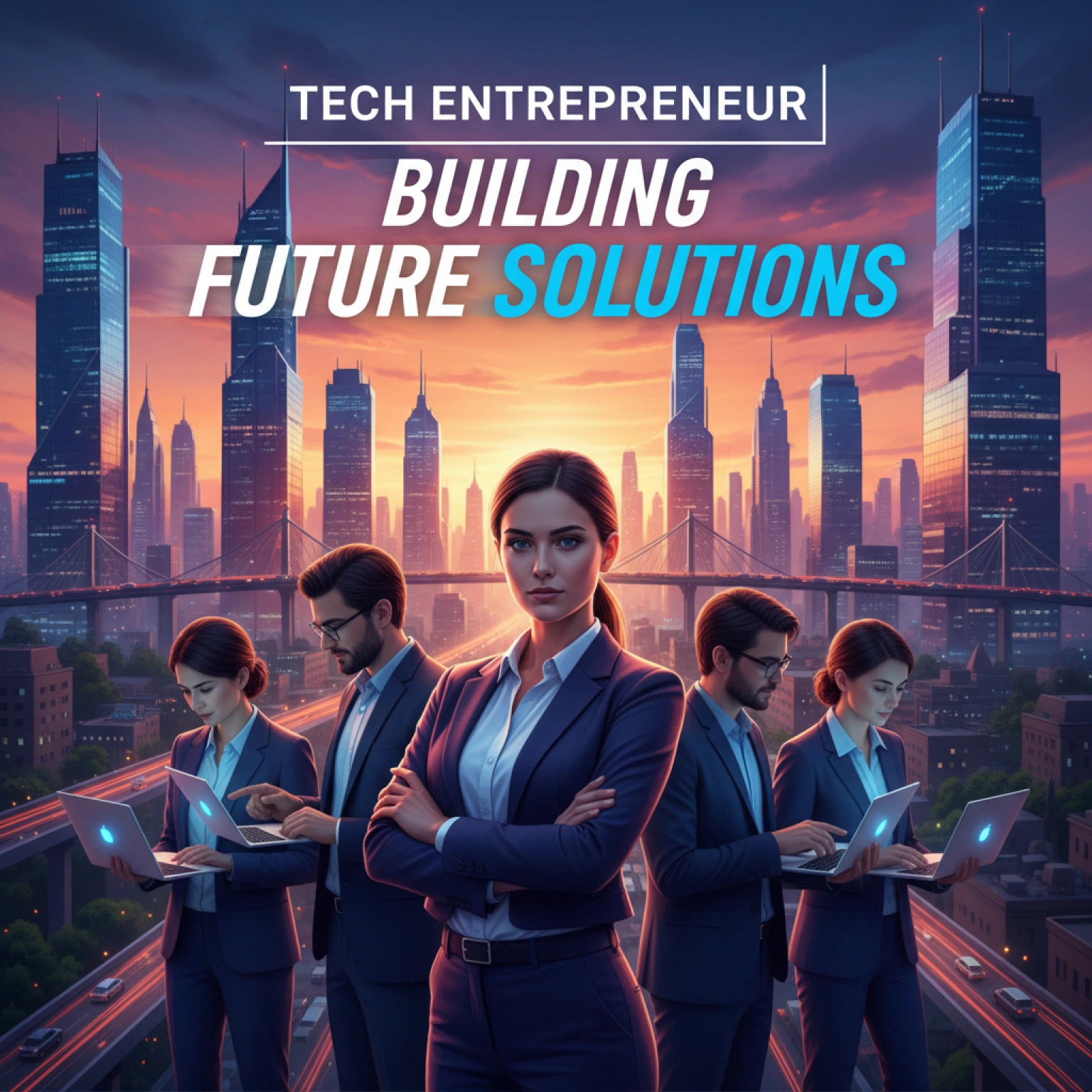

Make Your Professional Profile Unforgettable
With Dzine AI LinkedIn Banner Maker, you can instantly generate clean, branded, and visually compelling designs that communicate credibility and expertise. Whether you want a corporate-style background, a modern creative design, a tech-themed header, or a personal branding graphic, our AI adapts to your industry and style. Perfect for professionals strengthening their identity, freelancers showcasing skills, job seekers optimizing their profile, and businesses creating unified team branding.
How to Generate Your LinkedIn Banner
Step 1. Choose a Model for Your Field
Select an AI model that matches your preferred design style. We recommend general models like Nano Banana Pro or ChatGPT to set the visual tone instantly.
Step 2. Describe Your Idea with Text
Describe your ideal LinkedIn banner using simple language. Include your title: "Software engineer banner, tech-inspired background, 'Full Stack Developer' text."
Step 3. Generate and Download
Click to generate. Adjust details like "make the title more prominent" and generate again until it's perfect.
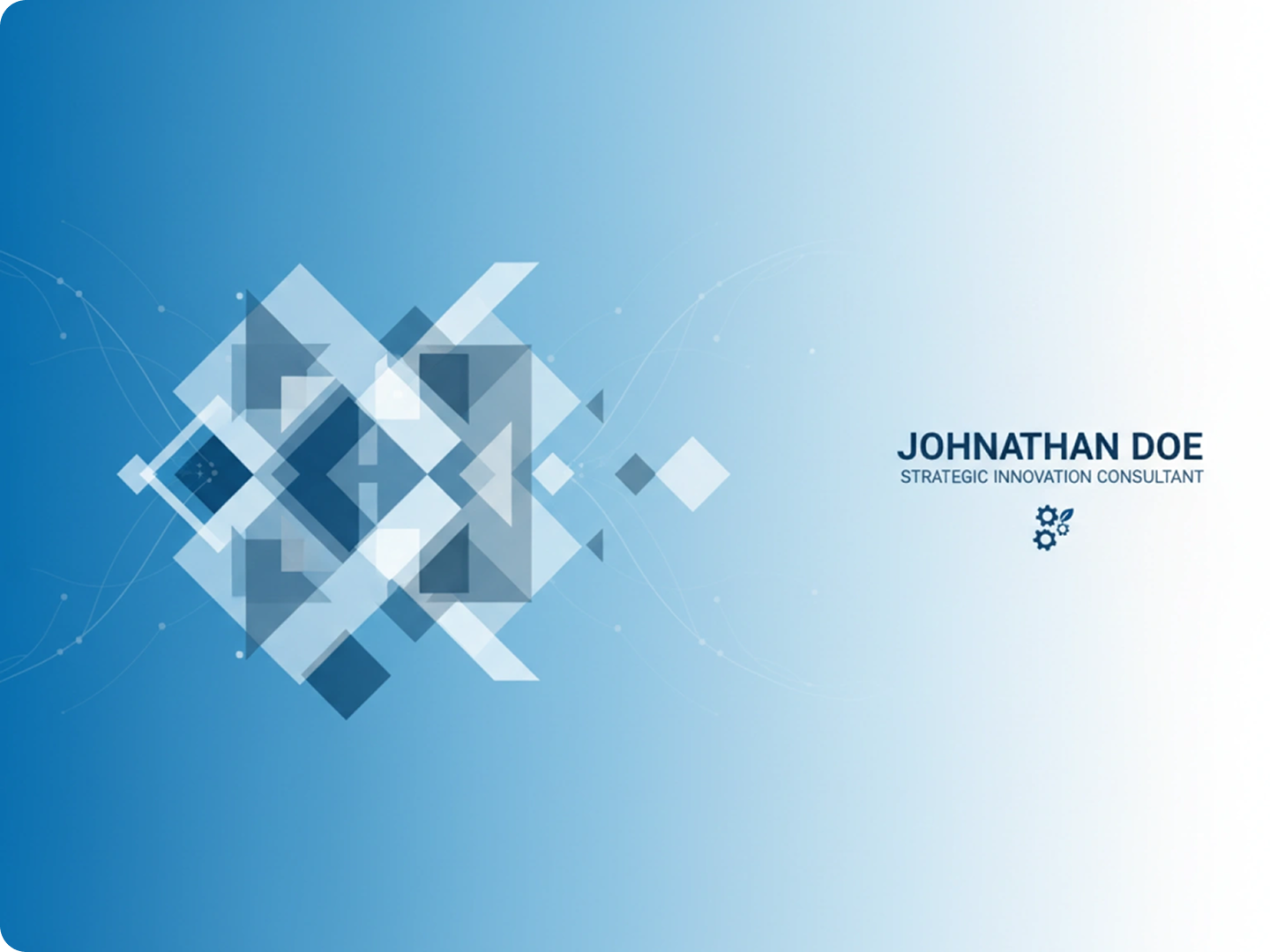
Brand Consistency for Teams
Corporate audiences value professionalism and clarity. Companies can create unified banners for employees to reinforce brand identity across LinkedIn profiles—ideal for HR, marketing, and leadership teams.
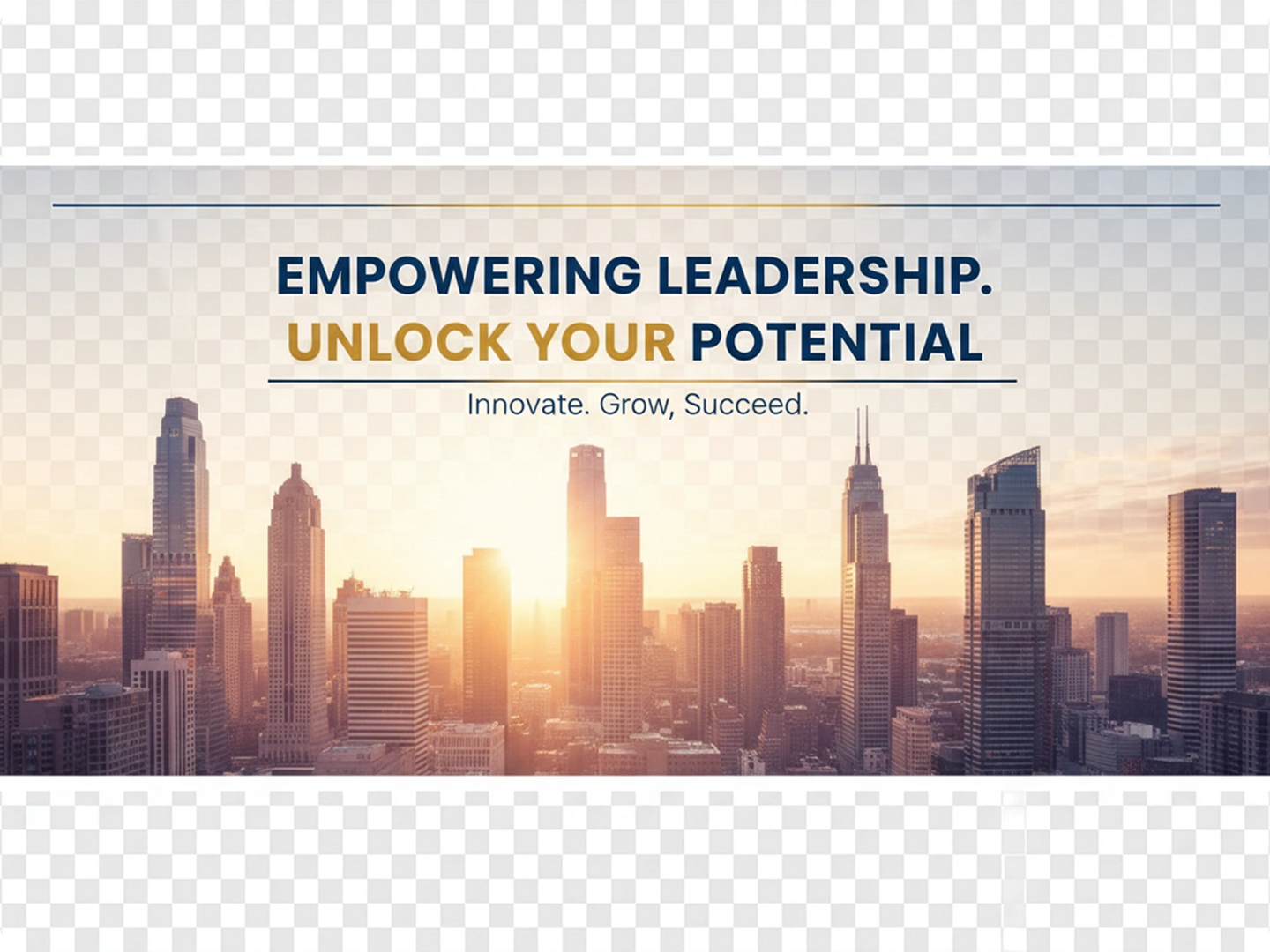
Ideal for Freelancers & Creators
Freelancers need to showcase their unique value proposition. Highlight your services, contact info, portfolio links, or value proposition with polished, minimal, and modern banner styles
Great for Job Seekers
Job seekers need banners that highlight their skills and career goals. Enhance your profile visibility with a clean, credible LinkedIn background banner that immediately communicates your industry and strengths.
Fully Customizable with Your Branding
Add brand colors, company logos, typography preferences, taglines, or key messages to make your banner truly your own.
Academic and Research Professionals
Academic profiles benefit from banners that reflect expertise and institutional affiliation. Include subtle elements related to your research area.
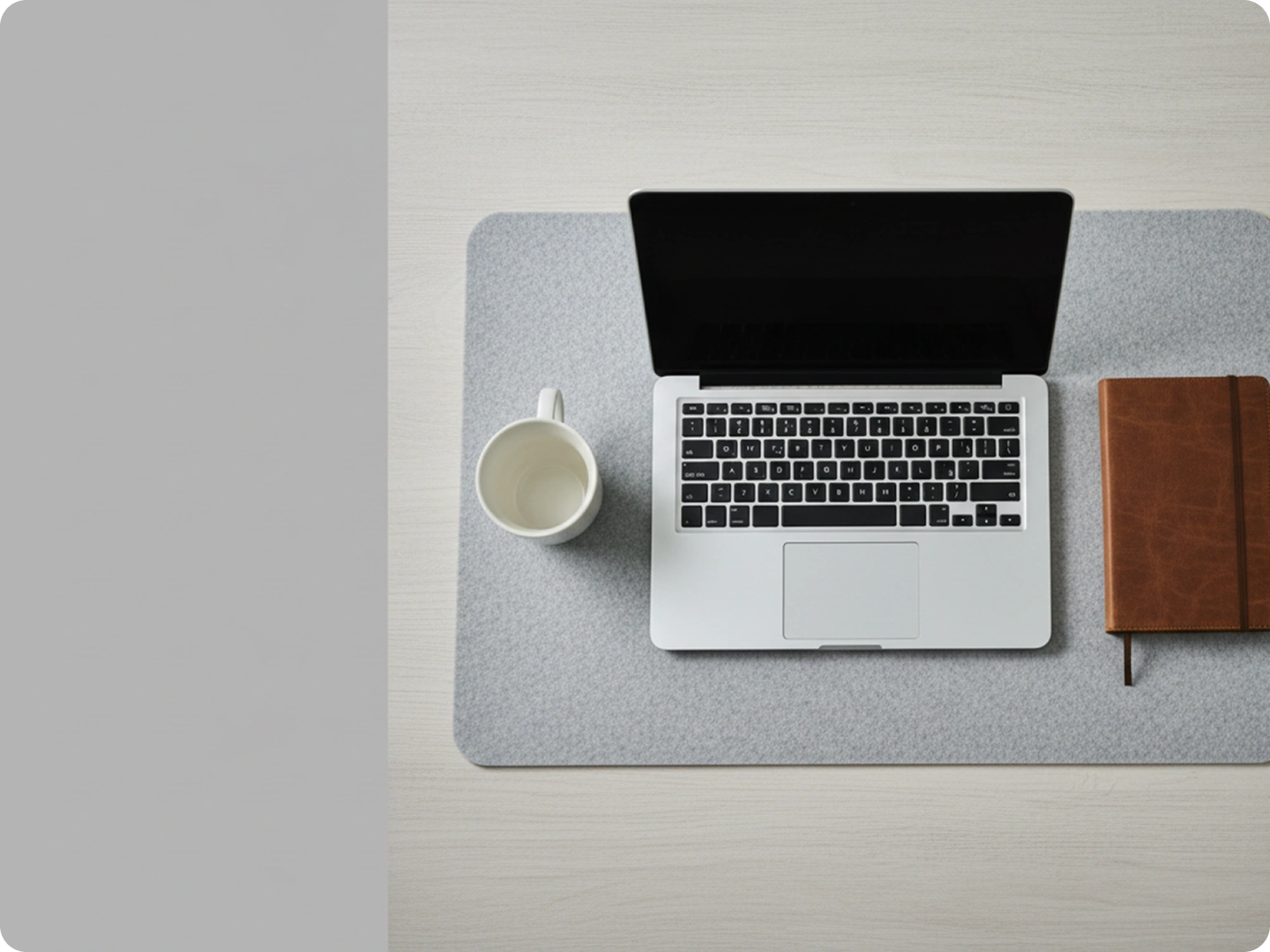
Nonprofit and Social Impact Professionals
Nonprofit professionals need banners that reflect their mission and values. Use colors and imagery that align with your cause.
FAQ
Will my banner display correctly on all devices?
Yes. Our designs follow LinkedIn's 1584x396 pixel specification. They look sharp on desktop and mobile. Key elements stay visible across all screen sizes.
Can I include my company logo in the banner?
Absolutely. Mention your logo in the description, like "add company logo in bottom right corner." Our tool integrates it naturally with the design.
Are the free banners really free to use?
Yes. All generated banners can be used on your LinkedIn profile at no cost. Commercial use is permitted without additional fees.
How specific should my description be?
Be as detailed as possible. Include your industry, key messages, preferred colors, and any specific elements. This helps create a banner that matches your vision.
Can I adjust the banner after generating it?
Yes. You can refine your description and generate new versions. For precise edits, use our AI Image Editor to tweak details.
How long does it take to create a banner?
You can generate your first banner in under a minute. Refining it to perfection usually takes just a few more minutes. No waiting for designers.
What Our Users Said About
Increased Profile Views Significantly
I updated my LinkedIn banner using Dzine. In two weeks, my profile views went up 45%. Recruiters mentioned my banner looked more professional than others.
Michelle ChenSenior Marketing Manager
Perfect for Someone Without Design Skills
As an engineer, I struggle with design. I described what I wanted, and Dzine gave me a banner that perfectly represents my professional brand.
James WilsonMechanical Engineer
Helped My Freelance Business Grow
Since updating my banner, I've received more inquiries. Clients say it made my profile look established, even though I'm new to freelancing.
Amanda RodriguezFreelance Graphic Designer